
Guides
24 posts filed under guides.
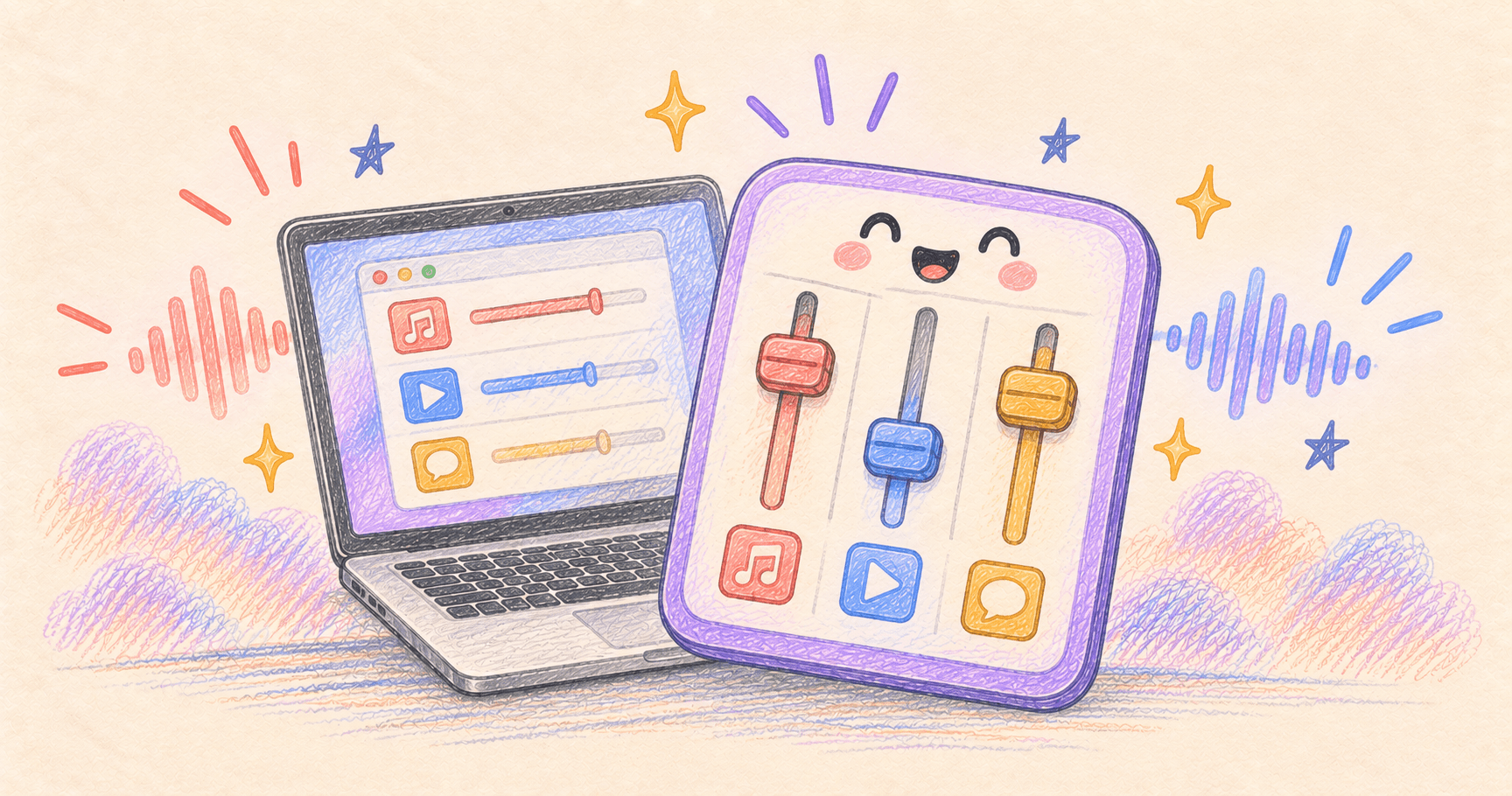
Change One App’s Volume on Mac Without Turning Everything Down
Lower music without lowering your call. Use an app’s own volume control or FineTune, and understand browser tabs, microphone mute, and audio routing.
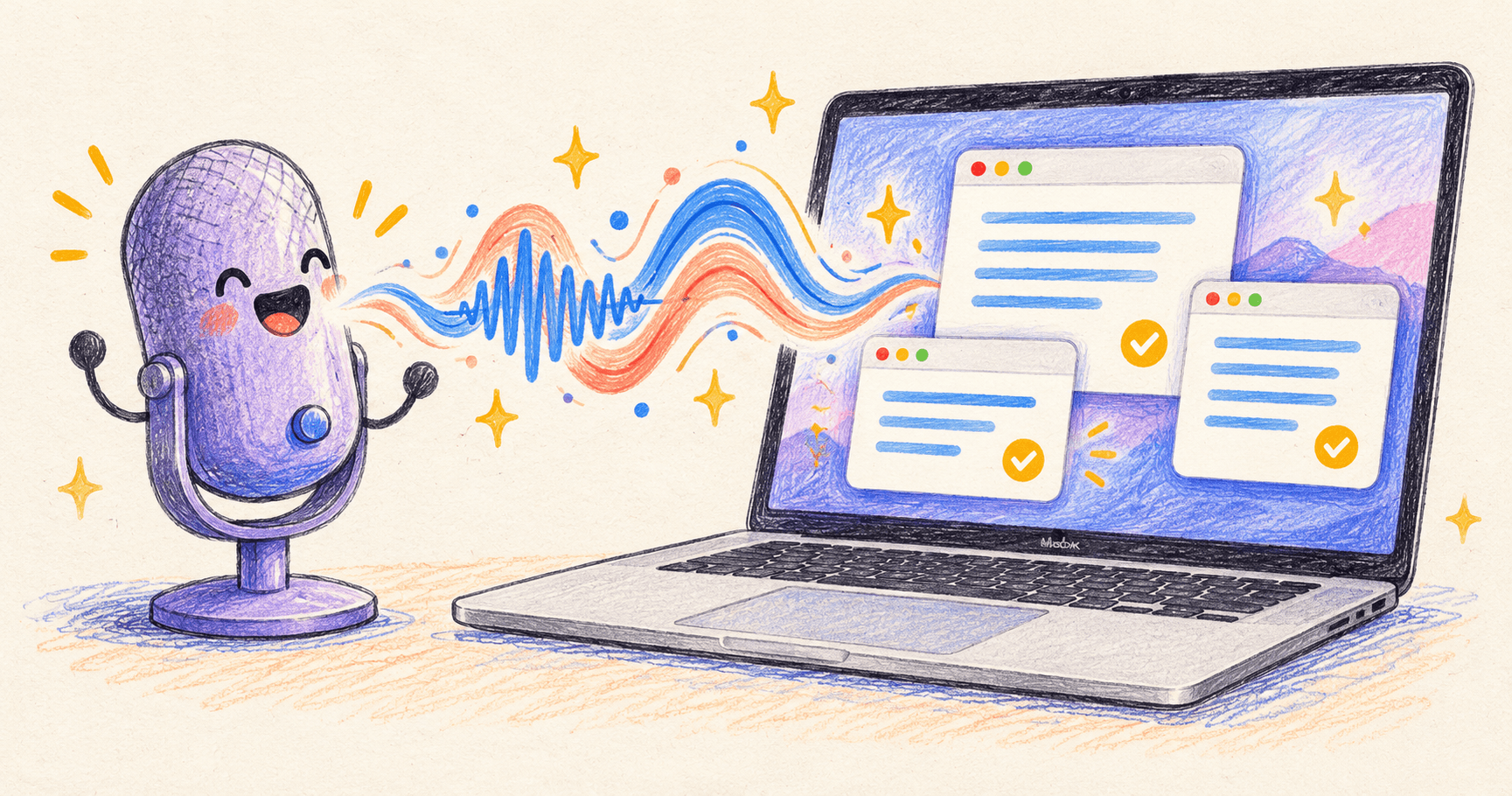
AI Dictation on Mac: Setup, Offline Options, and Fixes
Set up Mac voice typing with Apple Dictation, Wispr Flow, or a local option. Compare workflows, fix missing text, and check names and numbers.
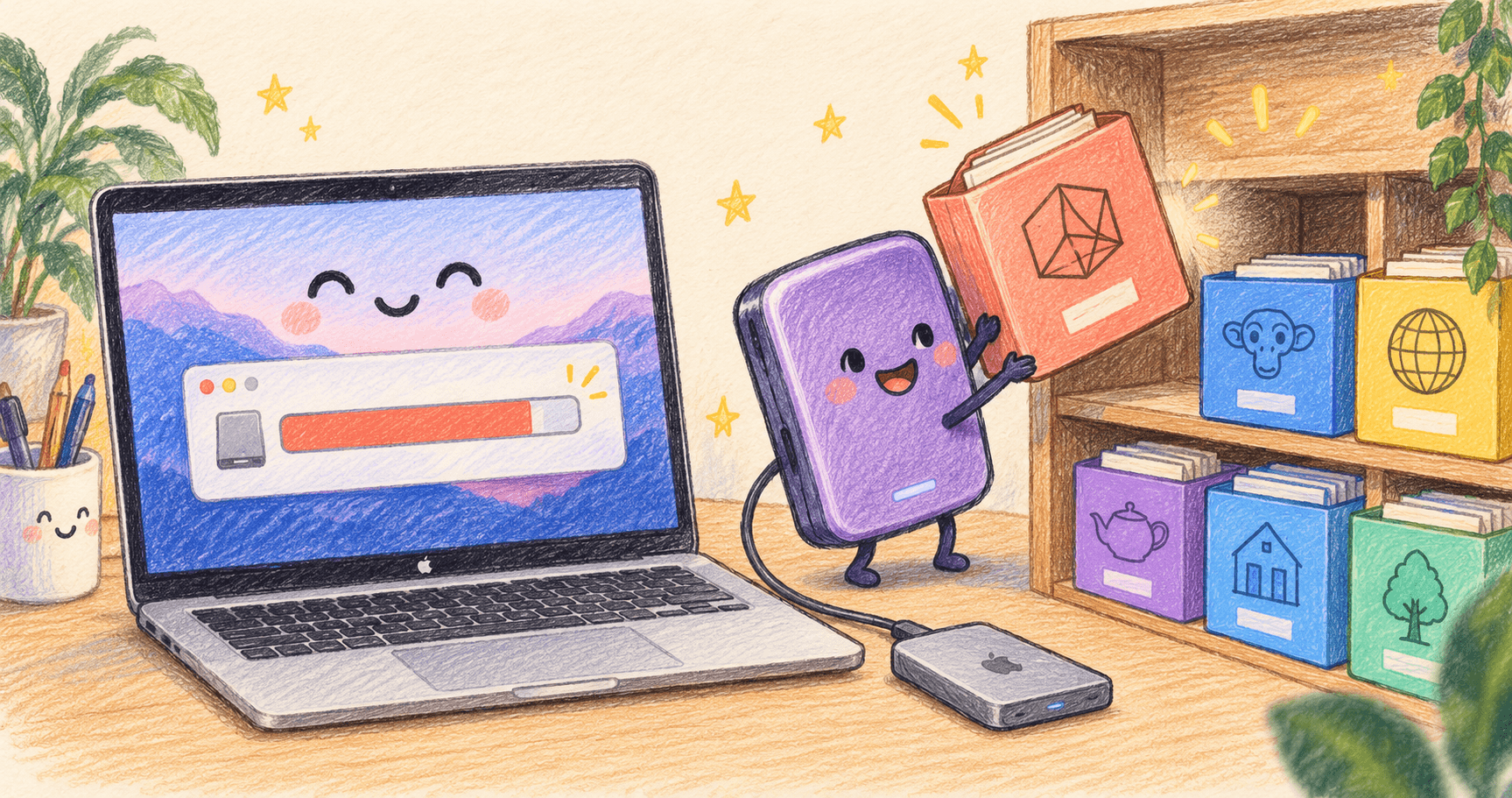
Delete or Move Ollama and LM Studio Models on Mac
Find AI model files on Mac, delete unused Ollama and LM Studio downloads, and move a model library to an external SSD with a recovery path.
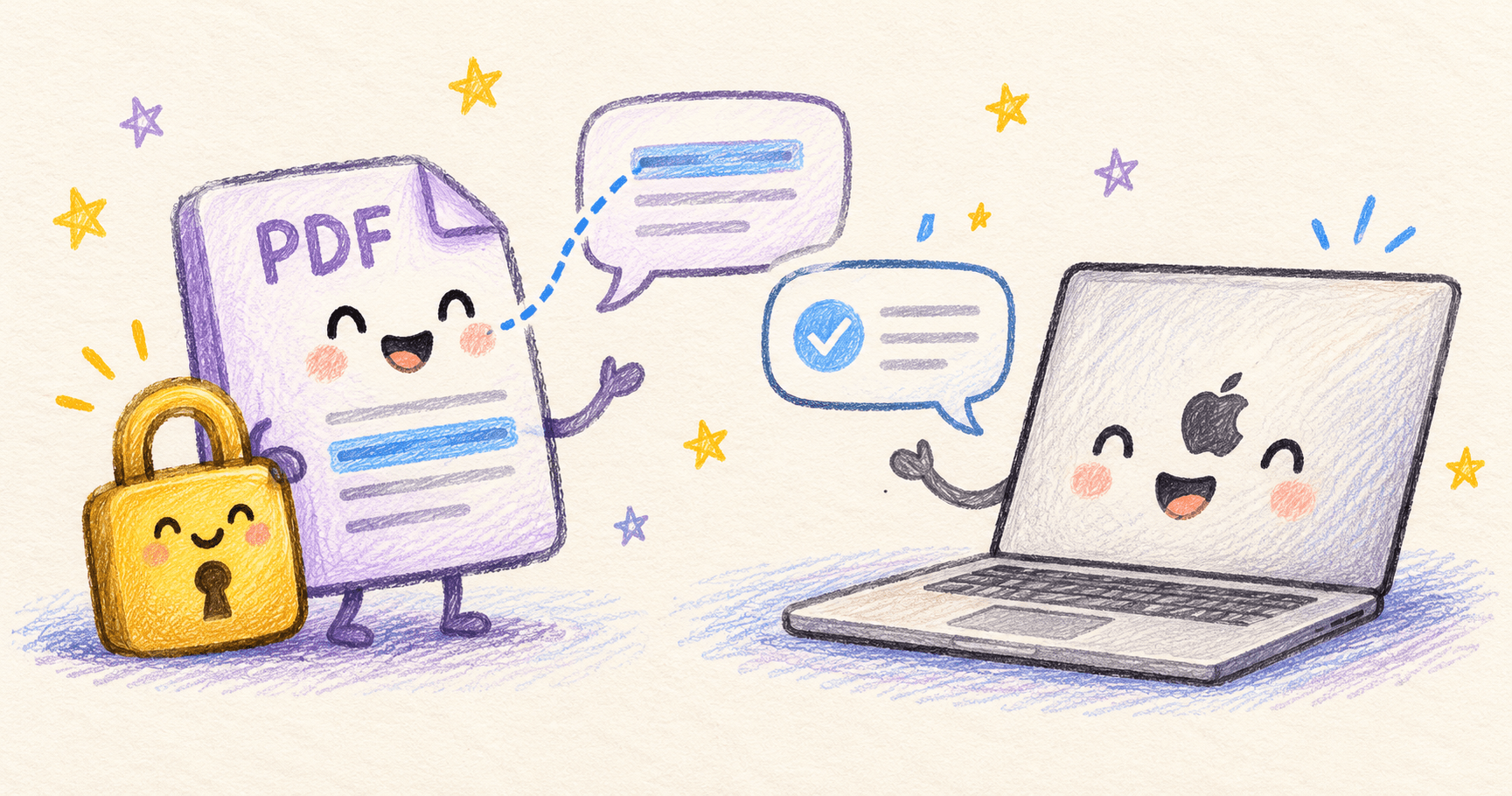
Chat With PDFs Offline on Mac: A Local LM Studio Guide
Chat with PDFs offline on Mac using LM Studio. Prepare scanned files, test answers with a sample brief, and check quotes against the original.
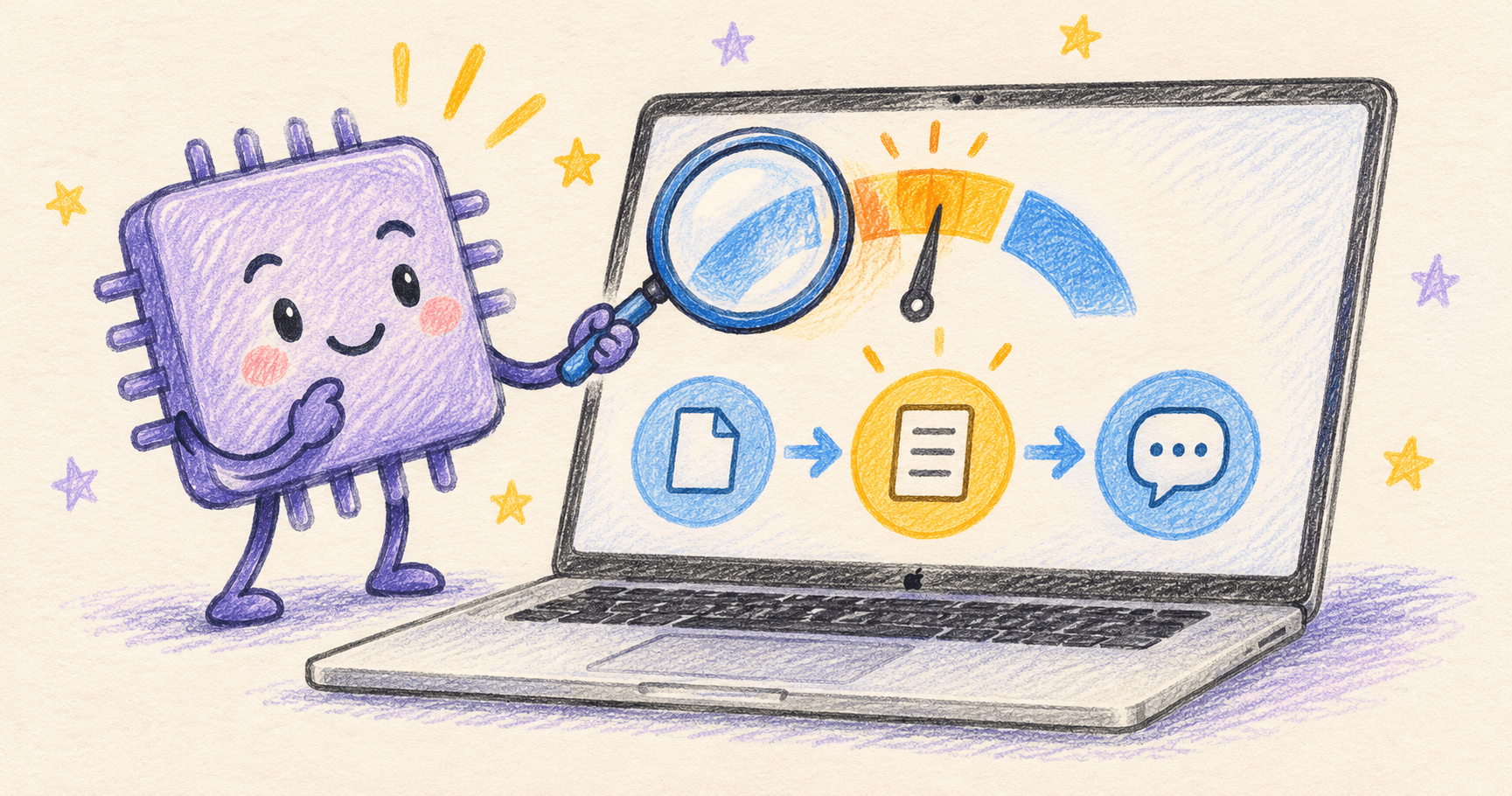
Ollama or LM Studio Slow on Mac? Diagnose and Fix It
Fix slow local AI on Mac by separating model loading, prompt processing, and generation. Check memory pressure, GPU use, and context length.
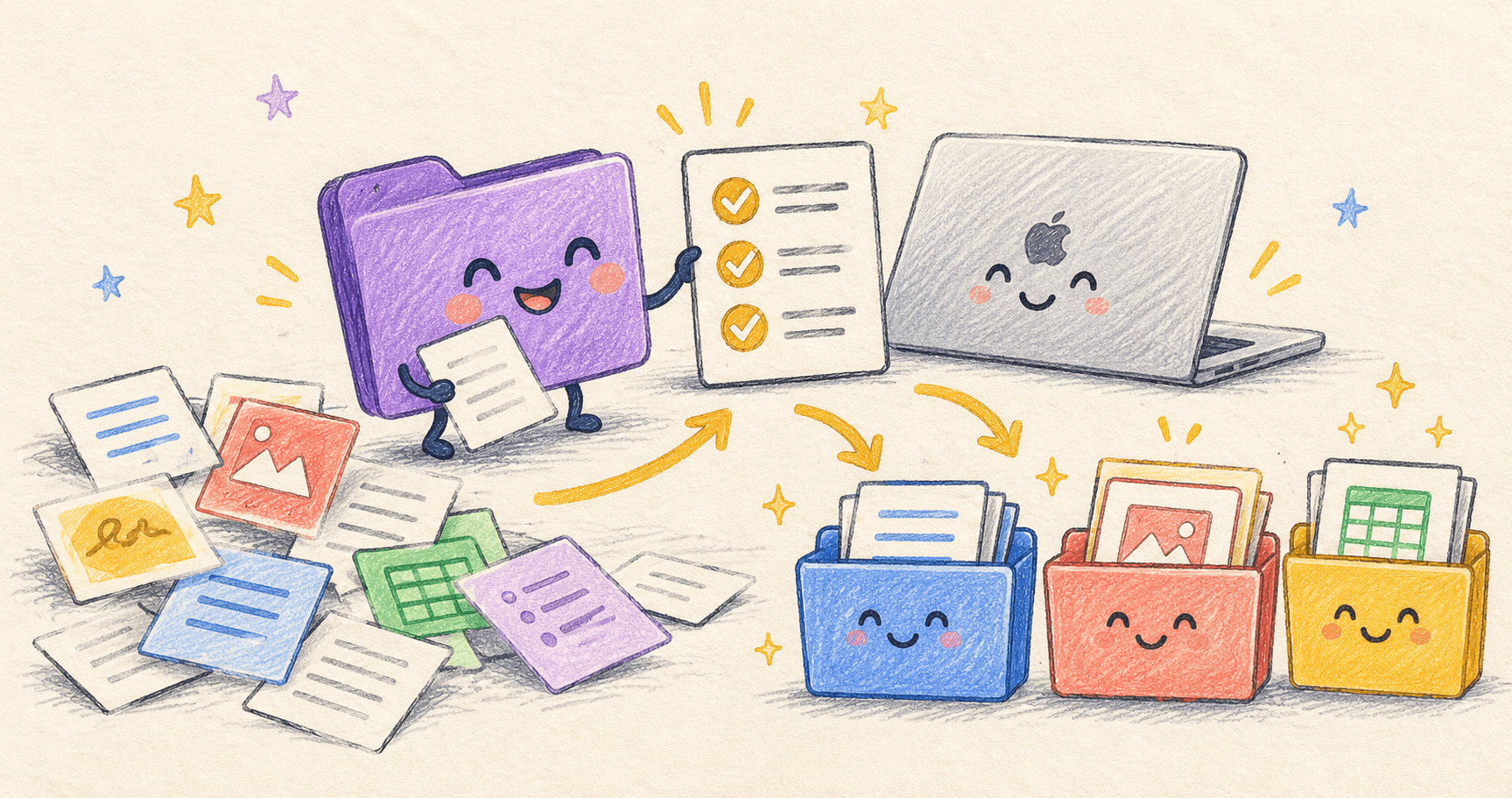
How to Organize Mac Files With AI Without Losing Control
Use an AI agent to propose folders and filenames, review a change manifest, and organize copies before touching your originals. Includes a reusable prompt.
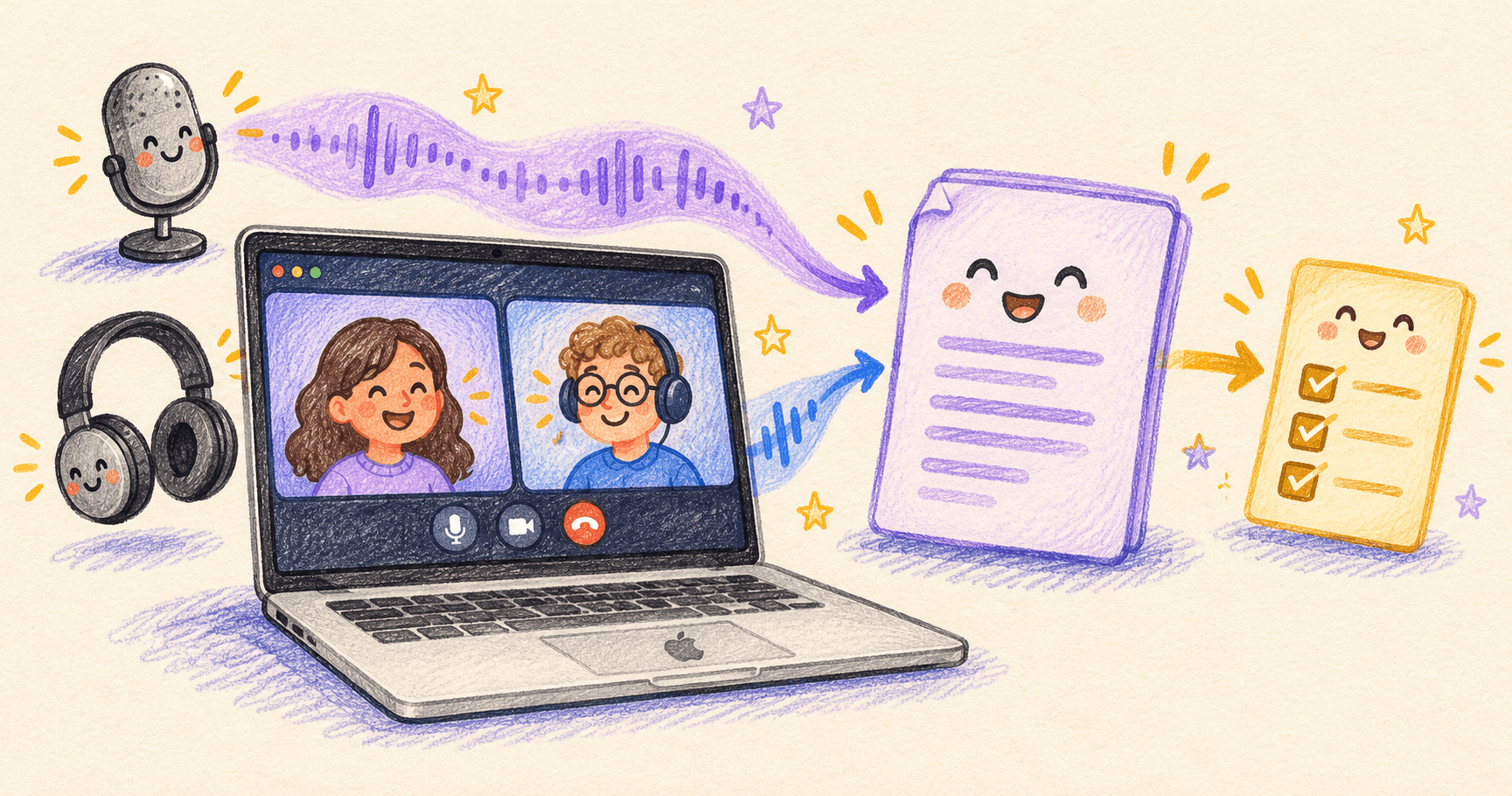
How to Record, Transcribe, and Summarize Meetings on a Mac
Capture both sides of a Mac meeting, turn the recording into a transcript, and create checked action items. Includes headphones, permissions, and local AI.
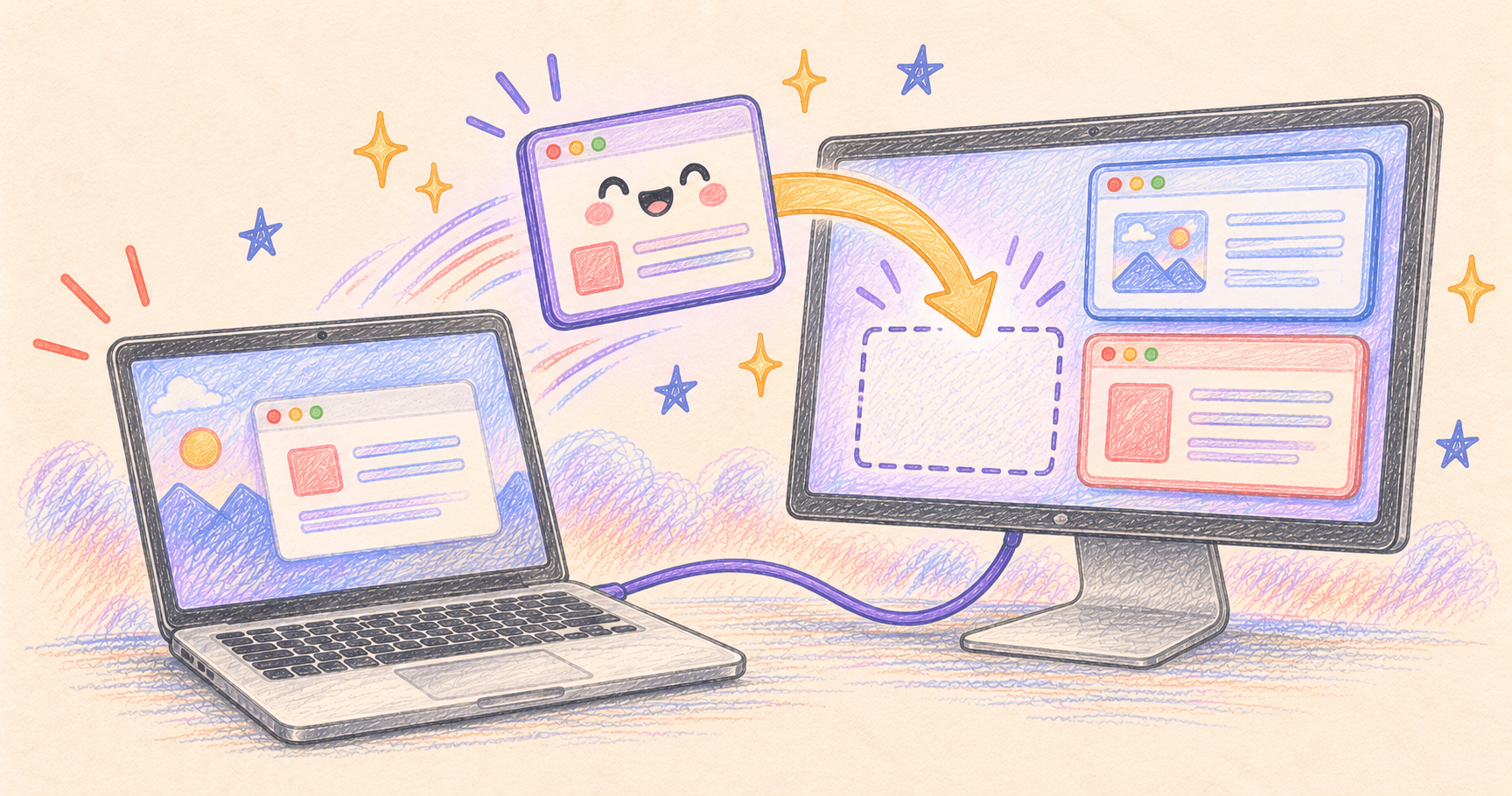
Mac Windows Move After Unplugging a Monitor? Restore Your Layout
Restore Mac window positions after reconnecting a display. Separate display arrangement from window layout, and compare Resettle with saved Moom layouts.
How to Run AI Locally on Mac: LM Studio and Ollama
Run a local AI model on your Mac with LM Studio or Ollama. Check requirements, choose a small model, and verify your first offline answer.
Run AI Tasks Overnight: Can Your Mac Be Asleep?
Learn which AI tasks keep running while your Mac sleeps. Set up a cloud schedule, check local-file dependencies, and test completion before bedtime.
Reverse Mouse Scrolling on Mac Without Changing Your Trackpad
Keep natural scrolling on your trackpad and reverse only your mouse. Set up Scroll Reverser, check permissions, and troubleshoot gestures and conflicts.
Gmail Labels Not Showing in Apple Mail? Check These Two Problems
Missing Gmail folders and missing label badges need different fixes. Check your account, label visibility, and whether Mimestream solves the problem.

Convert a Mac Screen Recording to GIF Without Huge Files
Convert a Mac screen recording to GIF with Gifski. Use practical starting settings for readable demos, then reduce file size without blurring the text.
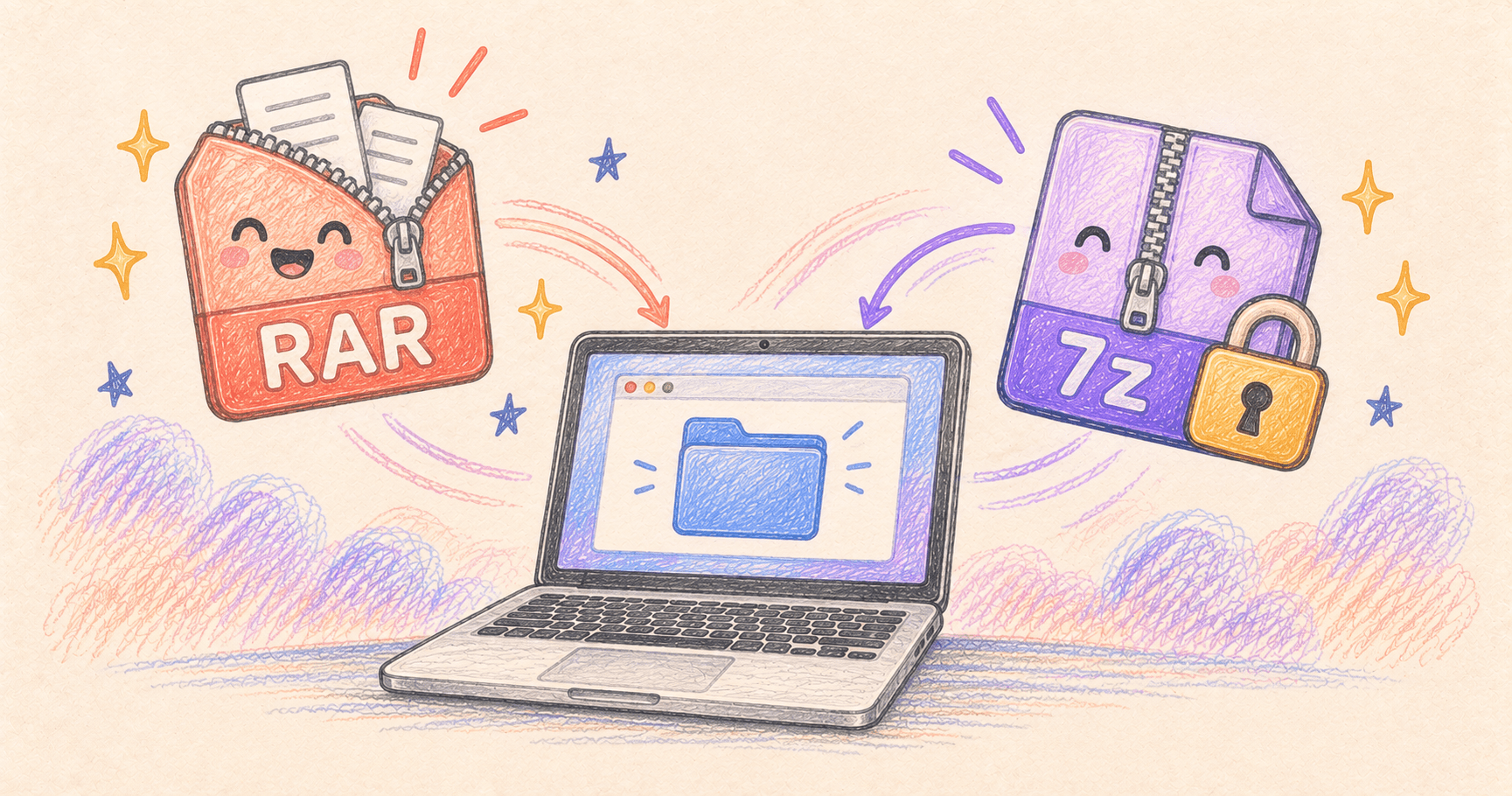
How to Open RAR and 7z Files on Mac for Free
Open RAR and 7z files with Keka on Mac, troubleshoot split archives, and create a password-protected archive your recipient can actually open.
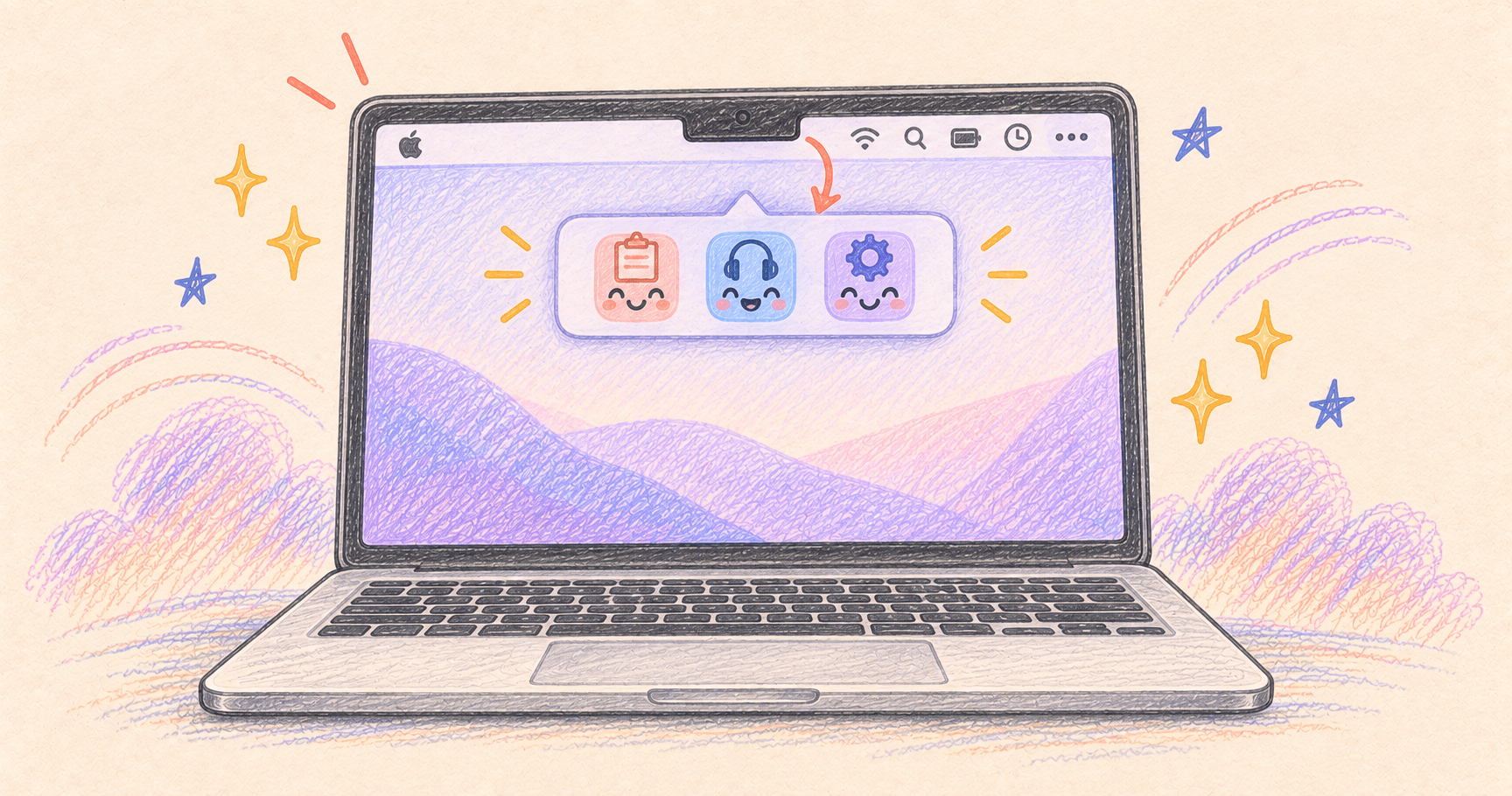
Mac Menu Bar Icons Hidden Behind the Notch? Get Them Back
Reveal Mac menu bar icons hidden behind the notch. Try a quick space-saving fix, then use Ice Bar or Bartender for persistent overflow.
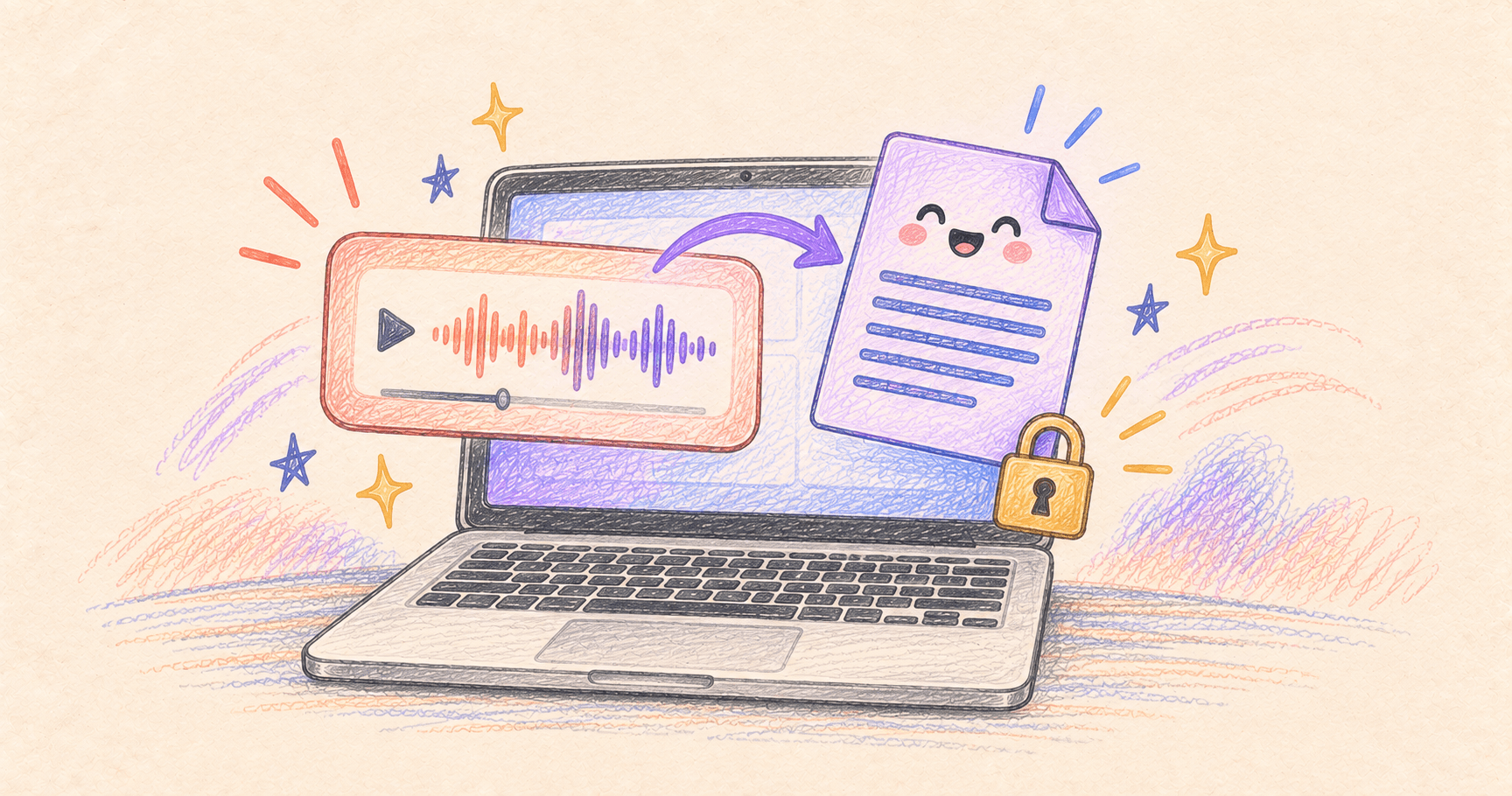
Offline Audio Transcription on Mac With MacWhisper
Transcribe audio locally with MacWhisper. Choose an on-device model, avoid cloud processing, and export a transcript or subtitles you can check.
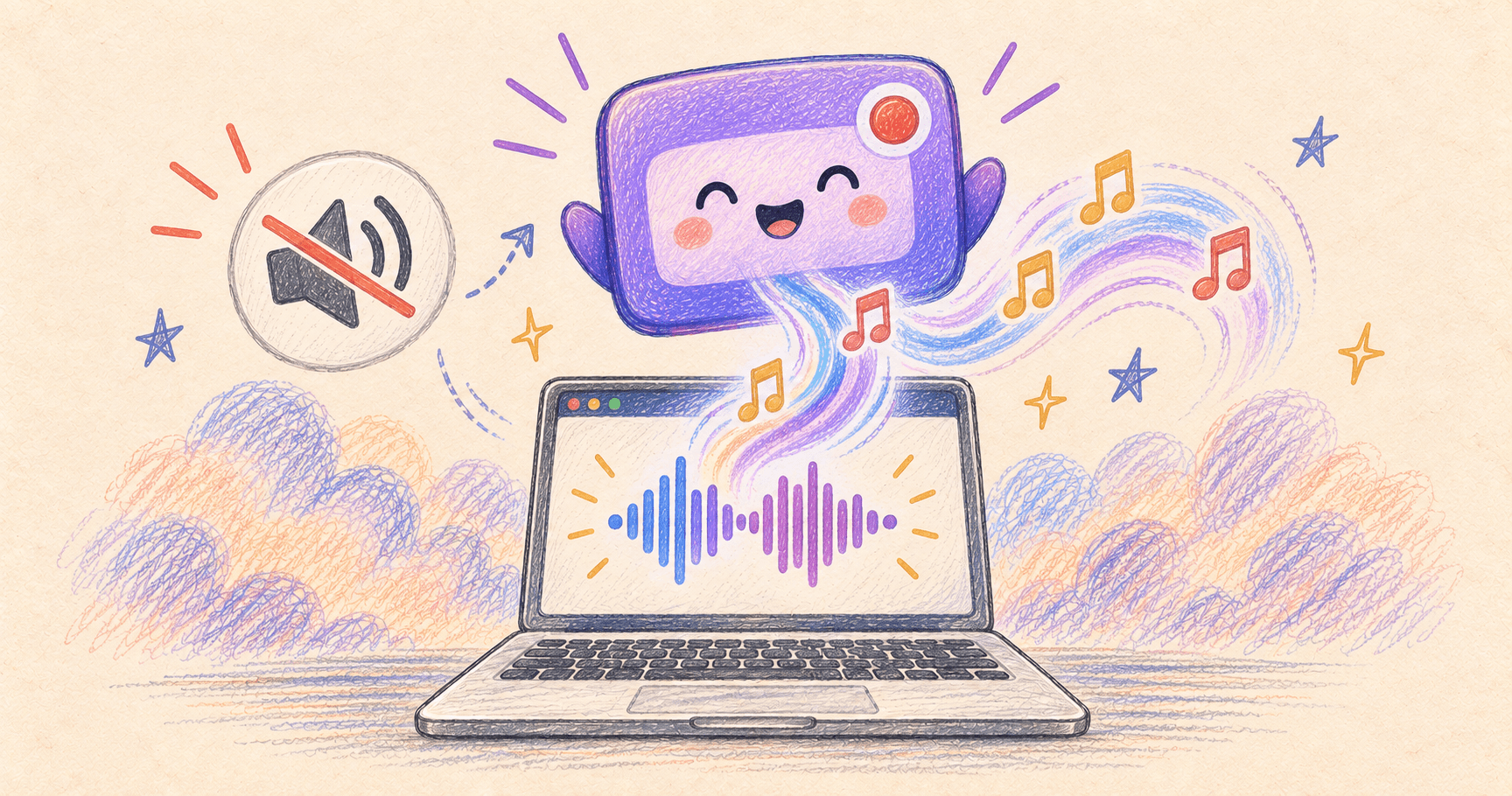
Mac Screen Recording Has No Sound? Capture Internal Audio
Fix silent Mac screen recordings. Choose the right settings for system audio, your microphone, or both, with built-in and free app options.
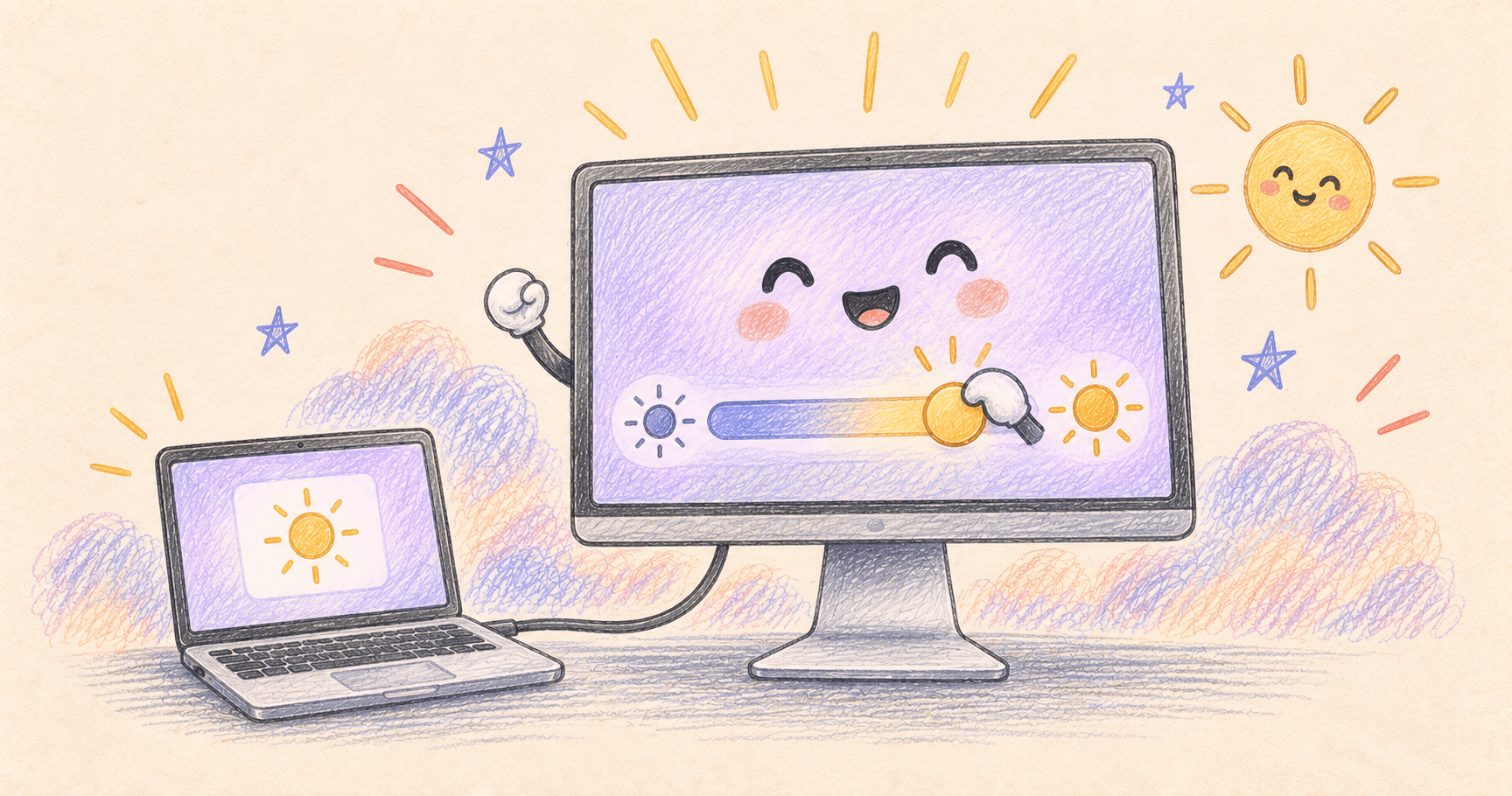
External Monitor Brightness Keys Not Working on Mac?
Control external monitor brightness on Mac with DisplayBuddy or a free alternative. Troubleshoot DDC/CI, docks, cables, and software dimming.
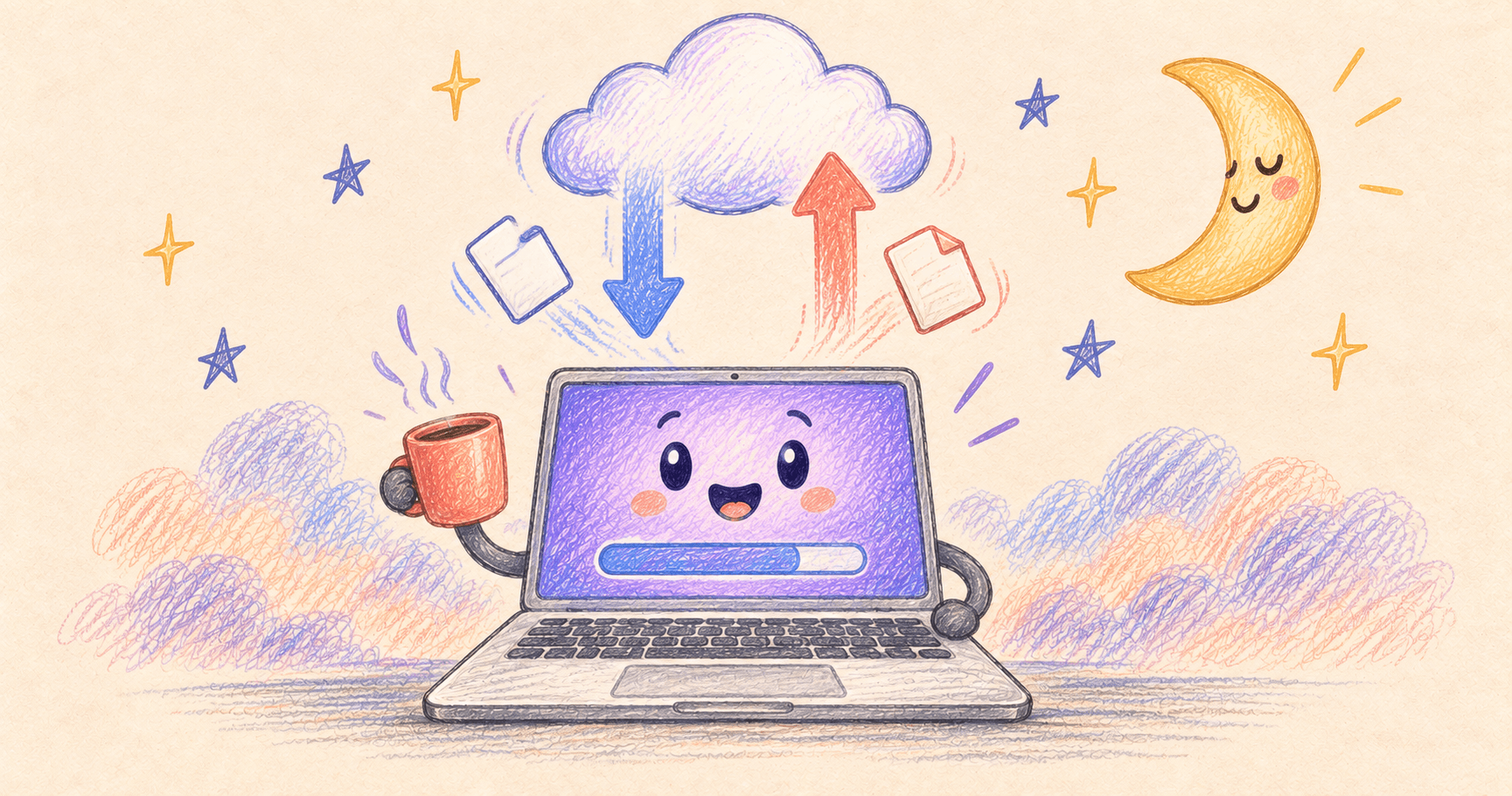
Keep Your Mac Downloading With the Screen Off
Keep downloads and uploads running with your Mac screen off. Use Amphetamine, a built-in power setting, or a temporary caffeinate command.
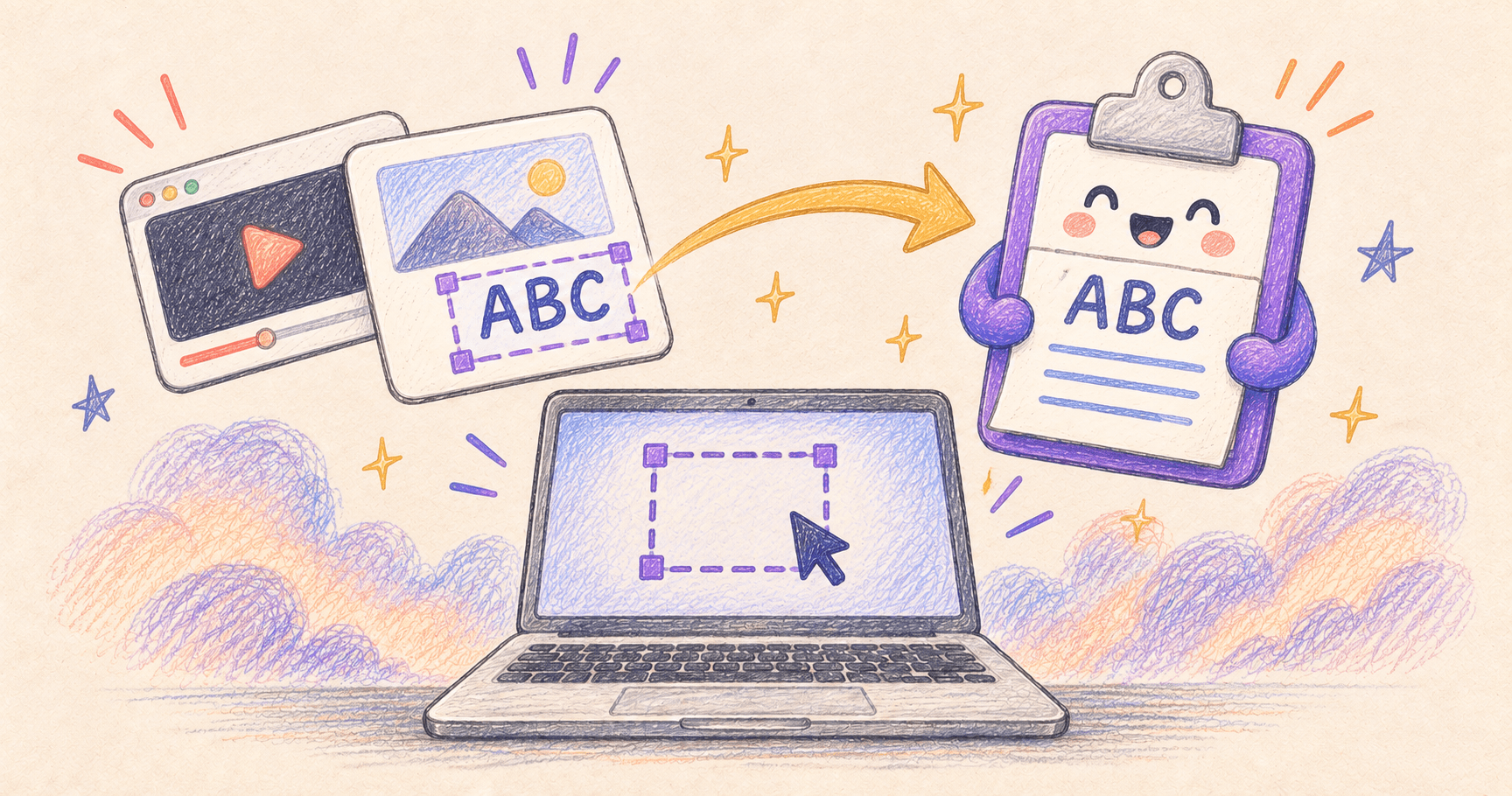
Copy Text From an Image on Mac: Free and Quick Methods
Copy text from an image or screenshot on Mac with Preview for free. Fix text selection problems, or grab words from a paused video with TextSniper.
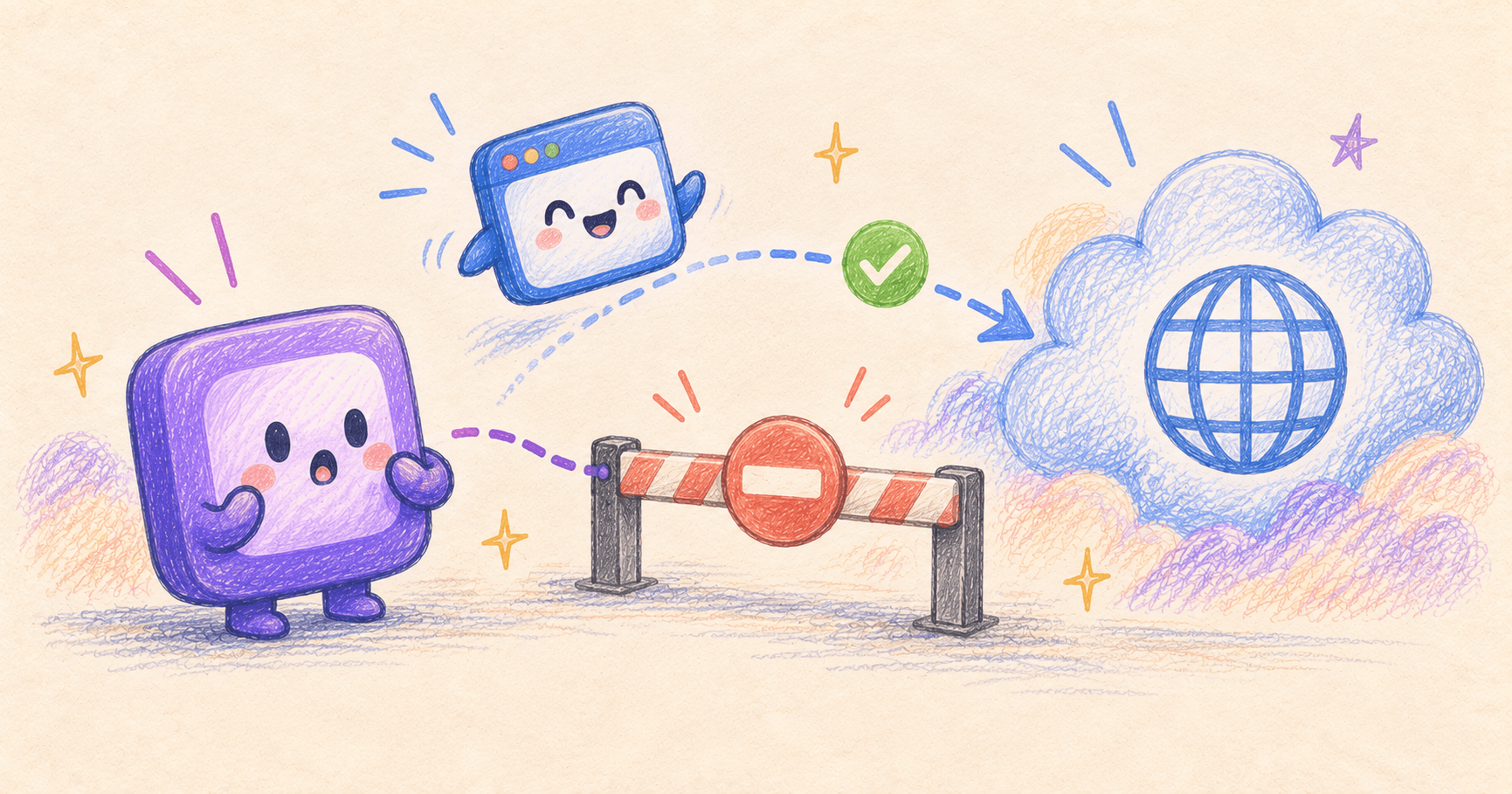
How to Block Internet Access for One App on Mac
Block a Mac app's outgoing connections with Little Snitch, check that the rule works, and restore access without disconnecting your whole Mac.

Scrolling Screenshot on Mac: Free Full-Page Capture
Take a scrolling screenshot on Mac for free in Chrome, save a Safari page as PDF, or capture a long chat with CleanShot X. Fix cut-off captures.
How to Free Up Disk Space on Mac
How to free up disk space on Mac — the steps that reliably recover the most gigabytes, from the built-in tools to a proper disk visualizer.
Spotlight Not Finding Anything on Mac? Try This Fix
Your file is right there, but Spotlight can't find it. Here's a simple, illustrated guide to rebuilding its search index. No Terminal needed.