
Best Photo & Video Apps for Mac
Edit photos, record your screen, create graphics, and organize visual projects. Browse 20 photo and video apps and tools for Mac, including Pixelmator Pro, CleanShot X, and IINA, with options for image editing, screen capture, design, and playback.
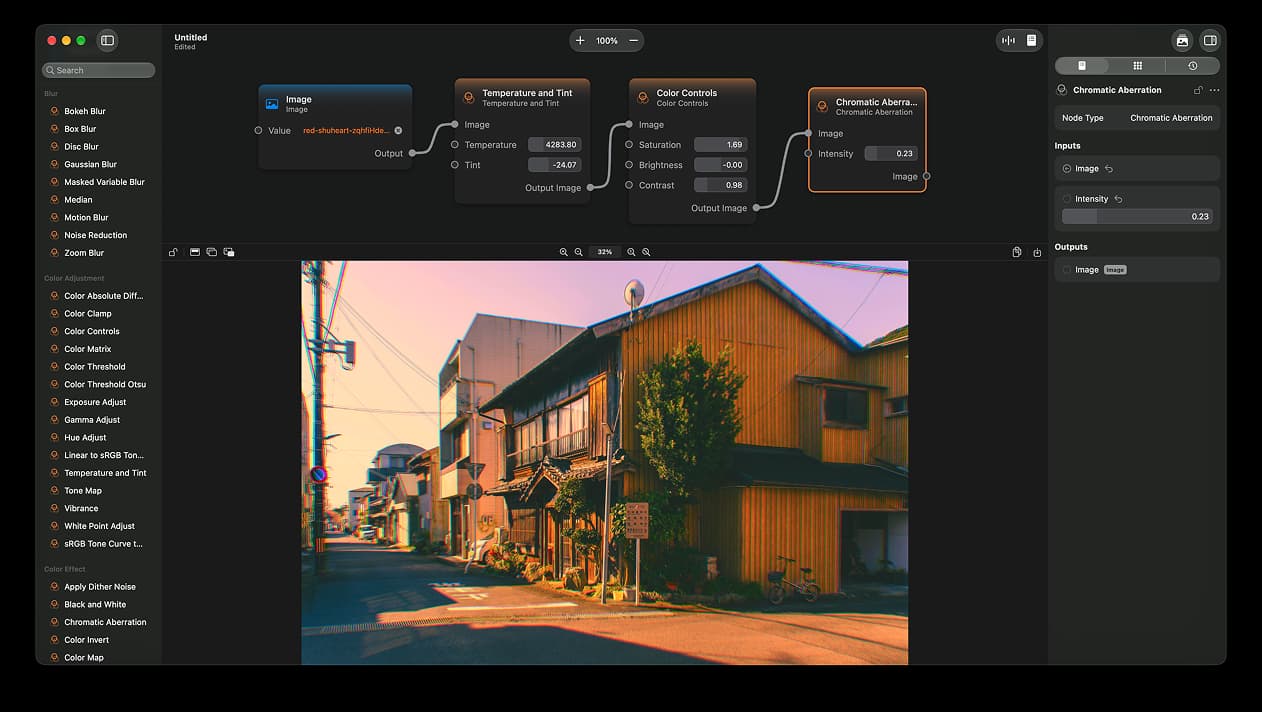
Photo & Video · Free & open source
A node-based image editor for macOS
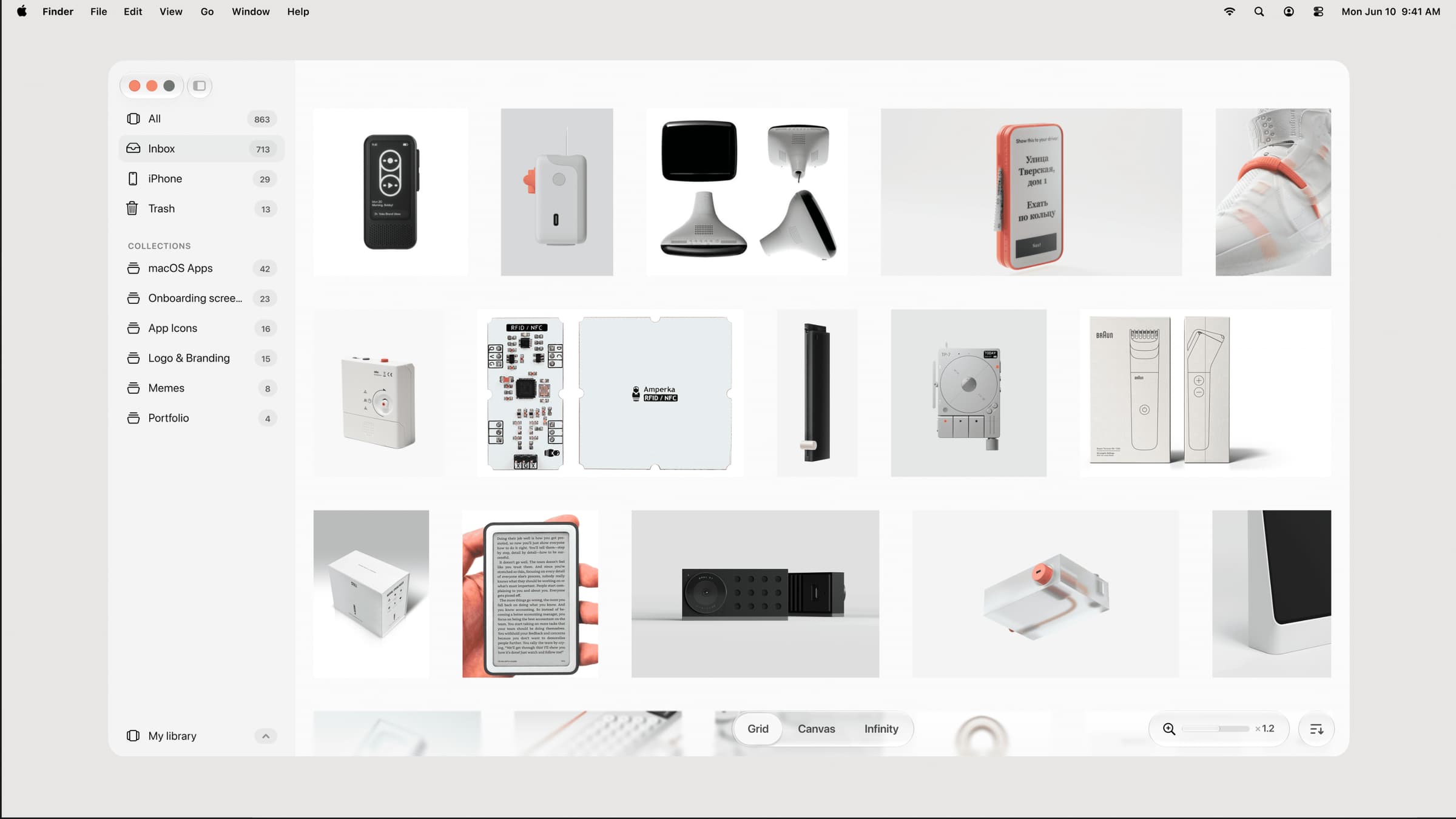

Photo & Video · $39 · one-time (one-time, incl. 1 year of updates)
A native, local-first visual library for designers to collect and organize inspiration — images, videos, and links across Grid, Canvas, and Infinity views.
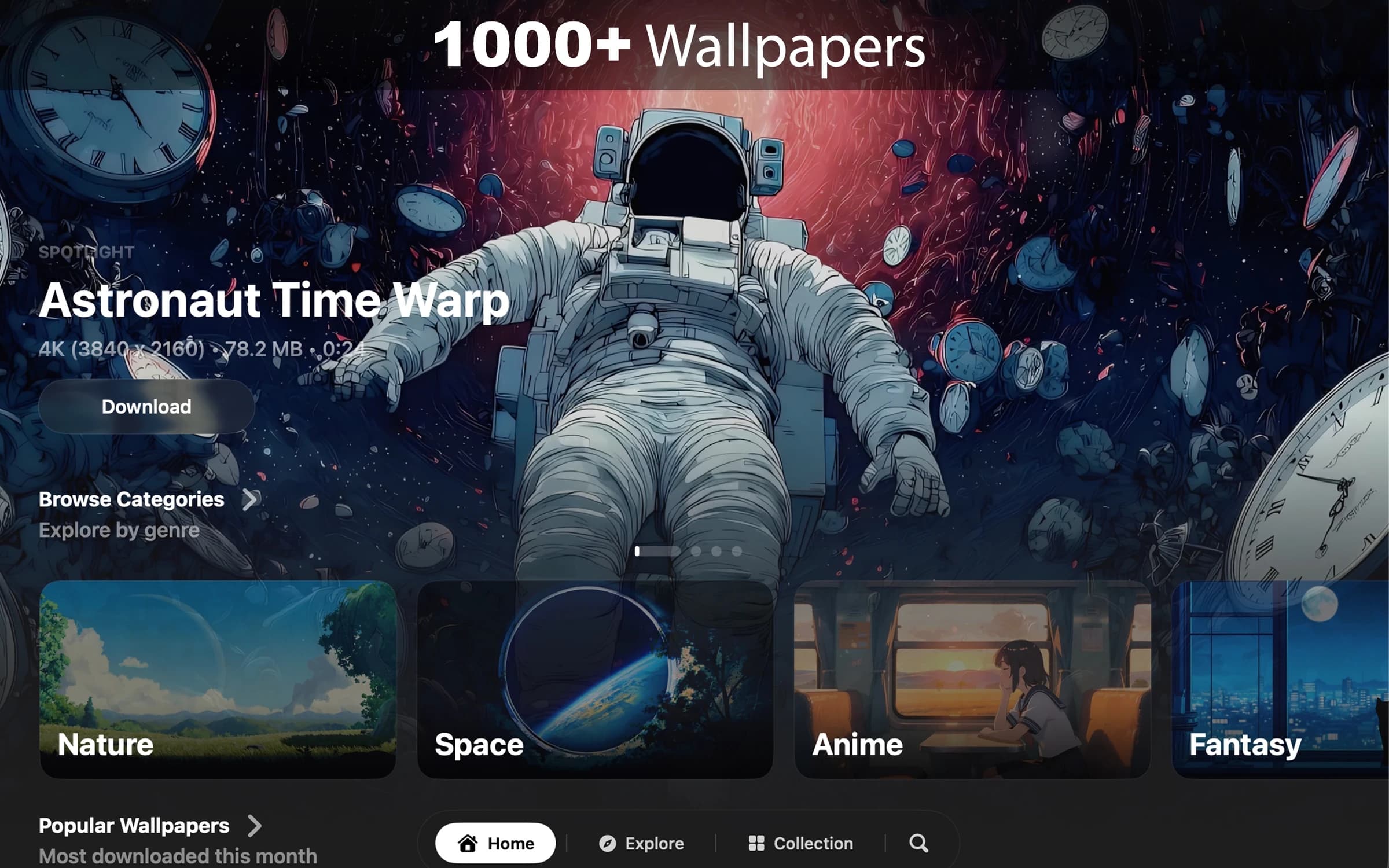
Photo & Video · $8.99 · one-time (7-day free trial. One-time purchase. No subscription.)
Cinematic live wallpapers for your Mac.
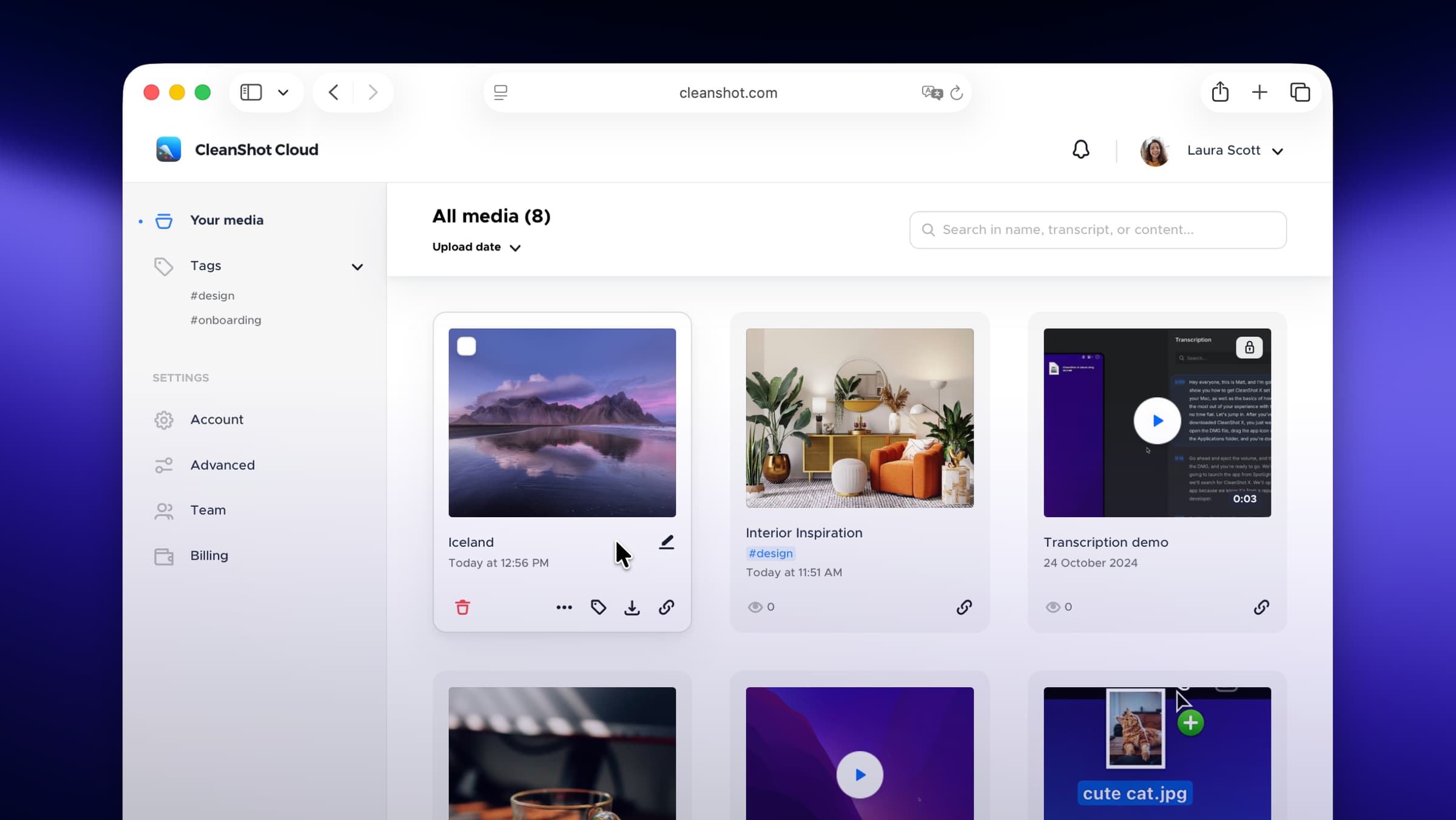
Photo & Video · $29 · one-time
Screenshot and screen-recording done right — hide desktop clutter, annotate, capture scrolling pages, record GIFs, and get a shareable link.
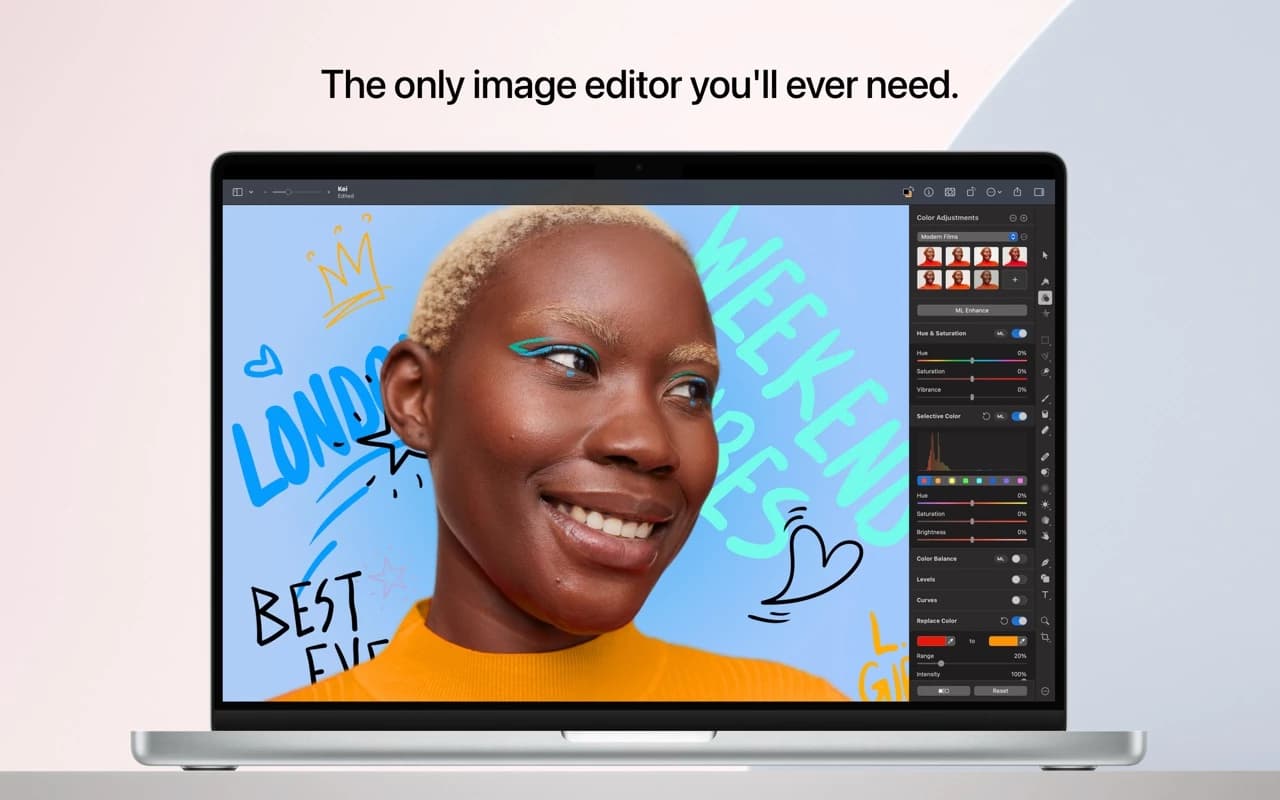
Photo & Video · $49.99 · one-time
A full image editor that is 100% native, Metal-accelerated, and packed with machine-learning tools — and an Apple Design Award winner.
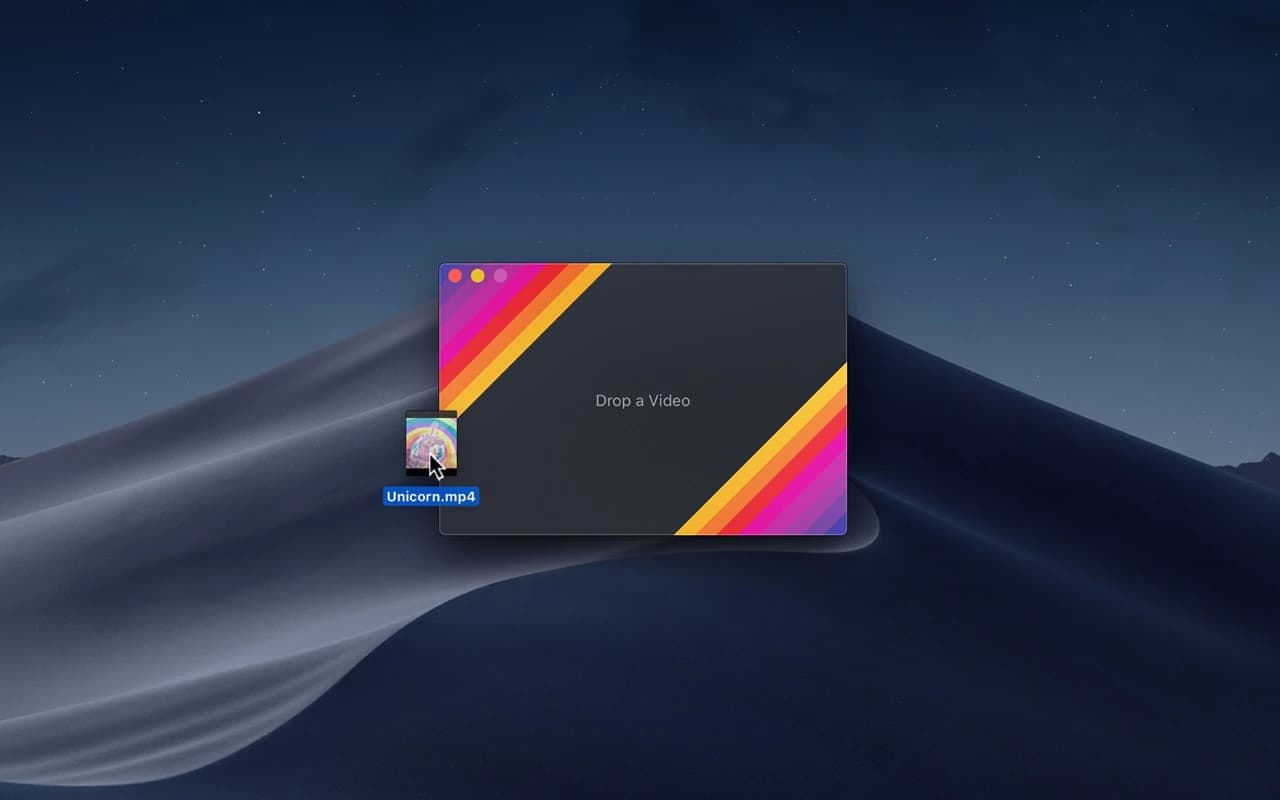
Photo & Video · Free & open source
Converts video to high-quality GIF on the Mac using a per-frame palette encoder that keeps gradients smooth at surprisingly small file sizes.
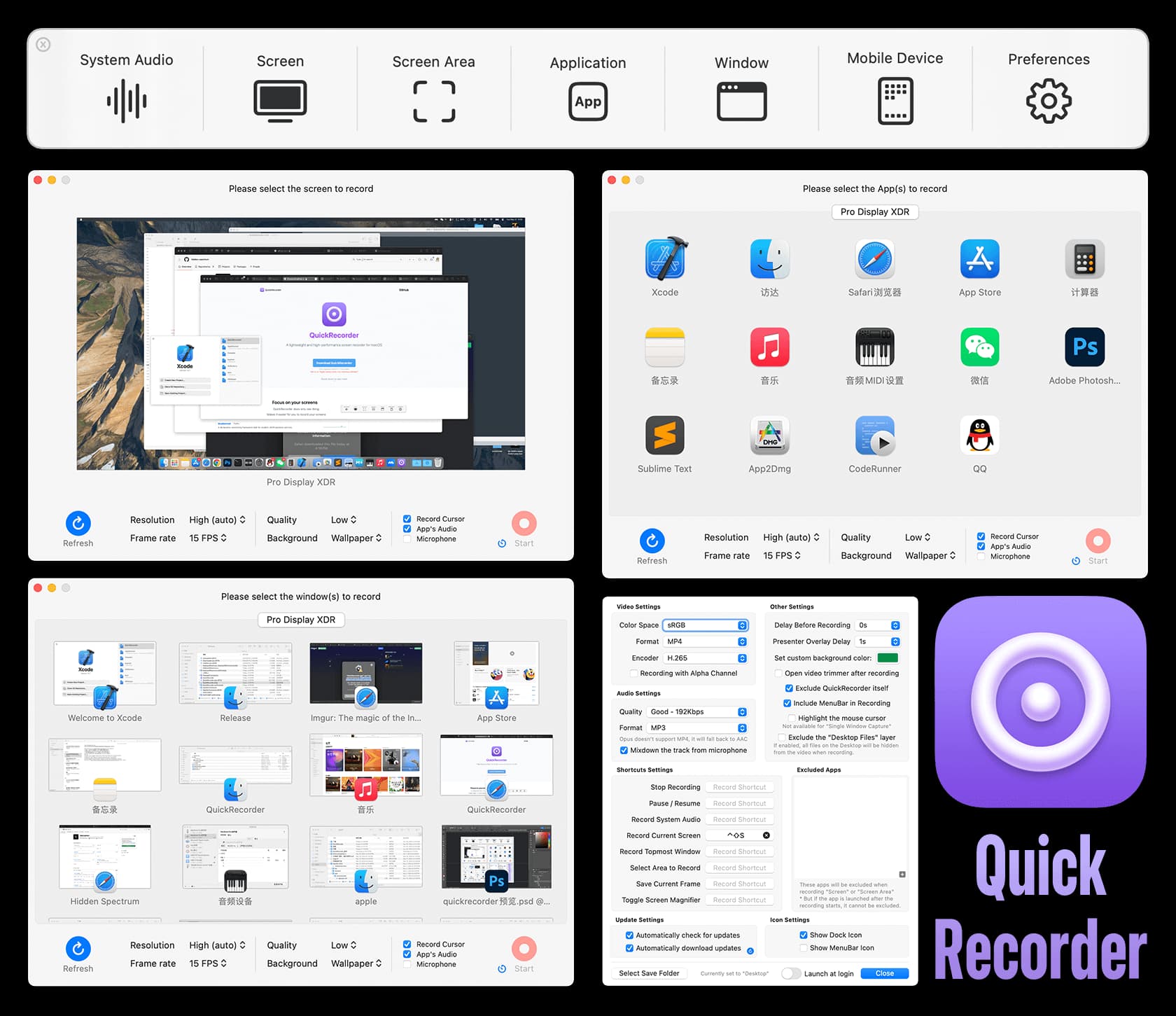
Photo & Video · Free & open source
A lightweight screen recorder built on ScreenCaptureKit — record a screen, window, app, or region with system audio, no kernel extension required.
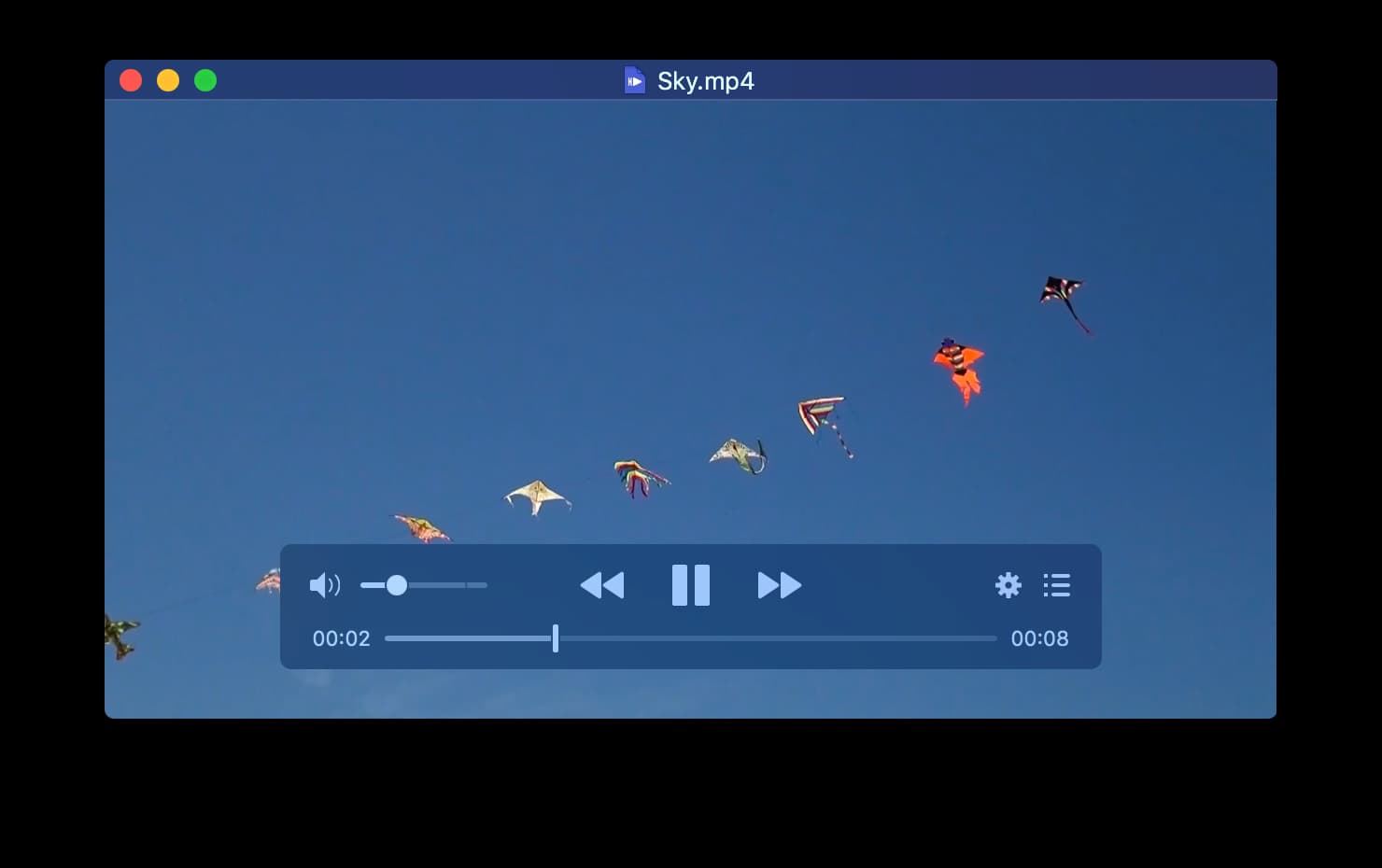
Photo & Video · Free & open source
The modern video player for macOS — a free, open-source player built on mpv with a native interface, Force Touch, and full Touch Bar support.
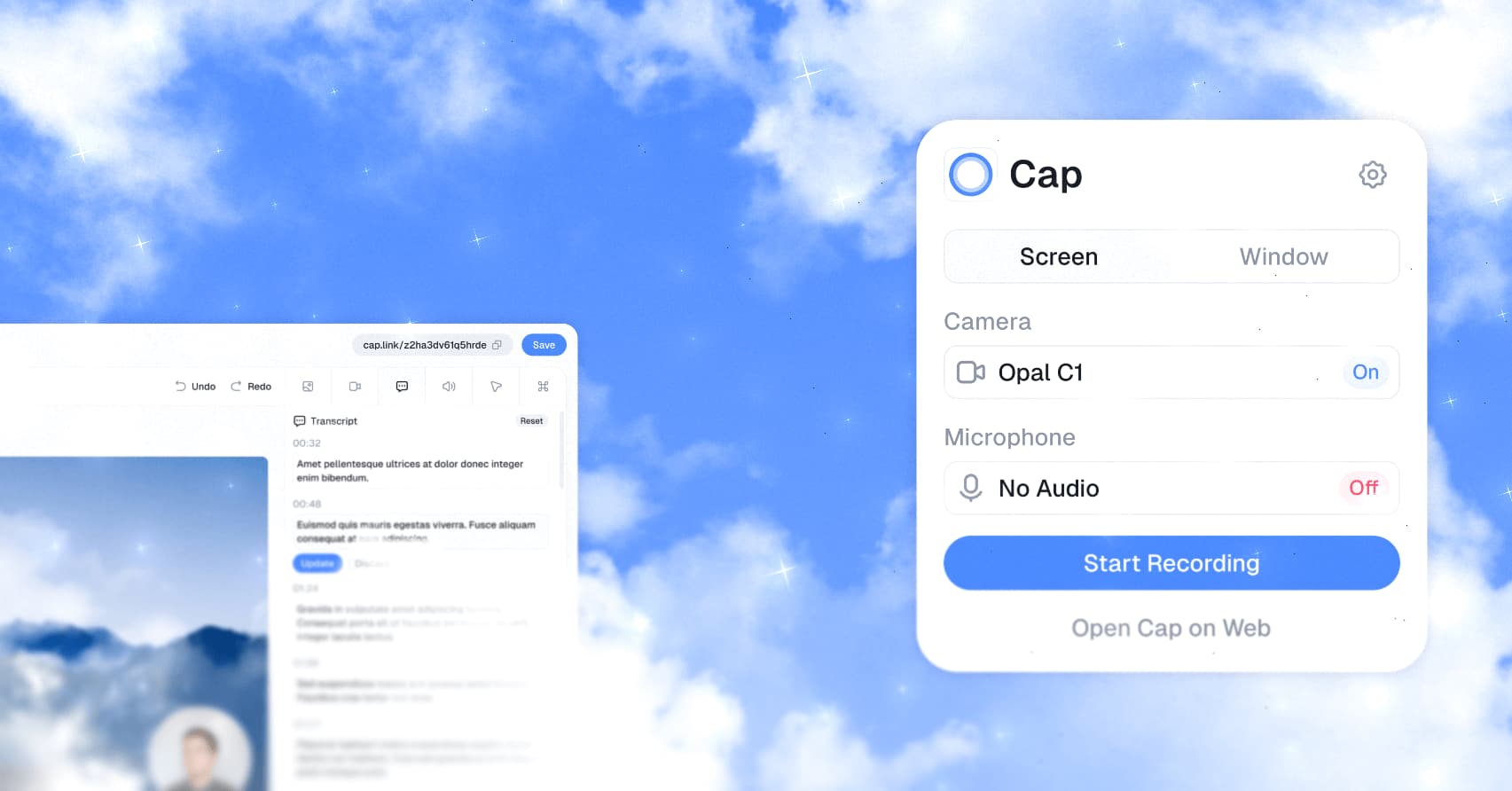
Photo & Video · Free · Pro, billed annually; desktop-only license from $29/yr $8.16
An open-source Loom alternative for Mac that records, edits, and shares screen recordings with a link — with a local-first Studio Mode and full self-hosting if you want to own the data.
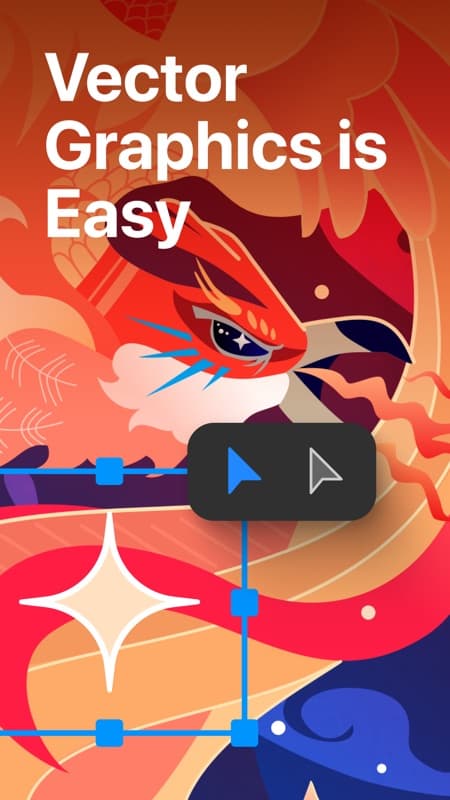
Photo & Video · Free · Lifetime $29.99
A native vector illustration app for Mac — Bezier drawing, unlimited artboards, and full SVG/PDF/AI export, built as a Mac-first alternative to Illustrator.
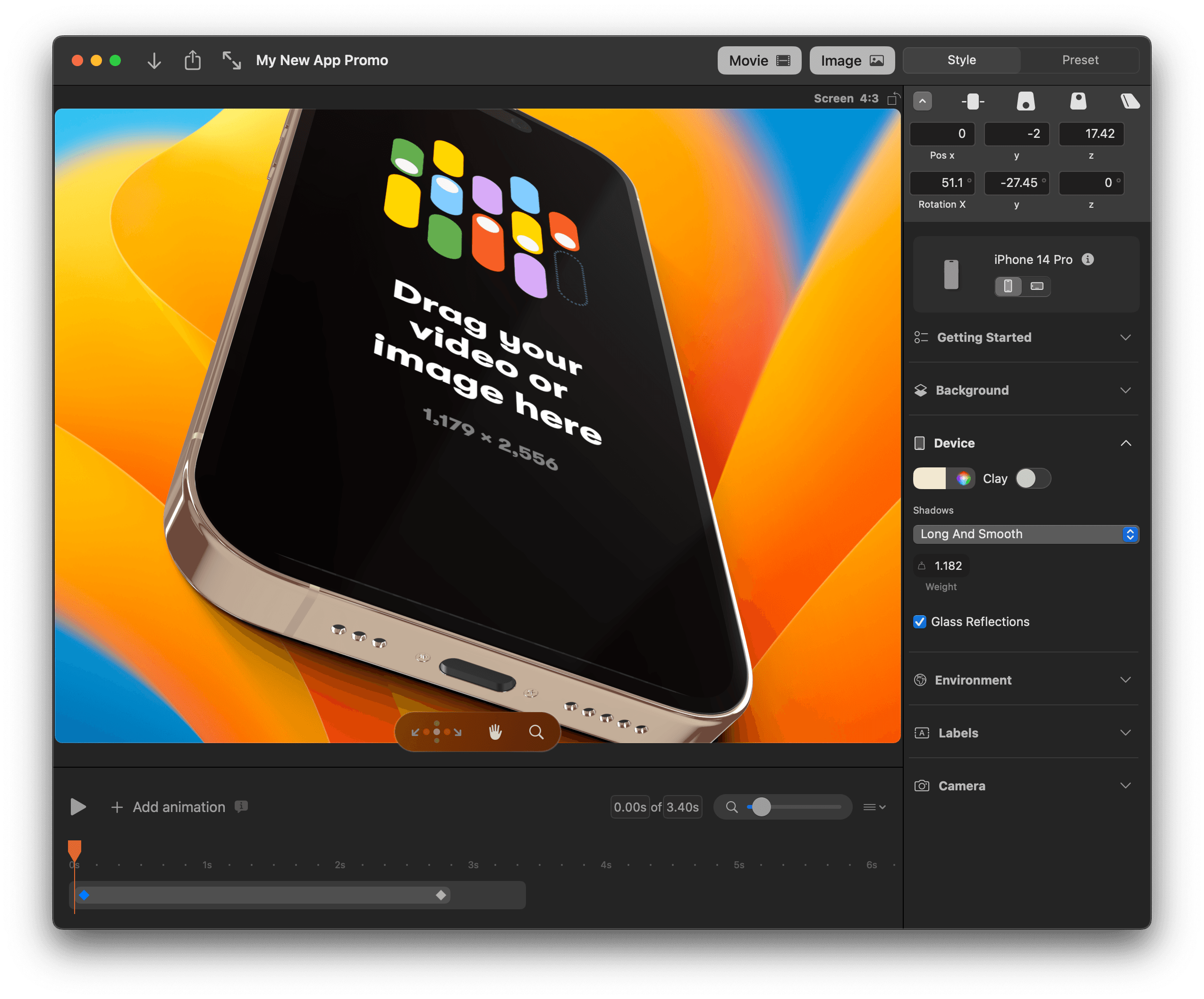

Photo & Video · $79 · one-time (Standard $89)
A native Mac app for 3D device mockups — drop in a screenshot and get a rotatable, animatable phone, laptop, or desktop render for App Store images, decks, and launch videos.
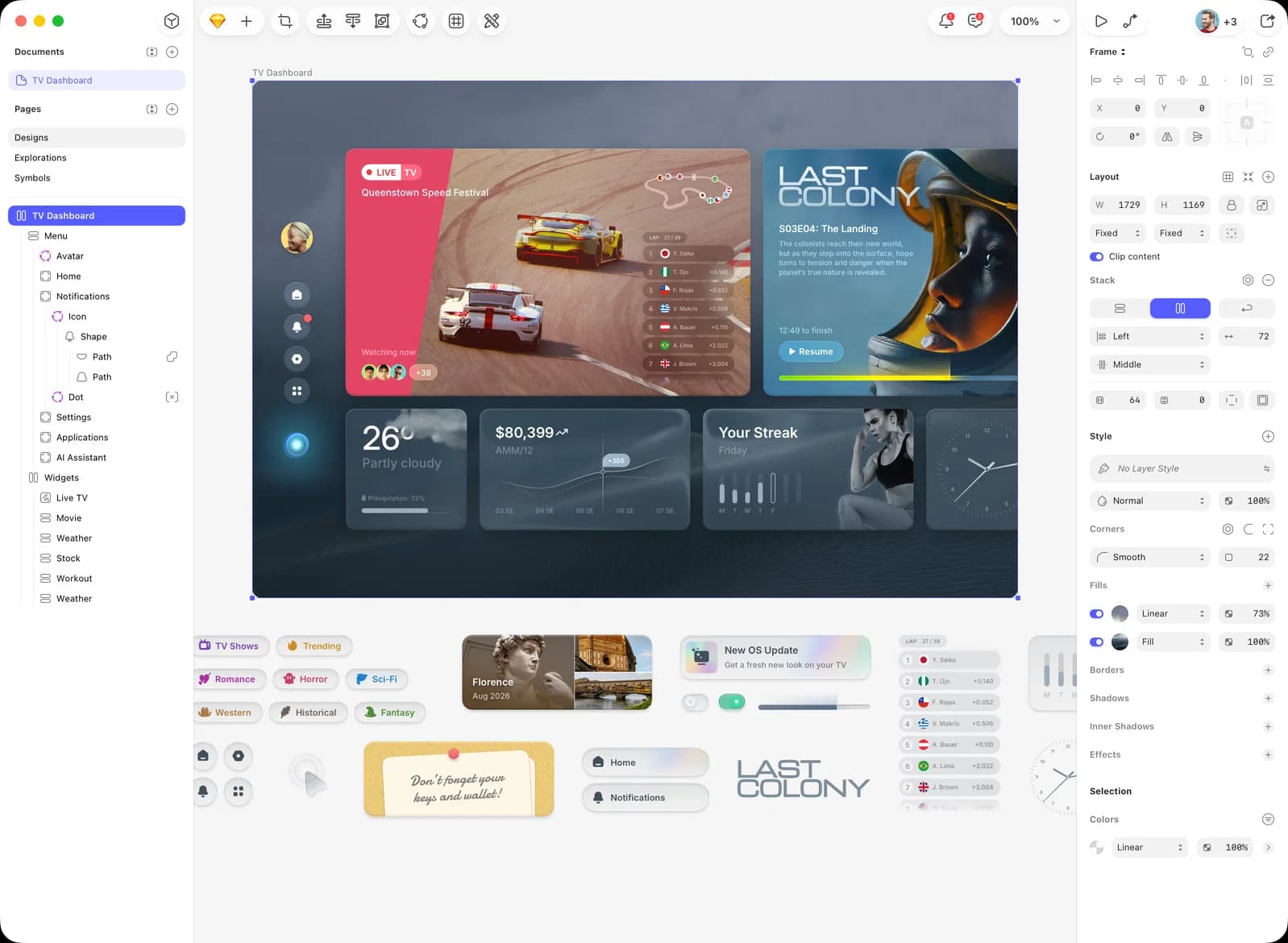
Photo & Video · $120 · one-time (Mac-only license)
The native Mac app that defined modern UI design — vector editing, components, and prototyping, with a one-time Mac-only license alongside its cloud subscription.
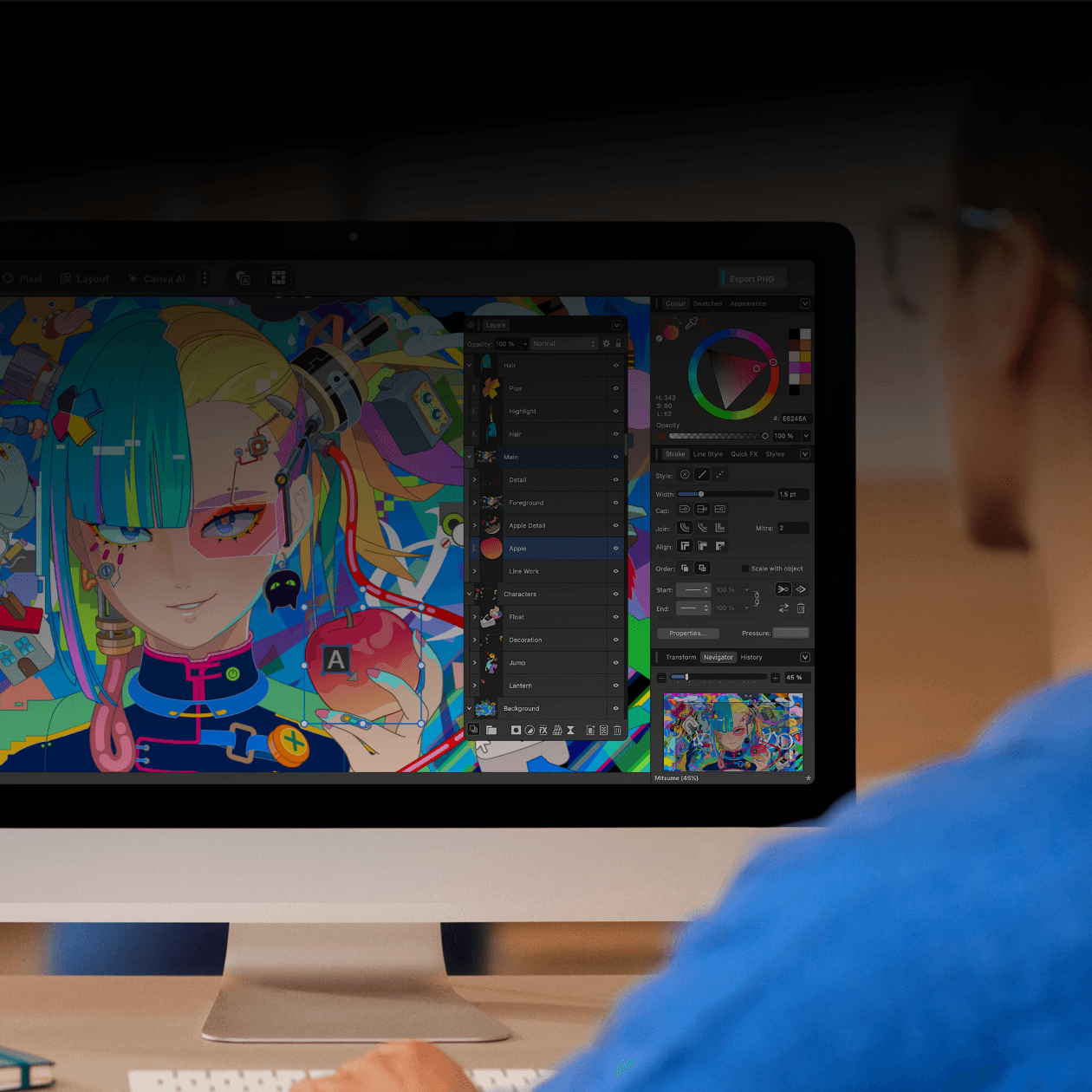
Photo & Video · Free
Canva's free, unified native design app for Mac — vector illustration, photo editing, and page layout (formerly Designer, Photo, and Publisher) in one window.
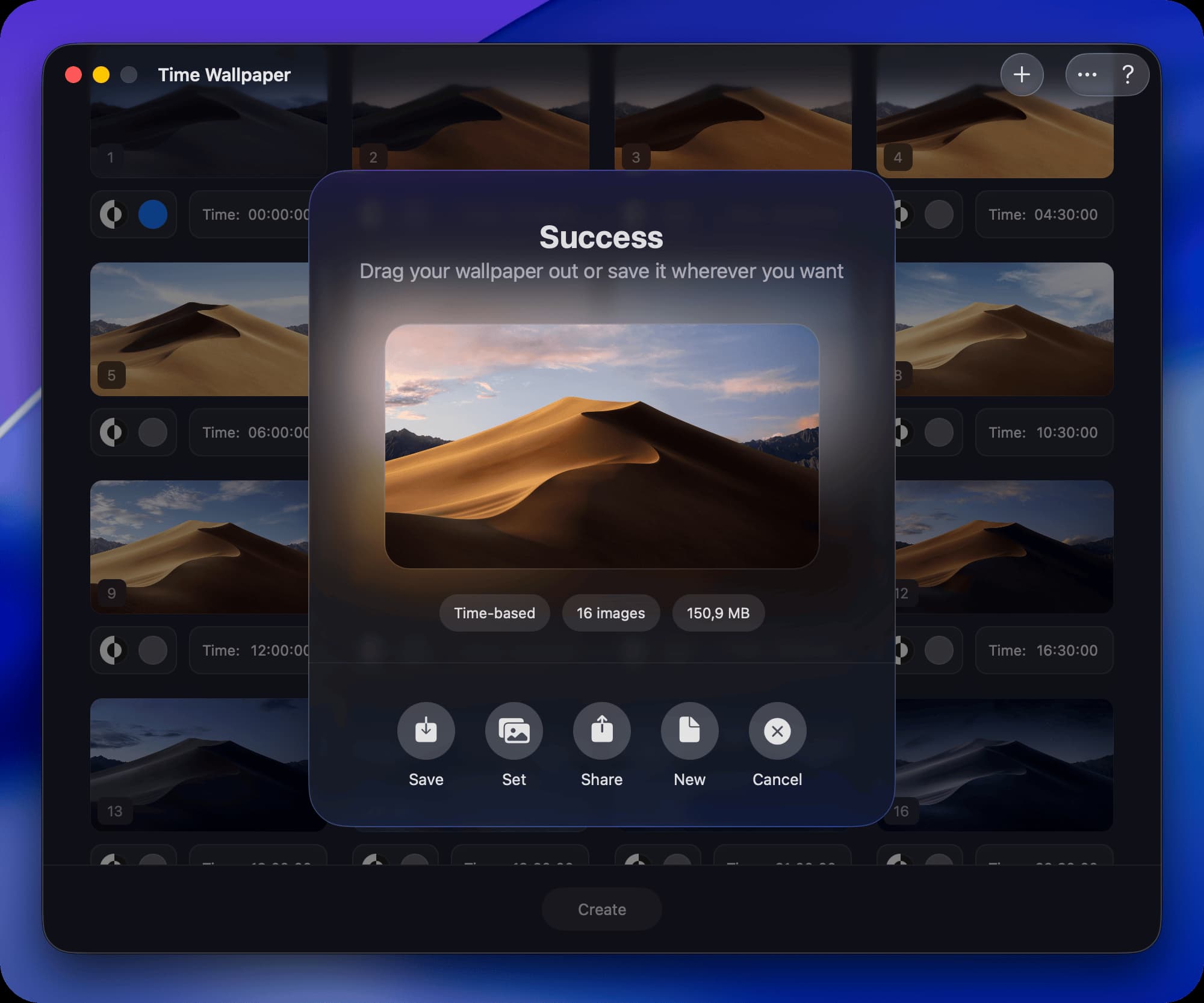
Photo & Video · Free & open source
Turn your own photos into native macOS dynamic wallpapers that shift with the time of day, the sun's position, or light/dark mode.
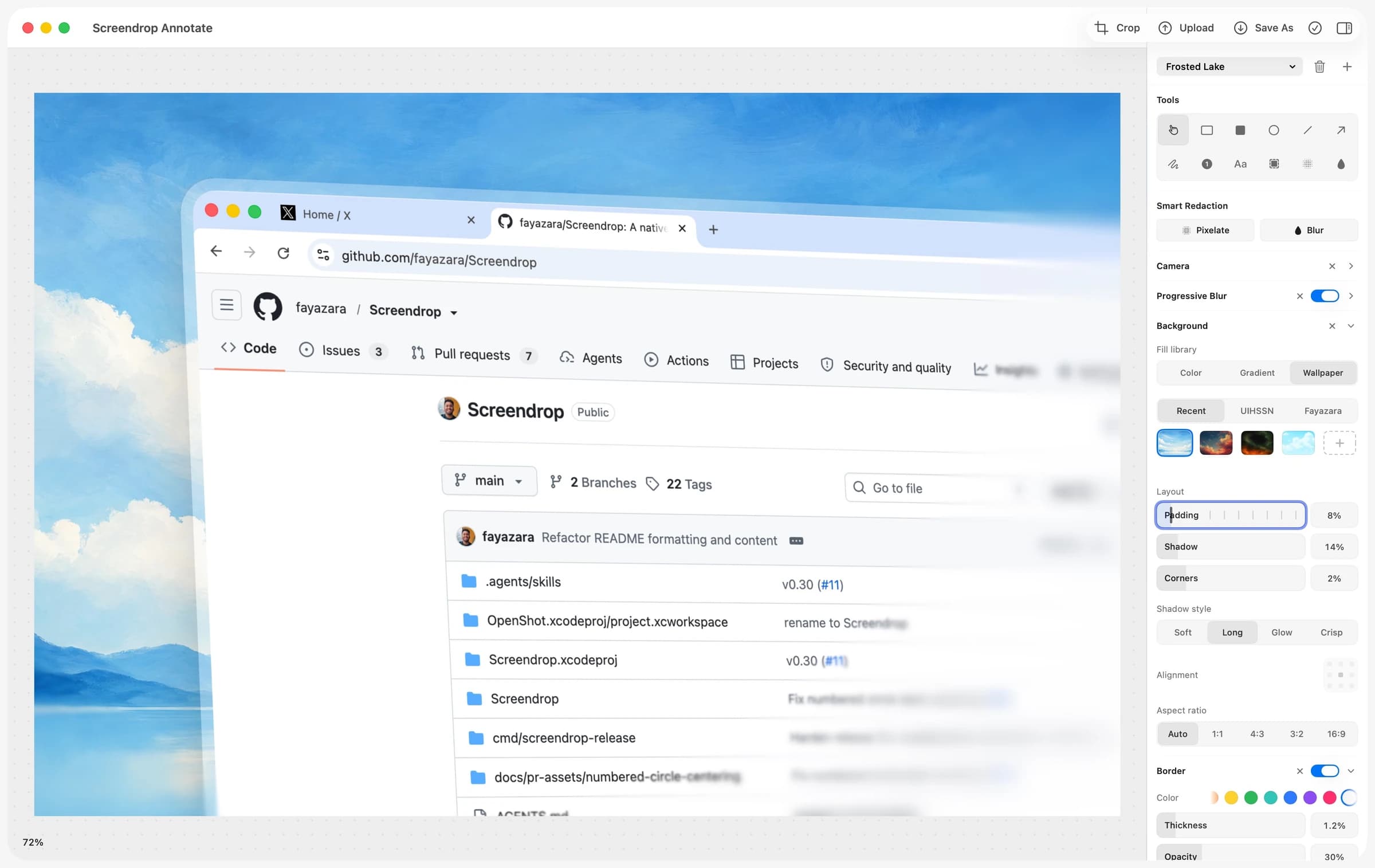

Photo & Video · Free & open source
A self-hostable Loom + CleanShot X alternative for macOS — screenshots, screen recording, and shareable clips, on your own infrastructure.
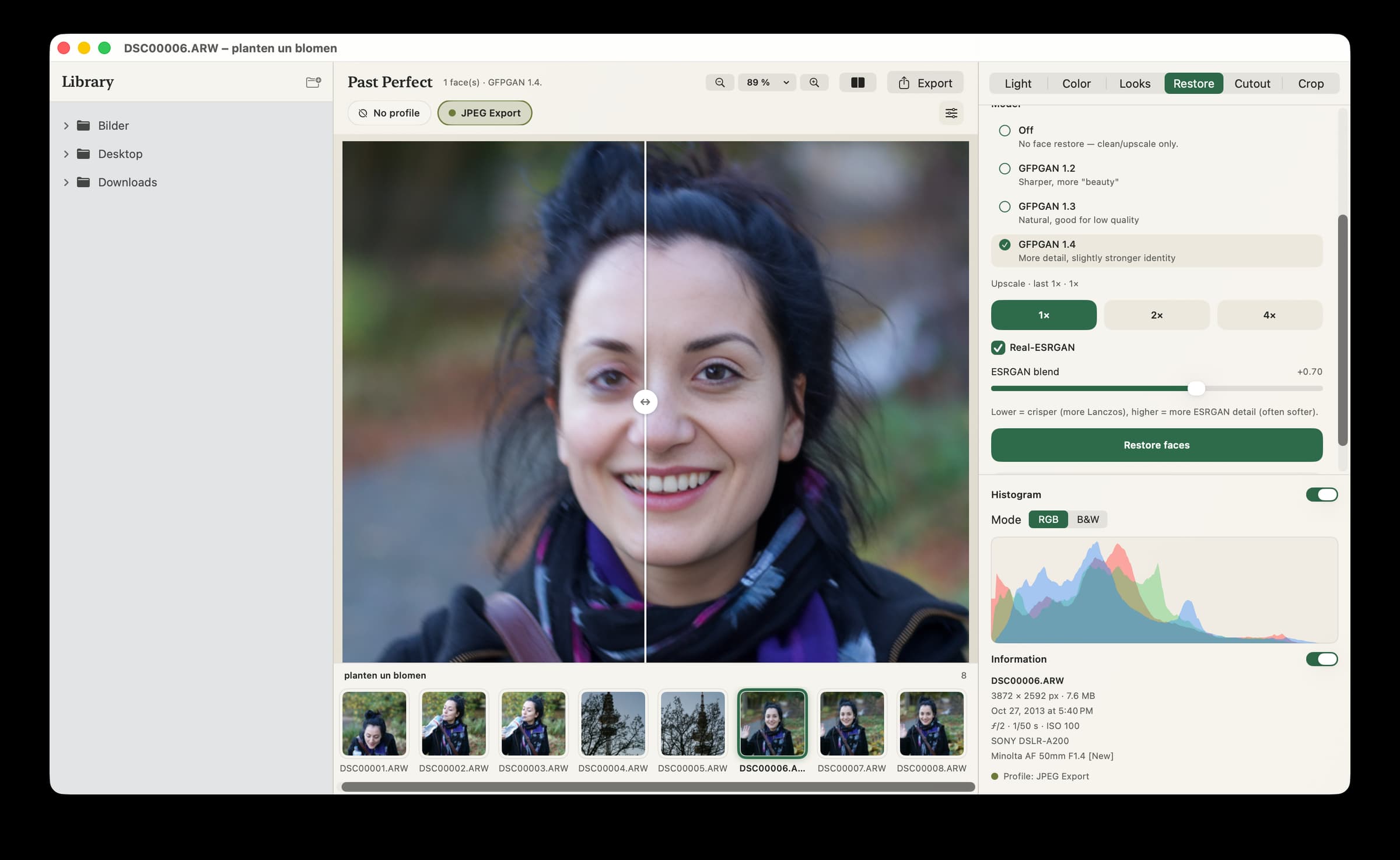
Photo & Video · Free
AI-powered photo restoration and enhancement for Mac
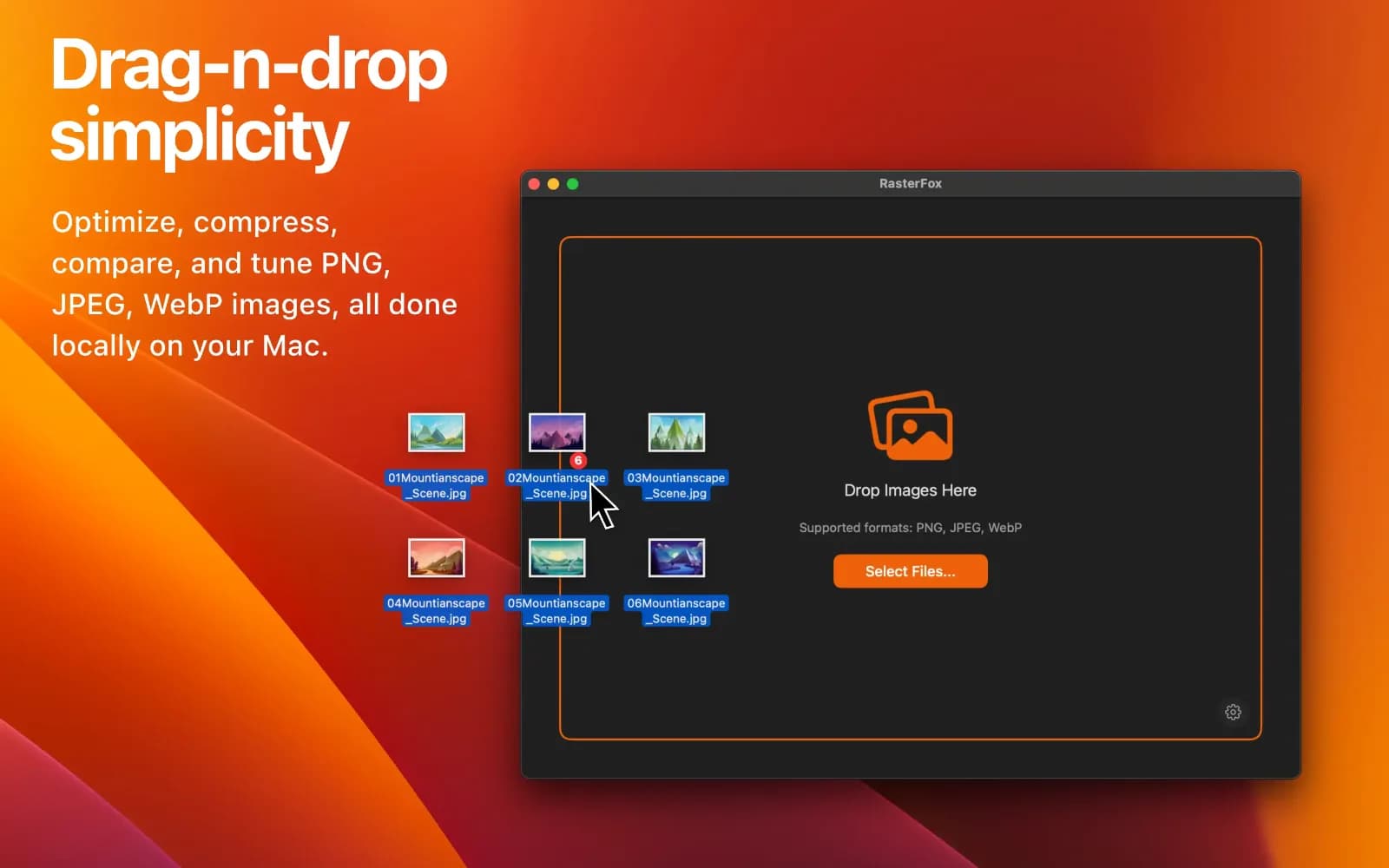
Photo & Video · $9.99 · one-time (14-day full-feature trial, then a free tier. One-time $9.99 Pro license covers three Macs.)
Compress images with pixel-perfect precision
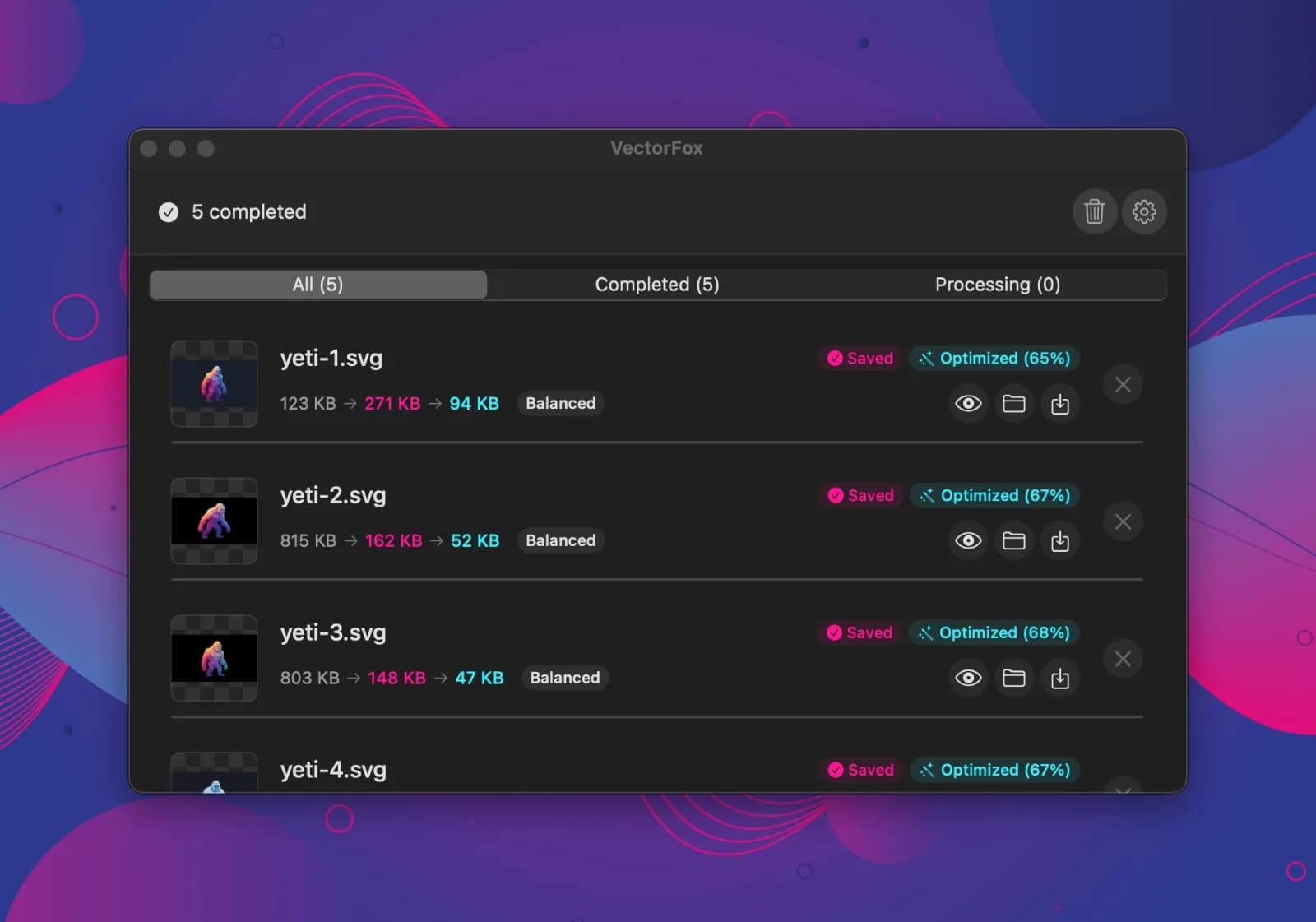
Photo & Video · $9.99 · one-time (14-day full-feature trial, then a free tier. One-time $9.99 Pro license covers three Macs.)
Raster to SVG for macOS, with real gradients
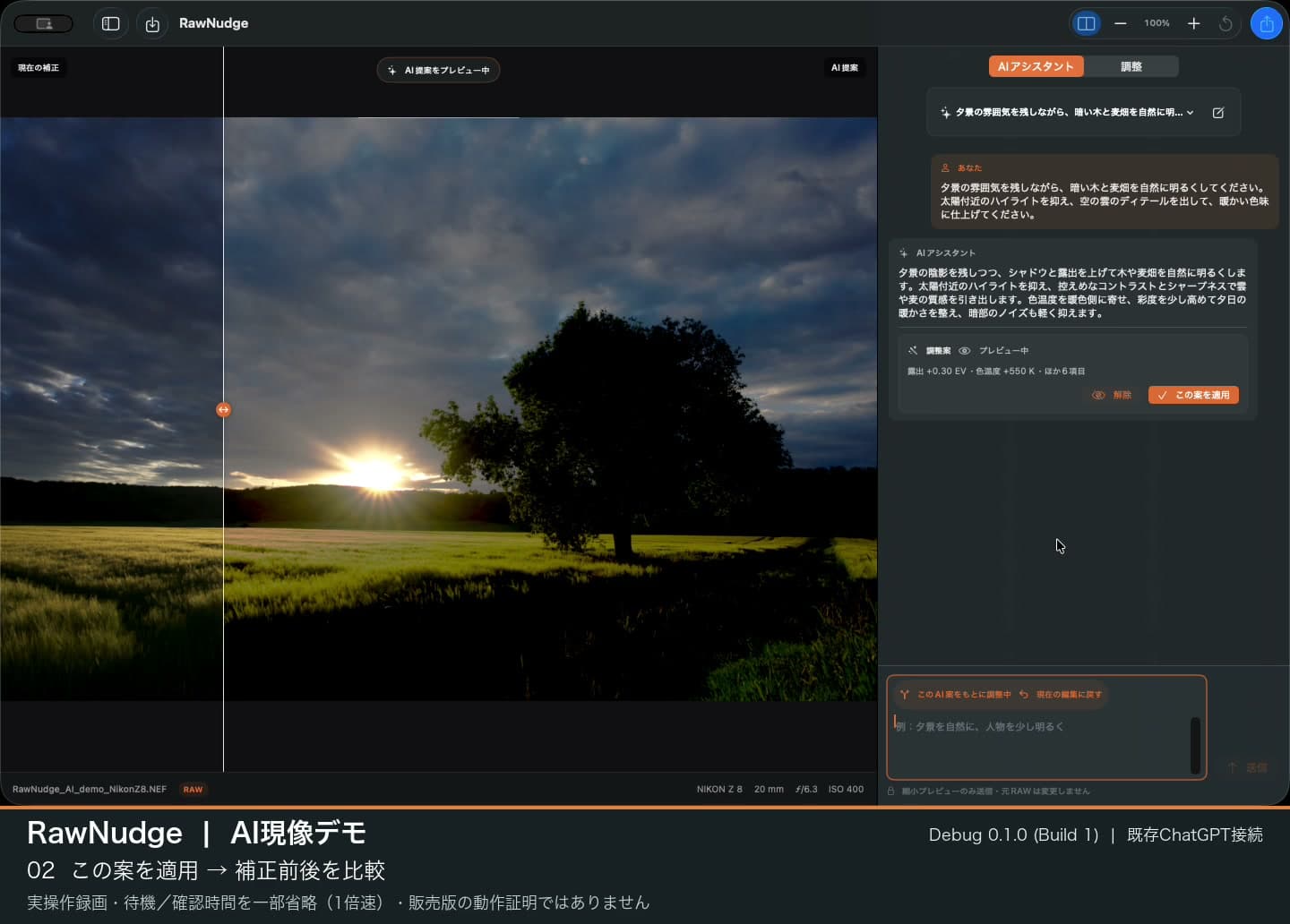
Photo & Video · $50 · one-time (RawNudge app purchase: regular Global price $50, one-time. Applicable taxes may be added. AI service requirements and usage limits are separate.)
Native RAW photo editing for Mac, with manual sliders and JPEG export.
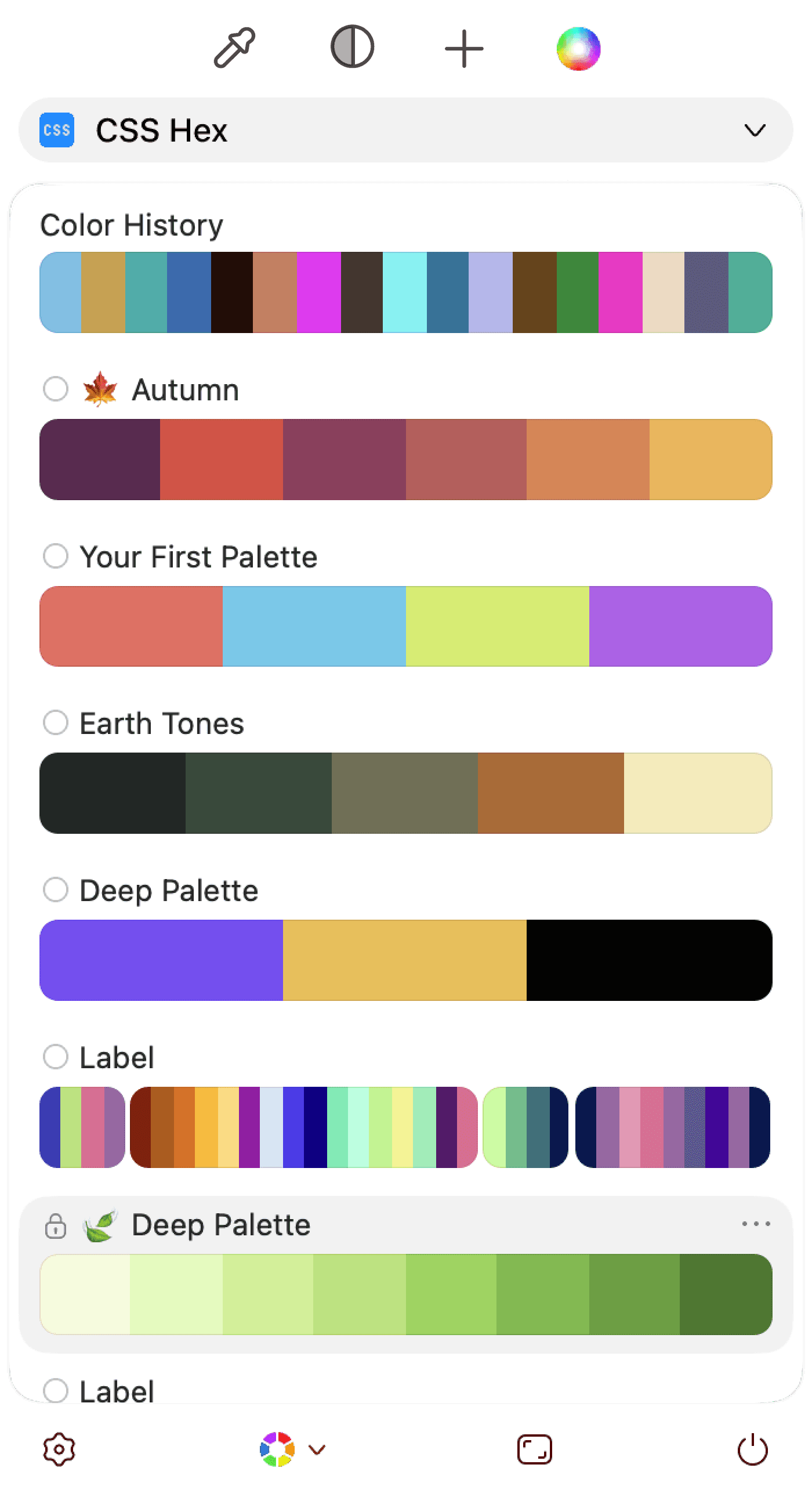
Photo & Video · Free · One-time $29.99
A native macOS color picker and manager — grab colors from anywhere, organize them into palettes, and check contrast and color-blind accessibility before you ship.

Convert a Mac Screen Recording to GIF Without Huge Files
Convert a Mac screen recording to GIF with Gifski. Use practical starting settings for readable demos, then reduce file size without blurring the text.
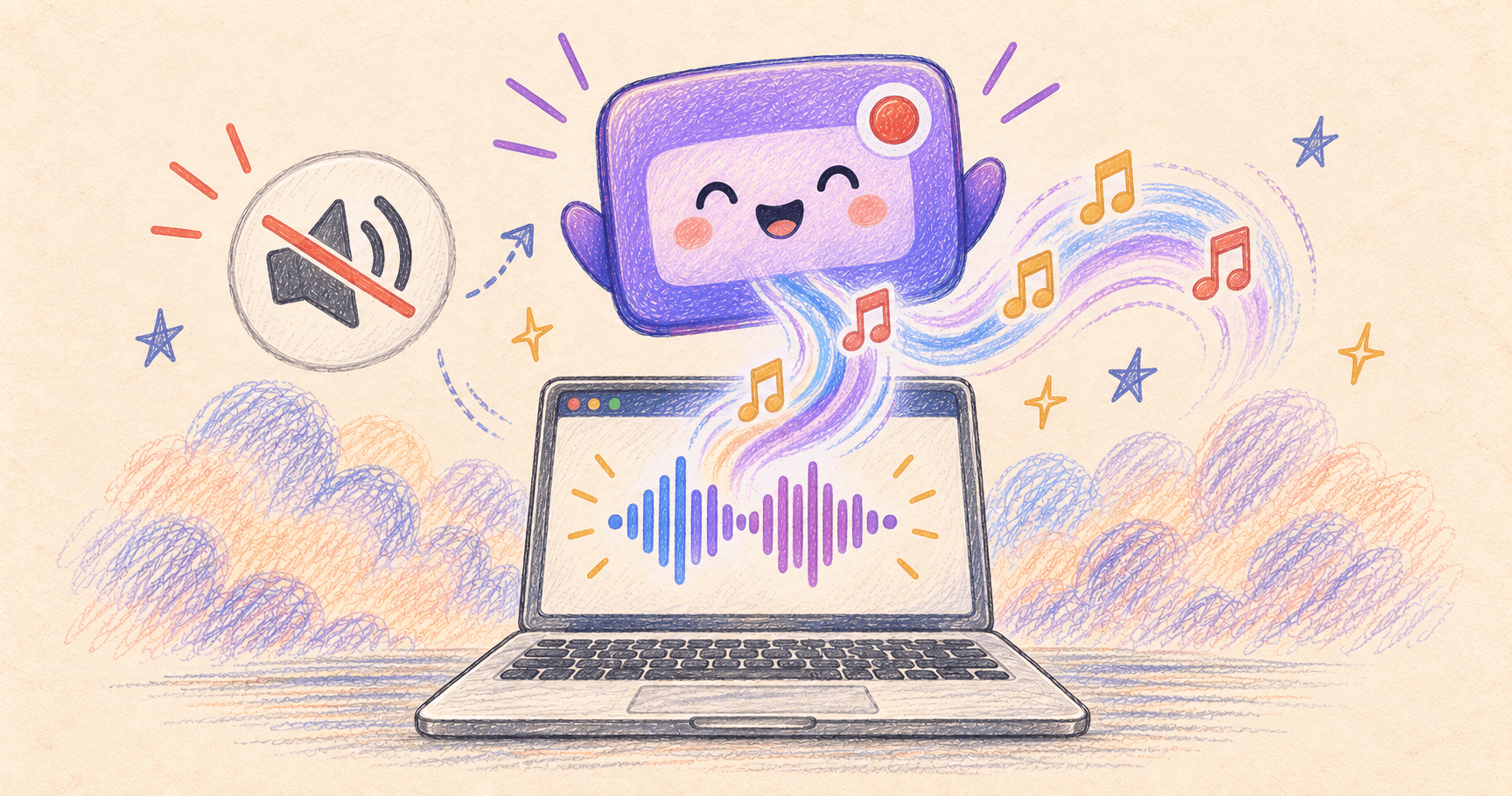
Mac Screen Recording Has No Sound? Capture Internal Audio
Fix silent Mac screen recordings. Choose the right settings for system audio, your microphone, or both, with built-in and free app options.
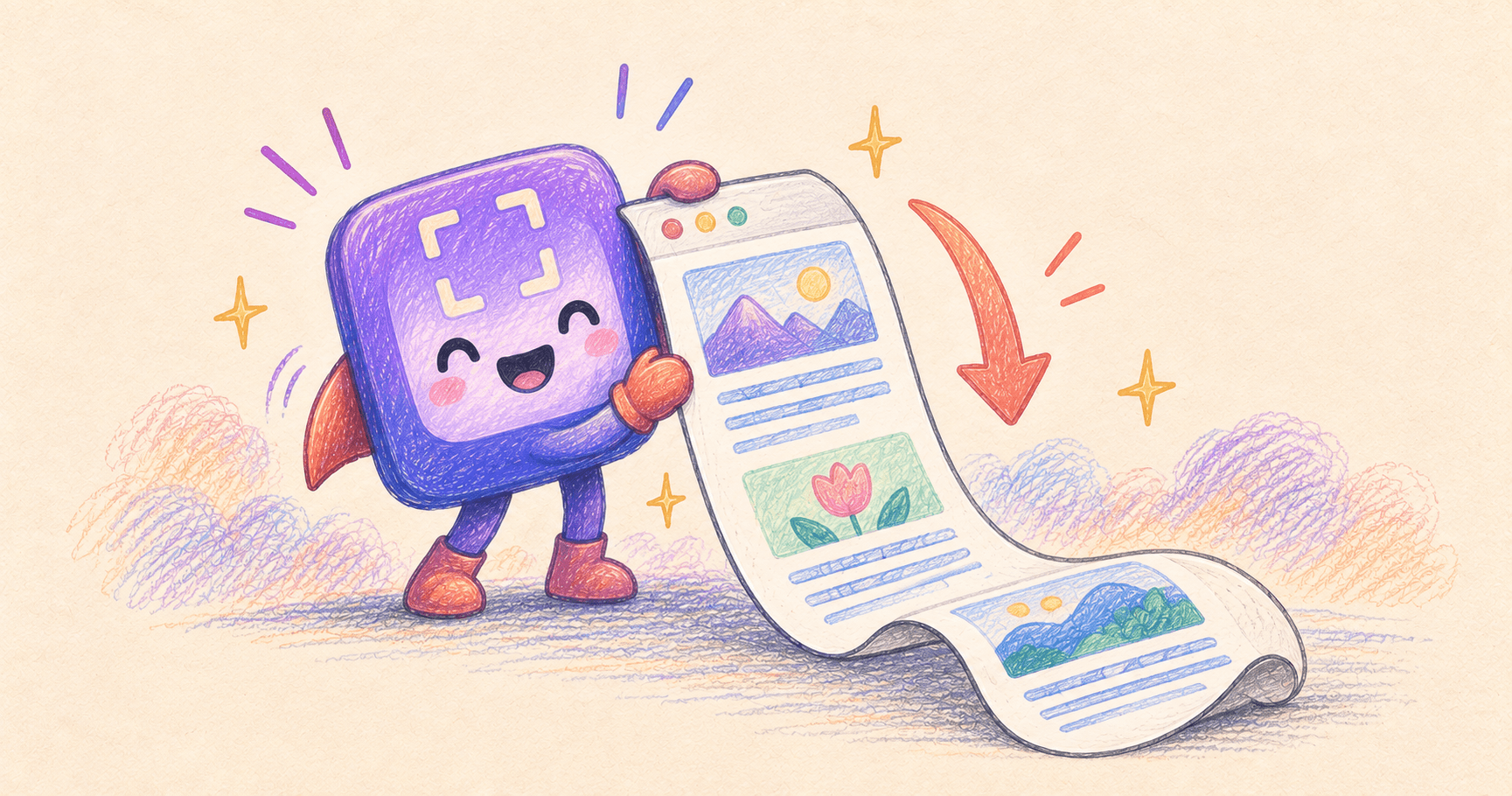
Scrolling Screenshot on Mac: Free Full-Page Capture
Take a scrolling screenshot on Mac for free in Chrome, save a Safari page as PDF, or capture a long chat with CleanShot X. Fix cut-off captures.