
Screenshot and screen-recording done right — hide desktop clutter, annotate, capture scrolling pages, record GIFs, and get a shareable link.
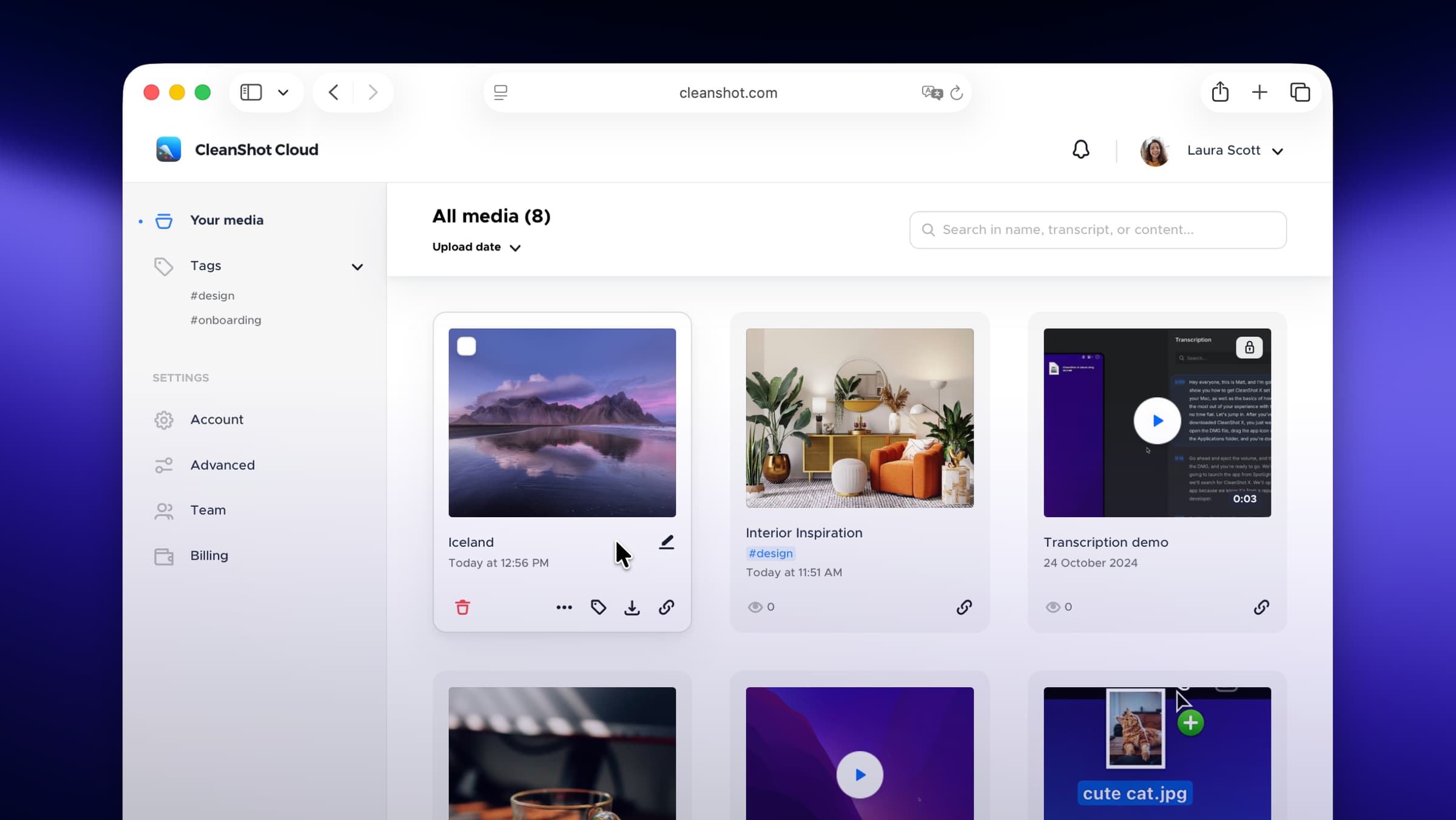
CleanShot X takes over macOS screenshots and screen recording and turns them into a proper workflow. Capture an area, a window, or a full scrolling page; mark it up in the built-in editor; and copy a link or a clean PNG without ever saving a file to your Desktop.
Why it makes the list
It replaces a stack of separate tools — Skitch, a GIF recorder, a scrolling-capture utility, an image host — with one fast, native app that feels like it should have shipped with the system. The attention to detail is the point: it hides your desktop icons before a capture, pins screenshots as floating windows, and remembers your last annotation colour.
Standout features
-
Scrolling capture for full web pages and long documents
-
Annotation editor with arrows, blur, step counters, and highlights
-
Screen recording to MP4 or GIF, with webcam overlay and keystroke display
-
Self-destructing cloud links via CleanShot Cloud
-
Pin to screen, OCR text extraction, and a built-in color picker
-
All-in-one history so nothing you captured is ever lost
Pricing
A one-time $29 purchase includes the app and free updates within the major version. An optional CleanShot Cloud subscription adds hosting, team sharing, and annotation of uploads.
Featured in:
More in Photo & Video
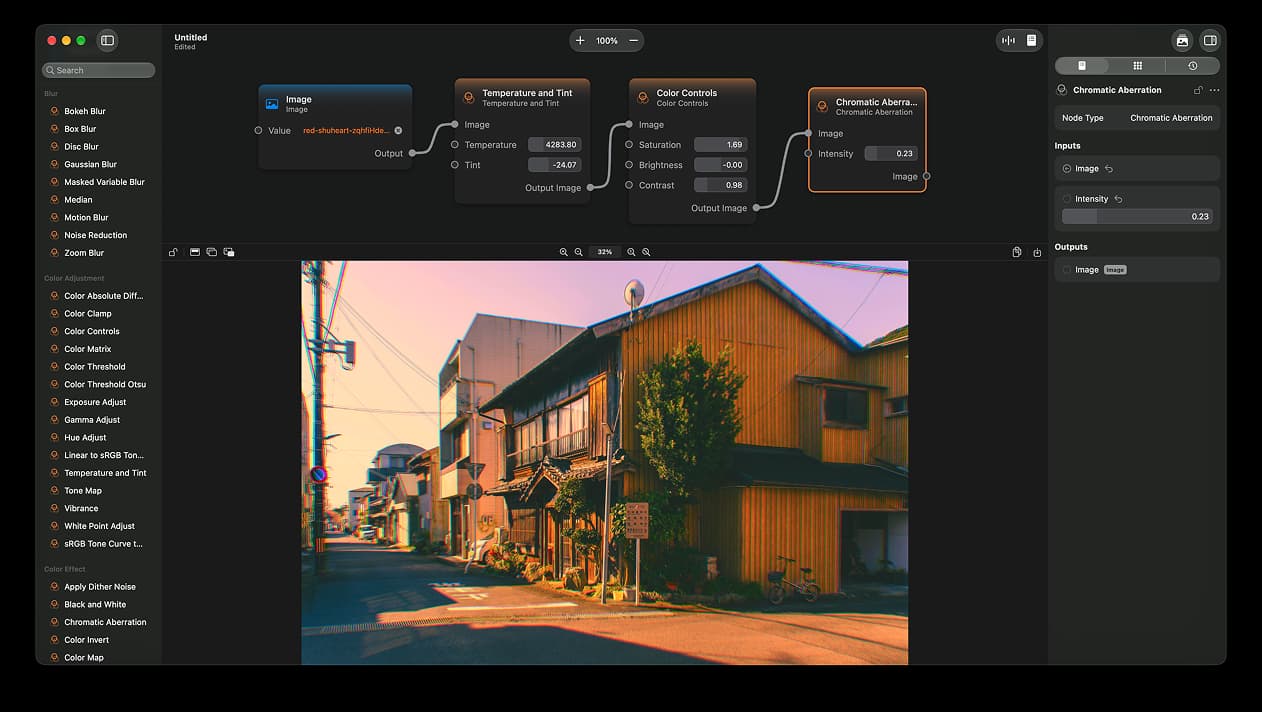
Photo & Video · Free & open source
A node-based image editor for macOS
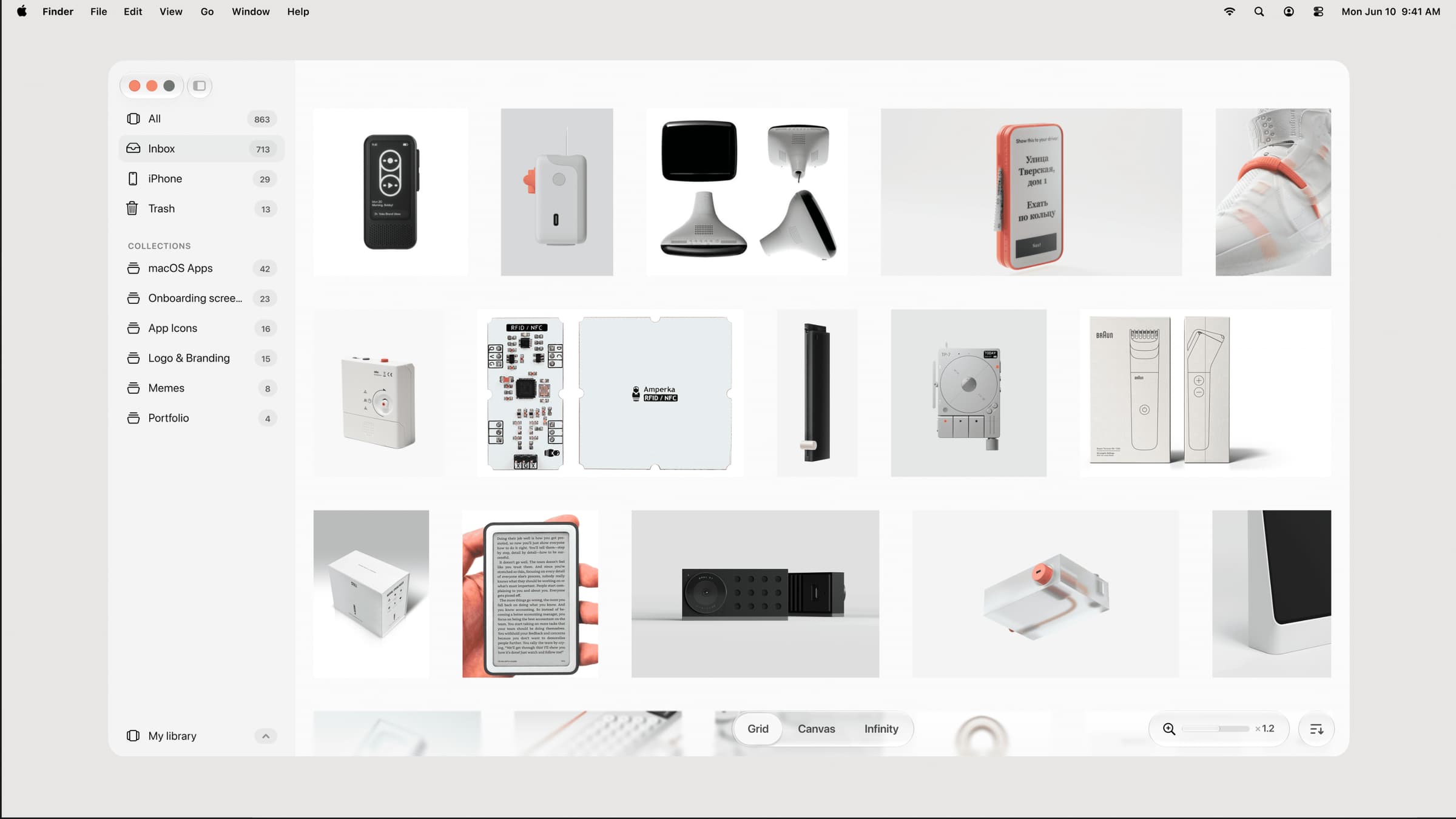

Photo & Video · $39 · one-time (one-time, incl. 1 year of updates)
A native, local-first visual library for designers to collect and organize inspiration — images, videos, and links across Grid, Canvas, and Infinity views.
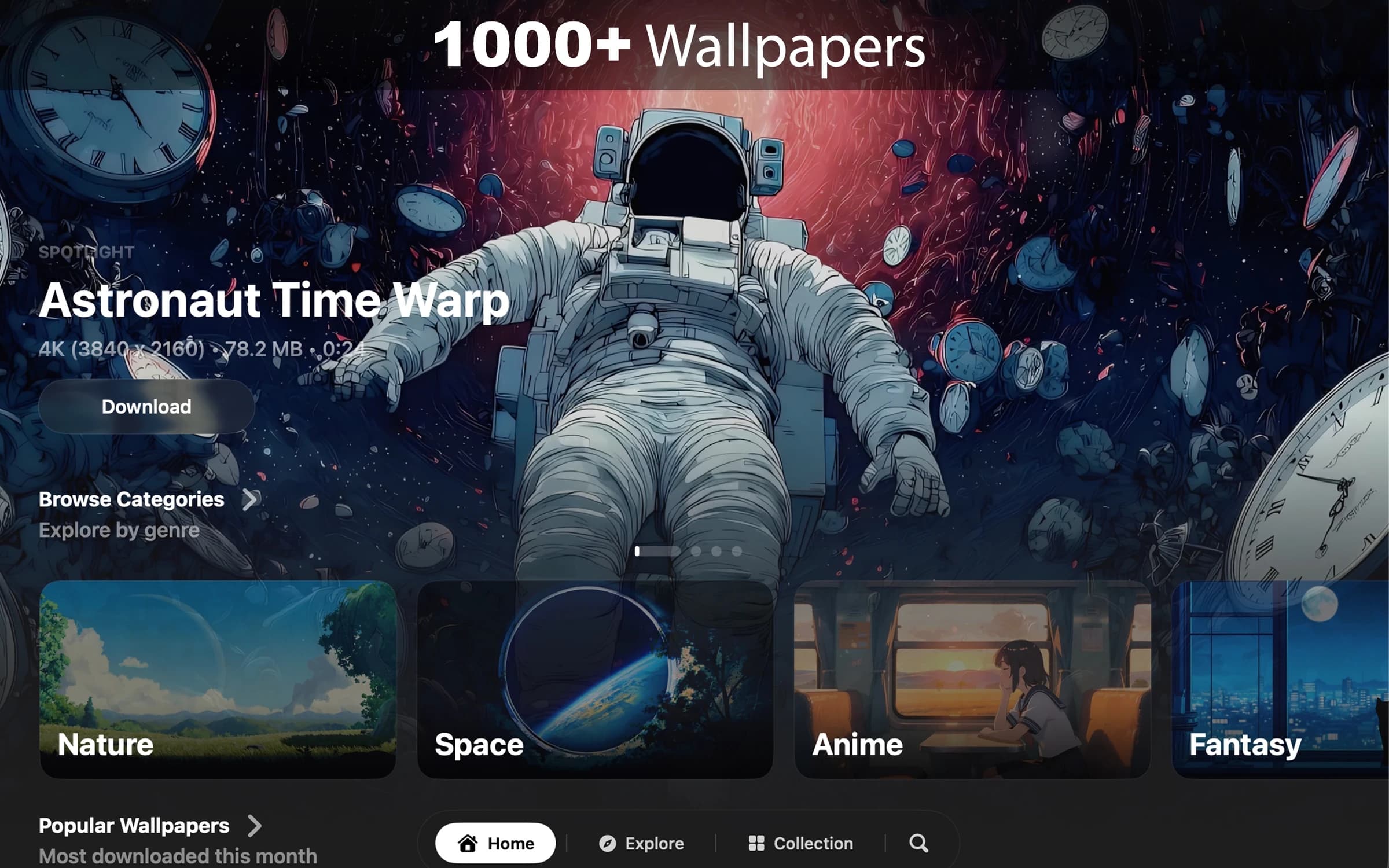

Photo & Video · $8.99 · one-time (7-day free trial. One-time purchase. No subscription.)
Cinematic live wallpapers for your Mac.