

A node-based image editor for macOS
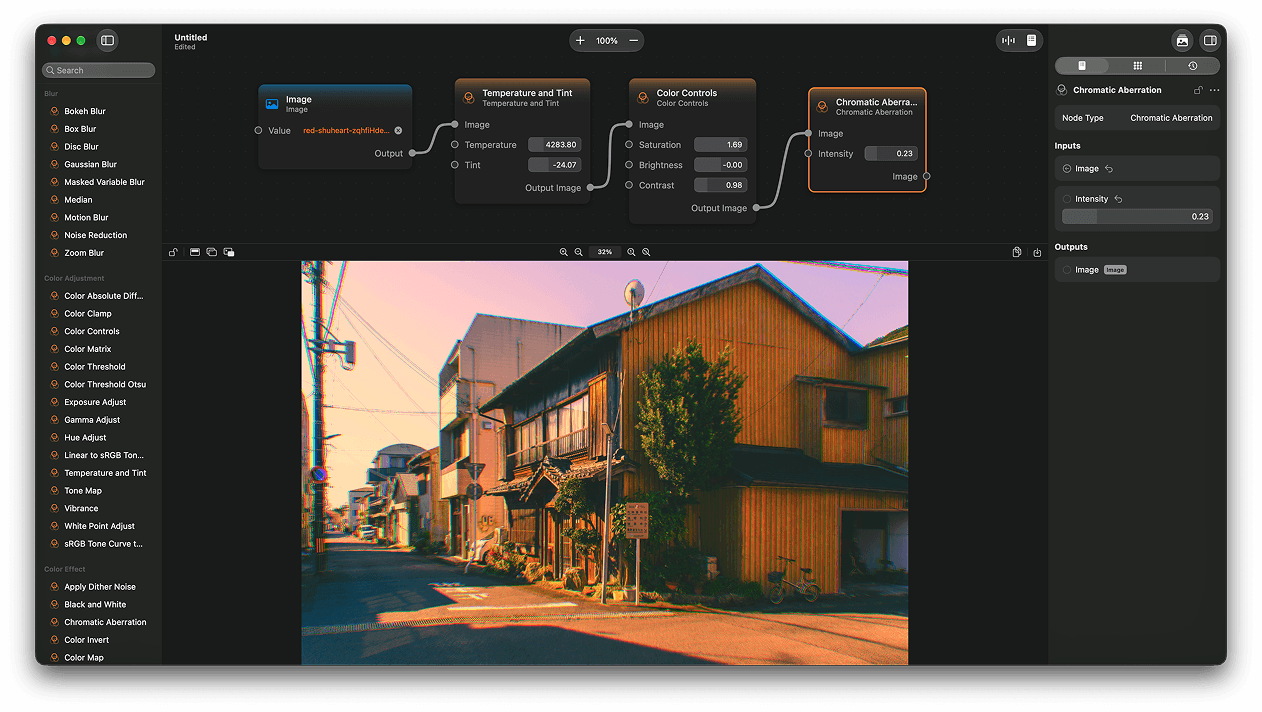
ImageFlow is a 100% native node-based image and photo editor for macOS, build for non-destructive and non-linear workflows.
With ImageFlow you can combine more than 200 different nodes to touch up your photos, modify your images, or create complete designs from scratch! Nodes are non-destructive and can be combined non-linearly. This means you can go back and modify and step in your edit at any time you want.
Core Features
- Node-based interface with more than 200 nodes.
- Preview each node output in a floating panel, a docked panel or in a separate window.
- Import images via file dialog, drag-and-drop, pasting from the clipboard or from your Photos library. Supported formats include: png, jpeg, gif, tiff, RAW, ktx, avif, heic, heif, pbm, and more!
- Export as a file to png, jpeg, tiff or heic, or just copy to the clipboard and paste anywhere.
A Universe of Nodes
- More than 200 nodes in total.
- 10+ blur nodes.
- 20+ color adjustment nodes.
- 30+ color effects and filters.
- Composite operations.
- Distortion and transforms.
- 10+ procedural image generation nodes, including gradient generators.
- 20+ stylized filter nodes.
- Vector and math functions and operations.
- Basic visual programming capabilities.
Build by Humans for Humans
For a complete list of nodes check our documentation: htts://docs.imageflowapp.com.
A free trial version is available at https://www.imageflowapp.com.
More in Photo & Video
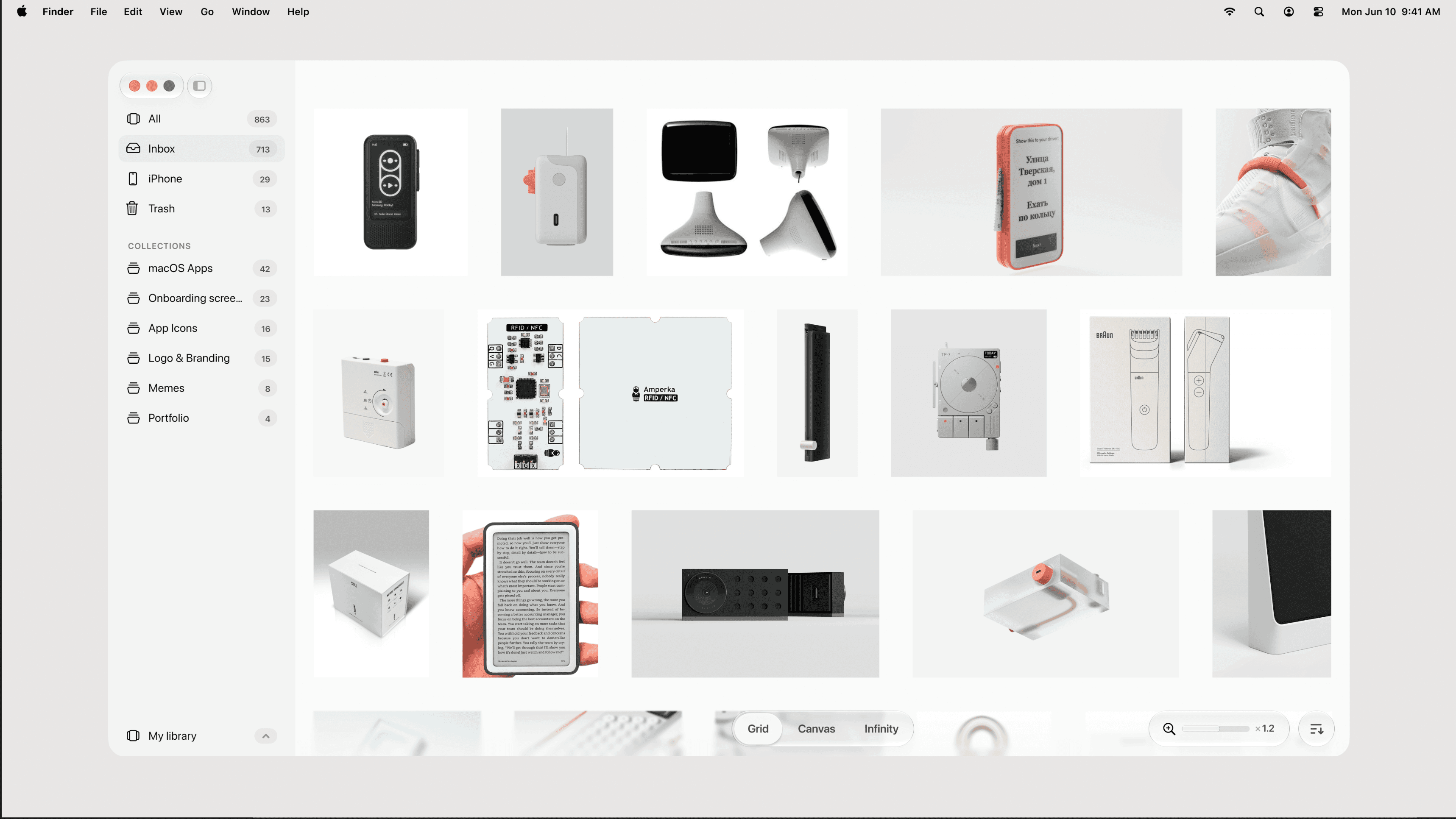

Photo & Video · $39 · one-time (one-time, incl. 1 year of updates)
A native, local-first visual library for designers to collect and organize inspiration — images, videos, and links across Grid, Canvas, and Infinity views.
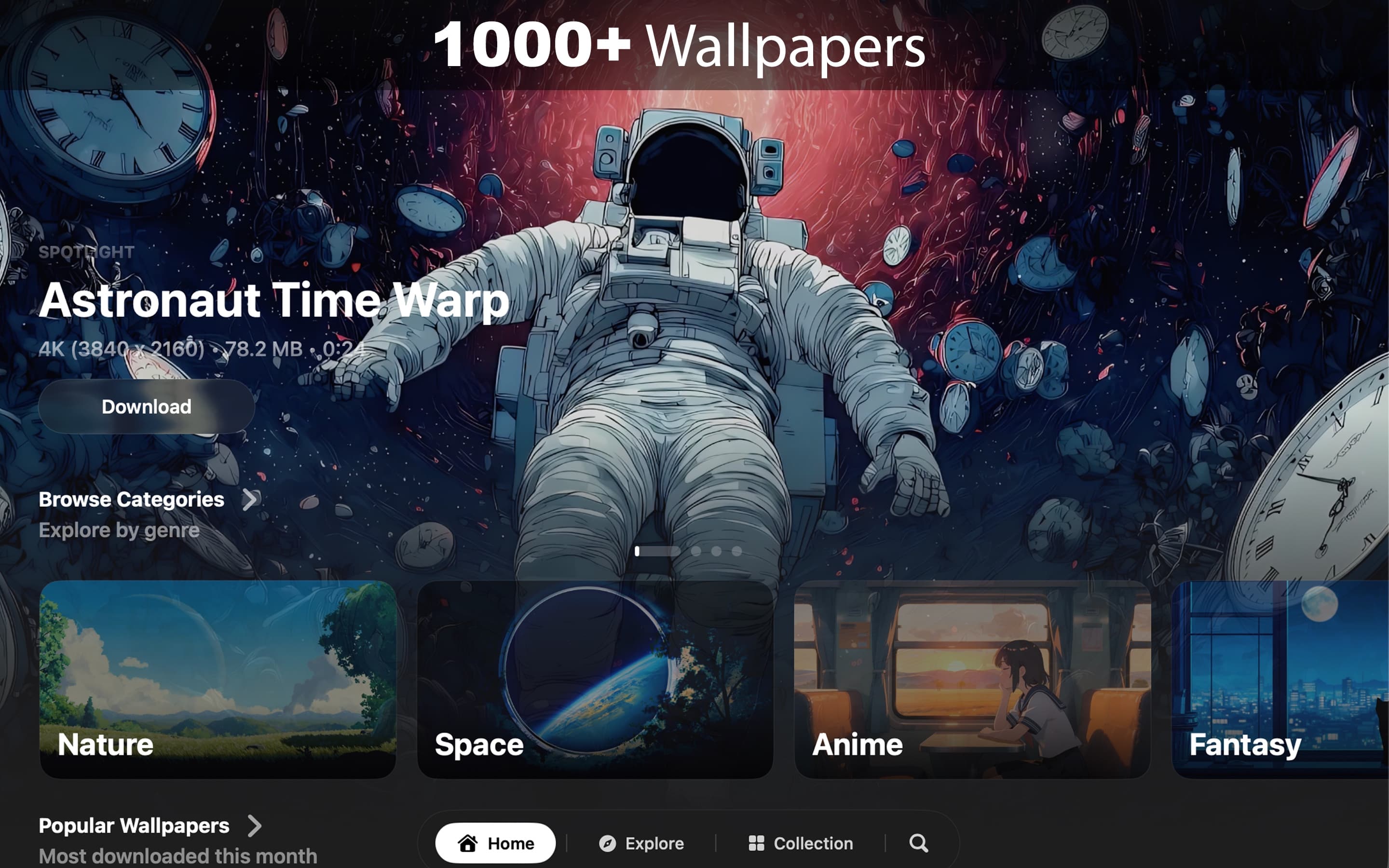

Photo & Video · $8.99 · one-time (7-day free trial. One-time purchase. No subscription.)
Cinematic live wallpapers for your Mac.
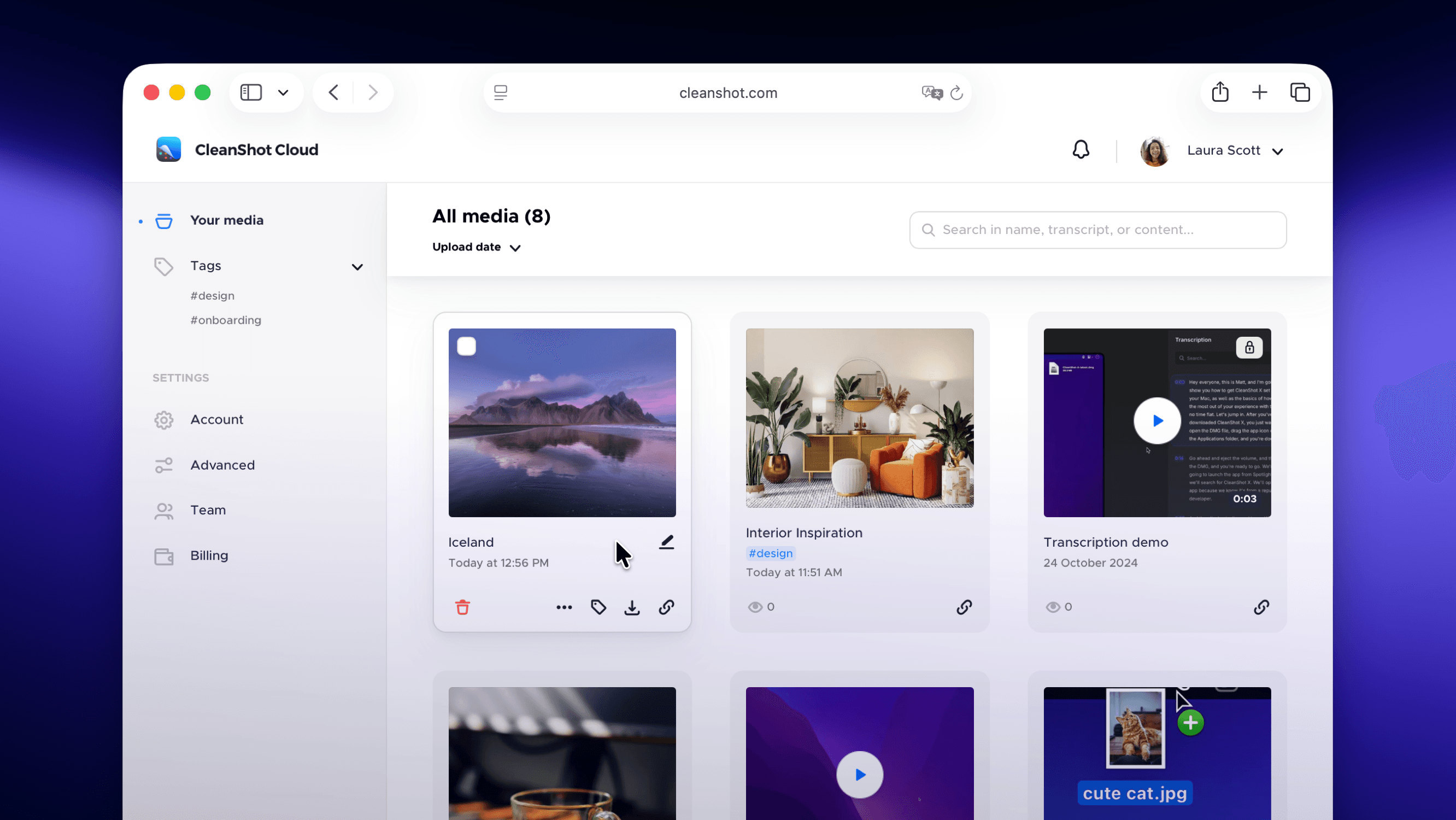

Photo & Video · $29 · one-time
Screenshot and screen-recording done right — hide desktop clutter, annotate, capture scrolling pages, record GIFs, and get a shareable link.