
Canva's free, unified native design app for Mac — vector illustration, photo editing, and page layout (formerly Designer, Photo, and Publisher) in one window.
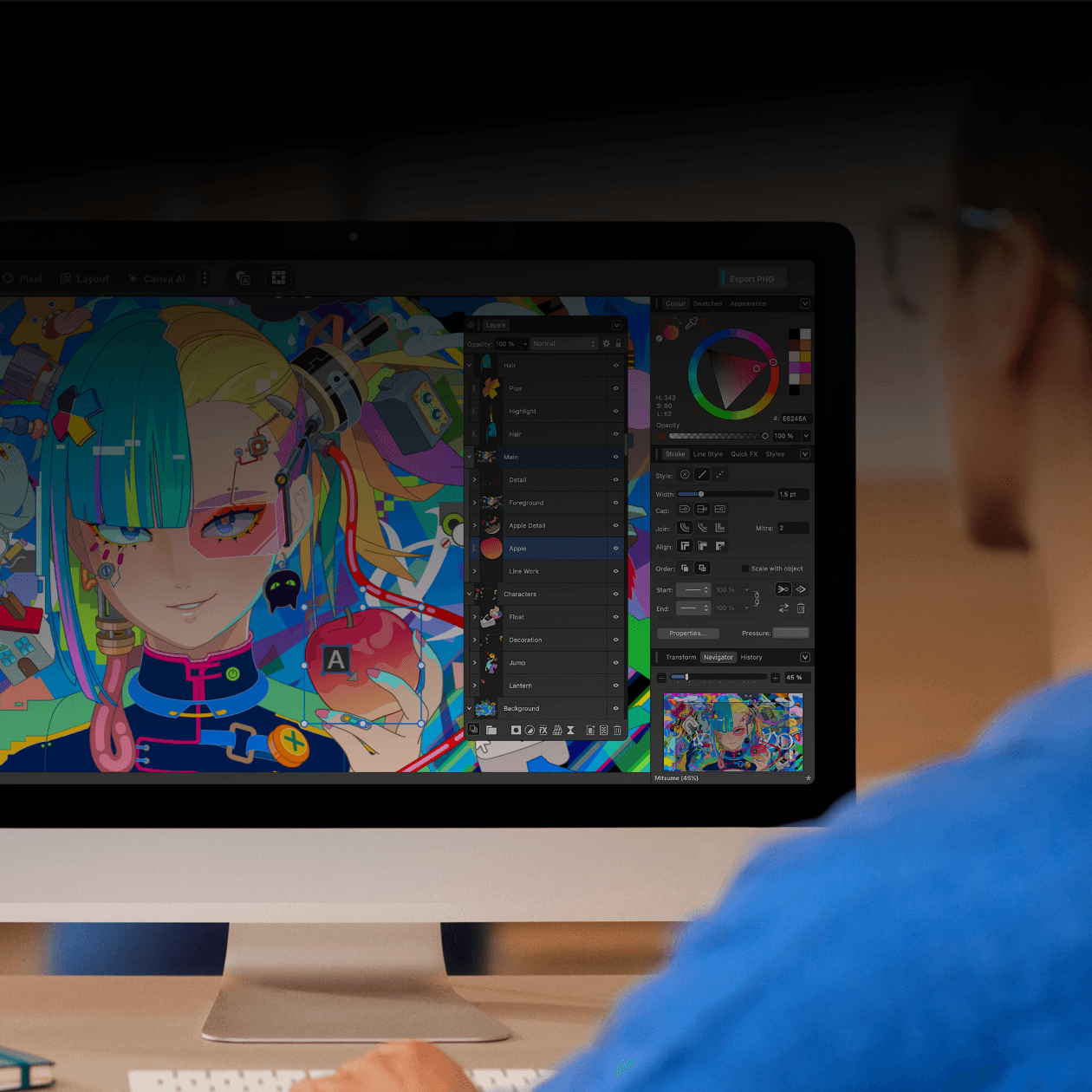
Affinity used to be three separate apps — Designer, Photo, and Publisher. Canva relaunched it in late 2025 as one native app with three switchable workspaces (Vector, Pixel, Layout), so a single document can move between illustration, photo editing, and page layout without exporting between apps.
Why it makes the list
It's the deepest free alternative to the Adobe suite on the Mac: a real vector engine, non-destructive photo editing with adjustment layers, and a layout tool for multi-page documents, all native and all free for individuals — a Canva account is required, but no subscription is. Optional AI tools are gated behind Canva's paid plans; the core app isn't.
Standout features
-
Three workspaces in one document — Vector, Pixel, and Layout, switchable without exporting
-
Non-destructive editing — adjustment layers, live filters, and reusable layer effects
-
Broad format support — opens PSD, AI, IDML, and DWG files directly
-
Unlimited artboards and pages, with the typography and grid tools a layout app needs
-
Canva export for teams that collaborate in Canva, plus Cavalry integration for motion work
Pricing
Free for individuals — the full Vector/Pixel/Layout app, no subscription. A free Canva account is required to sign in. AI-powered tools (generative fill, background removal, etc.) require a paid Canva plan; SSO and enterprise rollout go through Canva Enterprise/Education.
More in Photo & Video
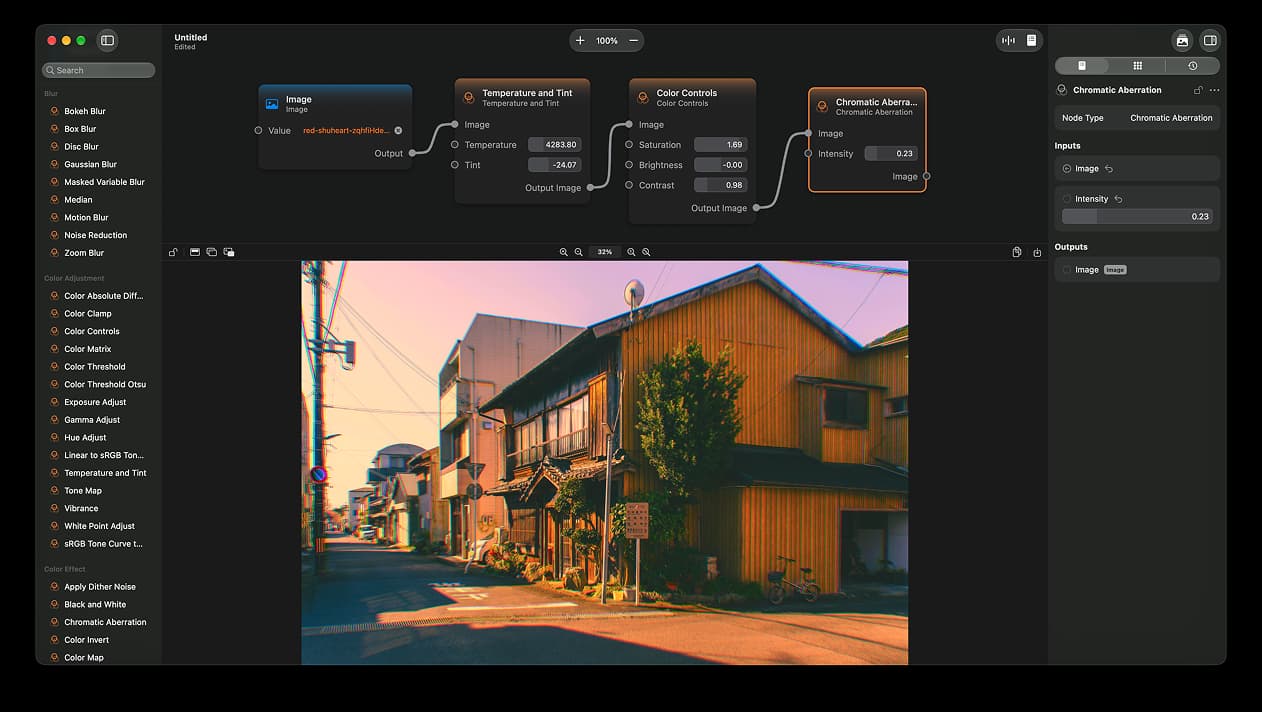
Photo & Video · $14.99 · one-time (App Store)
A node-based image editor for macOS
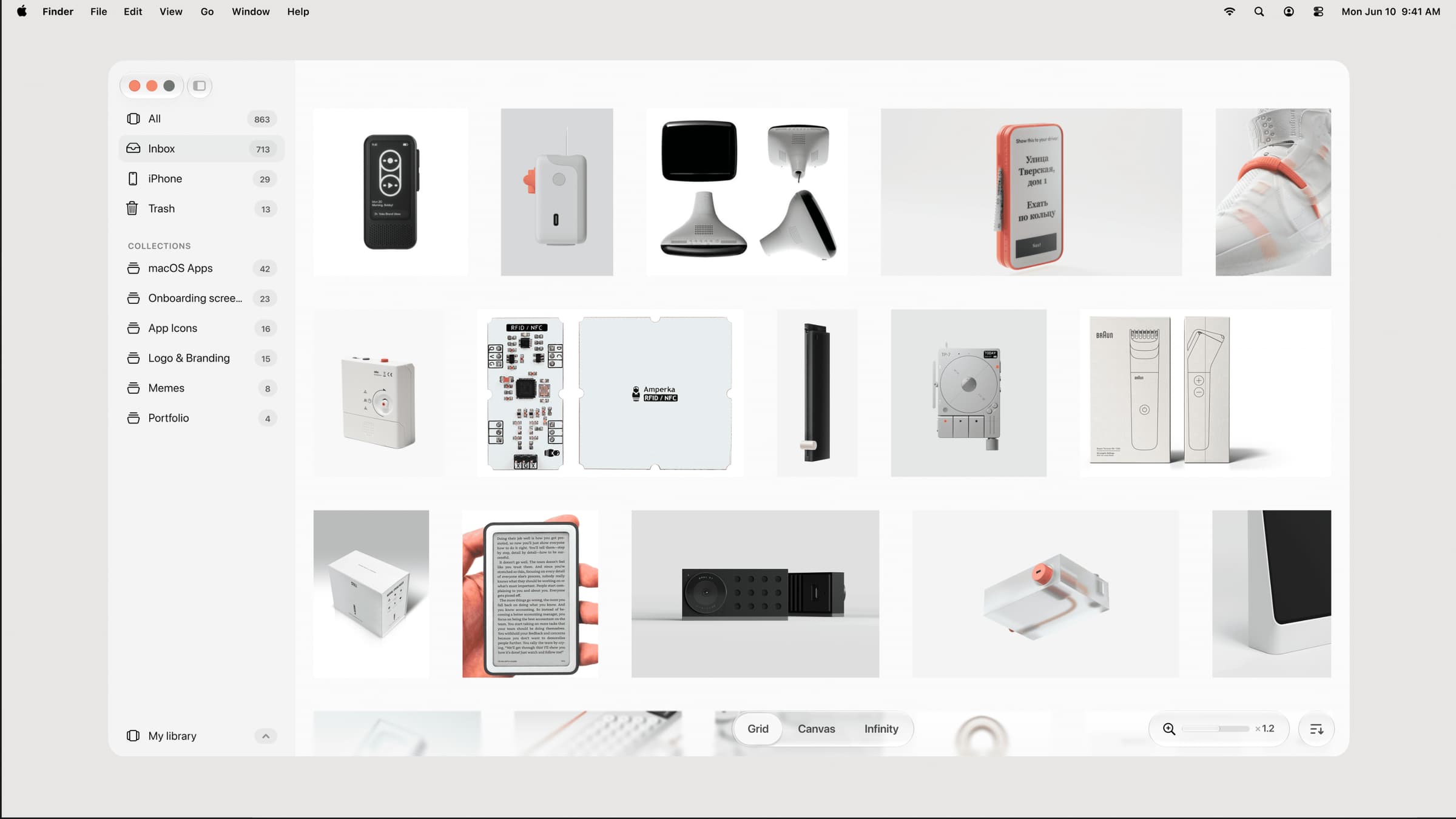

Photo & Video · $39 · one-time (one-time, incl. 1 year of updates)
A native, local-first visual library for designers to collect and organize inspiration — images, videos, and links across Grid, Canvas, and Infinity views.
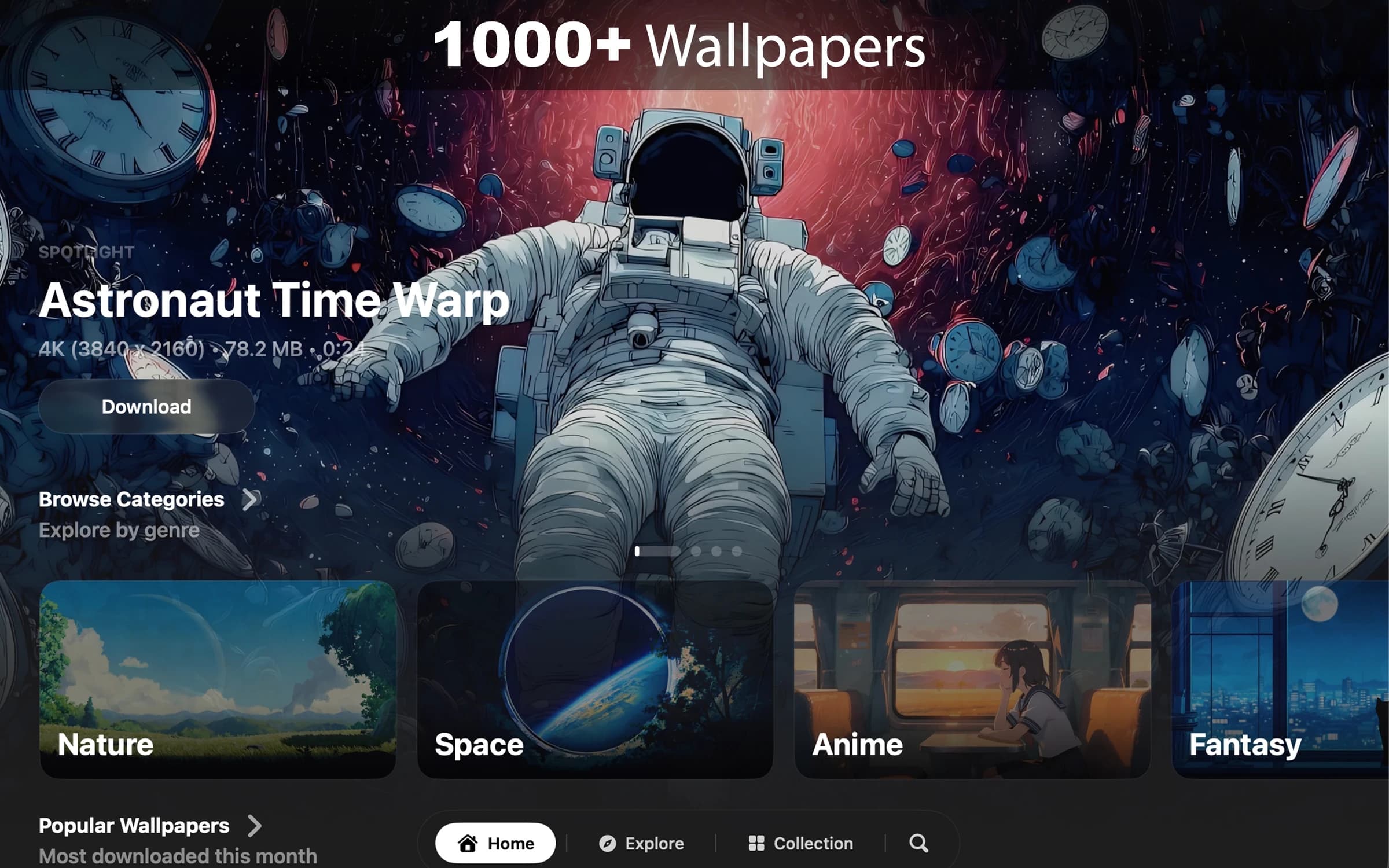

Photo & Video · $8.99 · one-time (7-day free trial. One-time purchase. No subscription.)
Cinematic live wallpapers for your Mac.