
Best Developer Tools for Mac
Build, debug, and ship with code editors, terminal apps, database clients, and API tools for Mac. Explore 29 listings, from Zed and Ghostty to TablePlus and Proxyman, and compare features and pricing for your development workflow.

Developer Tools · Free & open source
Android emulators, Android phones and iOS simulators side by side in one native Mac window.
Developer Tools · $29.99 · one-time (Personal: 5 Macs. 15-day full trial; five tools remain free.)
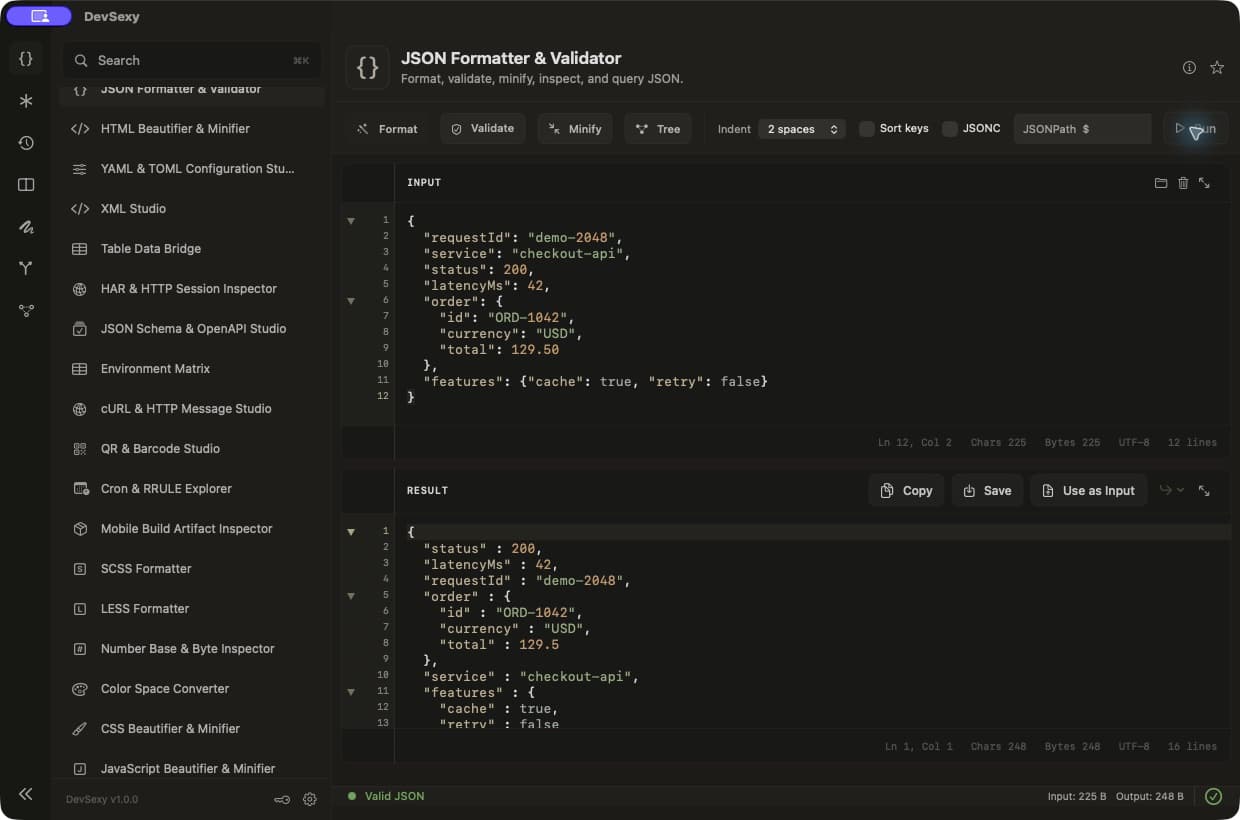
Native offline Mac developer toolbox: 35 tools for JSON, JWT, Base64, regex and text diff, with global Option shortcuts.
Developer Tools · Free
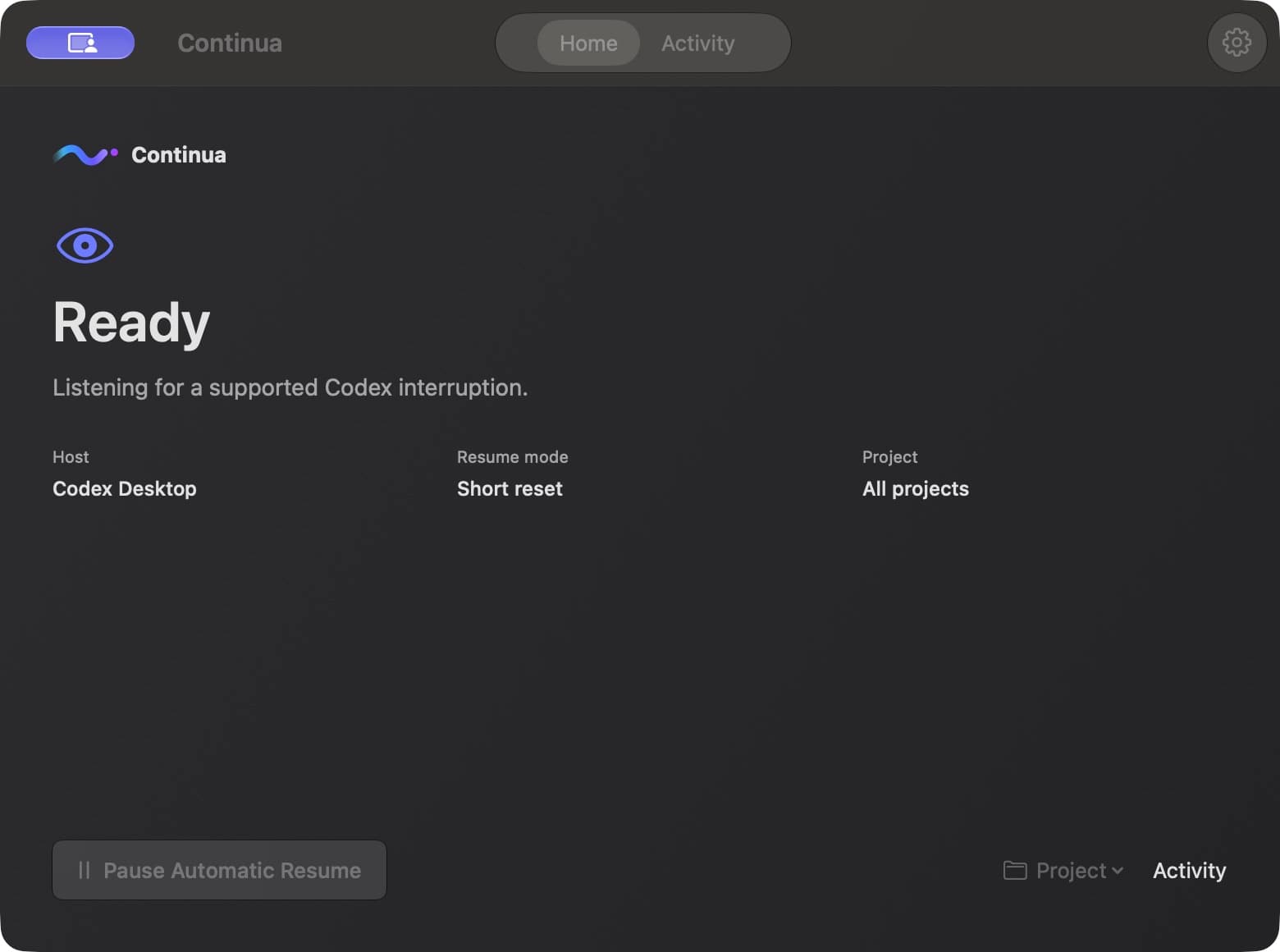
Codex hit its usage limit? Try a free native Mac beta for tracking interruptions and resuming the same task.
Developer Tools · $4.99 · one-time
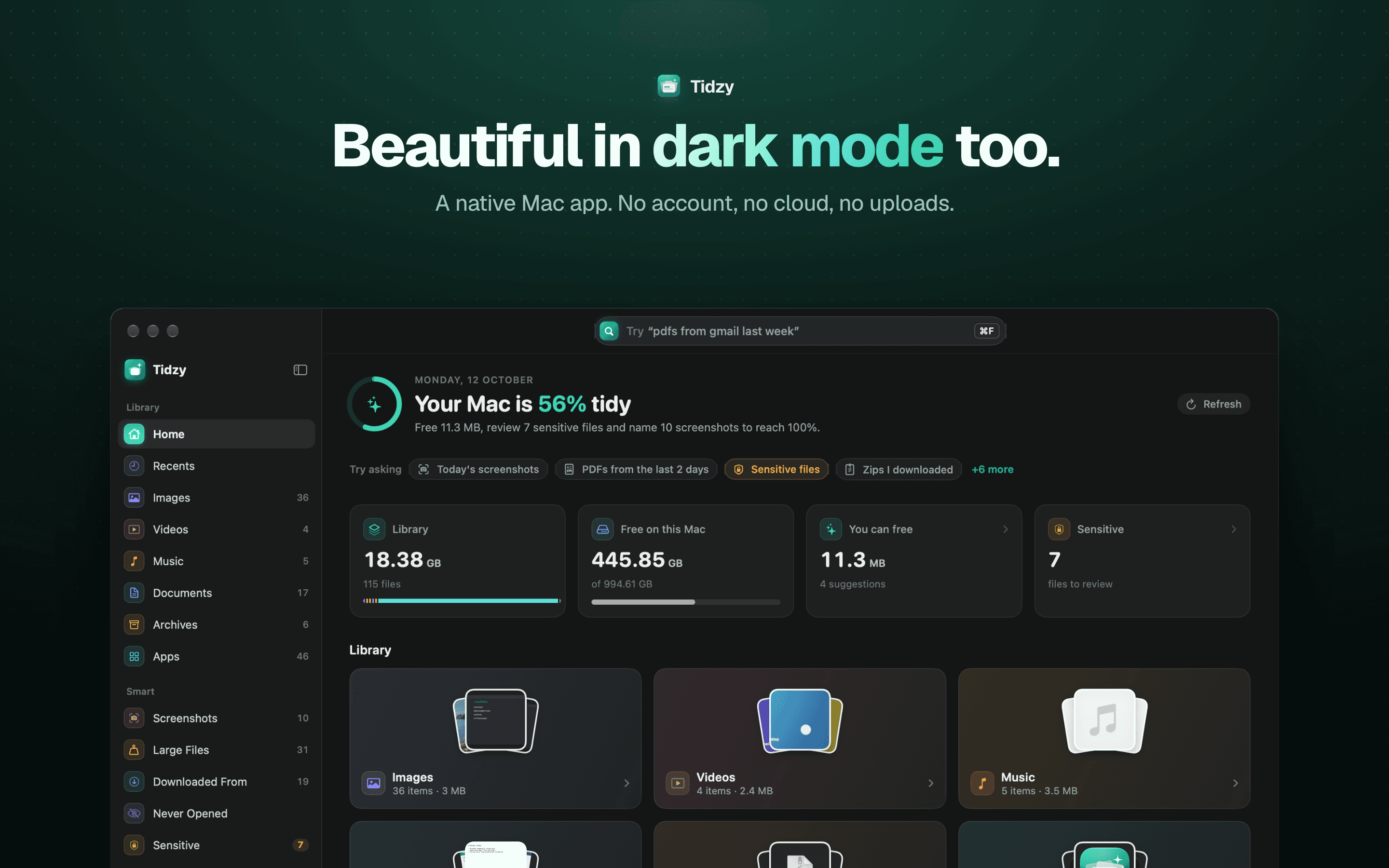
Find any file on your Mac by describing it, free up space safely, auto-name screenshots and catch leaked passwords. 100% on-device.
Developer Tools · $2.99 · one-time (one-time; 7-day free trial)
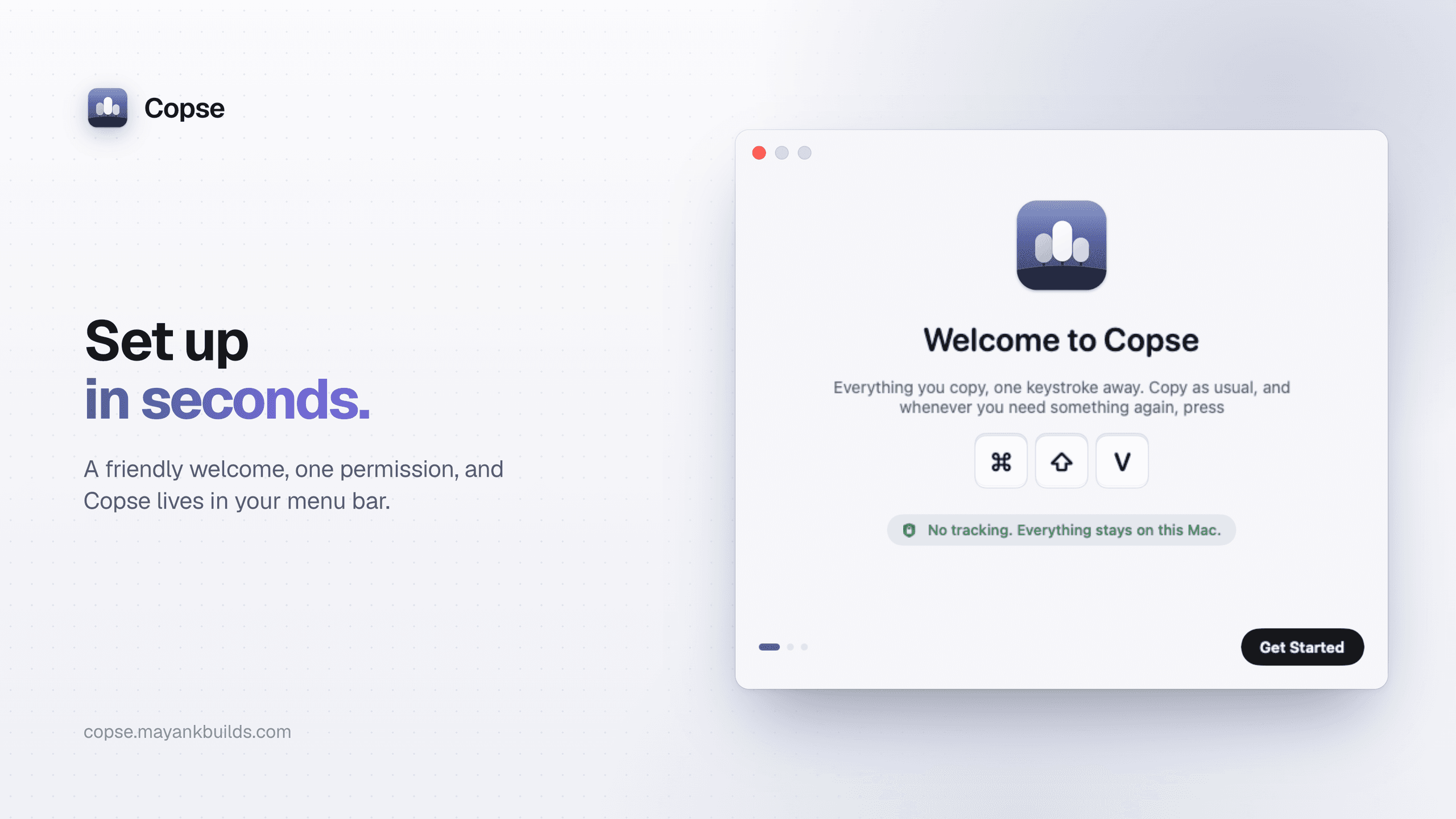
A fast, private clipboard manager for Mac: press ⌘⇧V to find and paste anything you’ve copied.
Developer Tools · Subscription
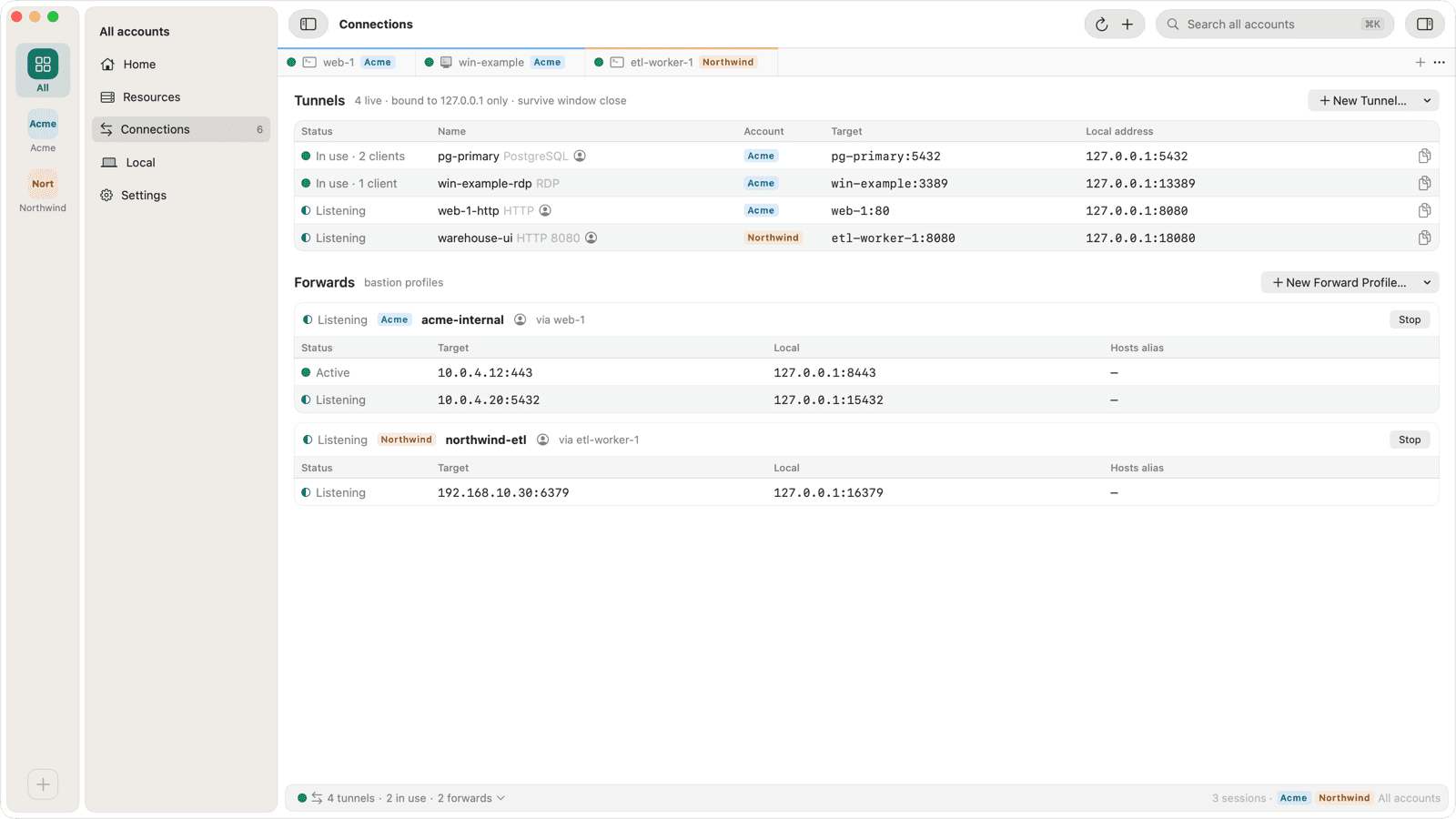
SSH, Remote Desktop, SFTP and tunnels to Google Cloud VMs with no public IP, through Identity-Aware Proxy and without gcloud.
Developer Tools · $1.99 · one-time
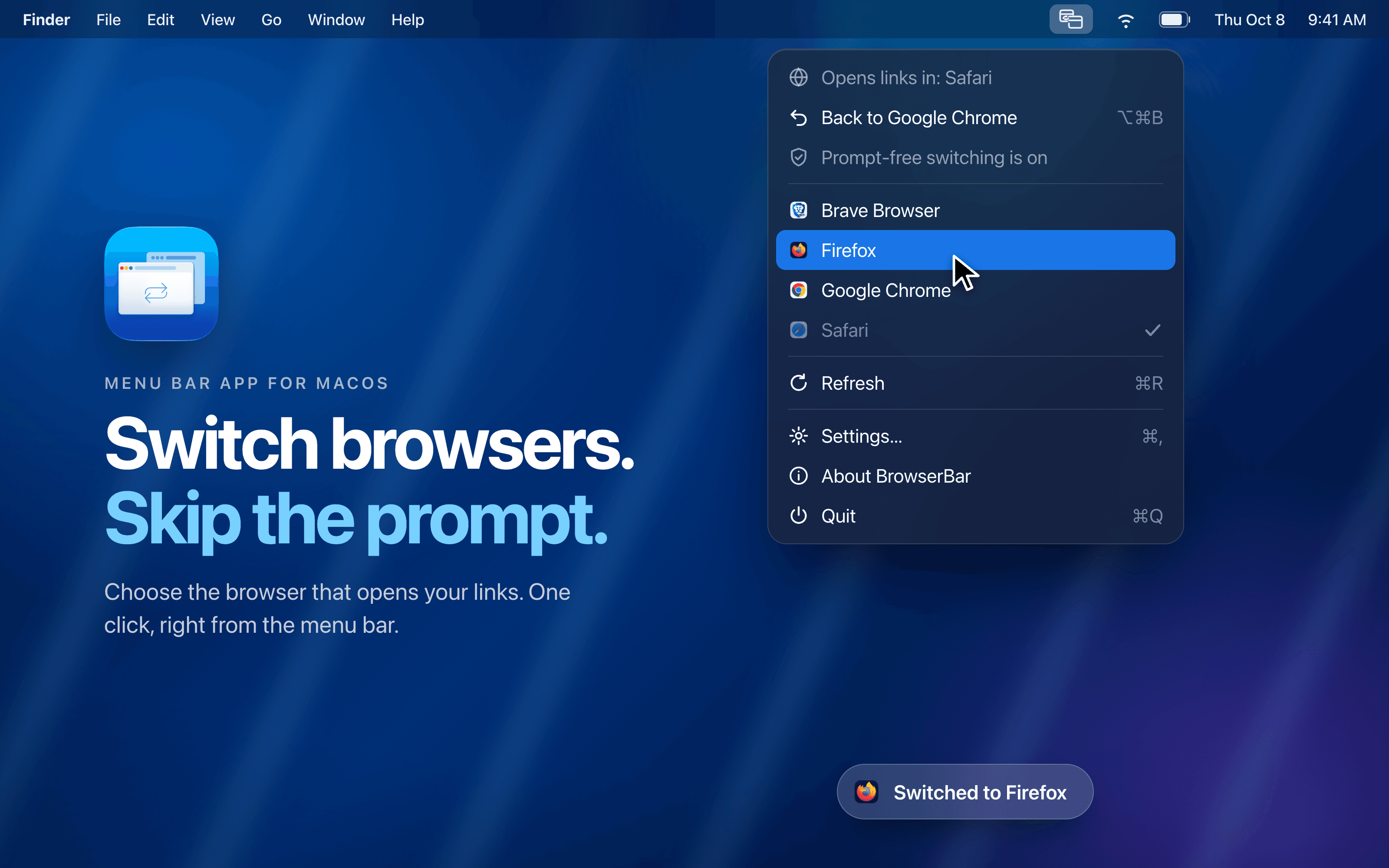
Switch your default browser in one click from the menu bar and skip the macOS confirmation dialog after a one-time setup.
Developer Tools · Free
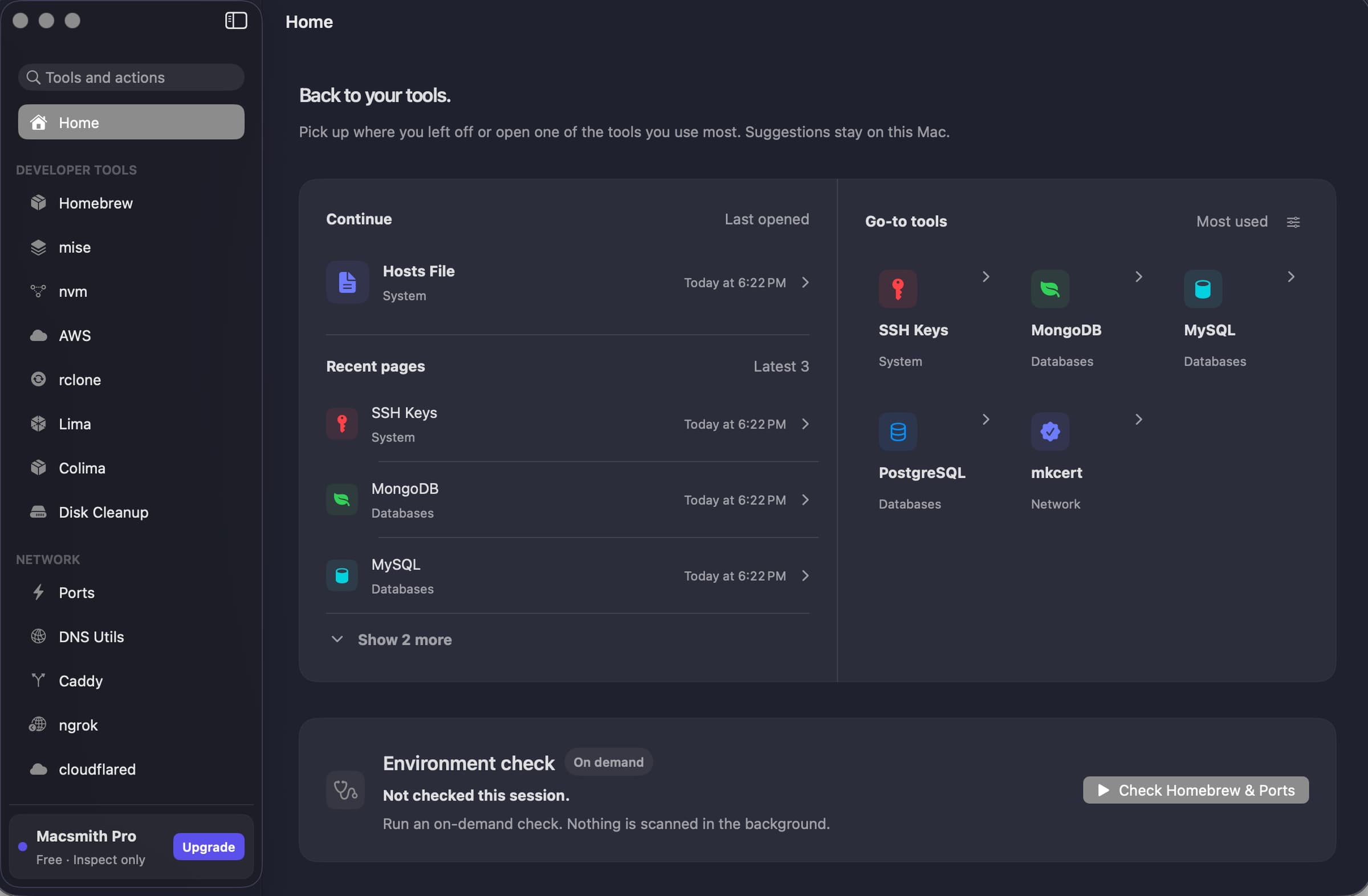
A native Mac GUI for command-line developer tools.
Developer Tools · Free & open source
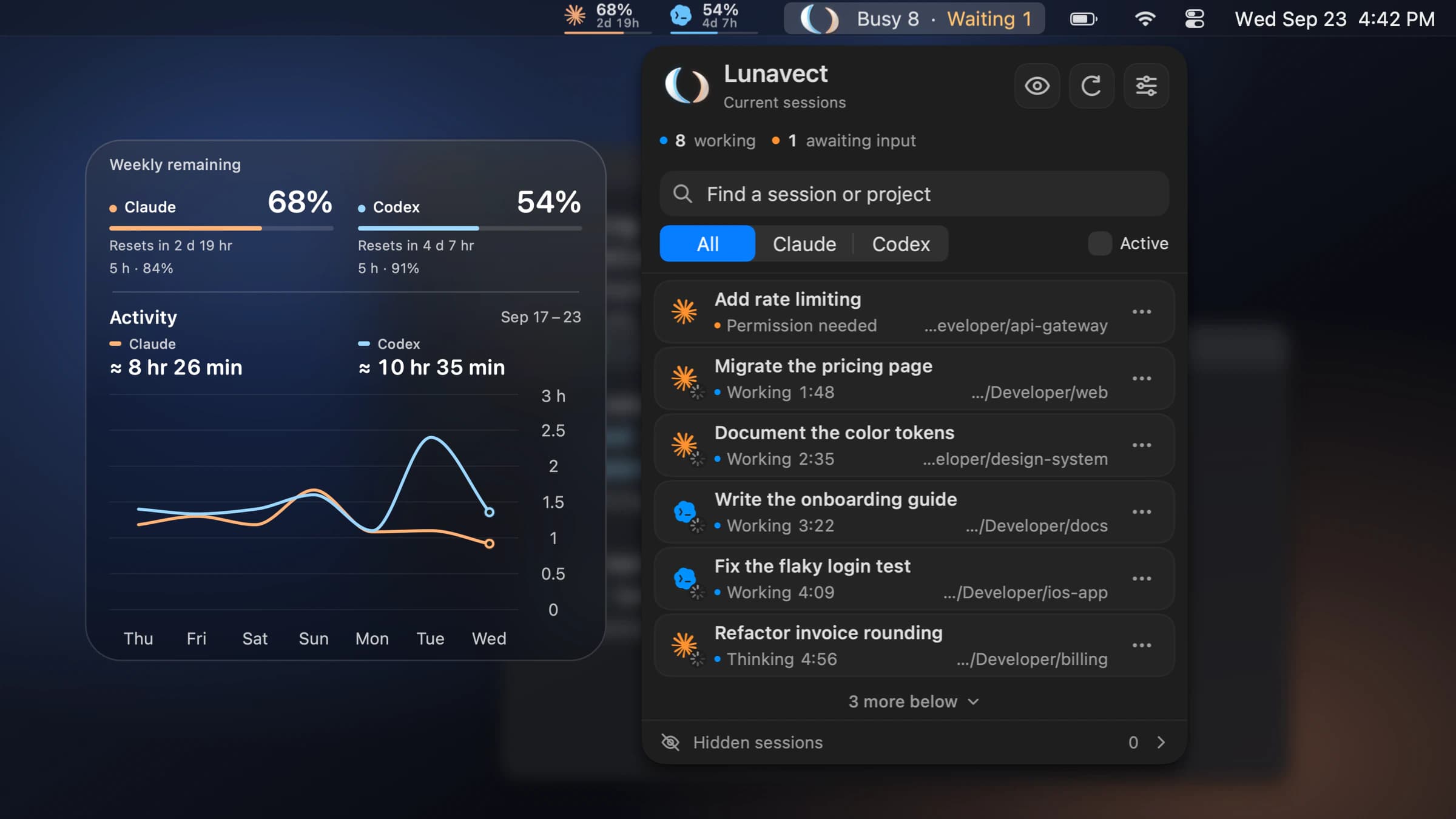
See which Claude Code or Codex session needs you from your Mac menu bar.
Developer Tools · Free & open source
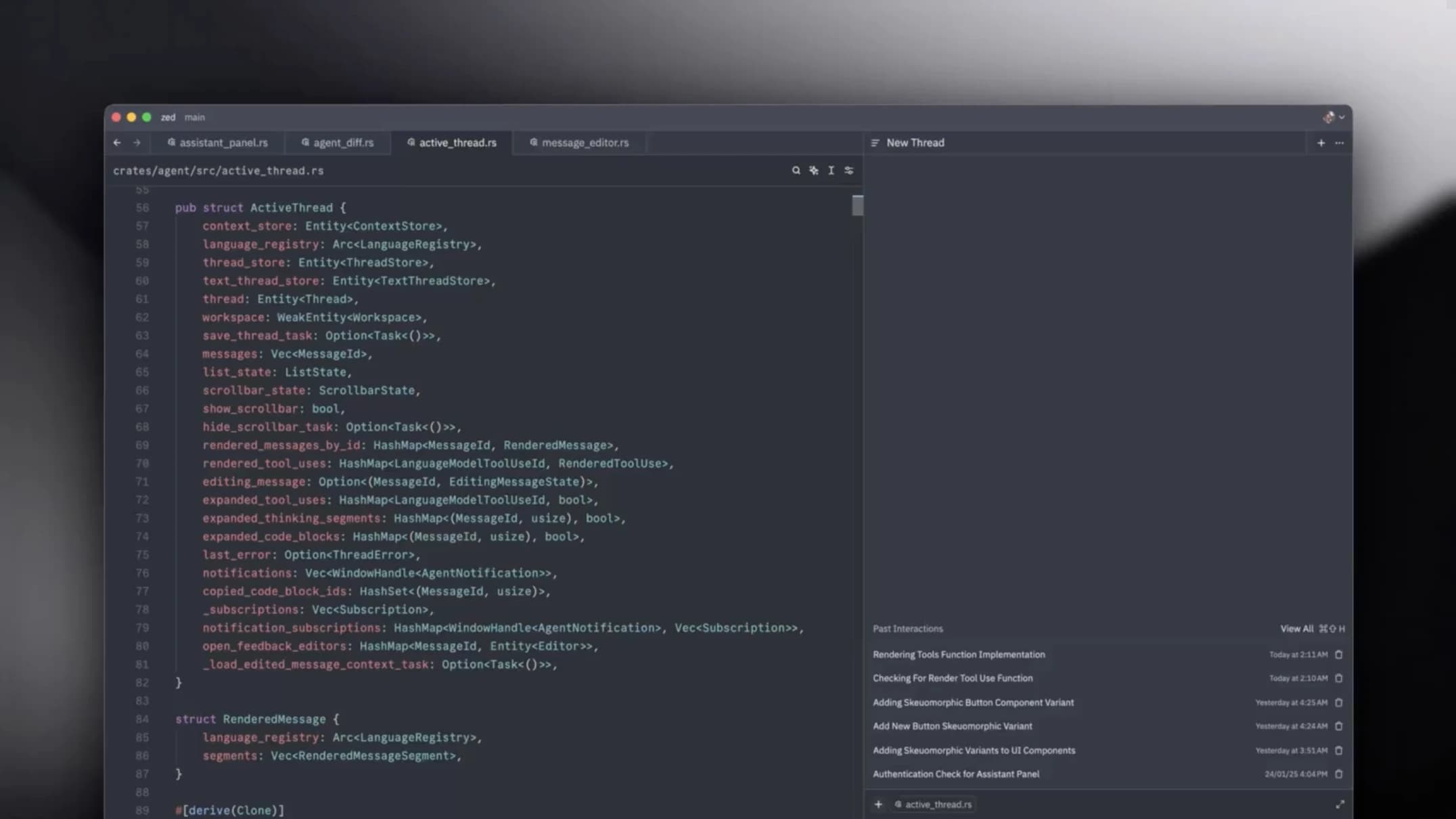
A GPU-accelerated code editor from the team behind Atom — it opens instantly, stays at your display's refresh rate, and has collaboration built in.
Developer Tools · Free & open source
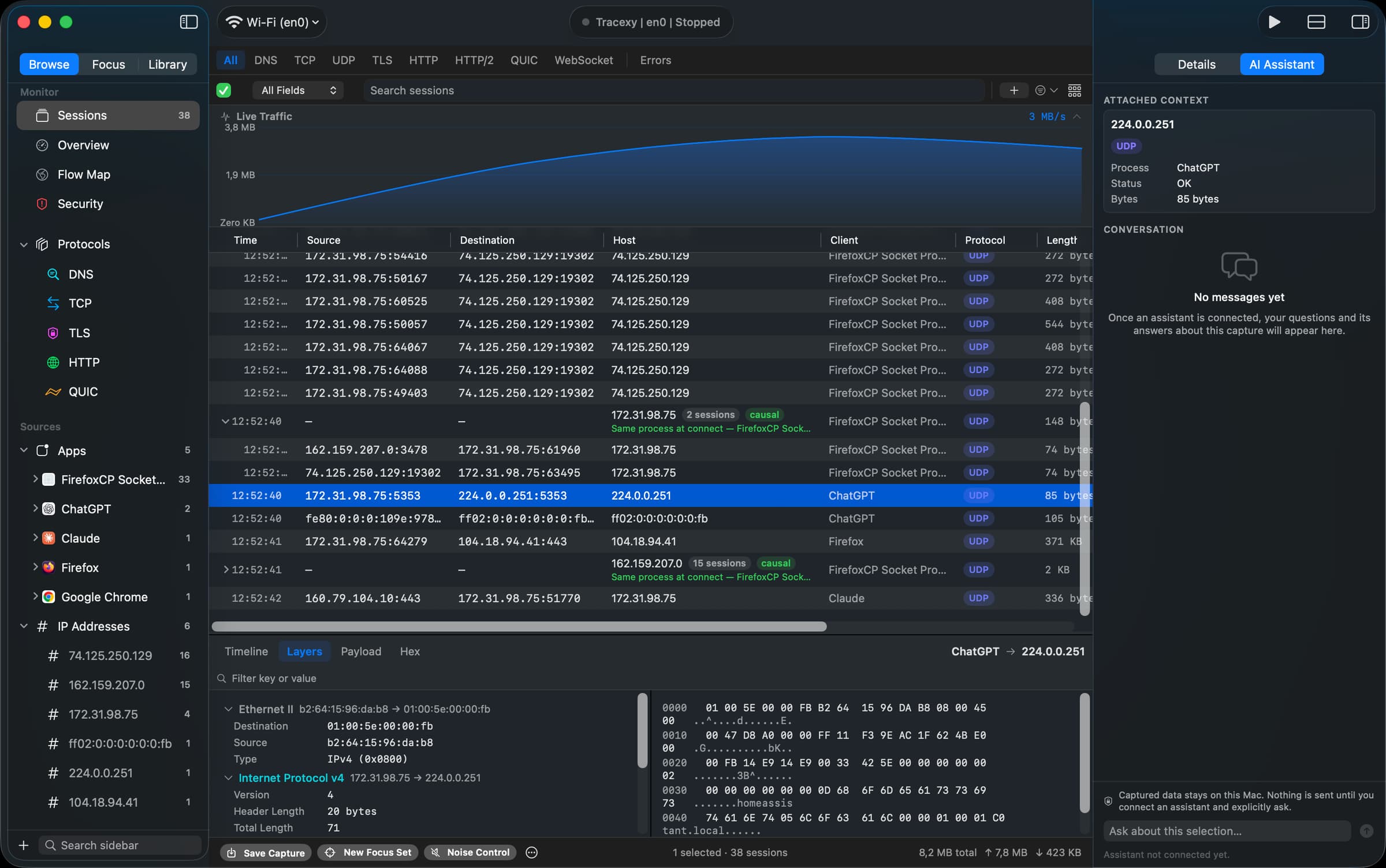
Native macOS network investigation, from packets to explainable sessions

Developer Tools · Free · Team plans available
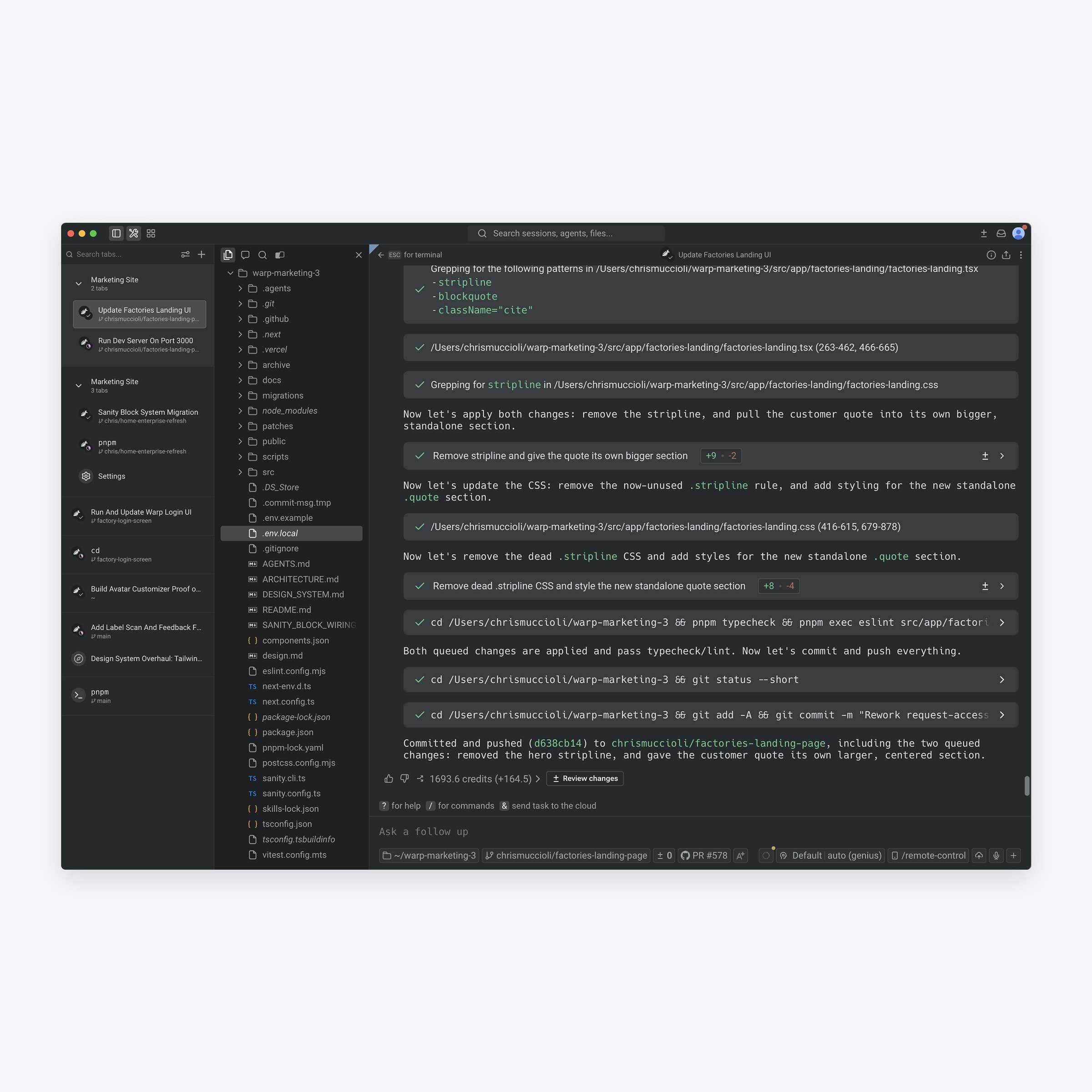
The terminal, rebuilt with editable input, command output grouped into blocks, and an AI agent that can run tasks for you.
Developer Tools · Free & open source
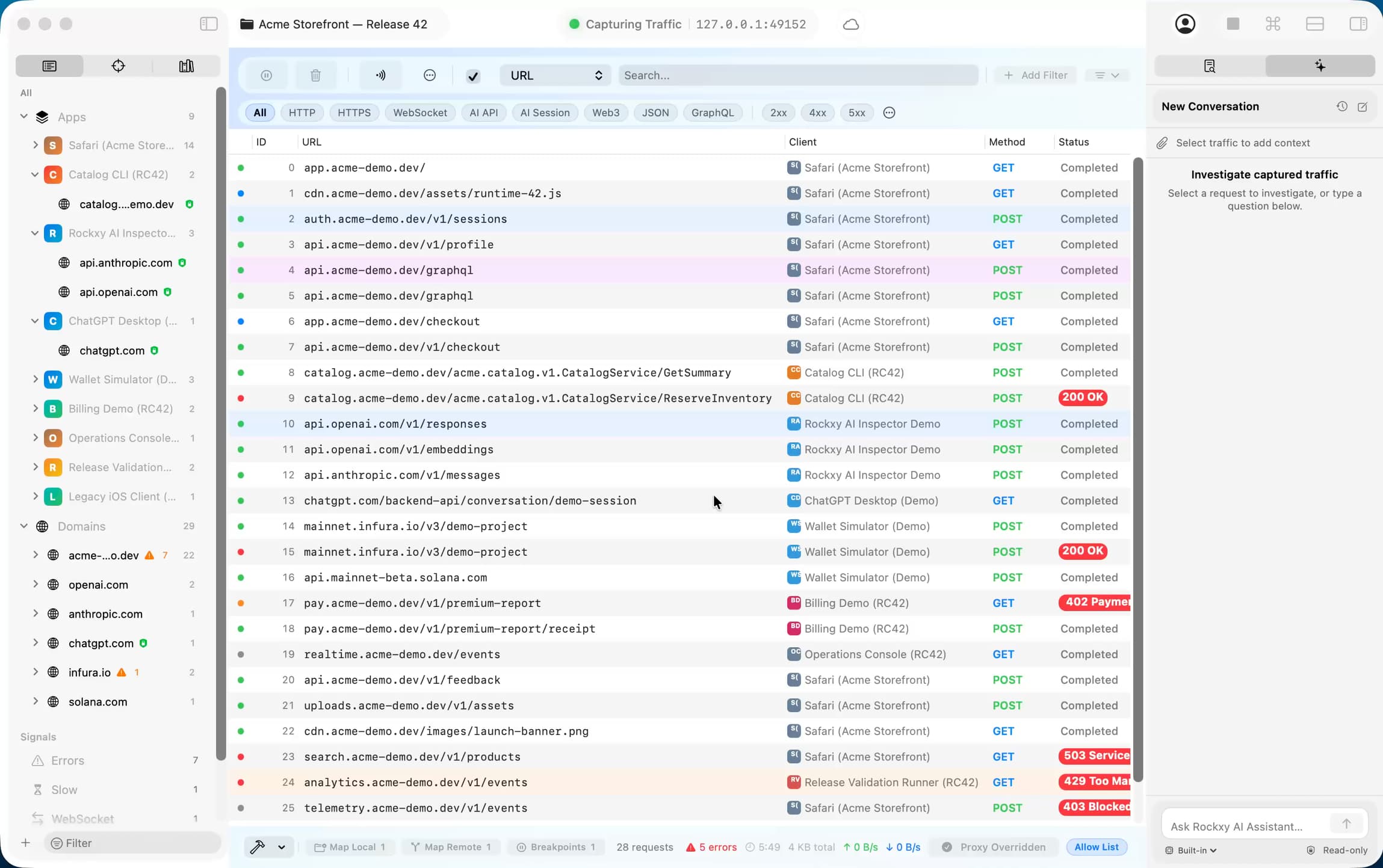
Native macOS proxy for modern API debugging
Developer Tools · $45 · one-time (free trial)
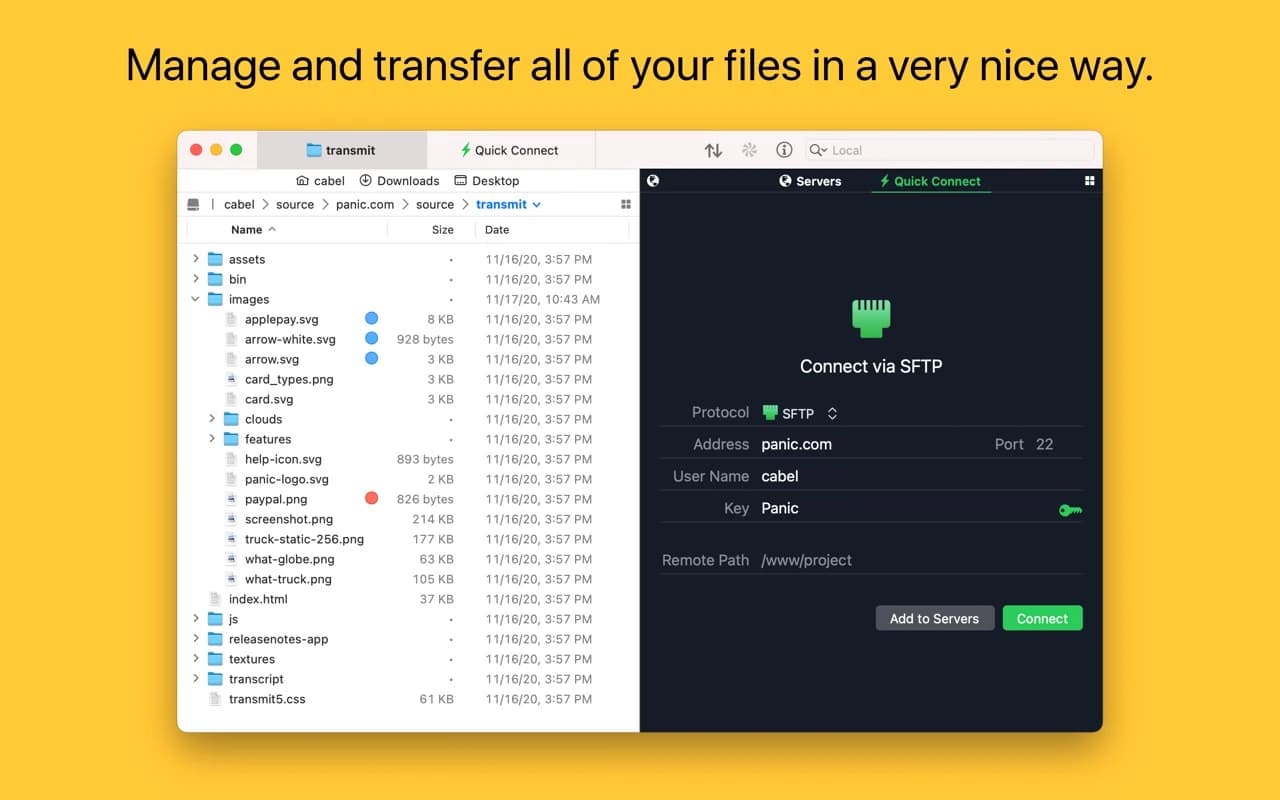
Panic's file-transfer classic — a fast, dual-pane client for SFTP, S3, Backblaze, WebDAV, and a dozen more, with the craft you expect from Panic.


Developer Tools · Free · Pro $3.99
Track your App Store Top Charts positions across 175 countries and 54 categories, with hourly history and alerts when your app moves — no App Store Connect access needed.

Developer Tools · Free · License, one-time $99
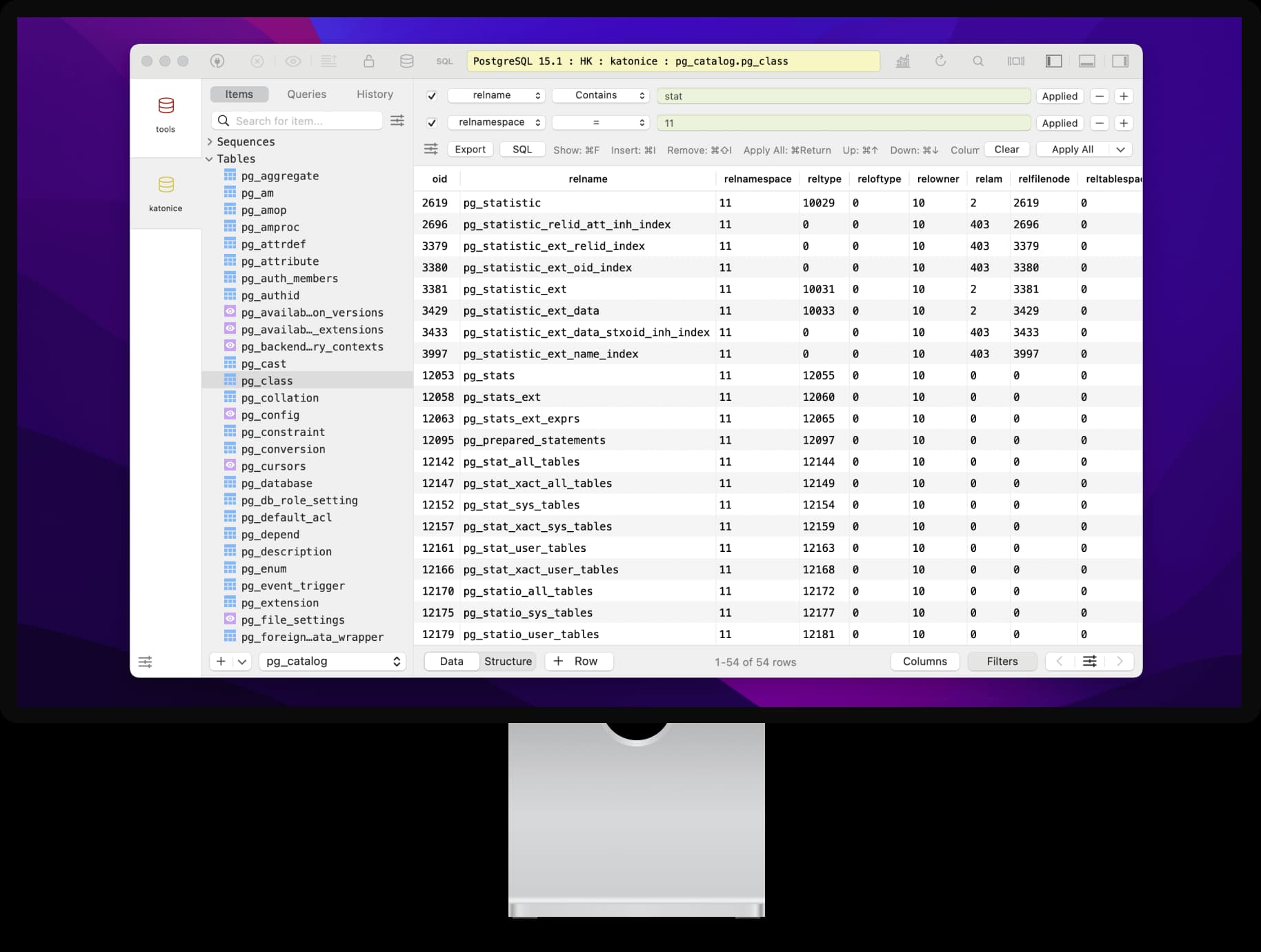
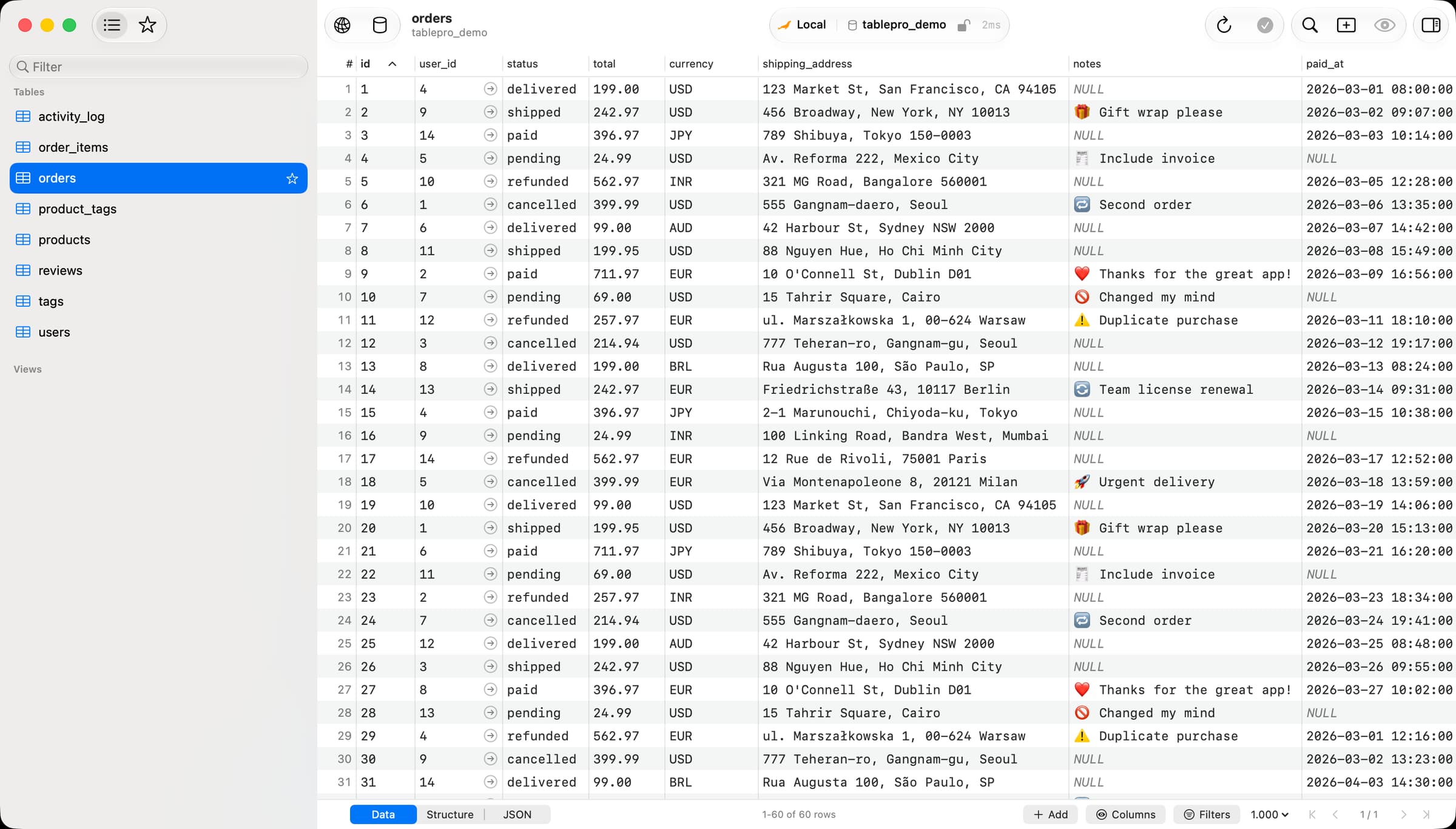
A modern, genuinely native database client — connect to Postgres, MySQL, SQLite, Redis, SQL Server and more in one fast window that actually feels like a Mac app.
Developer Tools · Paid (free trial, one-time license)
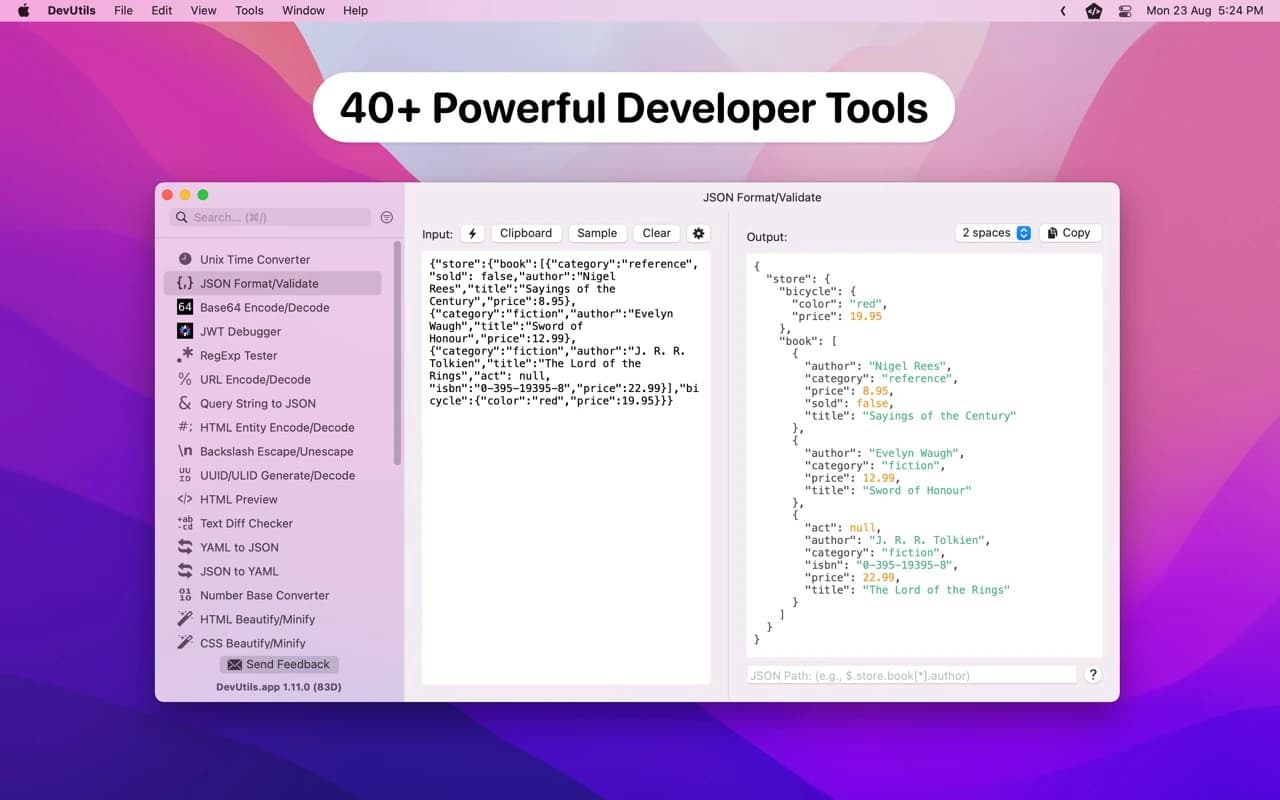
An offline Swiss-army knife for developers — 50-plus small tools (JSON, JWT, base64, regex, timestamps, hashing) in one native window that reads your clipboard.

Developer Tools · Free · Pro plans
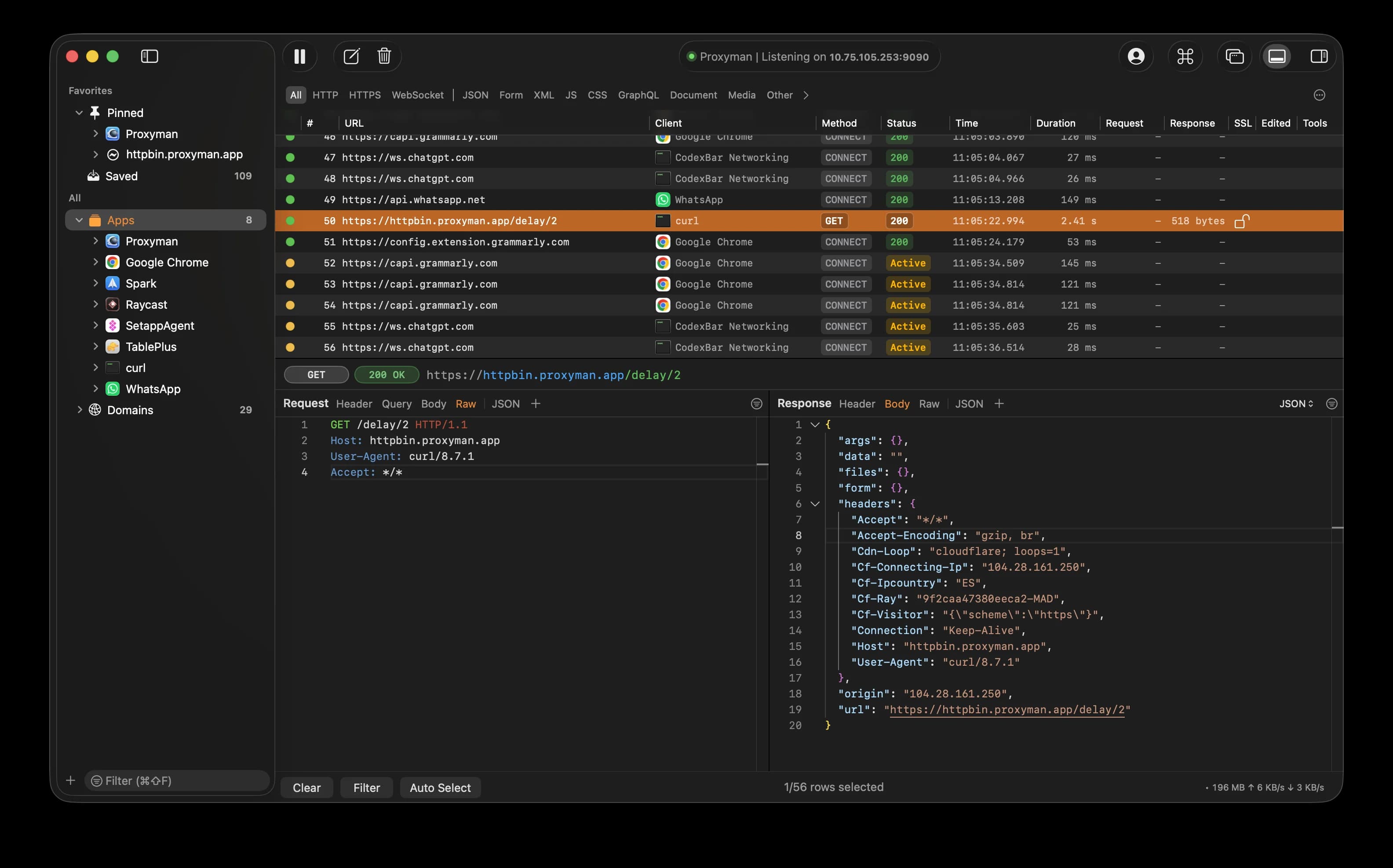
A native HTTP/HTTPS debugging proxy — inspect and decrypt traffic, rewrite requests and responses in flight, and point iOS or Android devices at it in a few clicks.
Developer Tools · Free · open source · $59 lifetime $24
A free, open-source native database client for macOS supporting 29 database engines, with a SQL editor, inline-editable data grid, and a built-in AI assistant.

Developer Tools · Free & open source
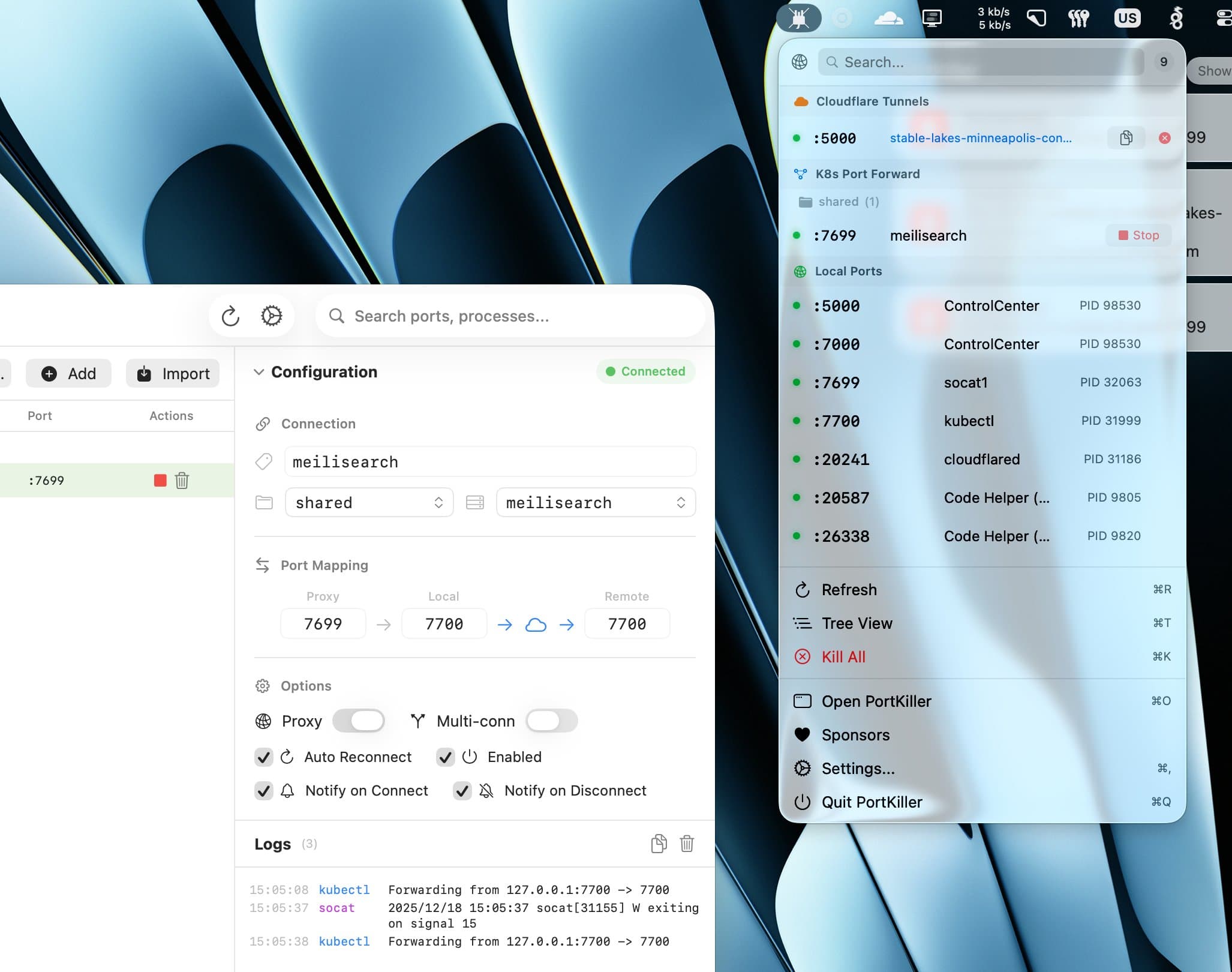
A powerful, cross-platform port manager for developers — monitor every open port, kill processes, and manage Kubernetes forwards and Cloudflare Tunnels.

Developer Tools · Free & open source
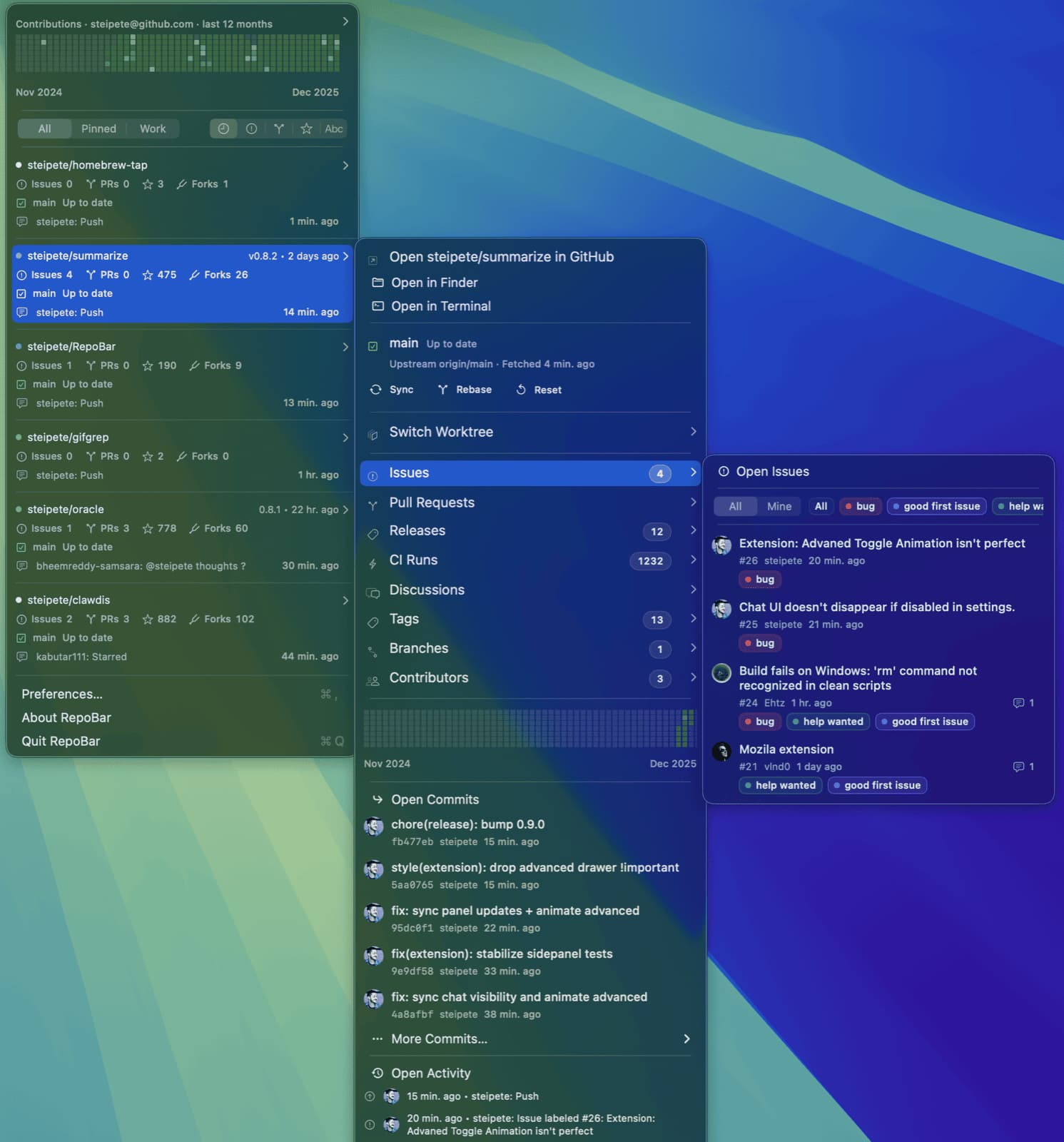
GitHub repo status right in your menu bar and terminal — CI runs, issues, pull requests, and releases, without opening a browser tab.
Developer Tools · Free & open source
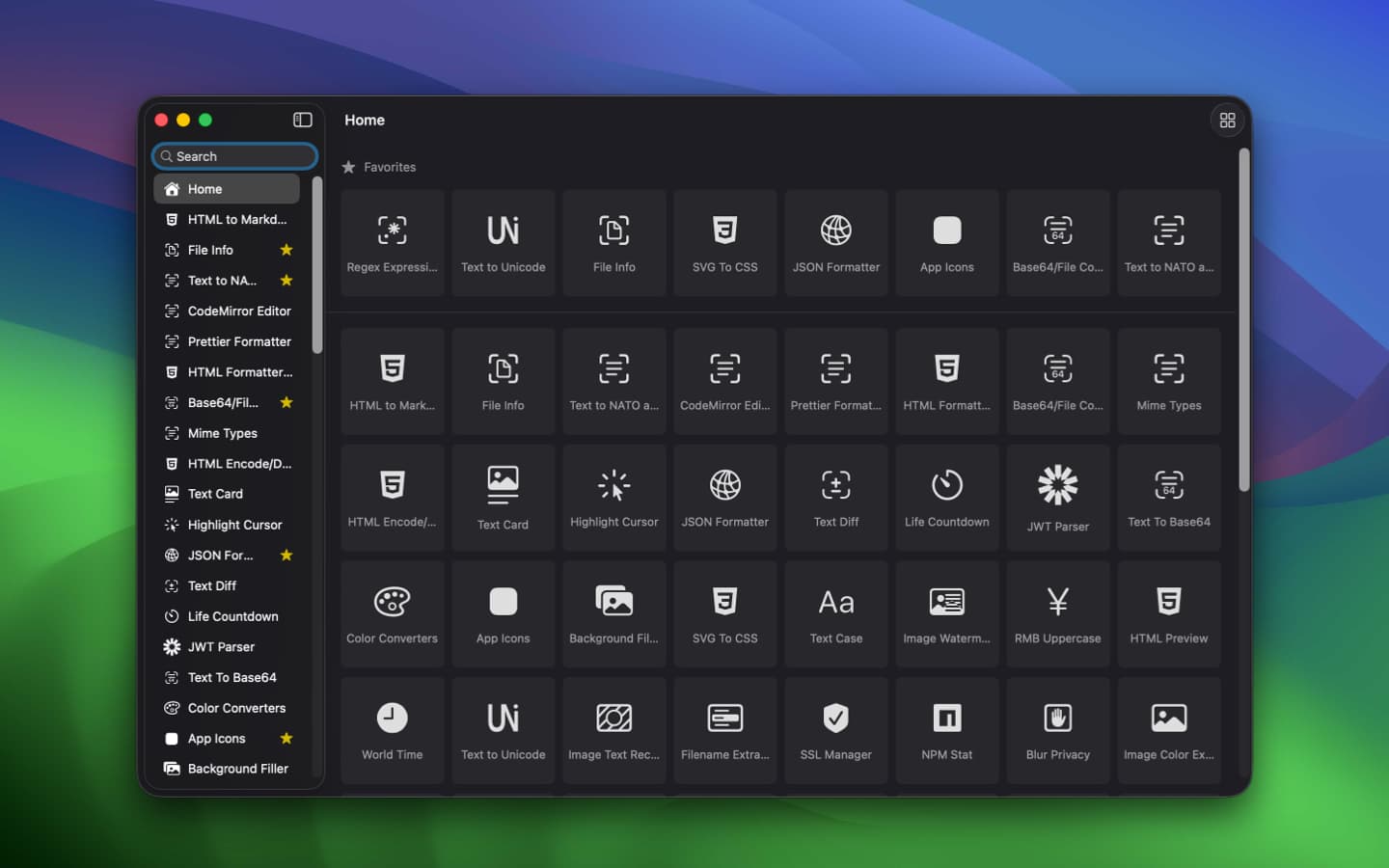
An offline toolbox of 100+ developer utilities for Mac — timestamp conversion, regex testing, key generation, and more, with nothing ever leaving your machine.
Developer Tools · Free & open source
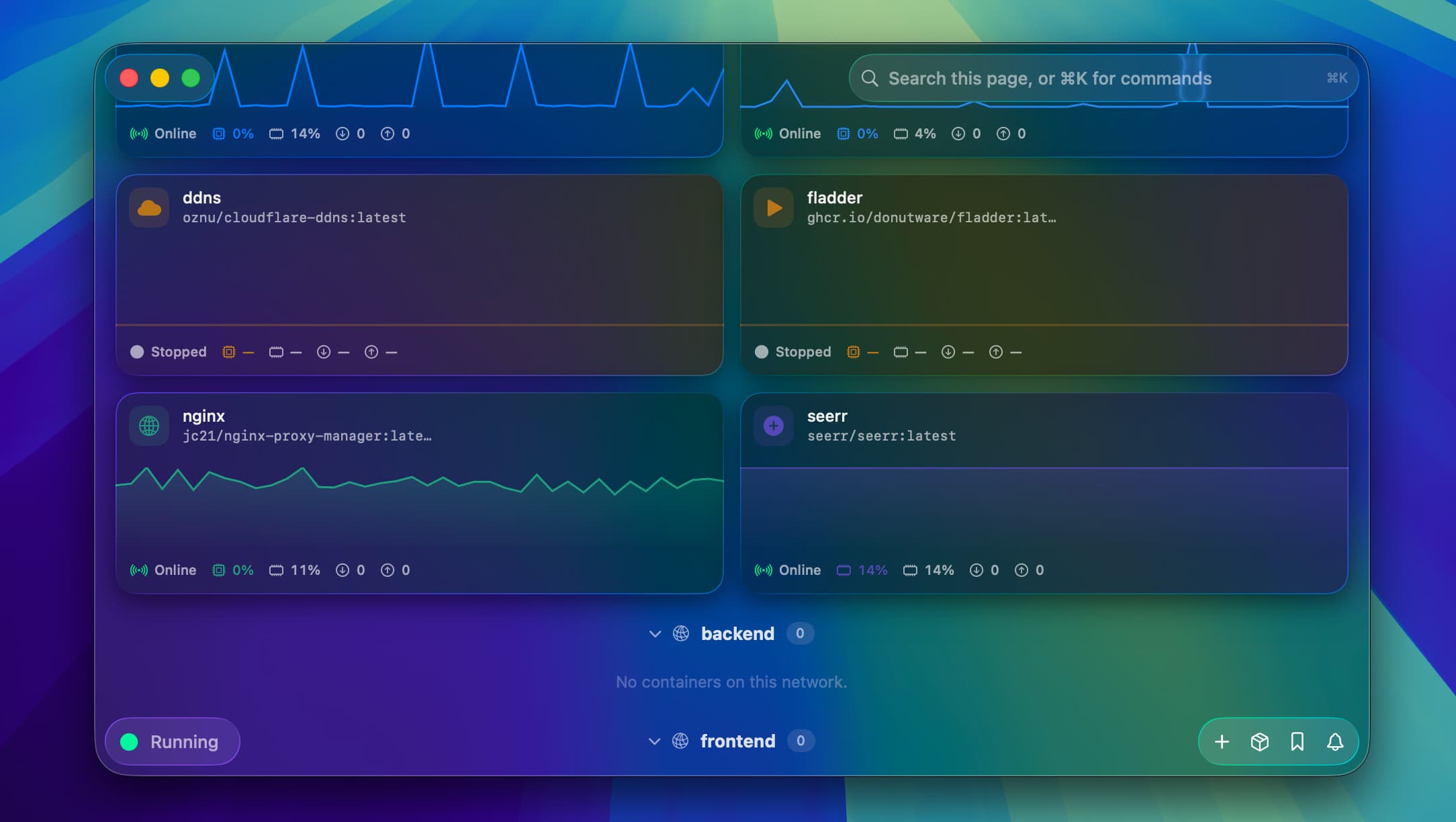
A native SwiftUI dashboard for Apple's container CLI — Docker Desktop, without Docker.
Developer Tools · Paid (Launch price EUR 9; standard price EUR 14. Charged in EUR.)
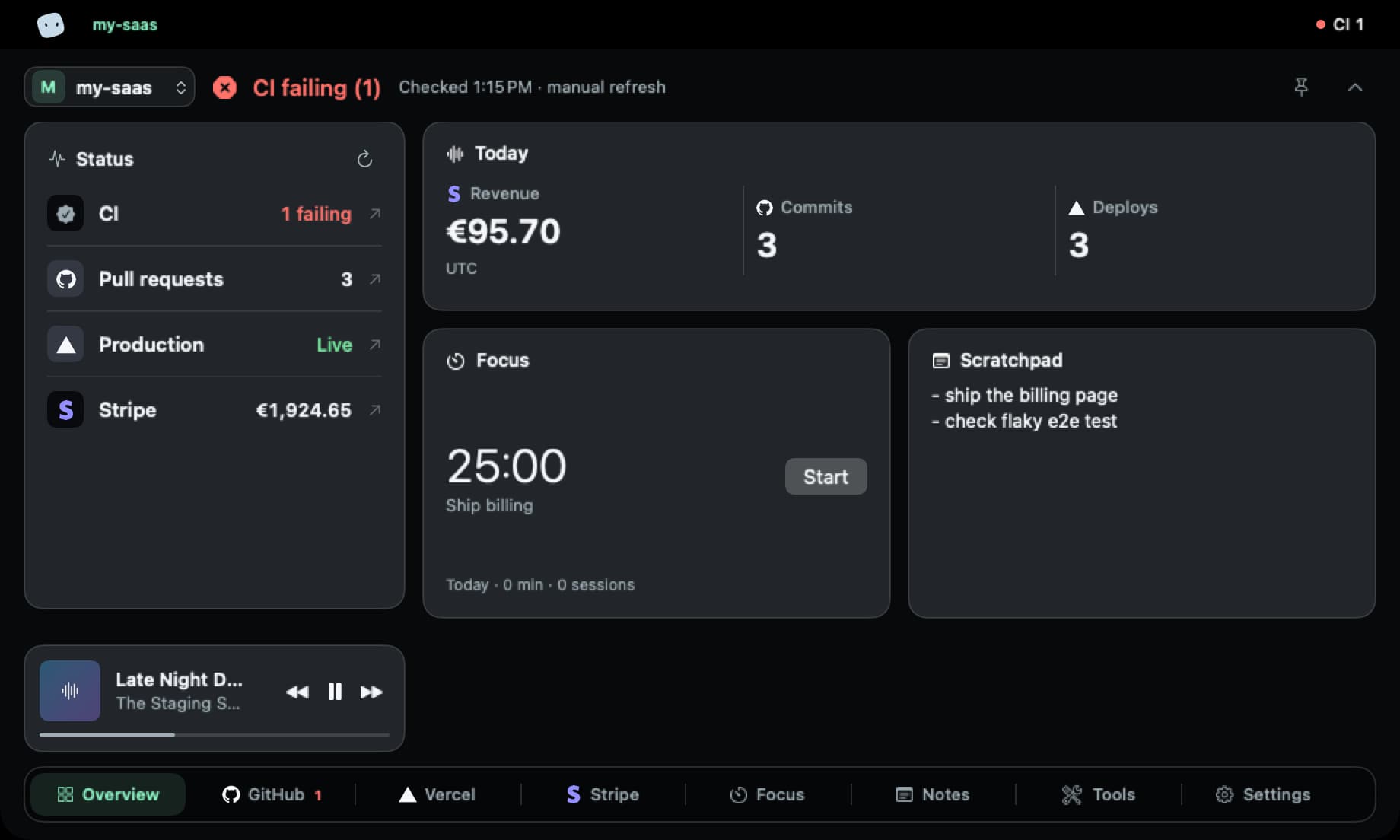
Check CI/CD, deploys, revenue and issues across projects from your Mac, without switching accounts.
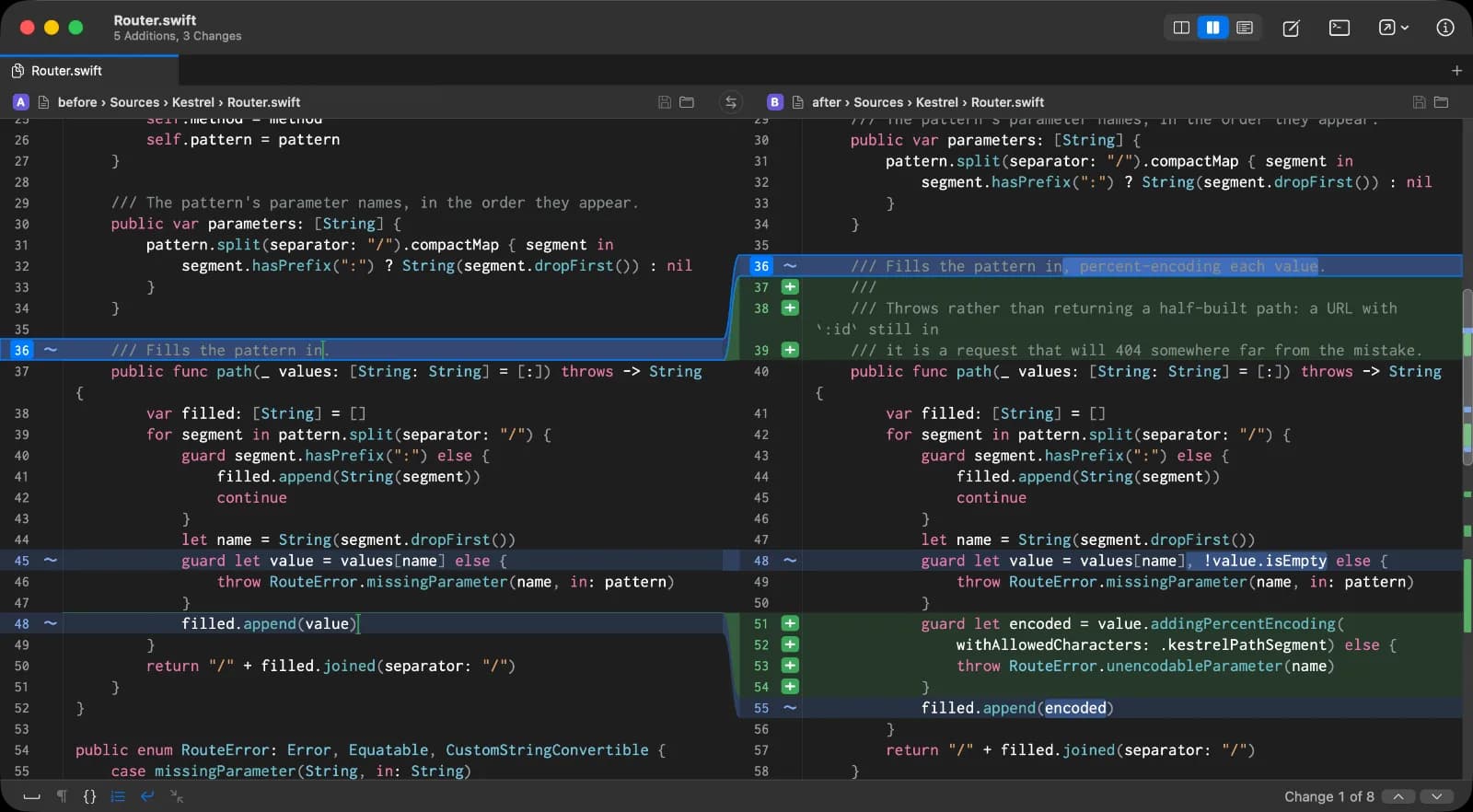
Developer Tools · $29.99 · one-time (14-day full-feature trial; unlimited two-way diff stays free. $29.99 one-time license for merge and folder comparison.)
Fast, native diff and merge for macOS
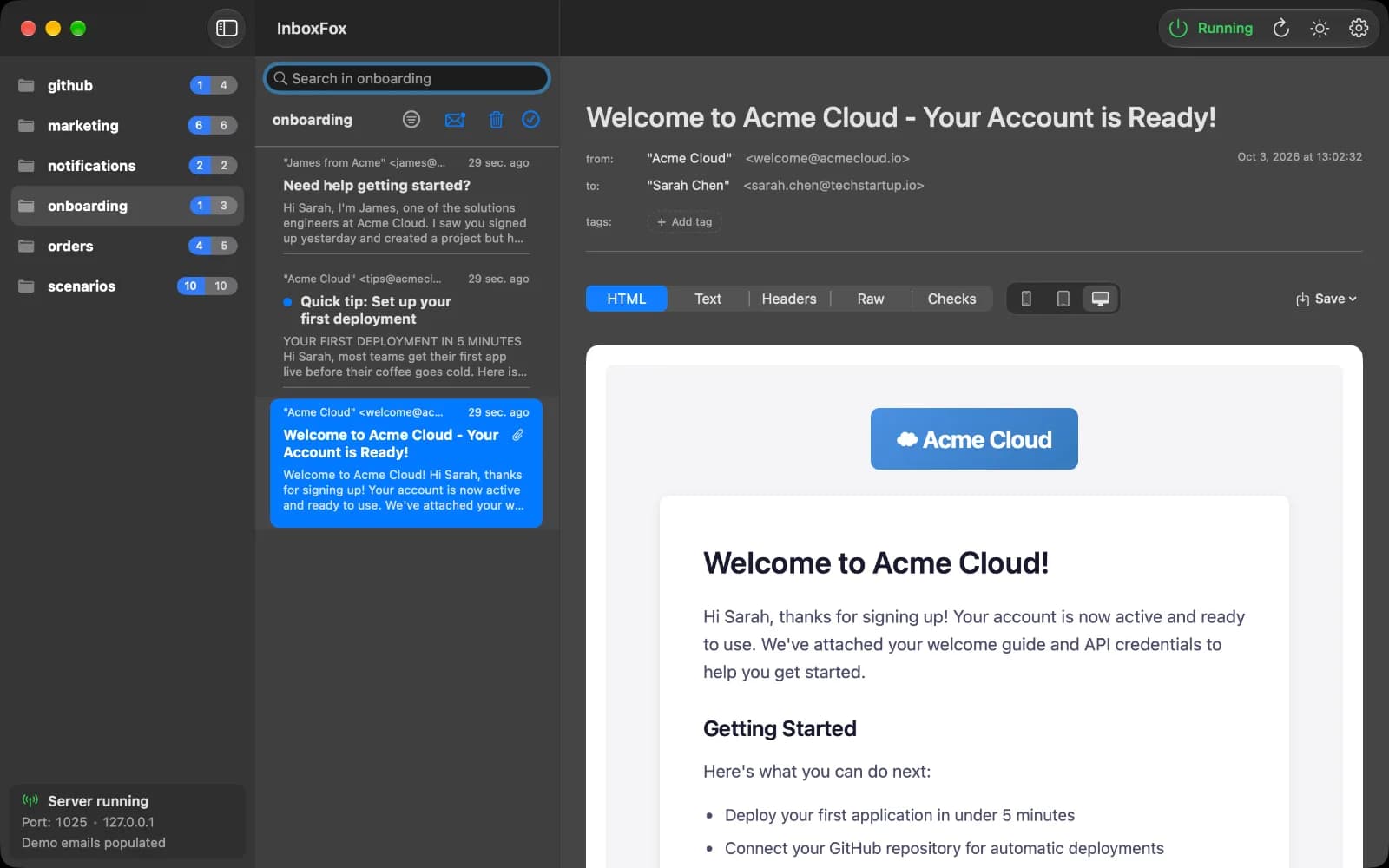

Developer Tools · $9.99 · one-time (14-day full-feature trial, then a free tier. One-time $9.99 Pro license covers three Macs.)
Local email testing for developers and coding agents
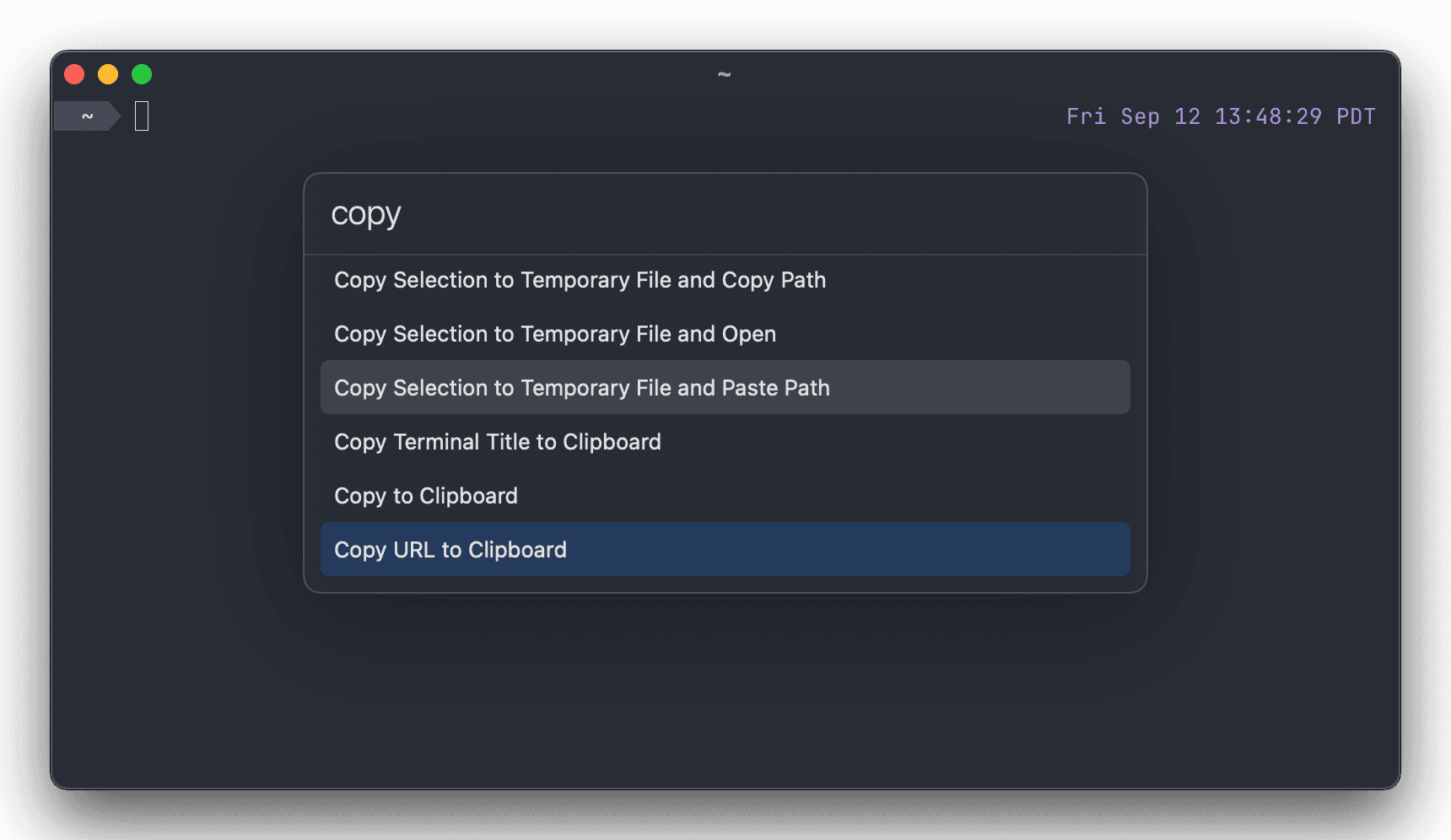
Developer Tools · Free & open source
it turns the terminal into a fast, GPU-accelerated app with native macOS windows, tabs and shortcuts, and it's free, open-source software.
Developer Tools · Free · Pro $8
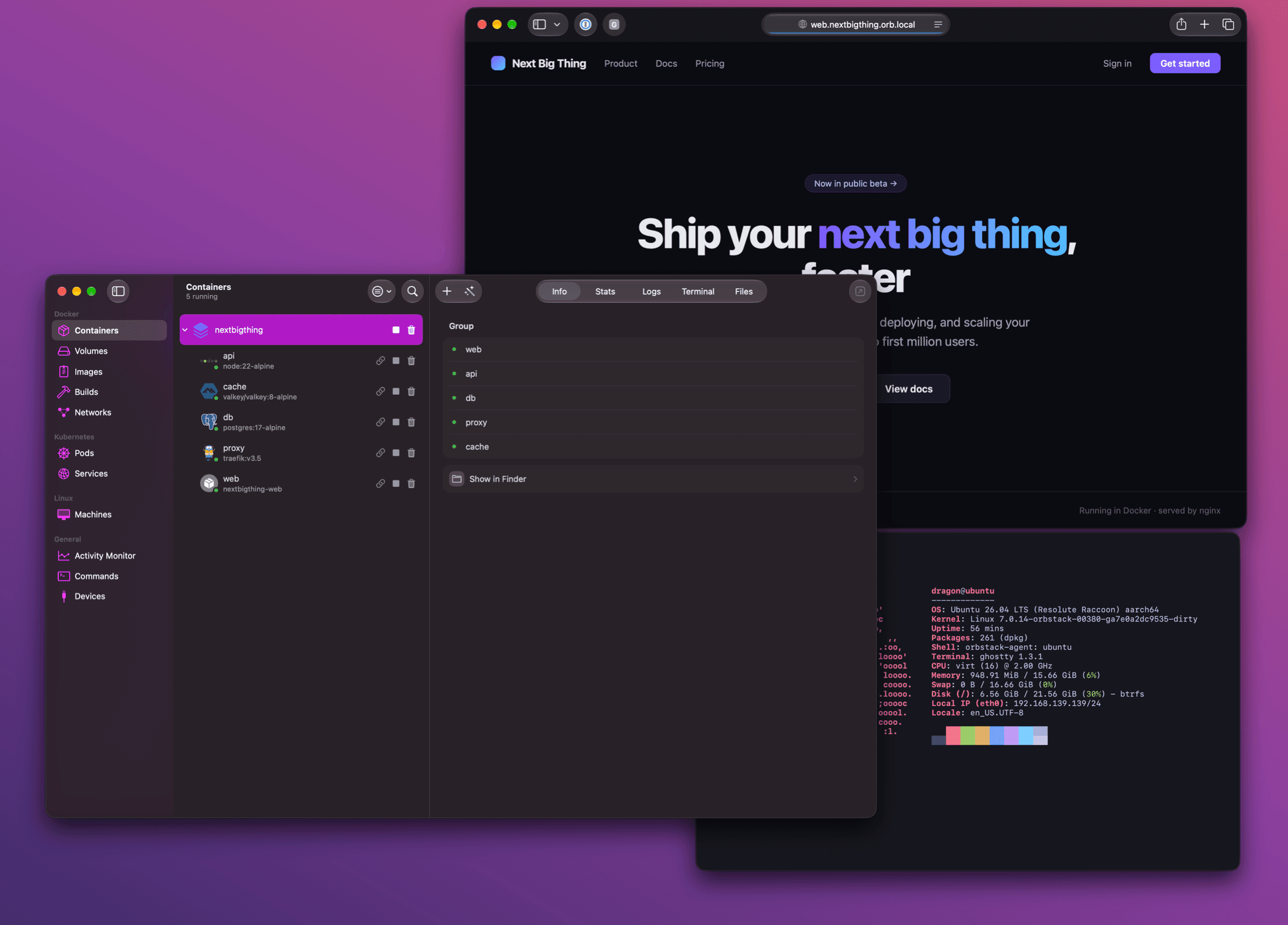
it replaces Docker Desktop with a fast, native Swift app that runs containers and Linux VMs with minimal CPU, memory and battery drain.
Developer Tools · $9.99 · one-time
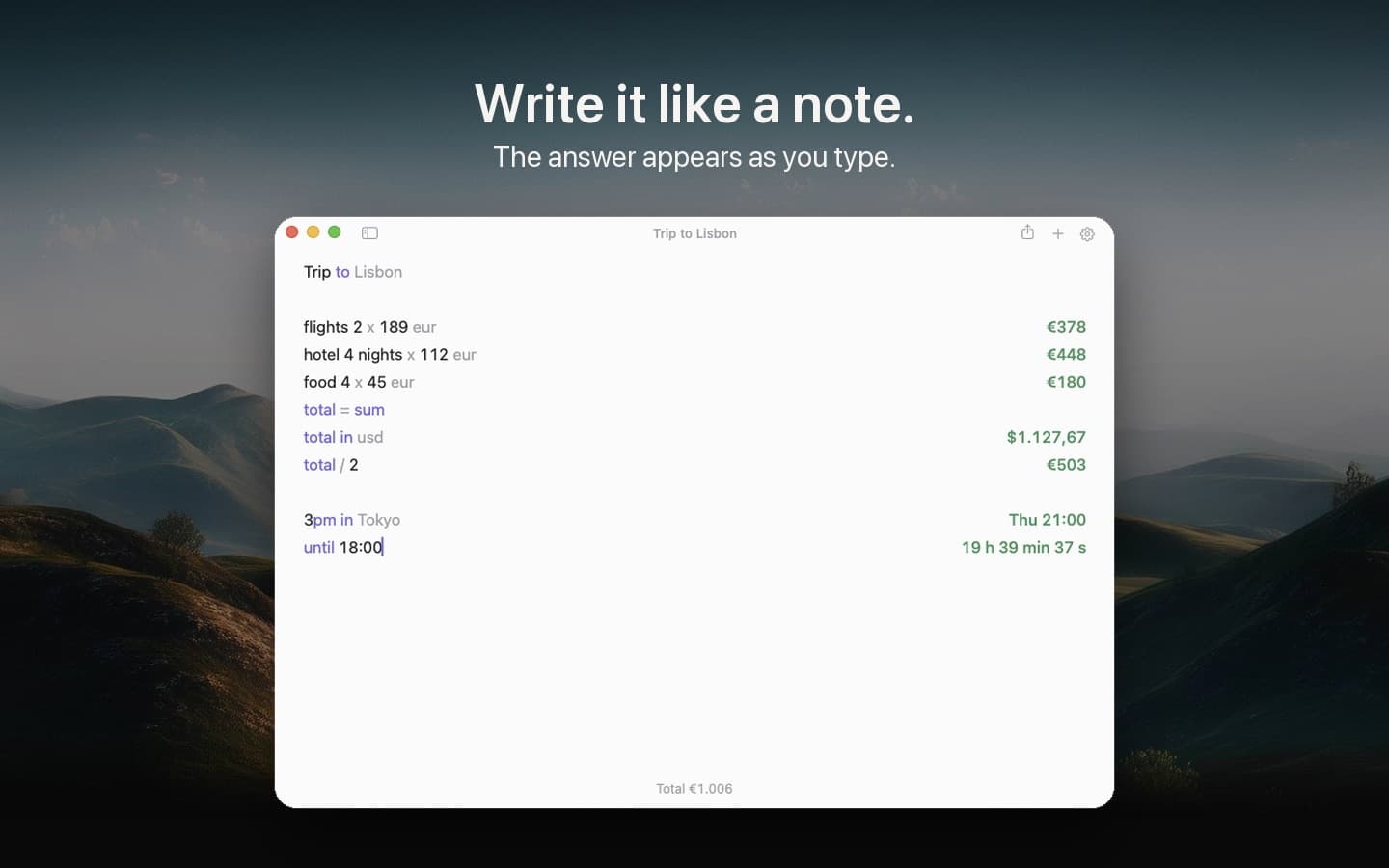
A notepad calculator: type calculations like a note, and the answer appears beside each line as you type.