
Best AI Apps & Automation Tools for Mac
Bring AI chat, local models, and repeatable workflows to your Mac. Explore 8 apps and tools, including Raycast, BoltAI, and Osaurus. Compare how they fit your work, from quick launcher actions to running AI models on your own machine.
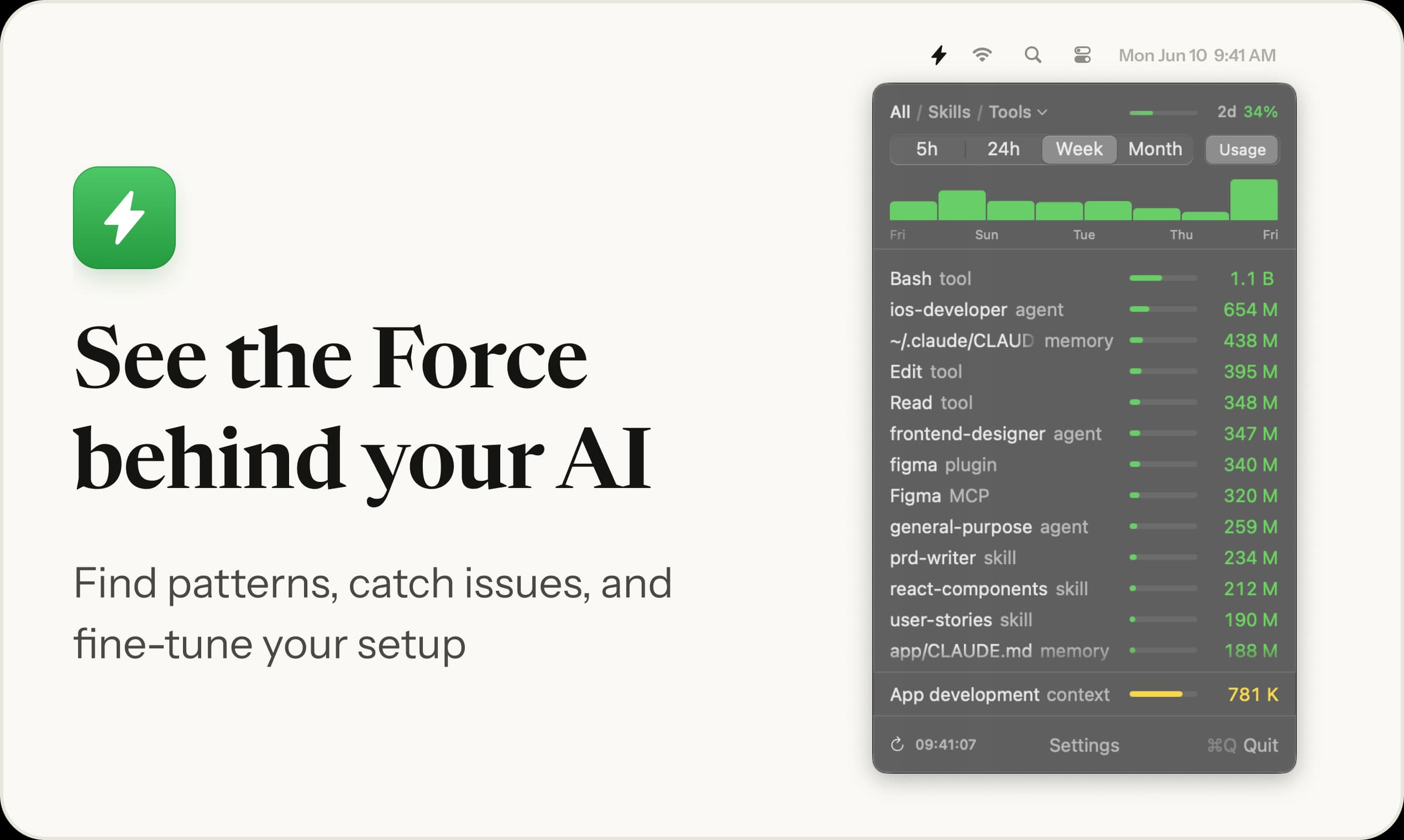

AI & Automation · Free · One-time license, 7-day free trial $19
Menu bar app showing which skills, agents and MCP servers your AI coding runs, and their token cost
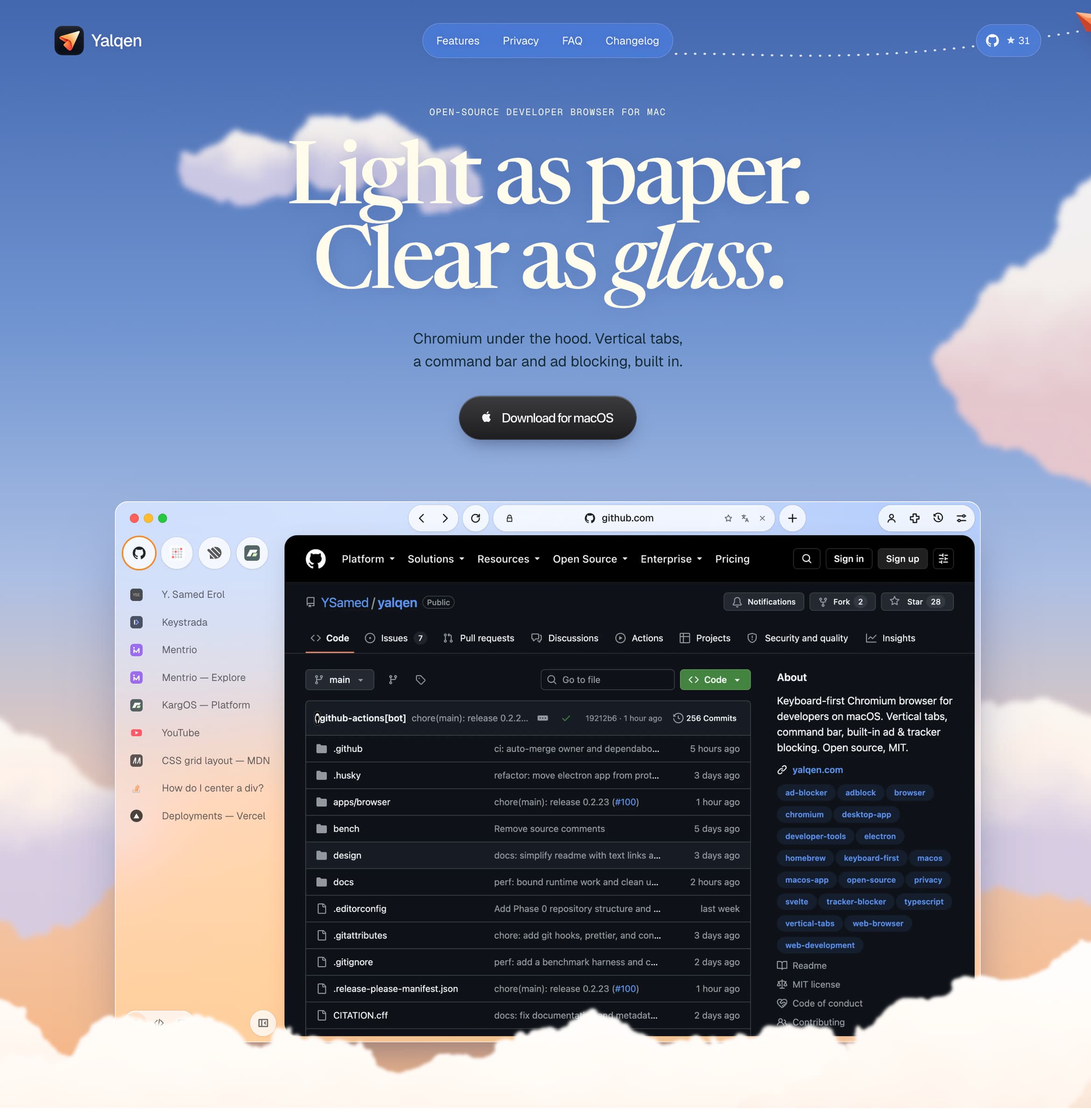
AI & Automation · Free & open source
A Mac browser with built-in Claude Code, Codex and Gemini: fix page errors, request design changes, and verify results in your tabs.
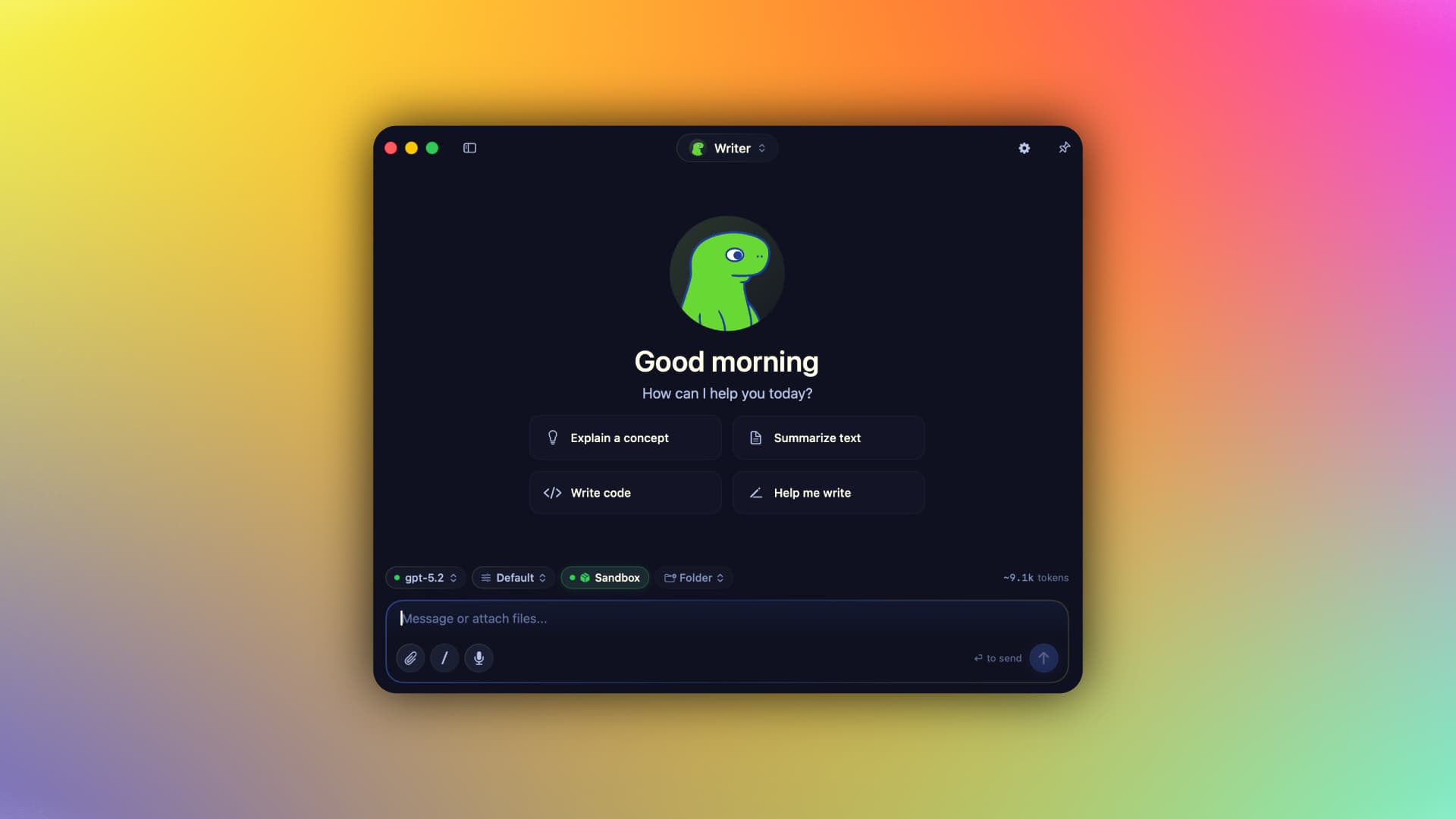

AI & Automation · Free & open source
A native Swift harness for AI agents that keeps your context, memory, tools, and identity on your Mac — run local MLX models or bring your own cloud keys, fully offline-capable.
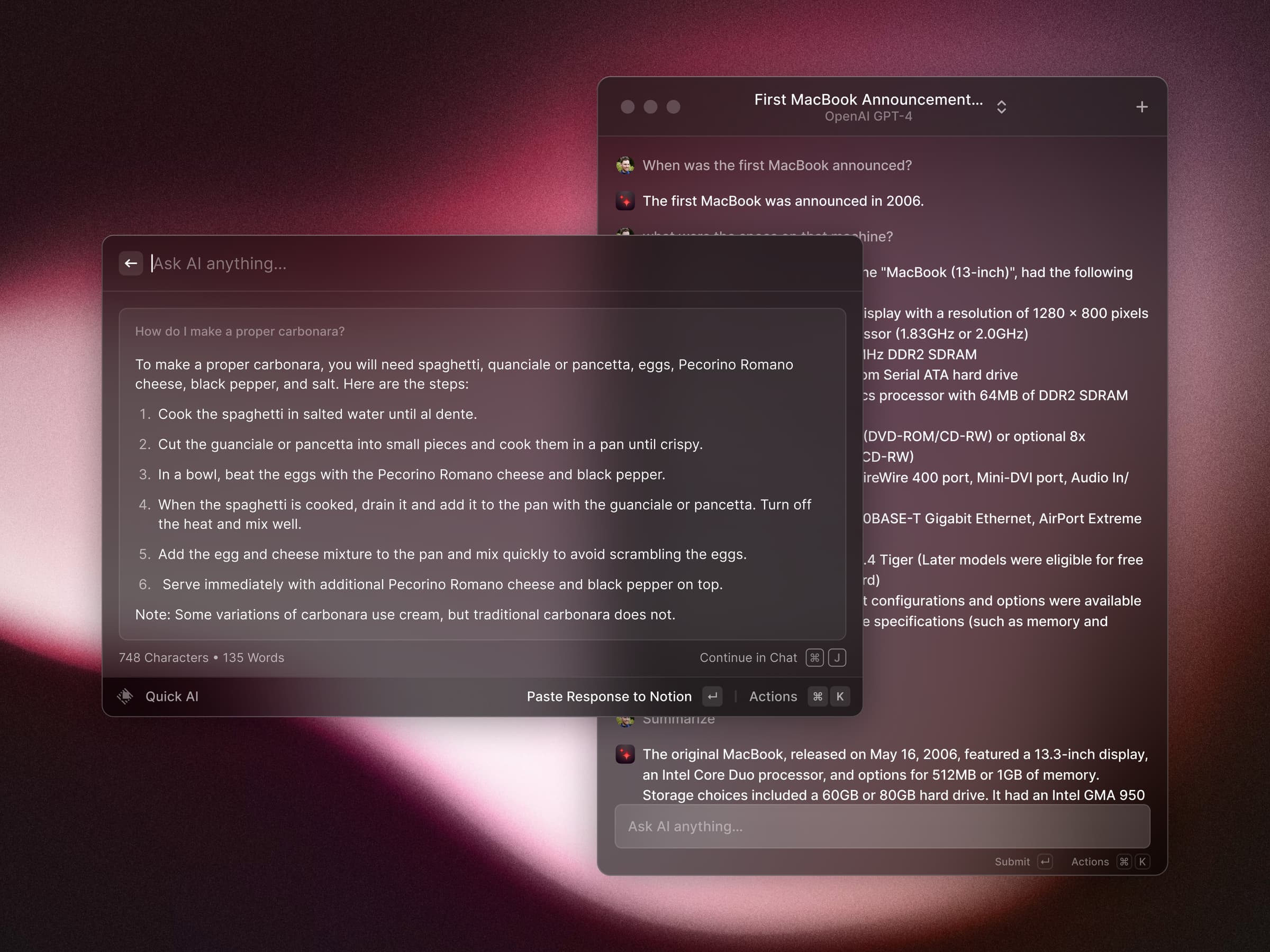
AI & Automation · Free · Pro $8
A blazing-fast, keyboard-first launcher that folds clipboard history, window management, snippets, an extension store, and AI into one command bar.
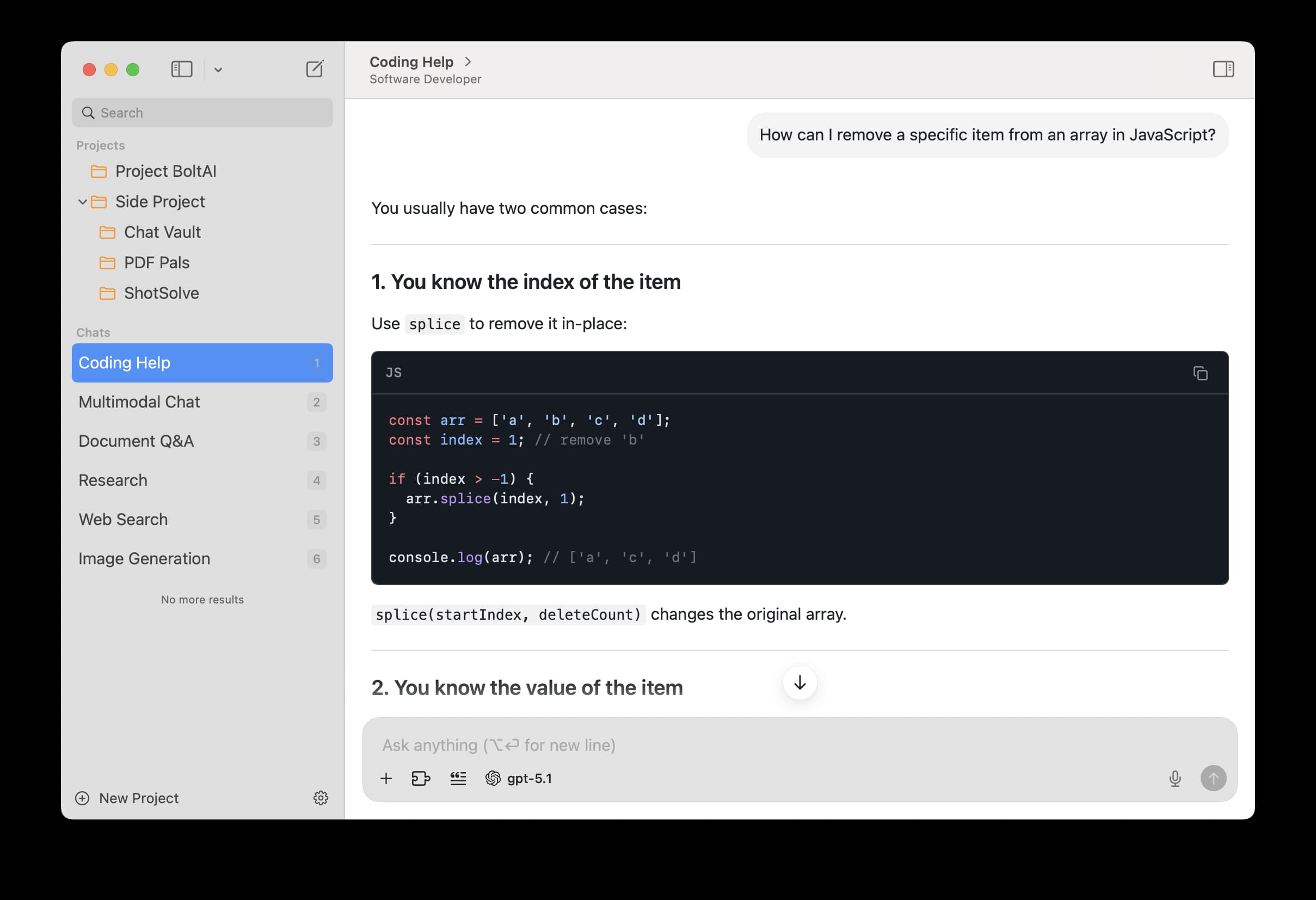

AI & Automation · $79 · one-time
A private, fully native AI workspace for Mac — bring your own keys for ChatGPT, Claude, Gemini, and local models, and use them in a proper app instead of a browser tab.
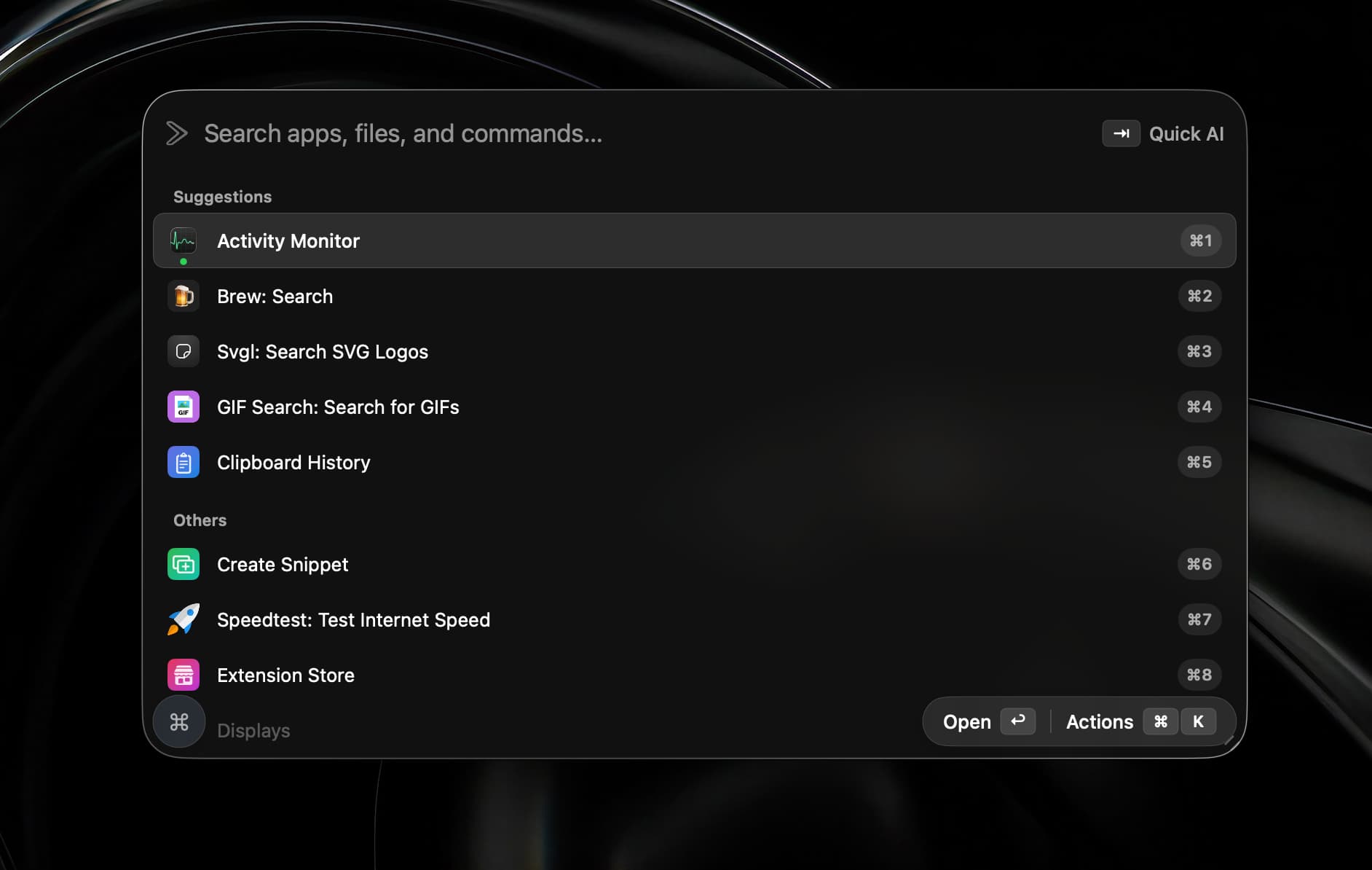
AI & Automation · $19.99 · one-time (open source)
A native Swift launcher that bundles Raycast-compatible extensions, on-device dictation, AI chat and agents, window management, and a terminal behind one hotkey.
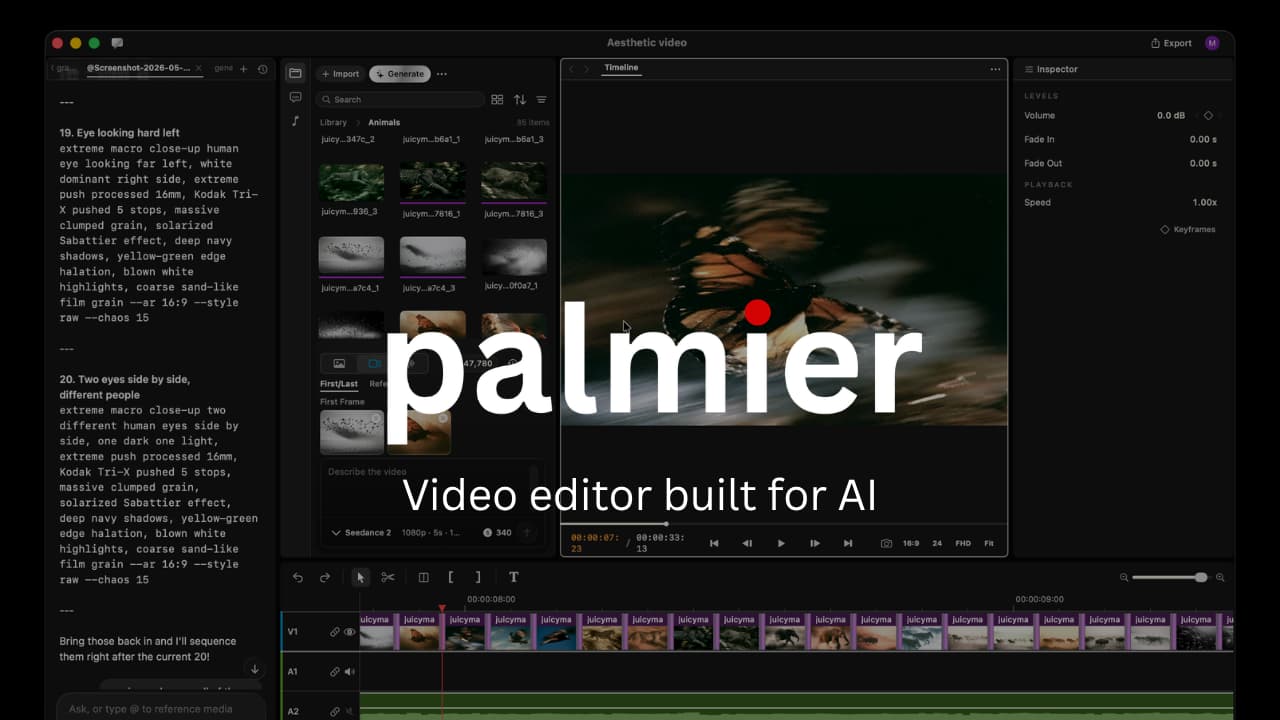

AI & Automation · Free & open source
An AI-native macOS video editor that hands your timeline to Claude, Codex, or Cursor — generate, edit, and automate video production end to end.
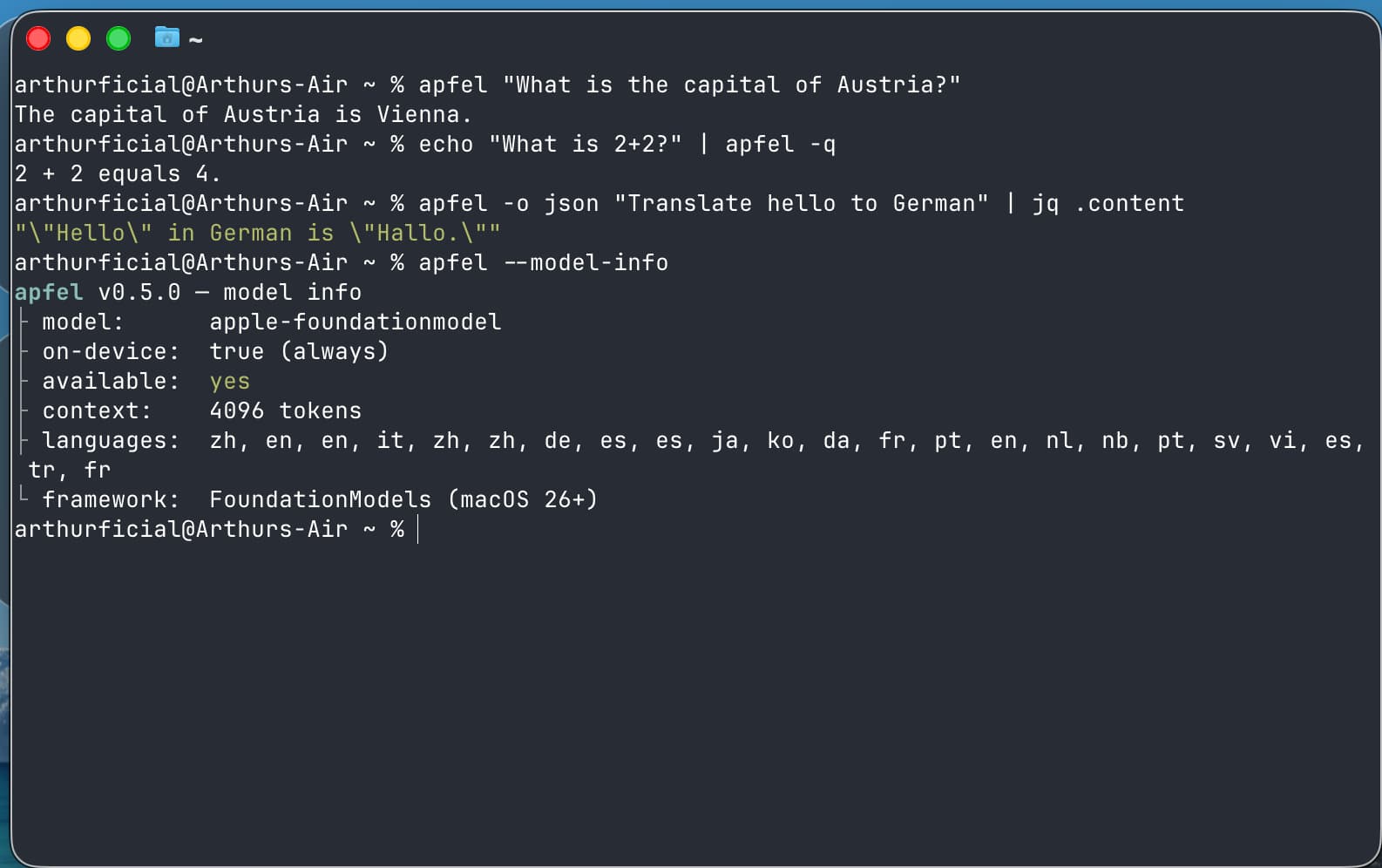

AI & Automation · Free & open source
The free AI already on your Mac. A CLI, an OpenAI-compatible server, and an interactive chat — all on-device via Apple Intelligence. No API keys, no cloud, no downloads.

Best Mac Clipboard Managers Without a Subscription
Compare free Mac clipboard managers and one-time purchase options: Maccy, Raycast, Spotlight, and Pastebot. See retention limits and subscription traps.
Raycast vs Tinycast vs Vicinae vs SuperCMD: Which Mac Launcher Fits You?
Compare four Mac launchers on features, pricing, extension compatibility, privacy and measured memory and CPU use. Find the best fit for your workflow.