
A blazing-fast, keyboard-first launcher that folds clipboard history, window management, snippets, an extension store, and AI into one command bar.
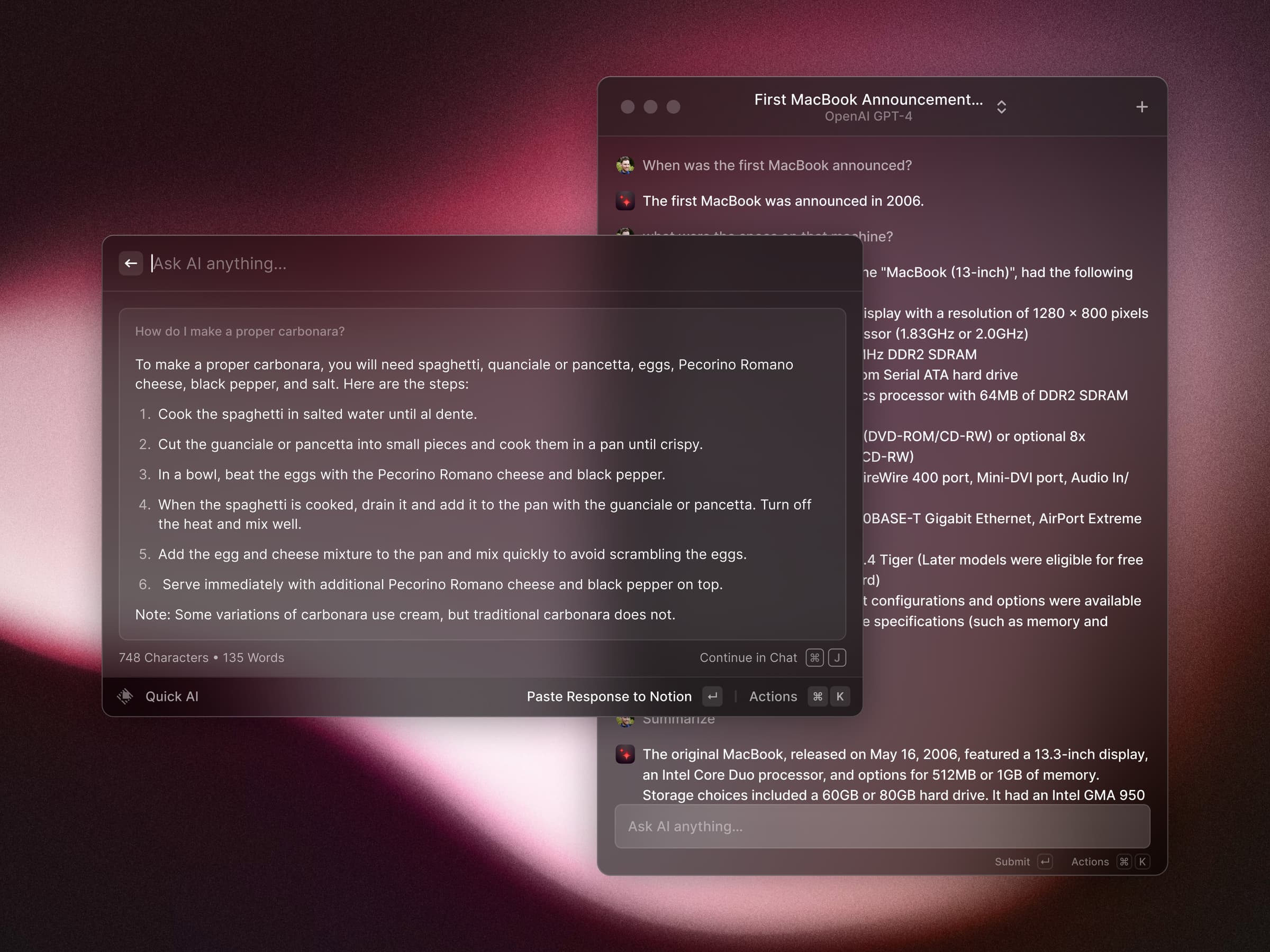
Raycast replaces Spotlight with a command bar that actually keeps up with you. Press a hotkey, start typing, and you are launching apps, running scripts, doing math, managing windows, searching your clipboard history, or asking an AI model — without your hands leaving the keyboard.
Why it makes the list
Most launchers stop at opening apps. Raycast treats the command bar as a platform: a polished core app, a store of thousands of community extensions, and a Script Commands system for gluing in your own tools. It is fast, it is beautifully designed, and it quietly absorbs half a dozen menu-bar utilities you were paying for separately.
Standout features
-
Extensions store — Jira, Linear, GitHub, Notion, Homebrew, Spotify and thousands more, installed in one keystroke
-
Clipboard history with search, pinning, and image previews
-
Window management with tiling shortcuts that rival dedicated apps
-
Snippets and text expansion with dynamic placeholders
-
Raycast AI — ask questions, rewrite text, and run AI commands inline
-
Floating notes, quicklinks, and a built-in calculator that understands units and currencies
Pricing
The core app is free and genuinely complete. Raycast Pro (from $8/month) adds unlimited AI with frontier models, cloud sync, custom themes, and scheduled automations.
More in AI & Automation
AI & Automation · Free · One-time license, 7-day free trial $19
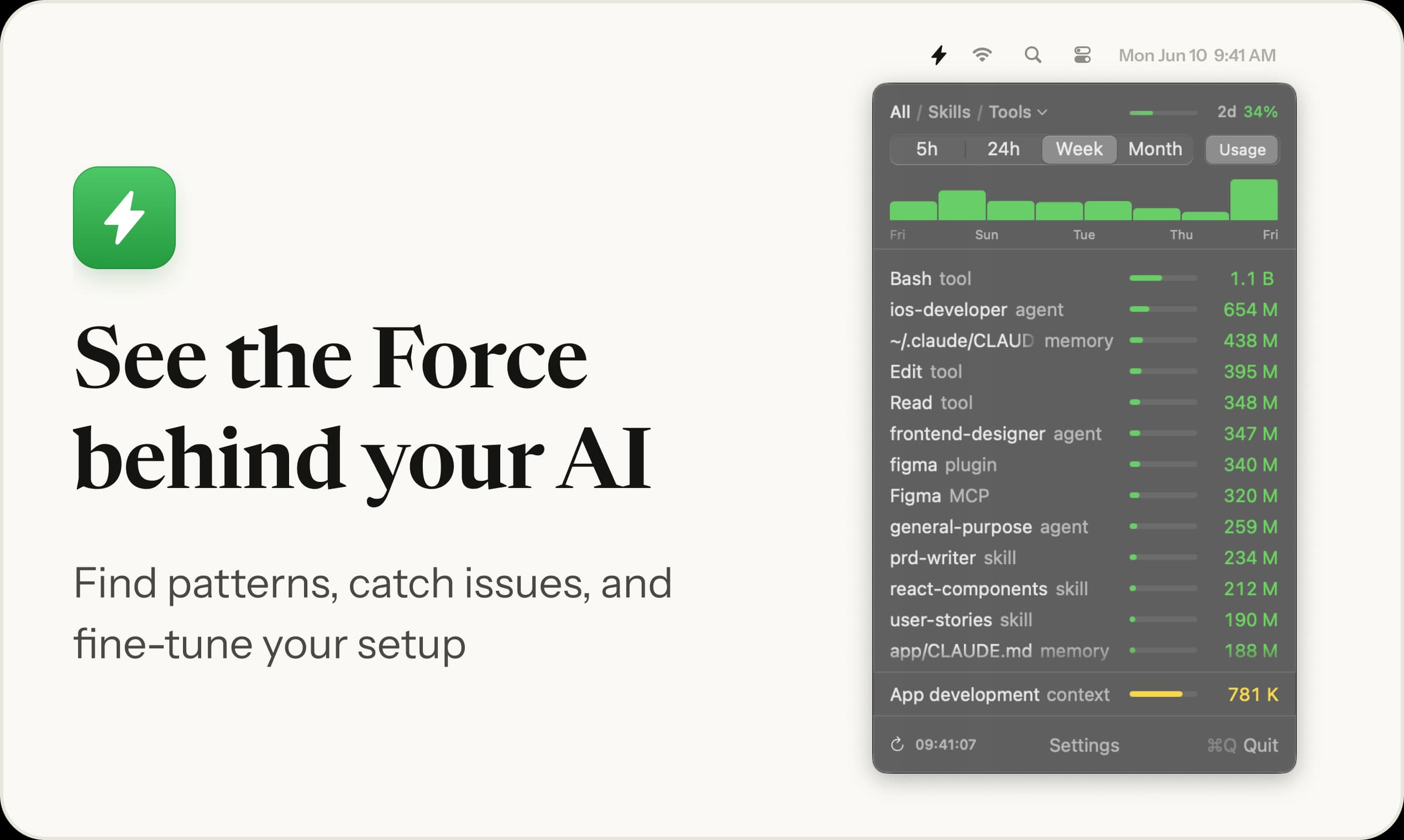
Menu bar app showing which skills, agents and MCP servers your AI coding runs, and their token cost
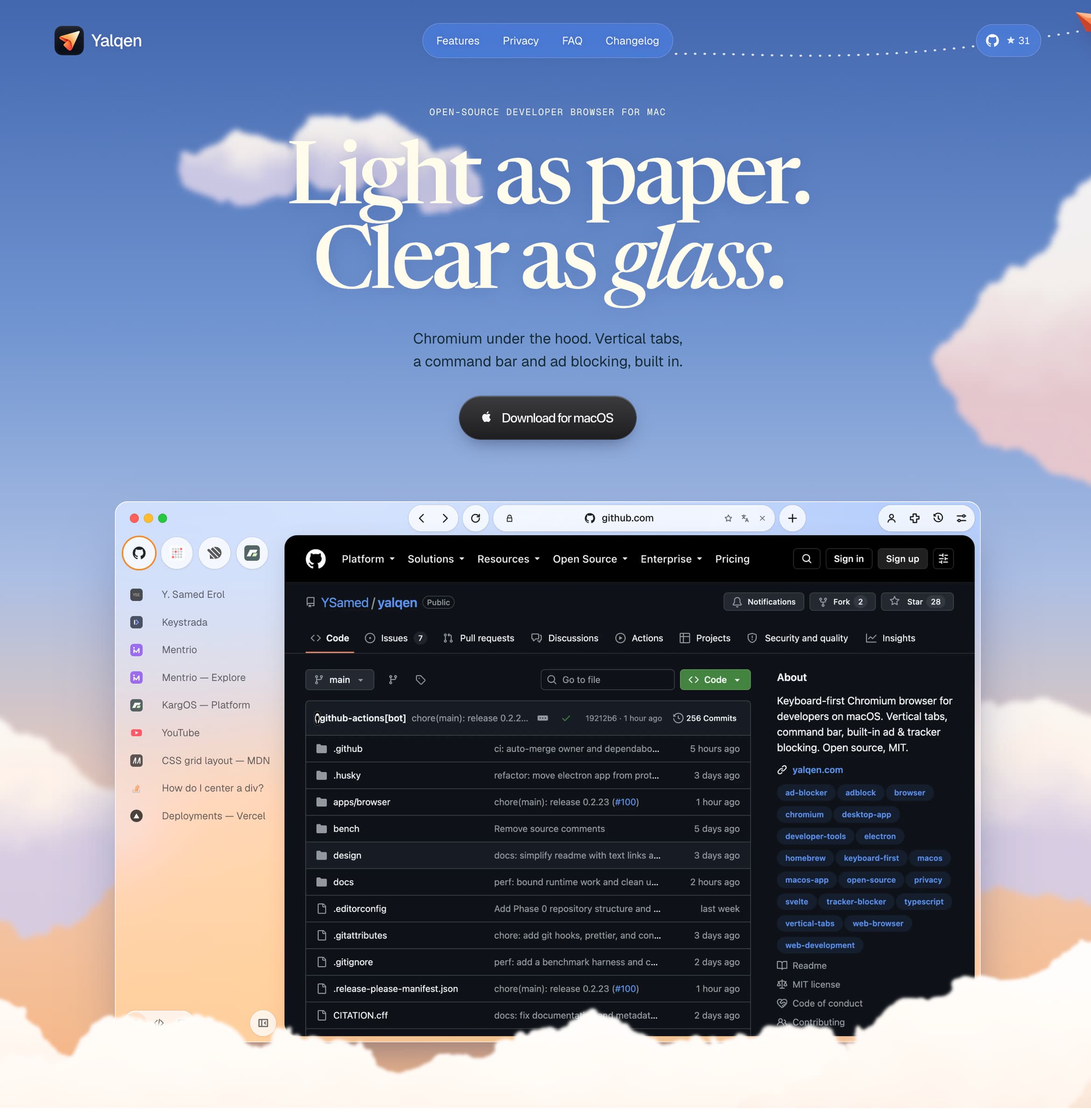
AI & Automation · Free & open source
A Mac browser with built-in Claude Code, Codex and Gemini: fix page errors, request design changes, and verify results in your tabs.
AI & Automation · Free & open source
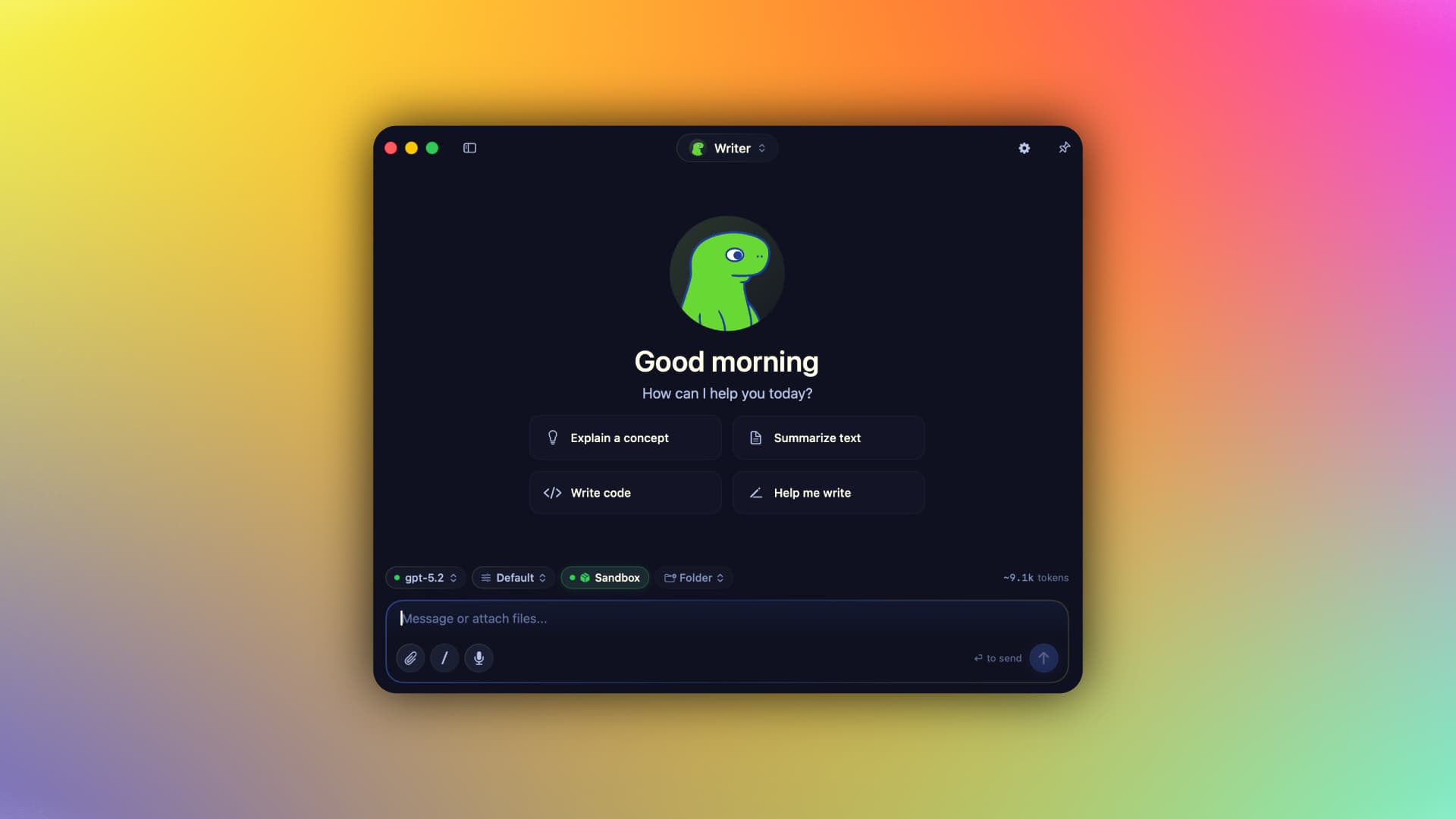
A native Swift harness for AI agents that keeps your context, memory, tools, and identity on your Mac — run local MLX models or bring your own cloud keys, fully offline-capable.