

A Mac browser with built-in Claude Code, Codex and Gemini: fix page errors, request design changes, and verify results in your tabs.
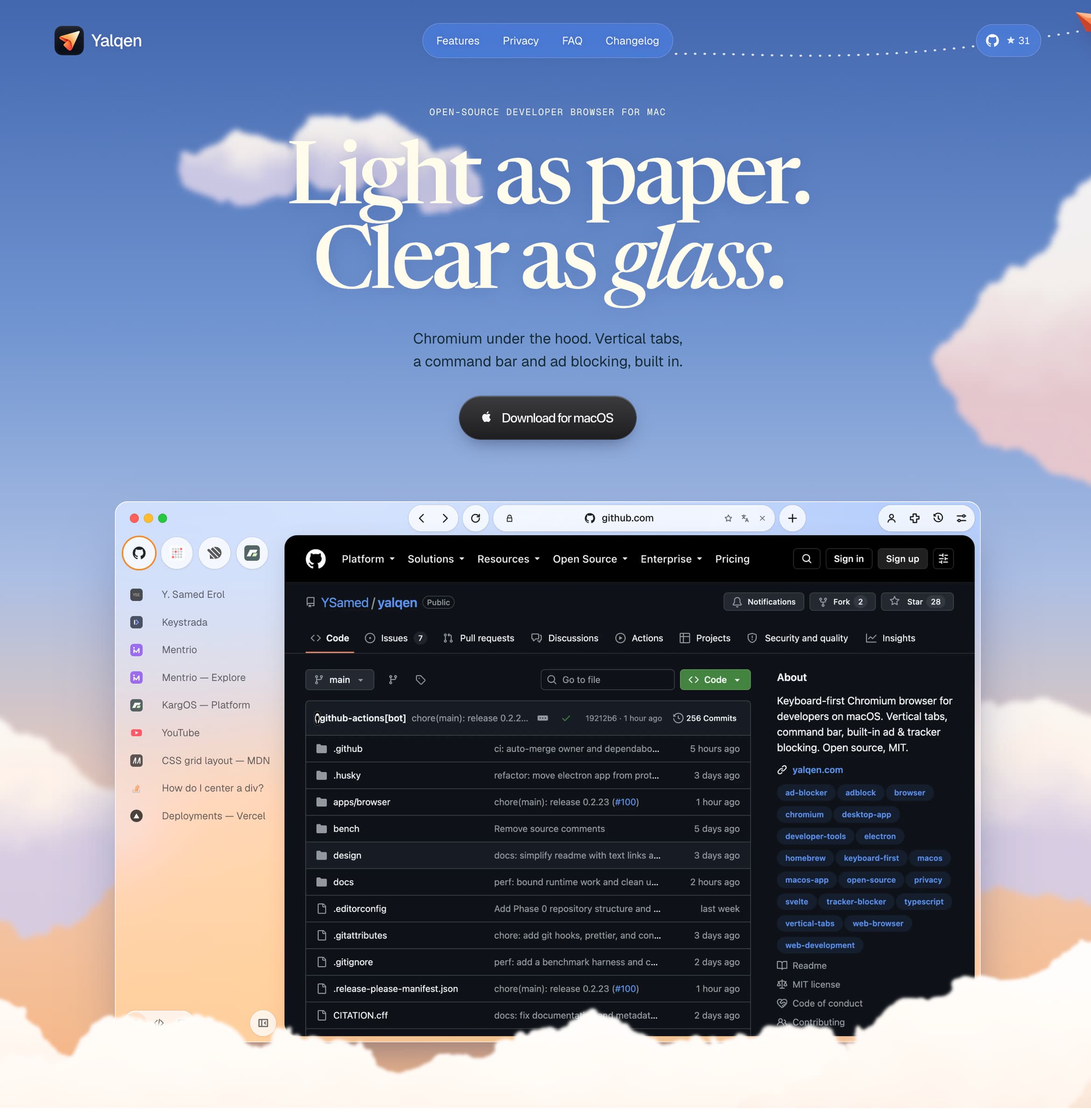
Yalqen is a free, MIT-licensed, open-source Chromium browser for macOS with an integrated AI panel for web development.
AI coding inside your browser
- Work with Claude Code directly in the browser, with support for Codex and Gemini.
- Turn a console error into a fix from the AI panel, then verify the result in the same browser tab.
- Request design changes in plain language and see the result live in your development page.
- Attach browser tabs and picked page elements as context, and use other sites as design references.
- Inspect changes as diffs and undo them when needed.
- Work with multiple projects in the same window, with project chats linked to browser tabs.
- Compare before/after screenshots and run responsive browser checks.
See the AI mode demo: https://x.com/ysamederol/status/2106816739421872208
Everyday browsing
Vertical tabs, a keyboard-driven command bar, built-in ad and tracker blocking, Chromium DevTools, HTTPS-only mode, secure DNS, and memory saving for idle tabs.
Requires macOS 13 or later on Apple Silicon. Signed and notarized, with automatic updates. Download: https://yalqen.com/download
Homebrew: brew install --cask YSamed/yalqen/yalqen
Source: https://github.com/YSamed/yalqen
Yalqen uses Electron and Chromium, with a web-rendered interface. Its macOS integration includes an application menu, standard keyboard shortcuts, hidden-inset window controls, and system light/dark theme support.
More in AI & Automation
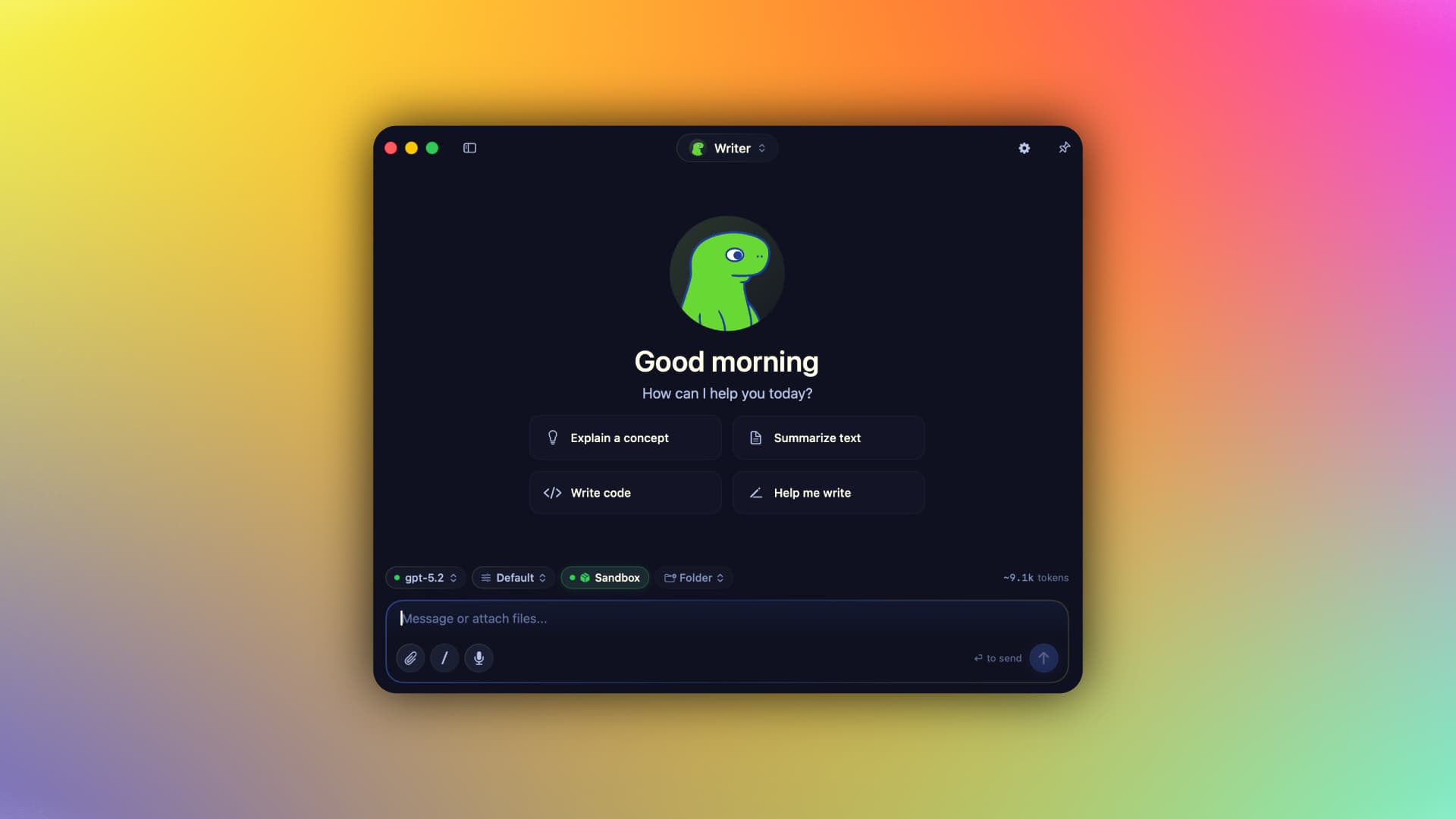

AI & Automation · Free & open source
A native Swift harness for AI agents that keeps your context, memory, tools, and identity on your Mac — run local MLX models or bring your own cloud keys, fully offline-capable.
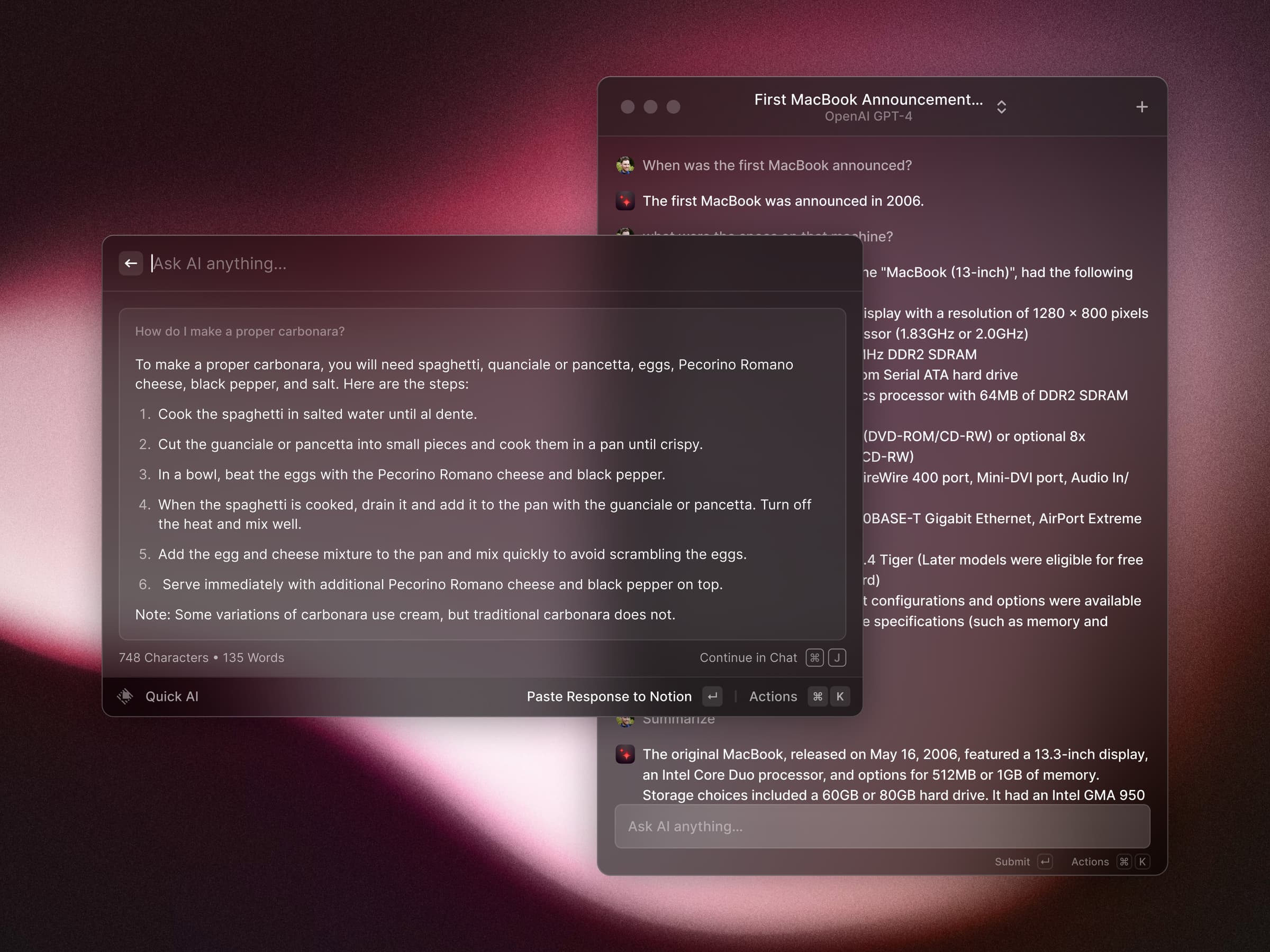
AI & Automation · Free · Pro $8
A blazing-fast, keyboard-first launcher that folds clipboard history, window management, snippets, an extension store, and AI into one command bar.
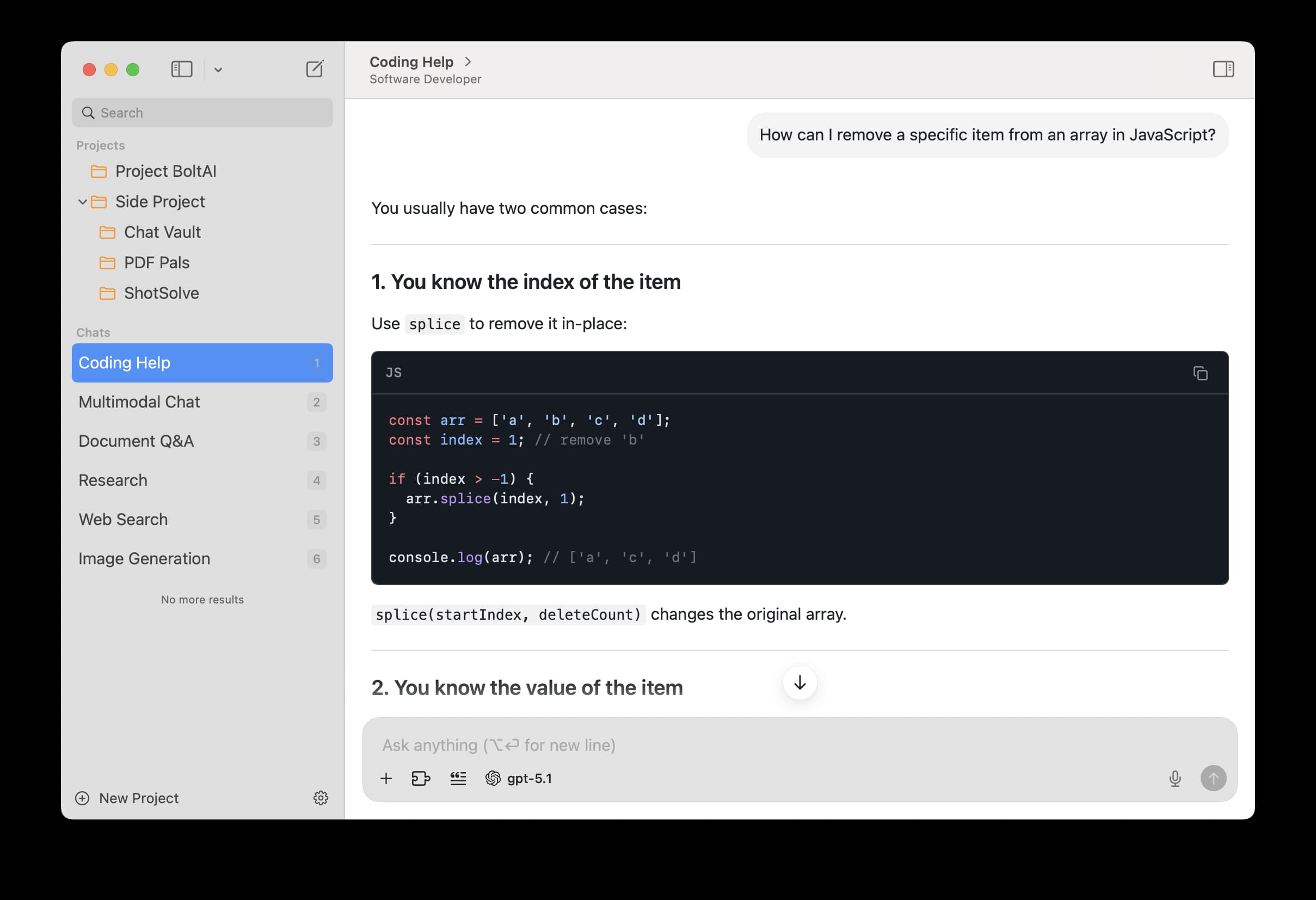

AI & Automation · $79 · one-time
A private, fully native AI workspace for Mac — bring your own keys for ChatGPT, Claude, Gemini, and local models, and use them in a proper app instead of a browser tab.