
Best Writing Apps for Mac: Notes, Markdown & PDFs
Draft in a focused editor, organize your notes, or work with PDFs. Explore 16 writing and document tools for Mac, including Bear, iA Writer, Inkstone, and PDF Expert. Find Markdown editors, outliners, and document apps that suit the way you write.
Writing & Documents · $12.99 · one-time (One license, up to 3 Macs)
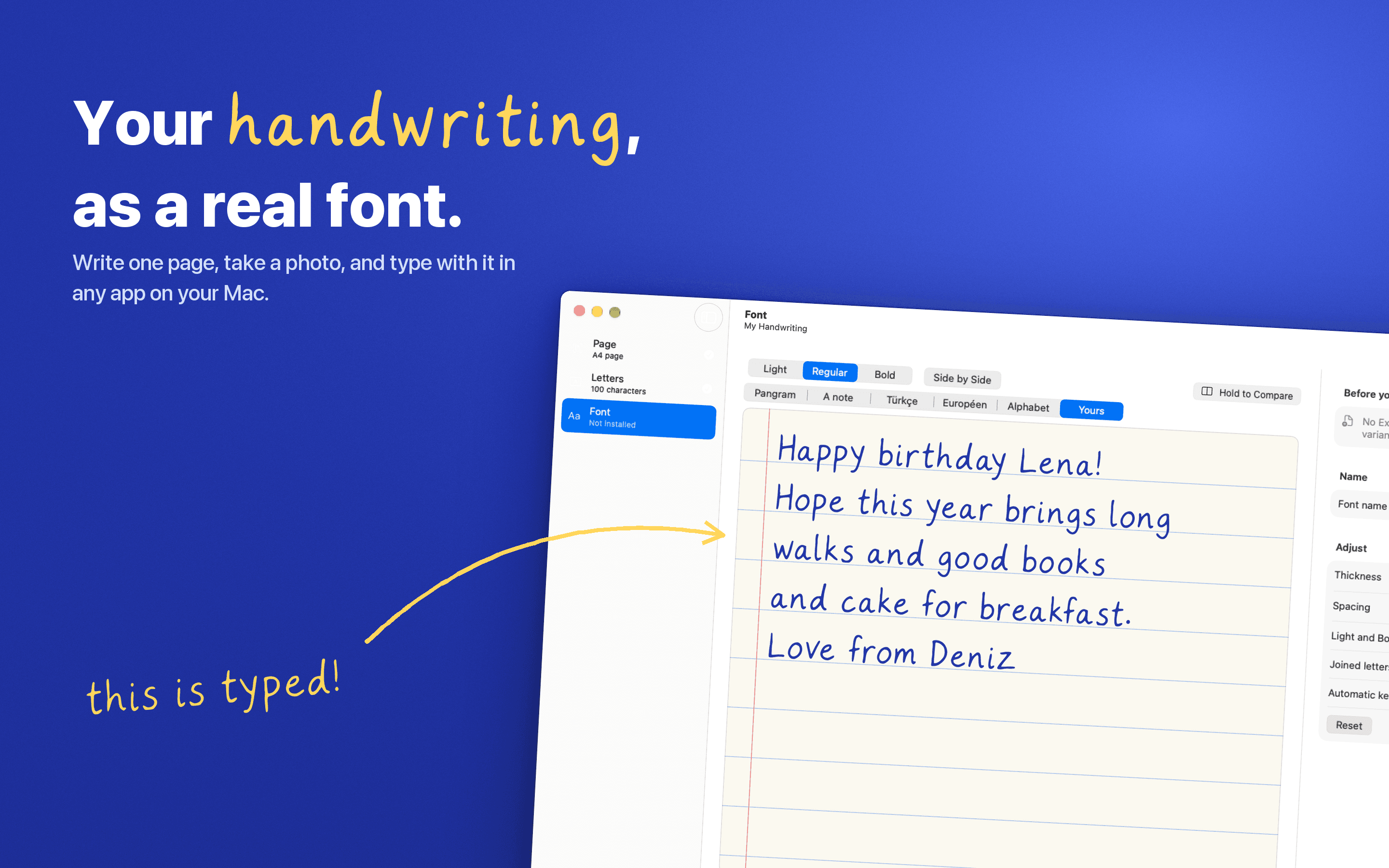
Turn your handwriting into a real font. Write one page, snap a photo, and type with it anywhere on your Mac. Nothing leaves your Mac.
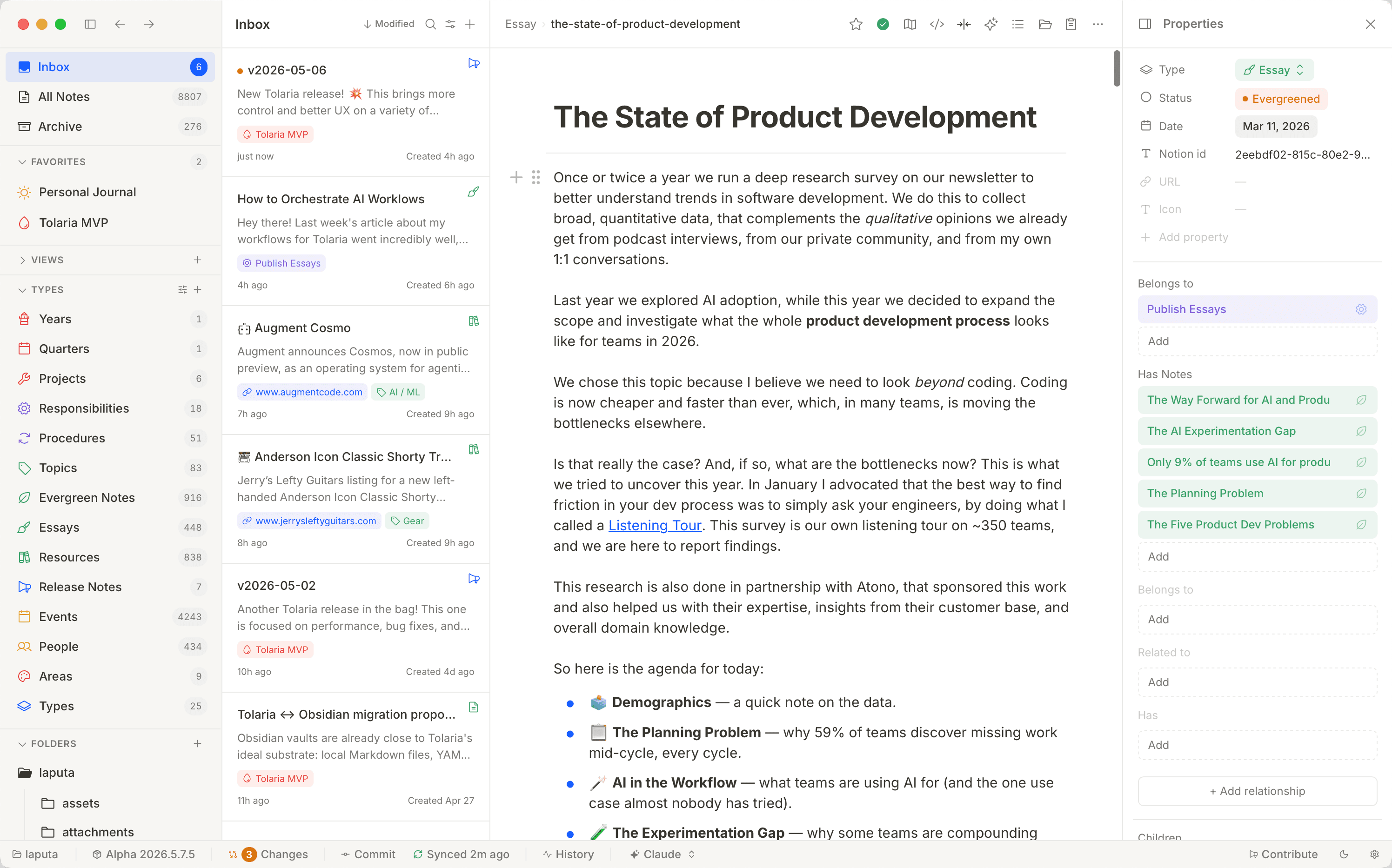
Writing & Documents · Free & open source
A free, open-source second brain — notes live as local Markdown files with native Git history and built-in AI agents, no proprietary database.
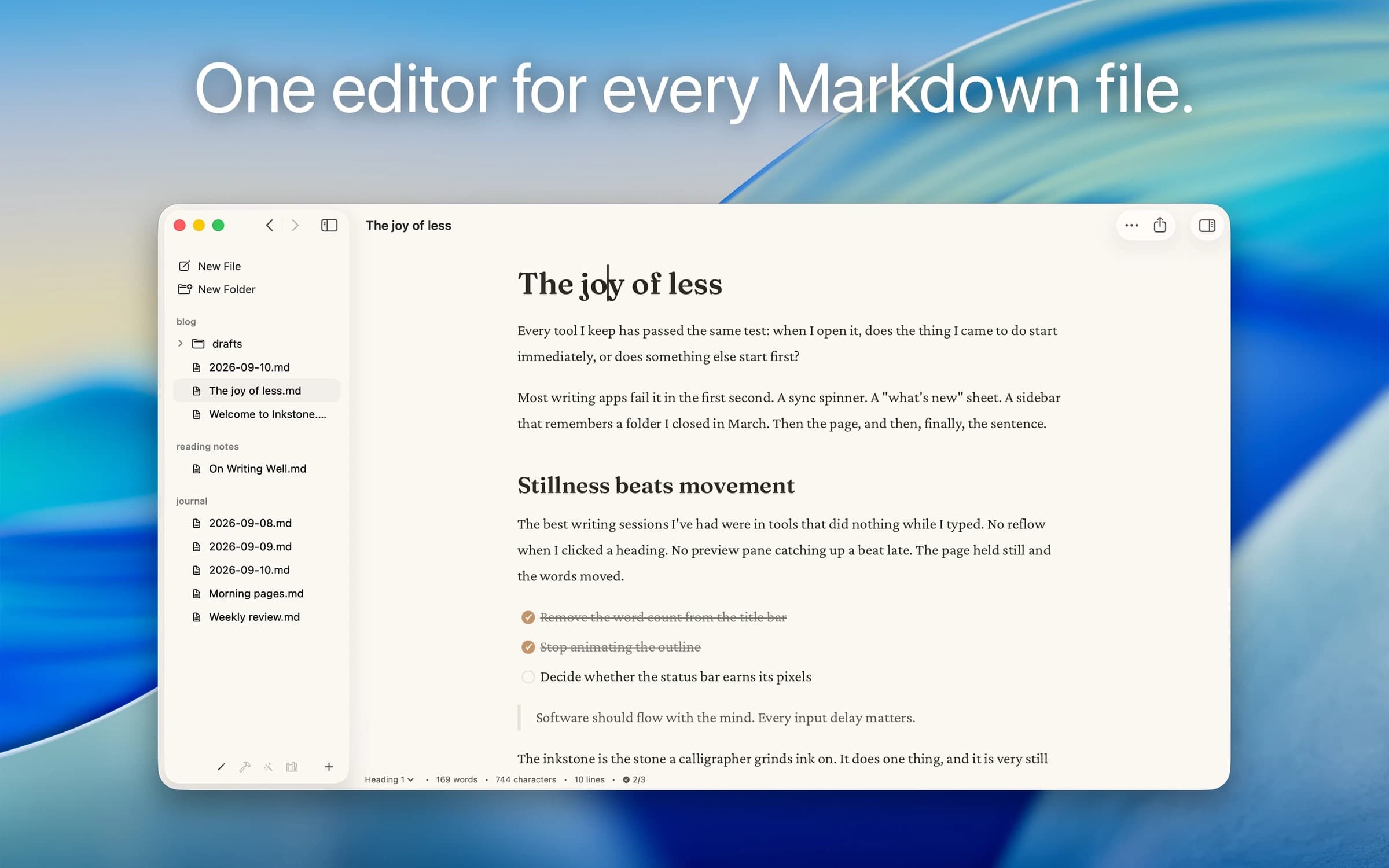
Writing & Documents · $29.99 · one-time (App Store, Free Trial)
Native Markdown editor for the plain .md files on your Mac: renders as you type, edits folders in place, no account.
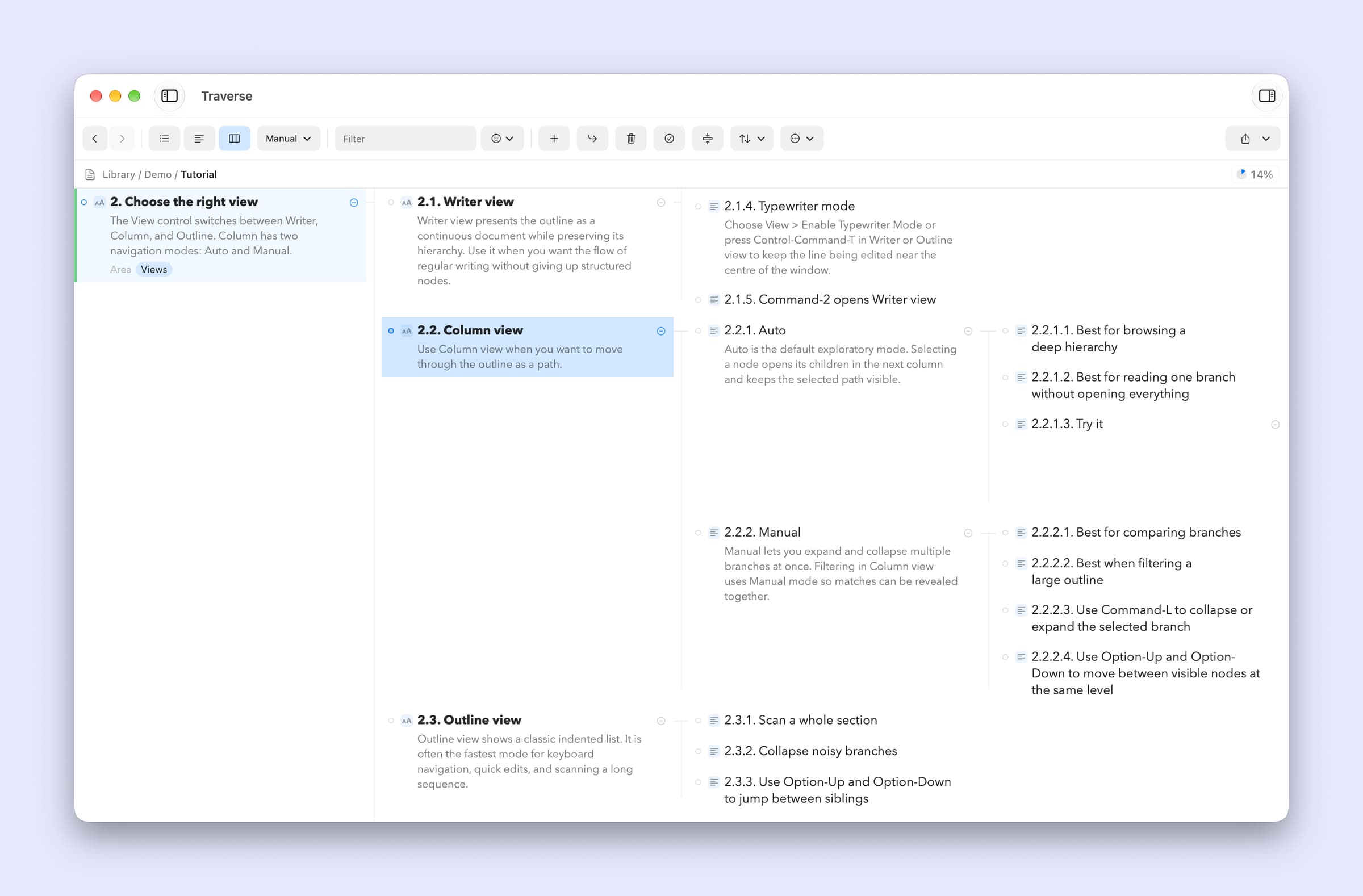
Writing & Documents · $17.99 · one-time (App Store. Subscription options also available.)
A native Mac outliner for turning messy ideas into structured writing, research, plans, and scripts, all stored as portable local OPML files
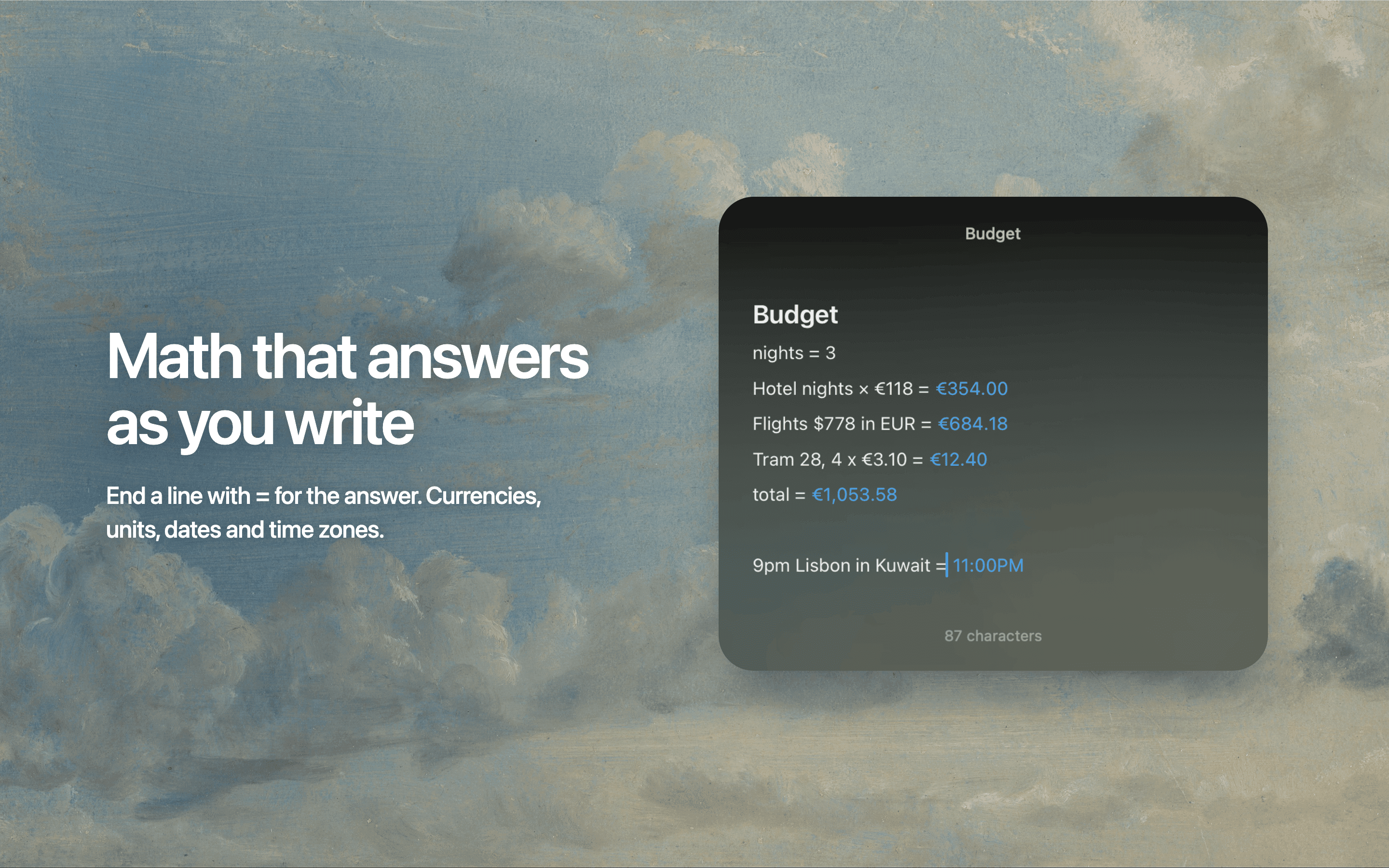
Writing & Documents · Free · free for 3 notes, $4.99 one-time for unlimited $0
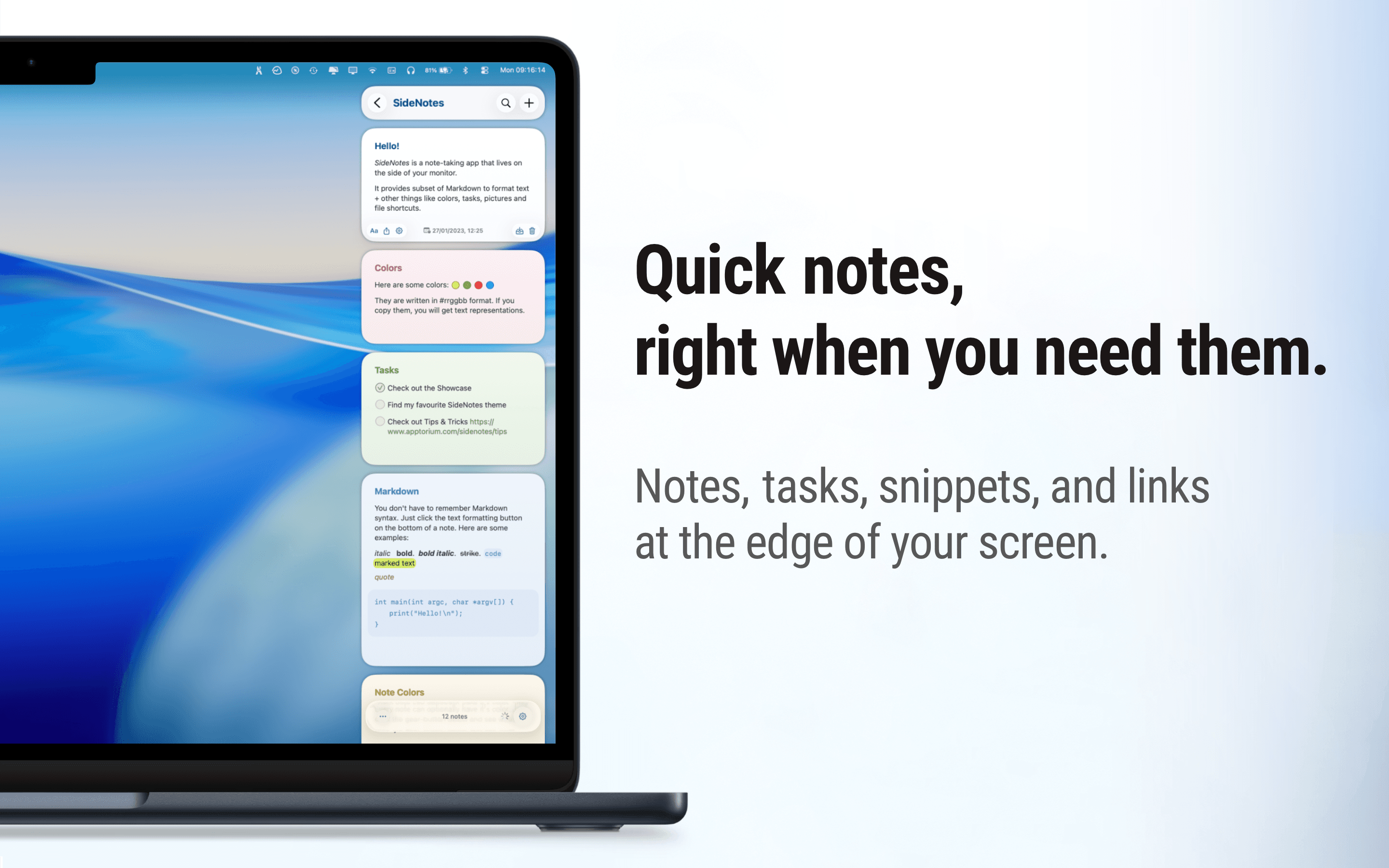
Floating Markdown notes for Mac that open over any app with one keystroke, or from the screen edge or notch.

Writing & Documents · Free · Pro $2.99
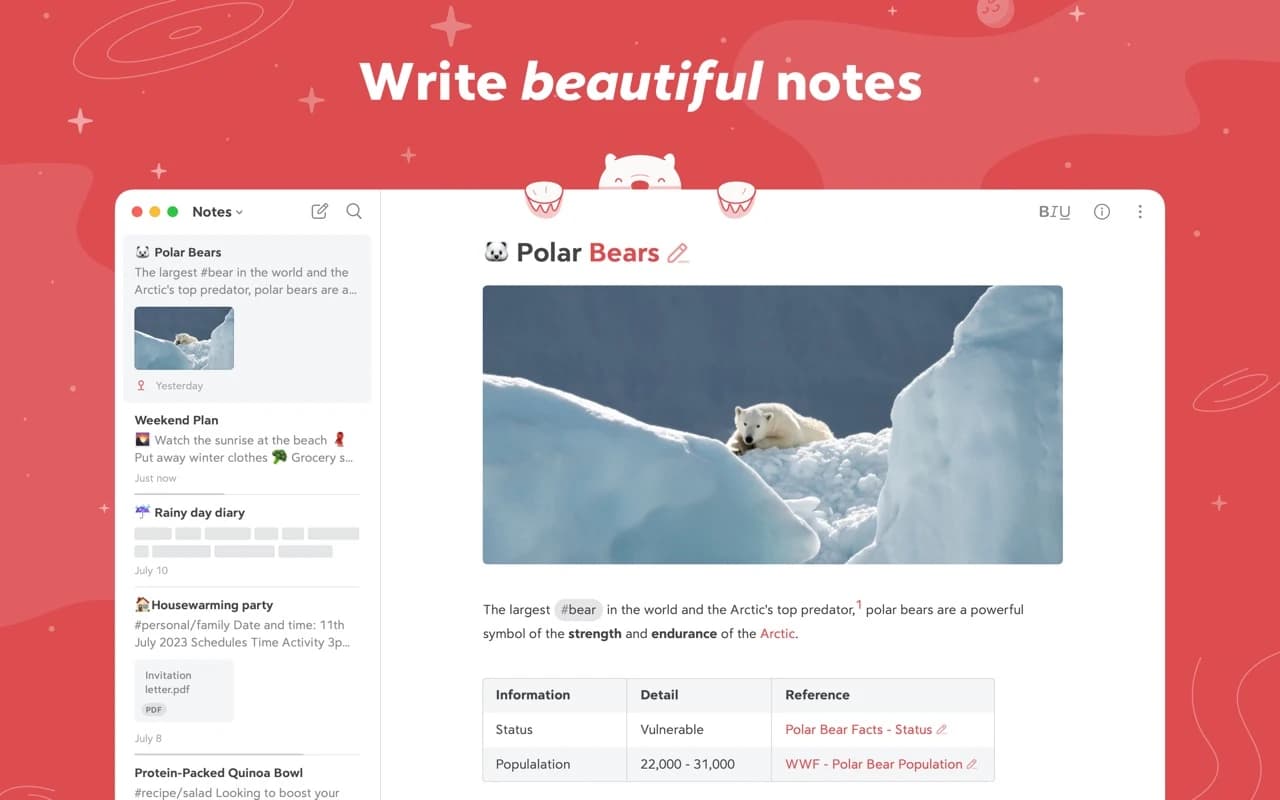
A focused Markdown notes app with a gorgeous editor, hashtag organization, and an Apple Design Award on the shelf.
Writing & Documents · $49.99 · one-time
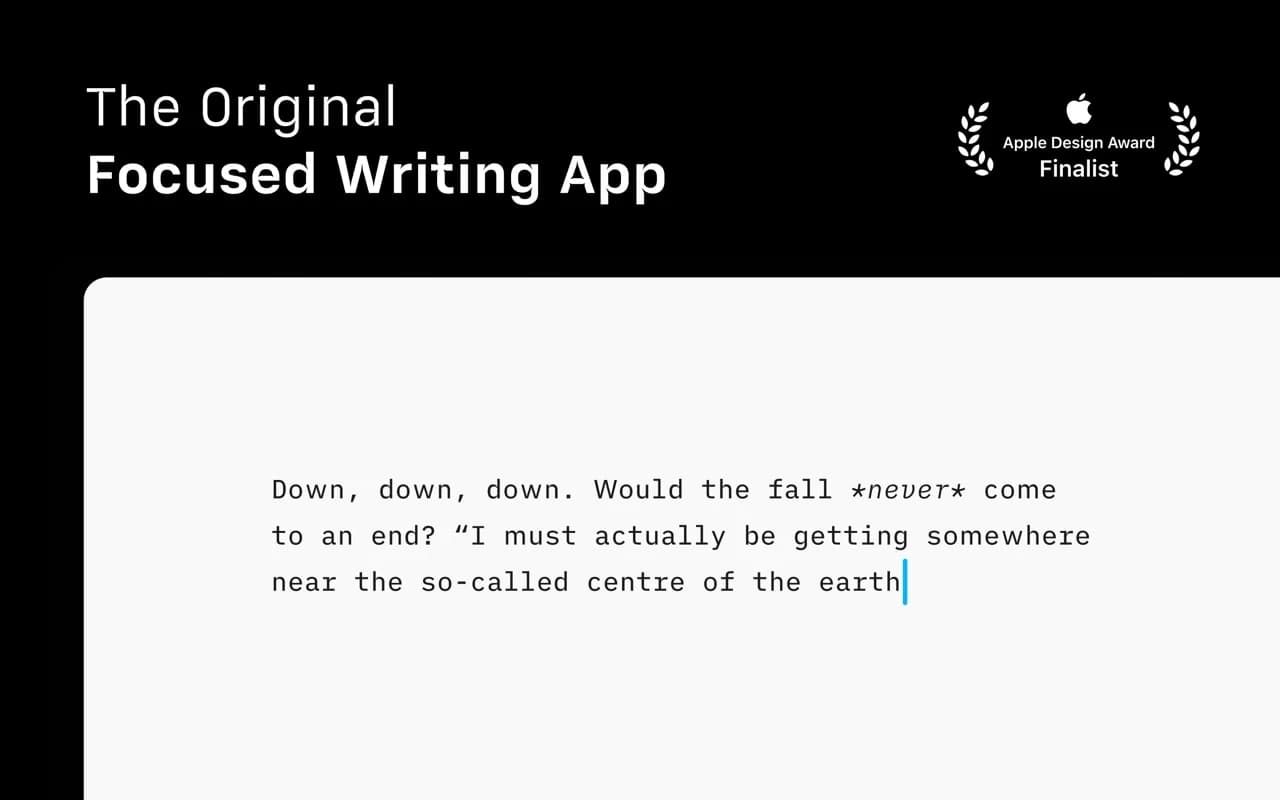
The writing app that made focused, plain-text Markdown a genre — a fixed mono typeface, a tuned measure, and nothing else to fiddle with.
Writing & Documents · Free
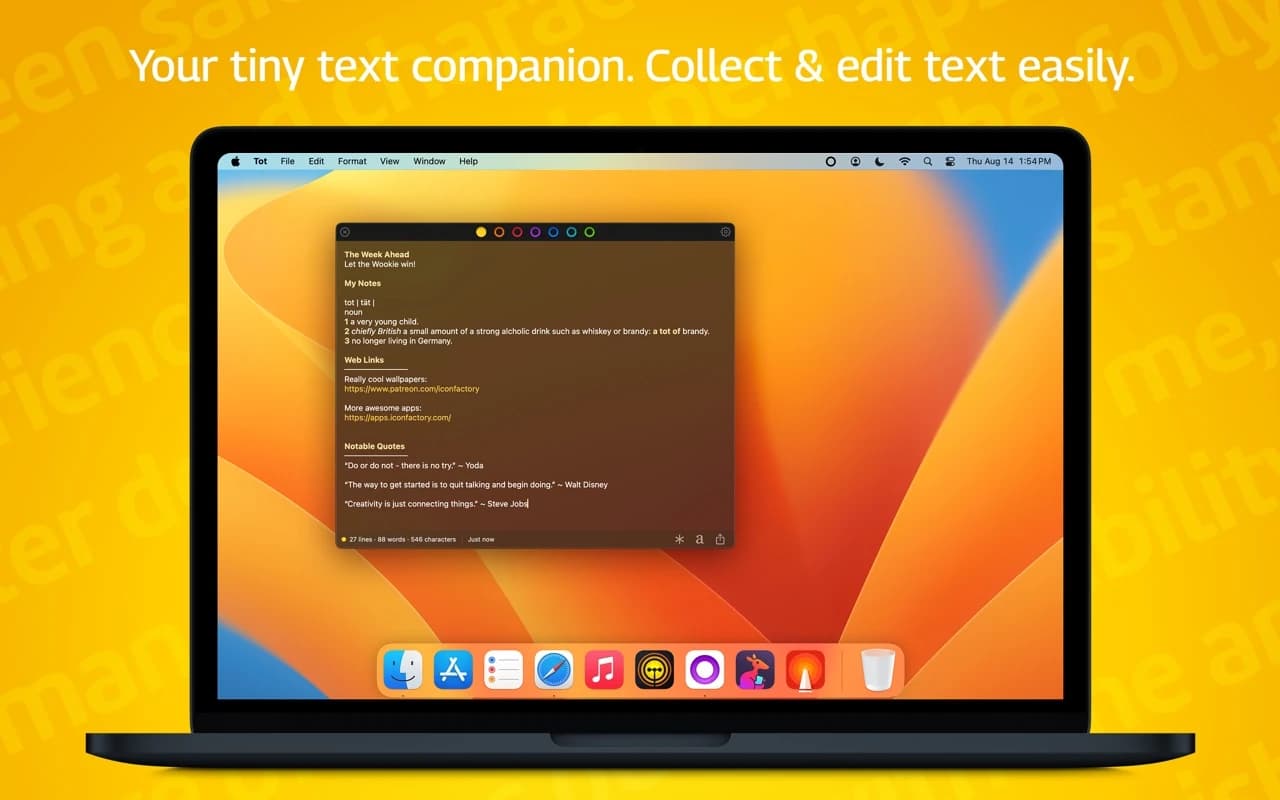
Seven dots, seven scratch pads — a tiny, gorgeous place to hold the text you would otherwise lose in a pile of untitled files.
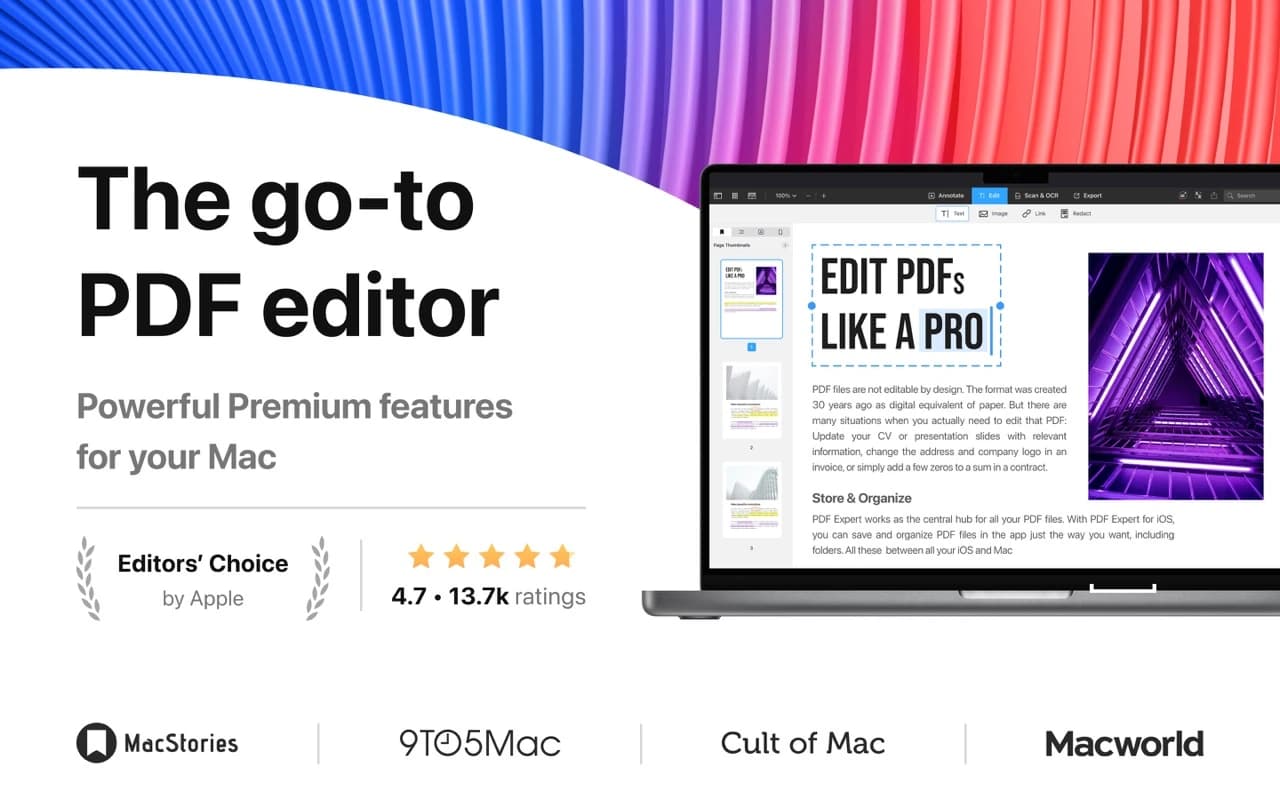

Writing & Documents · Free · Premium plan
The PDF app that feels native — read, annotate, edit text and images, fill and sign forms, and redact, all at a speed the incumbents never manage.
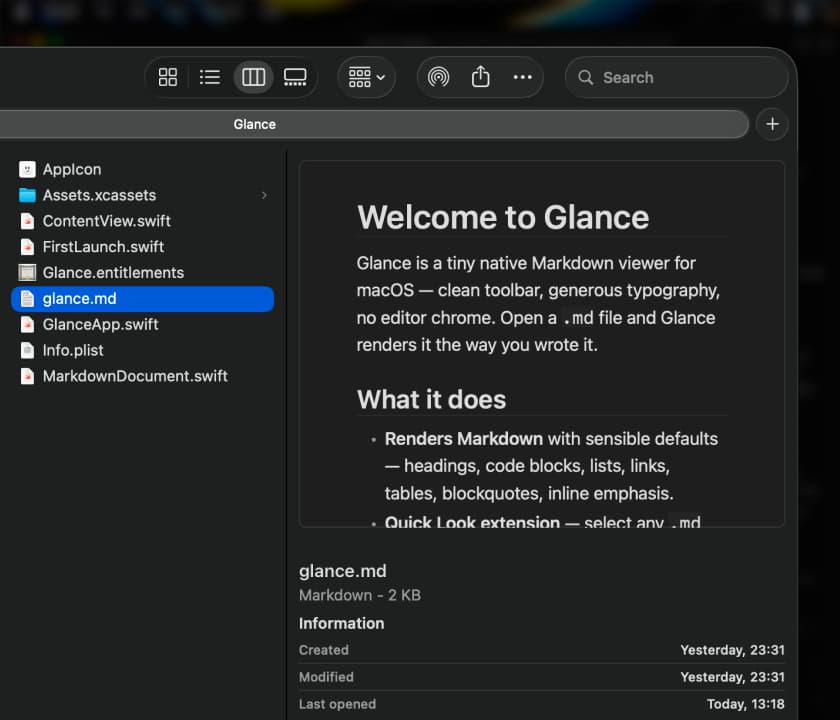

Writing & Documents · Free · Pro, one-time $9.99
A native macOS Quick Look extension and viewer for Markdown — instant, WebView-free rendering with Mermaid diagrams, LaTeX math, tables, and code highlighting.
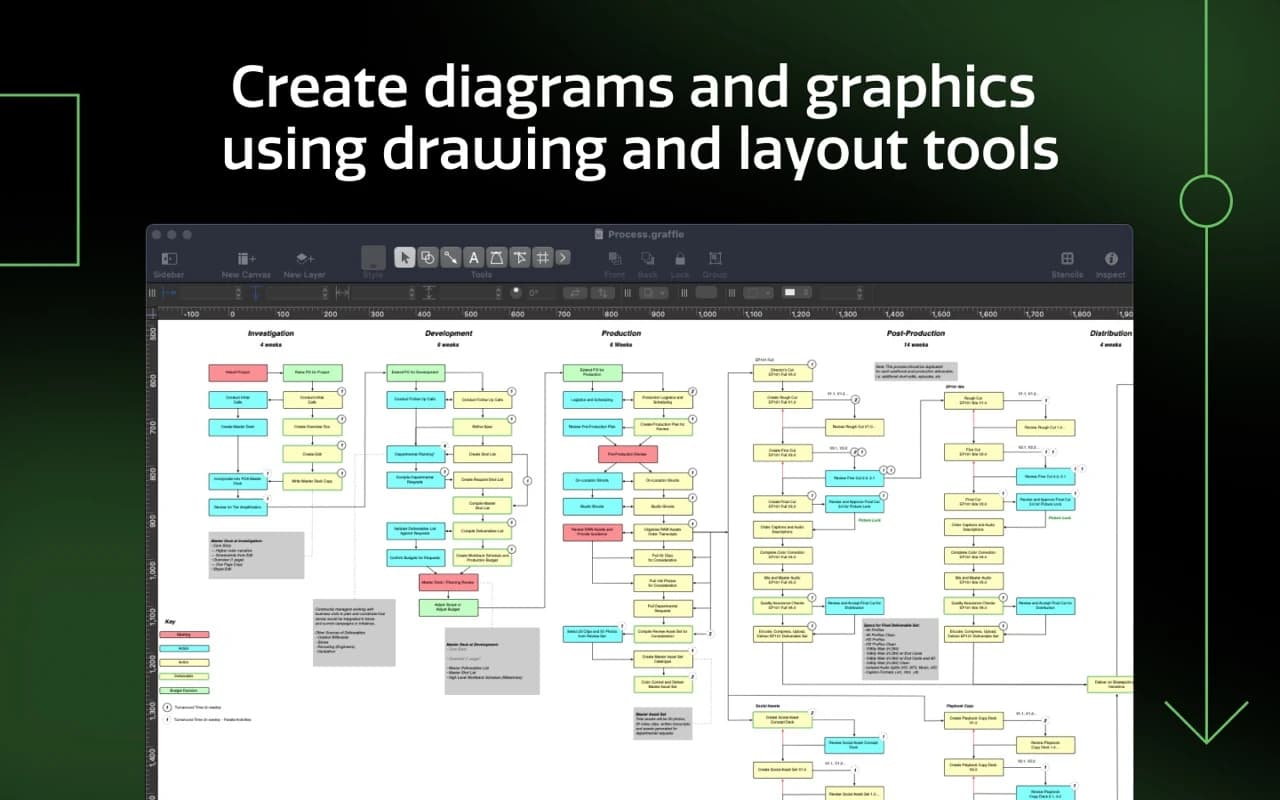

Writing & Documents · $124.99 · one-time (free trial)
The Mac's benchmark diagramming app — wireframes, flowcharts, network maps, and org charts with precise layout tools and a deep automation model.
Writing & Documents · Free & open source
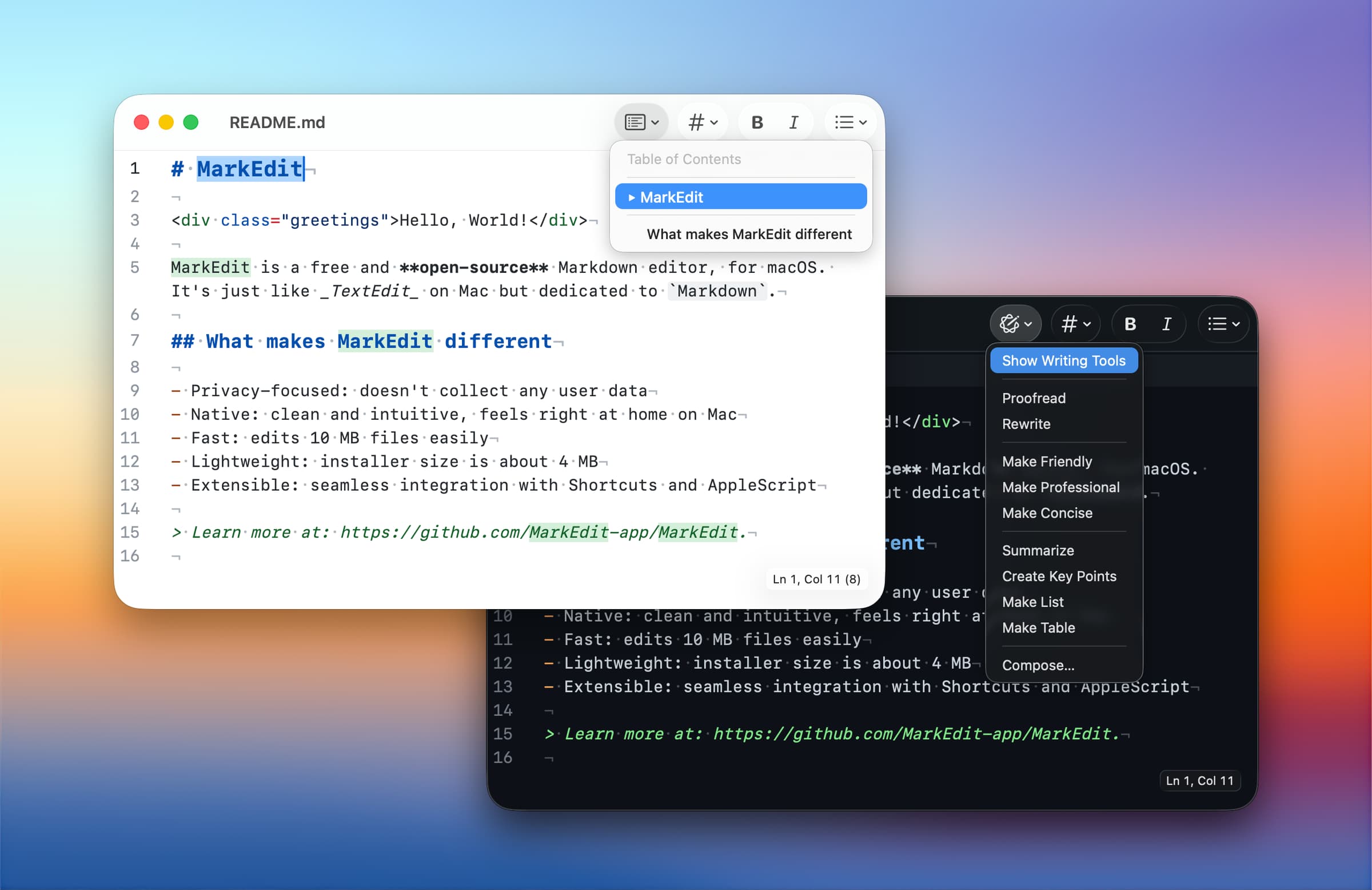
A native, CodeMirror-powered Markdown editor for macOS — as simple as TextEdit, purpose-built for Markdown, and genuinely fast.
Writing & Documents · Free & open source
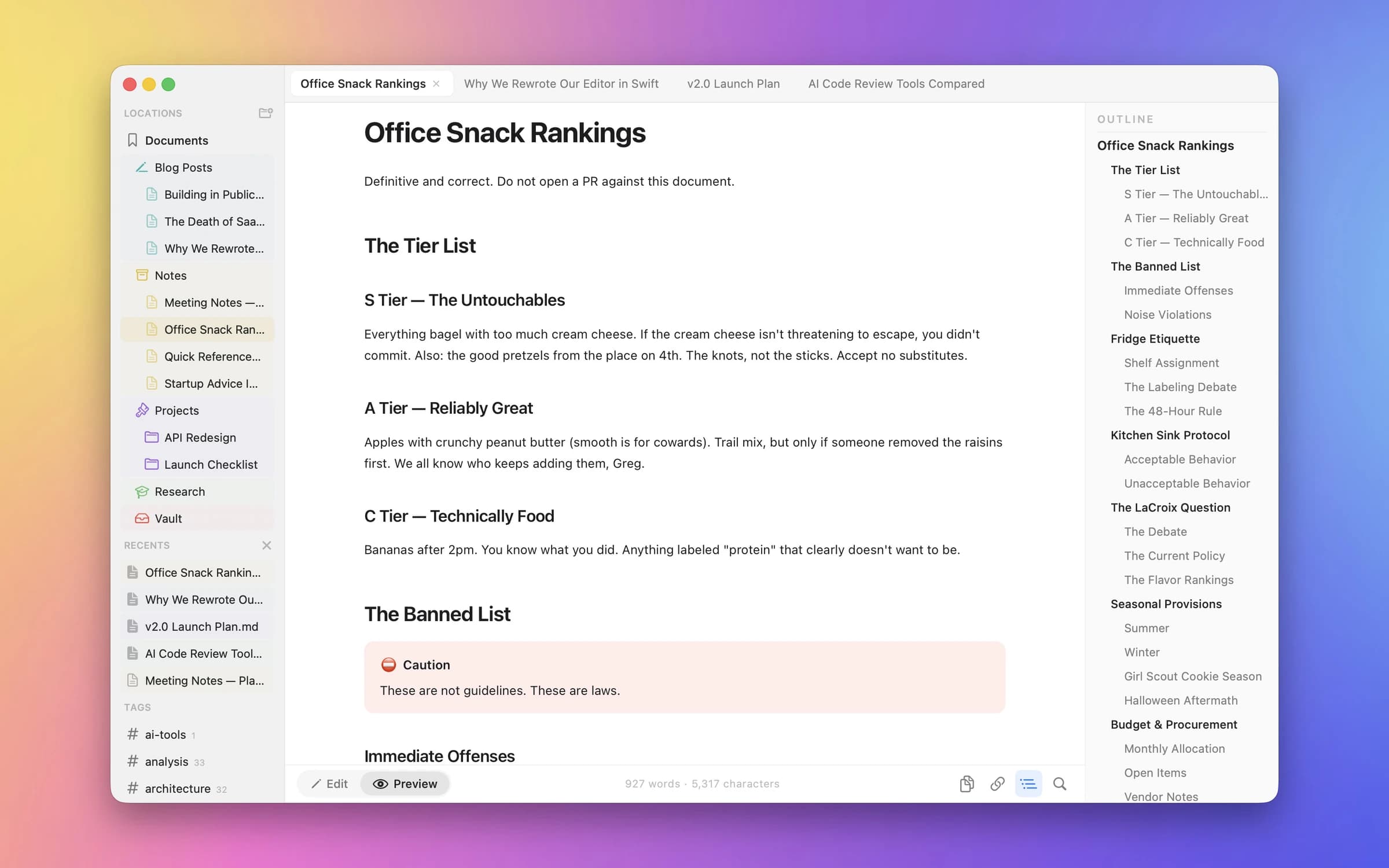
A native Markdown editor for Mac, iPhone, and iPad — with live Mermaid diagrams, KaTeX math, and GFM tables, no cloud required.
Writing & Documents · Free & open source
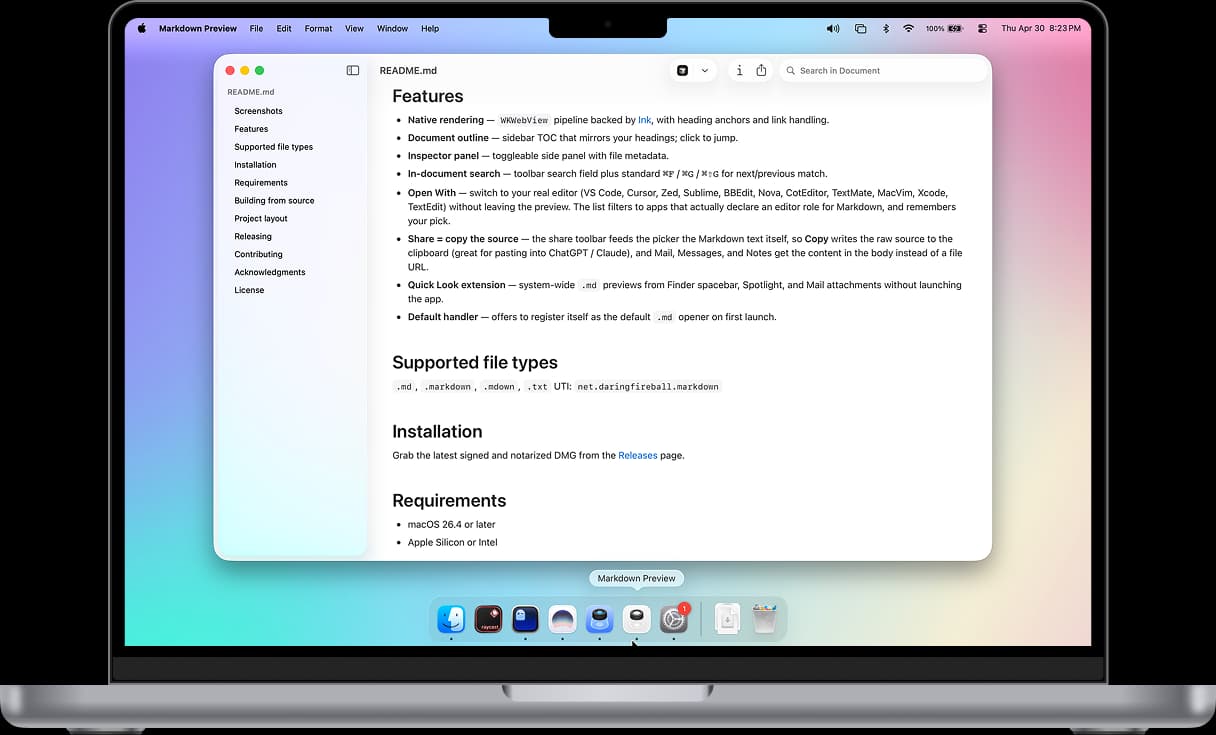
A fast, native Markdown viewer that opens .md files instantly without launching an editor.

Writing & Documents · $4.99 · one-time (one-time license for up to three Macs)
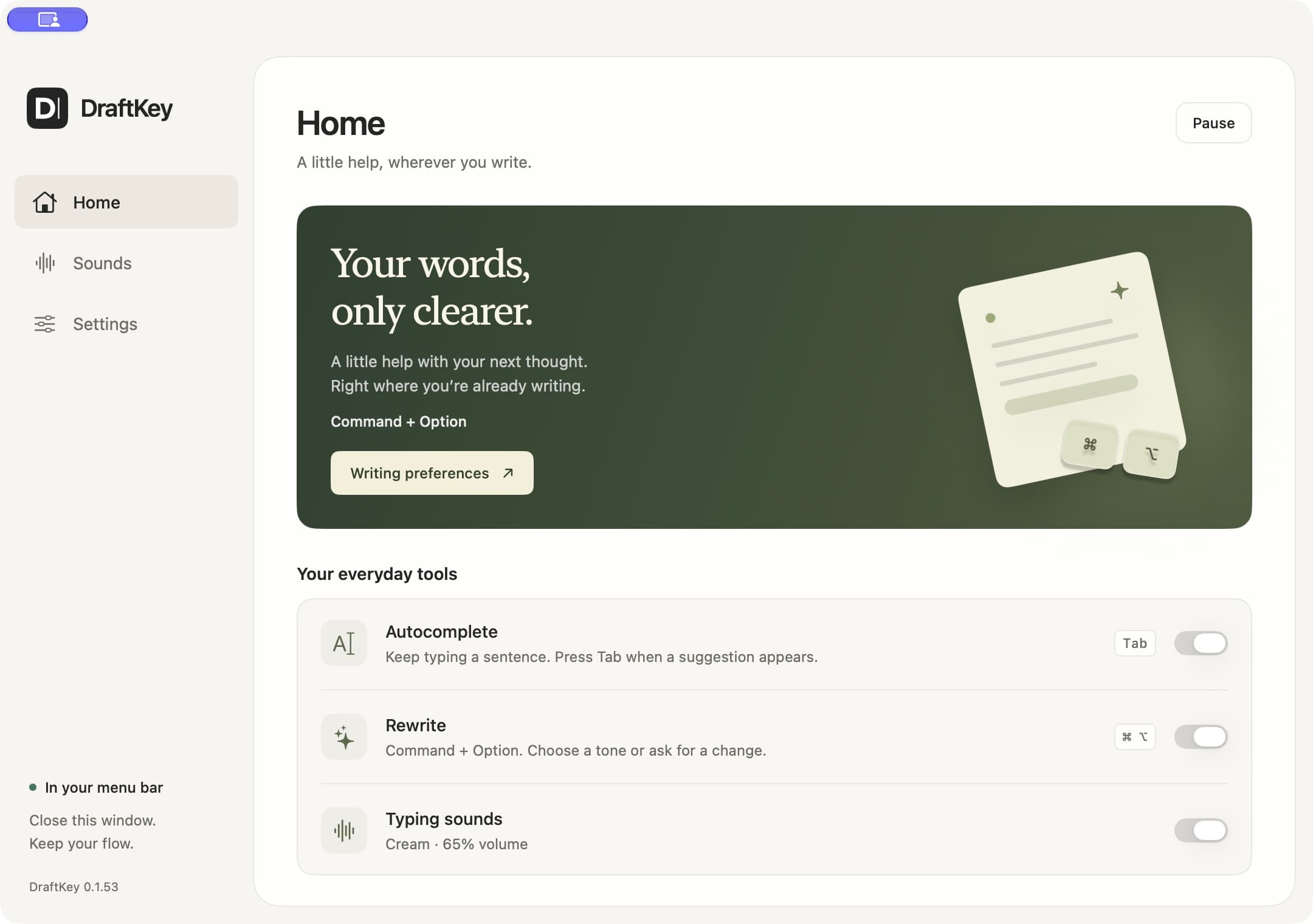
Local spelling, grammar and selected-text rewriting for supported Mac editors.
