

DraftKey
Local spelling, grammar and selected-text rewriting for supported Mac editors.
DraftKey brings local writing assistance to supported editors on Apple Silicon Macs. It cleans up spelling and grammar when you pause, offers optional text completion, and provides Command + Option writing tools for rewriting, shortening, changing tone or correcting selected text. You review edits before insertion.
Requirements: macOS 14 or later, Apple Silicon, 8 GB memory for AI, a separate approximately 1.12 GB writing model, and at least 2.2 GB free space plus the app. Editor support varies; secure fields are excluded. The writing AI runs on the Mac.
The Mac app requires a paid license: $4.99 one time for up to three Macs, as documented on October 4, 2026. The website also offers a separate browser typing room with WPM and accuracy practice; that is not the AI writing app.
Disclosure: submitted by the team behind DraftKey. This AI-assisted description is based on official documentation, not independent testing. The included Home screenshot is an official website asset.
More like DraftKey
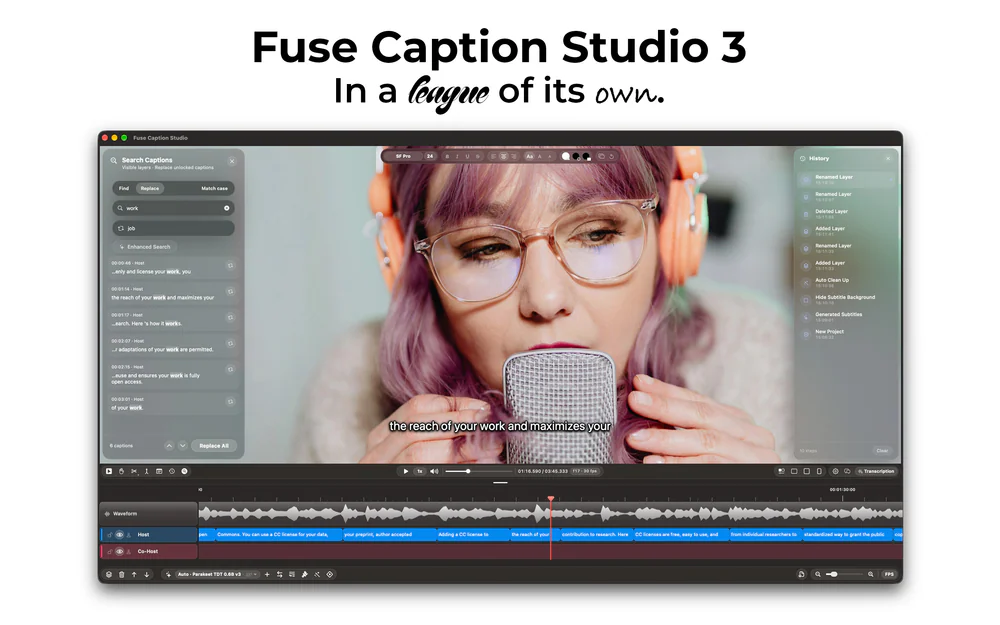

Productivity · Free · Pro $4.99
Transcribes and translates media, generating captions that can easily be edited by using a video editor-style type of timeline.
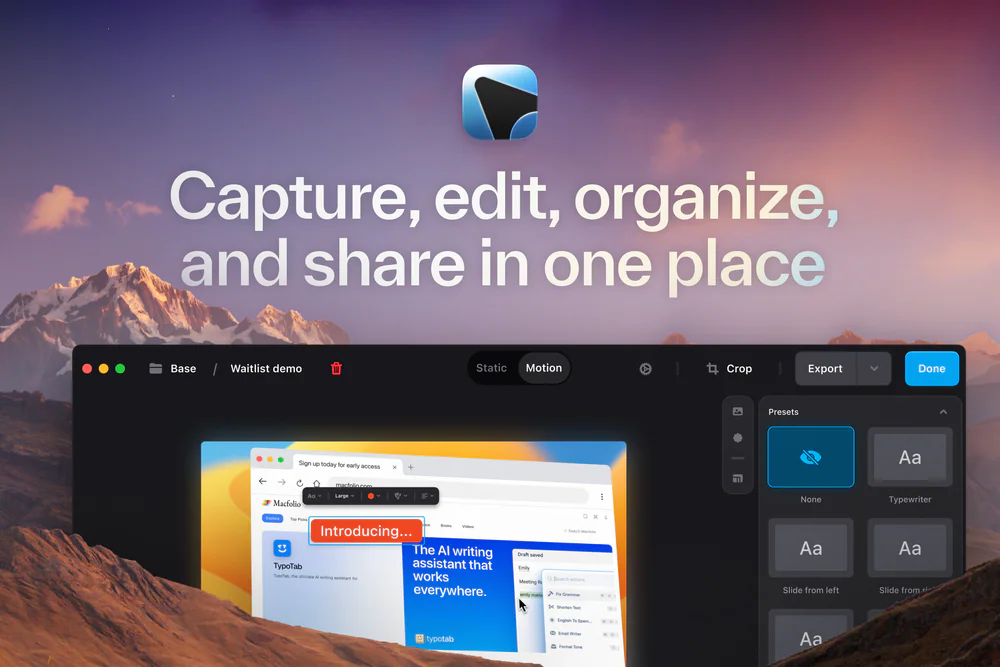

Developer Tools · Subscription
The last Screenshot & Screen Recording Tool You'll Need
25% off Your First Purchase for members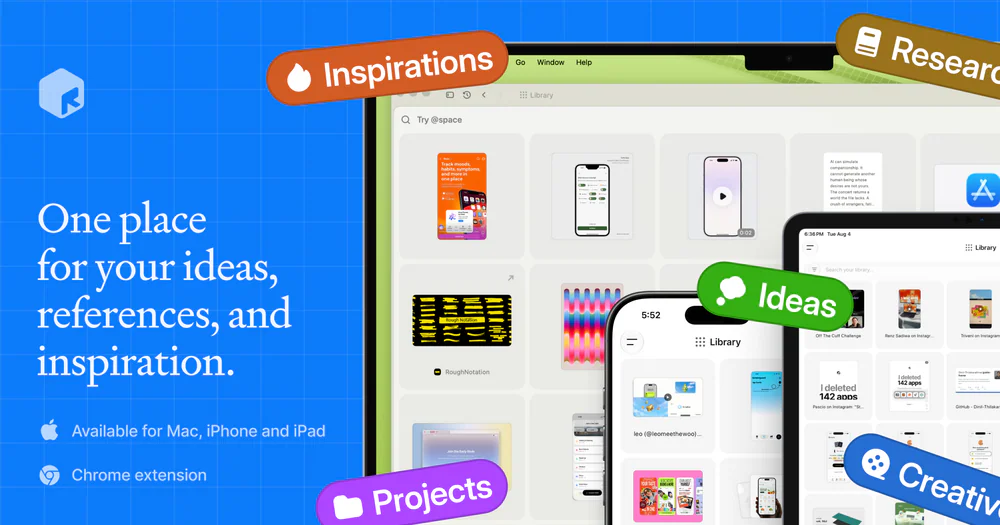

Productivity · Free · one-time Mac license; free on iPhone/iPad $39
A fully local personal context library — save notes, links, images, and documents, search them by meaning, and hand that context to AI through MCP or the CLI.
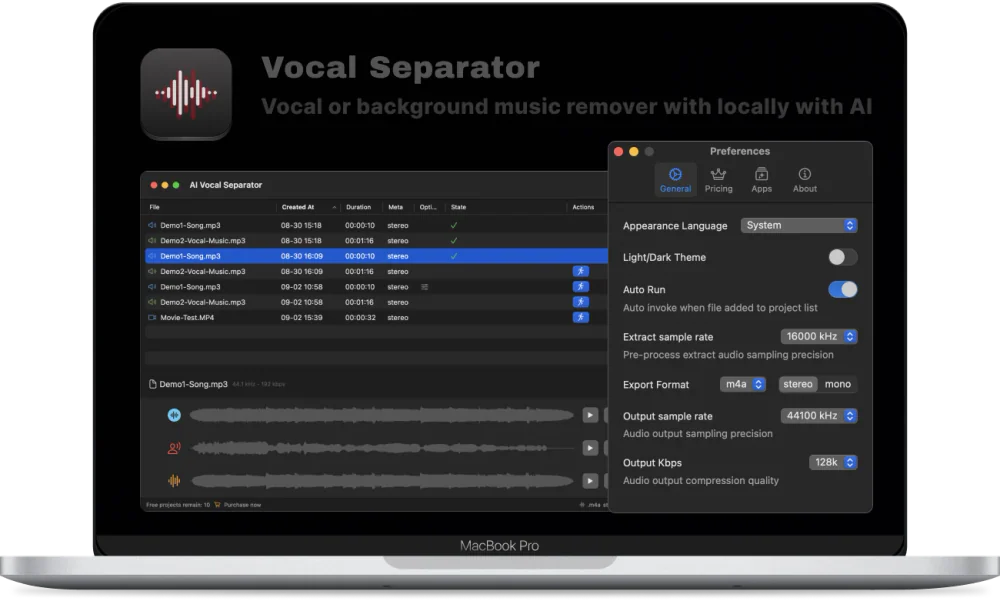
Audio & Voice · Free · Free download; Pro Version in-app purchase $4.99 in the US App Store. Regional prices vary. $0
Separate vocals and backing tracks from audio or video in batches, with local AI, preview, filters, and flexible export.