

Video organizer for Mac: import camera cards safely and keep every clip across all your drives in one library.
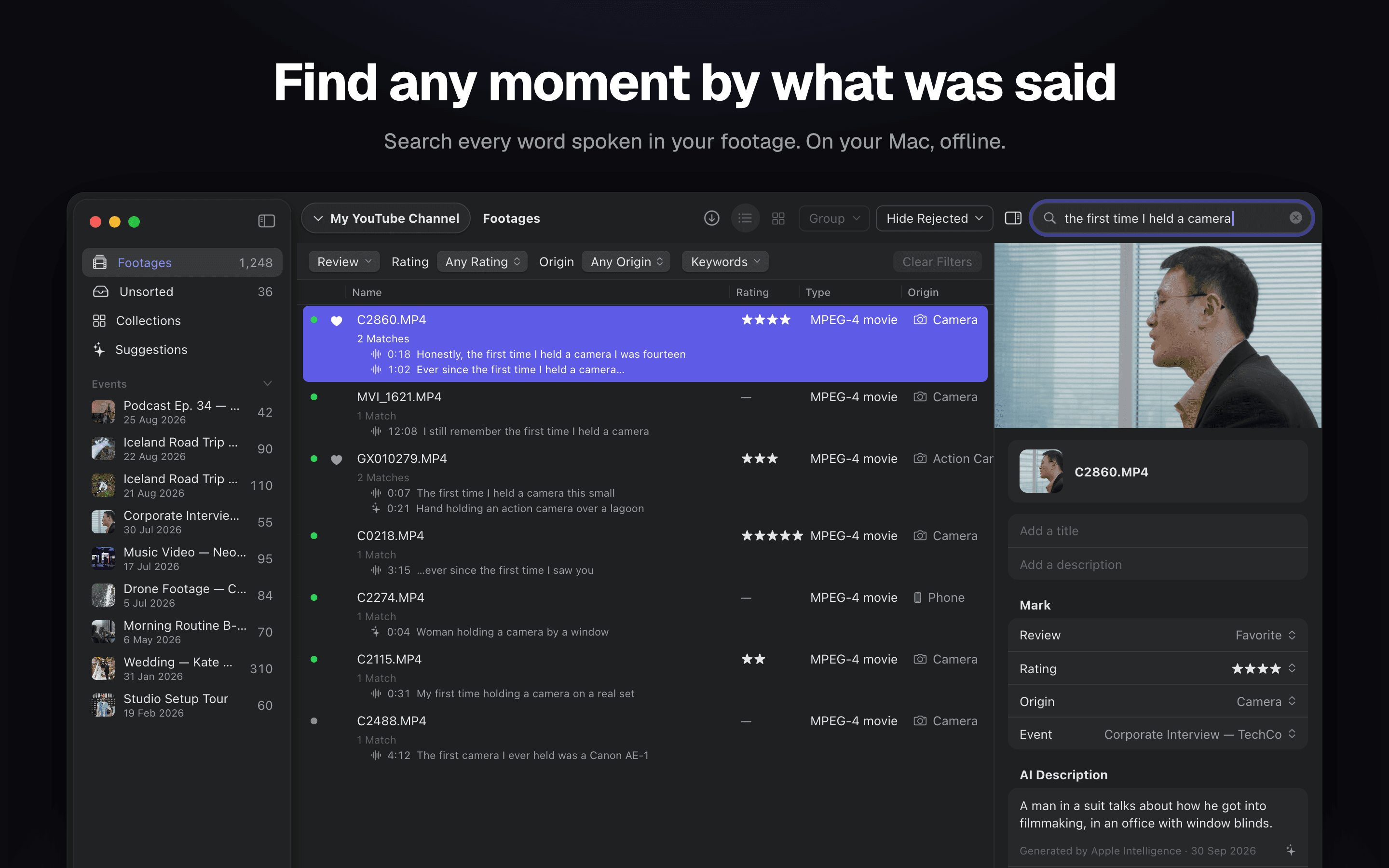
Footages keeps every clip from every camera card, SSD and NAS in one library — and always knows which drive each copy lives on. Files stay as plain files in plain folders; nothing is moved into a vault or uploaded anywhere.
Why it belongs on the dock
- Safe imports. Every file is copied with a SHA-256 checksum and can be re-verified any time. Copy a card to the NAS and a backup drive in a single pass, both copies verified.
- Sidecars travel with the clip. Subtitles, LUTs, XMP and GPS tracks move and copy together with their footage.
- Fast at scale. Scrolling, selecting and batch-marking stay instant with ten thousand clips in the library.
- Search by what was said or shown. Speech transcription, on-screen text and scene descriptions — all computed locally on Apple Silicon. Footage never leaves the Mac.
- Everything can be undone. ⌘Z brings back ratings, keywords and clips removed from the library.
- No account, no cloud. No sign-in, no limit on the number of clips.
Native, by design
Built with SwiftUI and AVFoundation. Local analysis runs on MLX and Apple's on-device models, so the app follows macOS appearance, uses the system video pipeline and the Neural Engine, and stays quiet in the background.
Free to use; a Pro subscription inside the app unlocks additional features.
Requires macOS 26 and a Mac with Apple Silicon.
More in Photo & Video
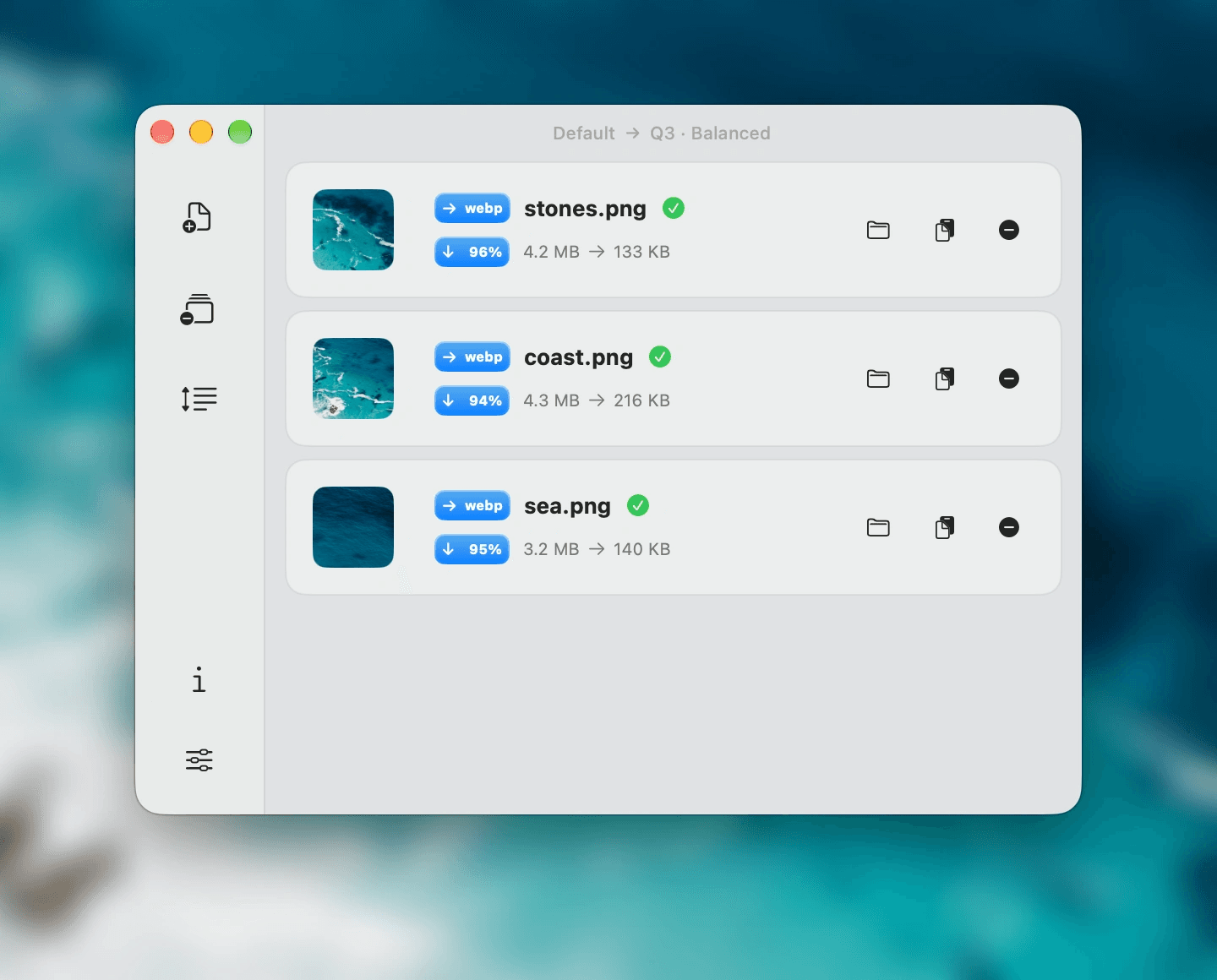
Photo & Video · Free · Pro
Native on-device image compression with a JSON CLI and an Agent Skill for Mac and Windows.
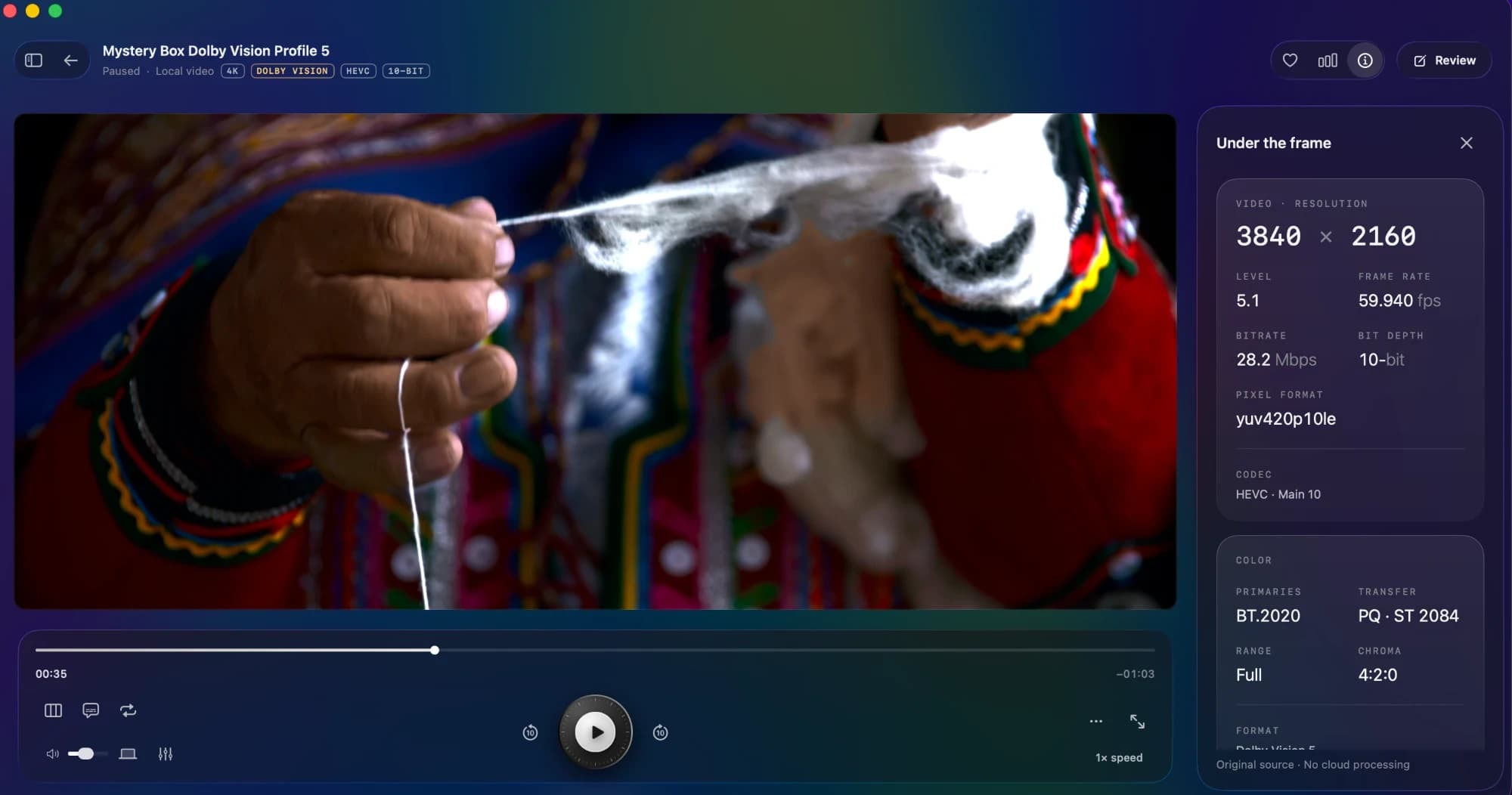
Photo & Video · $9 · one-time
The native Mac player that makes your films feel like films. Beautiful HDR. Your favourite formats. Nothing in the way.
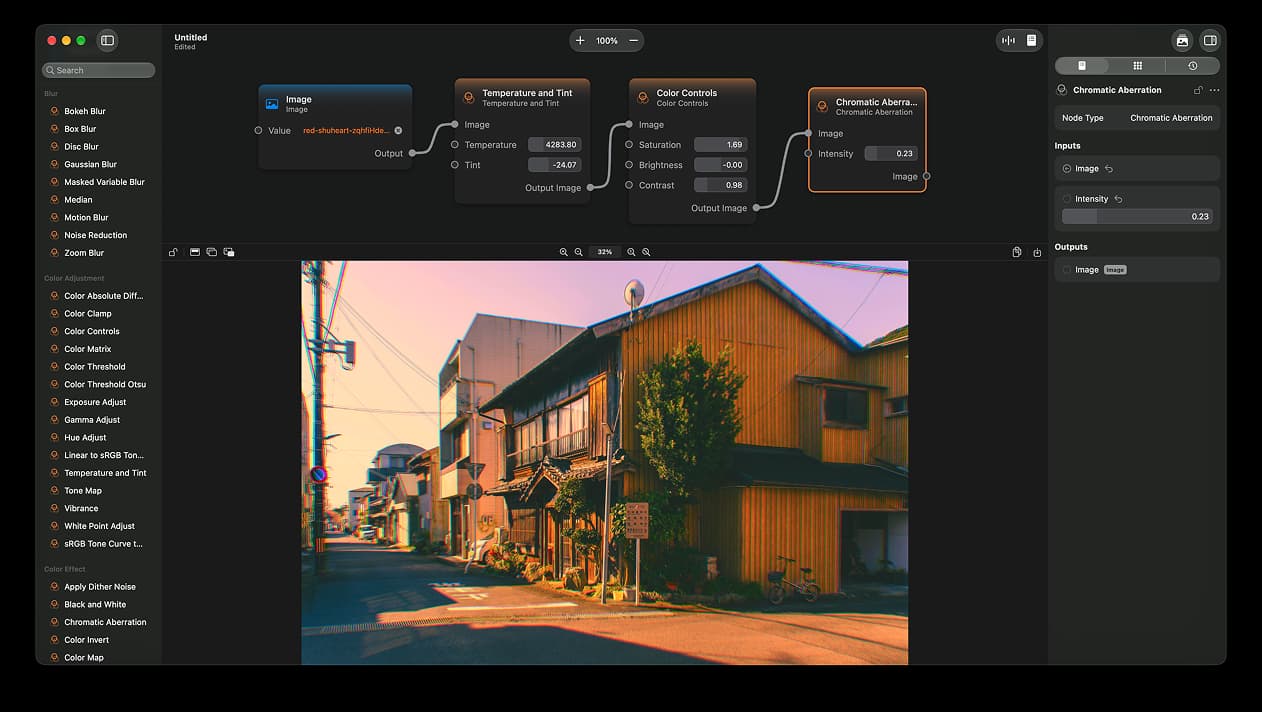

Photo & Video · Free & open source
A node-based image editor for macOS