Audio & Voice · Free · Free download; Pro in-app purchase $9.99 on the US Mac App Store. Regional prices vary. $0
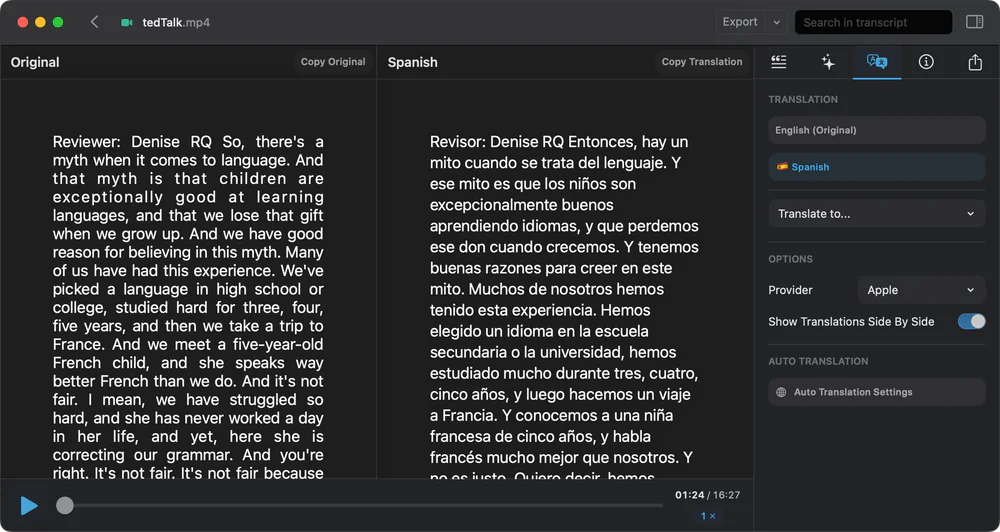
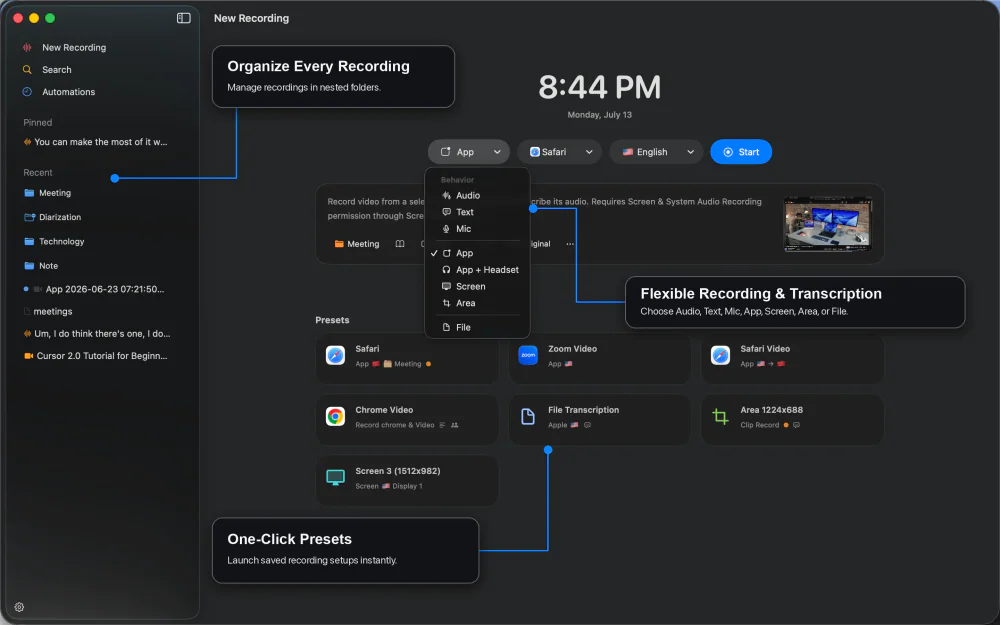
Record Mac audio, transcribe files, translate live captions, label speakers, and export searchable transcripts and subtitled media.
Type with your voice, transcribe recordings, or take meeting notes on your Mac. Browse 21 audio and voice tools, including MacWhisper, Wispr Flow, and Orca One, plus audio controls such as FineTune. Check each app's features, pricing, and local or cloud processing options.
Audio & Voice · Free · Free download; Pro in-app purchase $9.99 on the US Mac App Store. Regional prices vary. $0
Record Mac audio, transcribe files, translate live captions, label speakers, and export searchable transcripts and subtitled media.
Audio & Voice · Free
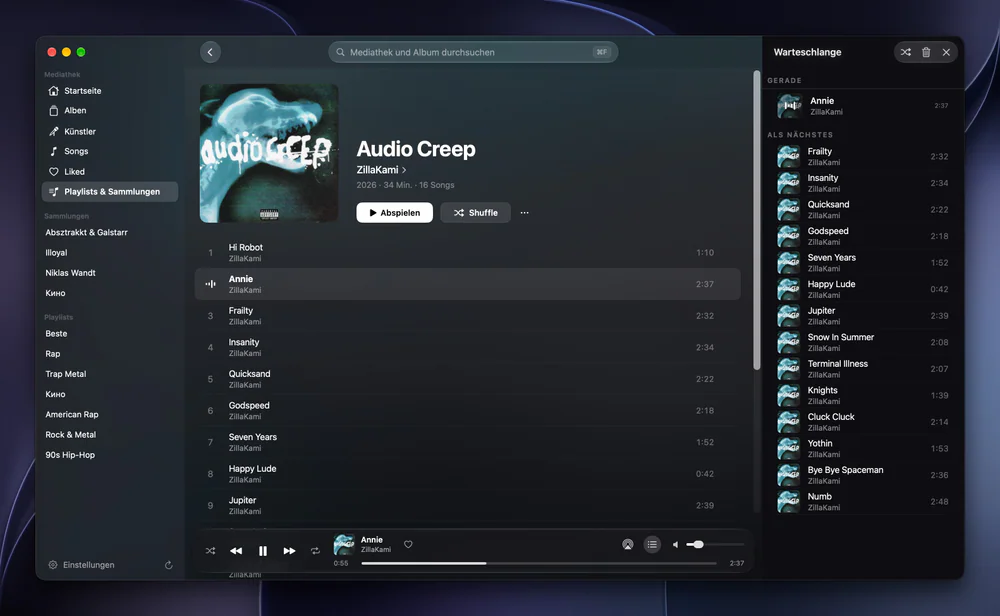
A neon-lit native music player for macOS, with AI playlists, YouTube downloads and on-device karaoke.
Audio & Voice · Free · Monthly, Annual, Lifetime Plans $2.49
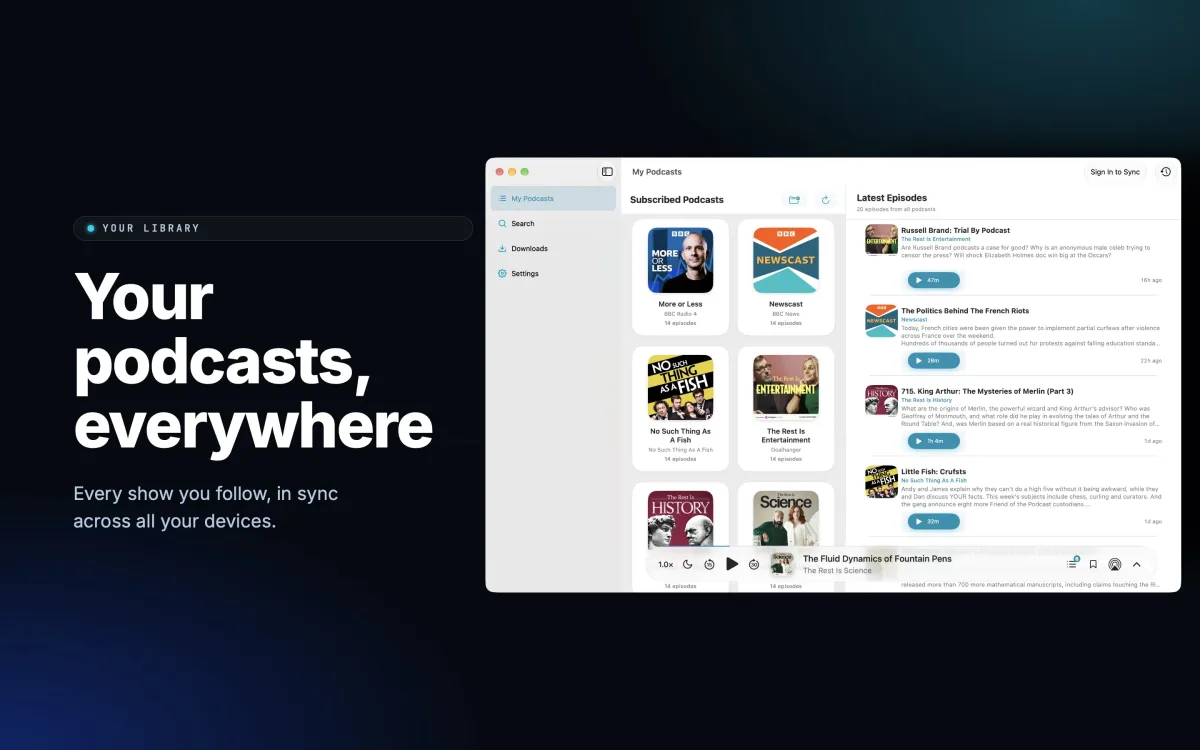
Podcast player that syncs across every device and skips ads
50% Off for members
Audio & Voice · Free · Free Universal version; Pro $30 one-time via Gumroad. Mac App Store and regional pricing may differ. $30
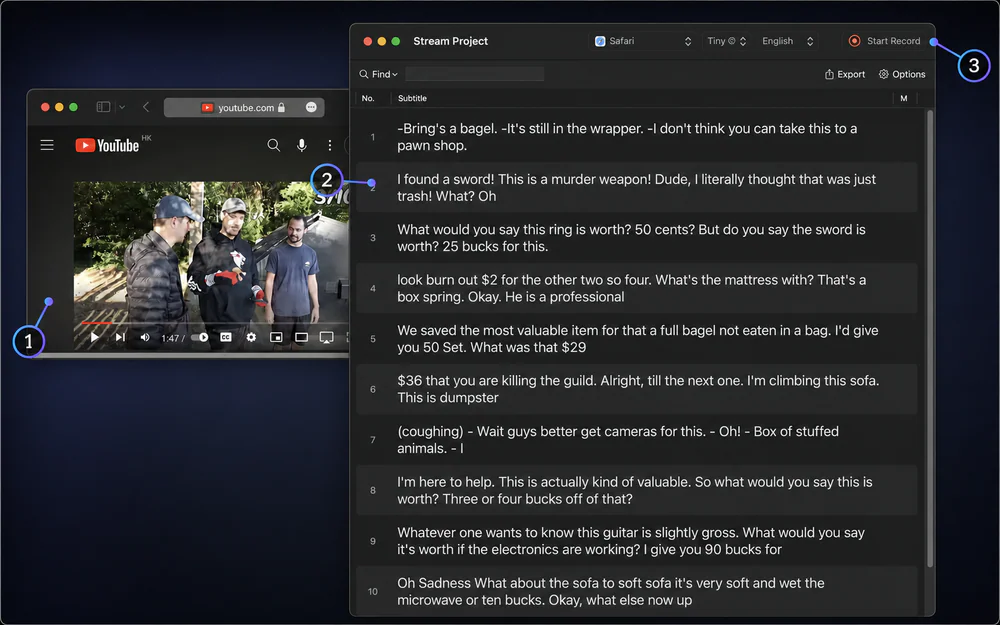
Transcribe files and live Mac audio, edit subtitles, and export bilingual SRT with local engines and CLI automation.
Audio & Voice · $9.99 · one-time
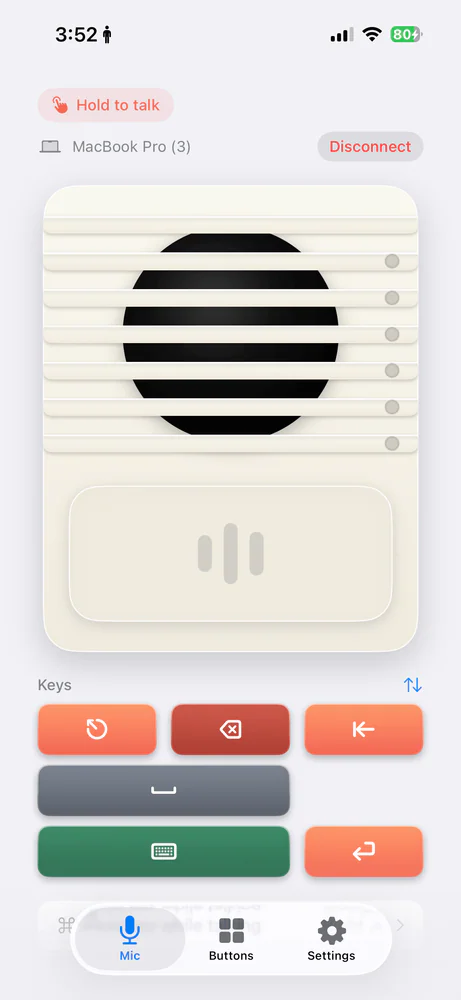
Your iPhone becomes your Mac's microphone for voice typing. Local, encrypted, under 100 ms latency.
Audio & Voice · Paid
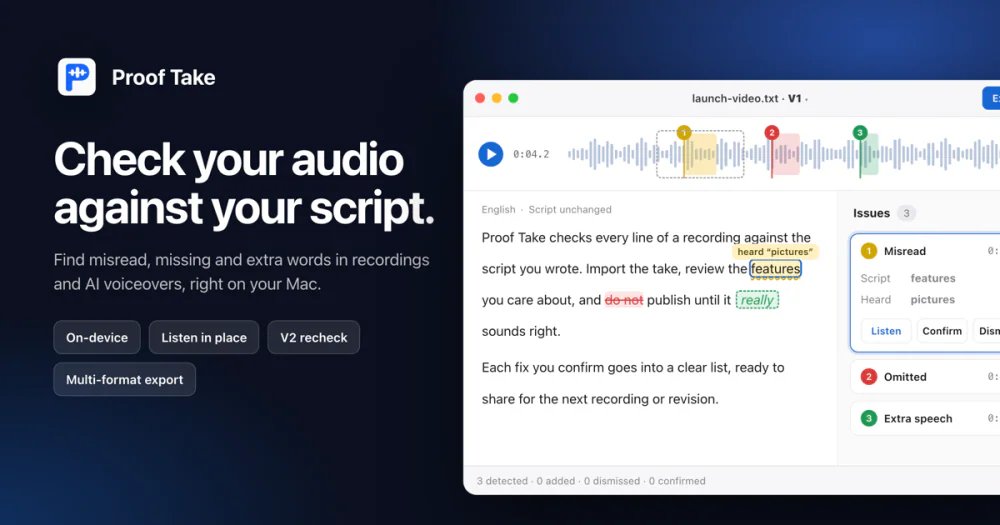
Check voiceovers against your script, locally on Mac.

Audio & Voice · Free · 14-day trial; one-time in-app unlock; regional prices vary. $99
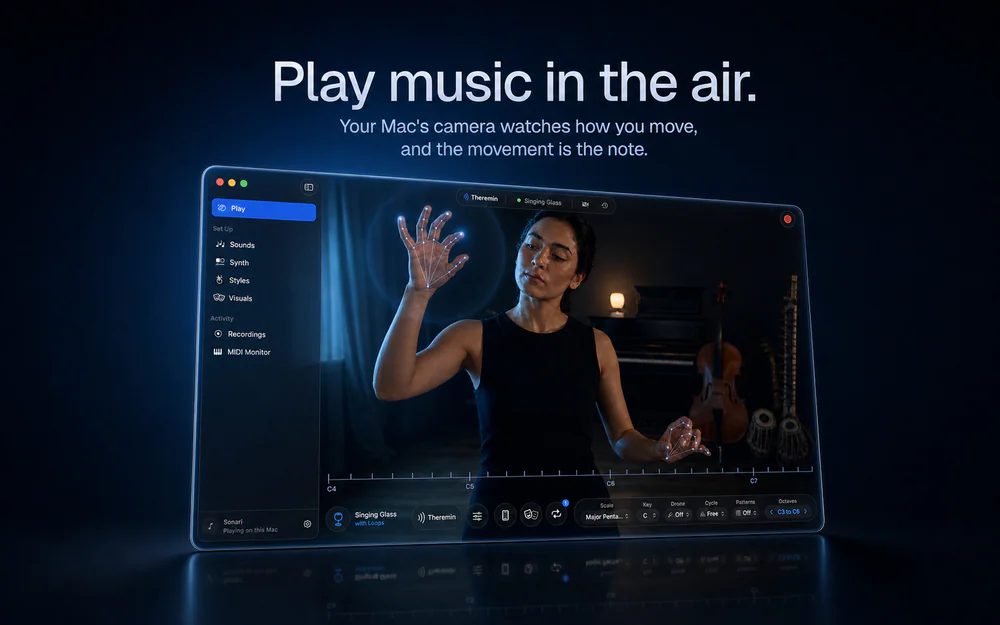
Play built-in sounds with hand gestures, shape reactive visuals, and send expressive MIDI or MPE to compatible DAWs.

Audio & Voice · Free
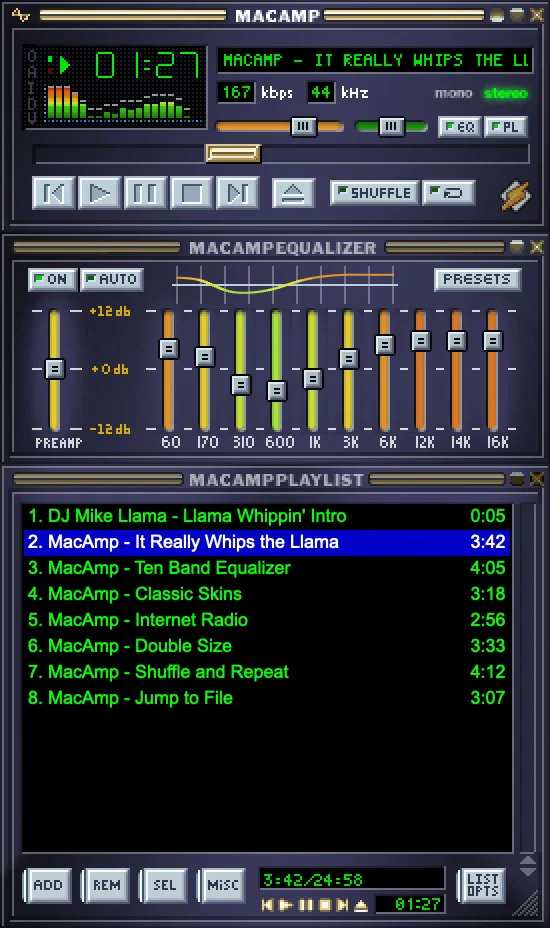
Winamp 2.95 rebuilt natively for macOS: classic skins, 10-band EQ, playlists, radio and the original hotkeys. Free, near-zero idle CPU.

Audio & Voice · Paid
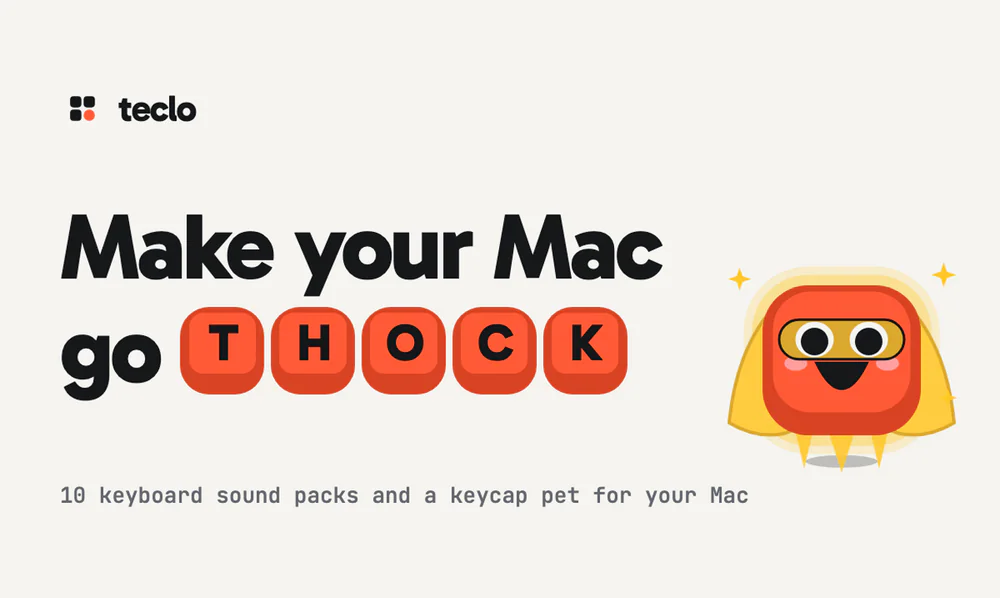
A menu bar app that plays a mechanical keyboard sound for every key you press, in any app, with a keycap pet that types along.

Audio & Voice · $39 · one-time (One-Time Payment with 30-day trial.)
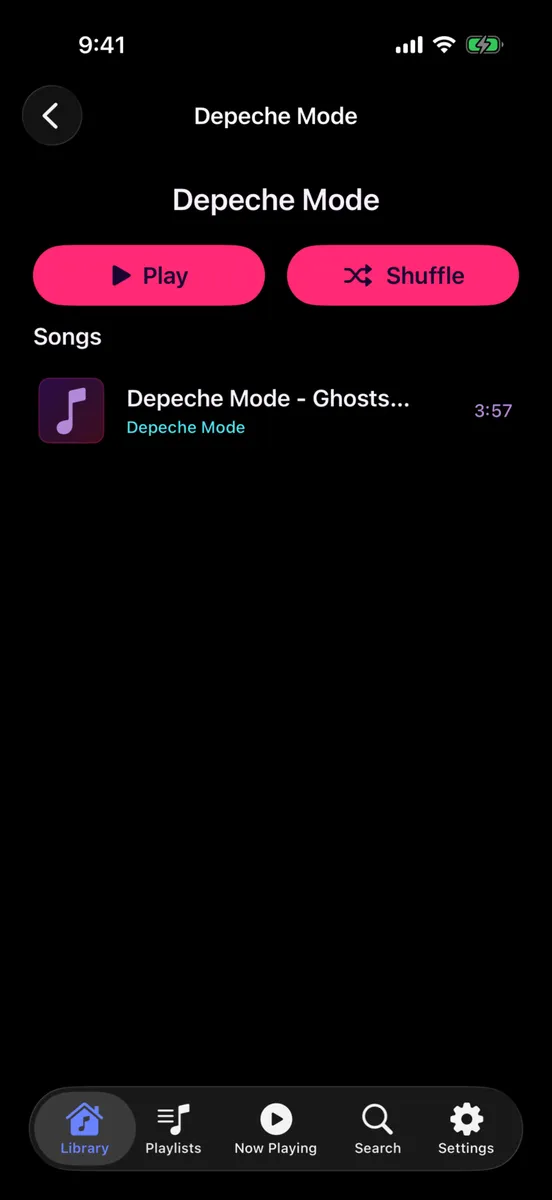
Offline music player for iPhone, iPad and Mac
Audio & Voice · $14.99 · one-time (Lifetime in-app purchase after a seven-day full trial; no subscription.)
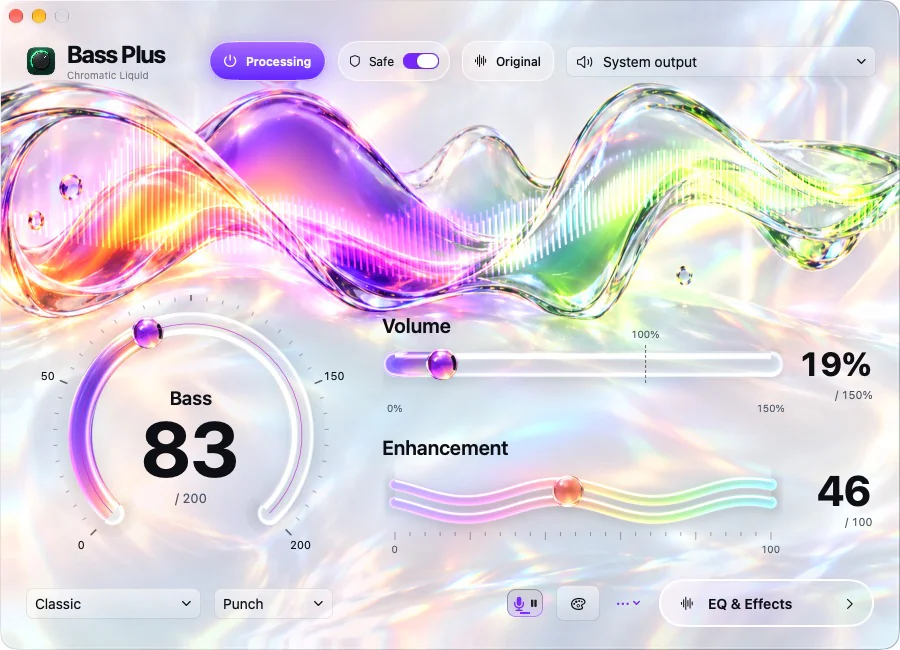
Boost Mac bass and pause compatible browser music for dictation, with native controls and 21 visual skins.
Audio & Voice · Free · USD/month for Unlimited; 3,000 text units/week free. $6.99
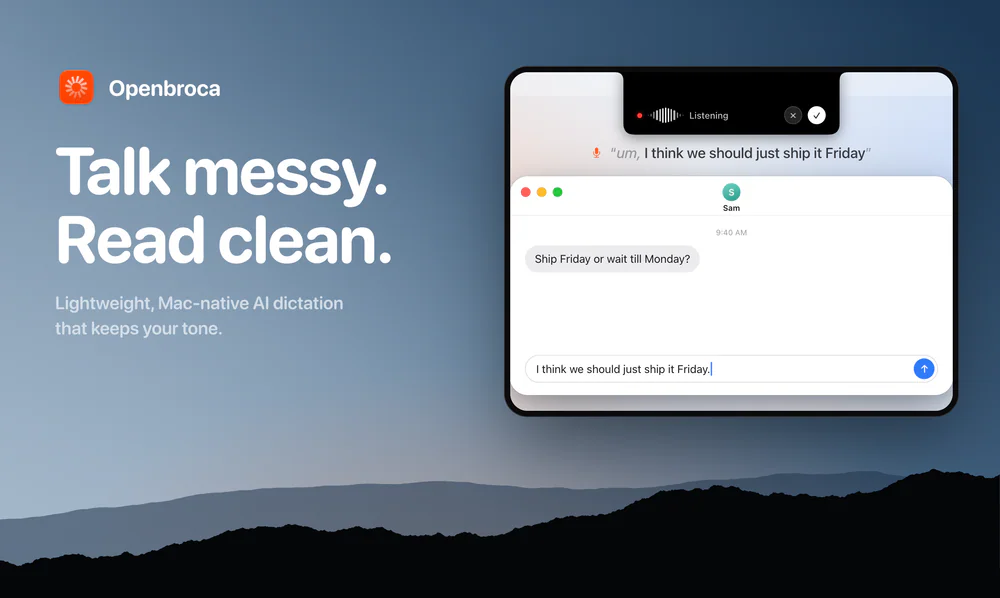
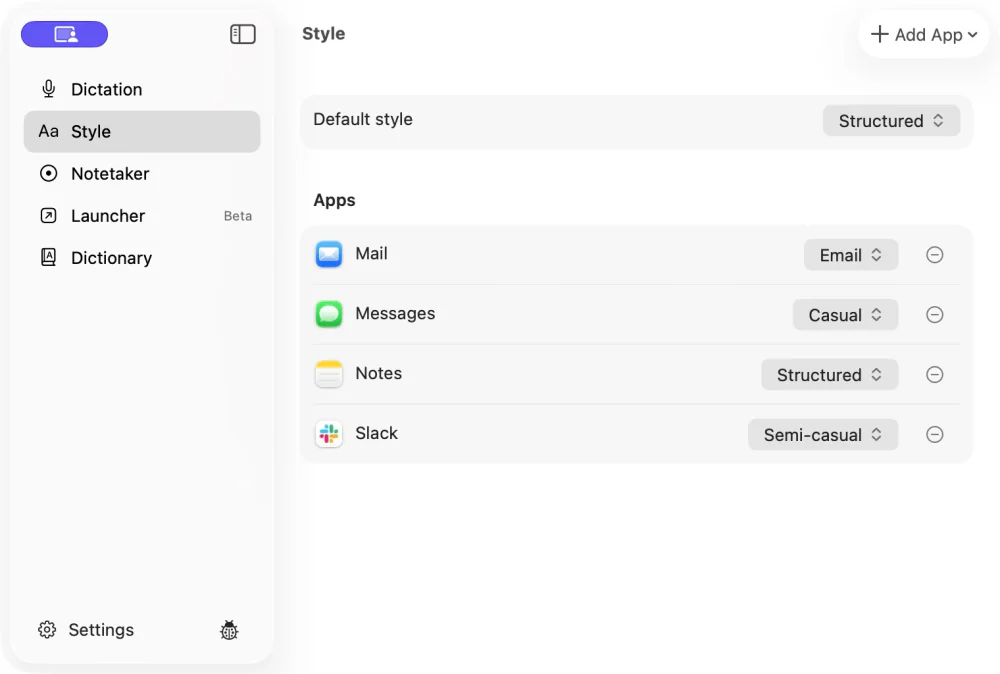
Lightweight AI dictation for Mac that sounds like you
Audio & Voice · Free
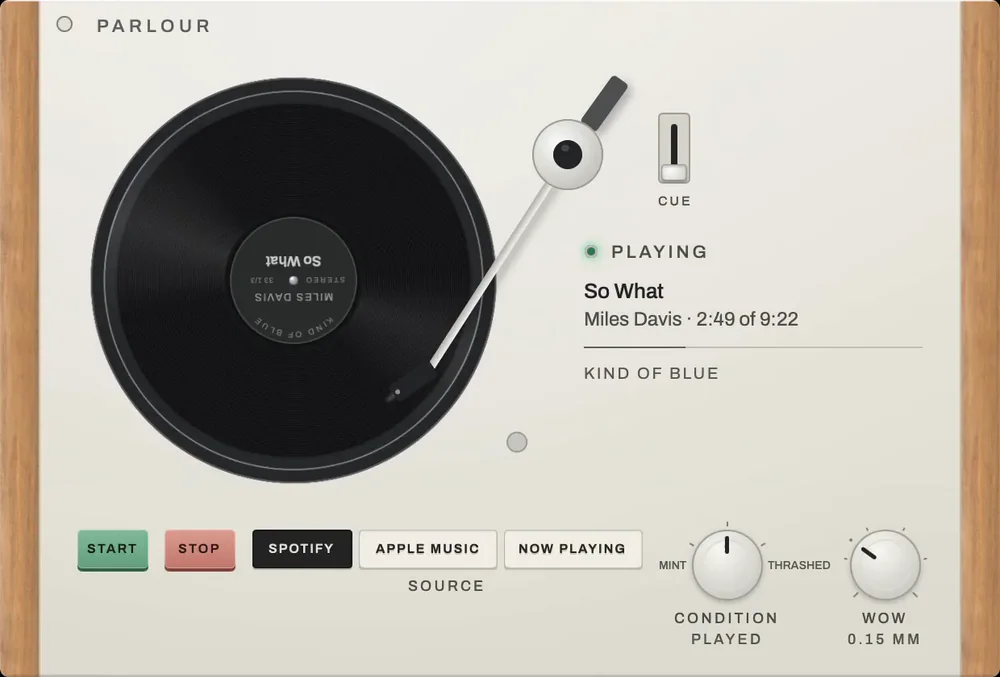
Free Mac app that plays Spotify, Apple Music and Now Playing as a record: the needle drops, the surface crackles, the music gets the warmth.

Audio & Voice · $49 · one-time (Free trial: the first 10 recordings and 3 chord MIDI exports)
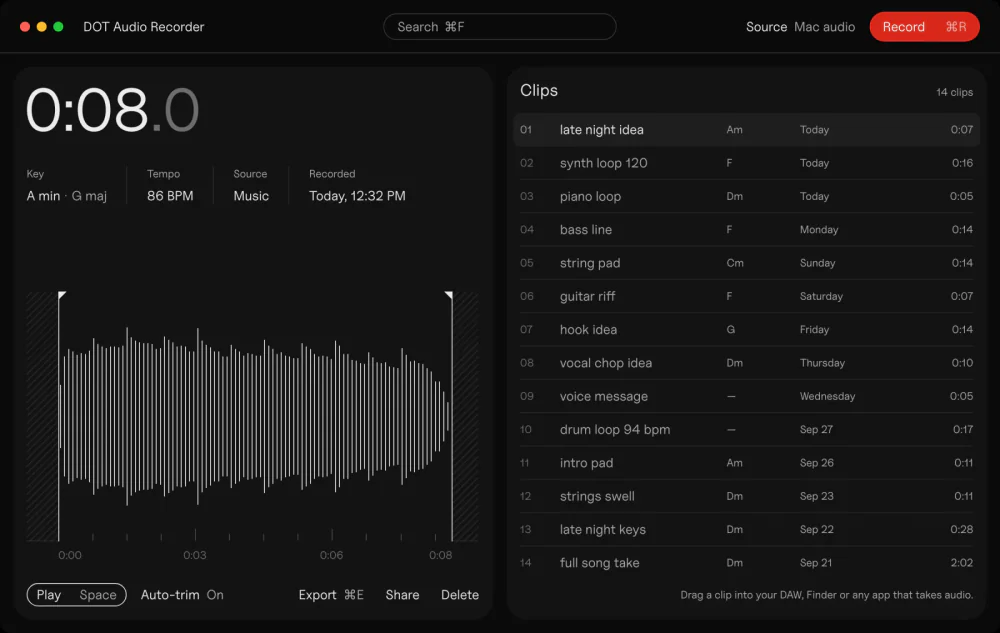
Record anything your Mac plays, with its key, tempo and chords.
Black Friday: $29 instead of $49 for members
Audio & Voice · $5 · one-time (Free trial for 7 days)
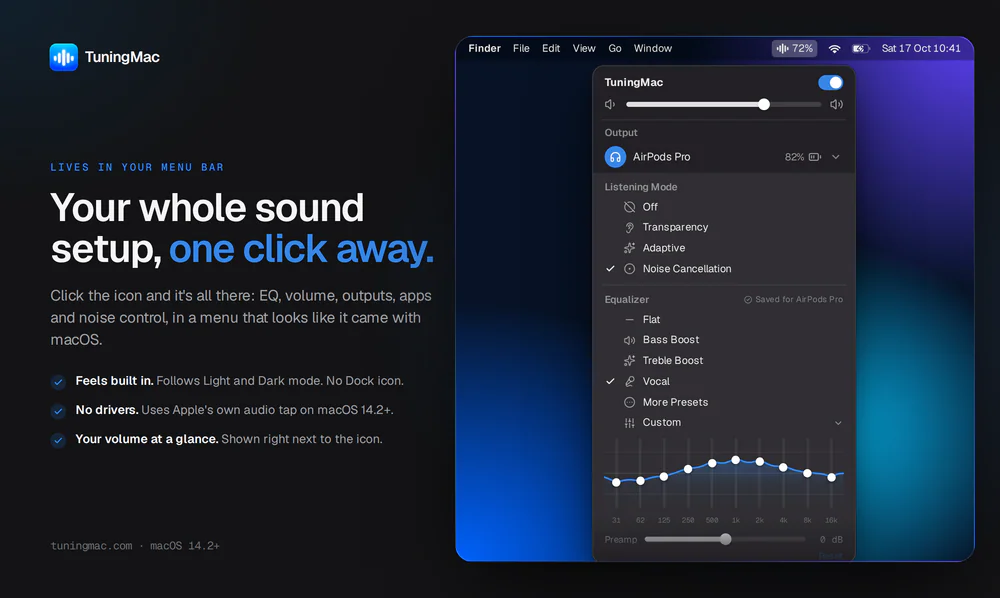
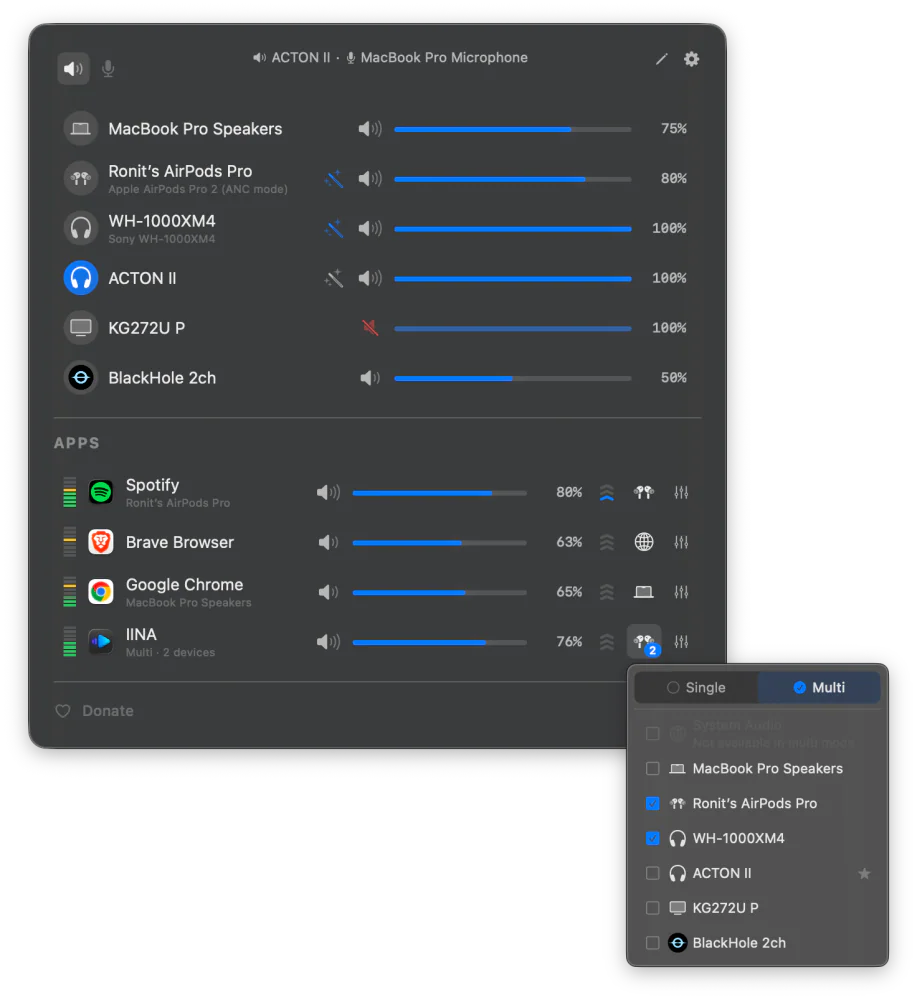
TuningMac is a menu bar app that gives your Mac a real system-wide equalizer, plus the audio controls macOS has always been missing.
Audio & Voice · Free & open source
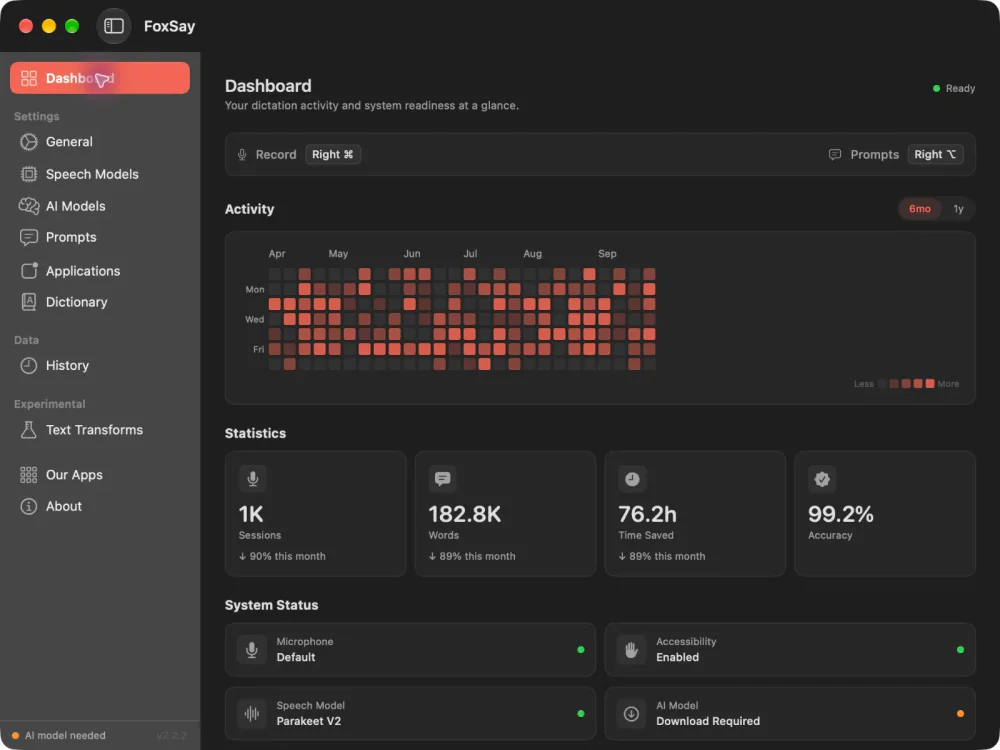
On-device speech to text for your Mac
Audio & Voice · $29.99 · one-time (Free trial; $29.99 launch price, $59.99 regular one-time price.)
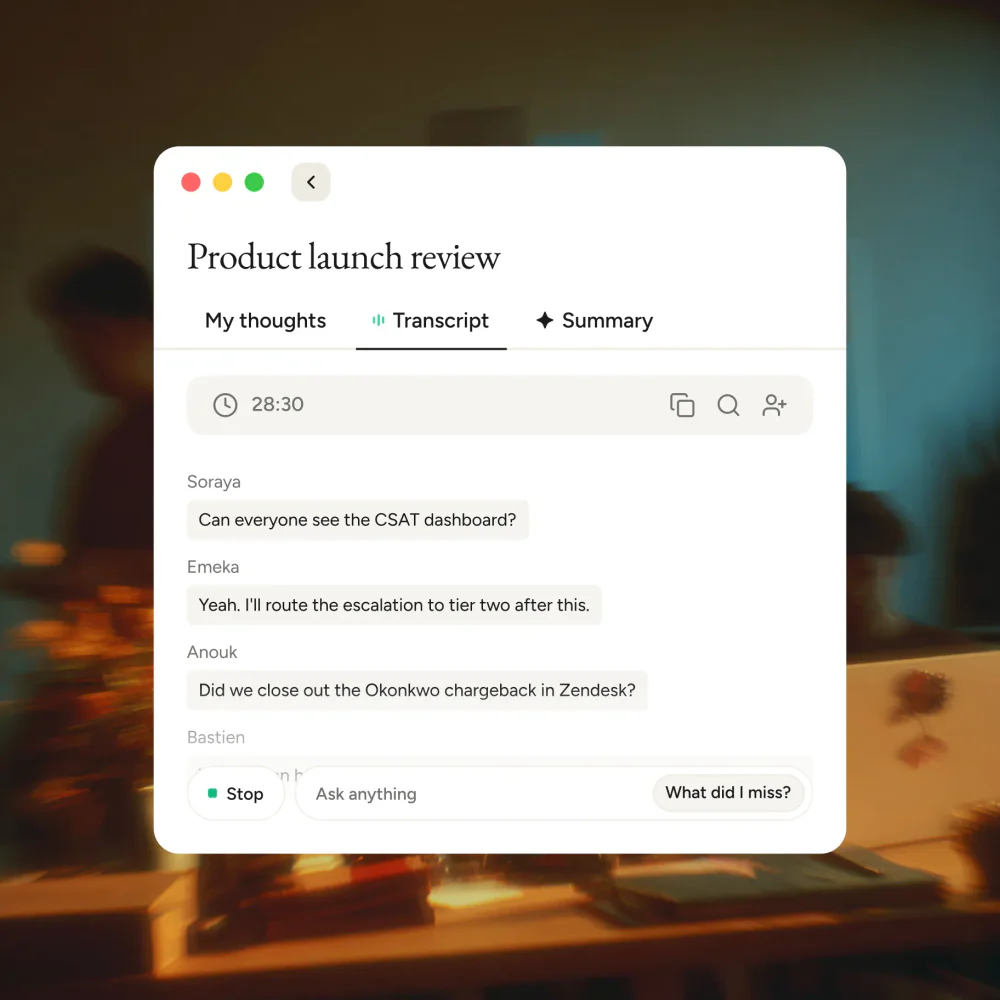
Private AI dictation and meeting notes for Mac, running on your device.

Audio & Voice · Free · Pro, one-time $59
Drag in audio or video and get an accurate, speaker-labelled transcript — running OpenAI's Whisper models entirely on your Mac.

Audio & Voice · Free · Pro $12
Speak instead of type — Flow turns rambling speech into clean, formatted text in any app, learns your vocabulary, and doubles as an AI meeting notetaker.
Audio & Voice · Free & open source
A free, open-source SoundSource alternative — per-app volume, multi-device output, and a 10-band EQ, all from the menu bar.
Audio & Voice · Free & open source
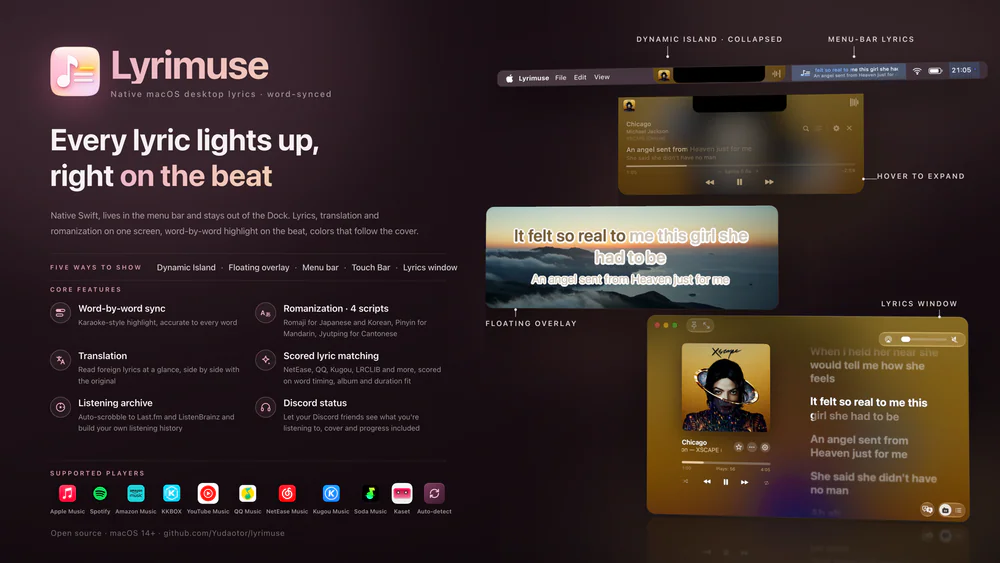
Word-synced lyrics for whatever's playing on your Mac: on the desktop, in the menu bar, by the notch or in a full window.
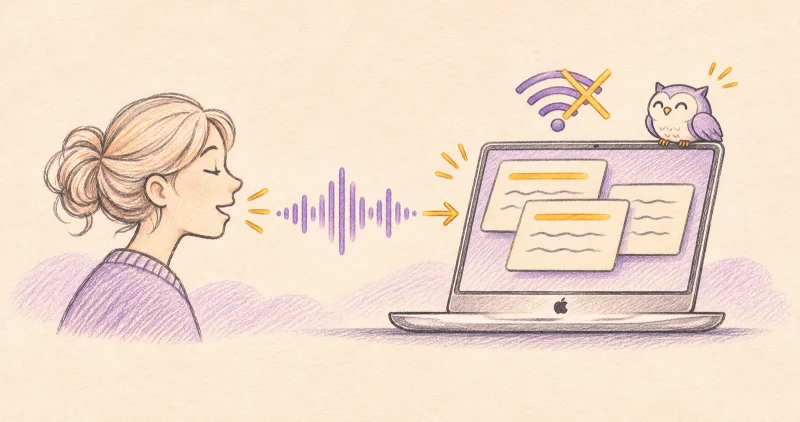
Get meeting notes from Zoom, Meet, and Teams calls, dictate in any Mac app, and transcribe recordings offline with NoteOwl. Workflow, requirements, and pricing.
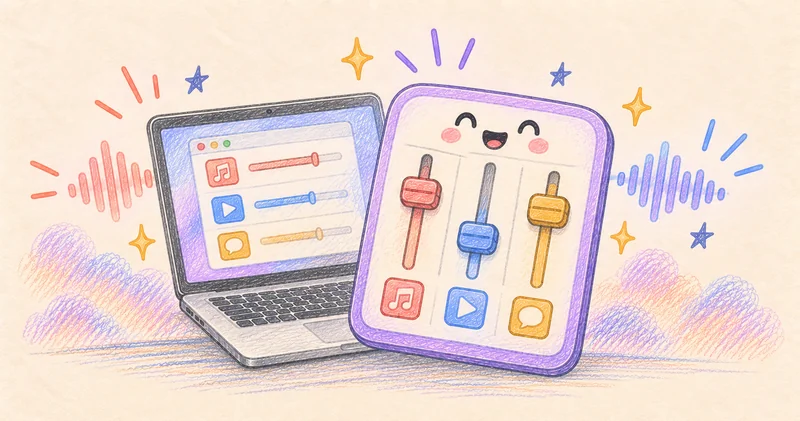
Lower music without lowering your call. Use an app’s own volume control or FineTune, and understand browser tabs, microphone mute, and audio routing.
Set up Mac voice typing with Apple Dictation, Wispr Flow, or a local option. Compare workflows, fix missing text, and check names and numbers.