

AI Vocal Separator
Separate vocals and backing tracks from audio or video in batches, with local AI, preview, filters, and flexible export.
AI Vocal Separator separates vocals and background music from audio and video files using local AI processing on your Mac, without uploading the media.
Process a queue of files, preview the original and separated tracks, and export the stems. For video, replace the original audio with the separated vocal or background track. Pre- and post-processing filters, denoising, audio enhancement, VAD-based segmentation, and output format and sample-rate controls help prepare results for the next step.
The Mac version requires macOS 14 or later. Free download with a Pro Version in-app purchase listed at $4.99 in the US App Store; regional prices may vary.
More like AI Vocal Separator


Productivity · Free · Pro $4.99
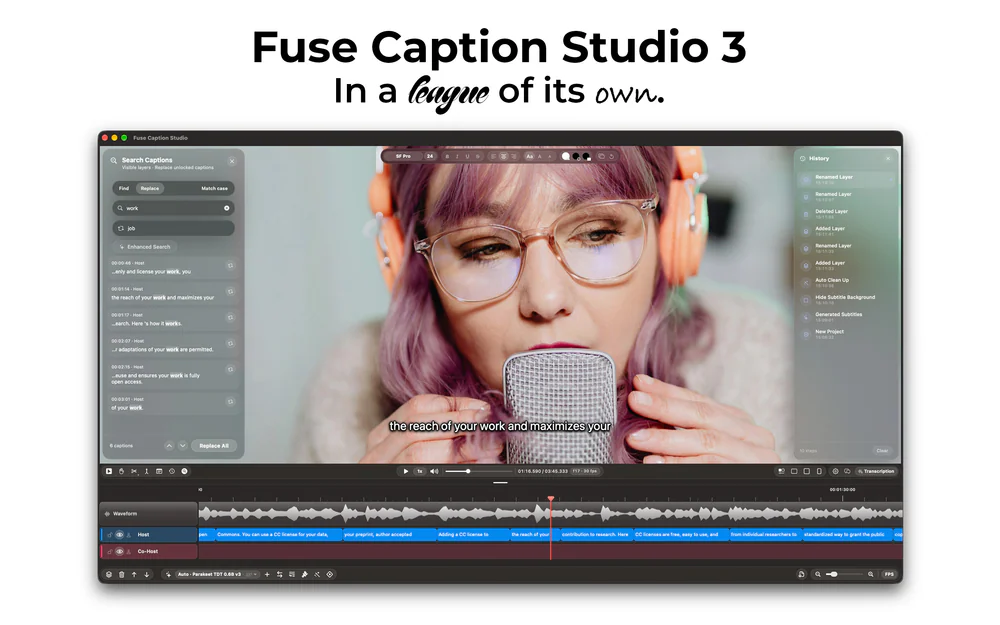
Transcribes and translates media, generating captions that can easily be edited by using a video editor-style type of timeline.
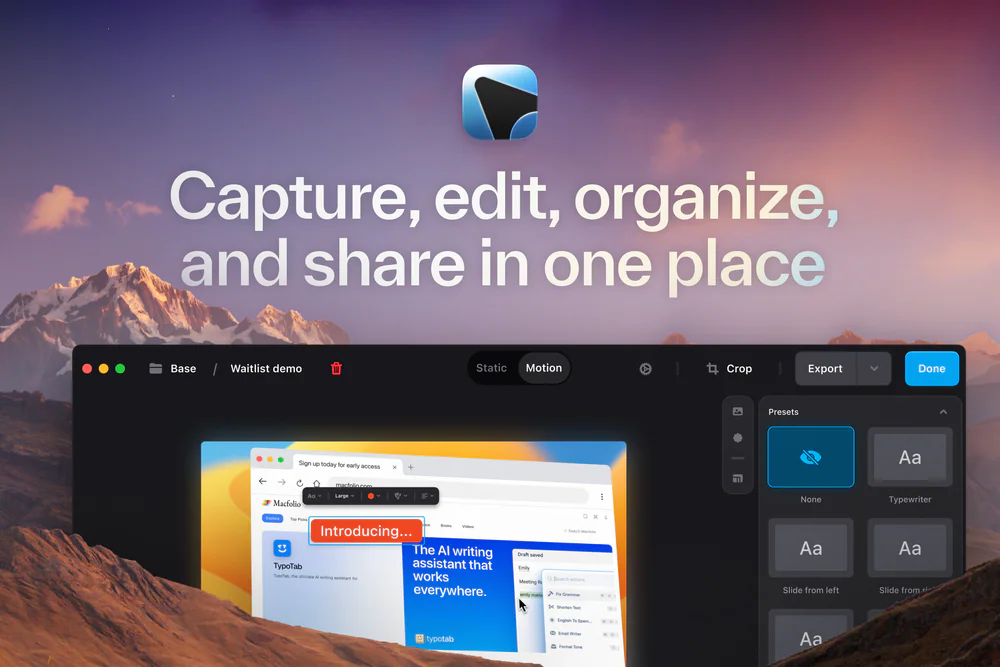

Developer Tools · Subscription
The last Screenshot & Screen Recording Tool You'll Need
25% off Your First Purchase for members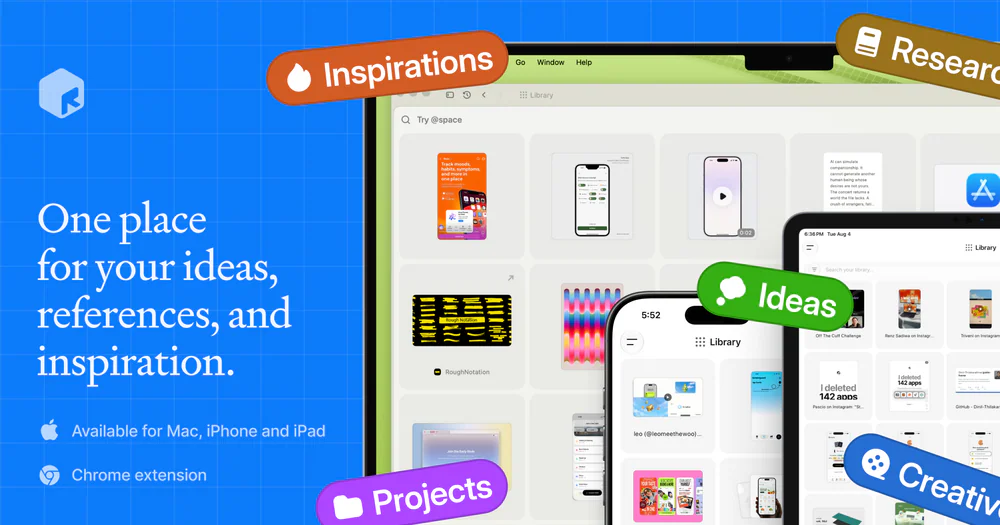

Productivity · Free · one-time Mac license; free on iPhone/iPad $39
A fully local personal context library — save notes, links, images, and documents, search them by meaning, and hand that context to AI through MCP or the CLI.
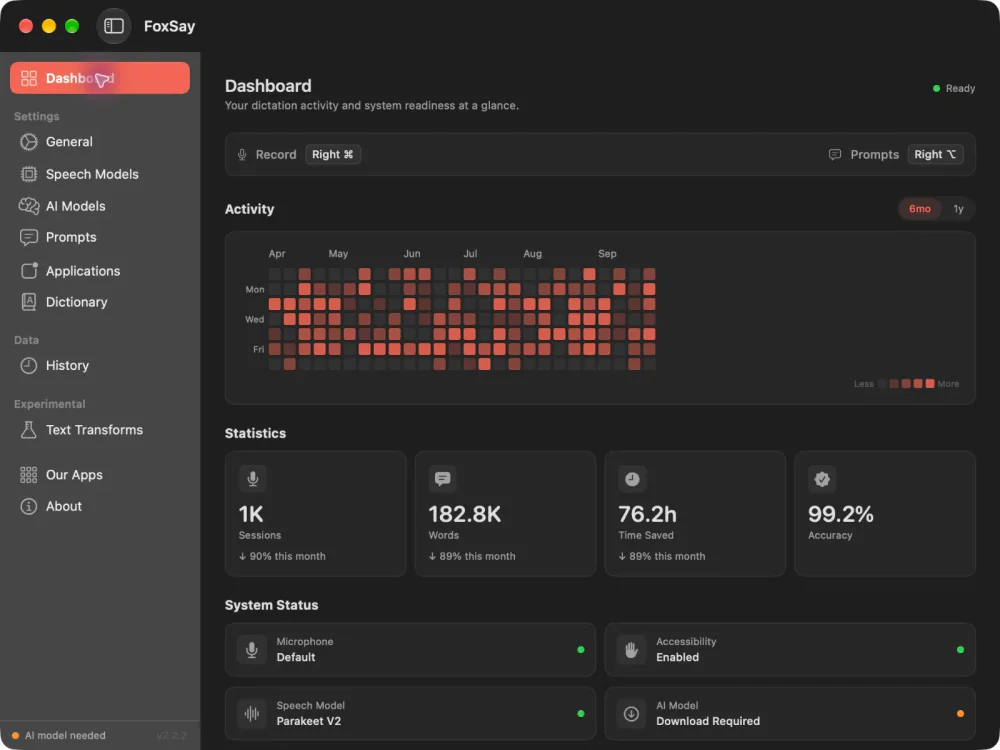

Audio & Voice · Free & open source
On-device speech to text for your Mac