
Transcribes and translates media, generating captions that can easily be edited by using a video editor-style type of timeline.
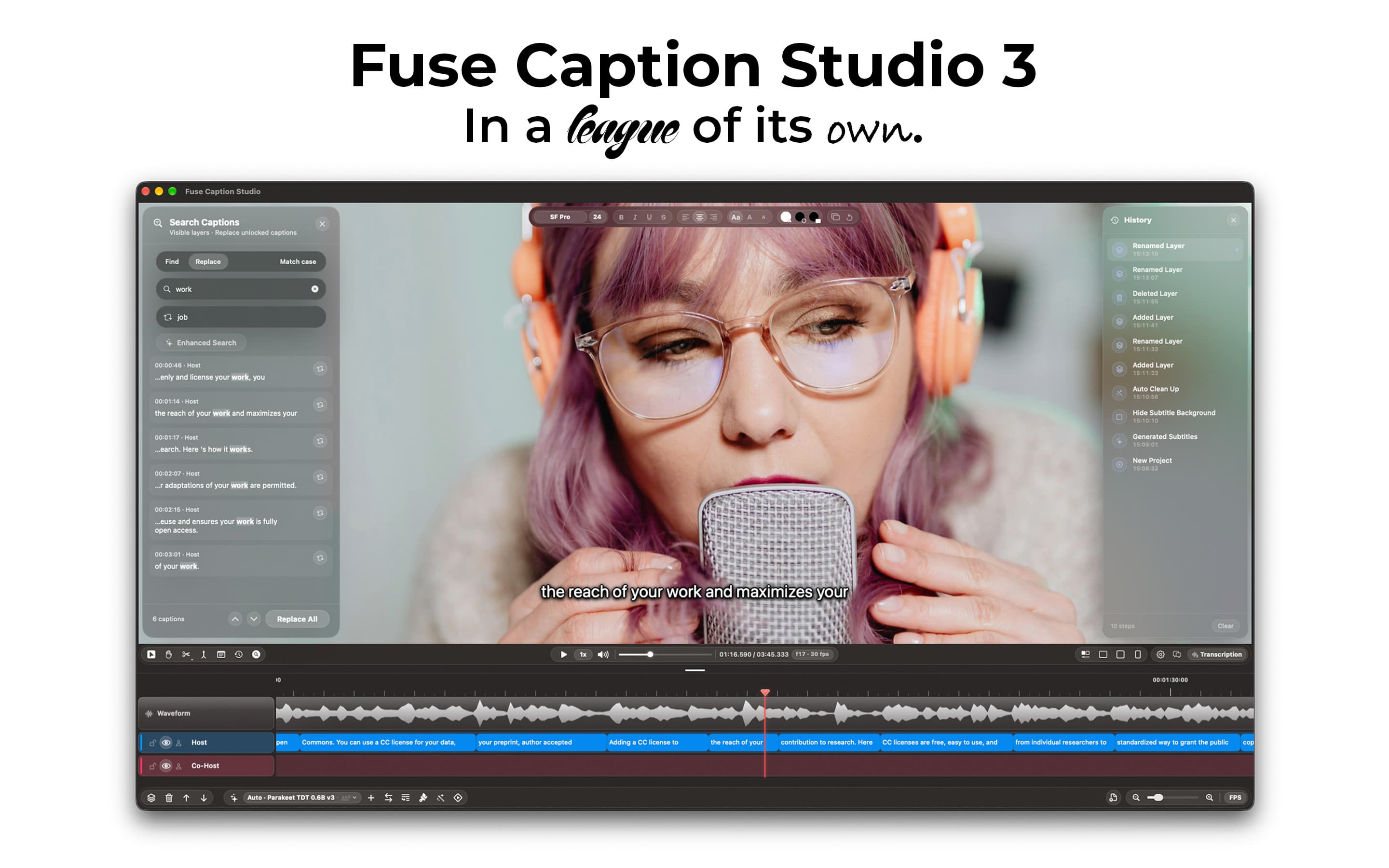
Fuse Caption Studio is a fully native Mac app that turns your videos and recordings into captions, privately, on your Mac. Scientists, teachers, podcasters and social media creators open their media, pick a transcription model, and get captions in minutes, in the spoken language or translated into others.
Your media never leaves your Mac. Transcription, translation and Apple Intelligence all run on-device. The internet is only used to download transcription models.
I wanted the workflow to feel familiar, so Fuse Caption Studio looks and works like a video editor: a recognizable timeline, layers and tools. Split, merge and retime captions, edit many at once, clean up filler words automatically, and get warnings when a caption is too fast to read.
Style your captions with fonts, colours, positions and animations, and preview exactly how they'll look in 16:9, 4:3 and 9:16 before you export.
Fuse also understands your content. With Apple Intelligence, you can ask questions about what was said, generate chapters, titles, descriptions and social media posts, or ask how to use the app. You can even run it by typing: "play", "jump to 1:23:36", "export for TikTok".
Export captions as SRT, VTT or a plain-text transcript, or in professional formats like ASS, SSA, iTT, TTML and DFXP. Or burn captions straight into your video, queuing several formats and languages in one export.
Projects save as a single .fuse file with your media inside, so you can move to another Mac and pick up exactly where you left off. You can also add timestamped notes, and import existing caption files to fix them.
More in Productivity
Productivity · $14.99 · one-time
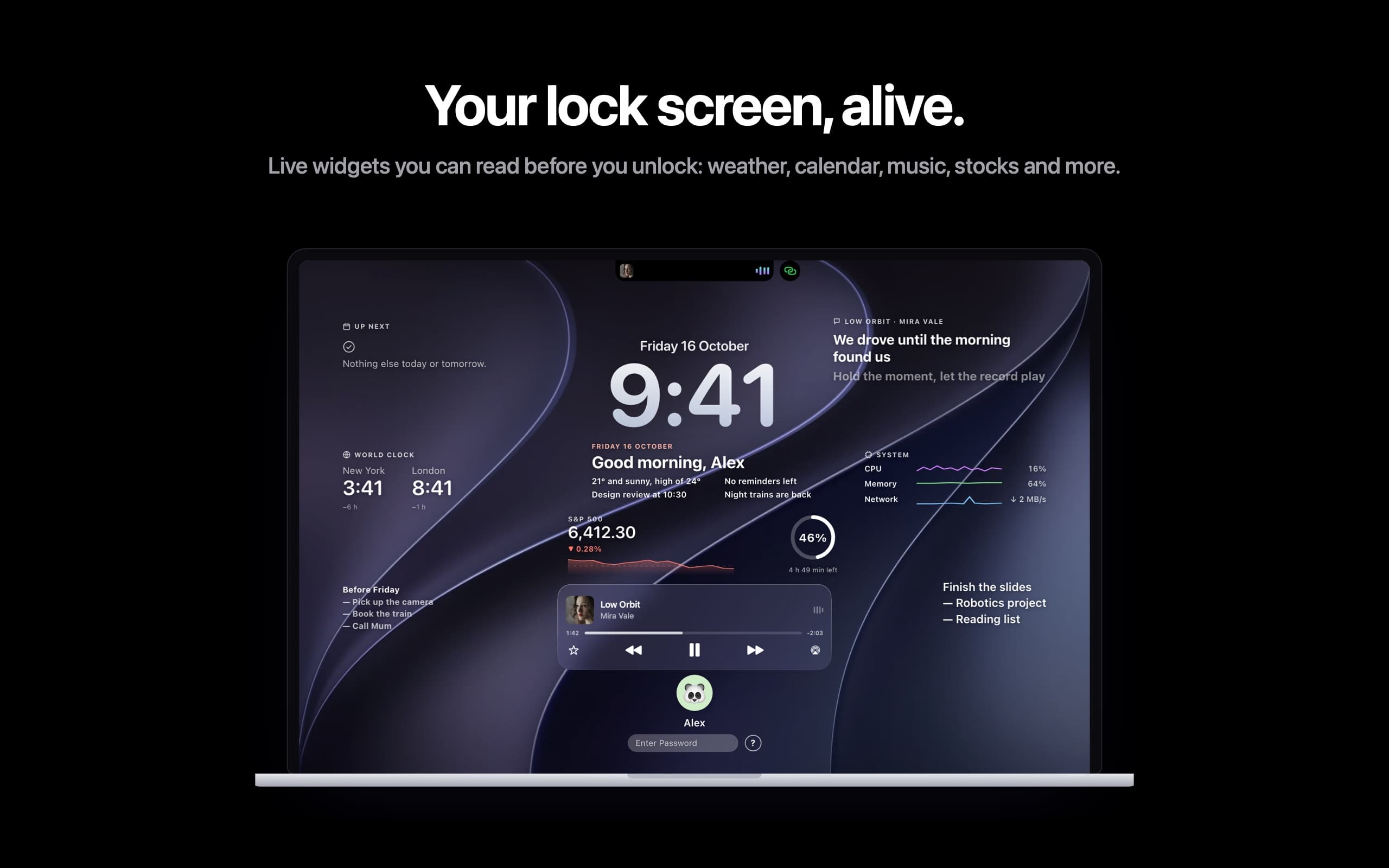
Live widgets on your Mac's lock screen and a Dynamic Island in the notch: music with synced lyrics, calls, trips and more.
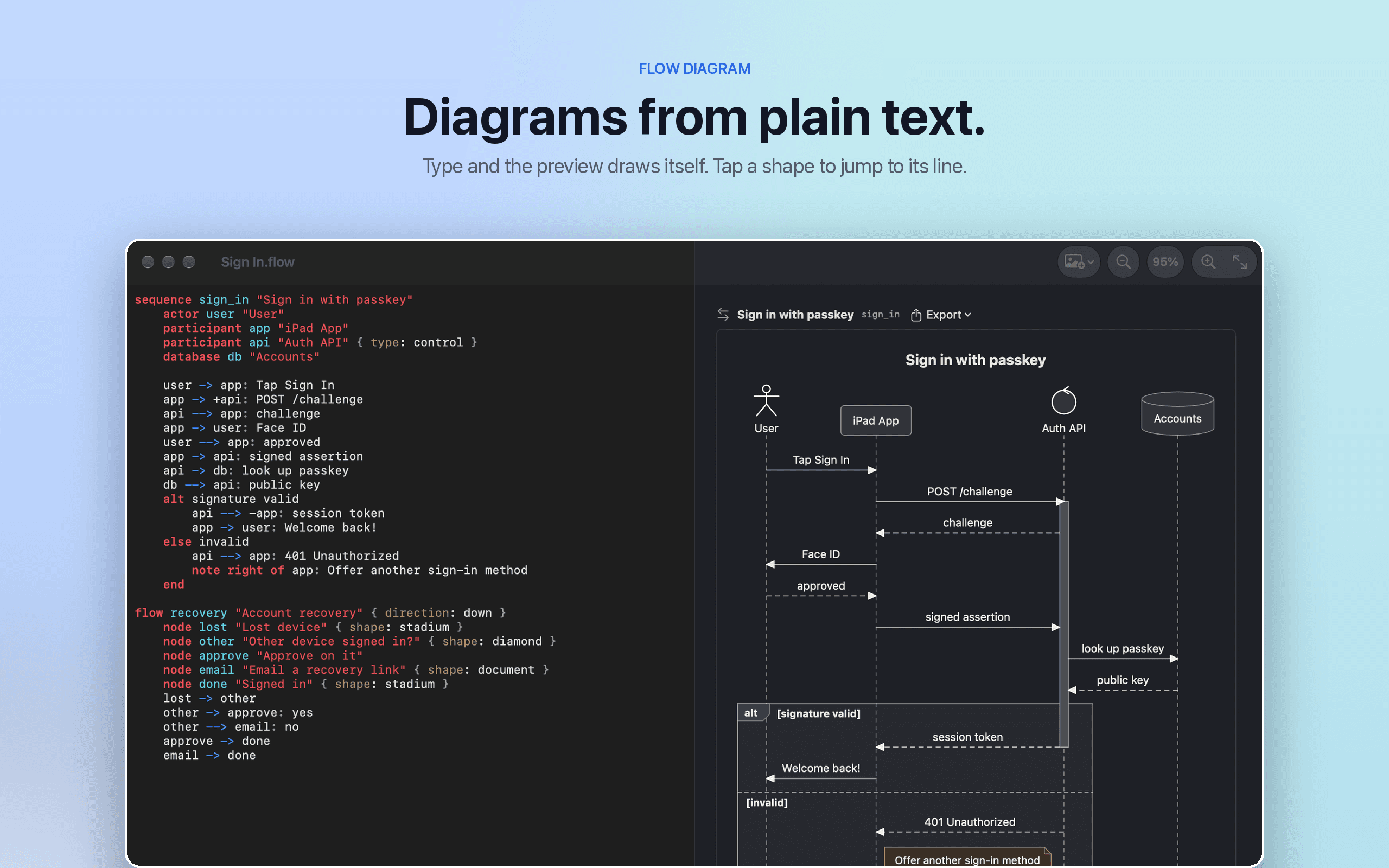

Productivity · $9.99 · one-time
Flow Diagram turns a messy photo or a quick sketch into a diagram you can edit, share and keep
Productivity · Paid
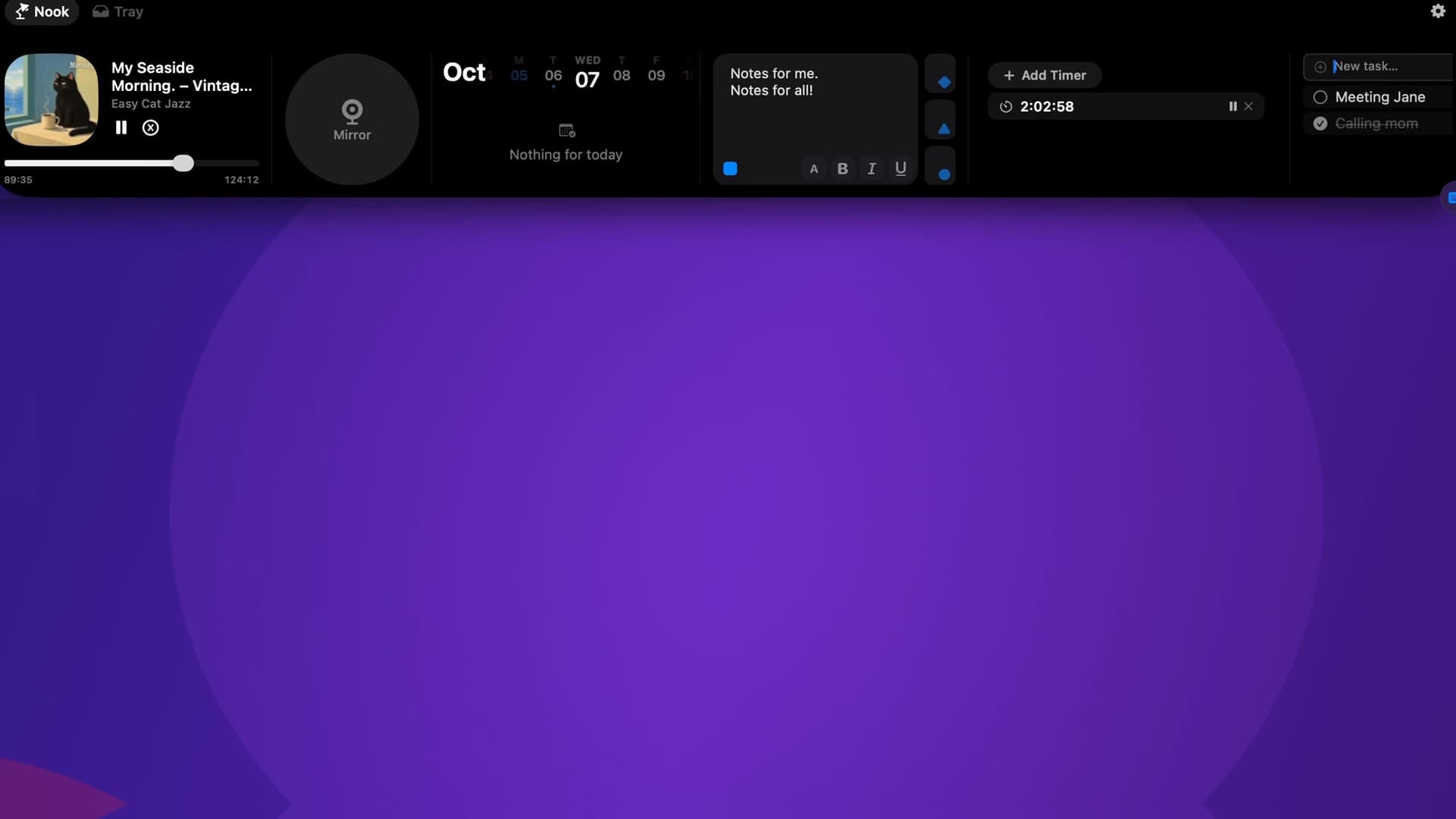
Music, calendar, notes, to-dos and files, right in your Mac’s notch.