

Winamp 2.95 rebuilt natively for macOS: classic skins, 10-band EQ, playlists, radio and the original hotkeys. Free, near-zero idle CPU.
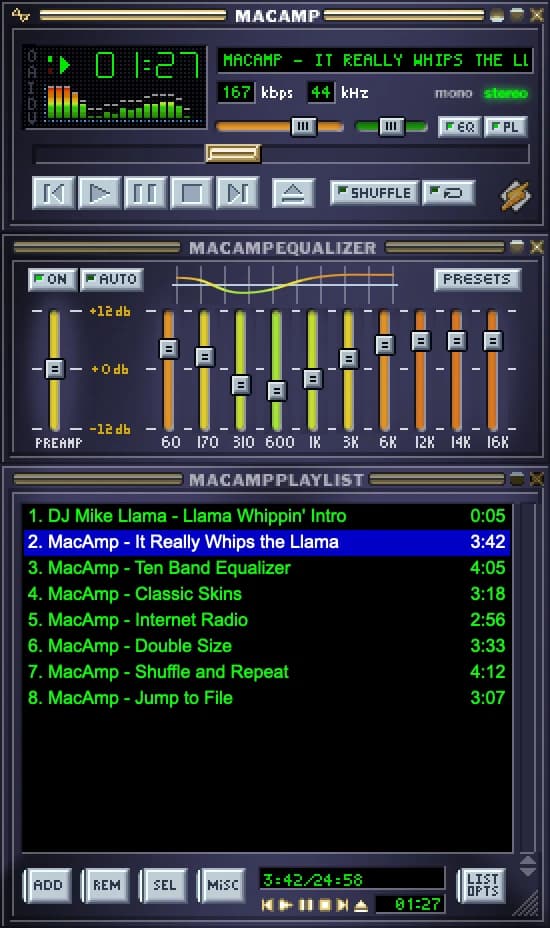
MacAmp is the classic Winamp 2.95 on your Mac: the same windows, skins, menus, dialogs and keyboard shortcuts, reproduced pixel for pixel. It's built natively in Swift with AppKit and AVFoundation: no emulator, no web wrapper, no Electron. Paused, it uses about 0.01% CPU on an M1; playing with the visualizer, 2–3%.
What's inside
- Main window, Equalizer and Playlist Editor with magnetic docking, shade modes and Double Size
- Classic skins: any Winamp 2.x
.wszor.zip, with skinned cursors and region masks; thousands more in the Winamp Skin Museum, right from the app - Formats: MP3, AAC/ALAC, FLAC, WAV/AIFF, Ogg Vorbis/Opus, MP2, AU and MIDI, plus MP4/M4V/MOV video
- 10-band equalizer with preamp, 17 presets and
.eqfimport/export; pitch, speed and reverb - Playlists: M3U, PLS, XSPF and CUE sheets, Jump to File, bookmarks
- Internet radio: SHOUTcast and Icecast with live titles and a station directory
- Audio CDs: play and rip to FLAC, ALAC, AAC, WAV or AIFF, with titles from MusicBrainz
- Media Library, Minibrowser, Video window, Disk Writer and a full-screen Visualizer Studio
- The original hotkeys: Z X C V B work on any keyboard layout; global hotkeys and media keys too
Plug-ins
The optional FFmpeg plug-in adds MKV, WebM, AVI, WMV, WMA, APE, WavPack, AC-3, DTS and more. It runs as a separate program, so a broken file can't take the player down.
Free, universal (Apple Silicon and Intel), macOS 14 or later. Source code on GitHub.
More in Audio & Voice

Audio & Voice · Paid
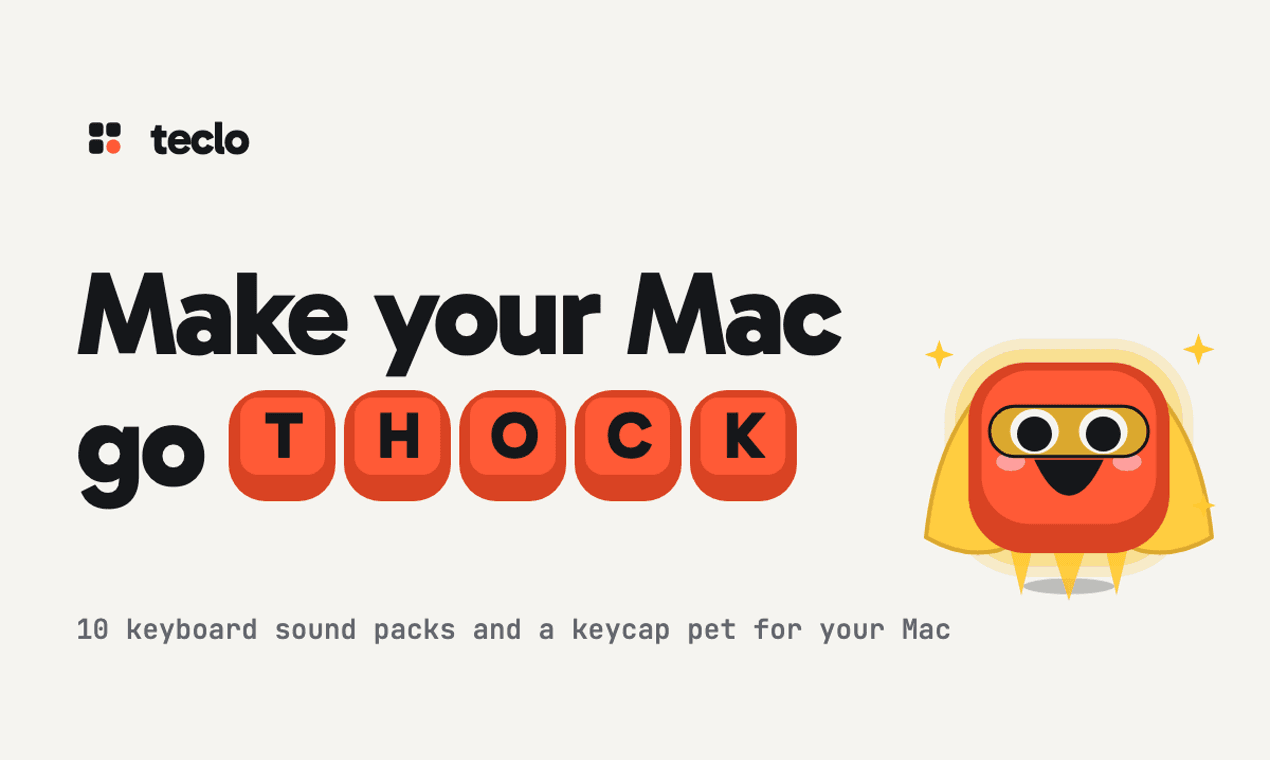
A menu bar app that plays a mechanical keyboard sound for every key you press, in any app, with a keycap pet that types along.

Audio & Voice · $39 · one-time (One-Time Payment with 30-day trial.)
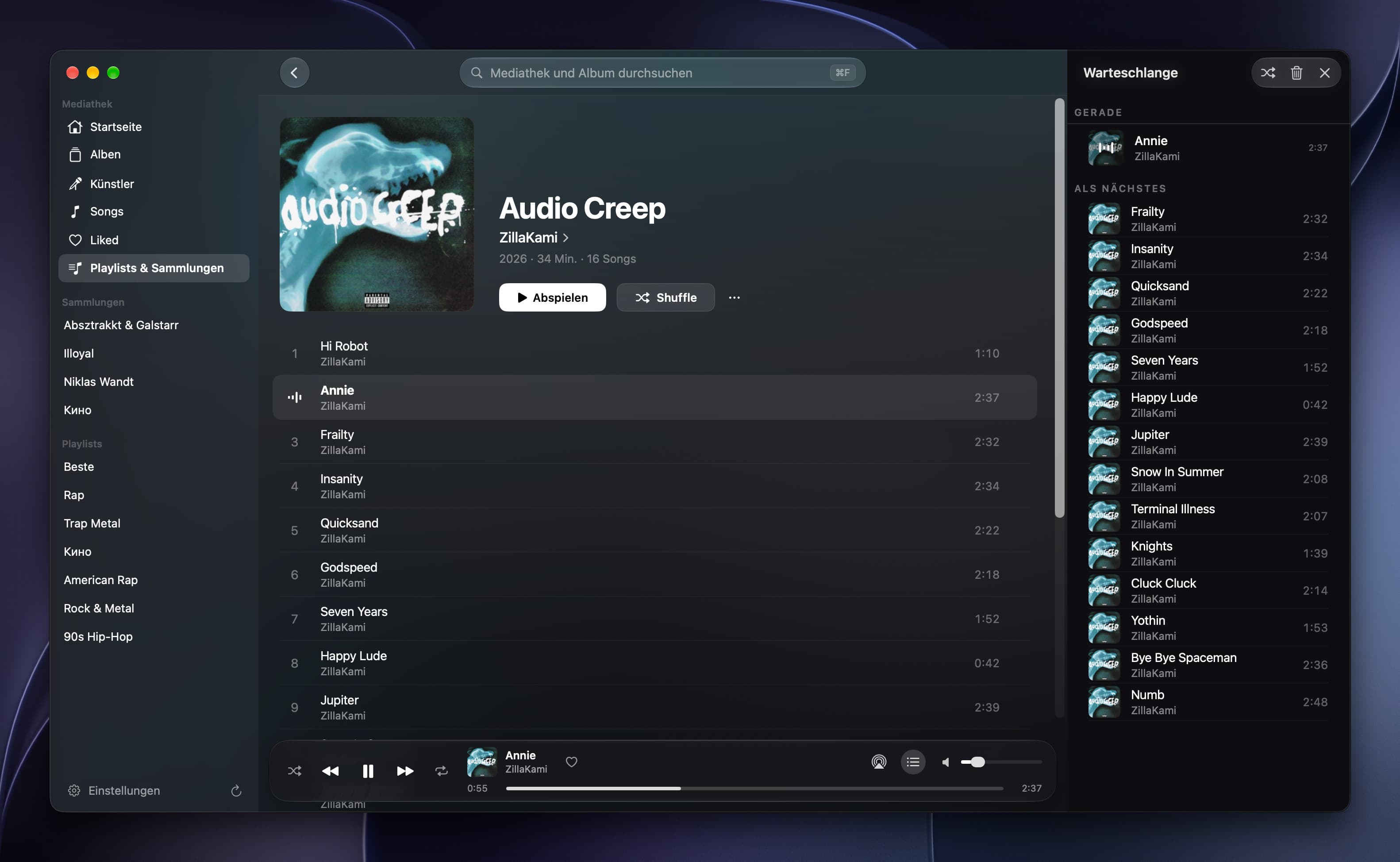
Offline music player for iPhone, iPad and Mac

Audio & Voice · $14.99 · one-time (Lifetime in-app purchase after a seven-day full trial; no subscription.)
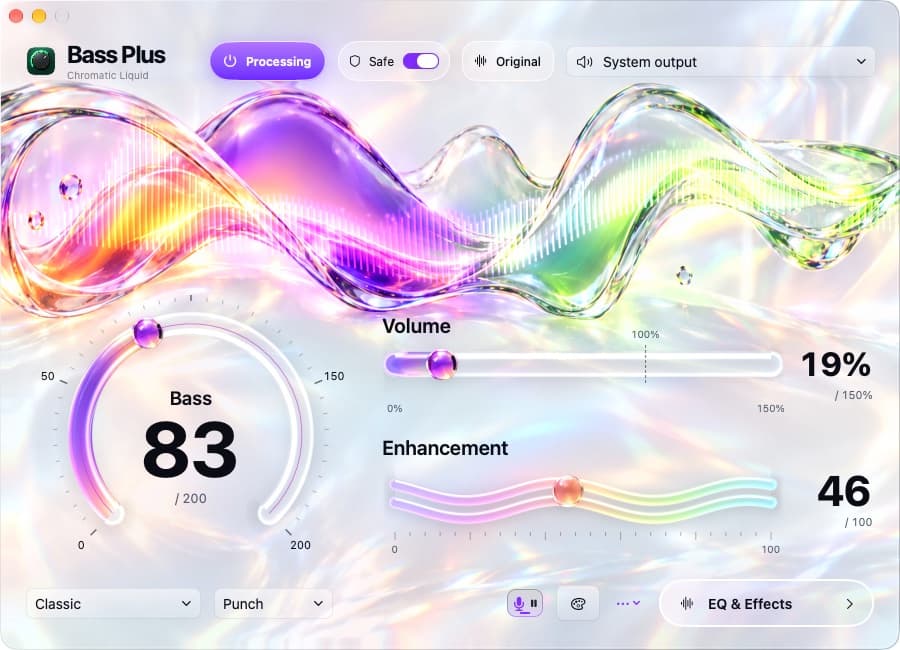
Boost Mac bass and pause compatible browser music for dictation, with native controls and 21 visual skins.