Audio & Voice · Free & open source
On-device speech to text for your Mac
Lightweight AI dictation for Mac that sounds like you
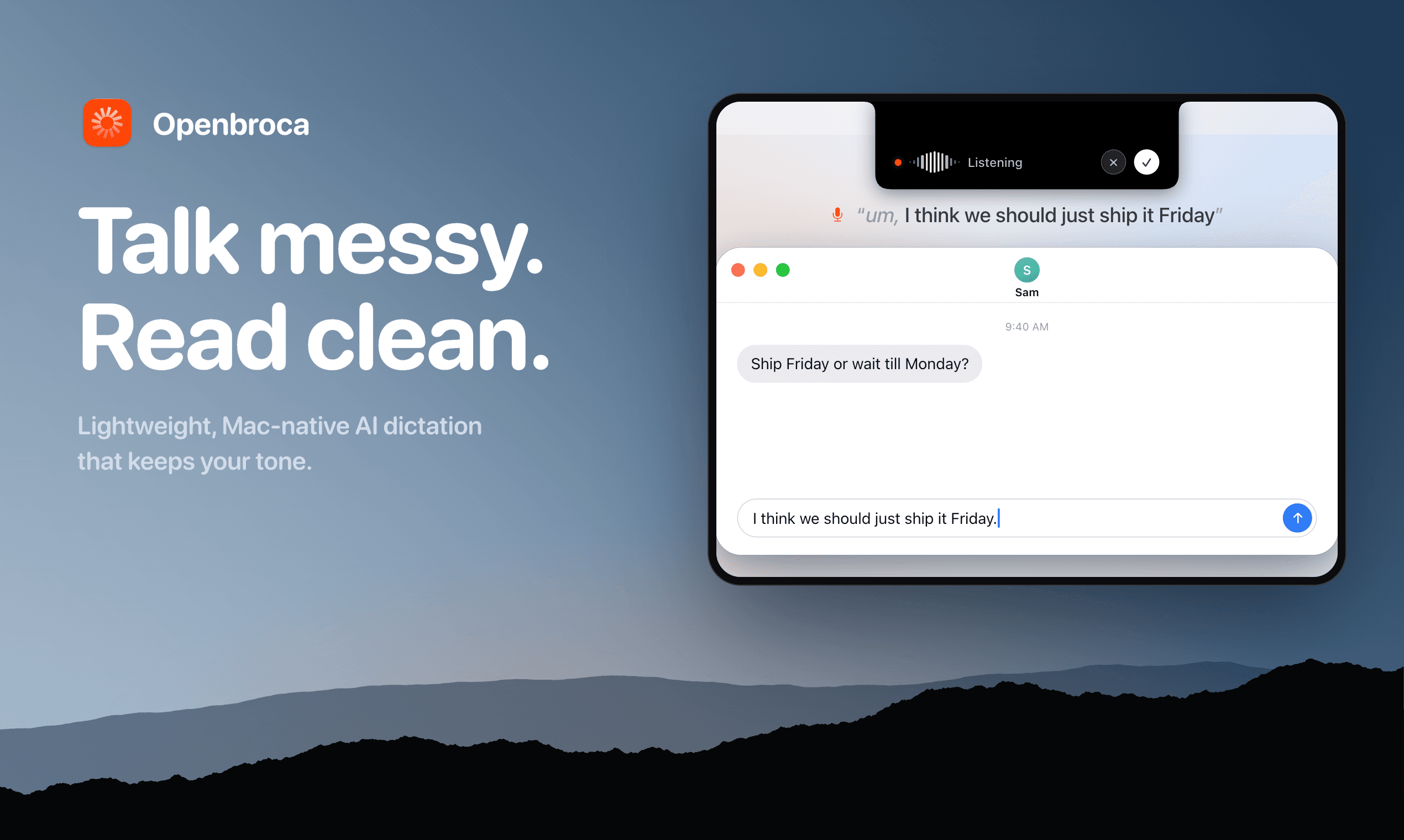
Openbroca helps Mac users write by voice in their focused app, from messages and emails to notes and editors. It removes filler words and repeated phrases while keeping the speaker’s meaning and tone. A personal dictionary helps with recurring names and terminology, and optional Screen Context provides spelling hints from visible text. It supports 30 dictation languages and translation into 28 output languages. The native Mac app requires macOS 15 or later and an internet connection. All features are available with 3,000 free text units per week; paid subscriptions provide unlimited usage.
Featured in:
Audio & Voice · Free & open source
On-device speech to text for your Mac

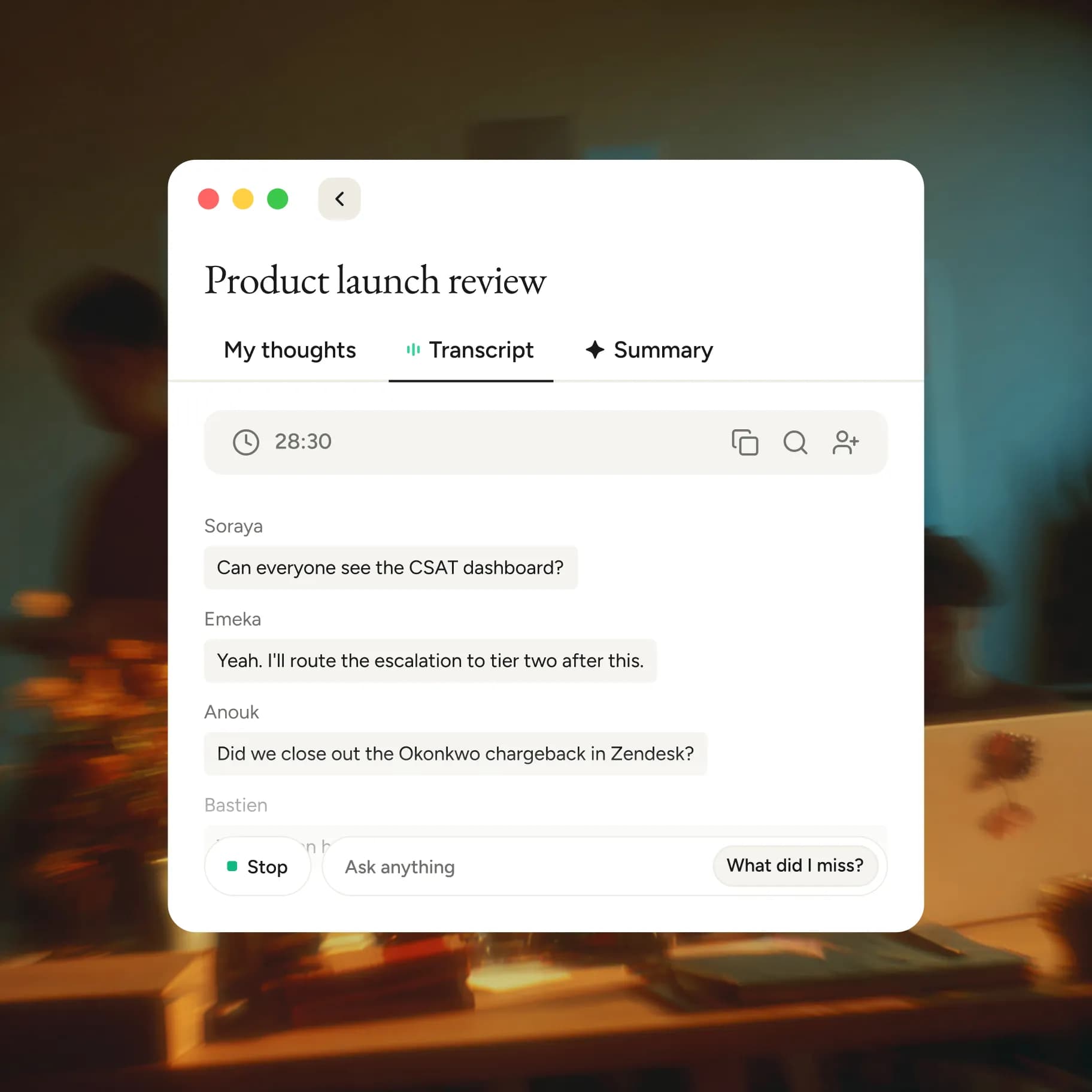
Audio & Voice · Free · Pro $12
Speak instead of type — Flow turns rambling speech into clean, formatted text in any app, learns your vocabulary, and doubles as an AI meeting notetaker.

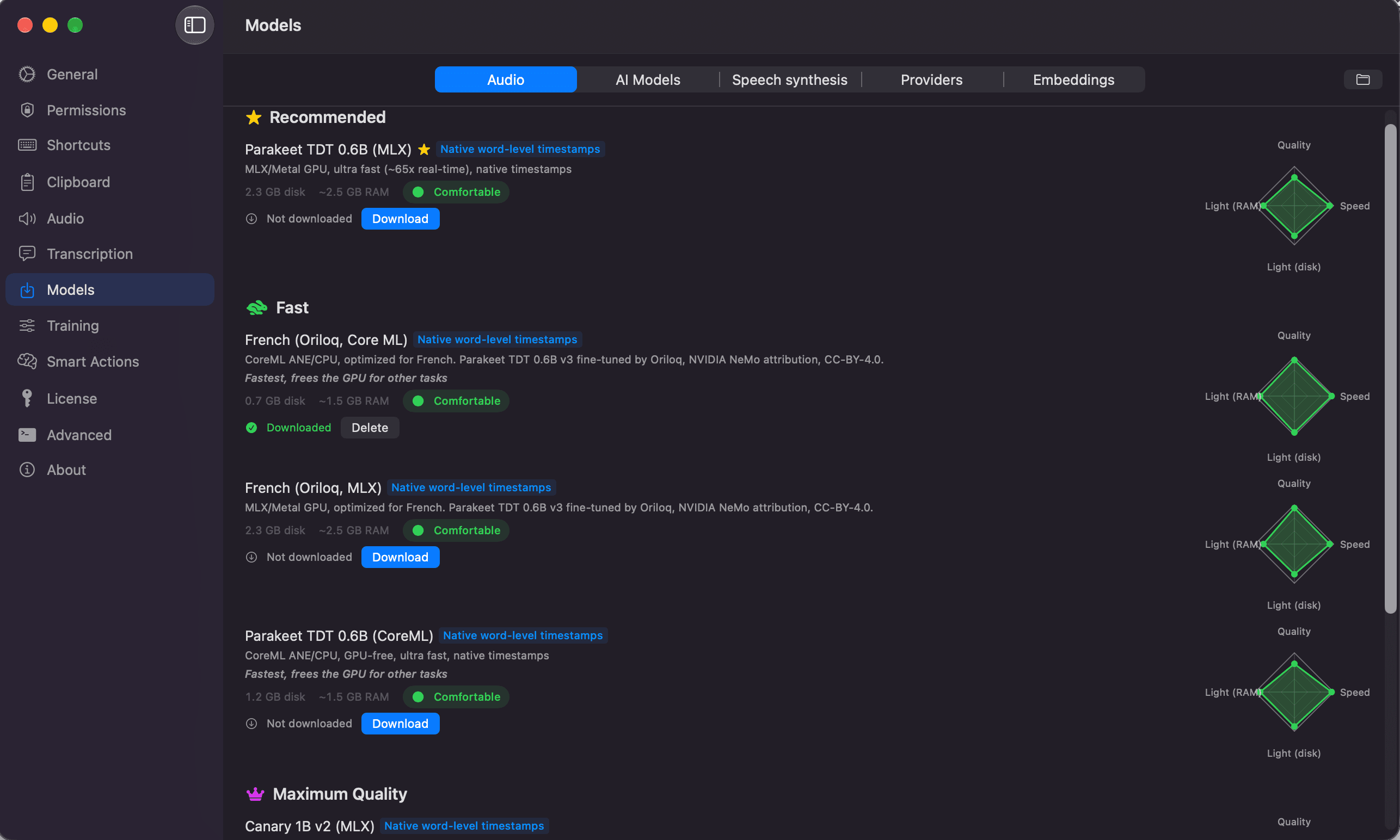
Productivity · Free · unlimited free plan $0
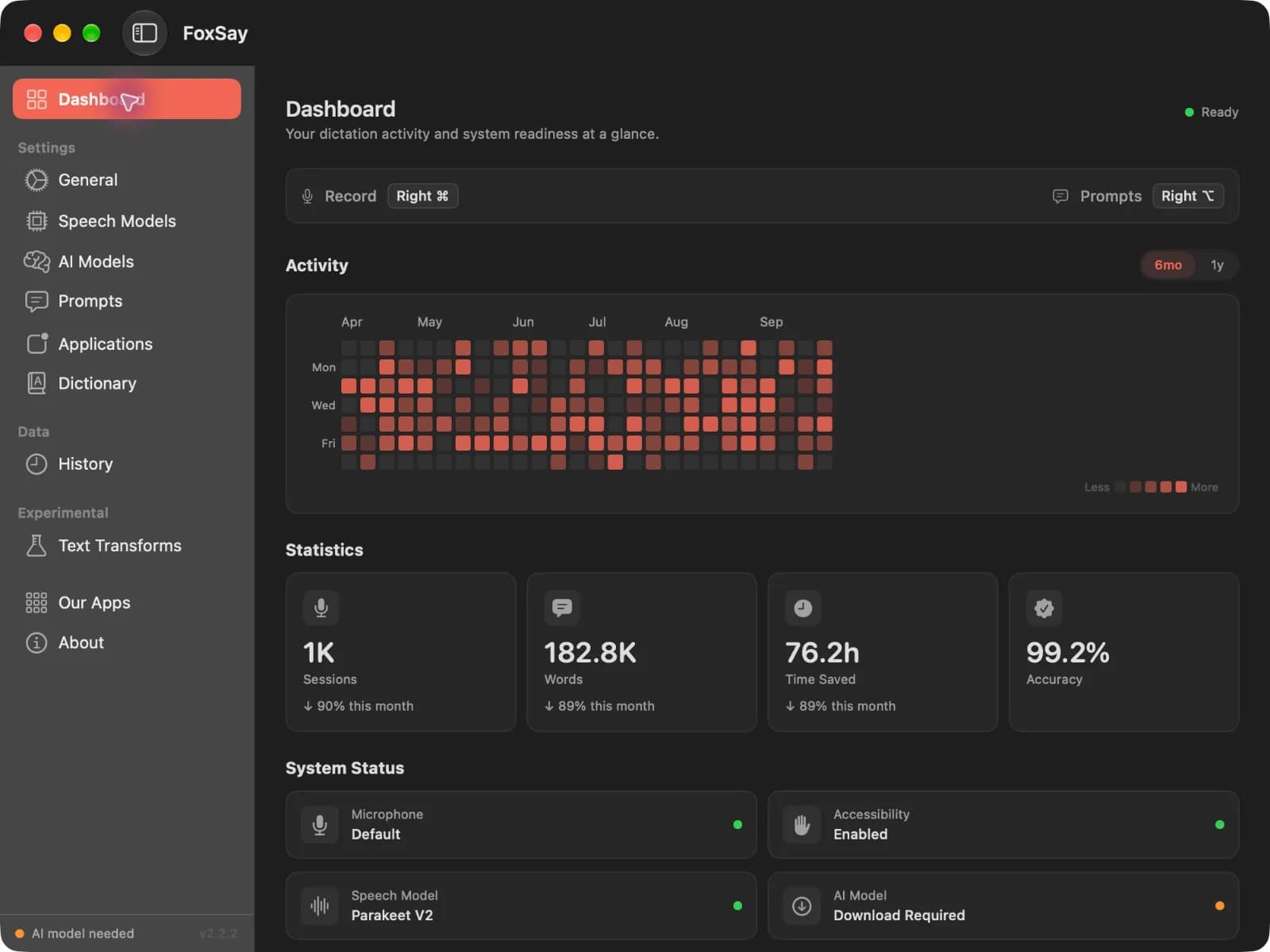
Converts speech to text and actions on Mac: dictation in any app, file transcription, and voice workflows, with local engines that wo
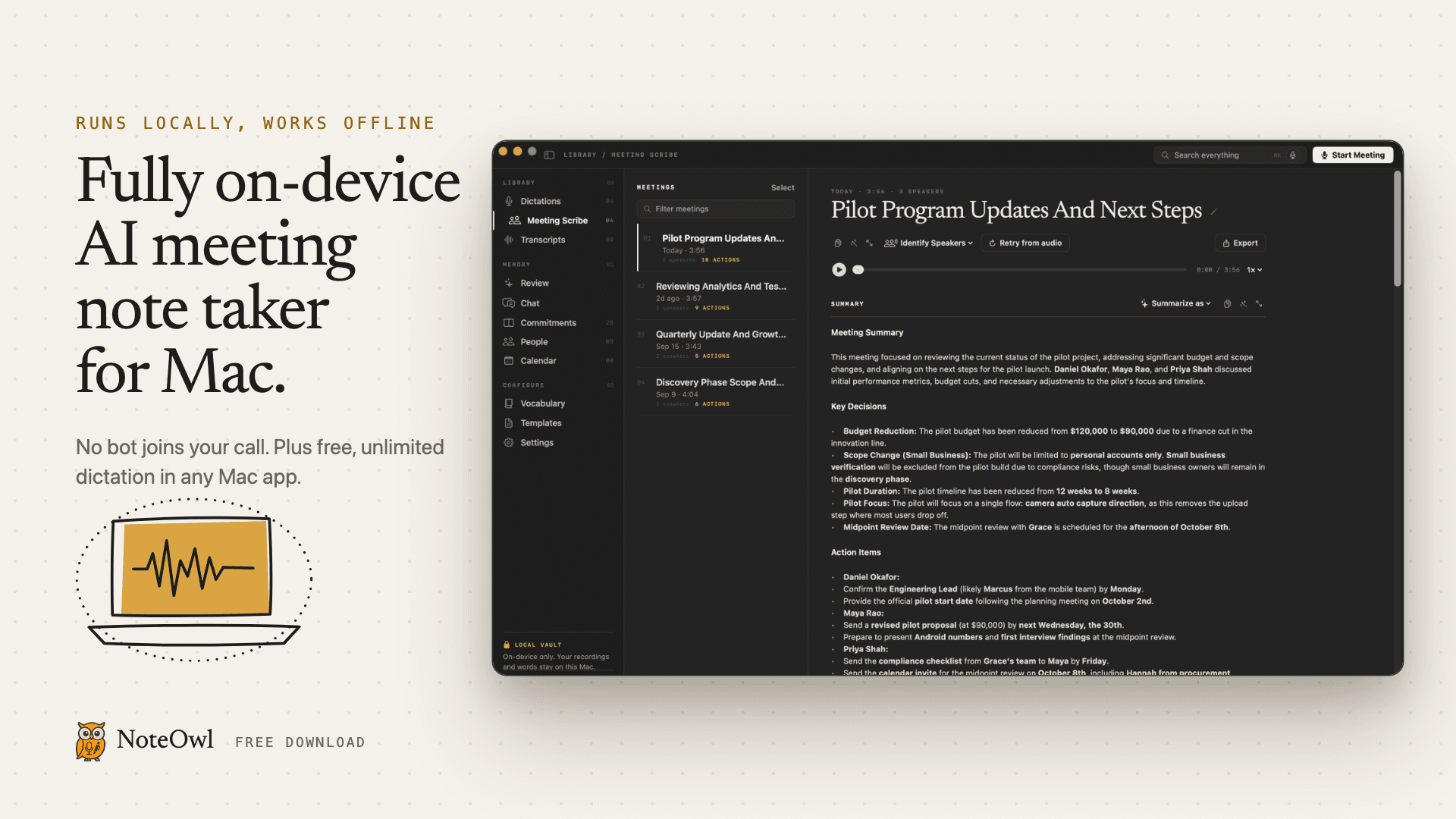
Productivity · Free · Free download with unlimited dictation; Pro is a one-time lifetime licence, no subscription $79
Fully on-device AI meeting note taker for Mac. Records any meeting app without a bot. Free, unlimited dictation in any app.
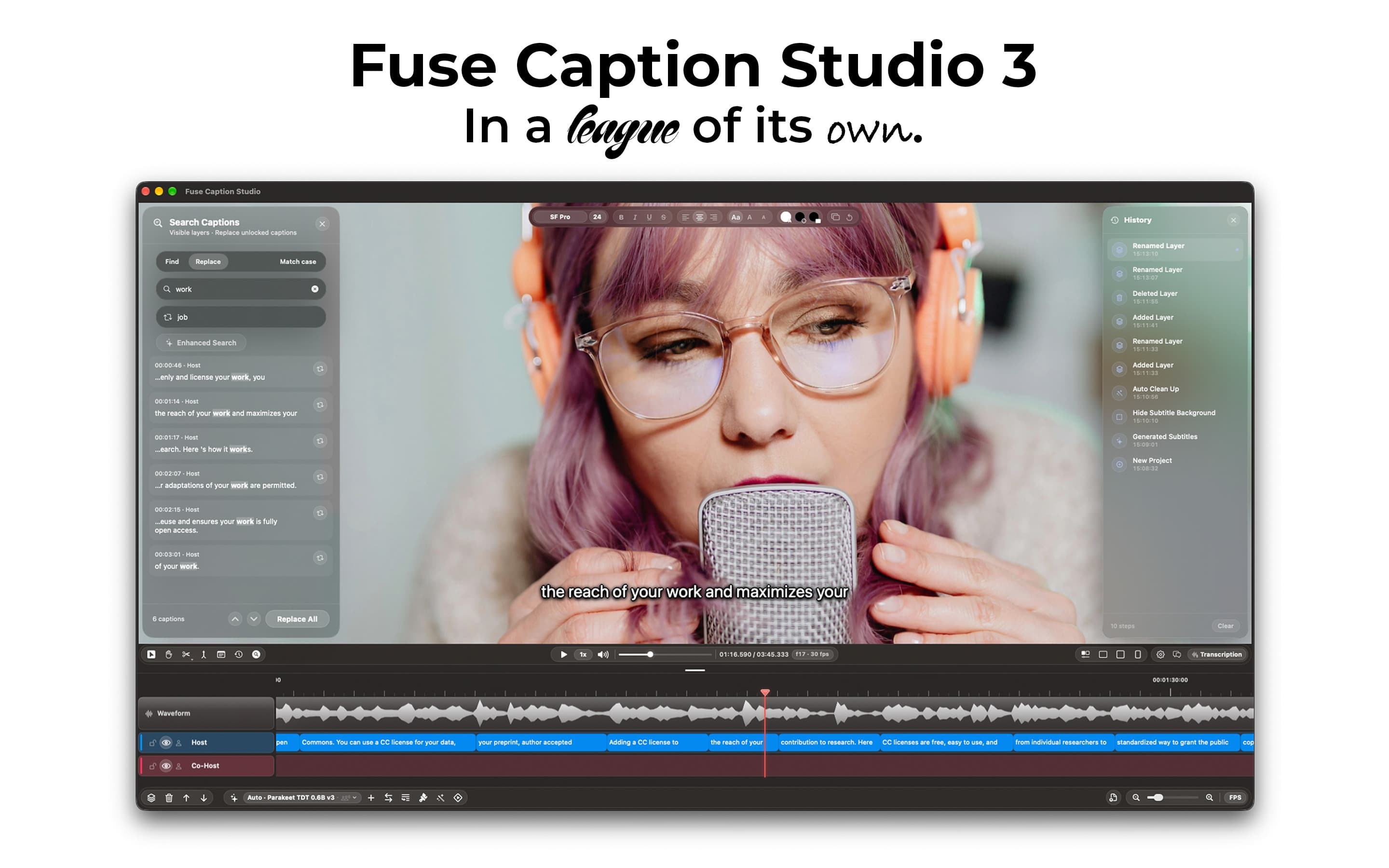
Productivity · Free · Pro $4.99
Transcribes and translates media, generating captions that can easily be edited by using a video editor-style type of timeline.
Audio & Voice · $14.99 · one-time (Lifetime in-app purchase after a seven-day full trial; no subscription.)
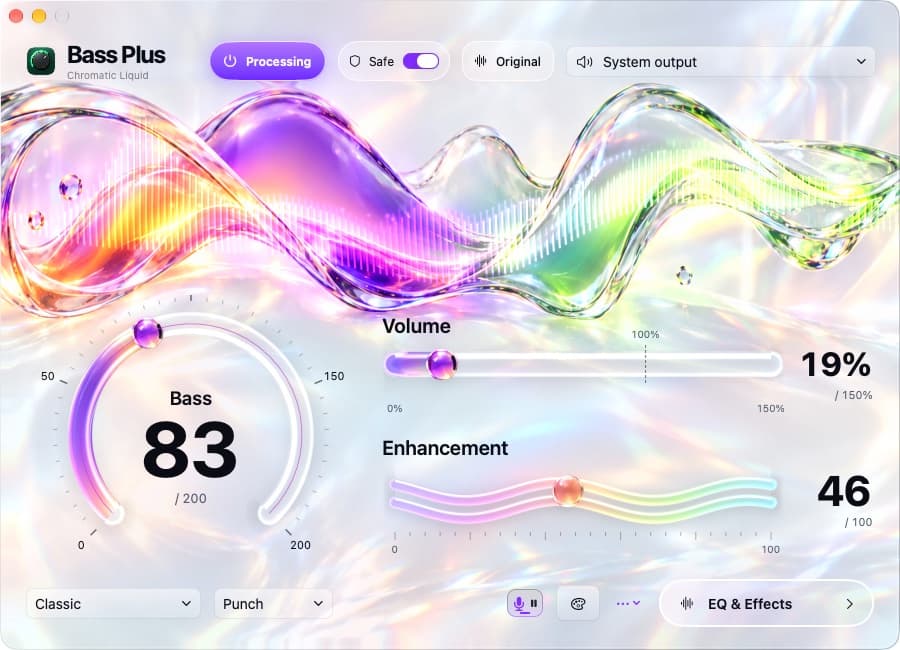
Boost Mac bass and pause compatible browser music for dictation, with native controls and 21 visual skins.