

Converts speech to text and actions on Mac: dictation in any app, file transcription, and voice workflows, with local engines that wo
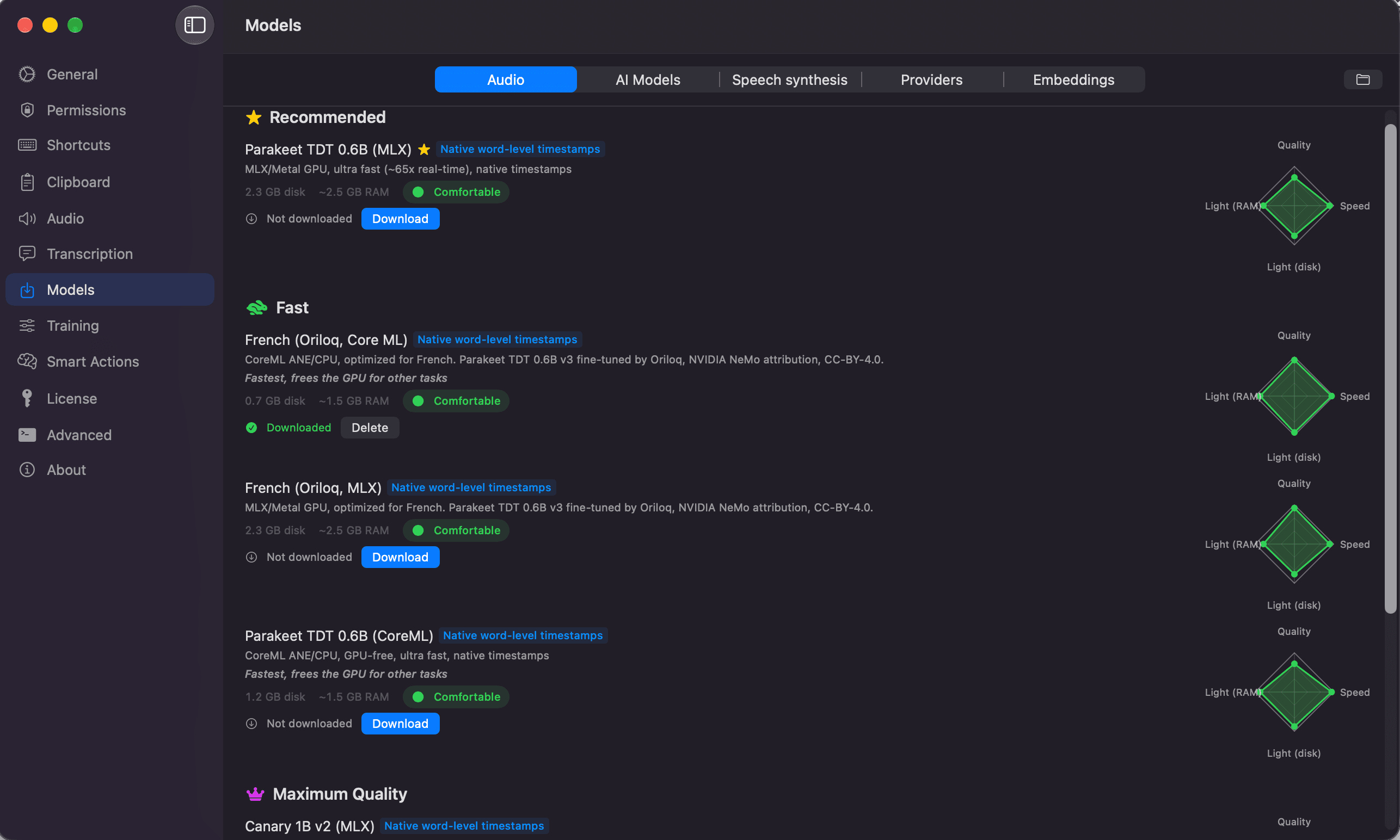
Oriloq is a macOS app that turns speech into text and actions. It provides real-time dictation in any application, transcription of audio and video files, translation, voice-triggered automation workflows, and an on-device AI assistant. Speech processing runs locally on Apple Silicon by default, using open-source models accelerated by MLX. An internet connection is only needed for the initial model download, after which dictation and transcription work fully offline.
Features
- Dictation in any app — speak into any text field (mail, chat, browser, code editor) and get punctuated, semantically corrected text inserted at the cursor.
- Audio and video transcription — drag and drop a media file to get a full transcript with speaker diarization, editable segments, and export to JSON or SRT.
- Translation — translate dictation, transcripts, or selected screen text between French, English, Italian, German, Dutch, Spanish, Arabic, and Hindi without switching apps.
- Smart Actions — build voice-triggered workflows from 13 steps, including LLM prompts, translation, screenshot capture with OCR, Apple Shortcuts, shell commands, clipboard operations, Markdown/HTML conversion, and file transcription. Semantic matching recognizes different phrasings of the same request.
- Local chat — query an on-device model (Gemma via MLX, or Apple Intelligence when available) to rewrite, summarize, translate, or analyze text and captured screenshots.
- Screen capture — full screen, selected area, active window, and scrolling capture, with text recognition and direct hand-off to the chat or a Smart Action.
- Clipboard history — searchable history of copied text, images, and files, with OCR extraction and reusable stacks.
- Text to speech — neural voices that can be described or cloned, with two synthesis engines and integrated playback in the chat and Smart Actions.
- Custom vocabulary — add names, acronyms, and domain terms for accurate recognition.
- Custom voice models — train a model on your own voice and vocabulary using a dataset stored locally on the Mac.
Privacy
Audio is captured and processed in memory on the Mac. By default, no audio is sent to Oriloq servers. Cloud engines are optional and must be explicitly configured; when enabled, audio is sent directly to the provider selected by the user.
System requirements
- Hardware — Apple Silicon Mac (M1 or later). Intel Macs are not supported.
- Operating system — macOS 27 or later.
- Permissions — microphone and file access; Accessibility permission to insert text into other apps.
The interface is available in English, French, German, Spanish, and Italian.
More in Productivity
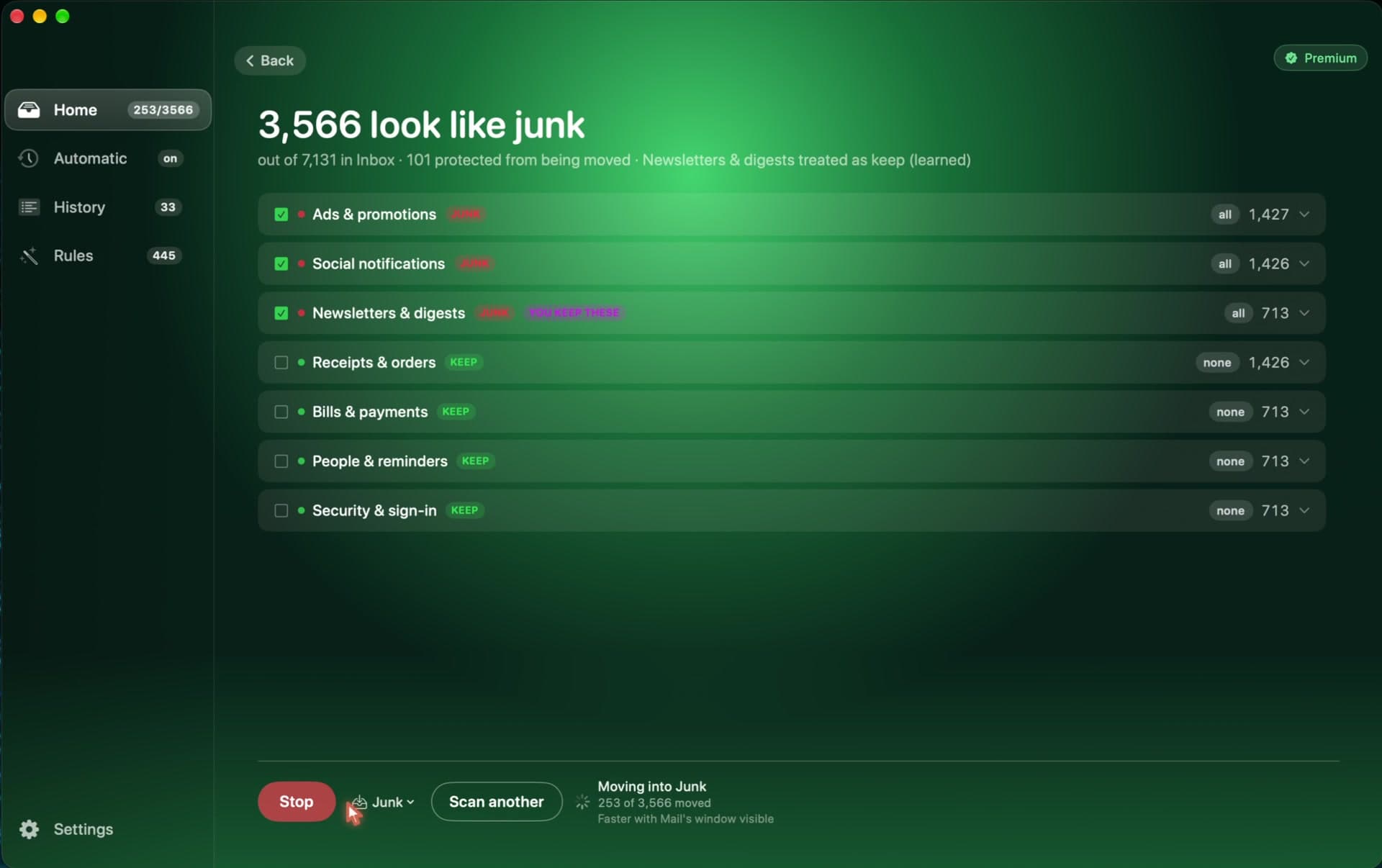
Productivity · Free · Free for 1,000 emails per account. $29 once, no monthly fee. $29
Cleans the junk out of your Apple Mail inbox. It runs on your Mac, works without internet, and learns what you want to keep.
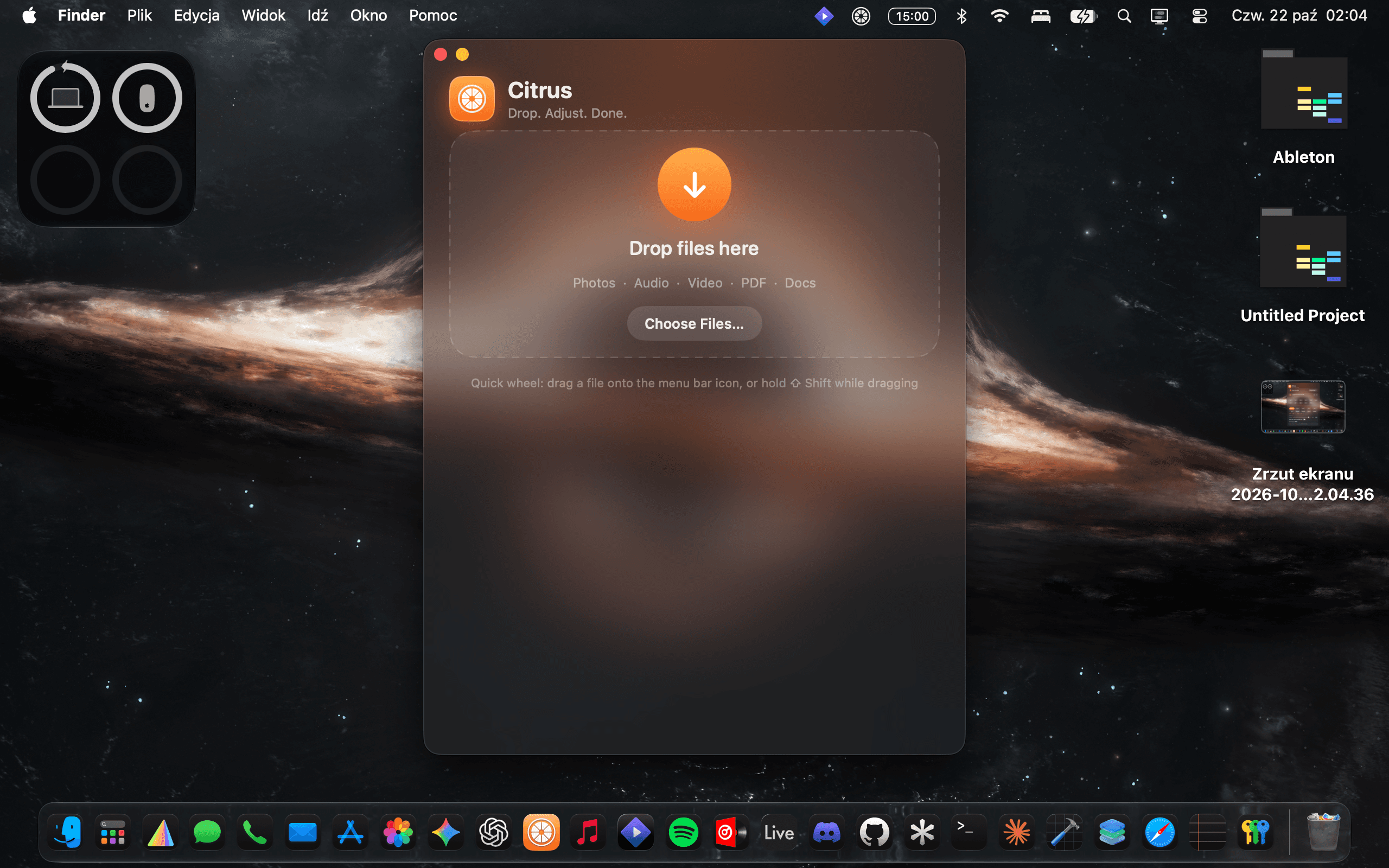
Productivity · $10 · one-time
Convert anything. Keep it on your Mac.
Productivity · $5 · one-time (Lifetime / one-time; up to 3 Macs; 7-day trial)
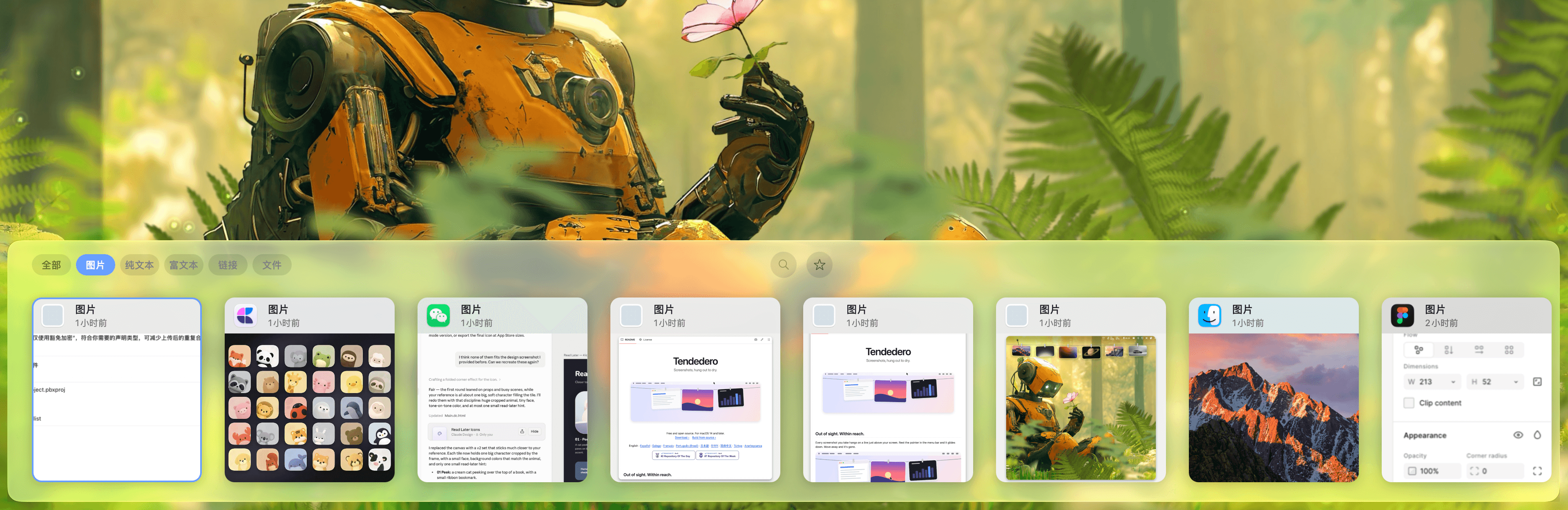
Native macOS clipboard history as a visual card stream — search and reuse text, images, links, files.