Productivity · Free · Introductory offer normal price £19.99 $14.99
Voice Dictation & 20+ tools in your notch.
20% Off for membersCompare Wispr Flow alternatives for Mac dictation. Find free and offline options, one-time licenses, cloud limits and language requirements.
6 apps · Updated
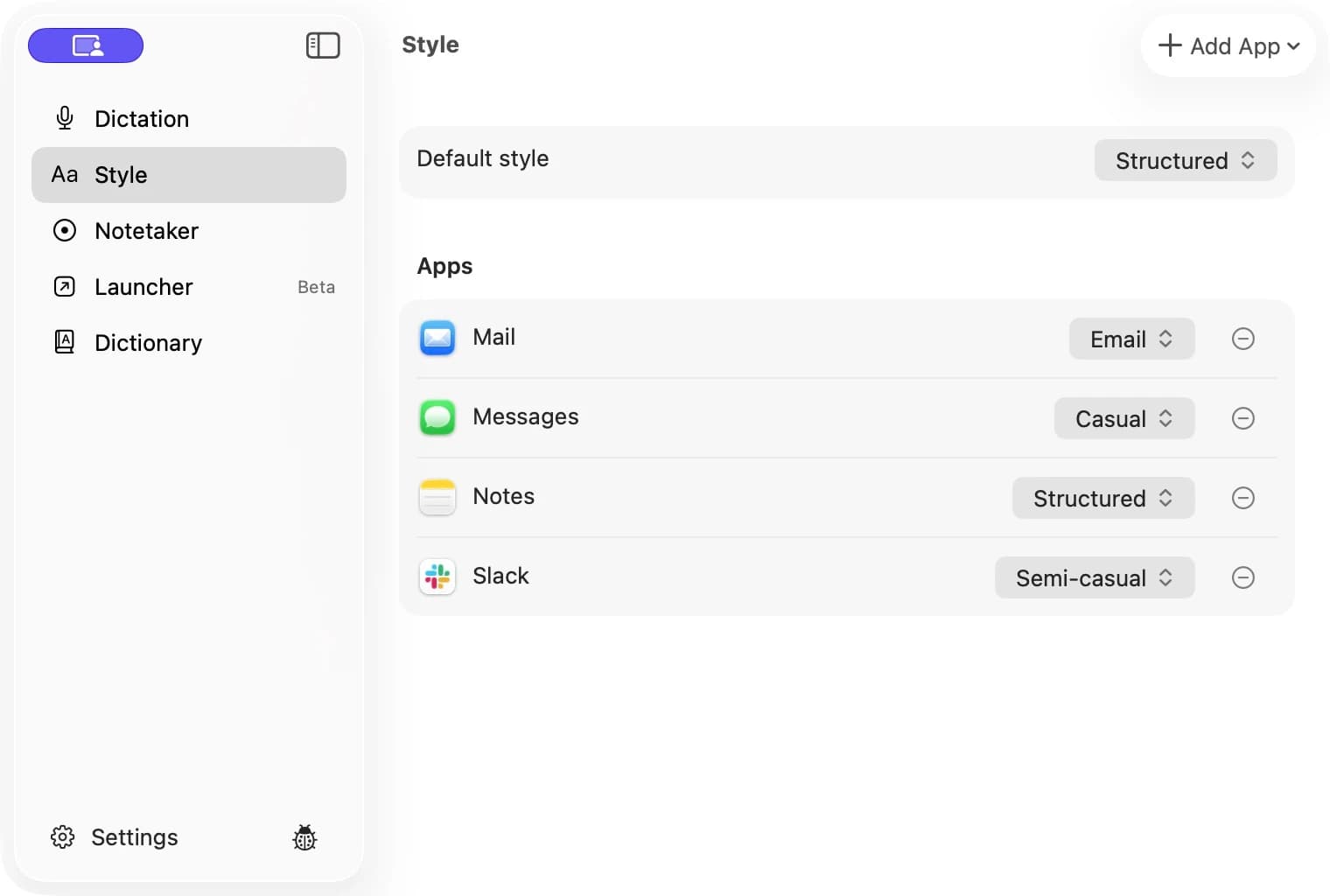
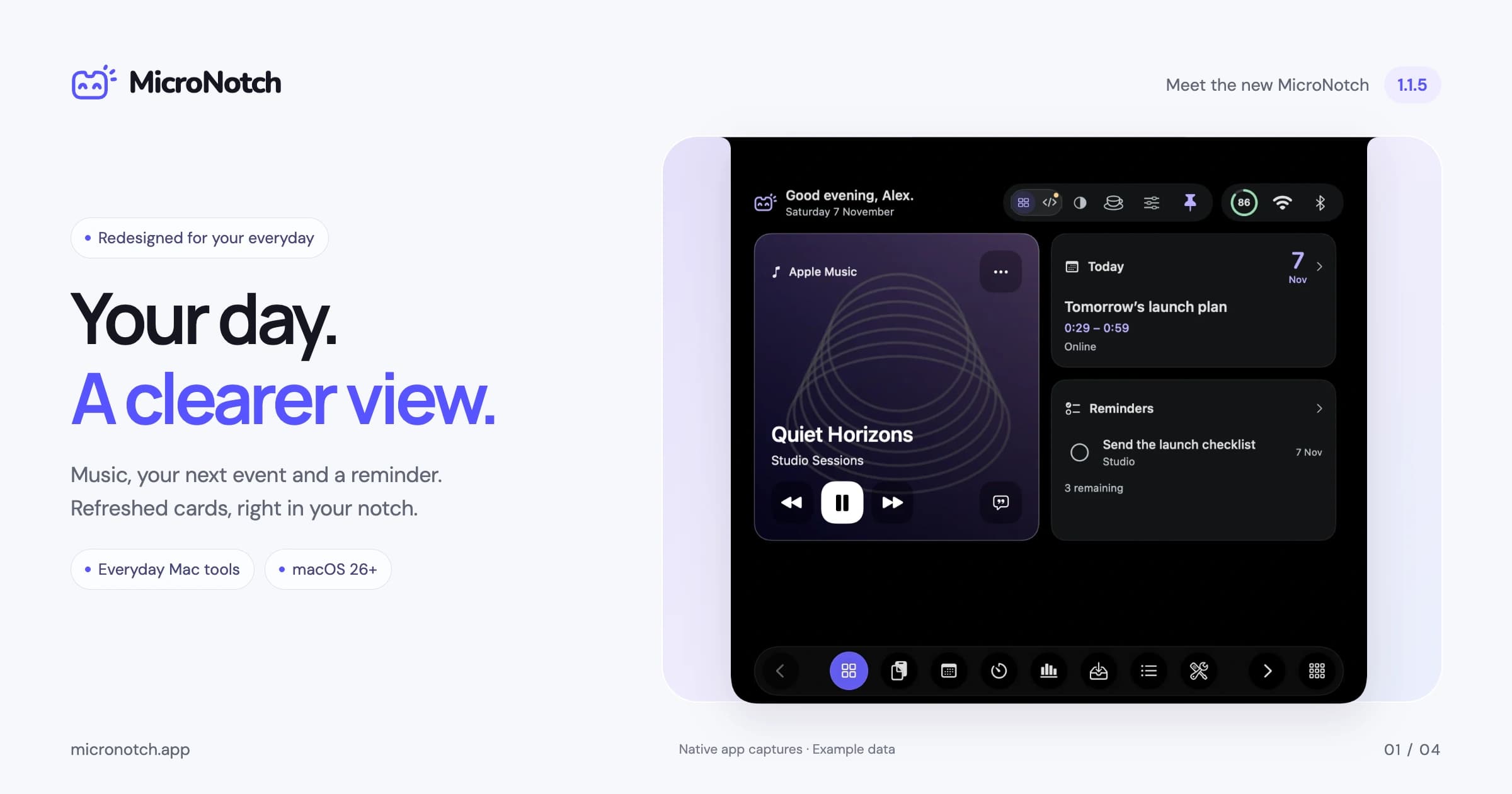
For a free, offline Wispr Flow alternative, start with FoxSay. Compare Orca One for a one-time paid app with on-device dictation, NoteOwl for dictation alongside meeting notes, or Openbroca if you prefer connected text cleanup and translation. Oriloq adds voice workflows; MicroNotch puts English dictation inside a wider notch toolbox.
| App | Dictation workflow | Processing, cost and catch |
|---|---|---|
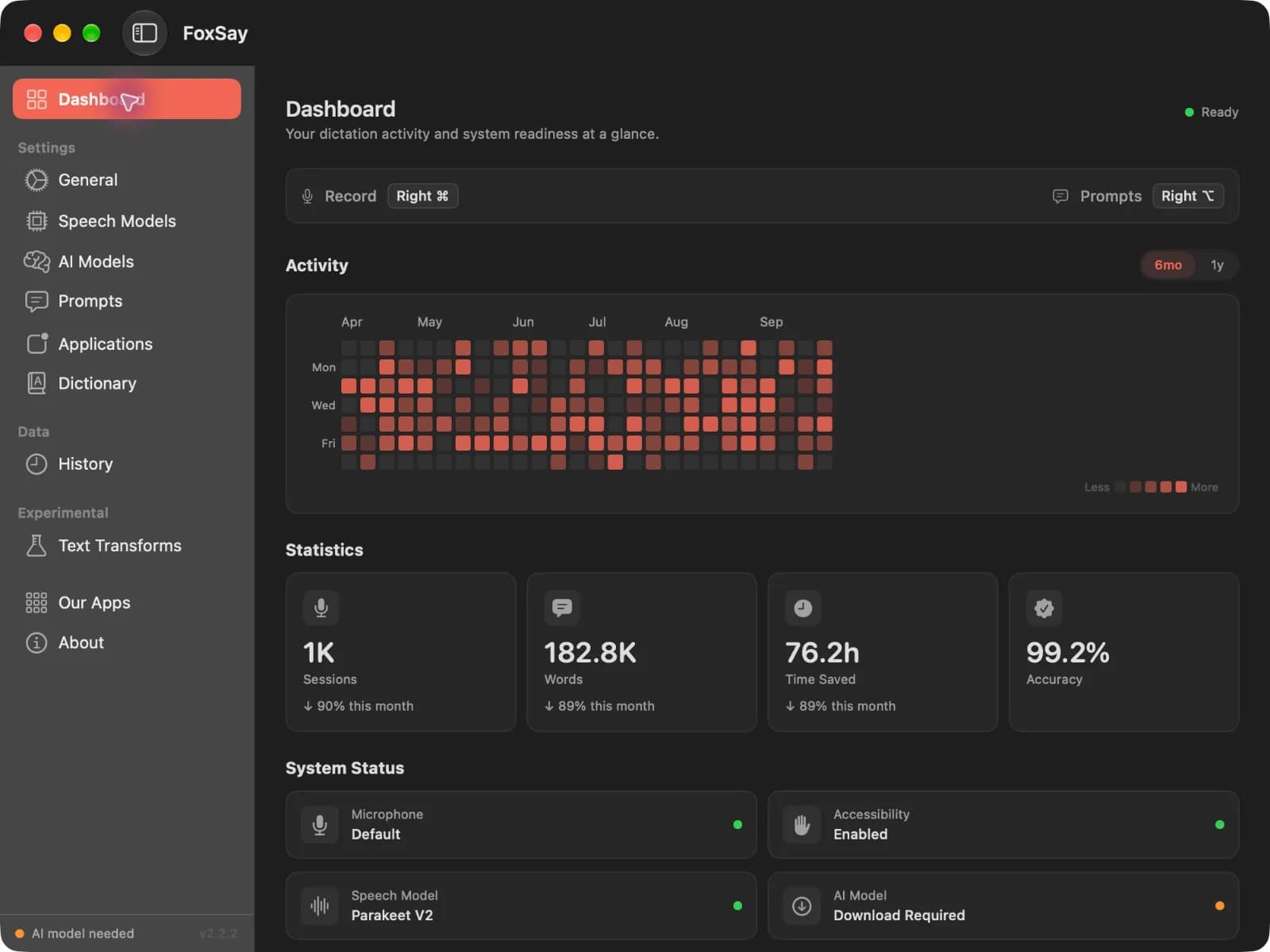
 FoxSay | Hold a hotkey, speak and insert text into the active app. | Free and open source. Local transcription; optional local cleanup works offline after setup. Remote cleanup is optional. |
 Orca One | Dictation into apps, plus meeting transcription and a voice launcher. | One-time paid license, with a limited free allowance. On-device; Apple silicon and macOS 15+ required. |
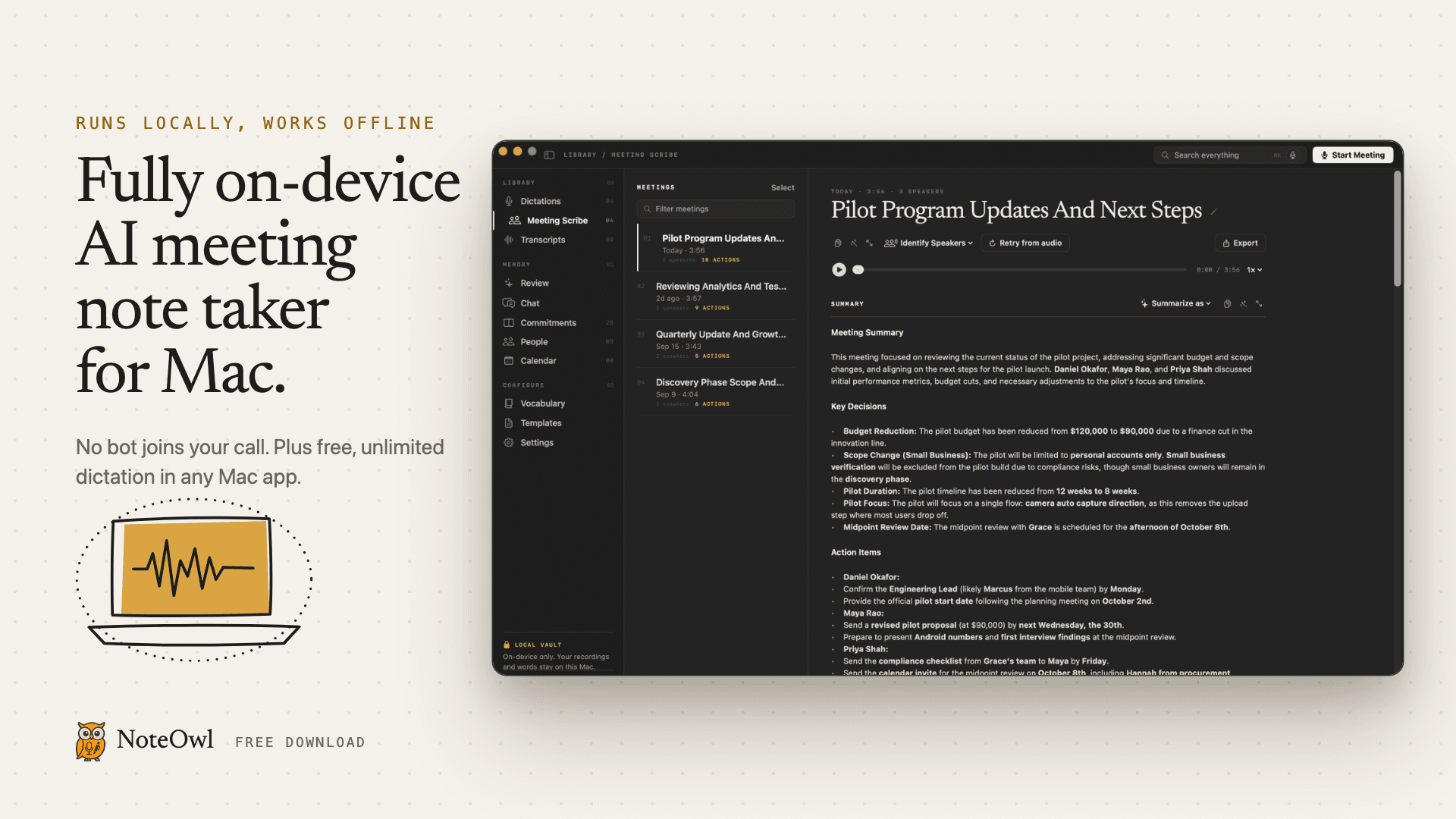
 NoteOwl | Dictation in any app alongside an on-device meeting notetaker. | Free dictation; paid meeting features. Compare dictation and meeting allowances separately. |
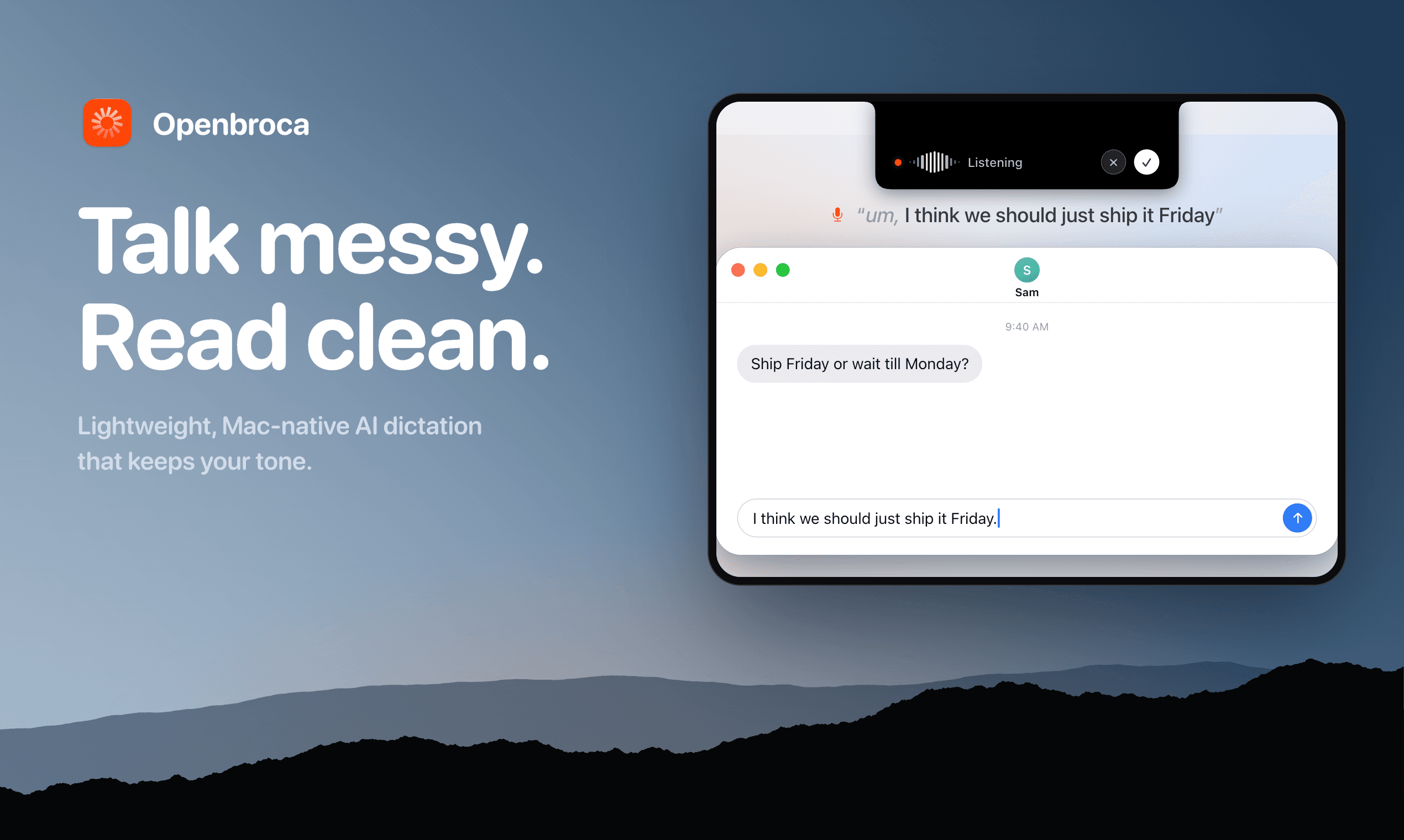
 Openbroca | Cleaned-up voice typing, custom vocabulary and translation. | Free weekly allowance; paid plans. Cloud processing needs internet; macOS 15+, including Intel support. |
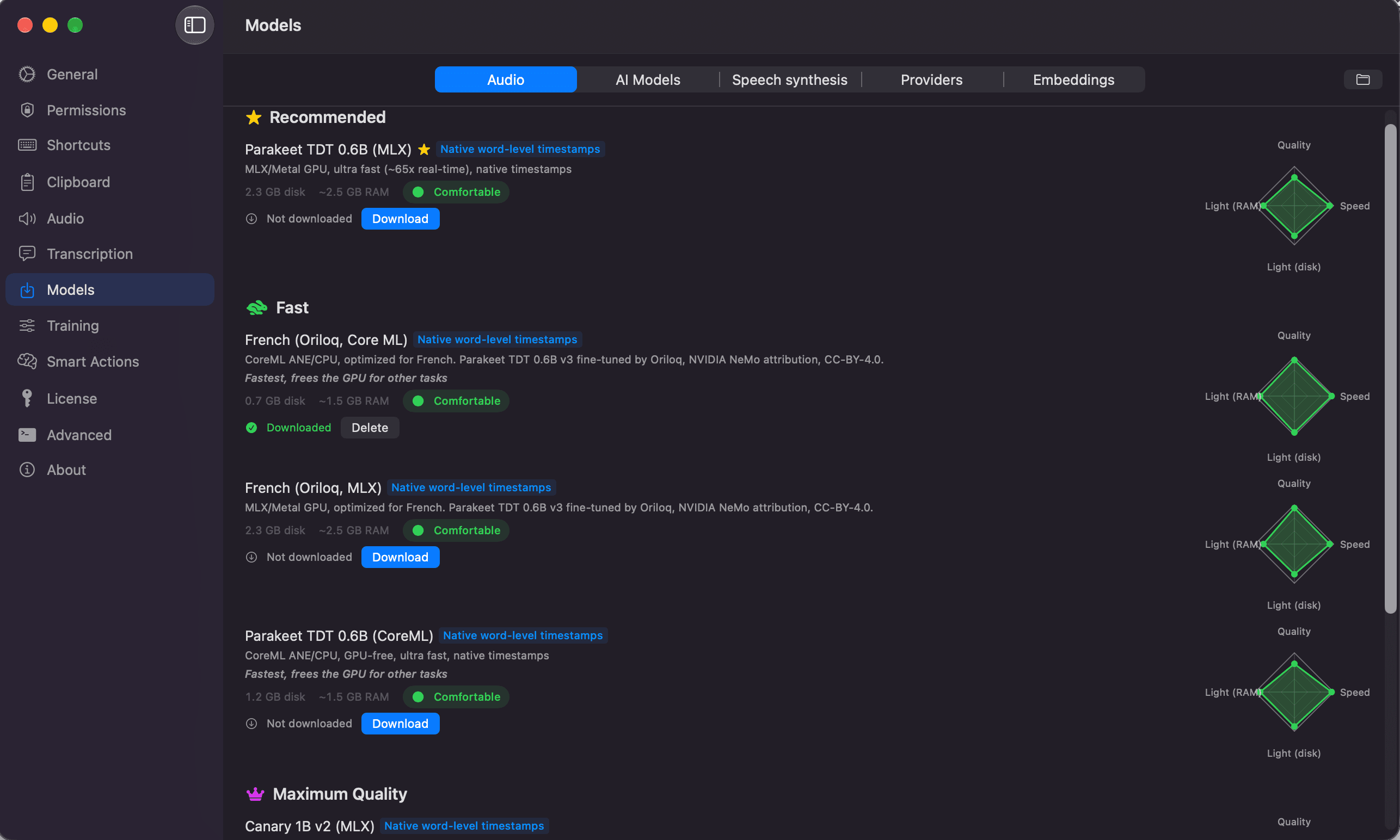
 Oriloq | Dictation and transcription with custom voice-triggered actions. | Free transcription with limited Smart Actions; paid tiers expand features. Local by default, with optional cloud engines. Check current system requirements before downloading. |
| MicroNotch | Hold Fn to insert English dictation from a notch toolbox. | One-time paid app with a three-day trial. macOS 26+; local model download required. English-only MicroVoice is a narrower choice. |
You need offline typing: compare FoxSay, Orca One and NoteOwl with Wi-Fi off after their models are installed. Check the text-cleanup setting as well as the speech engine.
You use an Intel Mac: start by checking explicit hardware support. Openbroca documents an Intel build, but uses cloud processing; many local tools are Apple-silicon-focused.
You dictate in several languages: test the exact model and output language. “Multilingual” does not promise automatic language switching or the same cleanup quality in every language.
You want more than dictation: compare Oriloq's actions or MicroNotch's wider tools only if you will actually use them.
Productivity · Free · Introductory offer normal price £19.99 $14.99
Voice Dictation & 20+ tools in your notch.
20% Off for membersProductivity · Free · Free download with unlimited dictation; Pro is a one-time lifetime licence, no subscription $79
Fully on-device AI meeting note taker for Mac. Records any meeting app without a bot. Free, unlimited dictation in any app.
Productivity · Free · unlimited free plan $0
Converts speech to text and actions on Mac: dictation in any app, file transcription, and voice workflows, with local engines that wo
Audio & Voice · Free · USD/month for Unlimited; 3,000 text units/week free. $6.99
Lightweight AI dictation for Mac that sounds like you
Audio & Voice · Free & open source
On-device speech to text for your Mac
Audio & Voice · $29.99 · one-time (Free trial; $29.99 launch price, $59.99 regular one-time price.)
Private AI dictation and meeting notes for Mac, running on your device.
Use the same short sample in each app: an email with names, a paragraph containing corrections, and a list with punctuation. Try it in the actual editor, chat app or browser field you use. Count how much editing you do afterward, rather than choosing from a vendor's accuracy percentage.
For offline use, download the models first, then disconnect Wi-Fi and test both transcription and cleanup. Check that the shortcut does not conflict with another app and that text goes to the intended field before using it for long documents.
FoxSay is free and open source. NoteOwl offers free dictation, and Oriloq advertises free voice transcription with a separate Smart Actions allowance. macOS also includes Apple Dictation, worth trying for basic voice typing.
FoxSay documents local speech models and optional local cleanup; Orca One documents on-device dictation, and NoteOwl documents on-device operation. Initial model downloads still need a connection. Openbroca explicitly uses cloud speech recognition and cleanup, so it is not an offline replacement.
Orca One sells a one-time license for its on-device Mac app. MicroNotch is also a one-time purchase, but its dictation is English-focused and bundled with other tools. Compare hardware, languages and the trial before buying.
No. A file transcriber turns an existing recording into text; a dictation app inserts speech where you are typing. If that second workflow is why you use Wispr Flow, test it directly. Meeting notes and summaries are useful additions, not proof of equivalent voice typing.
Only if the rest of your chosen workflow is local too. Optional cloud cleanup, translation or AI providers can send text or audio off-device. Read those settings independently from the app's speech-model description.
Official sources checked 4 November 2026. No independent accent, language or speed benchmark is claimed.