Productivity · Free · Free download; Pro Version in-app purchase $9.99 on the US Mac App Store. Regional prices vary. $0
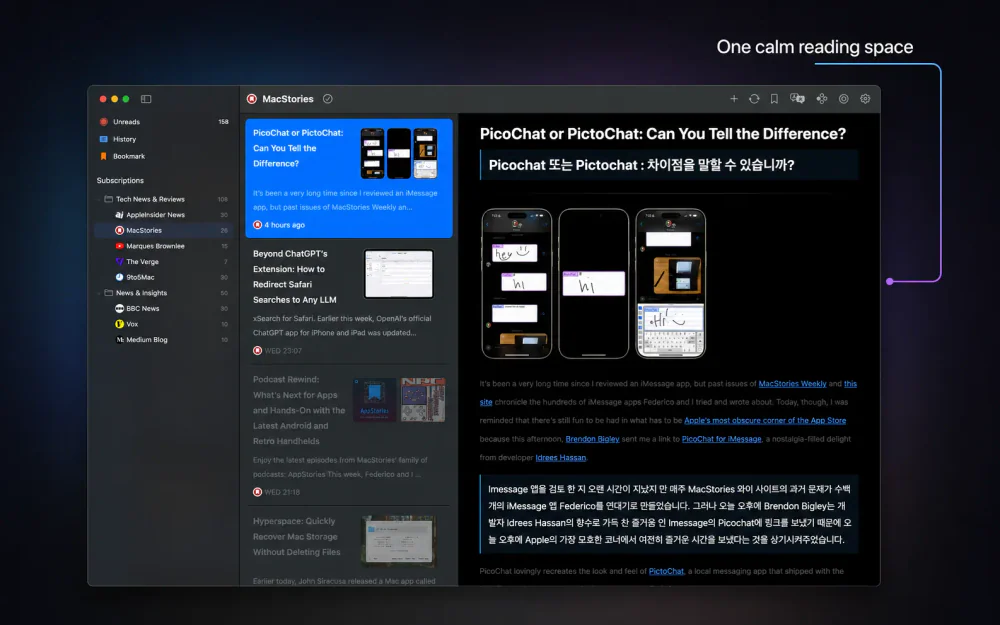
A Mac RSS reader with aligned bilingual reading, built-in translation, flexible feed controls, and a customizable workspace.

Voice Dictation & 20+ tools in your notch.
Everything in one notch.
MicroNotch brings everyday Mac tools together in a compact panel at the top of your screen. Dictate text, keep track of AI coding sessions, find copied content and keep files ready to share—all within easy reach.
MicroNotch works with or without a display notch, including on external monitors. Pin your favourite tools and enable the permissions and connections you need.
**Compatible with macOS 15 Sequoia+ Intel and Silicon app installer..
Try MicroNotch free for three days, with no card required. A one-time licence covers two Macs, with no subscription. All future updates are included.
Explore MicroNotch and download the trial
Productivity · Free · Free download; Pro Version in-app purchase $9.99 on the US Mac App Store. Regional prices vary. $0
A Mac RSS reader with aligned bilingual reading, built-in translation, flexible feed controls, and a customizable workspace.

Productivity · Free · Free, with a 7-day trial of the paid features. Paid upgrades $19
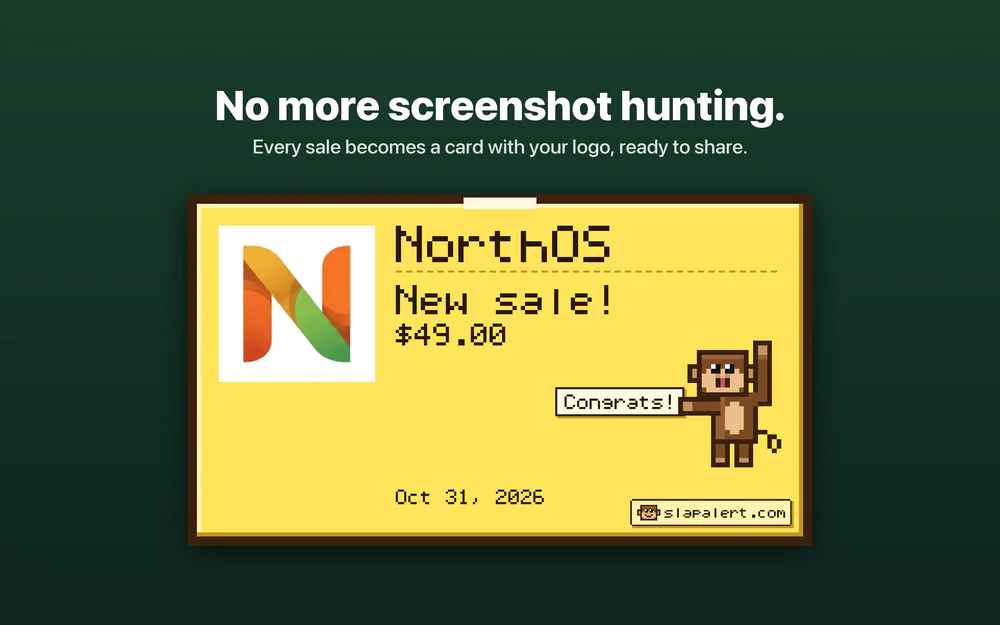
A menu-bar-only Mac app that celebrates every sale with a pixel-art monkey and sticky note.
Productivity · $25 · one-time (Black Friday $12.99 (was $25) until Nov 30, no code.)
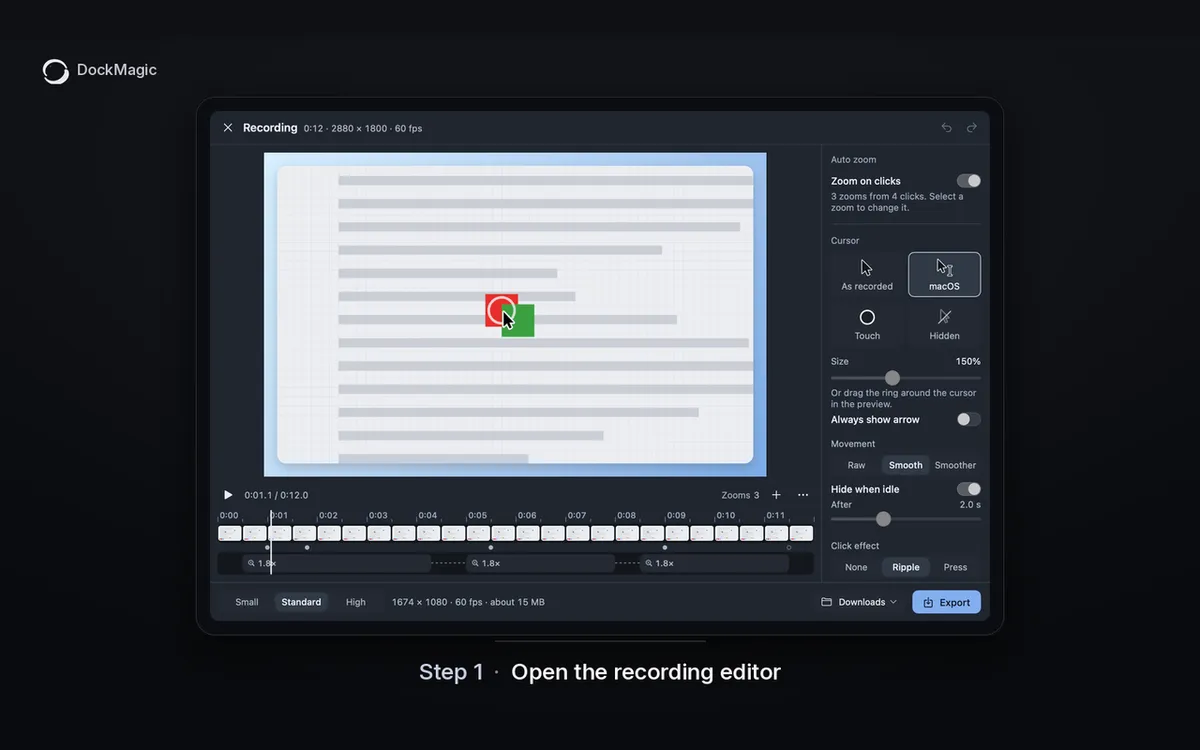
A second Dock for your Mac: AI limits, revenue, recordind, screenshot, recording, clipboard history and many more.
Productivity · $9.99 · one-time (7-day full-feature trial, then a USD $9.99 one-time editing unlock. Local App Store prices vary.)
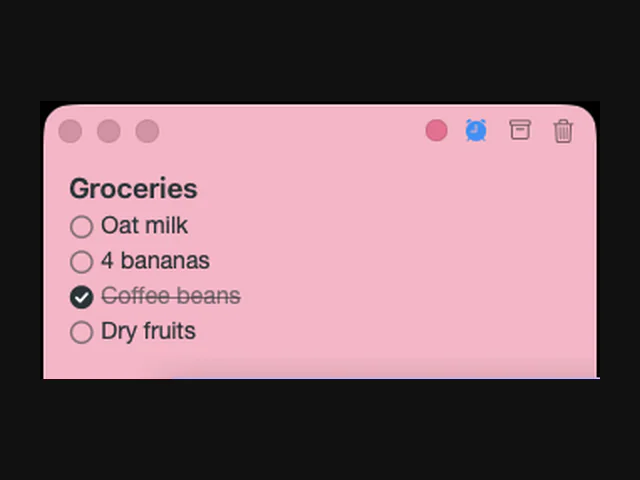
Sticky notes and checklists tucked into the edge of your Mac

Productivity · Free · Pro
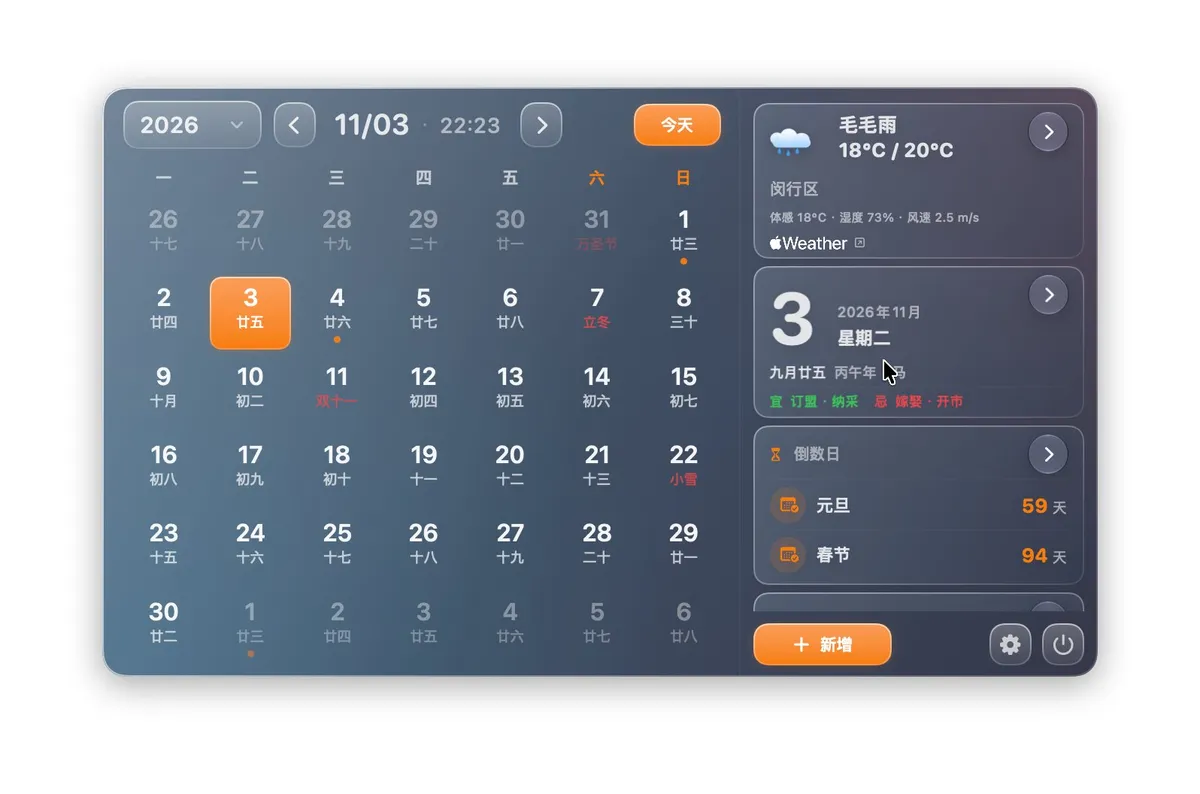
AirCalendar is a native Mac menu bar calendar showing today — date, schedule, to-dos and countdowns — in one small panel.

Productivity · $12 · one-time (Once, for up to 3 Macs; no free trial)
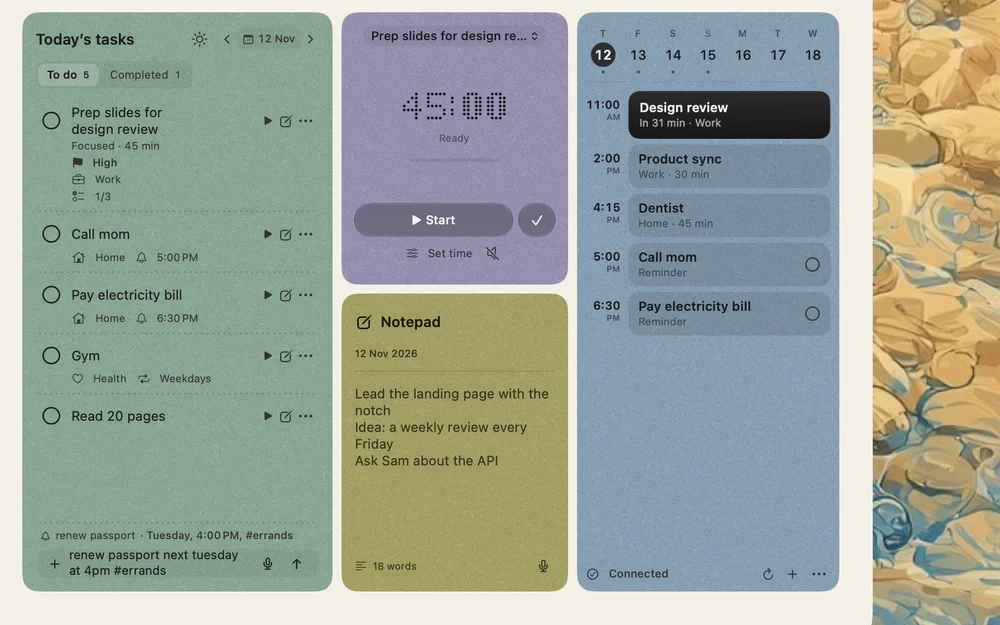
NotchOwl puts today's tasks, a focus timer, notes, reminders and your calendar in the MacBook notch, one hover away.