
Productivity · Free & open source
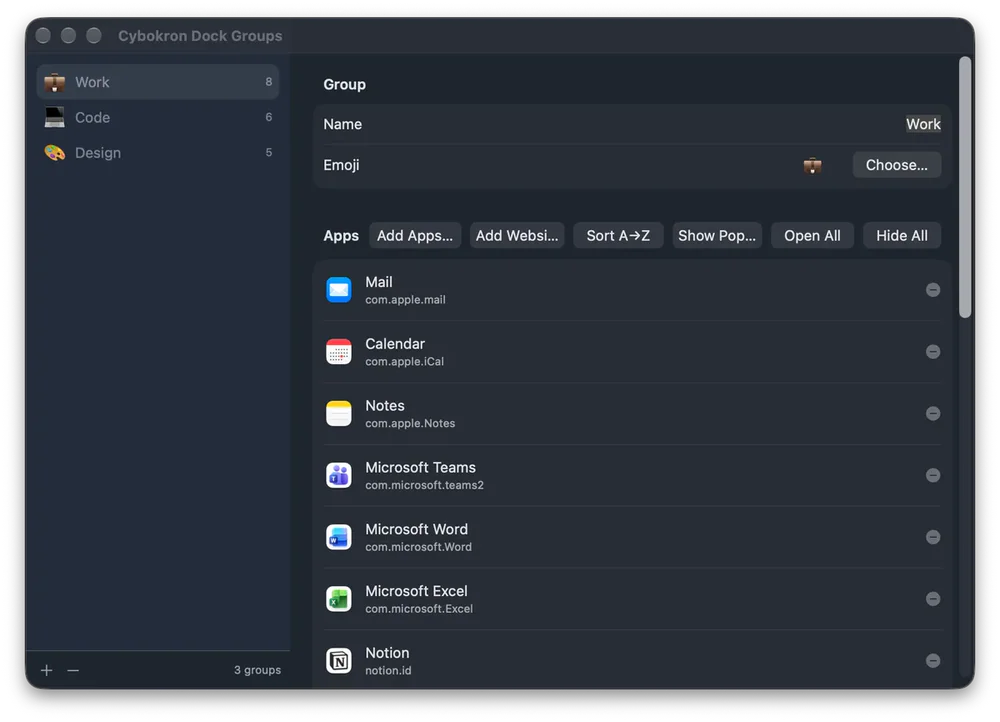
Group apps and websites on macOS, open, hide or quit a group, and give each group its own Dock icon.

Group apps, files and links in your Mac Dock
Otterdock is a macOS Dock organizer that enhances your existing Dock instead of replacing it.
Create a group for each project or workflow and mix apps, working files, folders and web links in it, then open what you need from the Dock or from desktop and Notification Center widgets.
The Direct edition (downloaded from the official website) adds custom popups, hover-to-expand, keyboard search inside the popup, global shortcuts and, with Pro, a chosen app for each file. You can open a single item or launch everything in a group at once.
Group data stays on your Mac. The free tier includes 2 groups with up to 8 items each, and Pro is a one-time US$6.99 purchase with no subscription. Requires macOS 14 or later.
Productivity · Free & open source
Group apps and websites on macOS, open, hide or quit a group, and give each group its own Dock icon.

Productivity · $8.99 · one-time (US Mac App Store; prices vary by region.)
Collect files and reference links in a floating Mac workspace, preview them, and drag them into your next task.

Utilities · $5.99 · one-time (7-day trial, then lifetime unlock)
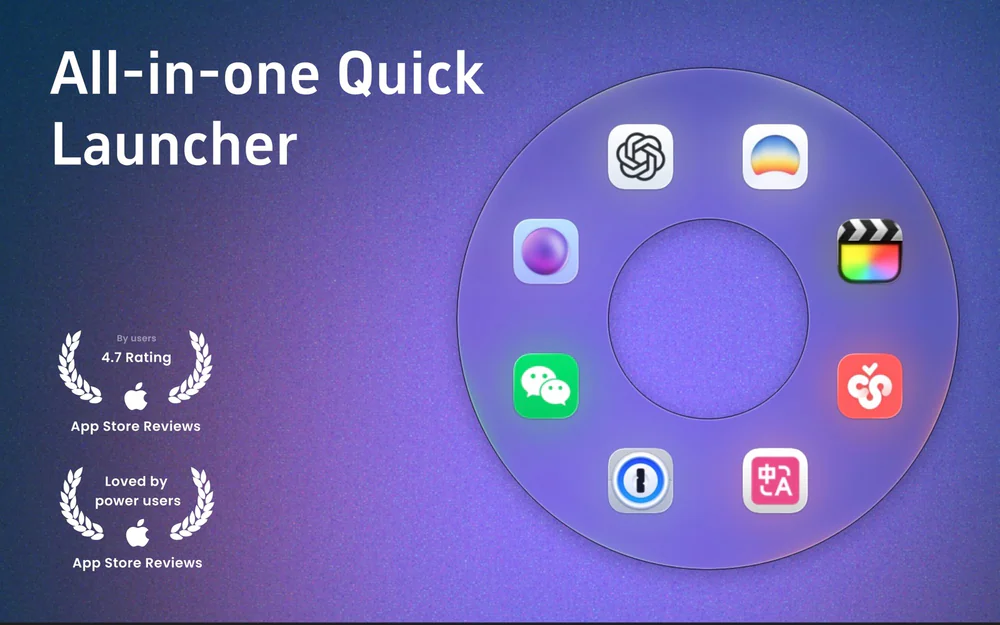
Circular macOS launcher: gesture-open an orbit of apps, files, folders, and sites.

Utilities · Free & open source
A polished Dock replacement for macOS — configurable layout, live window previews, widgets, and a fullscreen Launchpad, entirely native.

Productivity · Free · 10 widgets free forever · $9.99/yr or $24.99 lifetime · 14-d $9.99
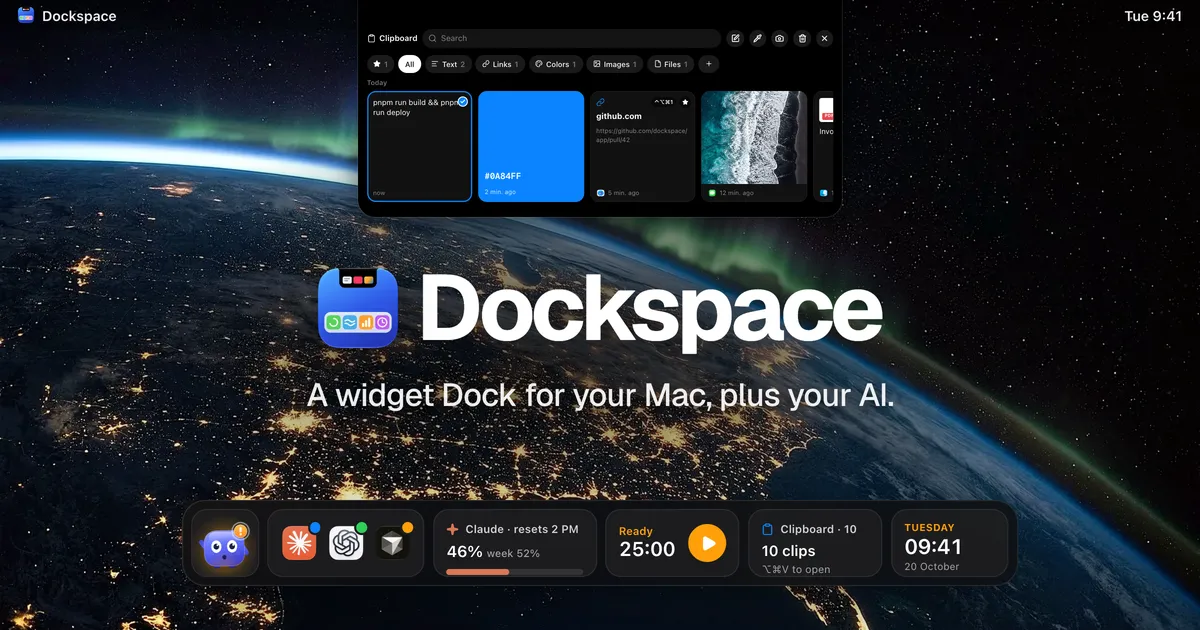
Dockspace is a native Swift/AppKit widget bar that sits in the macOS Dock's place, beside it or above it, with 174 live widgets.
30% off for members
Productivity · Free · Lite edition is free $14
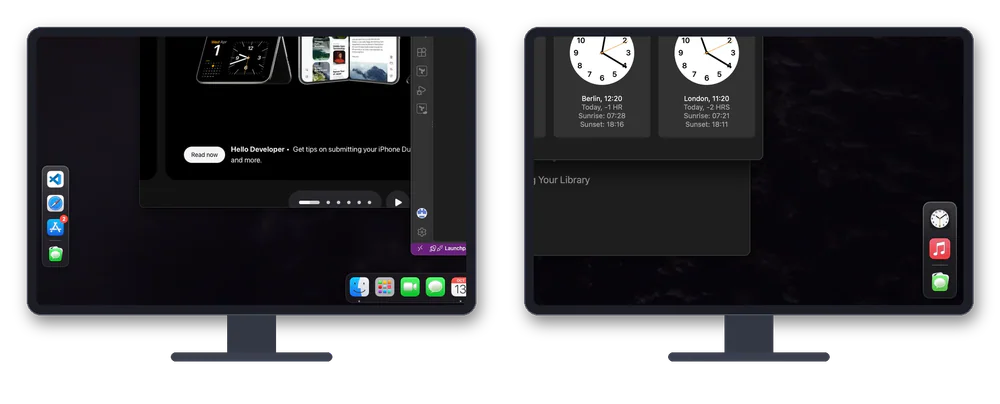
Dockaroo gives every display and every desktop on your Mac its own dock. Each dock shows only the apps that have windows on that screen.