Productivity · $4.99 · one-time (USD; one active Mac; no subscription or free trial.)
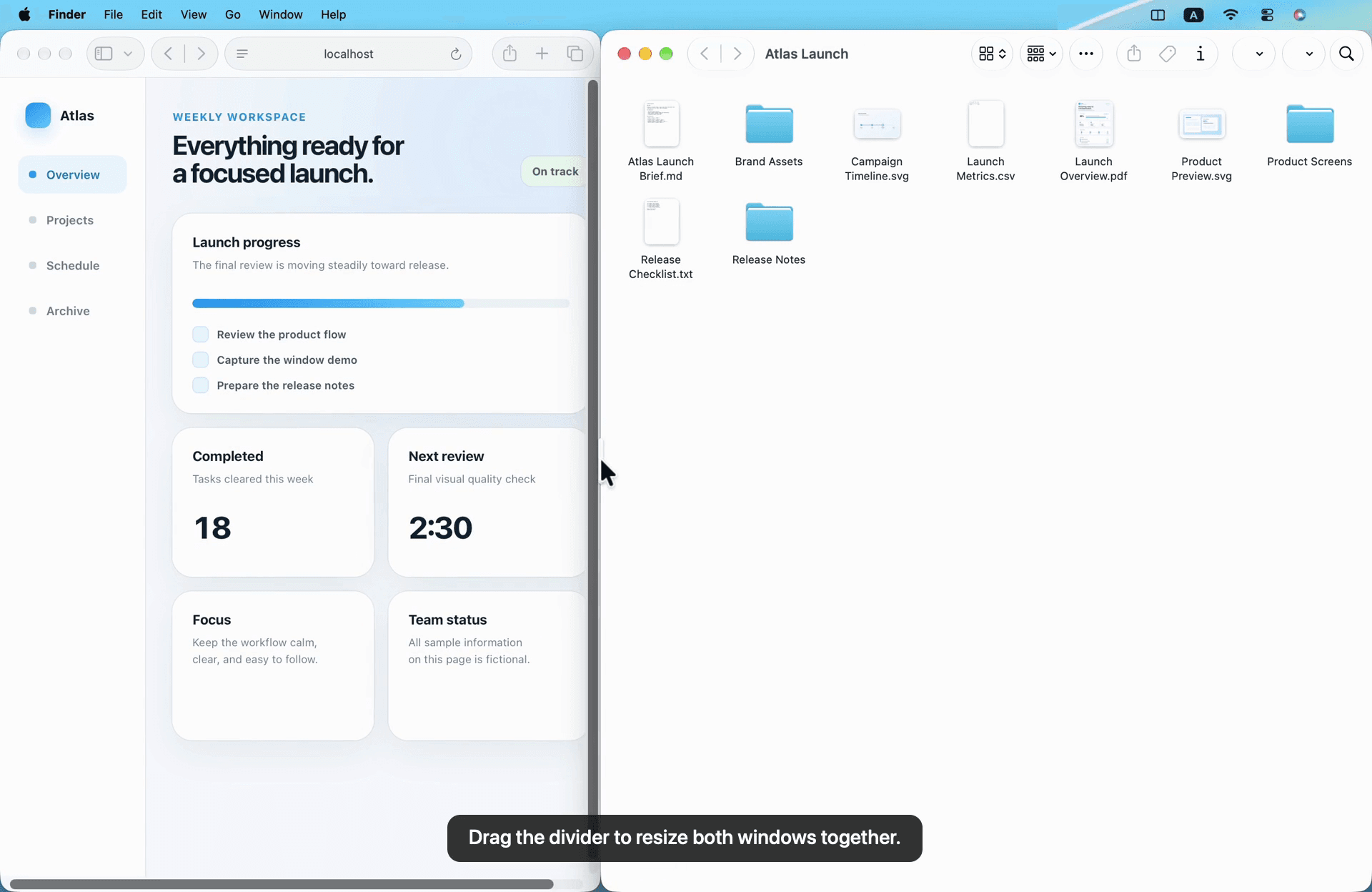
Arrange Mac windows with shortcuts or drag-to-snap, then resize a connected pair with one shared divider.
Dockaroo gives every display and every desktop on your Mac its own dock. Each dock shows only the apps that have windows on that screen.
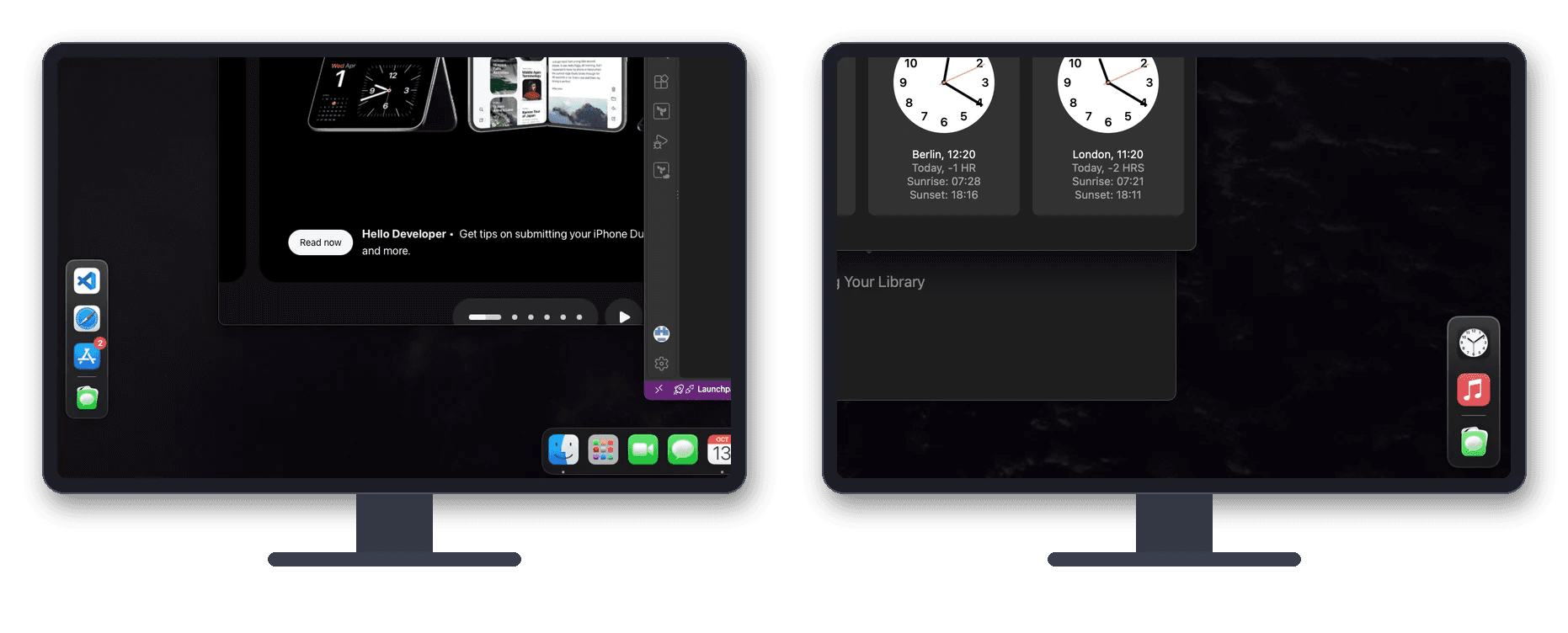
Dockaroo gives every display and every desktop on your Mac its own dock. Each dock shows only the apps that have windows on that screen and desktop. Move a window to another screen and its icon moves with it.
Features:
Dockaroo Lite is free for your main display and one more. Dockaroo Pro adds every display, pinned apps, window previews and more, as a one-time purchase. Every download includes a free 14-day Pro trial.
Productivity · $4.99 · one-time (USD; one active Mac; no subscription or free trial.)
Arrange Mac windows with shortcuts or drag-to-snap, then resize a connected pair with one shared divider.

Productivity · $5 · one-time
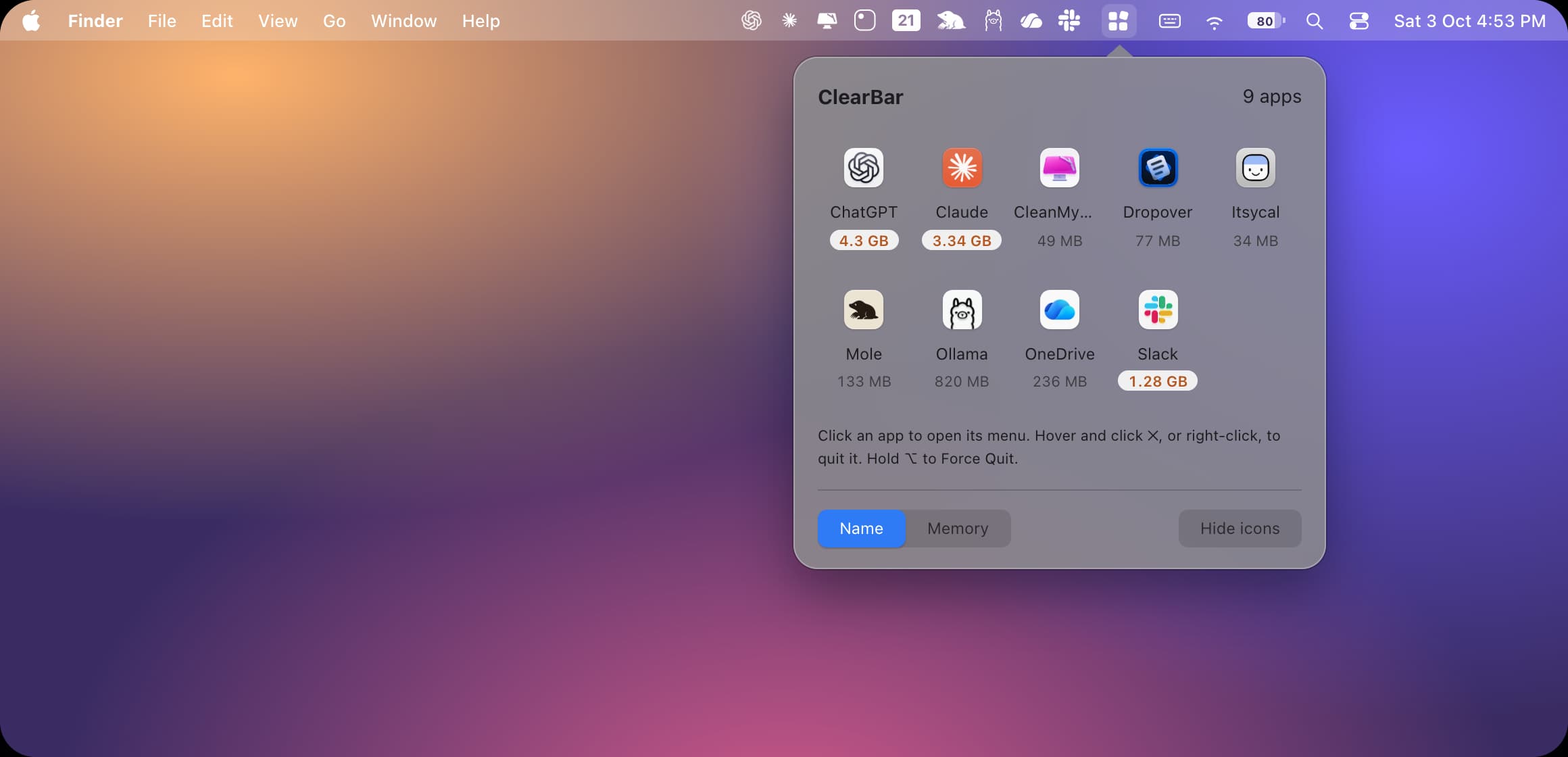
A clean menu bar. Without losing a single app.
Utilities · Free
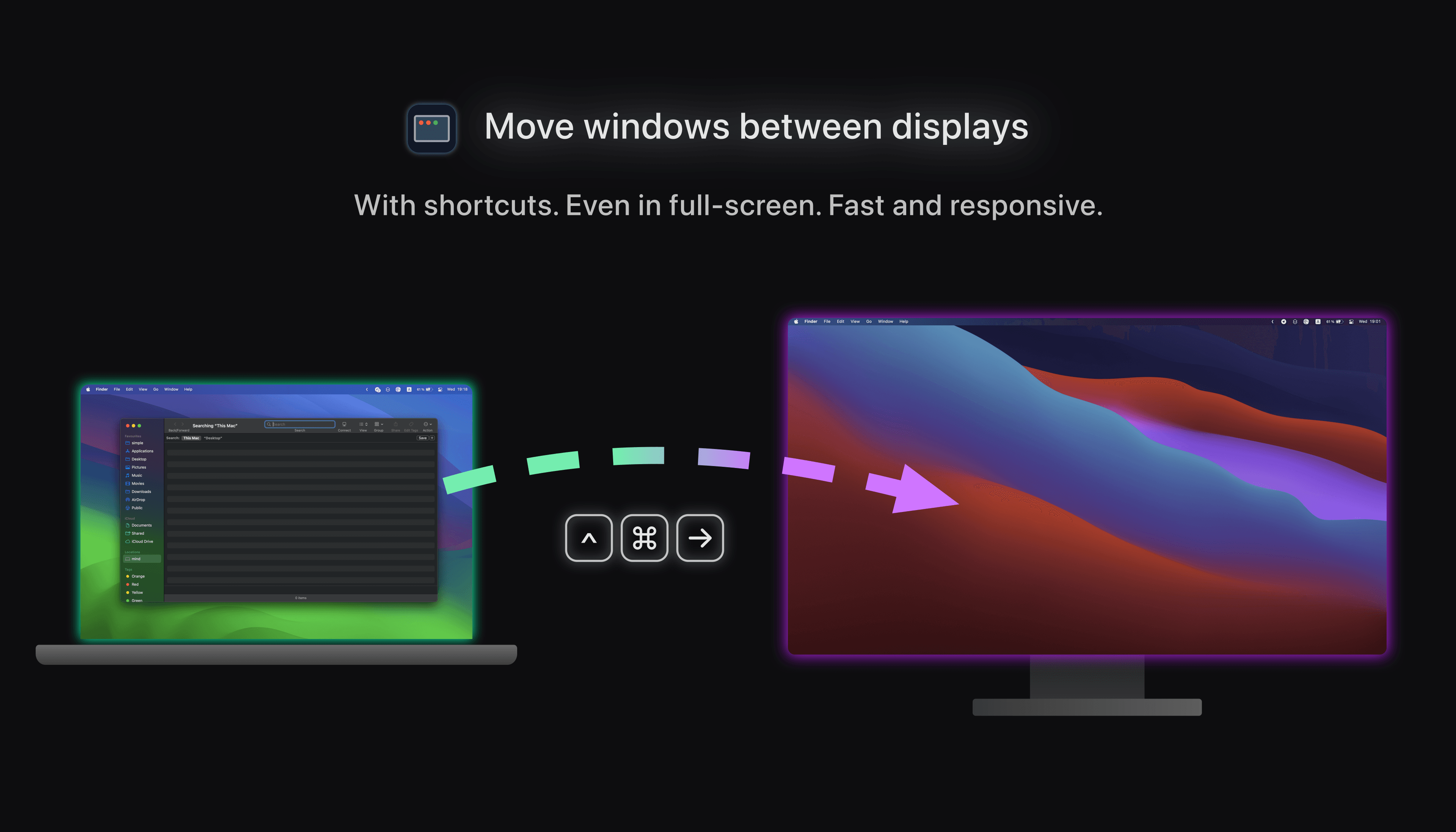
A small app for multi-monitor setups that lets you move windows between displays with keyboard effortlessly.

Utilities · $14.99 · one-time (One-time purchase, 14-day refund)
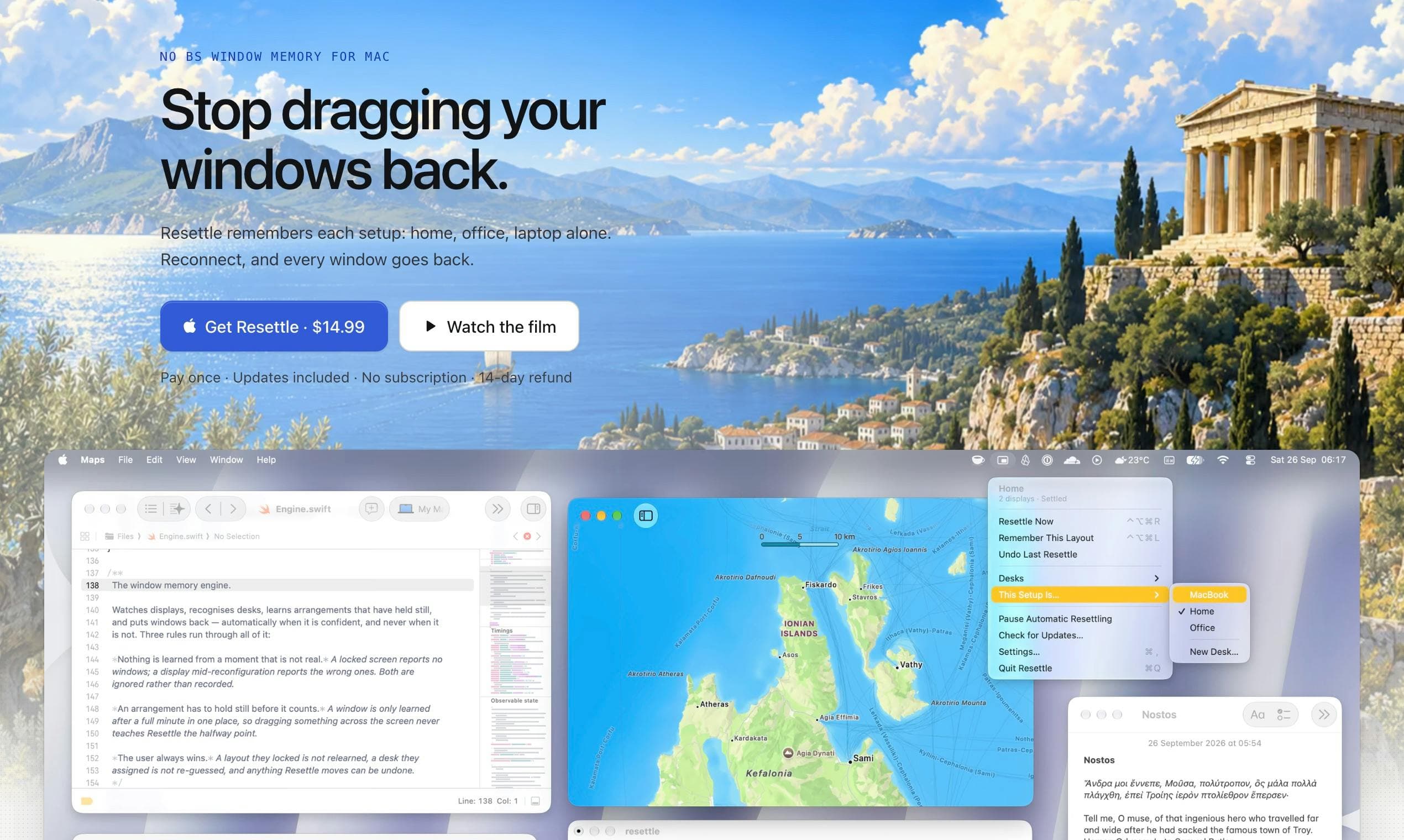
Puts your windows back where they were when your monitors come back. Learns each display setup on its own.

Productivity · $4.99 · one-time (Launch price for the first licences, covers all future tools)
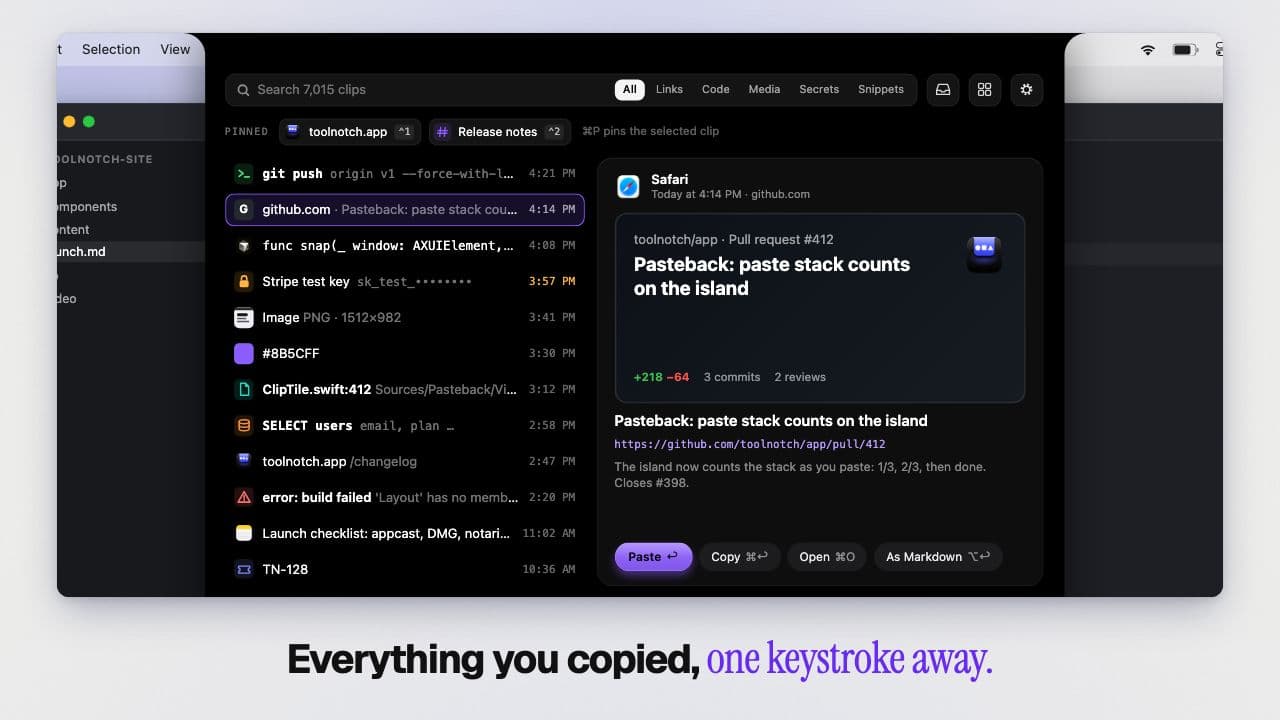
Turns your MacBook notch into a toolbox: window snapping, clipboard history, break reminders and keep-awake in one native app.
Productivity · Free & open source
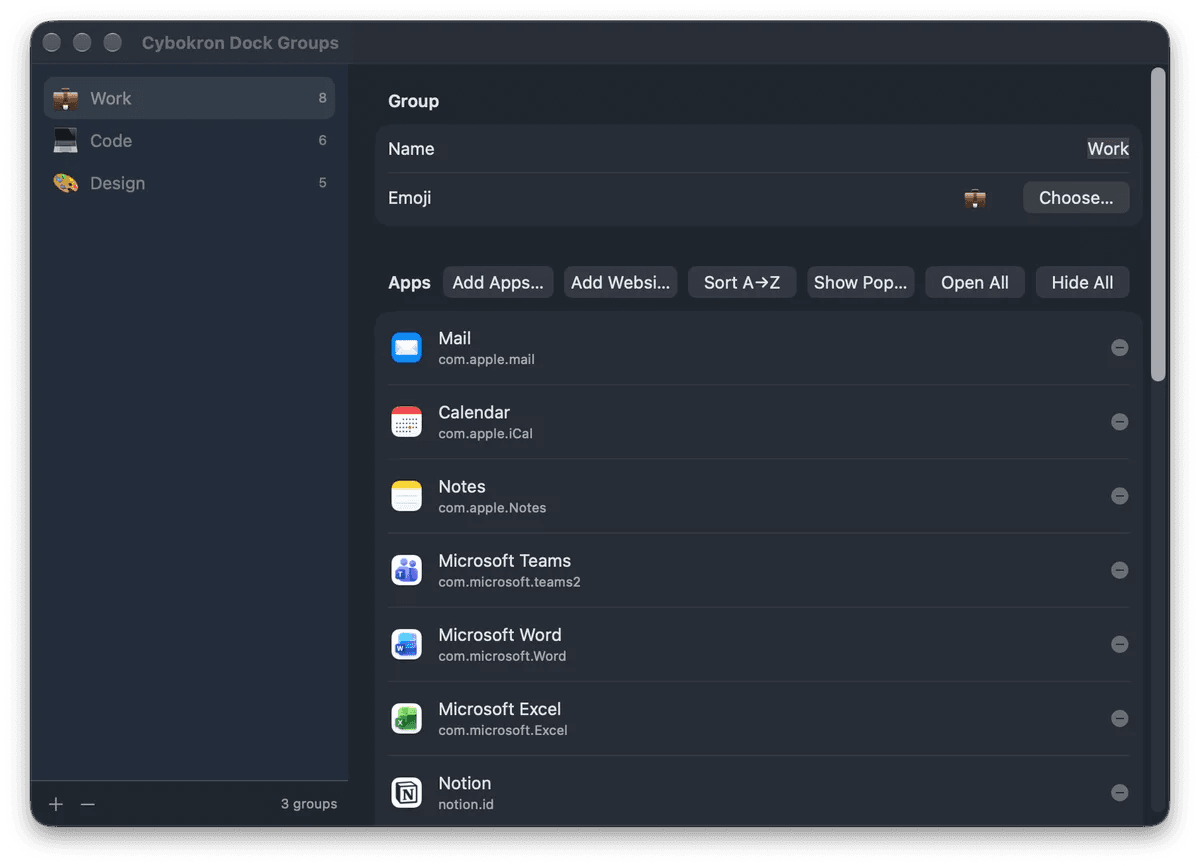
Group apps and websites on macOS, open, hide or quit a group, and give each group its own Dock icon.