

Split
Arrange Mac windows with shortcuts or drag-to-snap, then resize a connected pair with one shared divider.
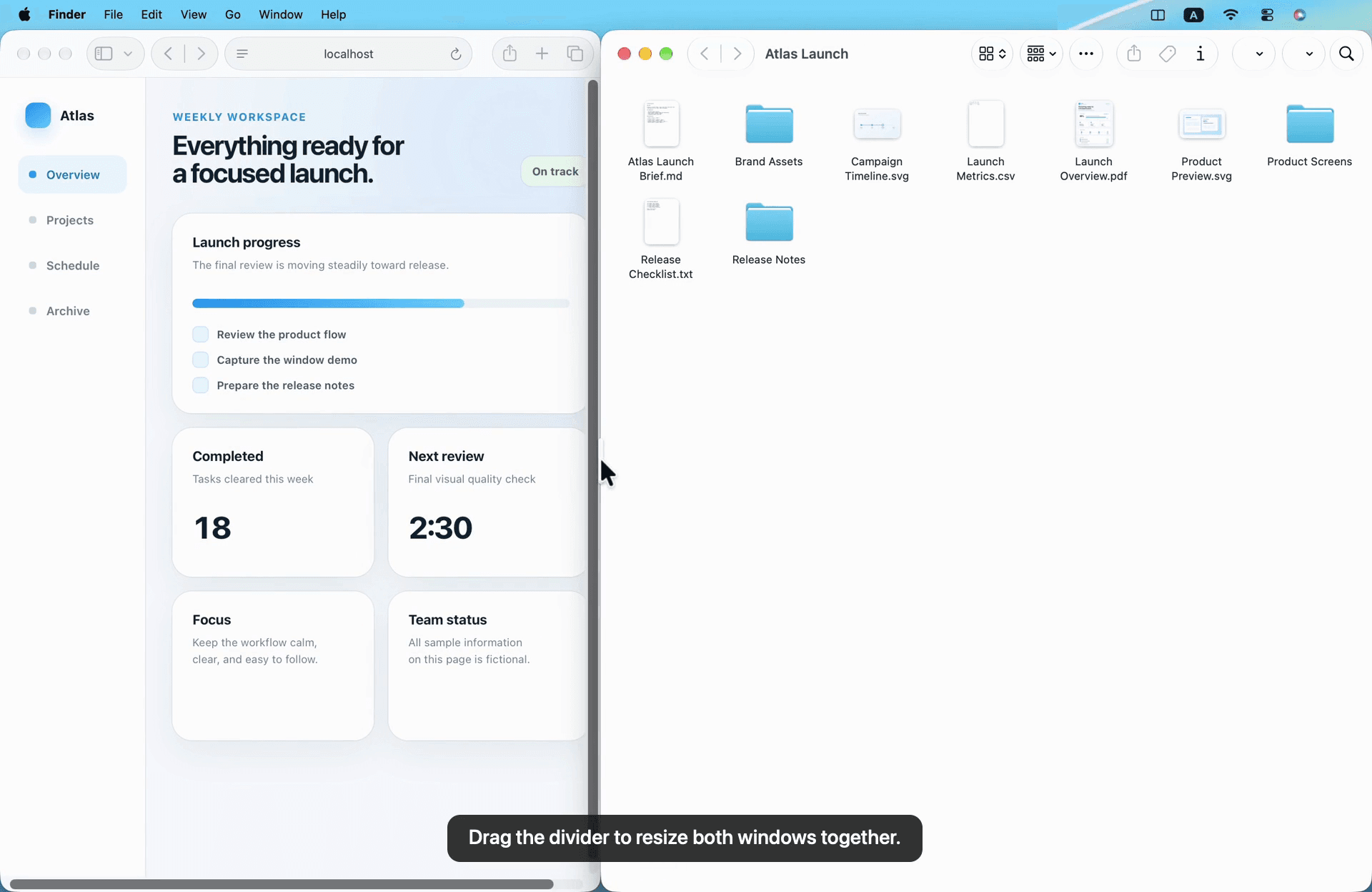
Split brings quick placement and linked resizing into one window-management workflow. Use a shortcut, drag a window into a snap zone with a layout preview, or manually align two windows. Once the pair is connected, drag its shared divider to change the balance while both windows remain visible.
For tasks involving several references, keep the working window on one side and place the references in a stack on the other. The window-count control lets you choose or cycle through that side's windows. Split supports horizontal and vertical layouts and can swap both sides together.
It is a native macOS menu-bar app, built with Swift, AppKit, and SwiftUI. It supports macOS 13 and later on Apple silicon and Intel. Window-arrangement and pairing data stays on the Mac.
The price is $4.99 once, with a lifetime license for one active Mac and all future Split updates included. There is no subscription or free trial. Purchase-email sign-in is required for downloading; license activation and Accessibility permission are required to use the app. An application's minimum window size can limit the layout proportions.
More in Productivity
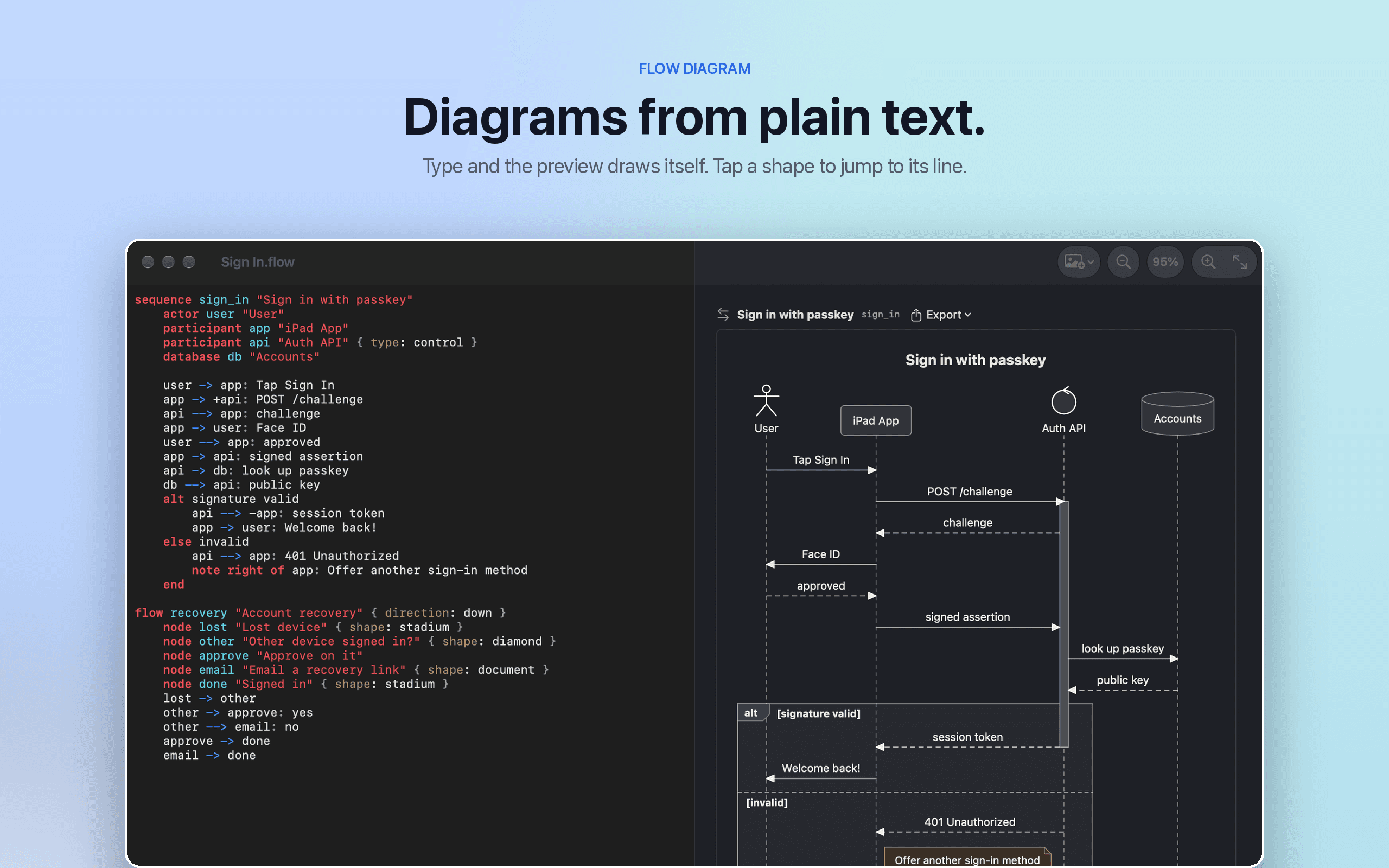

Productivity · $9.99 · one-time
Flow Diagram turns a messy photo or a quick sketch into a diagram you can edit, share and keep
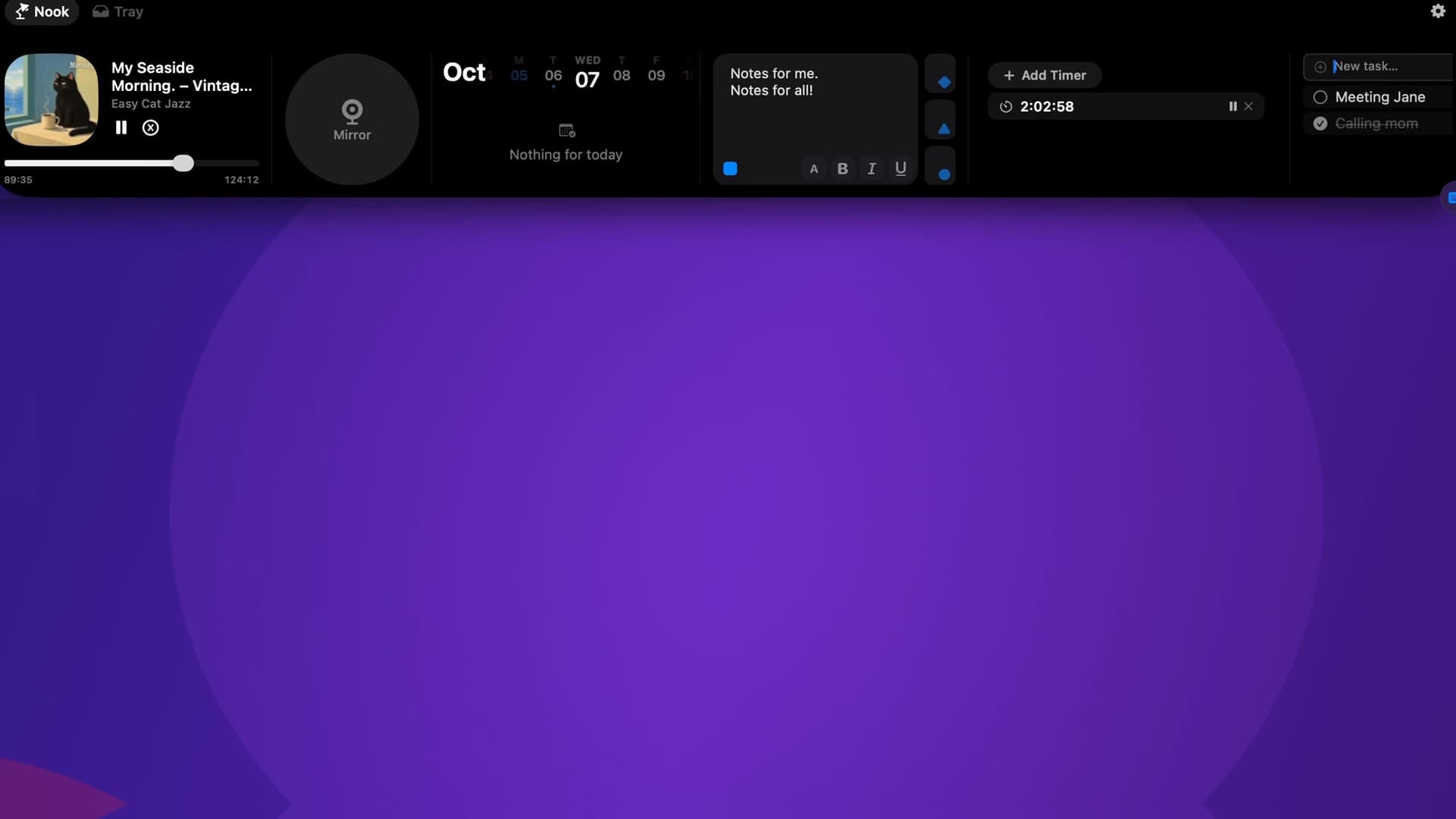

Productivity · Paid
Music, calendar, notes, to-dos and files, right in your Mac’s notch.
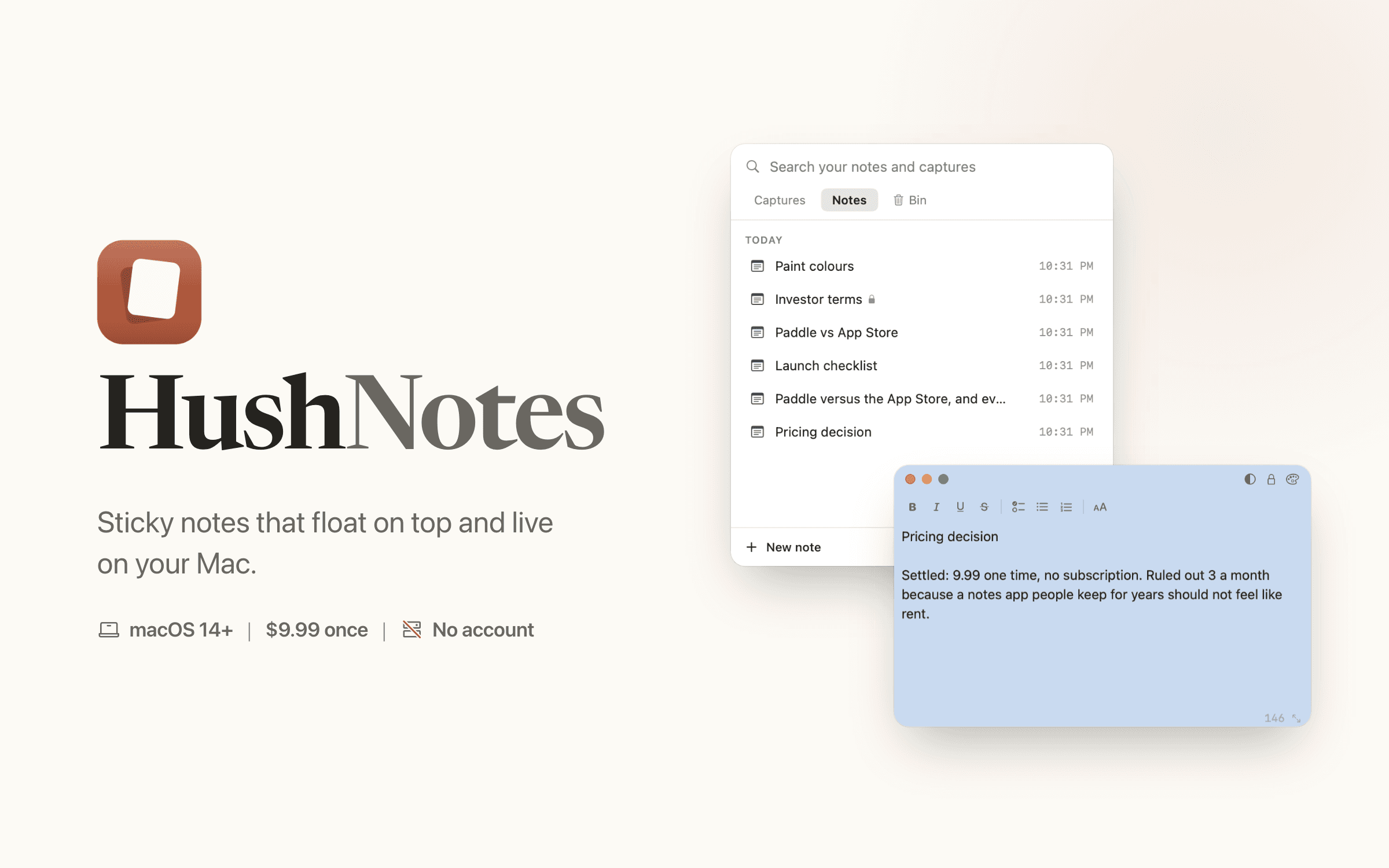

Productivity · $9.89 · one-time (One-time payment, no subscription)
Sticky notes that float on top of every app and live on your Mac. Save text from any app with one key. No account, no server of ours.