
Productivity · $19 · one-time (One-time purchase, 14-day free trial. Lifetime updates: $32)
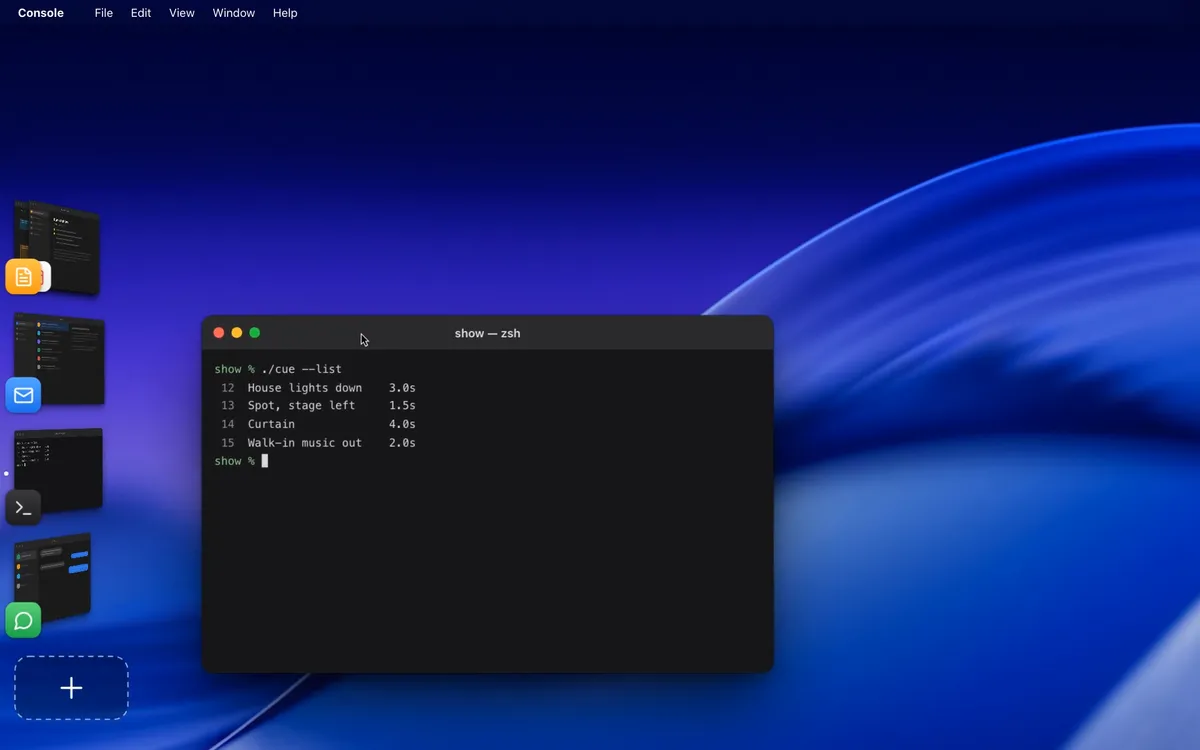
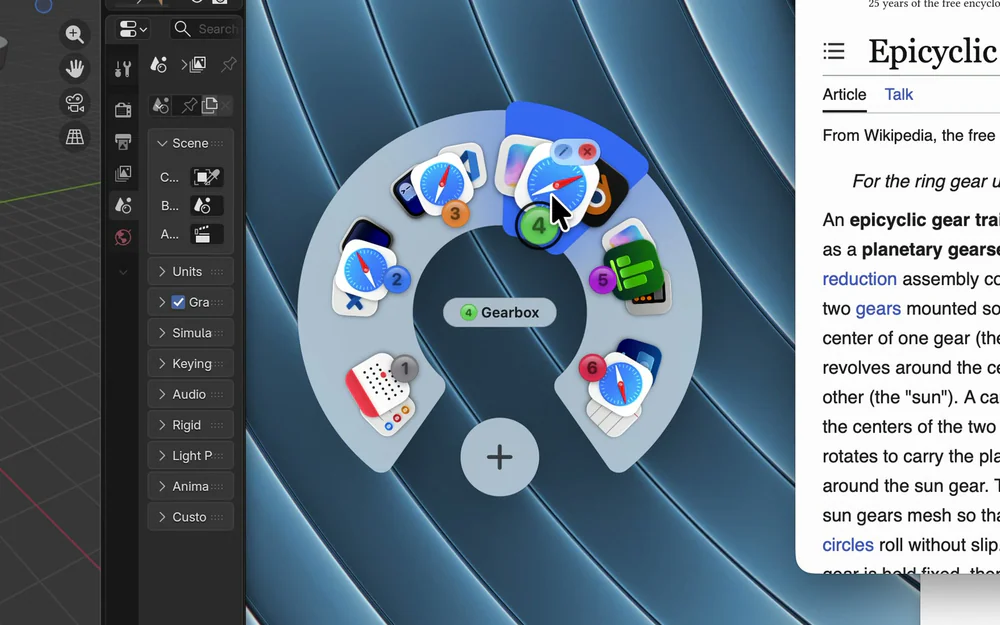
A workspace for each project on your Mac, with its own windows (even separate windows of the same app), switched with pie menus.

Scrolling tiling window manager for macOS. Every window side by side on one strip, swipe to the one you need.
Butterfly puts every window side by side on one horizontal strip that scrolls past the edge of your screen. Nothing hides behind the browser and nothing shrinks into a tiny tile. Swipe with three fingers, turn the mouse wheel, or use the keyboard to slide to the window you need.
Overview: four fingers up shows every window at once, click one to jump to it. Workspaces: one strip per project, up to 9, switch with ⌃⌥⌘ 1–9. Stacks and tabs: put several windows in one column and tab through them. Every monitor gets its own strip, from a laptop to a 3440 px ultrawide. No trackpad needed: the mouse wheel moves the strip just like a swipe, and pressing the wheel and moving up opens Overview, down shows the desktop.
Native Swift app, no account, works offline. Quit Butterfly any time and every window comes back on screen. macOS 14 or later, Apple silicon and Intel. Free for 7 days, then a one-time licence for 1, 3 or 5 Macs. Full refund within 14 days.
Productivity · $19 · one-time (One-time purchase, 14-day free trial. Lifetime updates: $32)
A workspace for each project on your Mac, with its own windows (even separate windows of the same app), switched with pie menus.

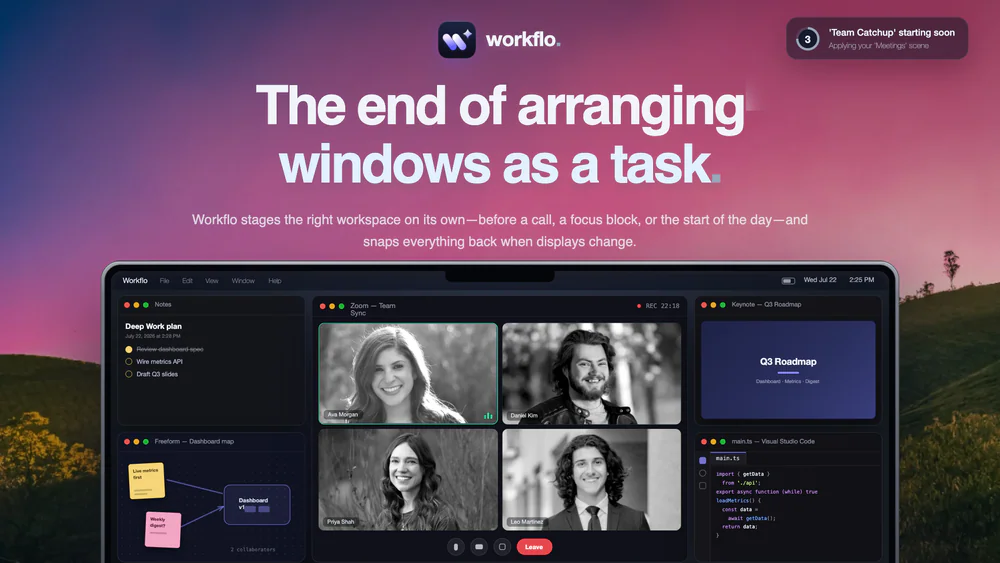
Productivity · $19.99 · one-time (7-day free trial)
Stages your Mac workspace on its own, from your calendar or the clock: opens the apps you need, places every window, clears the rest.
20% off for members
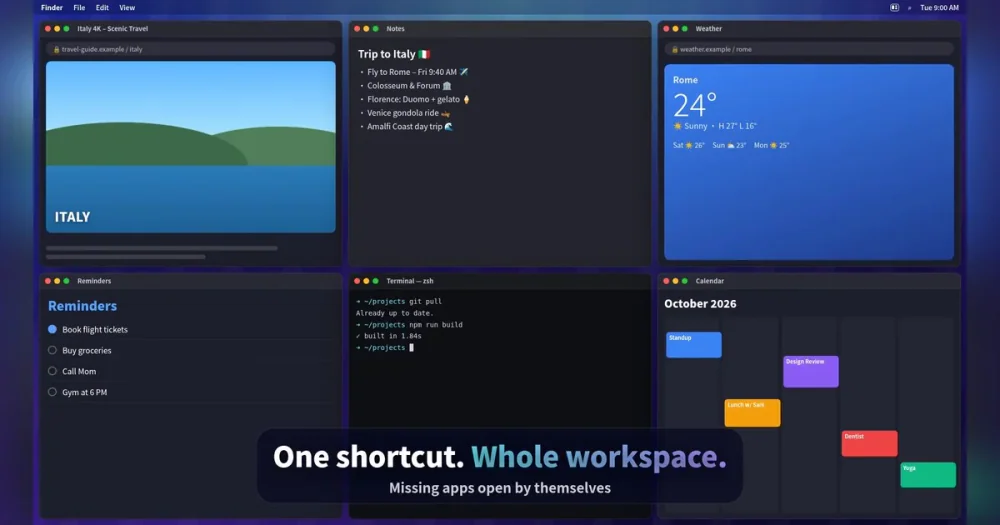
Productivity · $4.99 · one-time (7-day free trial, no subscription)
Snap Mac windows into place with shortcuts and save your whole setup as a Workspace you restore with one key.

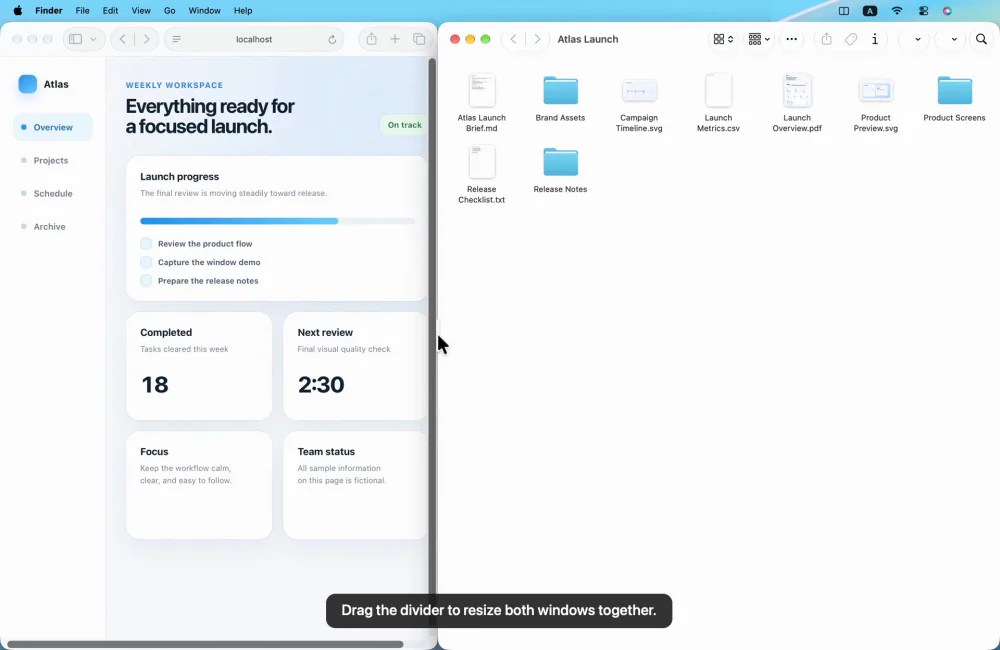
Productivity · $4.99 · one-time (USD; one active Mac; no subscription or free trial.)
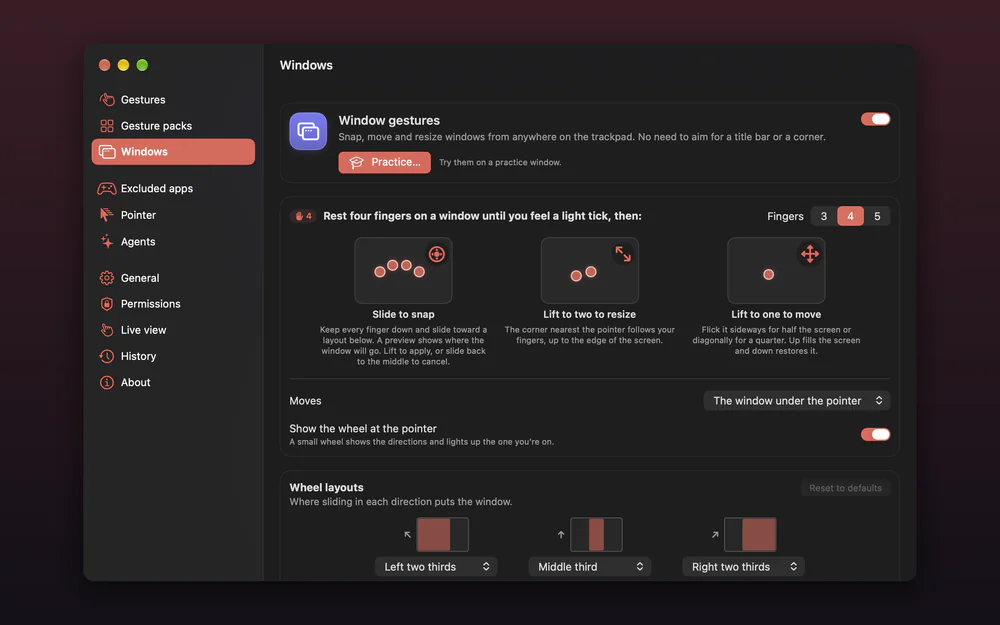
Arrange Mac windows with shortcuts or drag-to-snap, then resize a connected pair with one shared divider.

Utilities · $10 · one-time ($10 first 100 copies, then $15. 14-day free trial.)
Custom trackpad gestures for macOS, with window layouts and edge controls.