
Productivity · $4.99 · one-time (USD; one active Mac; no subscription or free trial.)
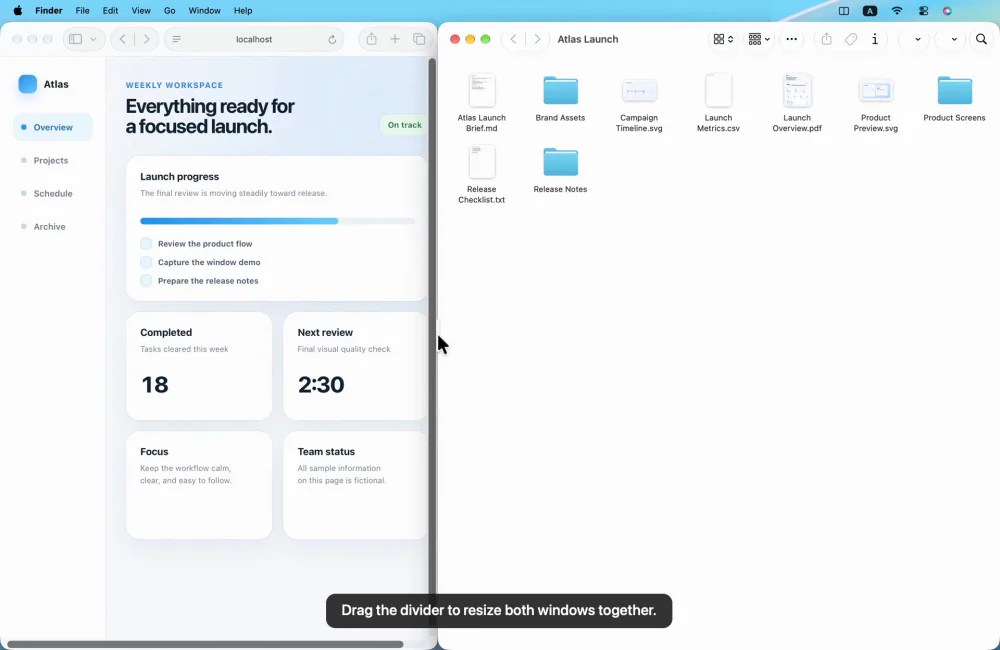
Arrange Mac windows with shortcuts or drag-to-snap, then resize a connected pair with one shared divider.

Stages your Mac workspace on its own, from your calendar or the clock: opens the apps you need, places every window, clears the rest.
Workflo isn't a faster way to arrange windows; it's the end of arranging them as a task.
A Mac workday is a context switch every hour: a call, a focus block, docking at the desk, undocking to leave. Every switch costs the same manual minute of reopening, dragging, resizing and hiding. The tools in this space make that minute faster, but they all wait to be asked.
A native Swift menu bar app. It runs on Accessibility permission alone and never requests Screen Recording; calendar access is asked for only when you add a calendar trigger. Your window layouts stay on your Mac. Works on the Space you're looking at; minimized and full-screen windows aren't part of a layout. Requires macOS 14 or later.
Productivity · $4.99 · one-time (USD; one active Mac; no subscription or free trial.)
Arrange Mac windows with shortcuts or drag-to-snap, then resize a connected pair with one shared divider.

Productivity · $4.99 · one-time (7-day free trial, no subscription)
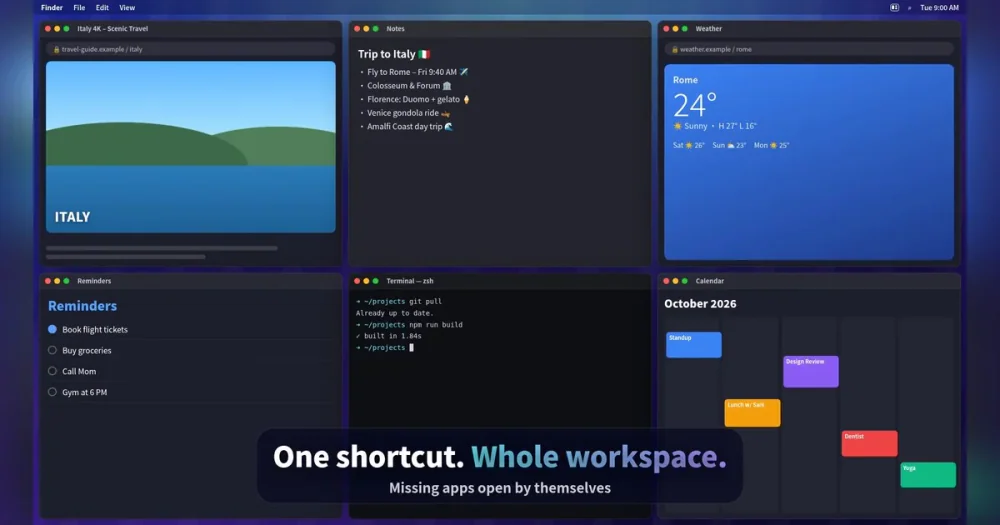
Snap Mac windows into place with shortcuts and save your whole setup as a Workspace you restore with one key.
Productivity · Free · Lite edition is free $14
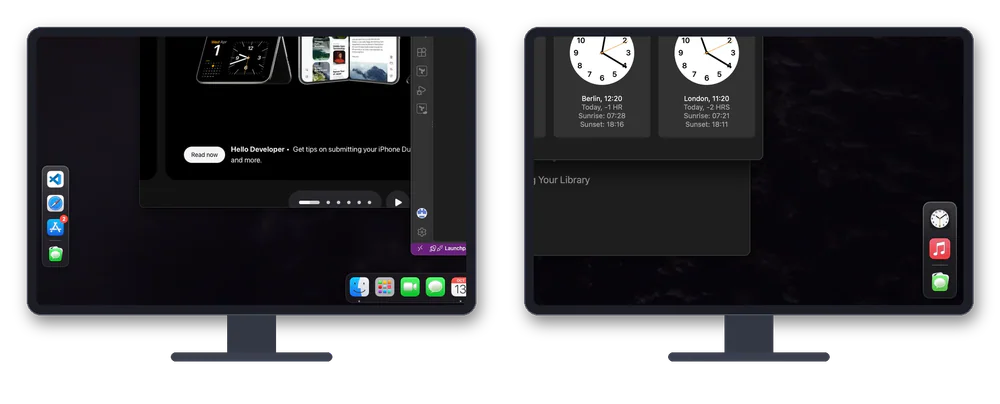
Dockaroo gives every display and every desktop on your Mac its own dock. Each dock shows only the apps that have windows on that screen.
Utilities · Free
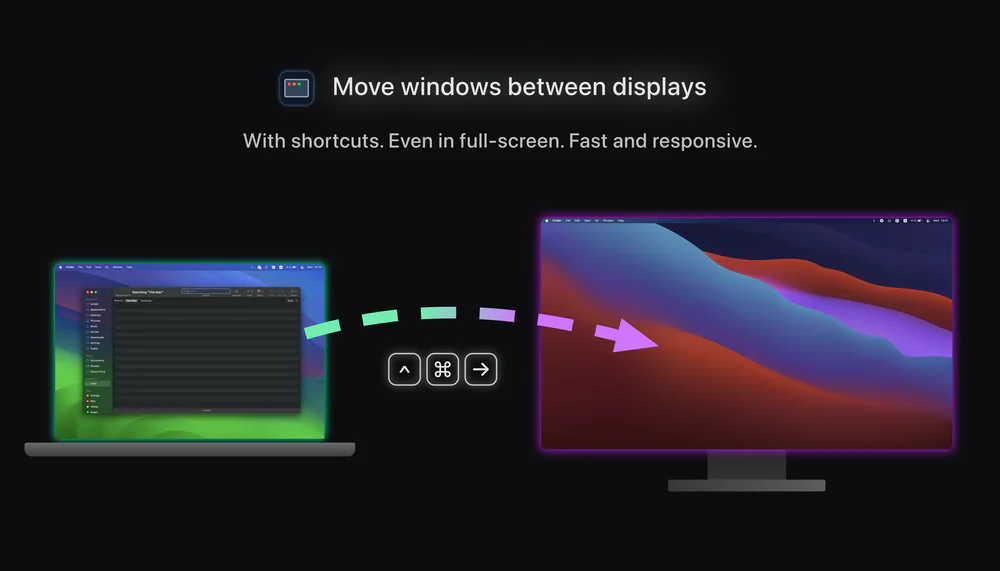
A small app for multi-monitor setups that lets you move windows between displays with keyboard effortlessly.

Utilities · $22.99 · one-time (Lifetime license for 1 Mac; 7-day free trial.)
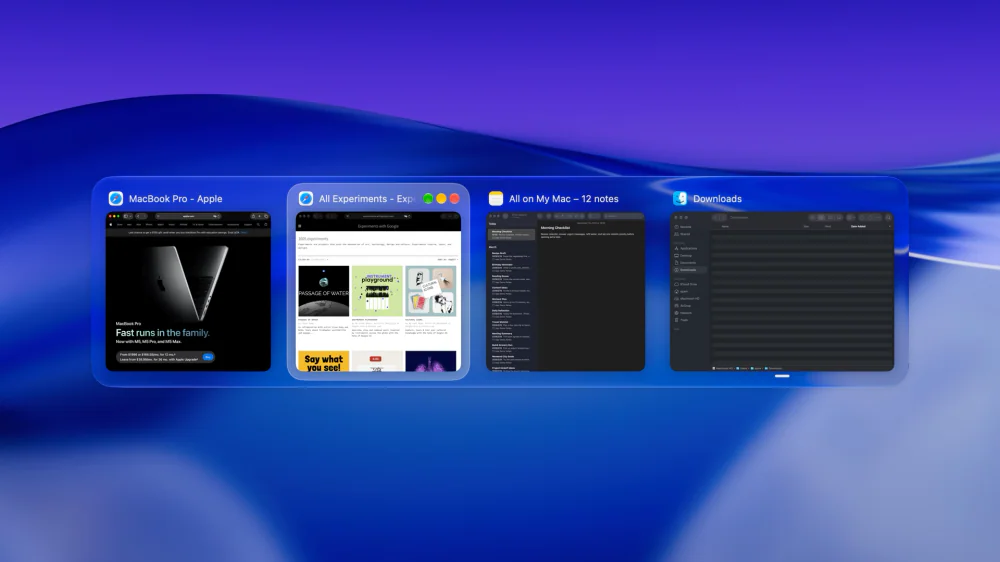
macOS window manager with automatic tiling, window search, and saved layouts