
Utilities · $4.99 · one-time (14 day refund policy)
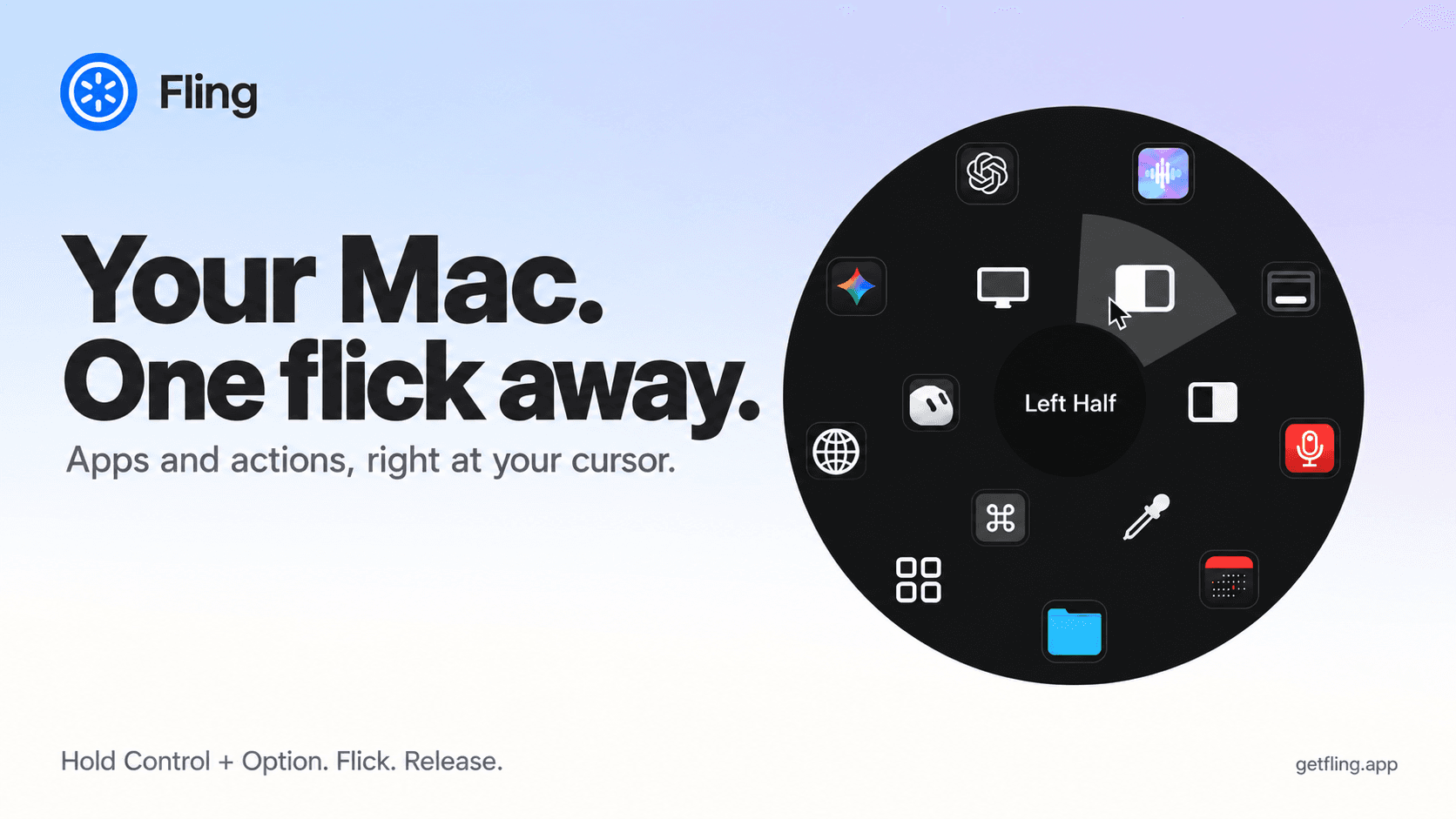
A native macOS command ring for launching apps, folders, links, shortcuts, window actions, screenshots and more with a quick flick.
A small app for multi-monitor setups that lets you move windows between displays with keyboard effortlessly.
WindowShift is a lightweight, native macOS utility for multi-monitor setups that lets you move windows between displays using keyboard shortcuts.
What sets WindowShift apart:
Requirements: macOS 12 Monterey or later.
Utilities · $4.99 · one-time (14 day refund policy)
A native macOS command ring for launching apps, folders, links, shortcuts, window actions, screenshots and more with a quick flick.

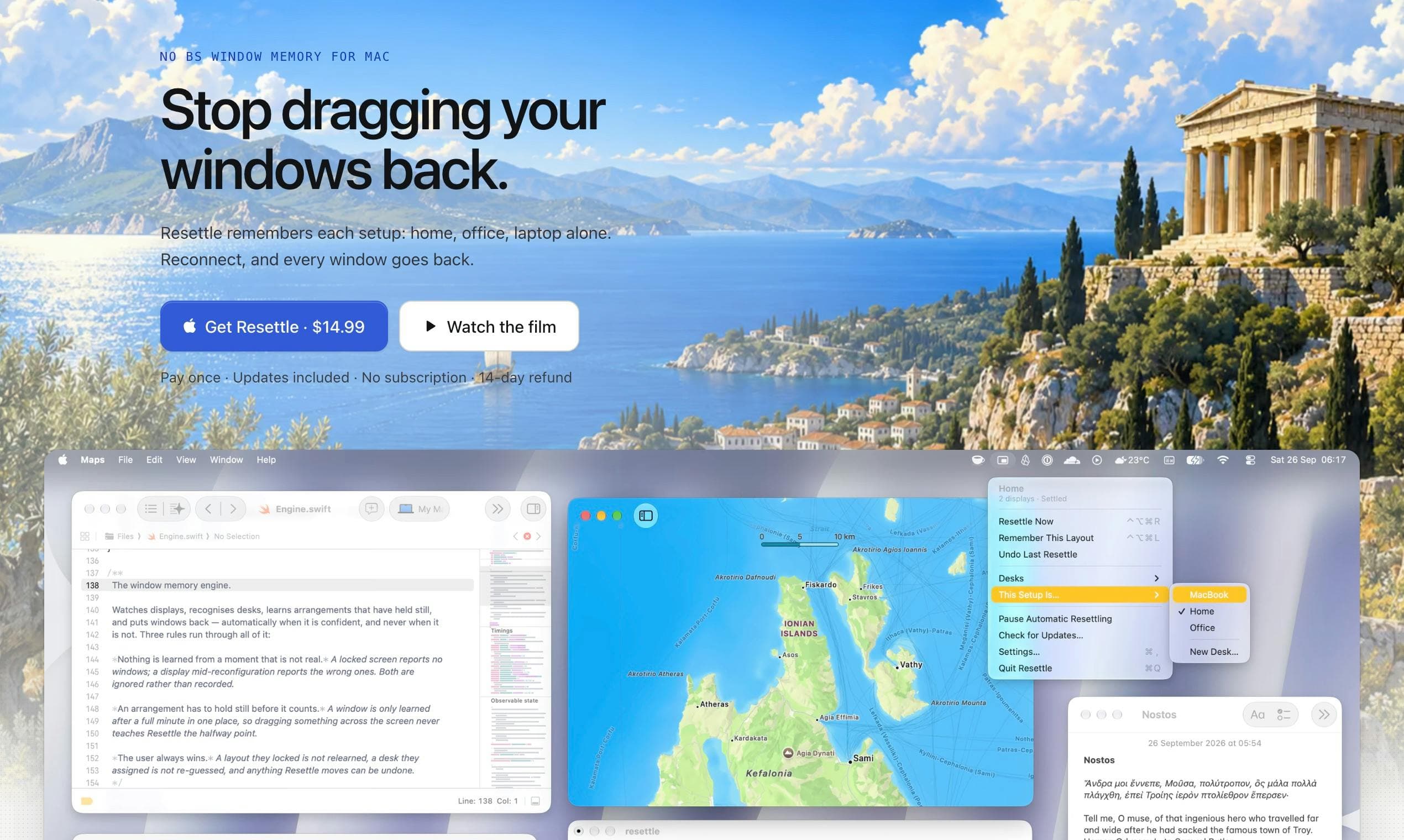
Utilities · $14.99 · one-time (One-time purchase, 14-day refund)
Puts your windows back where they were when your monitors come back. Learns each display setup on its own.
Productivity · Free · Lite edition is free $14
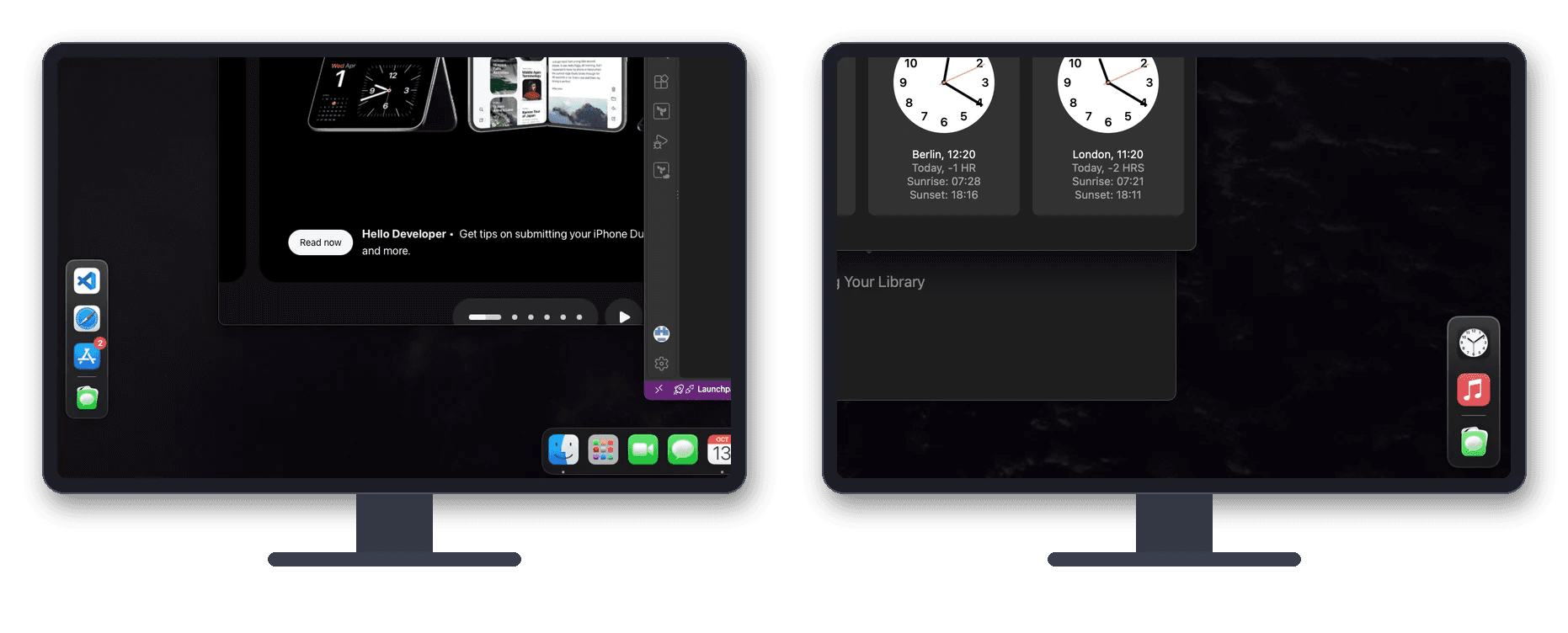
Dockaroo gives every display and every desktop on your Mac its own dock. Each dock shows only the apps that have windows on that screen.
Productivity · $4.99 · one-time (USD; one active Mac; no subscription or free trial.)
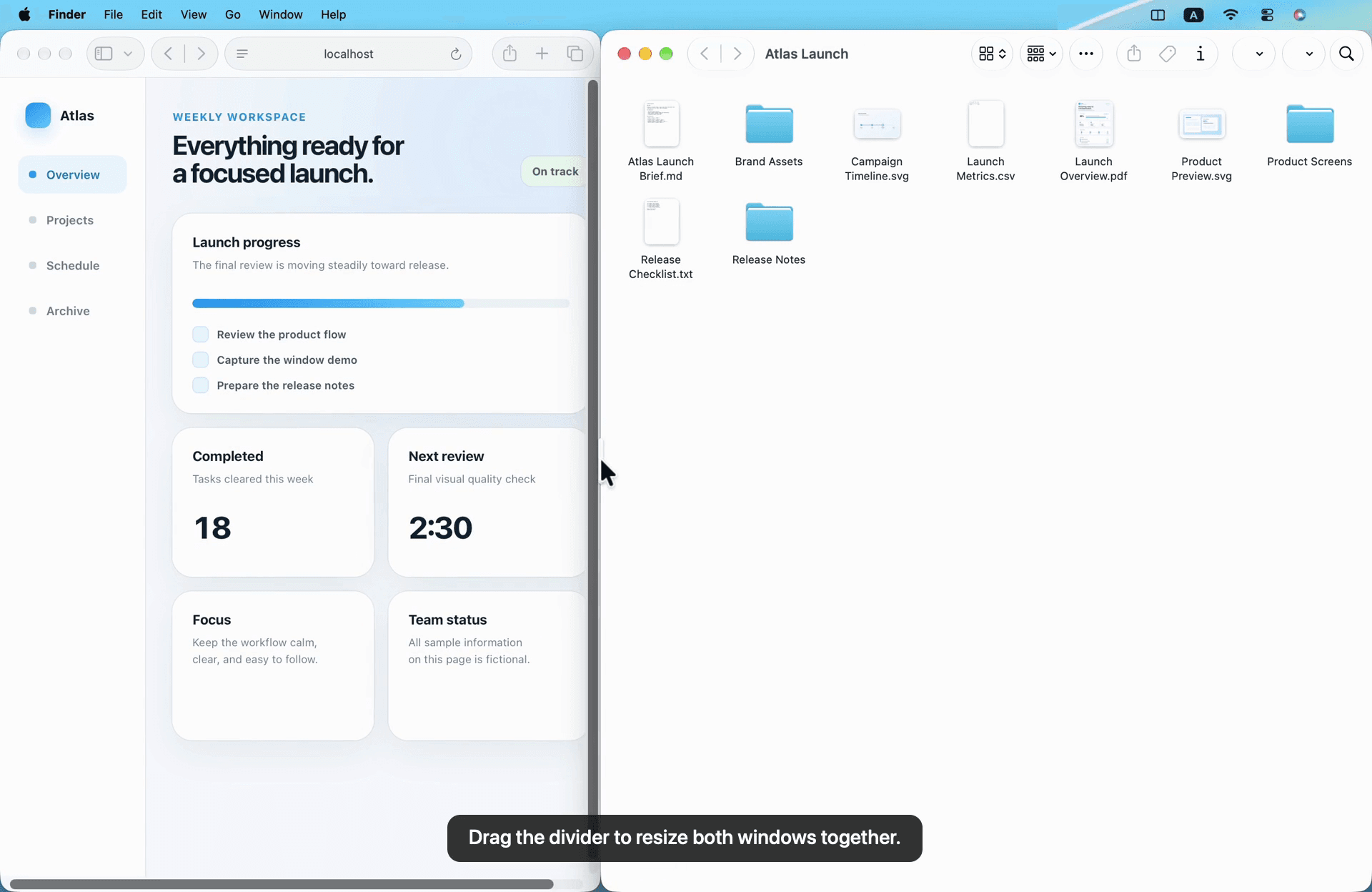
Arrange Mac windows with shortcuts or drag-to-snap, then resize a connected pair with one shared divider.

Utilities · $9 · one-time (One-time; 7-day trial)
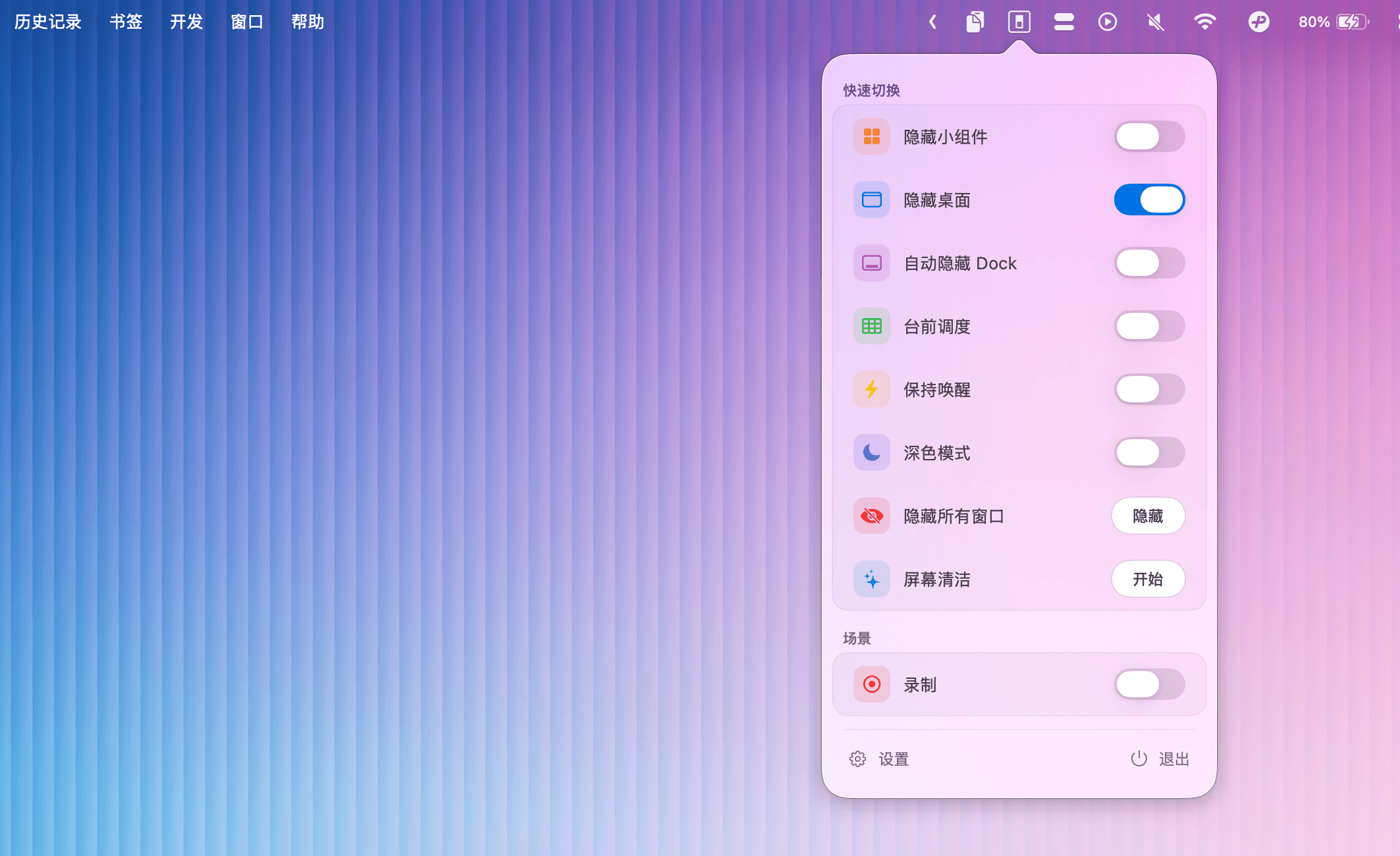
Menu bar toggles for macOS system controls — Dark Mode, Stage Manager, desktop icons, and more.

Utilities · $12 · one-time (Free trial with 150 emoji insertions)
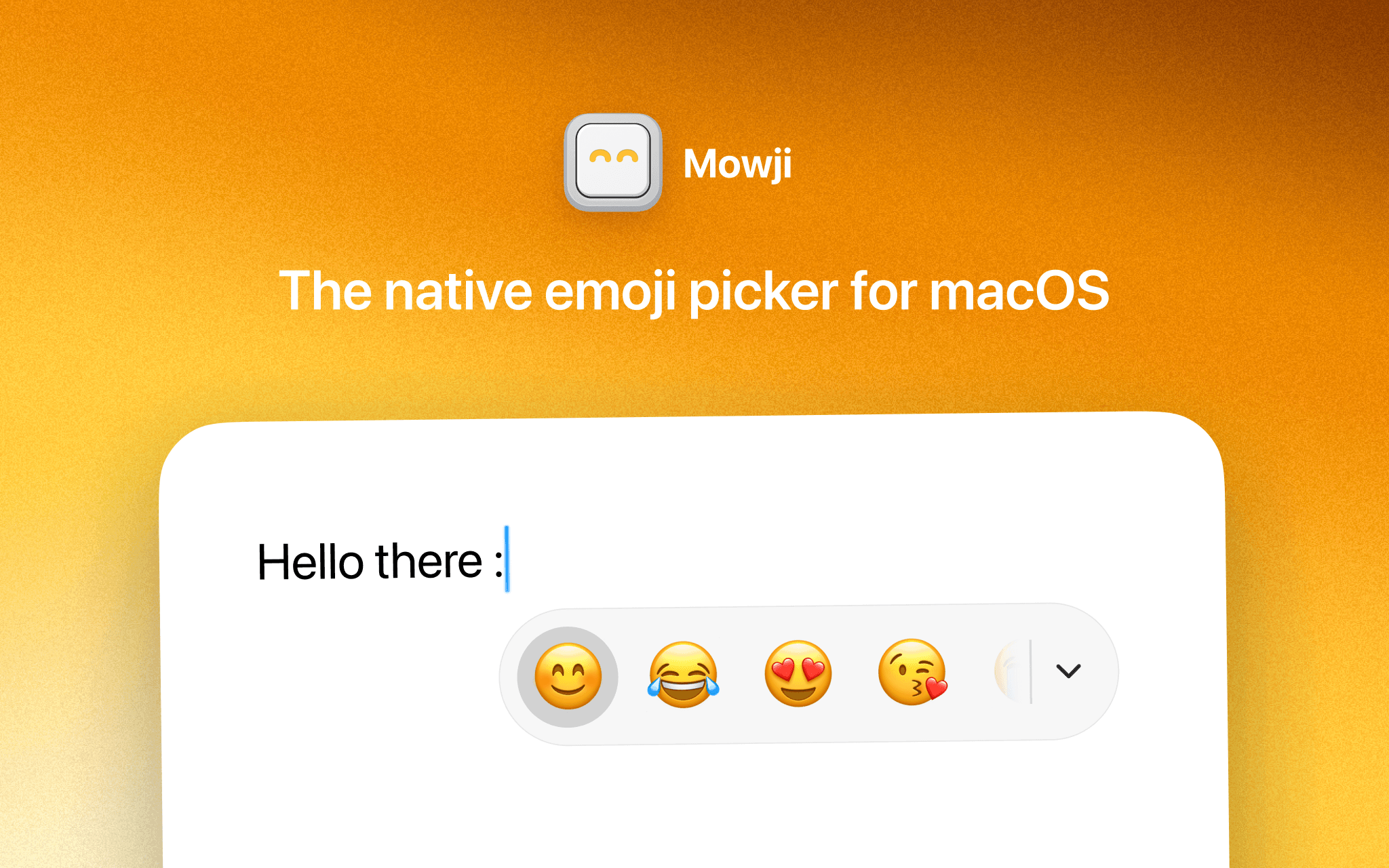
The native emoji picker for macOS