Utilities · Free · 7 fixes free, then pay once $9.99
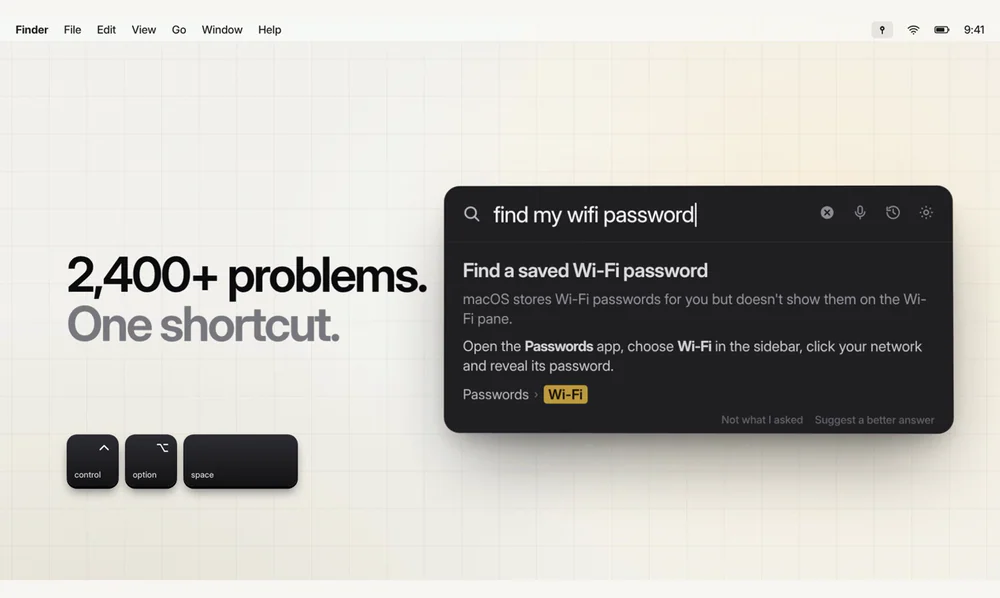
Press ⌃⌥Space, type a Mac problem in plain words, and PinSet opens the exact System Settings switch with a ring around it.

Menu bar toggles for macOS system controls — Dark Mode, Stage Manager, desktop icons, and more.
EasySwitch is a macOS menu bar utility for one-click system controls and automations (Dark Mode, hide desktop icons, Stage Manager, etc.), with global shortcuts and Shortcuts/AppleScript hooks.
Utilities · Free · 7 fixes free, then pay once $9.99
Press ⌃⌥Space, type a Mac problem in plain words, and PinSet opens the exact System Settings switch with a ring around it.

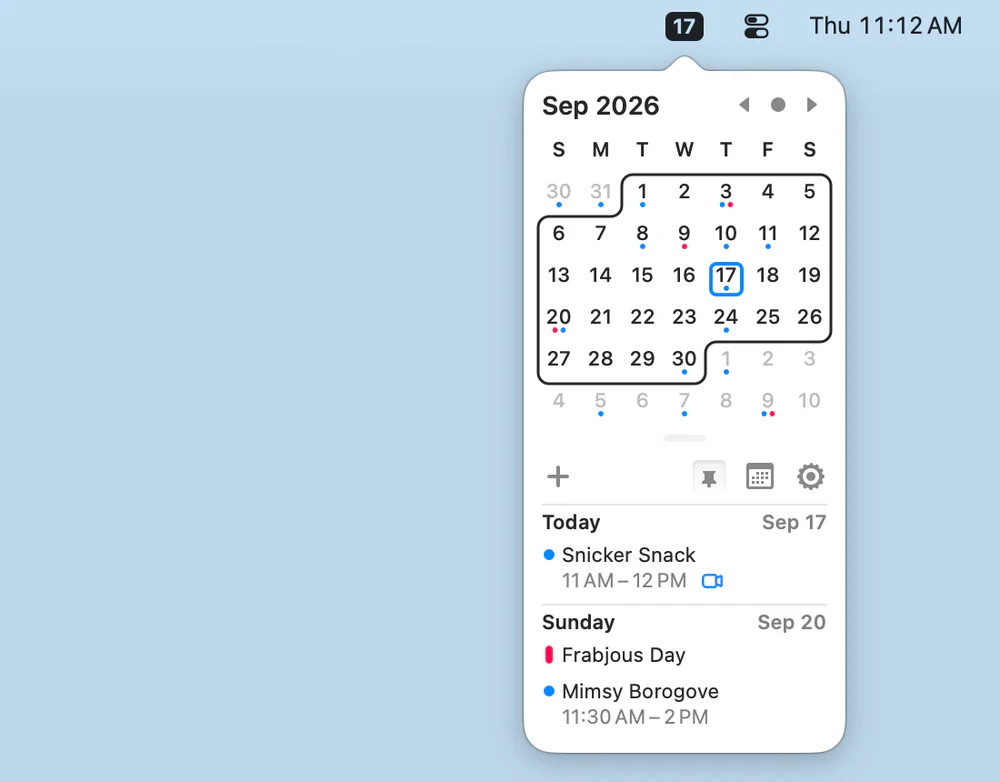
Productivity · Free & open source
A tiny, free, open-source menu-bar calendar that shows and creates events from your existing macOS Calendar — with Vim-style keyboard navigation.
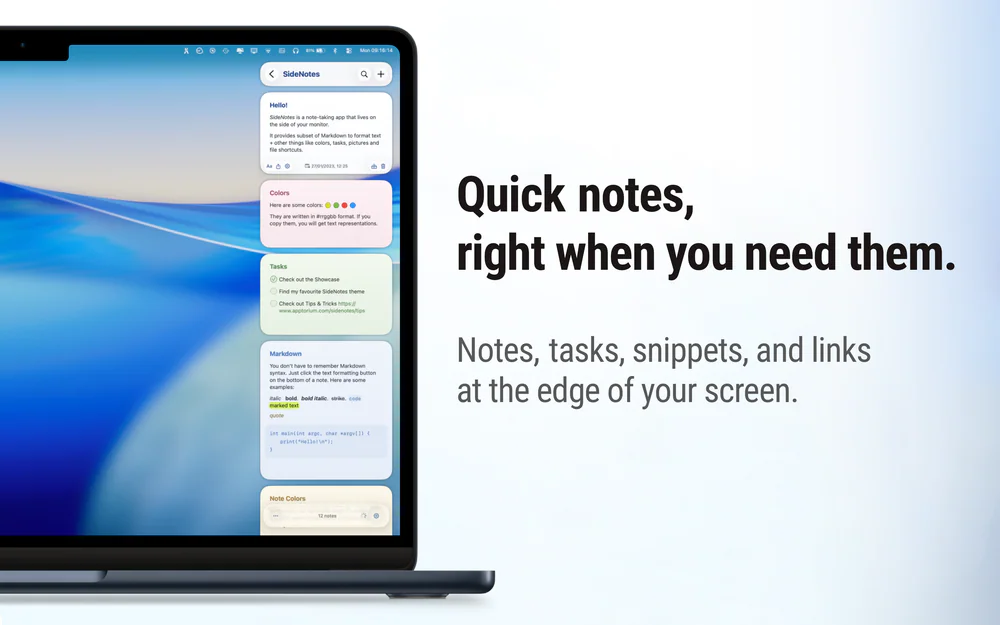
Utilities · Free & open source
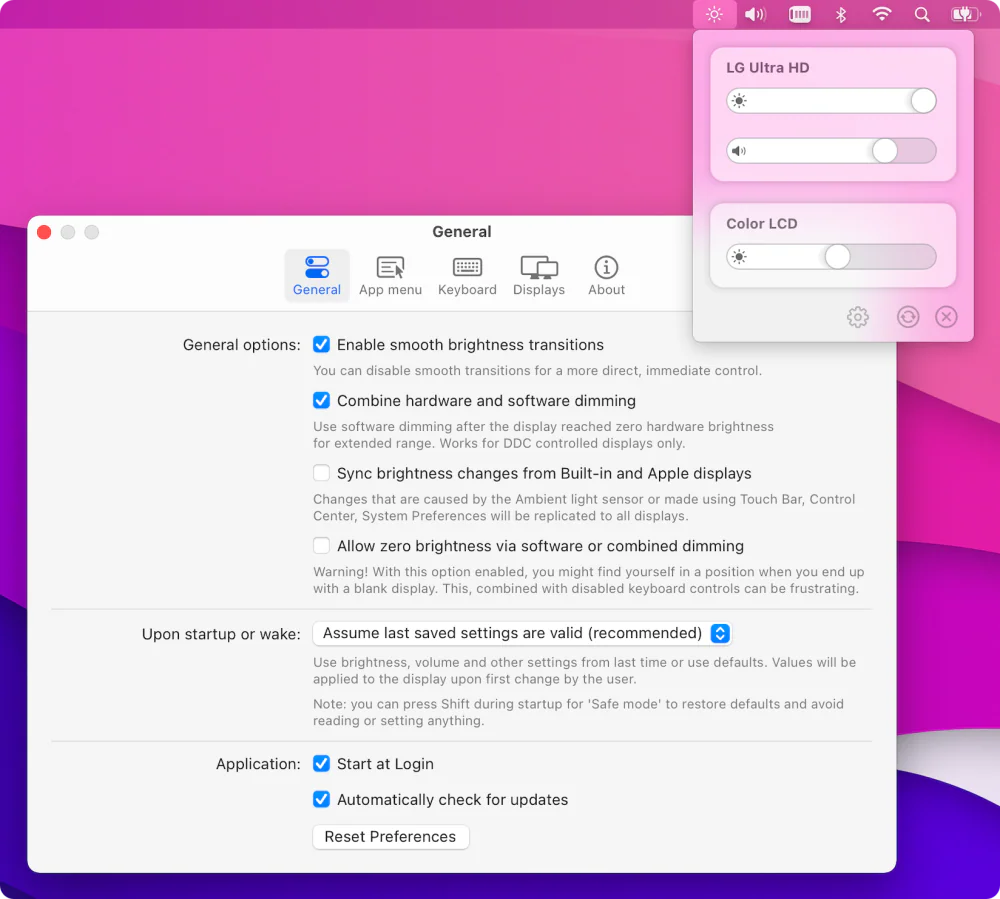
Free, open-source brightness and volume control for external monitors — the native macOS controls Apple never gave your non-Apple display.

Utilities · $4.99 · one-time (14-day free trial. One license covers up to 3 Macs.)
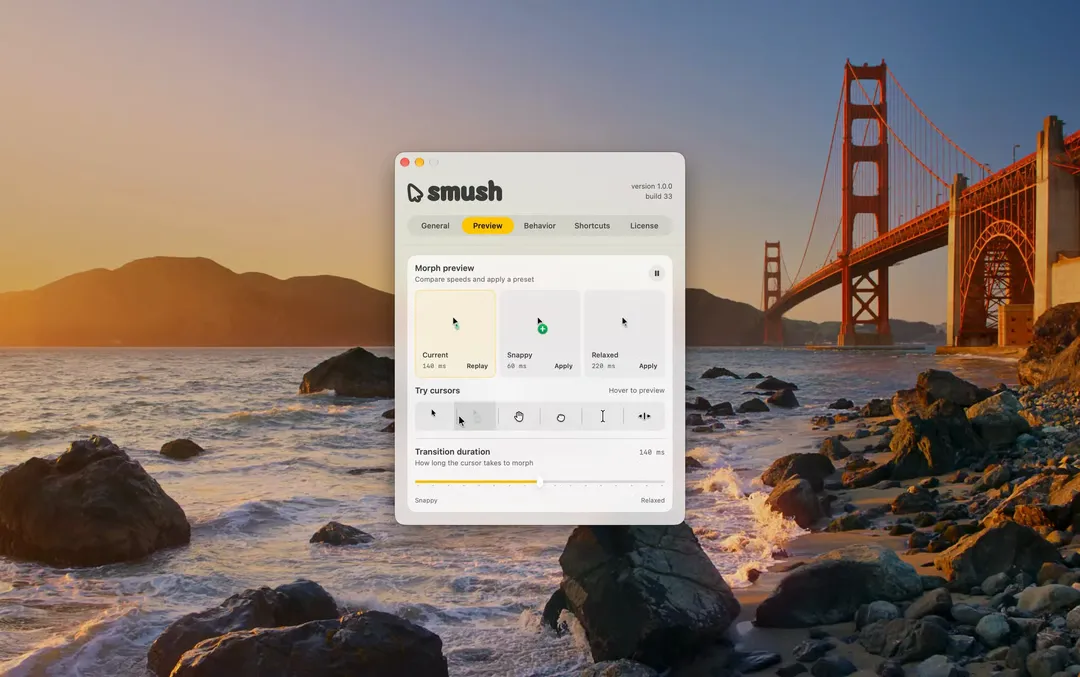
Adds a little animation when your Mac’s cursor changes shape.

Utilities · $9.99 · one-time (14-day trial · launch price until Jan 12, 2027, then $14.99)
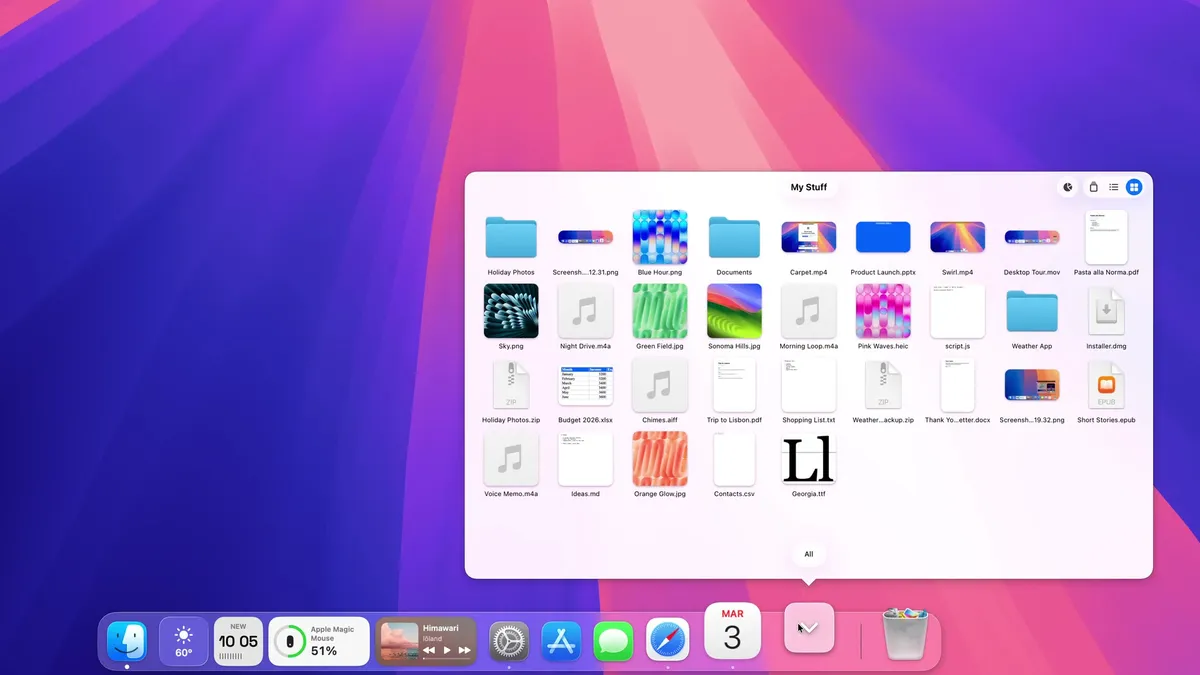
A Dock for macOS, written from scratch. Same spot, new tricks: badges that talk, widgets, Finder-like folders and smarter hiding.
20% off, on top of the launch price for members