

The native emoji picker for macOS
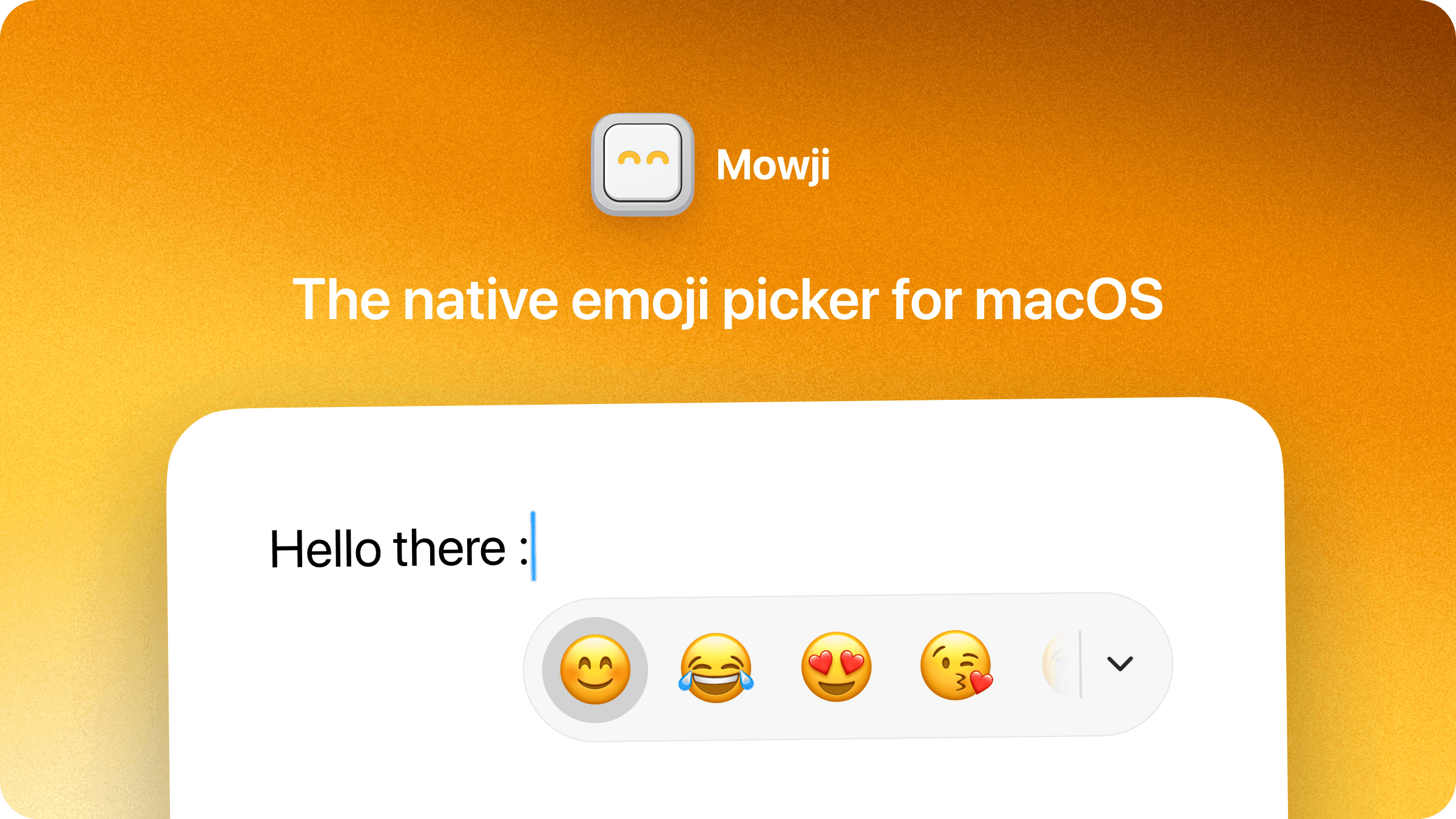
Mowji is a native emoji picker for macOS that lets you find and insert emoji directly where you type. With the colon selected as your trigger, type a word such as :smile, use the arrow keys to choose a result, and press Return to insert it without leaving the text field.
Favorites
- Save up to 30 Favorites and drag them into your preferred order.
- Choose Favorites as your starting view to access them when you type the trigger.
- Add emoji to Favorites directly from the picker.
- Keep typing to search beyond your Favorites.
- Mowji learns from the emoji you choose, personalizing everyday searches over time.
Search and browsing
- Find emoji using descriptive words without knowing their exact names.
- Search with support for typos and combined words such as “crylaugh” for 😂.
- Use the compact picker for search results or expand it to browse emoji by category.
- Navigate with the arrow keys, press Return to insert, and press Escape to dismiss the picker.
- Copy the selected emoji to the clipboard with Command + C.
- Find and insert emoji offline, with searches processed locally on your Mac and no AI service required.
Customization
- Choose the trigger character that opens the picker.
- Create custom aliases to find emoji using your own words.
- Set a preferred skin tone for all emoji that support it.
- Hide individual emoji from search and browsing.
- Start with Favorites, Frequently Used, or Popular, or show the picker only after you begin searching.
- Exclude apps where you do not want the picker to appear.
- Choose Light, Dark, or System appearance and optionally launch Mowji at login.
More in Utilities

Utilities · Free & open source
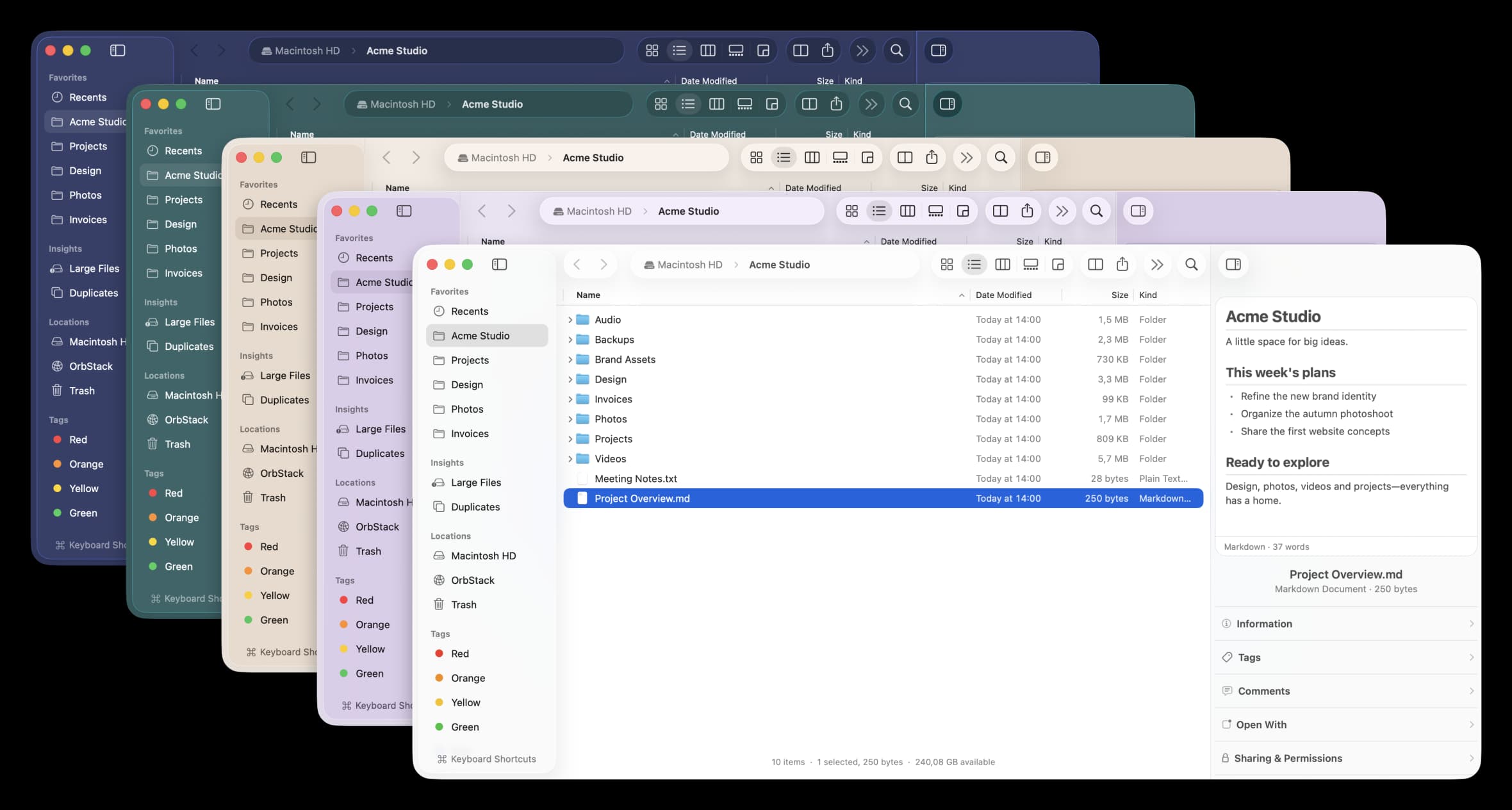
A free, open-source Finder alternative for Mac with instant plain-English search, real-time folder sizes, and a visual disk usage map.

Utilities · $29 · one-time
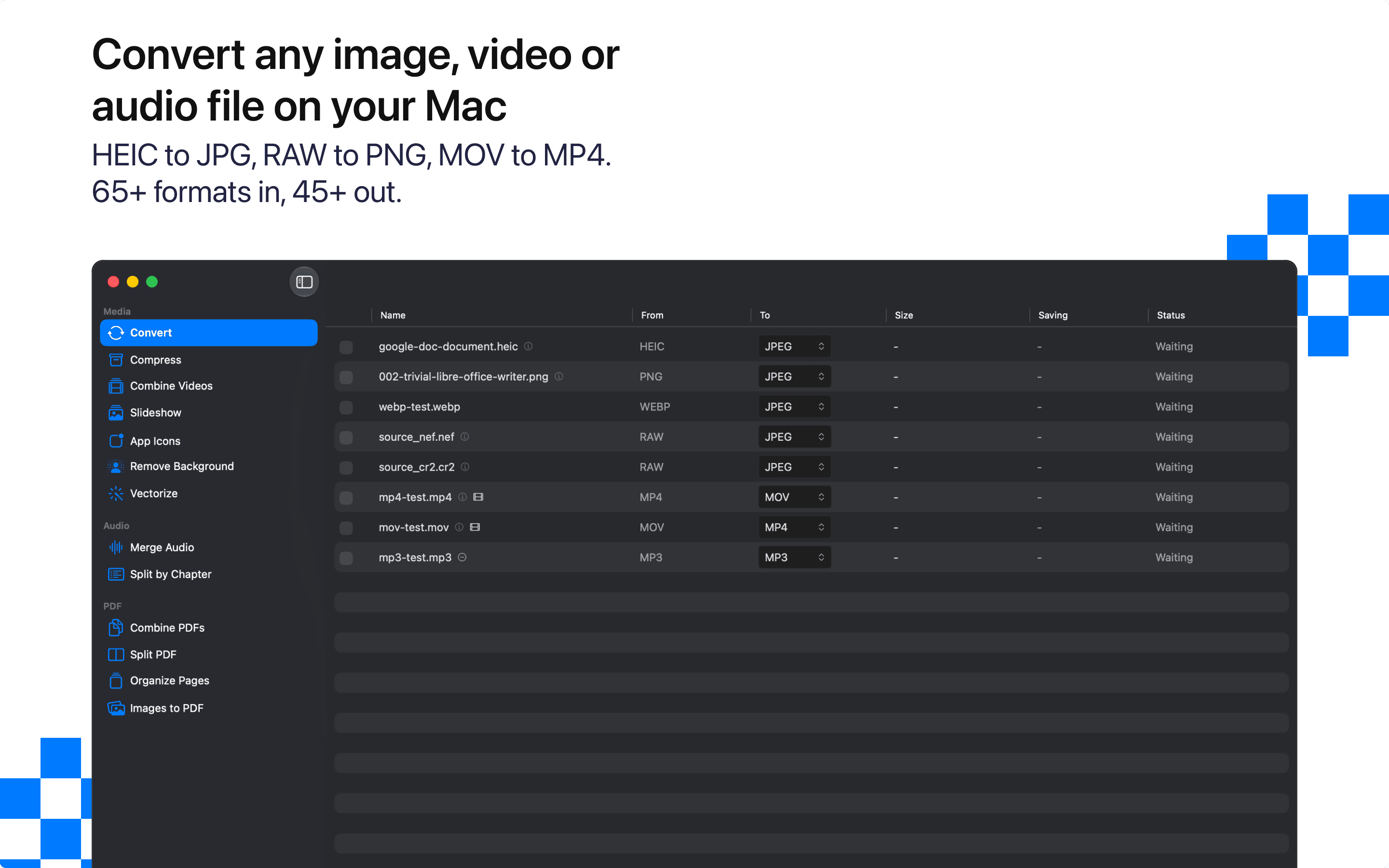
Convert and compress images, video, audio and PDFs on your Mac. Fully offline, batch-ready, nothing uploaded.

Utilities · $4.99 · one-time (14 day refund policy)
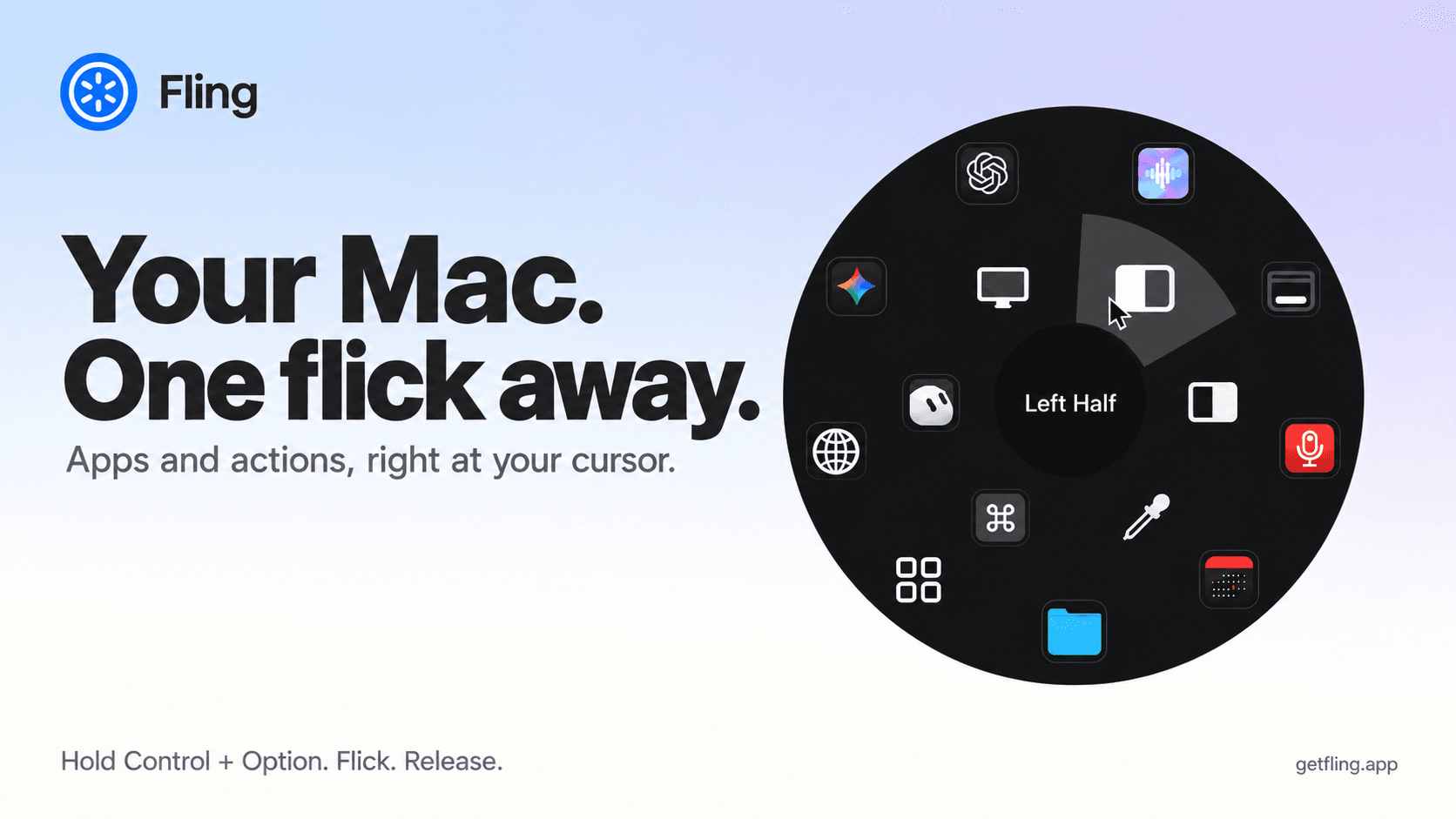
A native macOS command ring for launching apps, folders, links, shortcuts, window actions, screenshots and more with a quick flick.