

Rotara
A workspace for each project on your Mac, with its own windows (even separate windows of the same app), switched with pie menus.
Rotara gives each project on your Mac its own workspace. Switching hides the last project's windows and brings back exactly the next one's, including separate windows of the same app, like one browser window per project.
Features
- A workspace per project: every window is tracked on its own, so one app can have windows in several workspaces.
- Apps come to you: opening an app from the Dock or a launcher opens its window in the current workspace instead of throwing you to another Space.
- Pie menus: ⌘ Caps Lock for workspaces, ⌘ Tab for this project's apps (a quick tap still flips to the last app, and you can keep pressing Tab), ⌘ ` for this app's windows.
- Ctrl+1–9, Ctrl+←/→ and a trackpad swipe also switch workspaces.
- Workspaces come back after quitting Rotara or restarting the Mac.
- Pinned apps, like a music player, show in every workspace.
- Smart Freeze pauses heavy apps sitting idle in other workspaces and resumes them before you switch back.
- Native Swift. No account needed. Requires macOS 13 or later.
More like Rotara
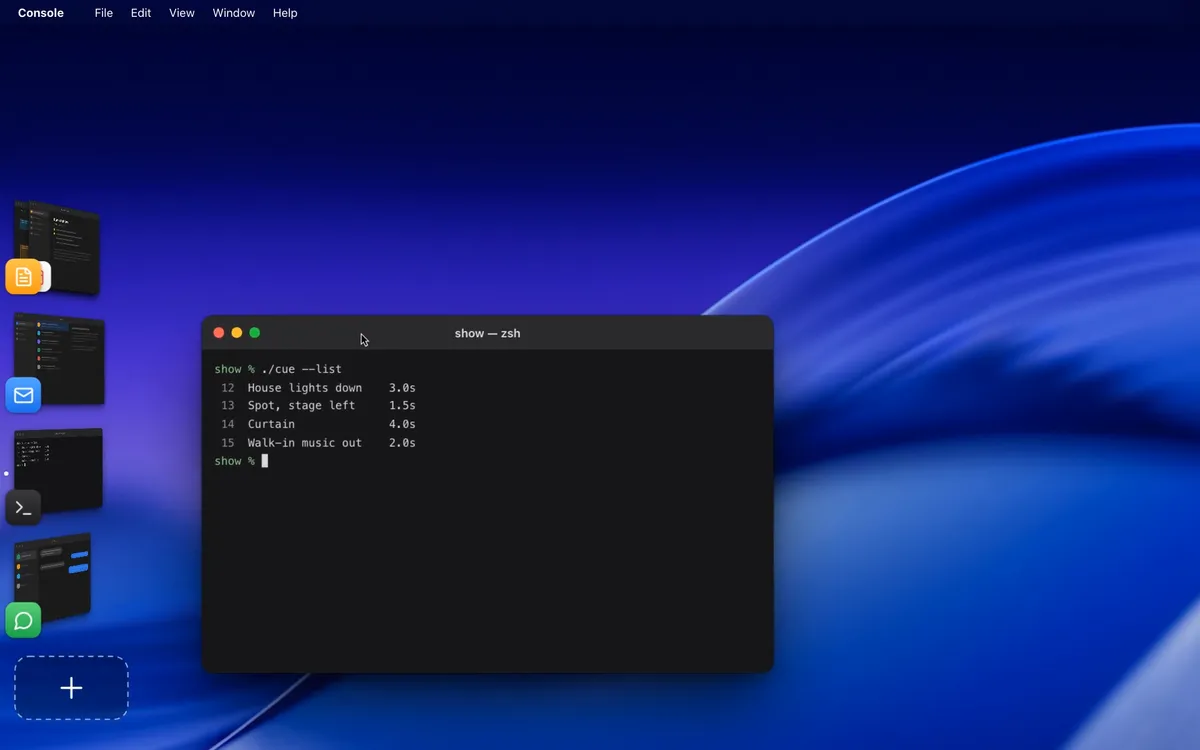
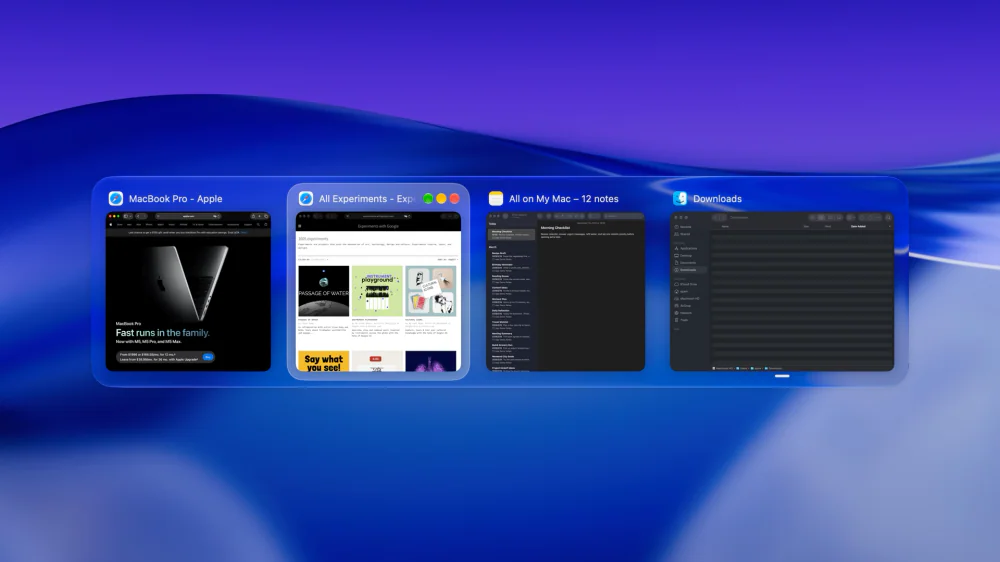

Utilities · $22.99 · one-time (Lifetime license for 1 Mac; 7-day free trial.)
macOS window manager with automatic tiling, window search, and saved layouts
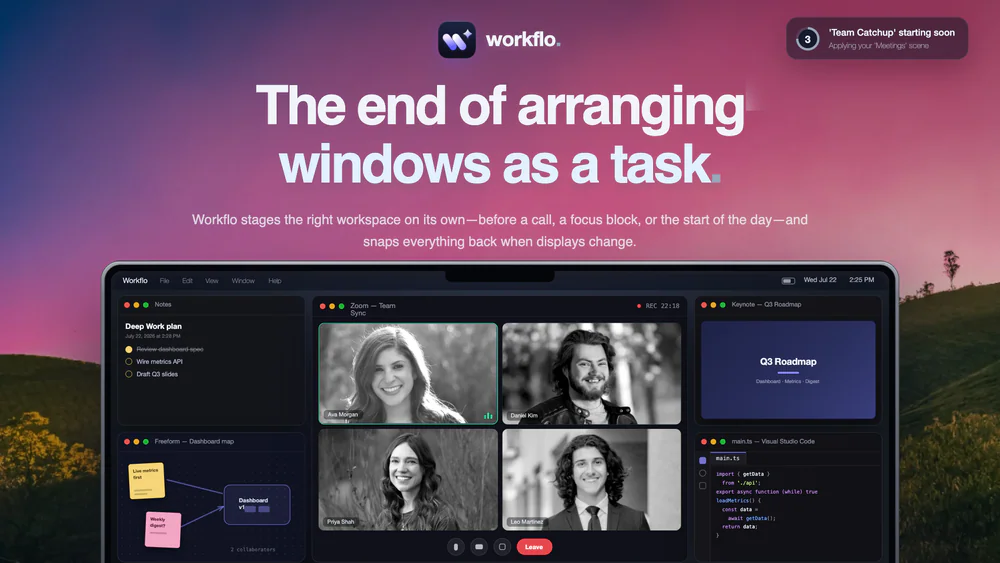

Productivity · $19.99 · one-time (7-day free trial)
Stages your Mac workspace on its own, from your calendar or the clock: opens the apps you need, places every window, clears the rest.
20% off for members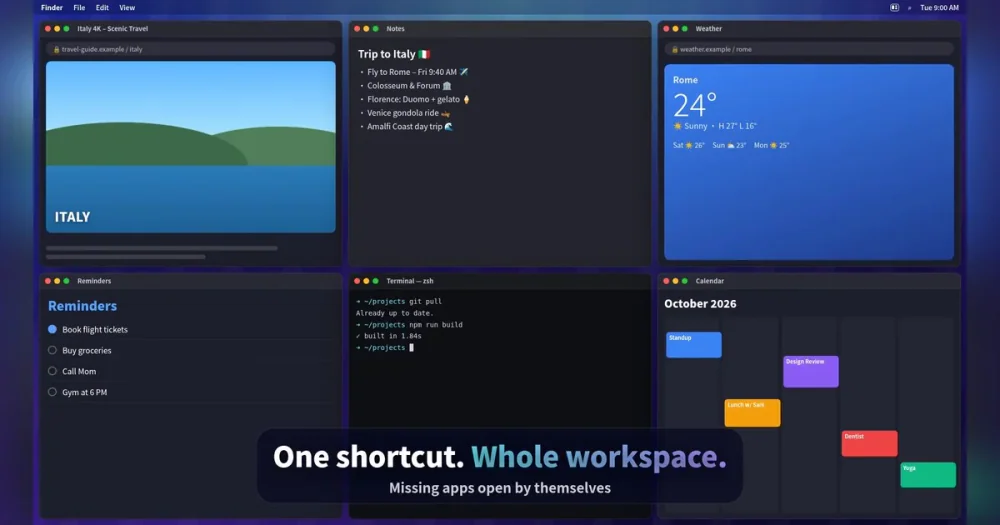

Productivity · $4.99 · one-time (7-day free trial, no subscription)
Snap Mac windows into place with shortcuts and save your whole setup as a Workspace you restore with one key.

Productivity · $4.99 · one-time (USD; one active Mac; no subscription or free trial.)
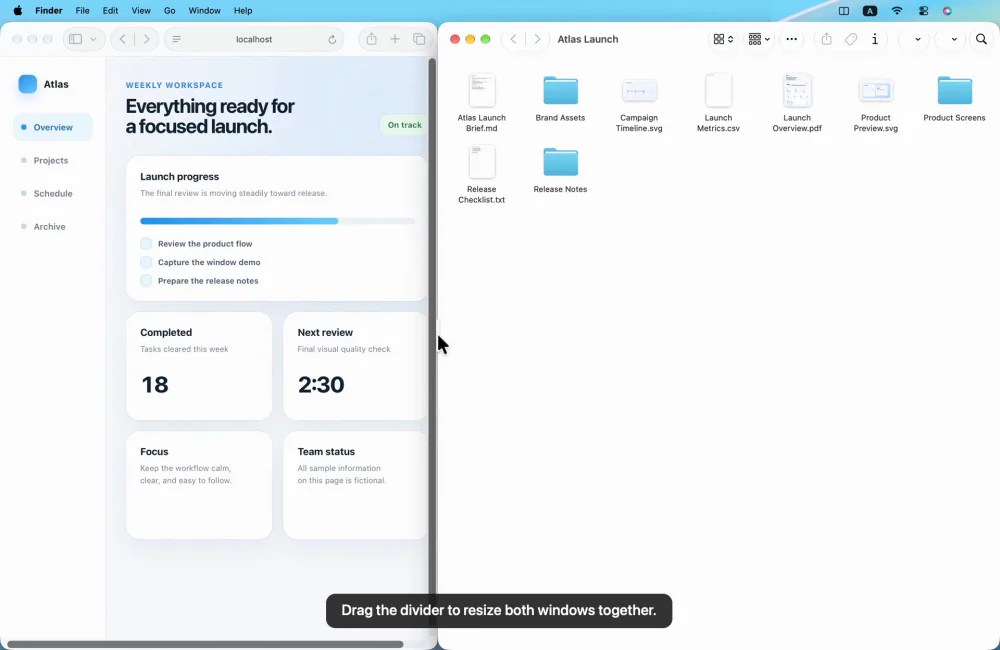
Arrange Mac windows with shortcuts or drag-to-snap, then resize a connected pair with one shared divider.

Utilities · $14.99 · one-time (One-time purchase, 14-day refund)
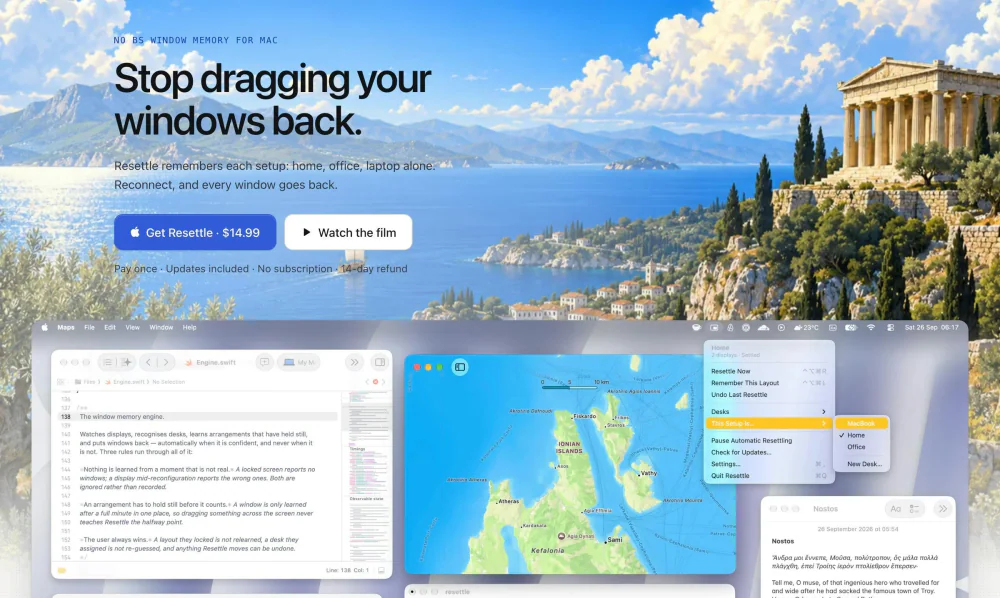
Puts your windows back where they were when your monitors come back. Learns each display setup on its own.