Utilities

Docky

A polished Dock replacement for macOS — configurable layout, live window previews, widgets, and a fullscreen Launchpad, entirely native.

Free & open sourceby josejuanqm

Docky replaces (or runs alongside) the macOS Dock with something more configurable: a custom layout engine, live window-switcher previews, built-in widgets, a fullscreen Launchpad, custom icons, and scripted actions — all native Swift, no Electron overhead.

Why it makes the list

Apple hasn't meaningfully changed the Dock in years, and third-party replacements are rare and often paid. Docky is a free, open-source rethink of what the Dock could be, unified into one native app that feels like it belongs on macOS instead of a stack of separate utilities bolted together.

Standout features

  • Configurable layout — position, size, and grouping, your way
  • Live window switcher with real-time previews, not just icons
  • Fullscreen Launchpad replacement
  • Built-in widgets for at-a-glance info in the Dock itself
  • Custom icons and folders for a fully personalized layout
  • Scripted actions for triggering shortcuts and automations

Pricing

Completely free and open source (GPL-3.0).

More like Docky

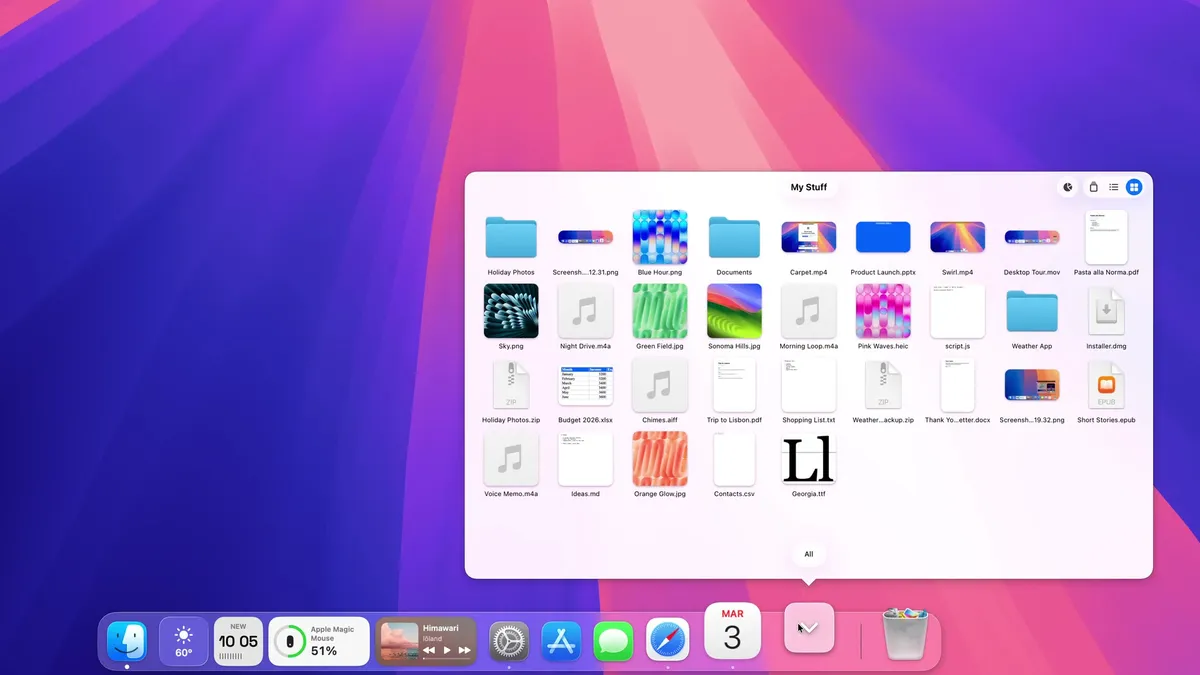
Dook screenshot

Utilities · $9.99 · one-time (14-day trial · launch price until Jan 12, 2027, then $14.99)

A Dock for macOS, written from scratch. Same spot, new tricks: badges that talk, widgets, Finder-like folders and smarter hiding.

20% off, on top of the launch price for members
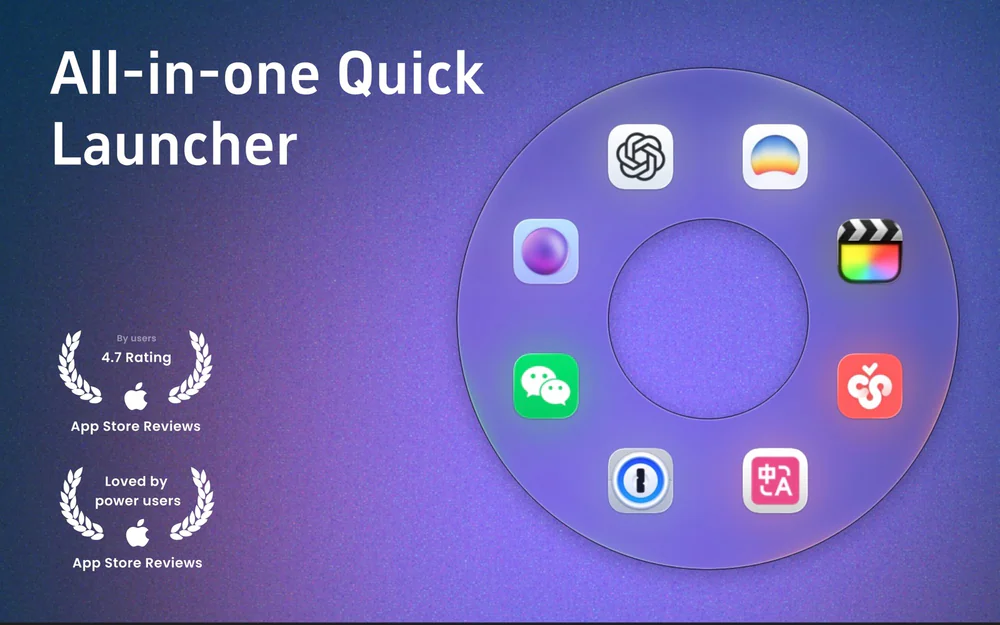
OrbitRing screenshot

Utilities · $5.99 · one-time (7-day trial, then lifetime unlock)

Circular macOS launcher: gesture-open an orbit of apps, files, folders, and sites.

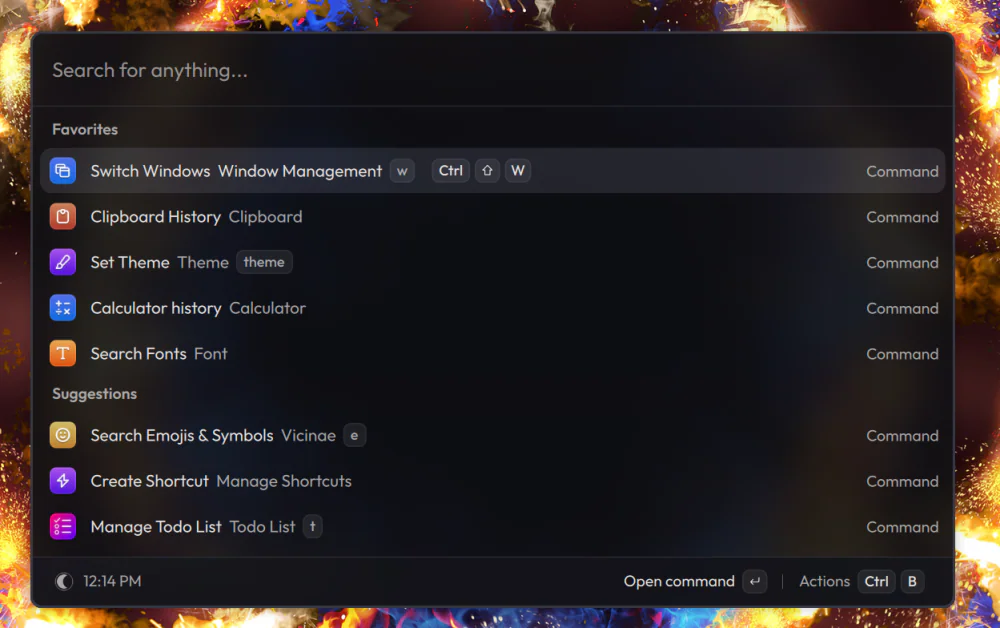
Vicinae screenshot

Utilities · Free & open source

A native C++ command palette — app launcher, clipboard history, calculator, emoji picker, and window management — that runs Raycast extensions without Electron.

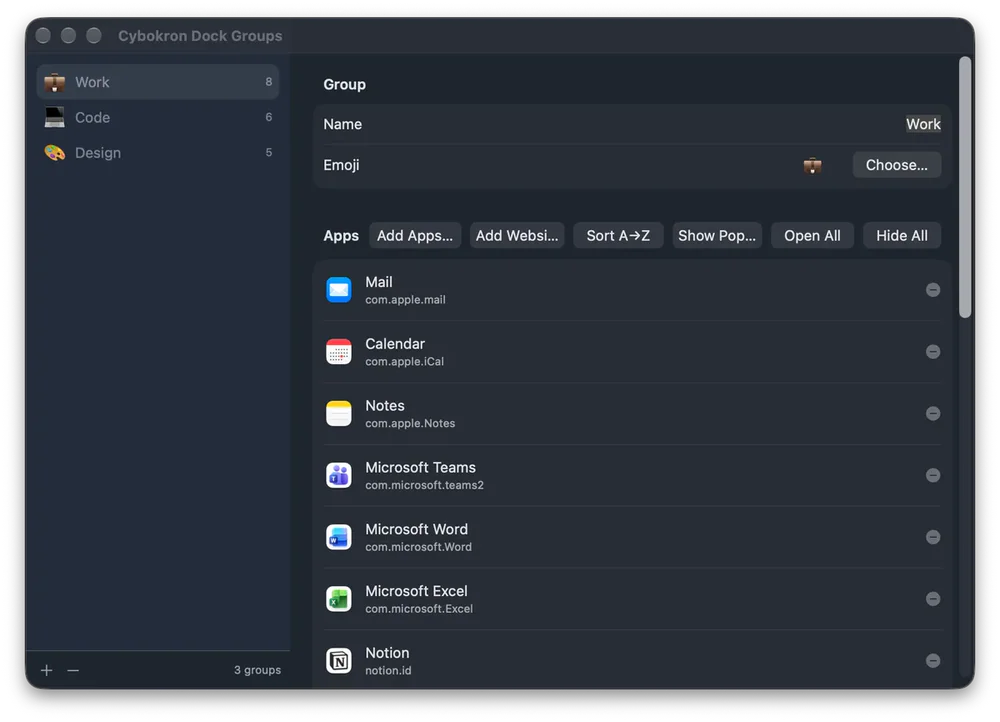
Cybokron Dock Groups screenshot

Productivity · Free & open source

Group apps and websites on macOS, open, hide or quit a group, and give each group its own Dock icon.

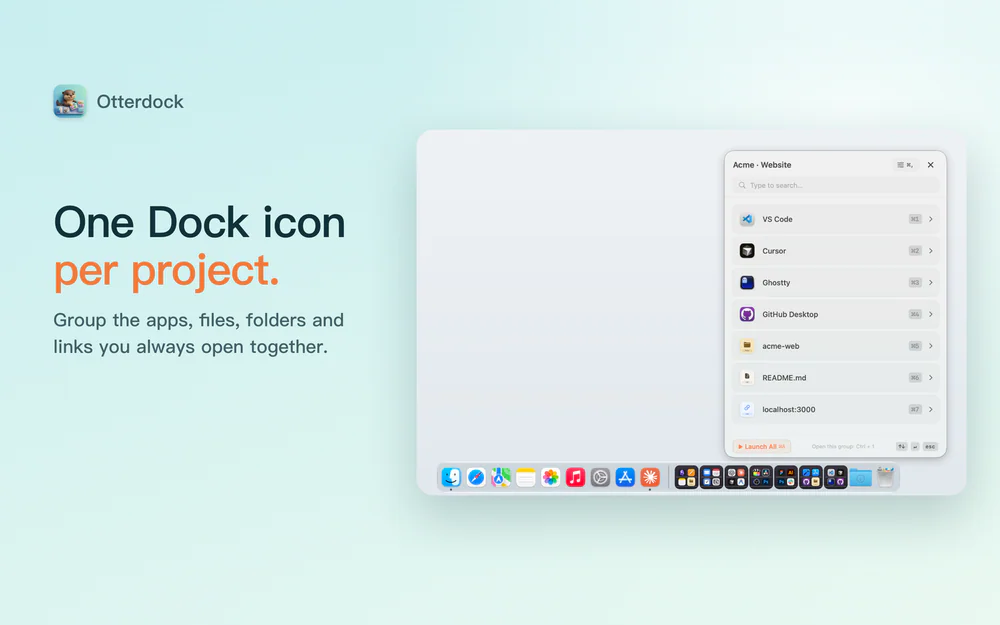
OtterDock screenshot

Productivity · Free · Free for 2 groups; Pro US$6.99 one-time

Group apps, files and links in your Mac Dock

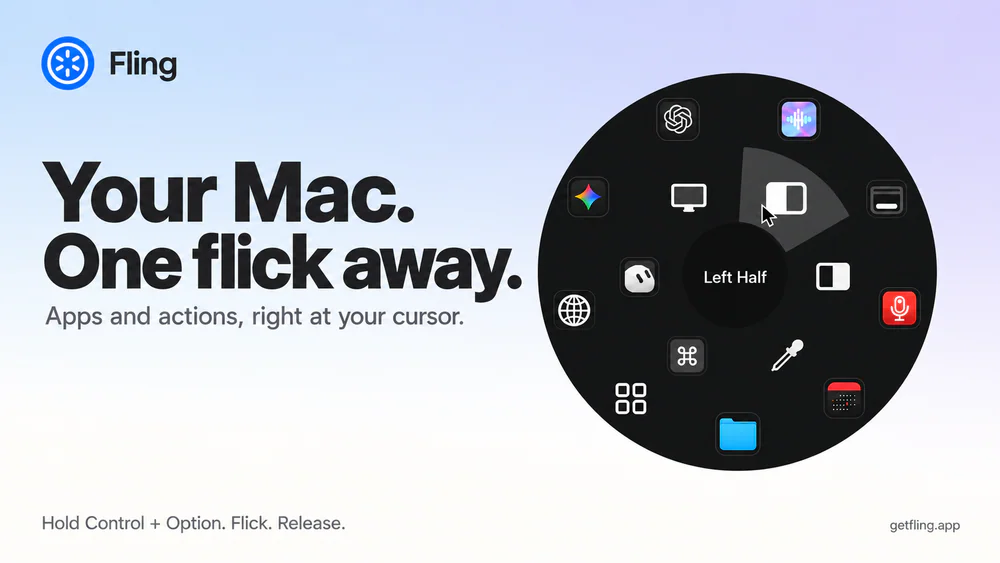
Fling screenshot

Utilities · $4.99 · one-time (14 day refund policy)

A native macOS command ring for launching apps, folders, links, shortcuts, window actions, screenshots and more with a quick flick.