
Productivity · $14.99 · one-time (7-day free trial available)
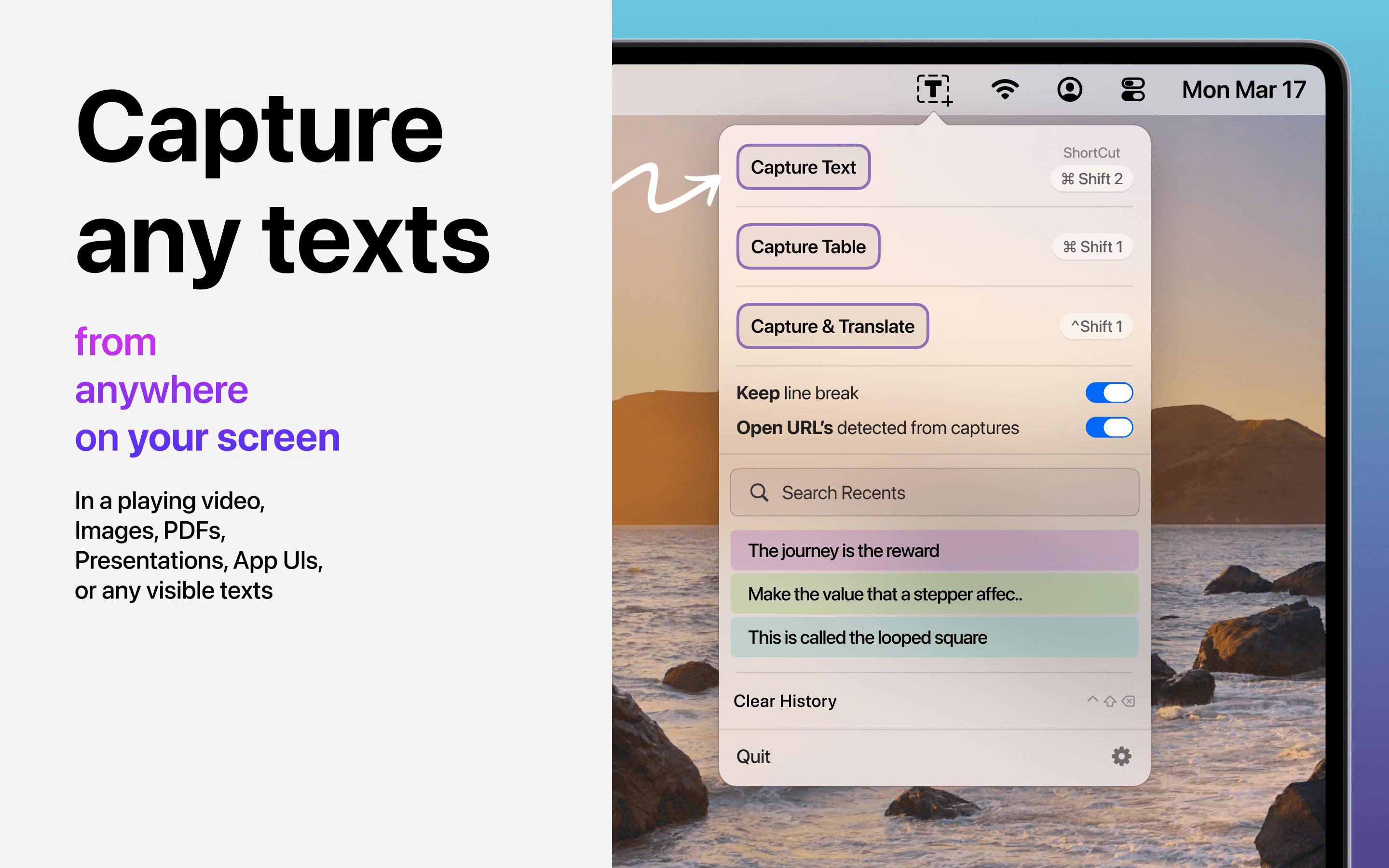
Capture text and entire tables from PDFs, videos, images, and any Mac screen, with rows and columns preserved.
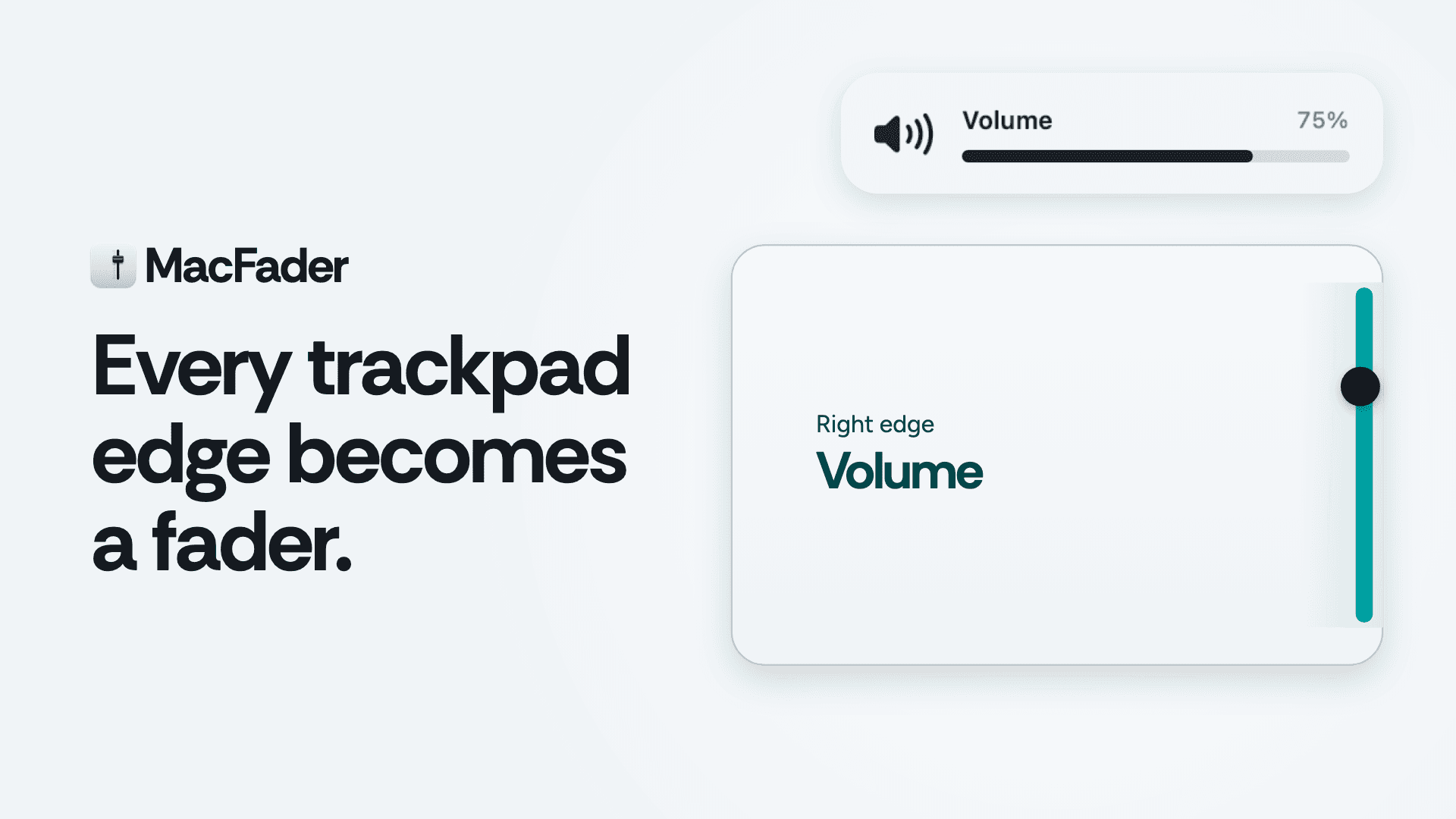
A small app that turns the edges of your trackpad into interactive sliders.
A small app that turns the edges of your trackpad into interactive sliders.
What it does by default Right edge: Slide up/down to adjust volume.
Left edge: Slide up/down to adjust display brightness, including external monitors via DDC on Apple Silicon.
Top edge: Slide to adjust keyboard backlight.
Bottom edge: Swipe for next/previous track. Double-tap to play/pause.
Top-right corner: Double-tap to mute.
Fine adjustments: Hold ⇧⌥ while sliding.
Every edge and corner can be reassigned. You can also configure corners to open Mission Control, start the screen saver, or sleep the display.
A few things I paid attention to Avoid accidental gestures: Palm rejection, edges ignored immediately after typing, and per-app disabling for games and drawing apps.
Haptic feedback: Feel when volume reaches 0%, 100%, or your custom favorite level.
Volume protection: Optional headphone volume cap.
Trackpad support: Works with both built-in Mac trackpads and Magic Trackpad.
Privacy: No analytics or tracking. The only network request is for license verification.
Permissions: Volume, brightness, and mute work without permissions. Accessibility is only requested when enabling features that need it, such as media keys and ignoring gestures while typing.
Details macOS 13 or later.
Notarized macOS app.
Not available on the Mac App Store because it uses a private framework to read trackpad input.
Price: $3.99, one-time purchase.
Free download with a setup tour that lets you try every edge before buying.
Try it out here: https://macfader.meticha.com
Which trackpad edge would you assign to something else? And what other actions would make this more useful in your daily Mac workflow?
Happy to answer any questions.
Productivity · $14.99 · one-time (7-day free trial available)
Capture text and entire tables from PDFs, videos, images, and any Mac screen, with rows and columns preserved.
Productivity · Paid
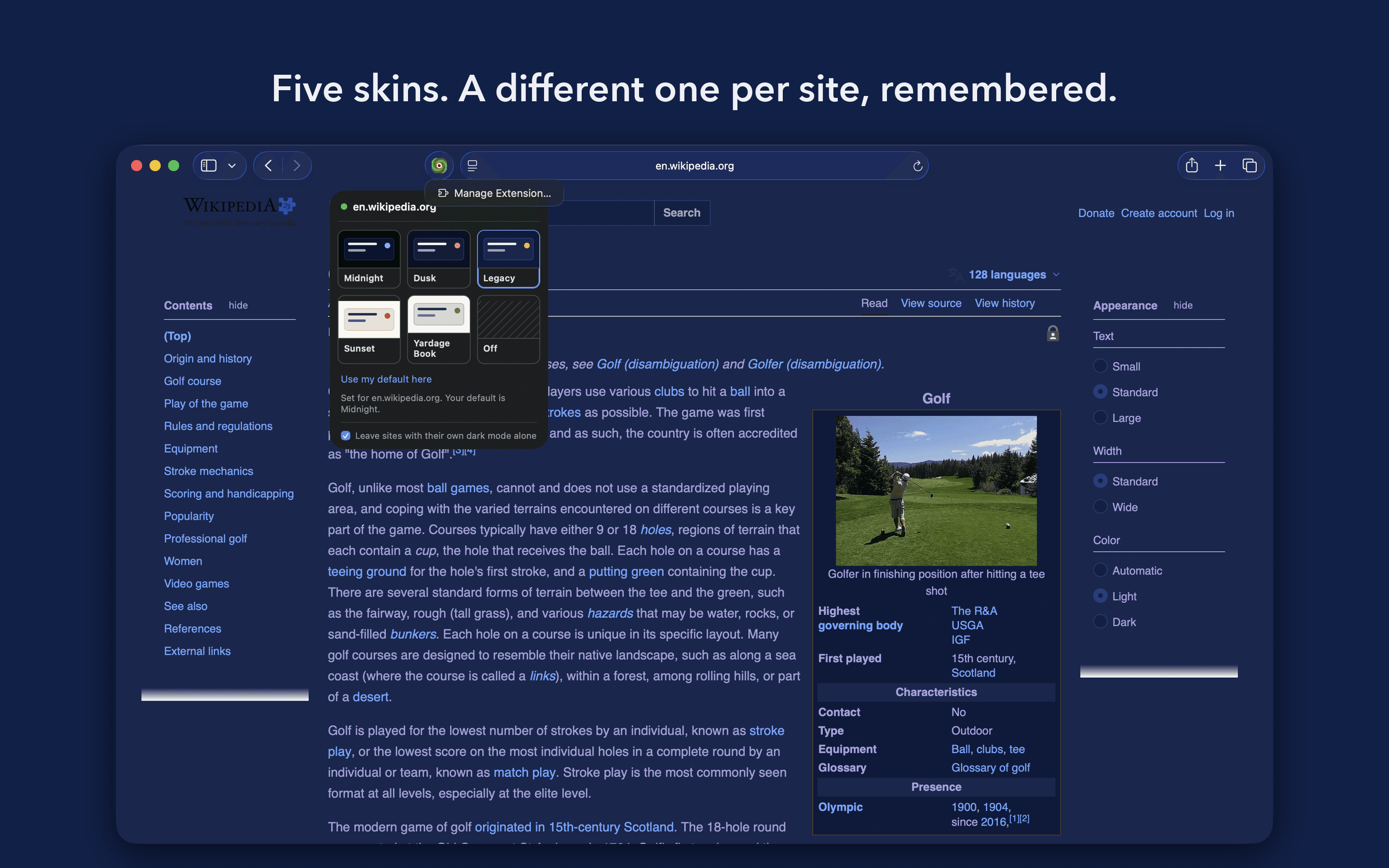
A Safari extension that recolours any website to one of five skins, three dark and two light.

Productivity · $19 · one-time (Once, for two Macs)
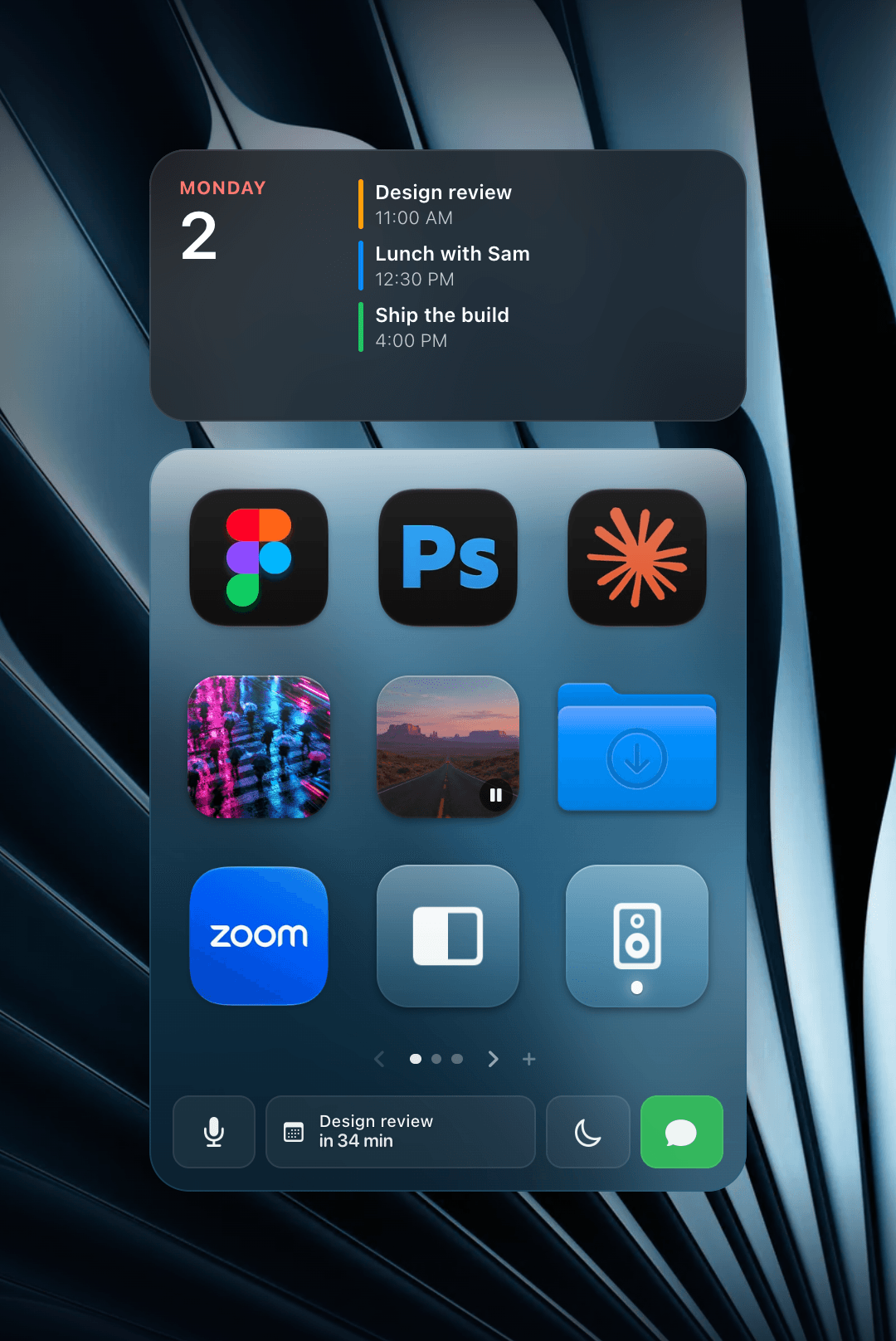
A grid of one-click tiles on your Mac desktop for apps, files, links, playlists, Shortcuts and scripts.

Productivity · Free · Free for 2 groups; Pro US$6.99 one-time
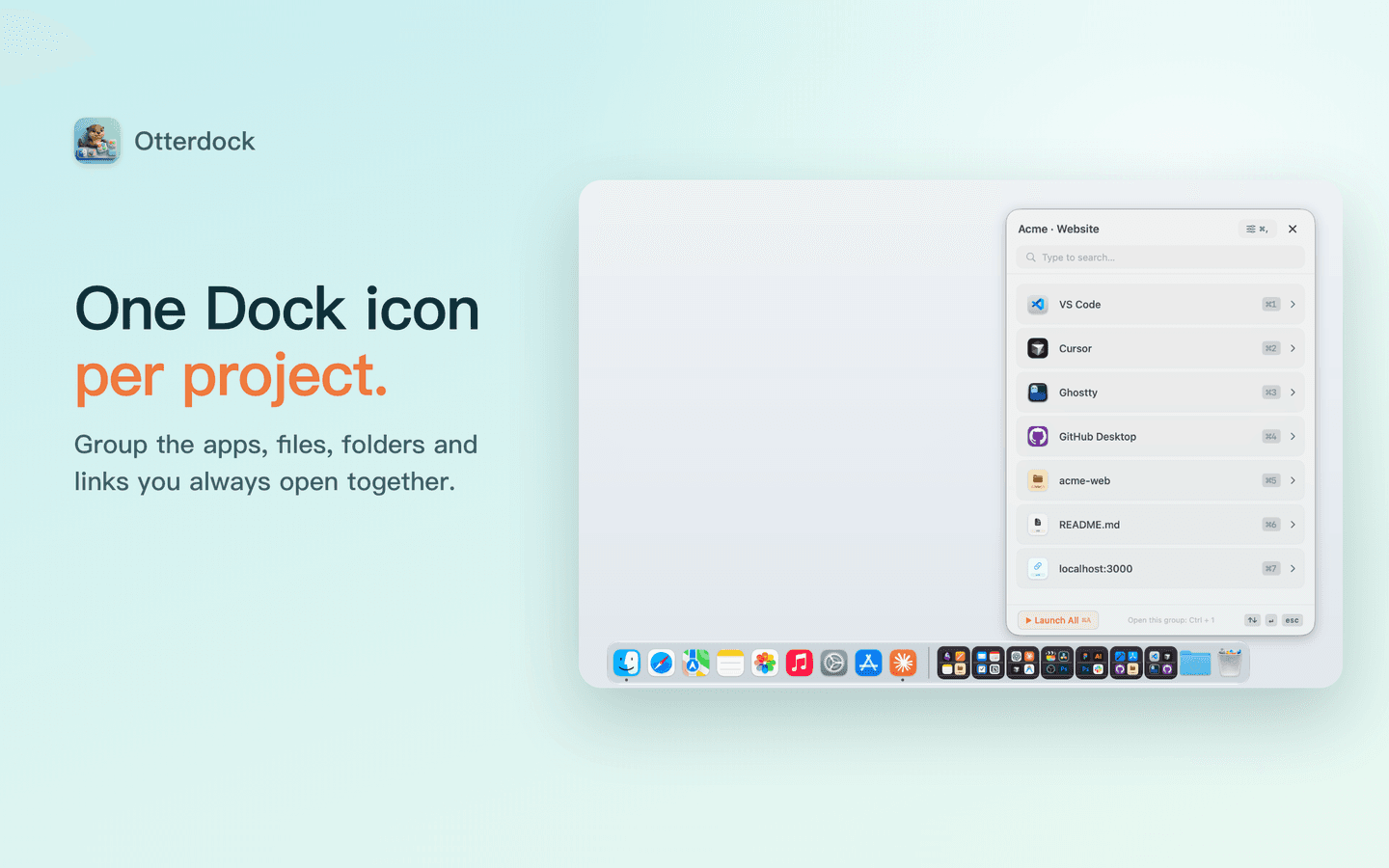
Group apps, files and links in your Mac Dock
Productivity · Free · one-time lifetime license (or $1.99/mo); free tier available $19.99
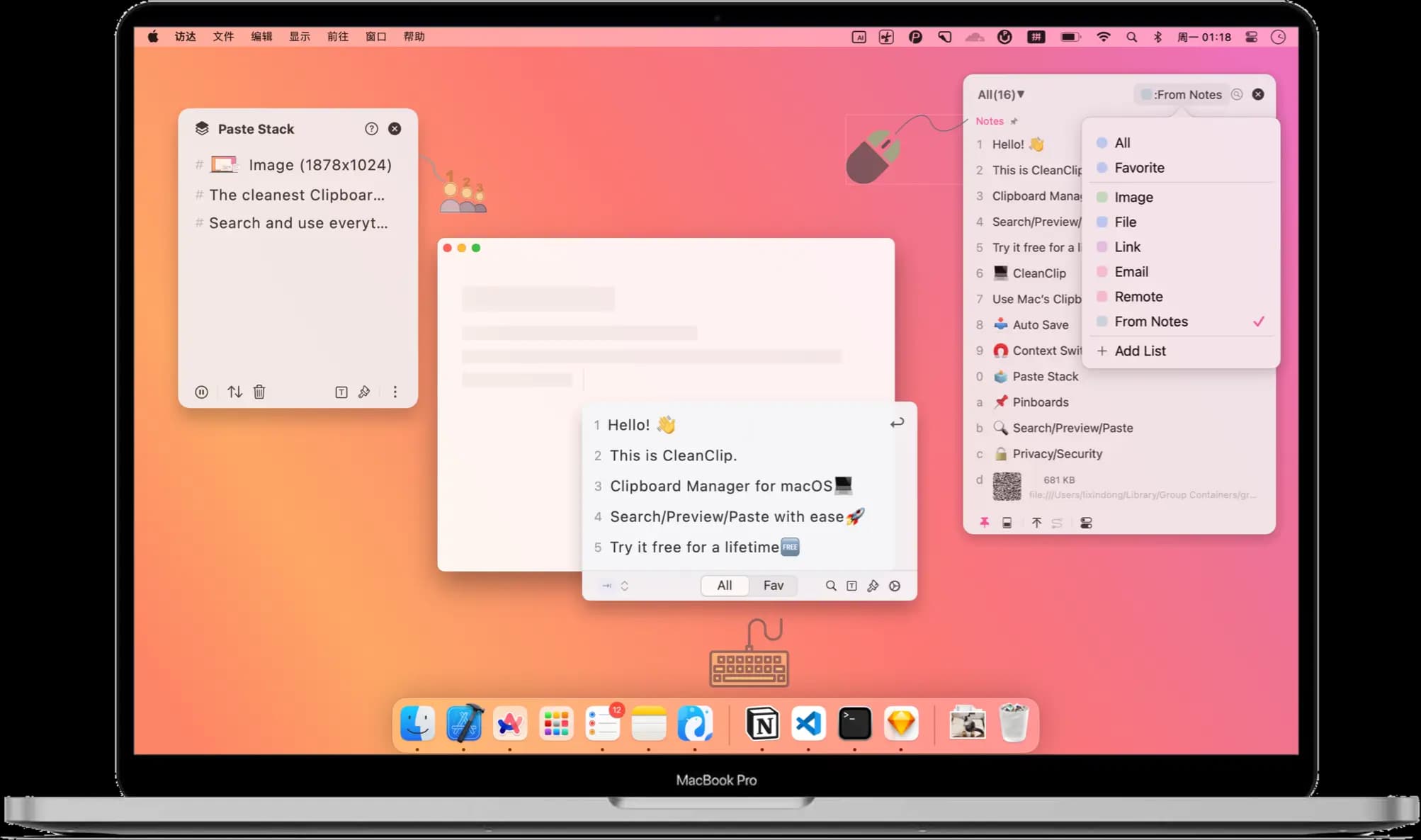
A one-time-purchase alternative to subscription clipboard managers — auto-saved history, Paste Stack multi-paste, and Smart Lists.
Productivity · Free · Free download with unlimited dictation; Pro is a one-time lifetime licence, no subscription $79
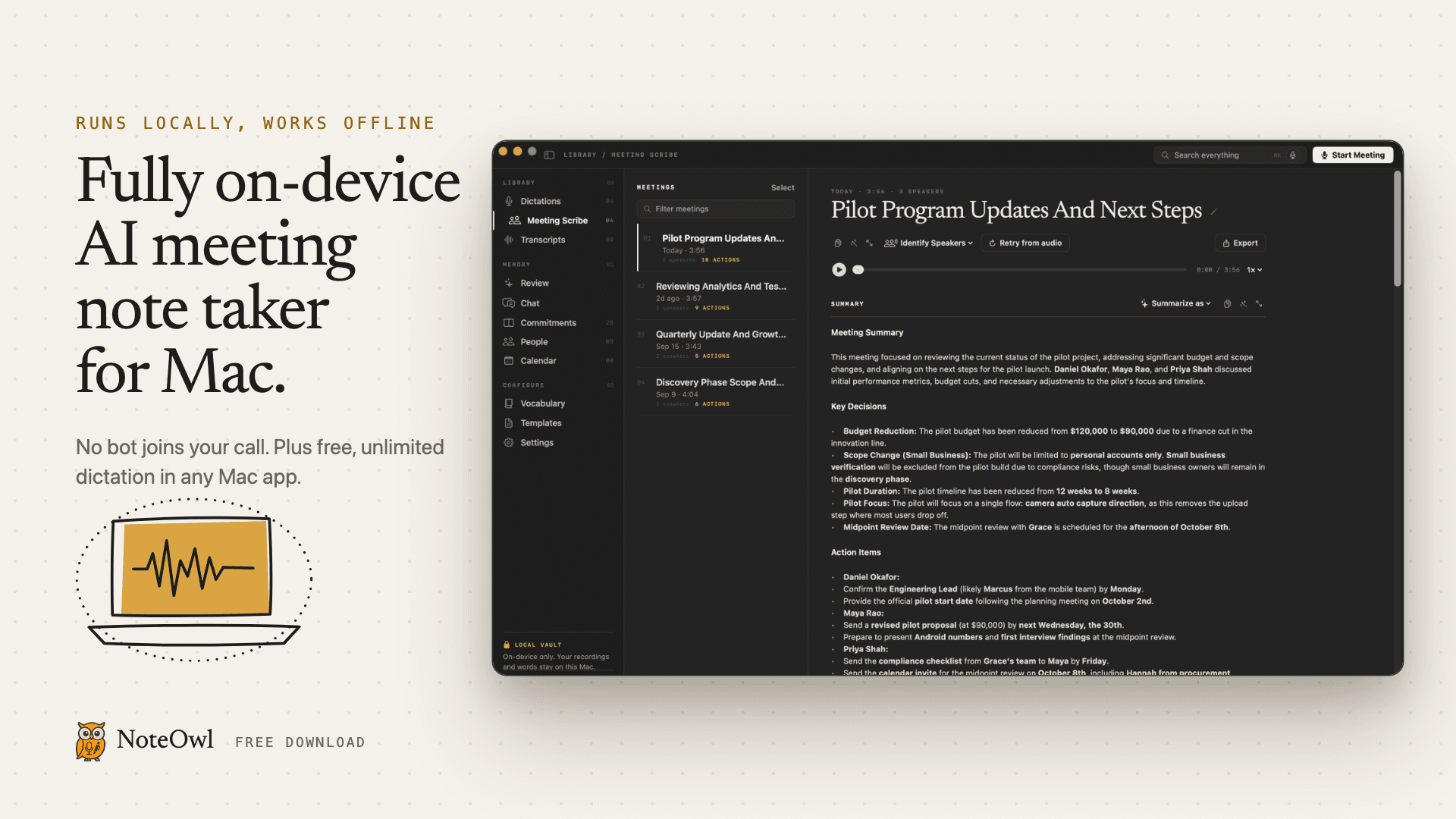
Fully on-device AI meeting note taker for Mac. Records any meeting app without a bot. Free, unlimited dictation in any app.