Audio & Voice · Free · 14-day trial; one-time in-app unlock; regional prices vary. $99
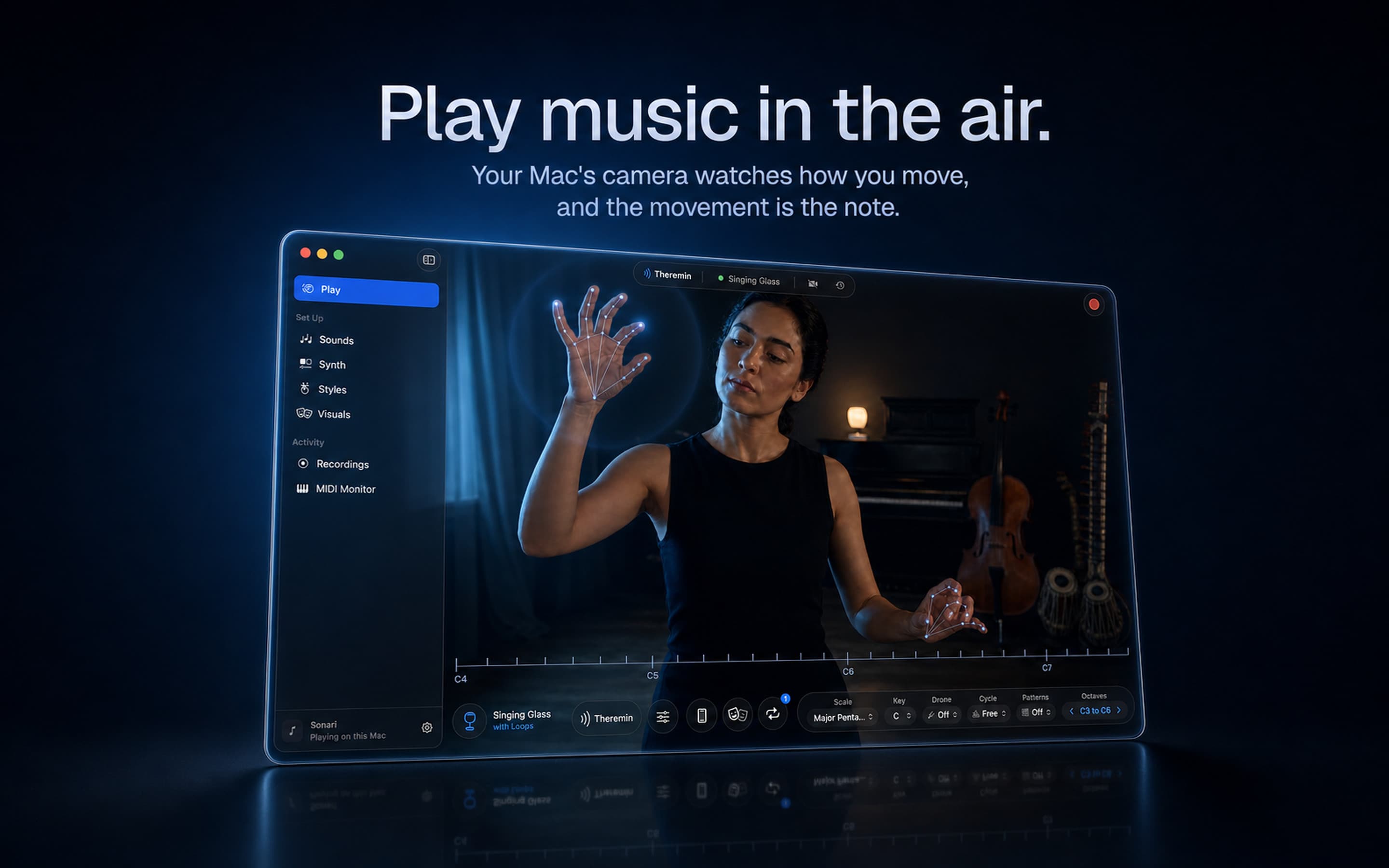
Play built-in sounds with hand gestures, shape reactive visuals, and send expressive MIDI or MPE to compatible DAWs.
Check recordings and AI voiceovers against your script, right on your Mac.
Proof Take is a native macOS app built with Swift and SwiftUI. It checks human recordings, AI voiceovers, and text-to-speech audio against a written script. Possible misreads, omissions, and extra words are marked in the full script so you can listen in context and confirm what needs fixing.
Requires an Apple silicon Mac with macOS 14 or later. Try every feature free for 14 days, then pay US$29 once for Proof Take 1.x.
Audio & Voice · Free · 14-day trial; one-time in-app unlock; regional prices vary. $99
Play built-in sounds with hand gestures, shape reactive visuals, and send expressive MIDI or MPE to compatible DAWs.
Audio & Voice · Free
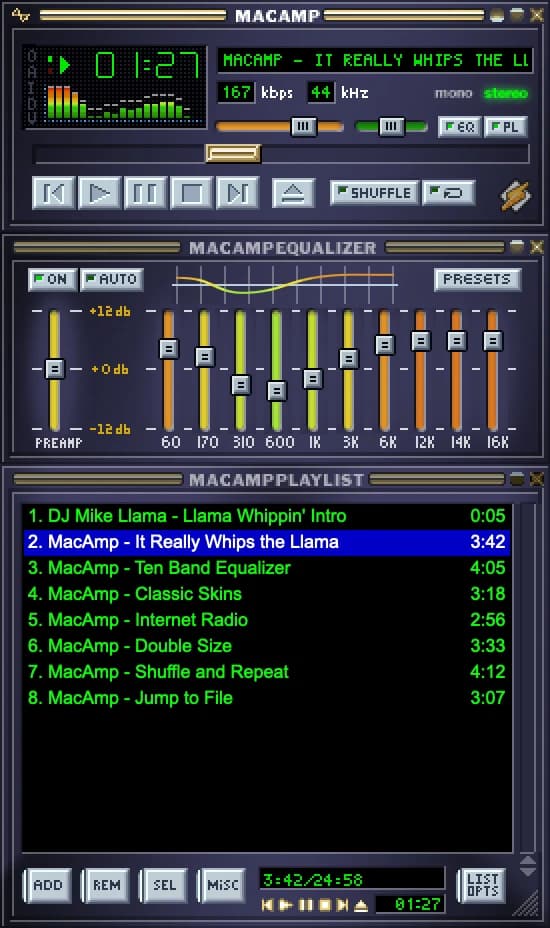
Winamp 2.95 rebuilt natively for macOS: classic skins, 10-band EQ, playlists, radio and the original hotkeys. Free, near-zero idle CPU.

Audio & Voice · Paid
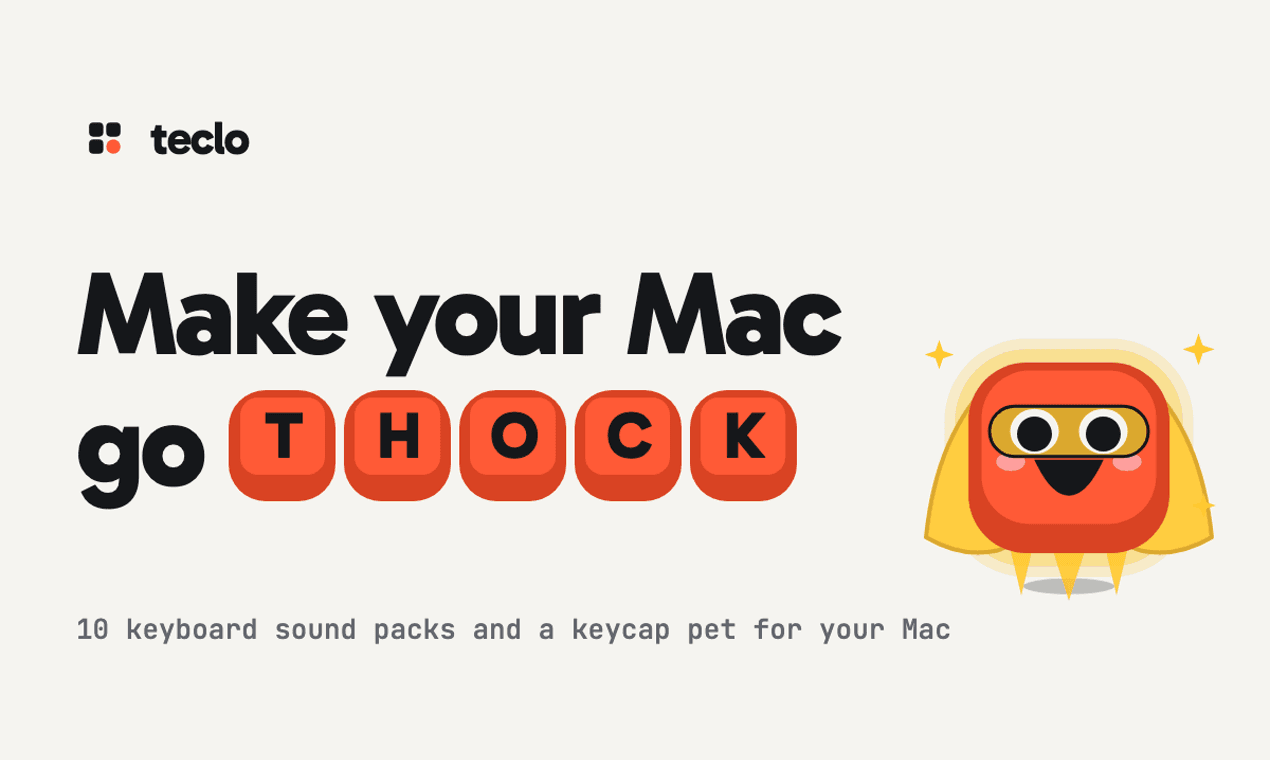
A menu bar app that plays a mechanical keyboard sound for every key you press, in any app, with a keycap pet that types along.

Audio & Voice · $39 · one-time (One-Time Payment with 30-day trial.)
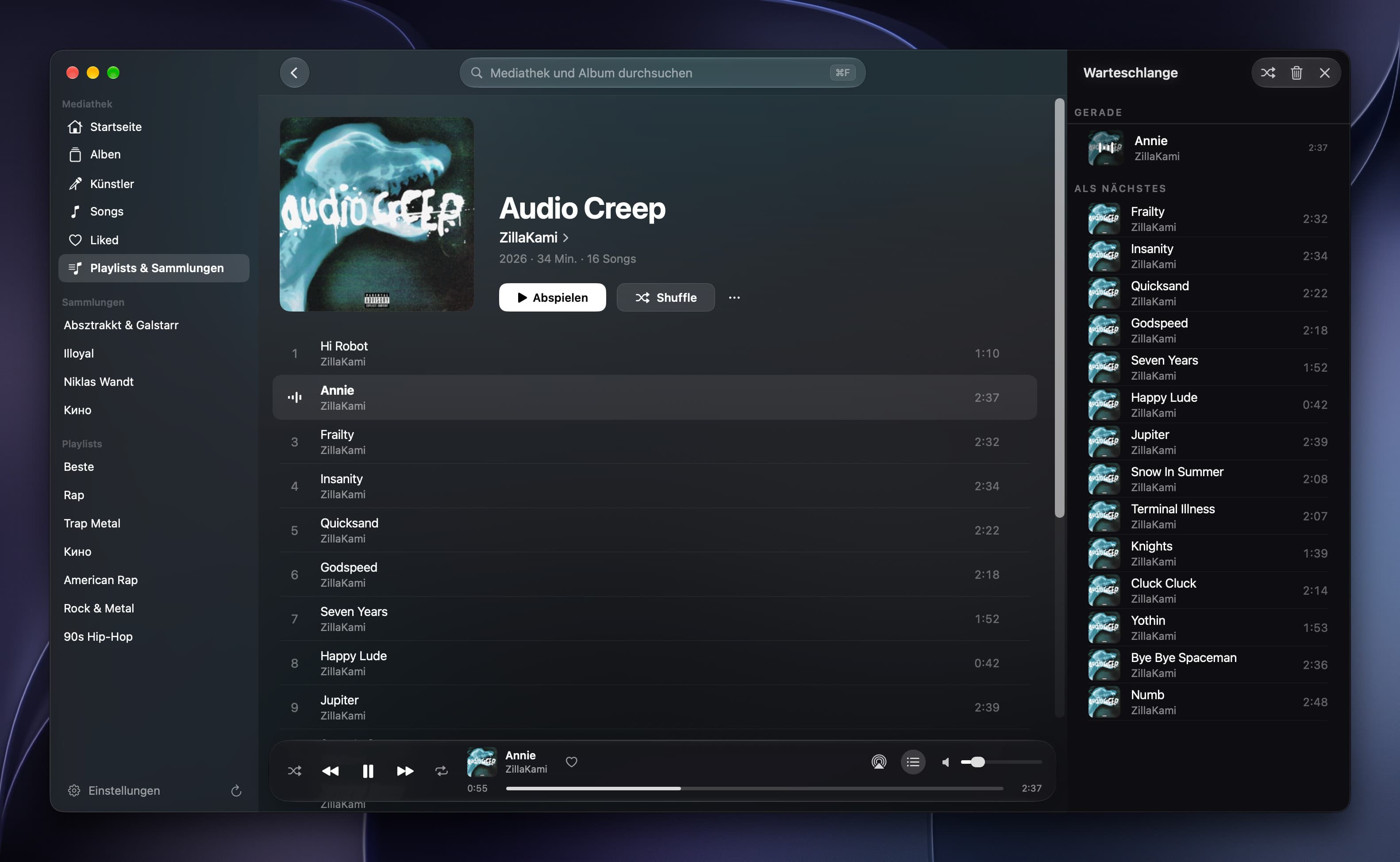
Offline music player for iPhone, iPad and Mac
Audio & Voice · $14.99 · one-time (Lifetime in-app purchase after a seven-day full trial; no subscription.)
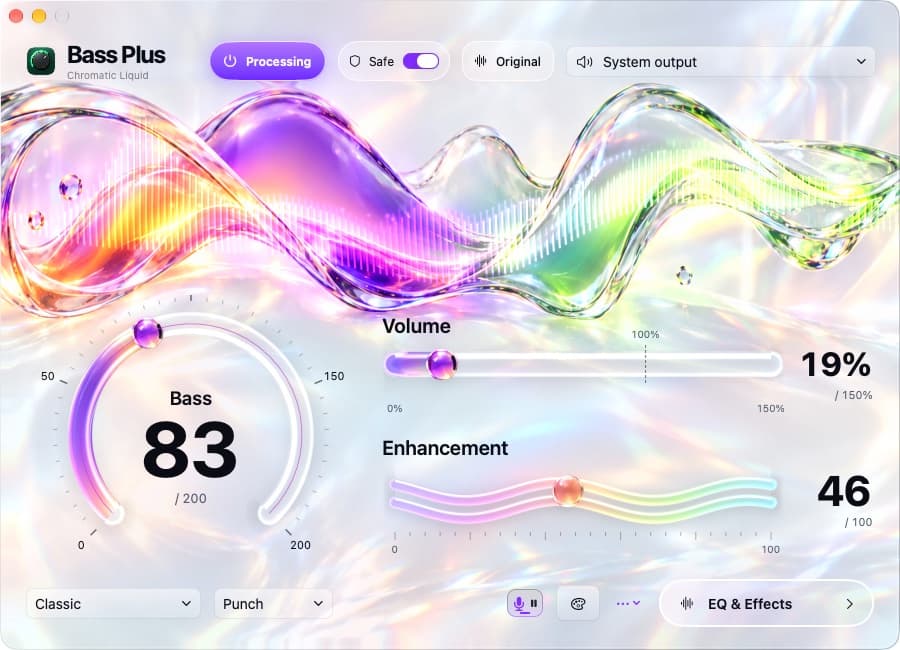
Boost Mac bass and pause compatible browser music for dictation, with native controls and 21 visual skins.
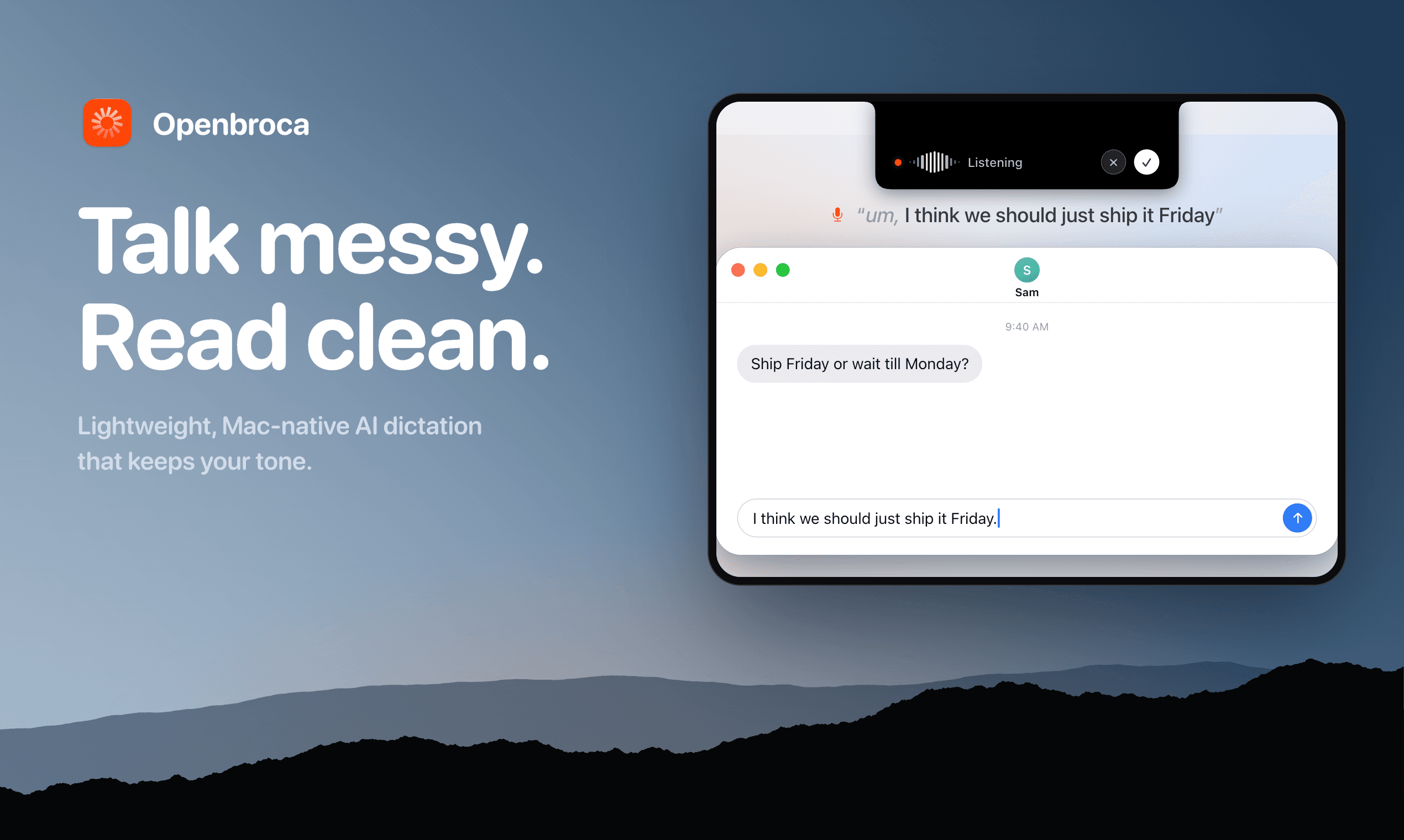
Audio & Voice · Free · USD/month for Unlimited; 3,000 text units/week free. $6.99
Lightweight AI dictation for Mac that sounds like you