
TuningMac is a menu bar app that gives your Mac a real system-wide equalizer, plus the audio controls macOS has always been missing.
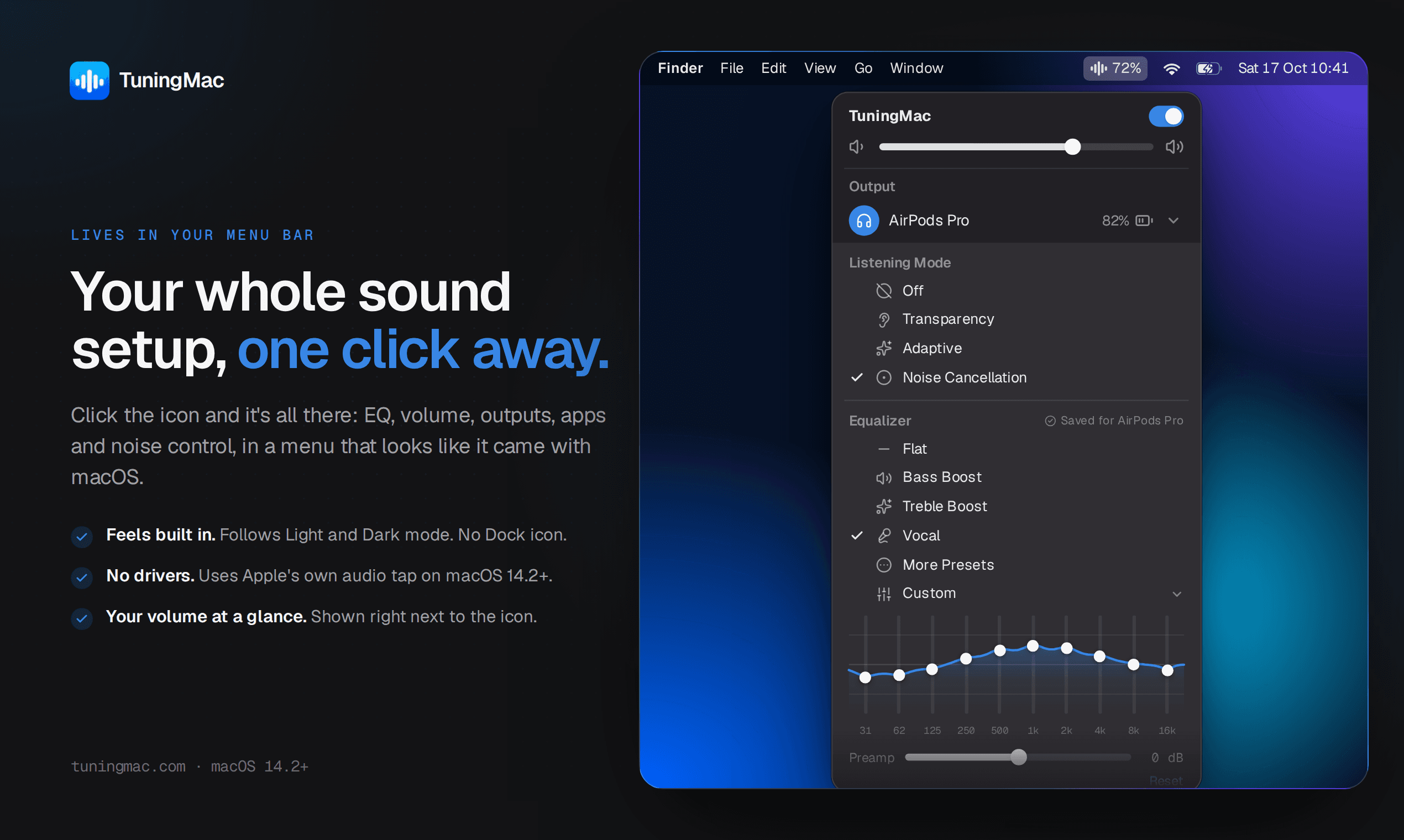
TuningMac is a menu bar app that adds a system-wide 10-band equalizer, per-app volume control, and headphone noise settings to everything a Mac plays — Spotify, Apple Music, any browser, Netflix, Zoom, games. It runs on Apple's system audio tap, added in macOS 14.2, so it shapes every app's sound after a one-time permission prompt, with no driver, kernel extension, or admin password required.
Why it exists
macOS has never shipped a system-wide equalizer: Apple Music's EQ stops at Apple Music, Spotify's stays inside Spotify, and browsers get none at all. Headphone controls are just as scattered, with Sony's noise cancelling tucked inside Sony's own app and AirPods modes buried in Control Center, while the Mac's single volume slider means a loud notification or a quiet call forces the whole system up or down together. TuningMac was built to put EQ, per-app volume, and headphone controls in one place that reaches every sound the Mac makes.
Standout features
- 10-band EQ — 31 Hz to 16 kHz, ±12 dB per band, with 9 presets plus custom curves you can save, export, and import
- AutoEQ corrections — imports headphone correction profiles from AutoEQ or Equalizer APO, up to 20 filters per device
- Per-app volume — a separate slider and mute button for every app, with levels remembered automatically
- Multi-output playback with Auto Sync — plays on several speakers or headphones at once, with a beta mode that uses the Mac's mic to align their delay automatically
- Headphone noise controls — switches noise cancelling, transparency, and ambient modes for Sony, AirPods, realme, and OPPO earbuds from the menu bar
- Live spectrum analyzer — a real-time 32-band display of what's playing, drawn under the EQ curve
More in Audio & Voice
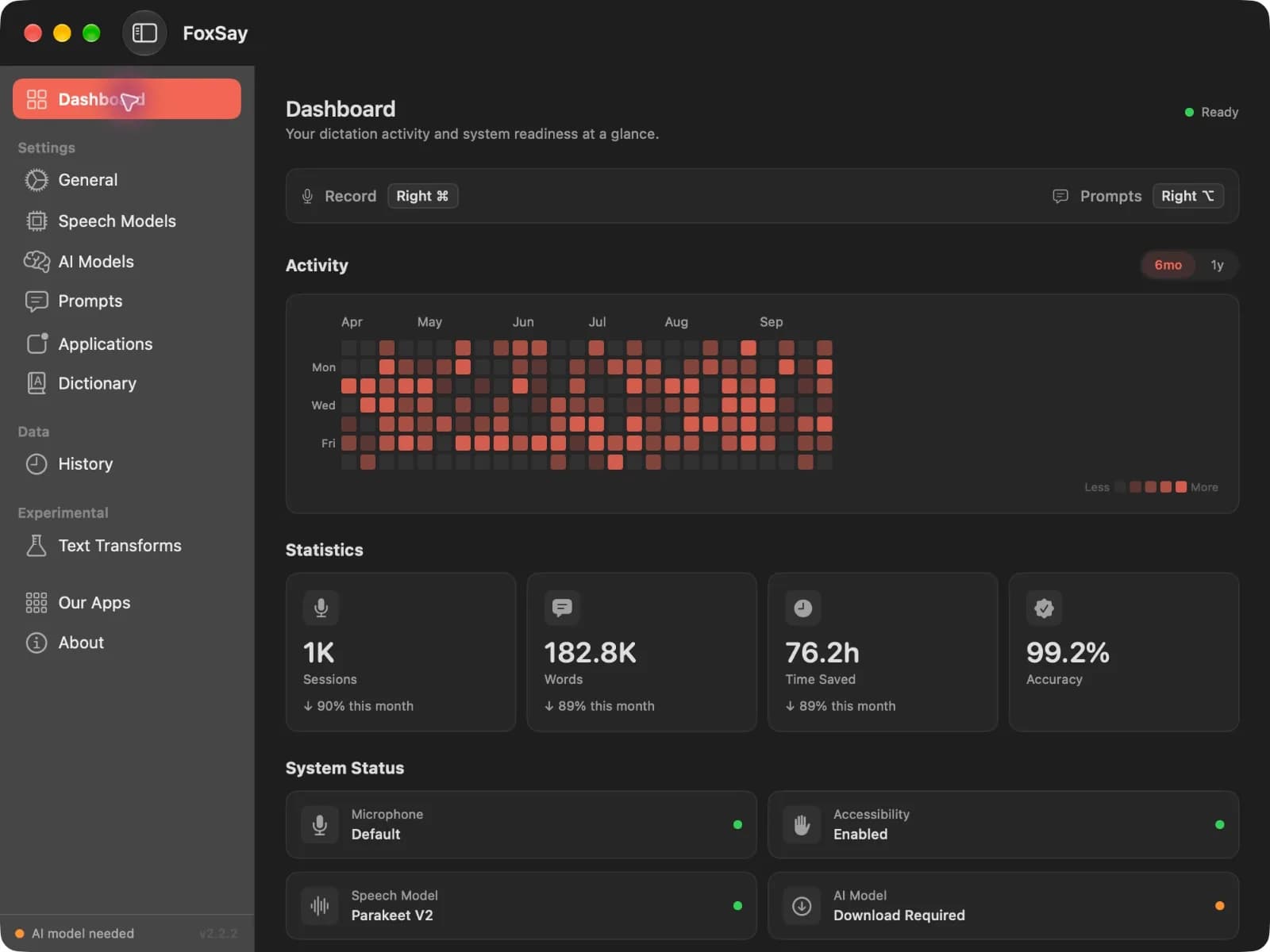
Audio & Voice · Free & open source
On-device speech to text for your Mac
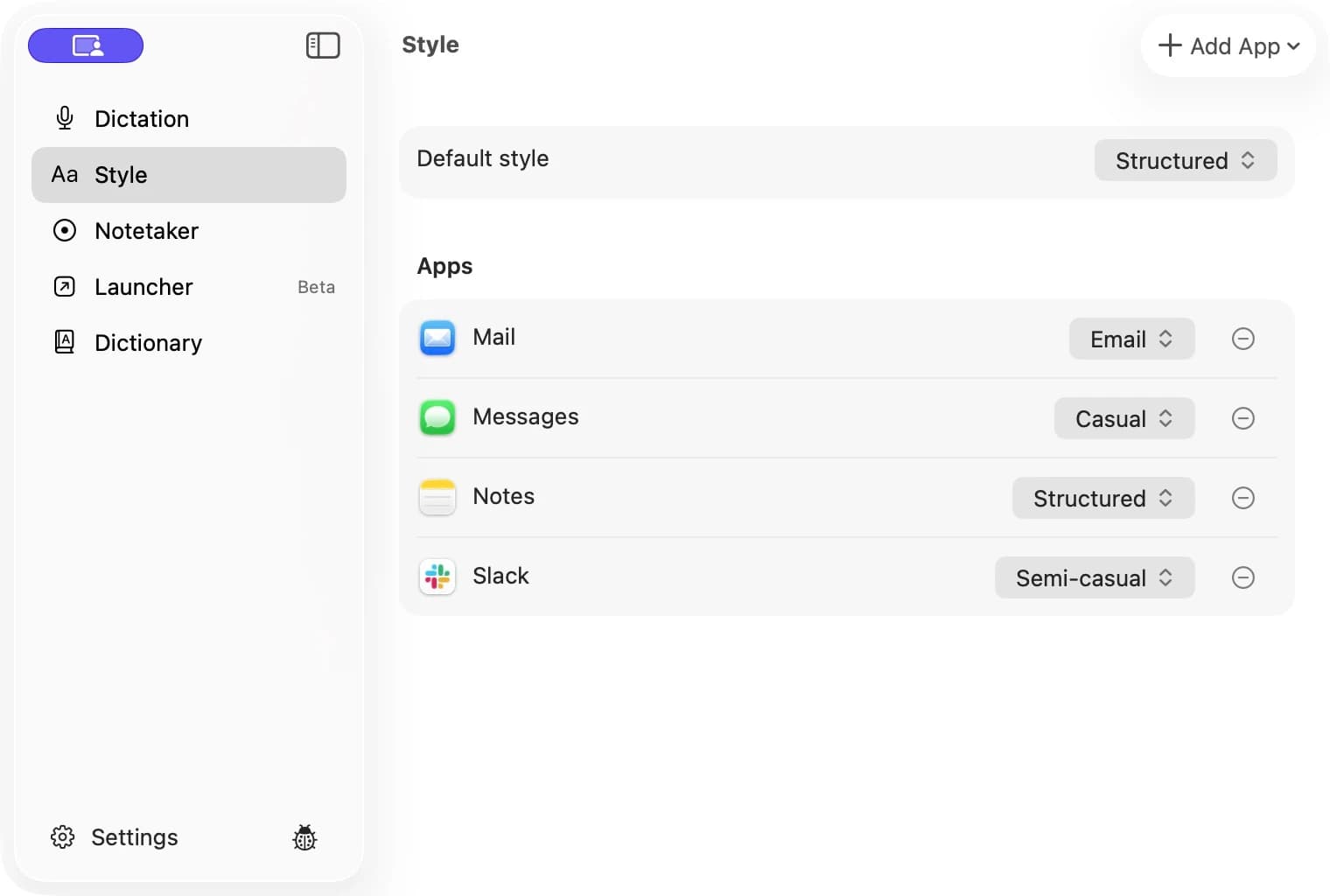

Audio & Voice · $29.99 · one-time (Free trial; $29.99 launch price, $59.99 regular one-time price.)
Private AI dictation and meeting notes for Mac, running on your device.
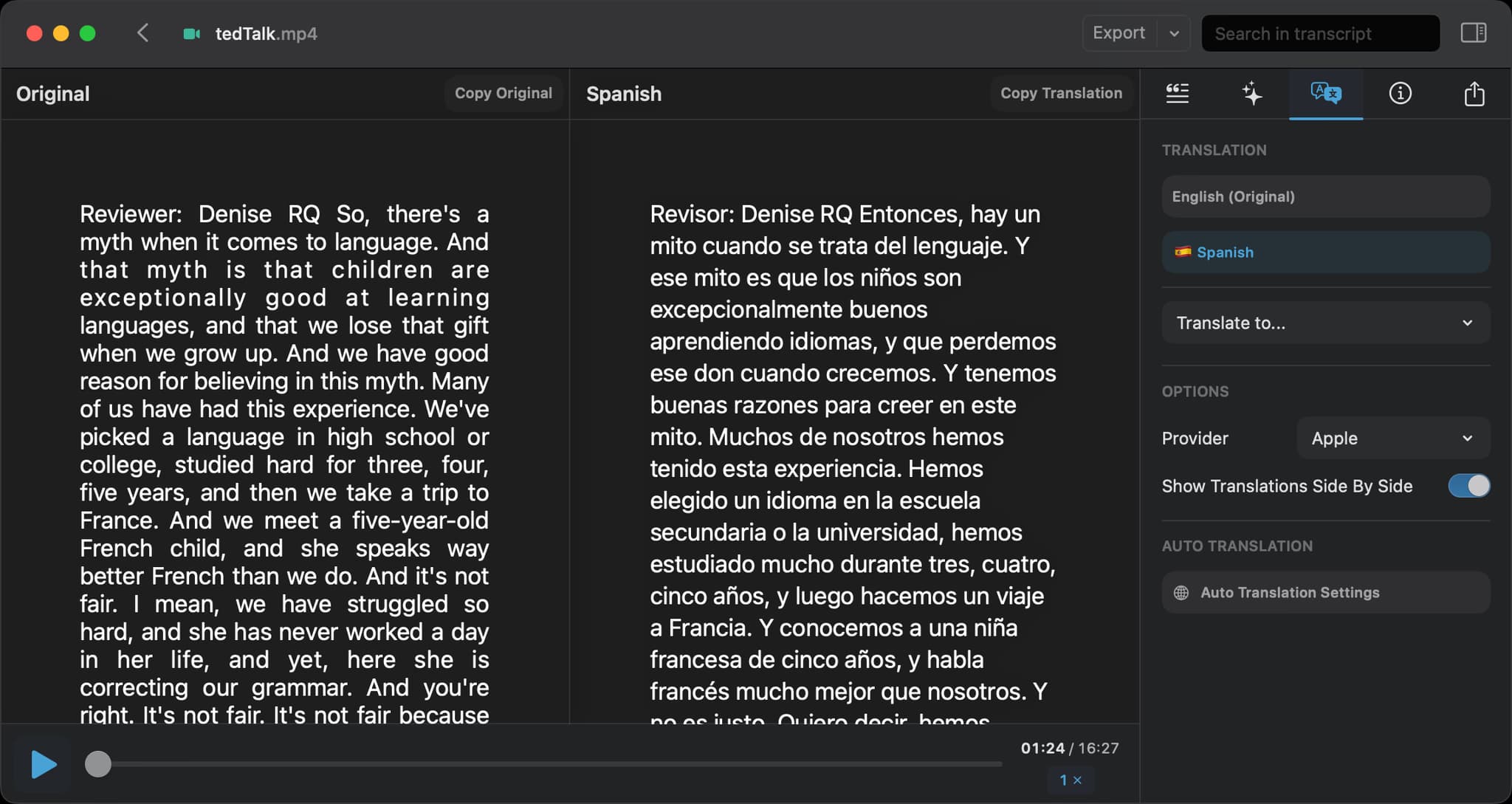

Audio & Voice · Free · Pro, one-time $59
Drag in audio or video and get an accurate, speaker-labelled transcript — running OpenAI's Whisper models entirely on your Mac.