
Writing & Documents · $29.99 · one-time (App Store, Free Trial)
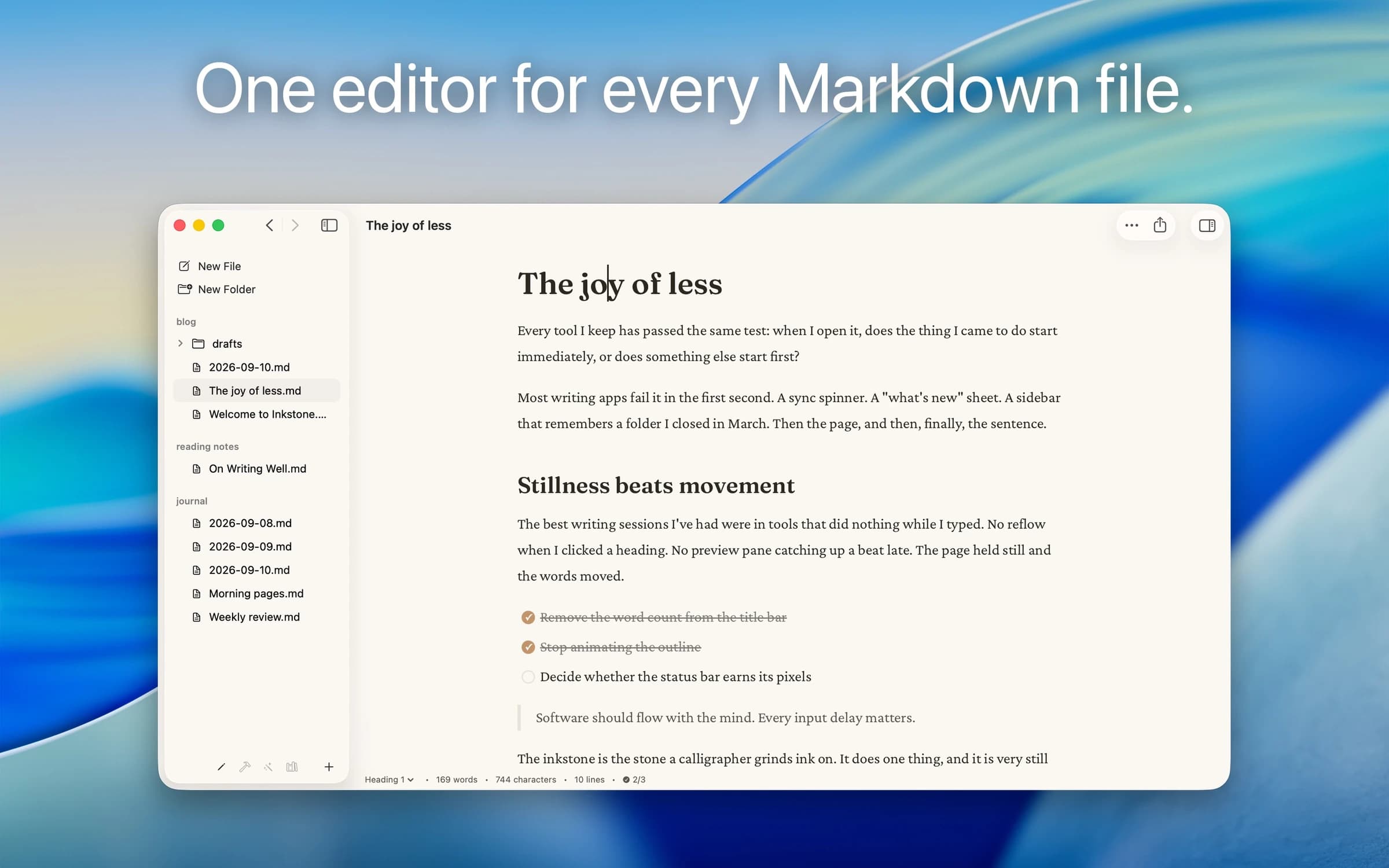
Native Markdown editor for the plain .md files on your Mac: renders as you type, edits folders in place, no account.
A native, CodeMirror-powered Markdown editor for macOS — as simple as TextEdit, purpose-built for Markdown, and genuinely fast.
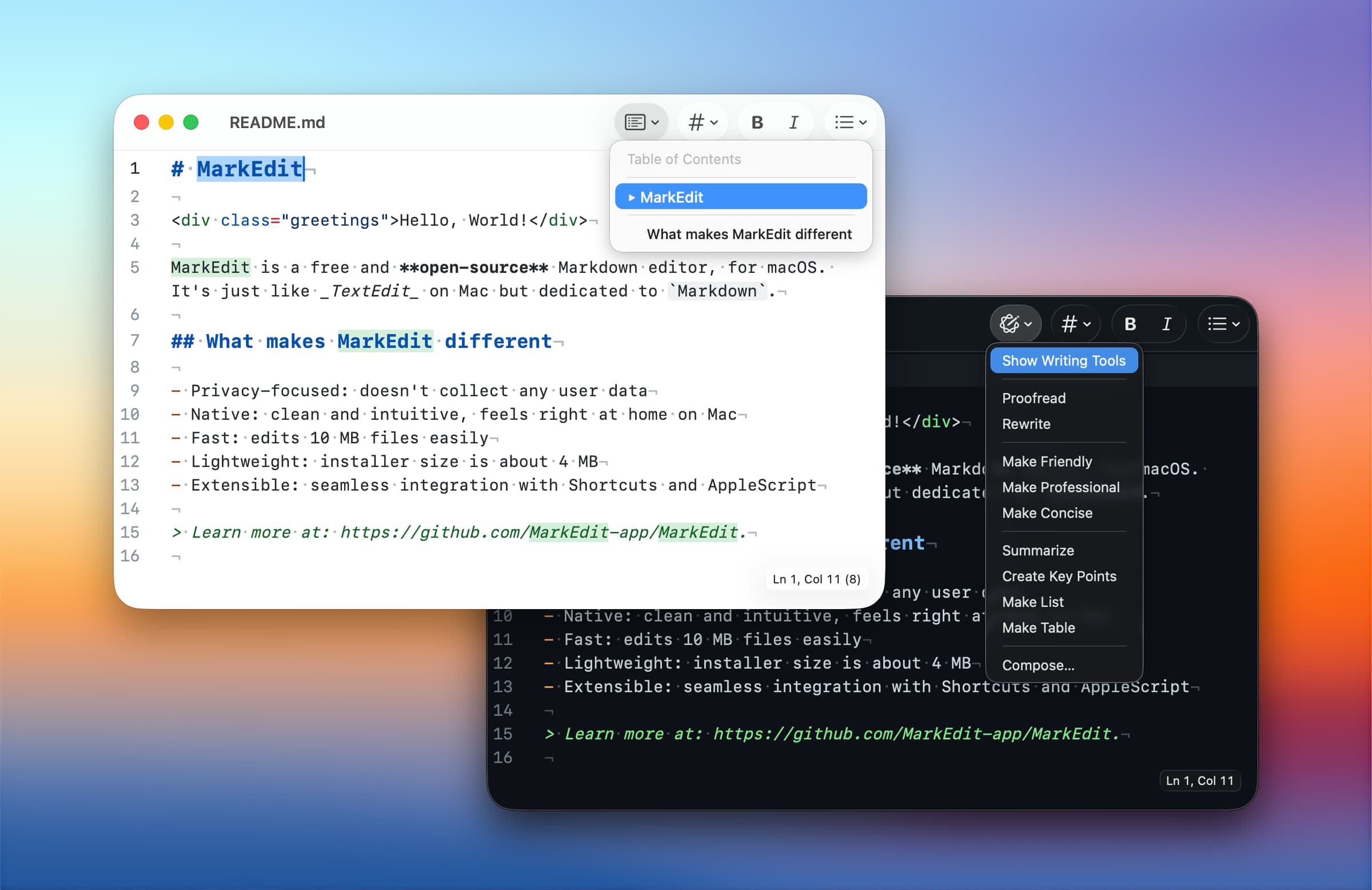
MarkEdit is what TextEdit would be if it were built for Markdown: open a file and start writing, with the same double-click-to-open simplicity as any other plain-text app on your Mac. Under the hood it's built on CodeMirror 6 rather than a WebView, so it stays fast and native even on large files.
Most Markdown editors are either Electron apps that feel foreign on macOS, or feature-heavy note-taking suites you don't need for quick edits. MarkEdit is neither — a 4MB installer, strict GFM compliance with no proprietary syntax extensions, and full support for macOS text conventions like force-touch word lookup, inline predictions, and Writing Tools.
Completely free and open source (MIT).
Writing & Documents · $29.99 · one-time (App Store, Free Trial)
Native Markdown editor for the plain .md files on your Mac: renders as you type, edits folders in place, no account.

Writing & Documents · $17.99 · one-time (App Store. Subscription options also available.)
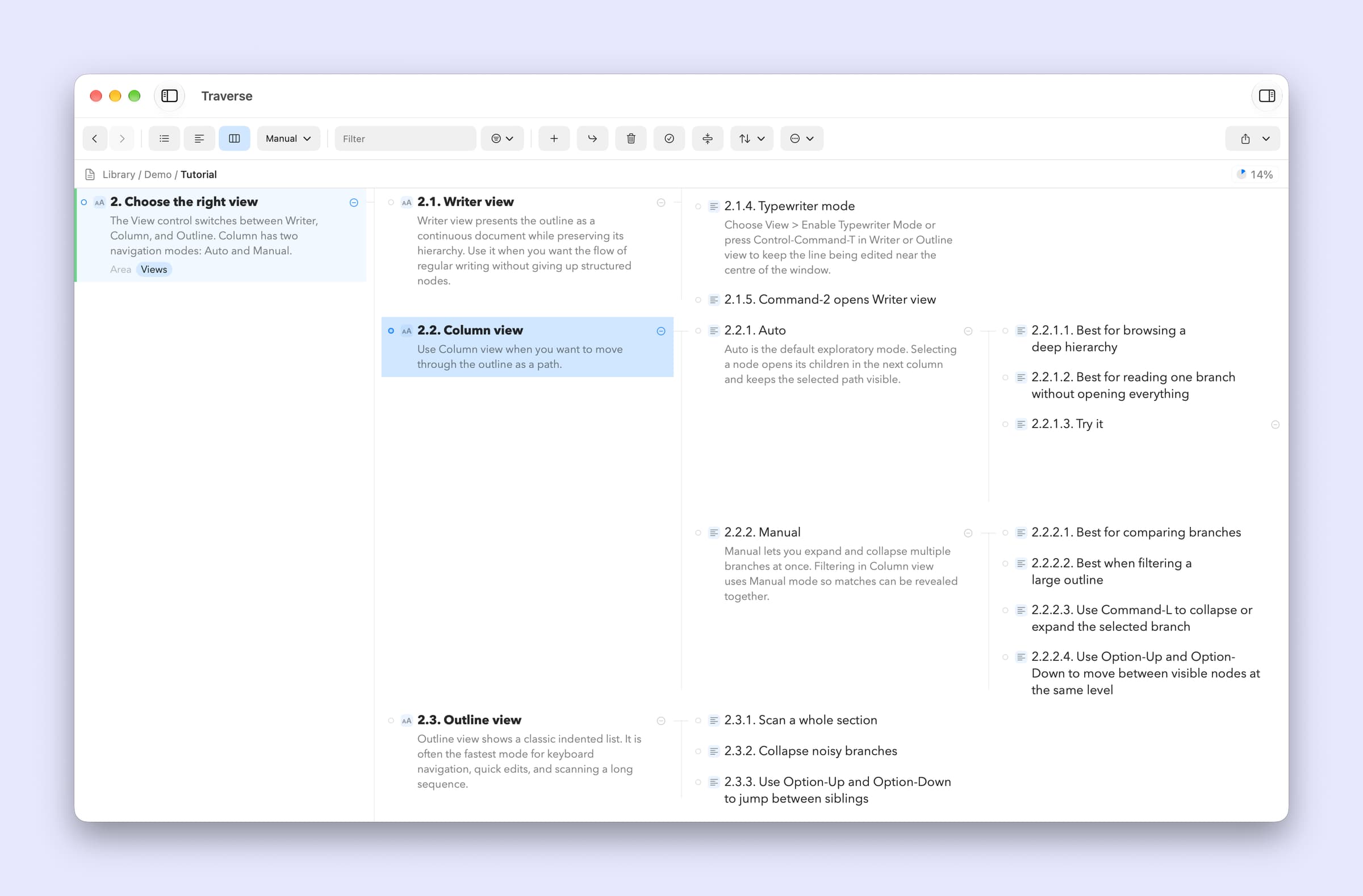
A native Mac outliner for turning messy ideas into structured writing, research, plans, and scripts, all stored as portable local OPML files
Writing & Documents · Free · free for 3 notes, $4.99 one-time for unlimited $0
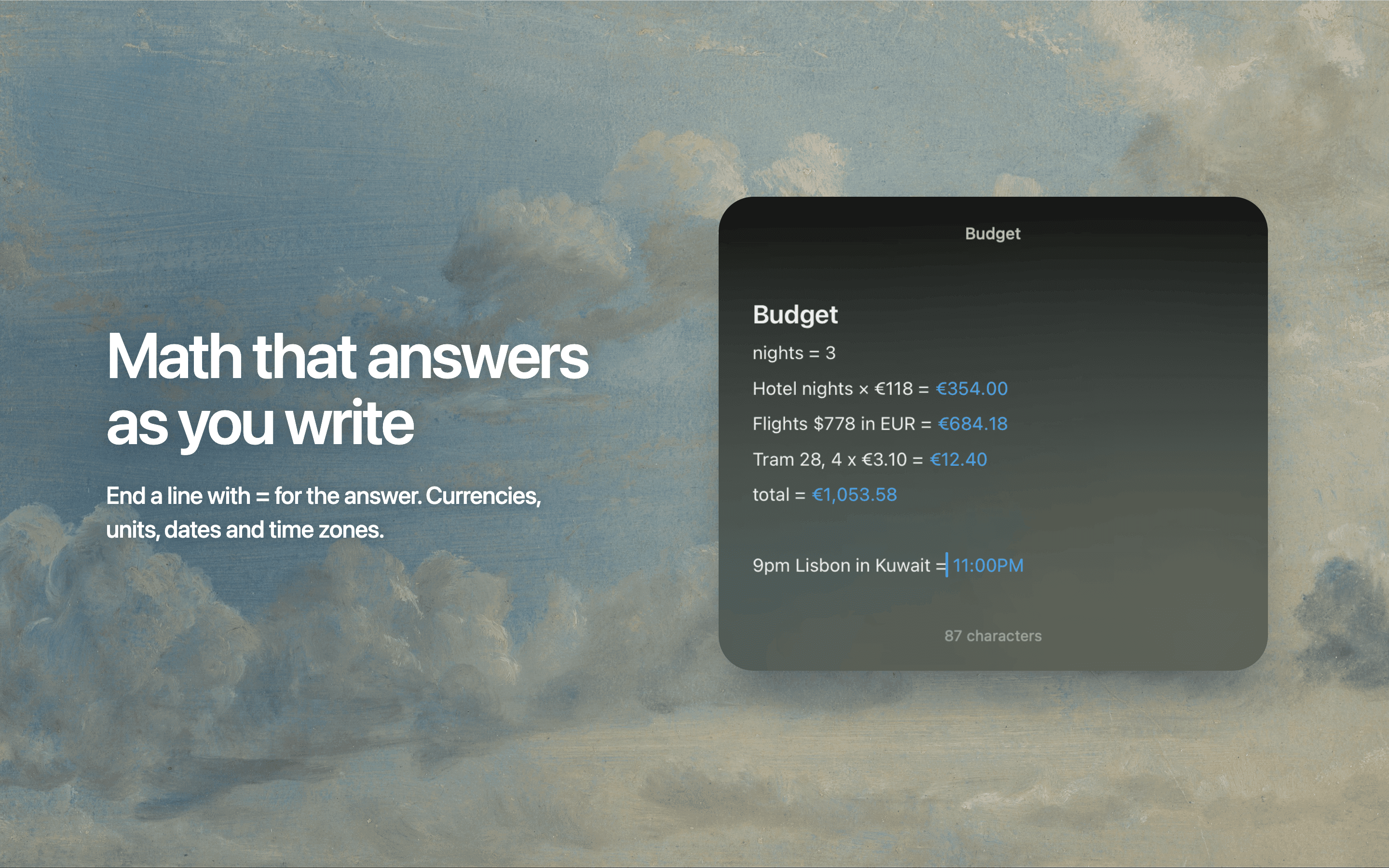
Floating Markdown notes for Mac that open over any app with one keystroke, or from the screen edge or notch.

Writing & Documents · Free · Pro $2.99
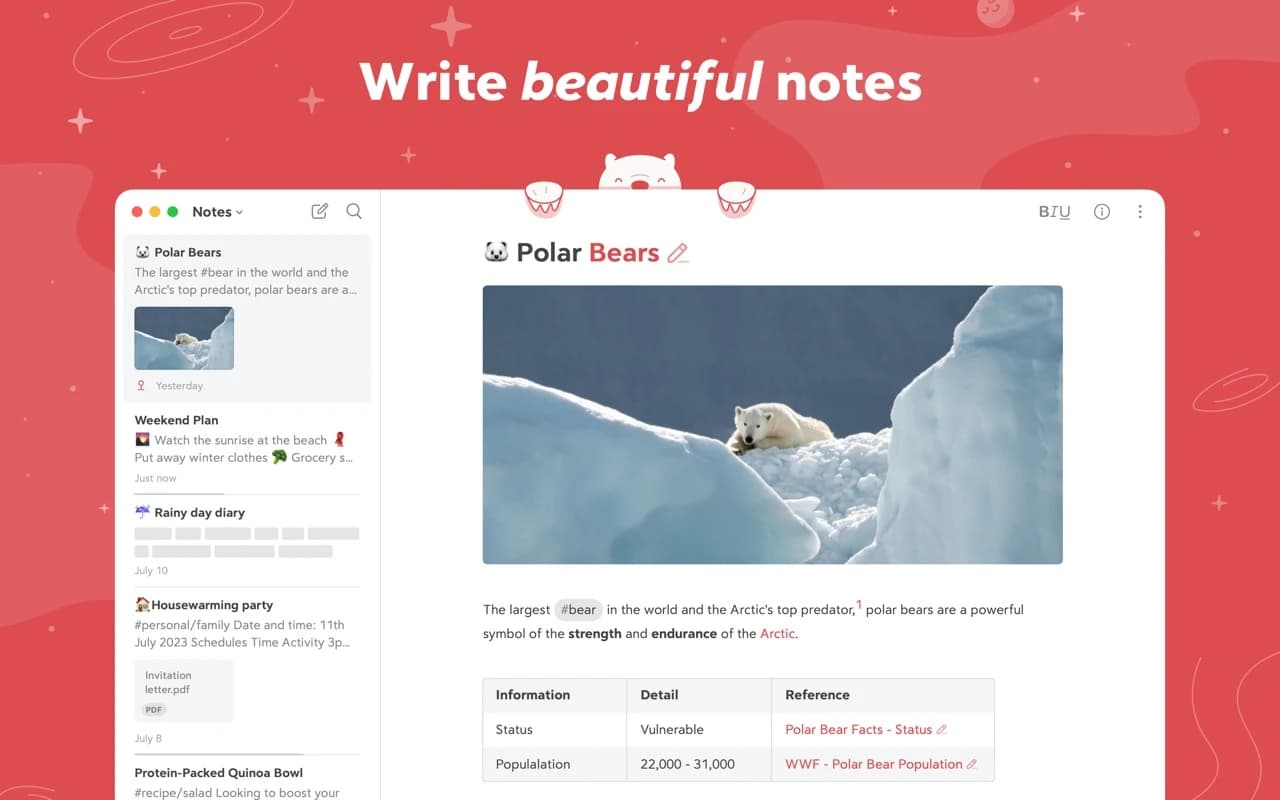
A focused Markdown notes app with a gorgeous editor, hashtag organization, and an Apple Design Award on the shelf.
Writing & Documents · $49.99 · one-time
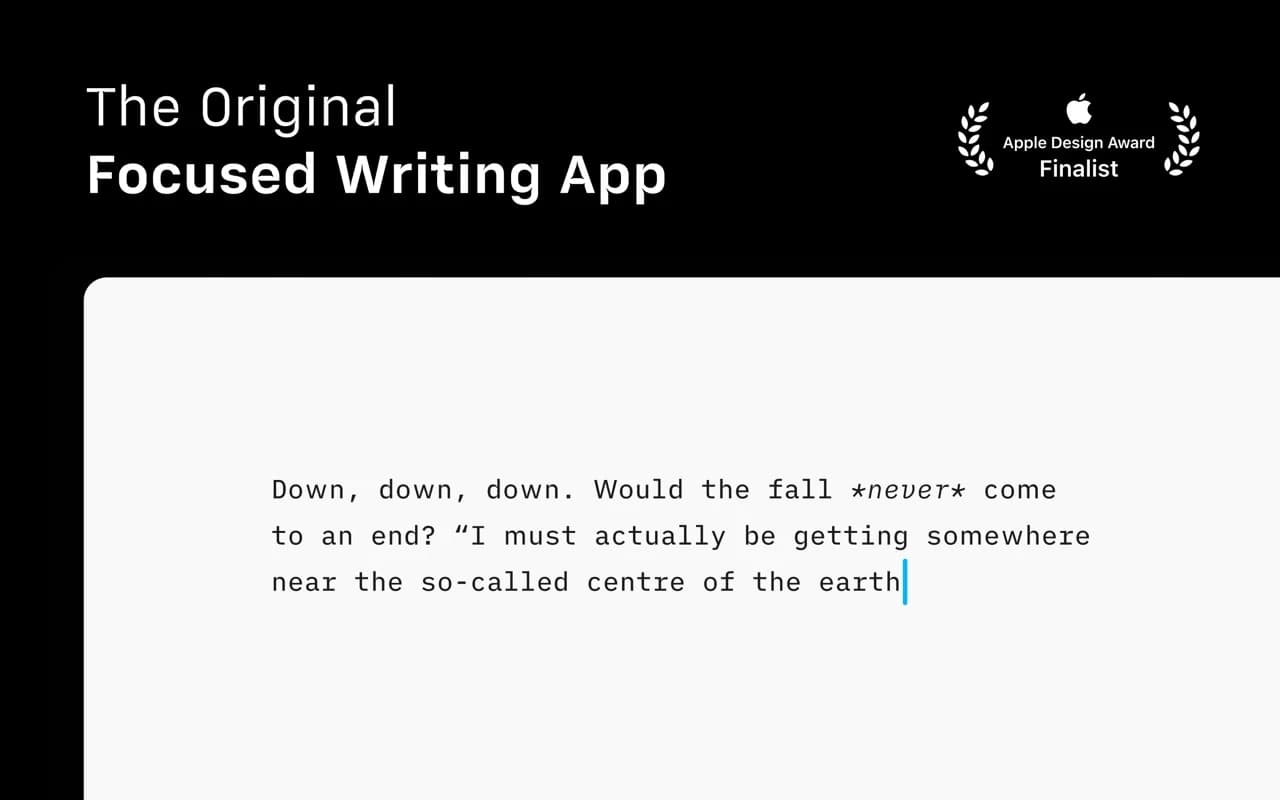
The writing app that made focused, plain-text Markdown a genre — a fixed mono typeface, a tuned measure, and nothing else to fiddle with.

Writing & Documents · Free
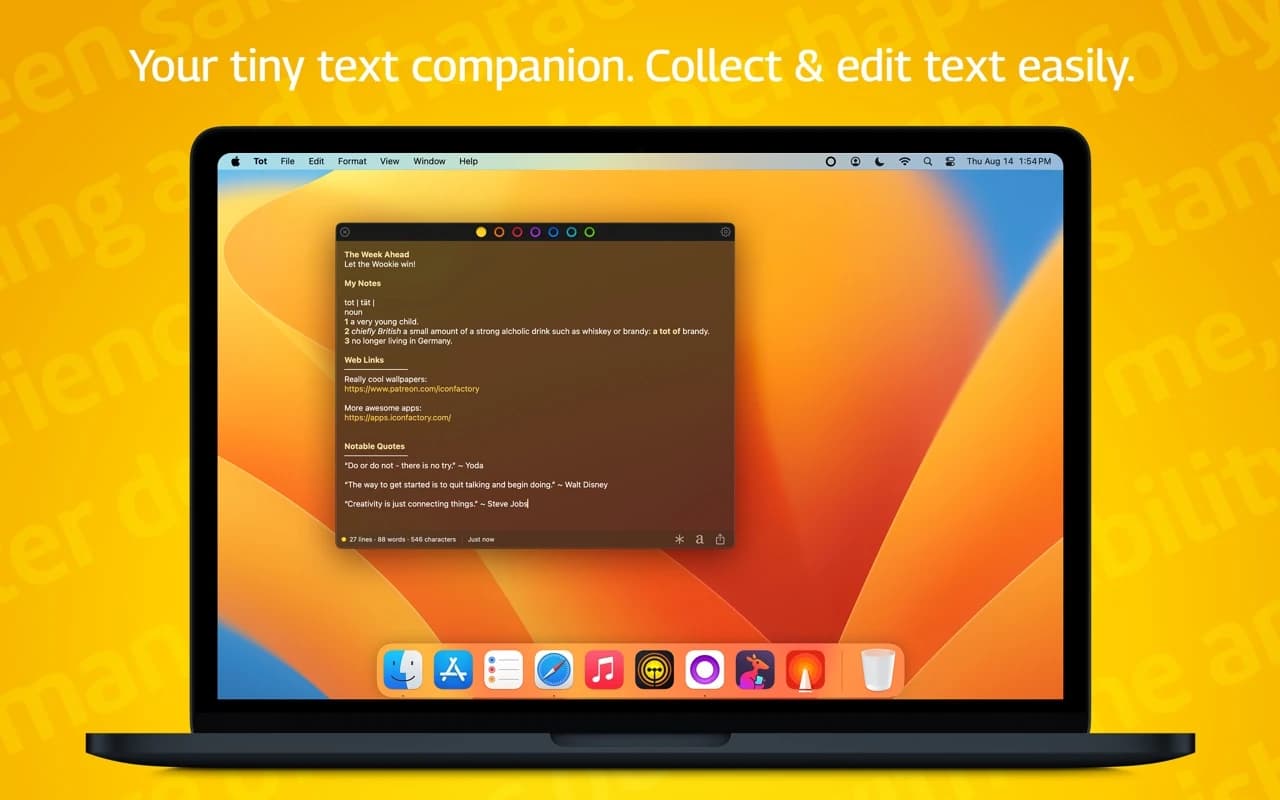
Seven dots, seven scratch pads — a tiny, gorgeous place to hold the text you would otherwise lose in a pile of untitled files.