Writing & Documents · $19.99 · one-time (Paid for major upgrades (for example 1.x -> 2.x))
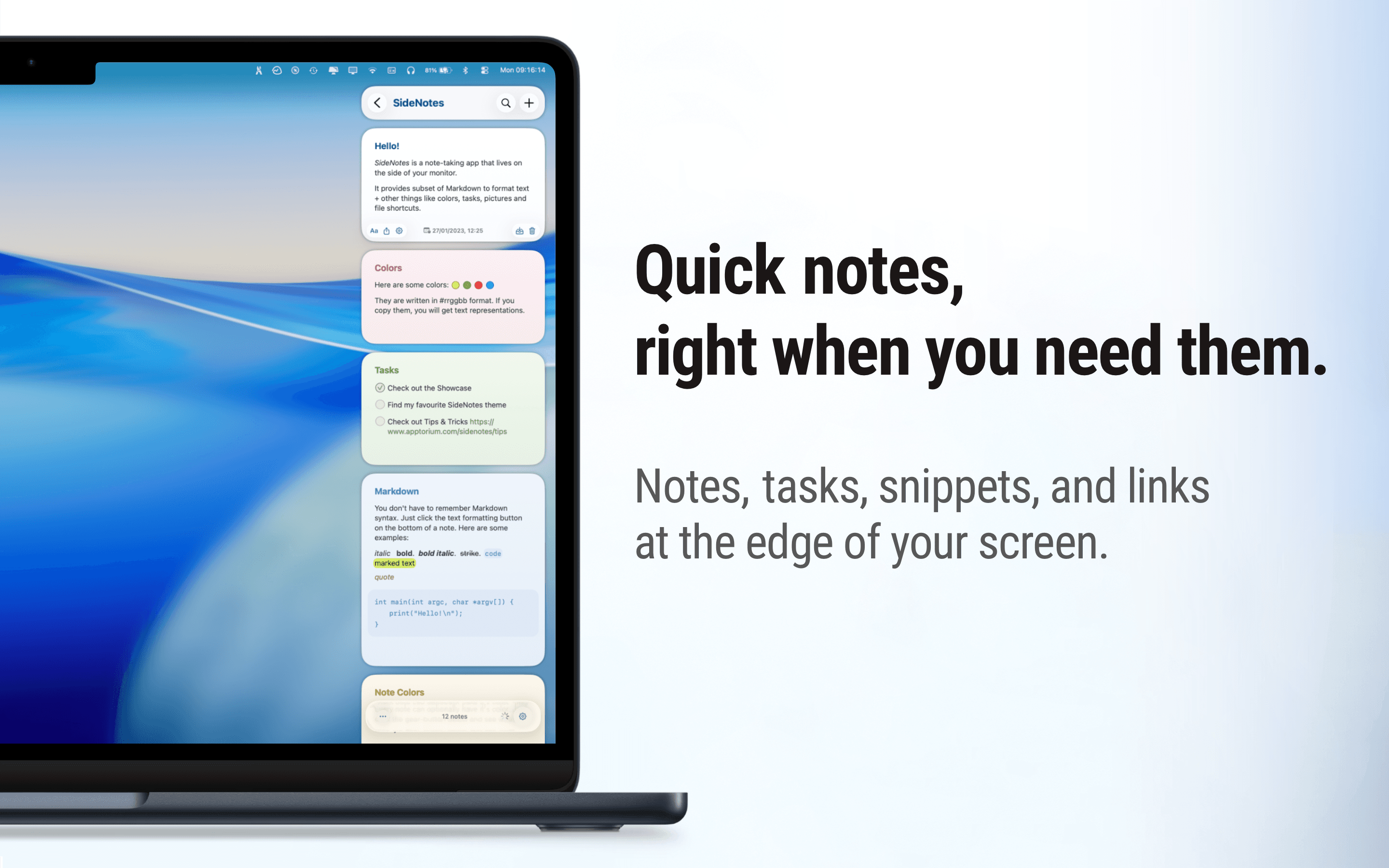
Native macOS notes that slide out from your screen edge, so you can capture tasks, links, and snippets without leaving your work.
Seven dots, seven scratch pads — a tiny, gorgeous place to hold the text you would otherwise lose in a pile of untitled files.
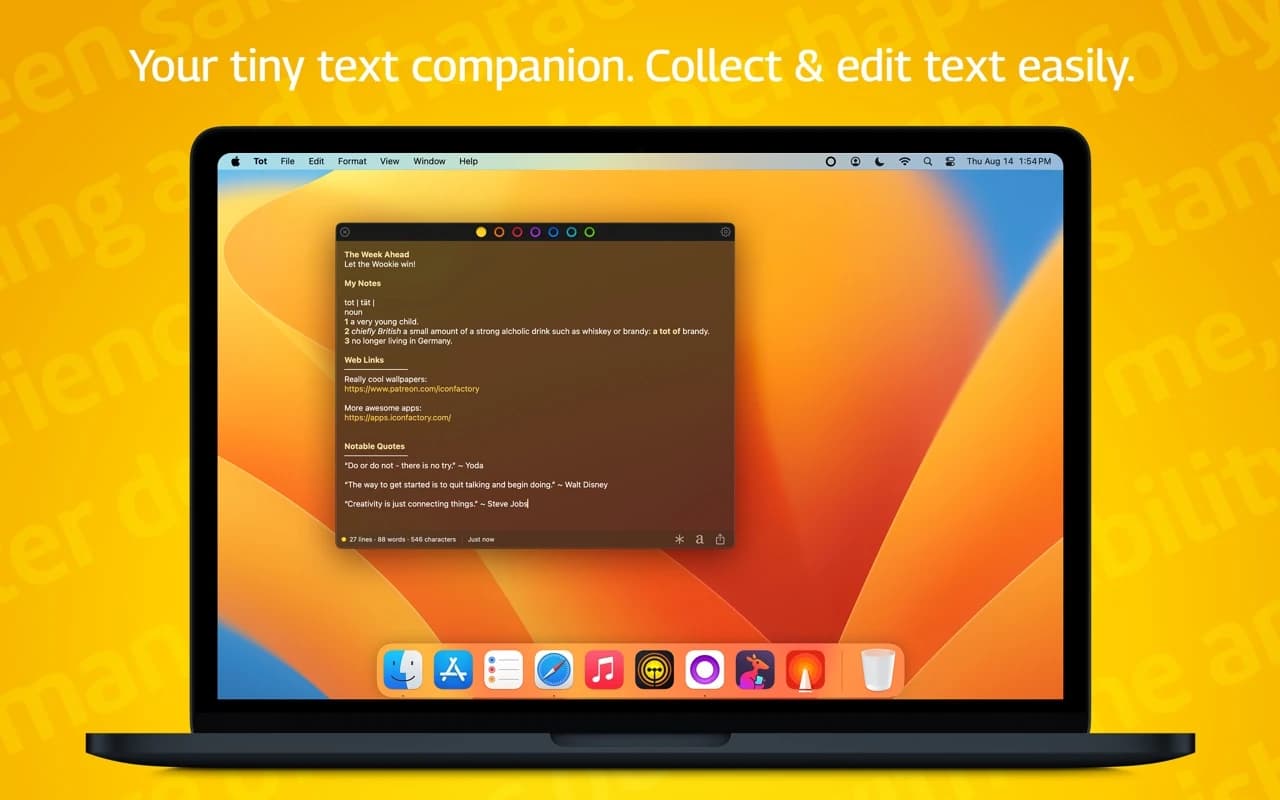
Tot is a text scratchpad with exactly seven slots, each a coloured dot in the toolbar. There is no file management, no list of documents to prune — just seven places for the things you are holding onto right now: a draft reply, a code snippet, a shopping list, notes from a call.
Tot is from The Iconfactory, and it is a small masterclass in constraint. The seven-dot limit sounds arbitrary until you use it and realize it is the whole point — enough room to be useful, little enough that it stays tidy. It handles both plain text and rich text, syncs instantly across devices, and lives in the menu bar a keystroke away.
Seven fixed pads, switchable by click or keyboard shortcut
Plain-text or rich-text per dot, with Markdown shortcuts
Menu-bar and global hotkey access from anywhere
Instant iCloud sync with iPhone and iPad
Word and character counts, dark mode, and system-wide services
Deliberately no accounts, no clutter, no settings maze
Free on the Mac. The iPhone and iPad app is a separate one-time purchase.
Featured in:
Writing & Documents · $19.99 · one-time (Paid for major upgrades (for example 1.x -> 2.x))
Native macOS notes that slide out from your screen edge, so you can capture tasks, links, and snippets without leaving your work.

Writing & Documents · Free · Pro $2.99
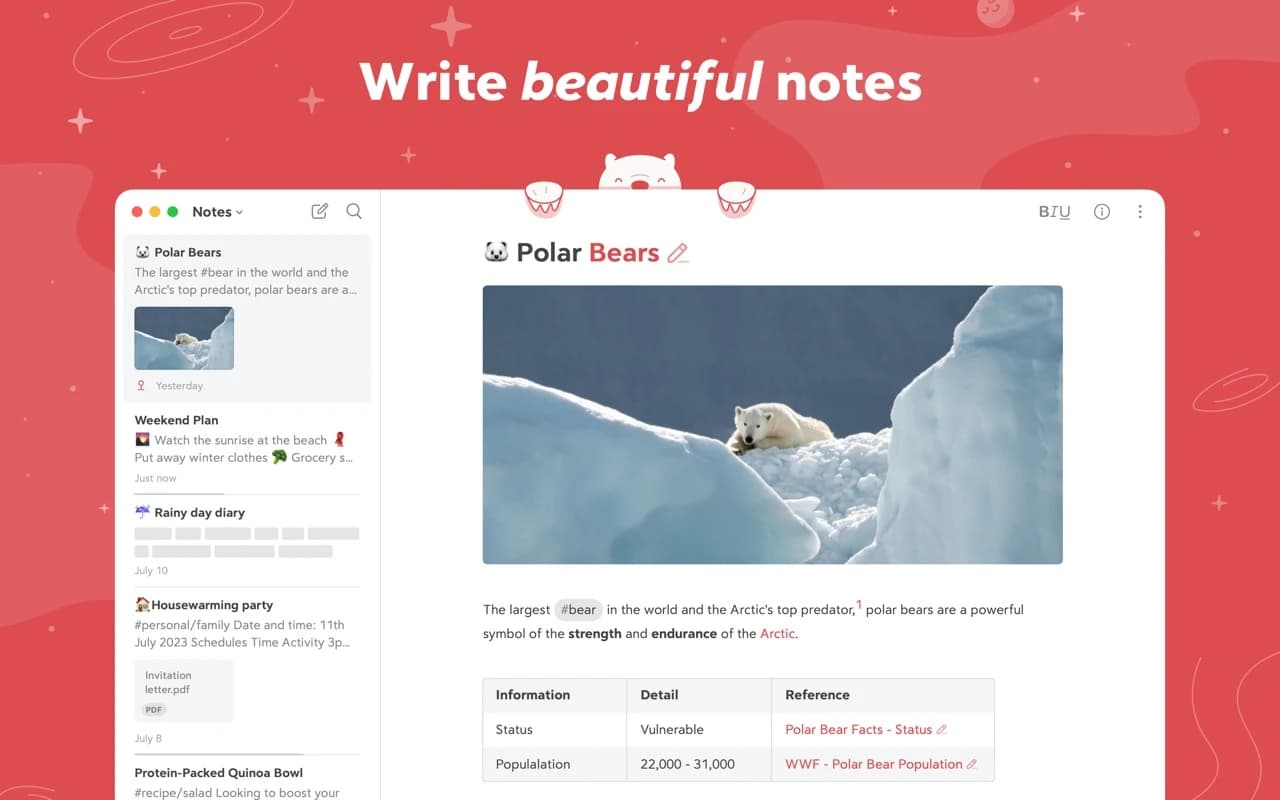
A focused Markdown notes app with a gorgeous editor, hashtag organization, and an Apple Design Award on the shelf.
Productivity · $12 · one-time (One-time, free 24-hour trial)
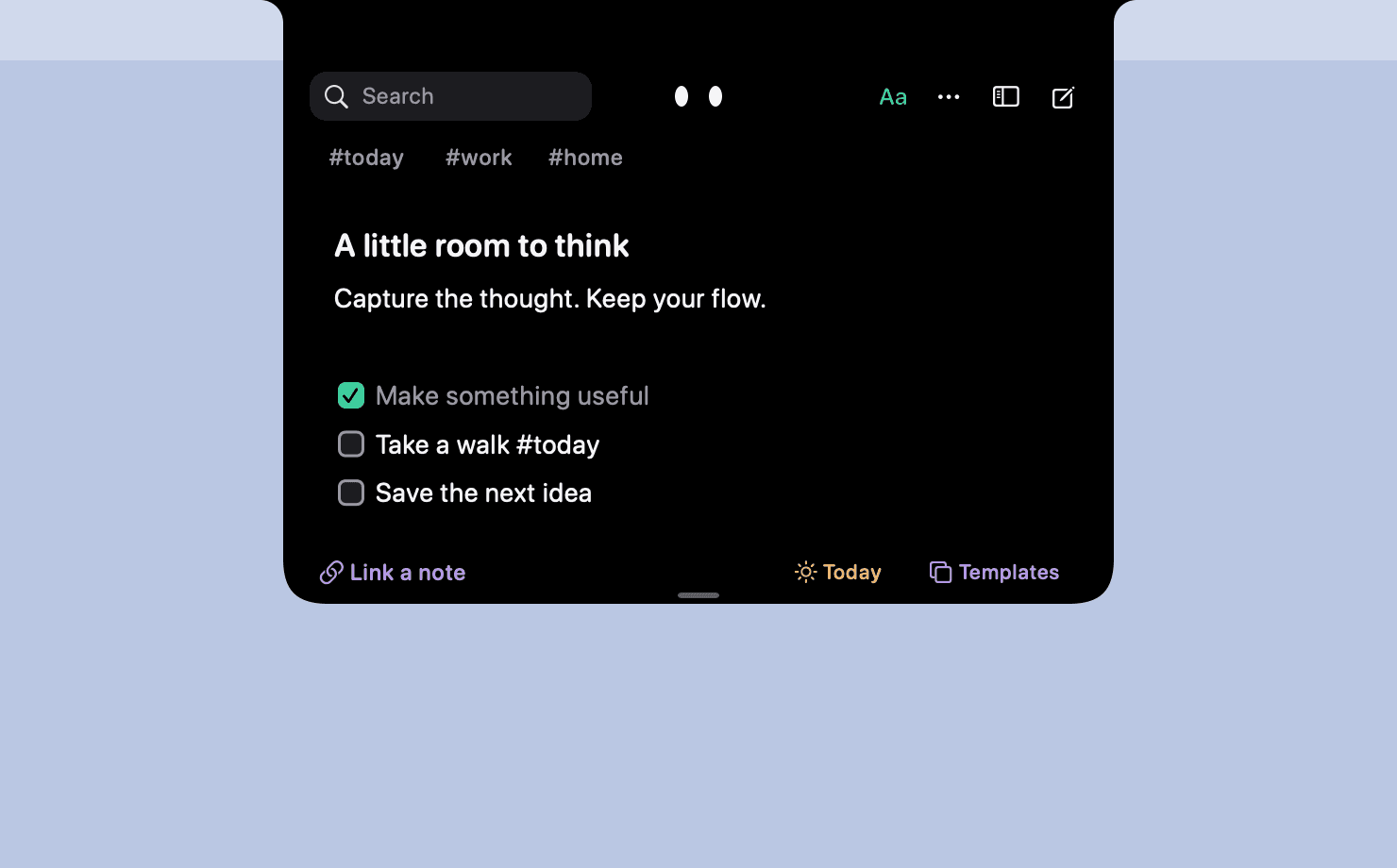
Catch a thought without leaving what you are doing. Notes, checklists and a little companion in your Mac's notch.
Writing & Documents · Free & open source
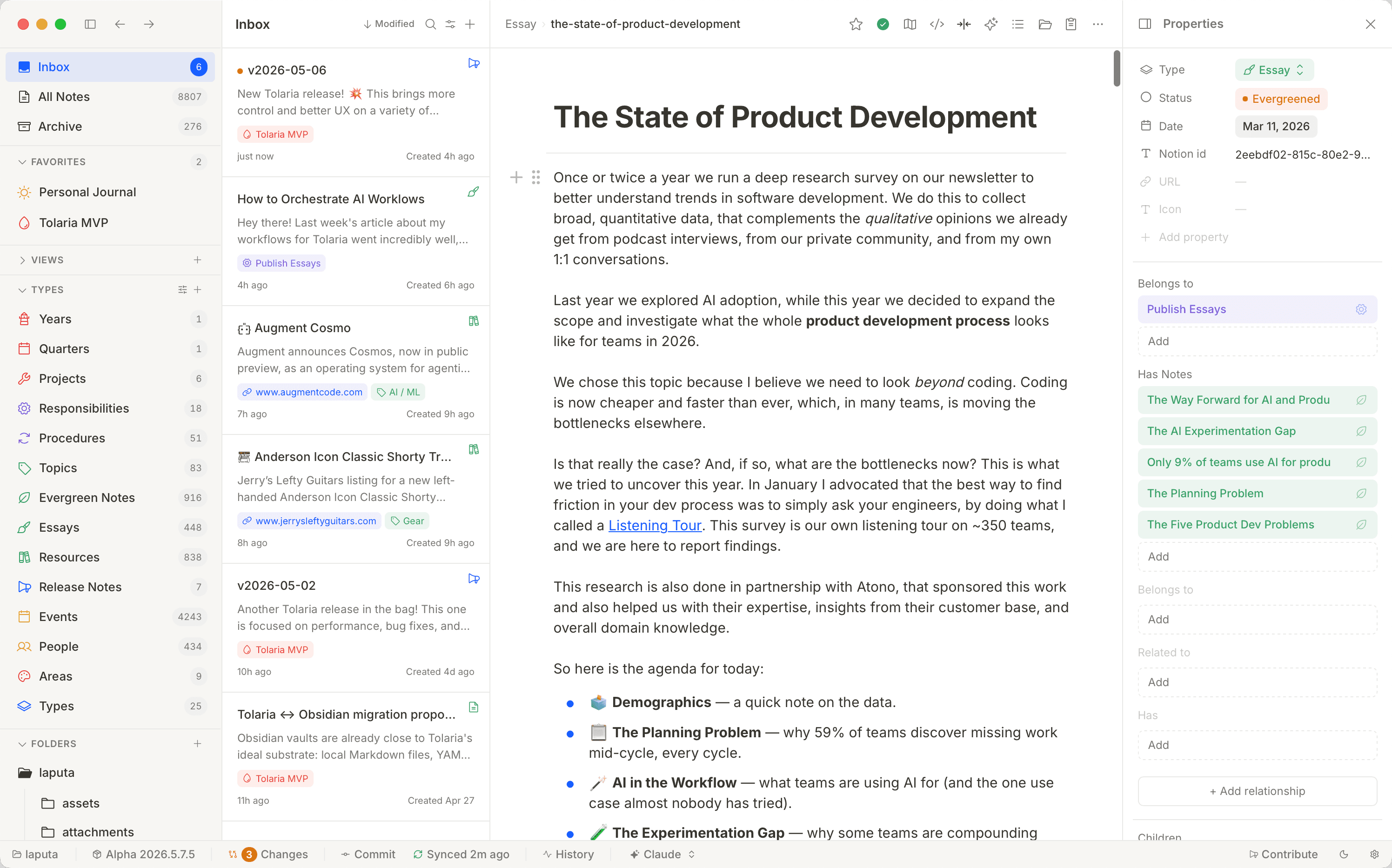
A free, open-source second brain — notes live as local Markdown files with native Git history and built-in AI agents, no proprietary database.

Writing & Documents · $29.99 · one-time (App Store, Free Trial)
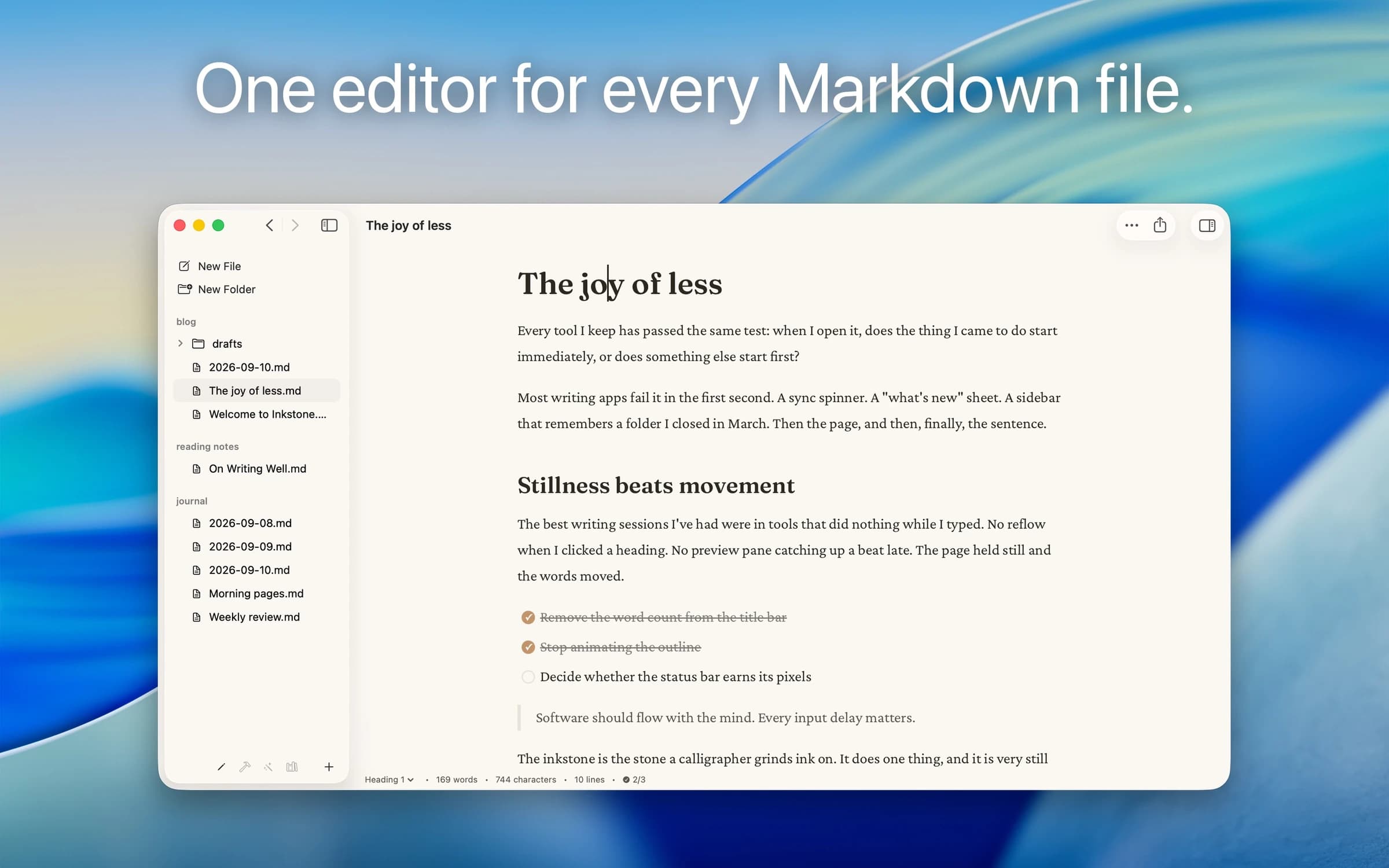
Native Markdown editor for the plain .md files on your Mac: renders as you type, edits folders in place, no account.
Writing & Documents · $17.99 · one-time (App Store. Subscription options also available.)
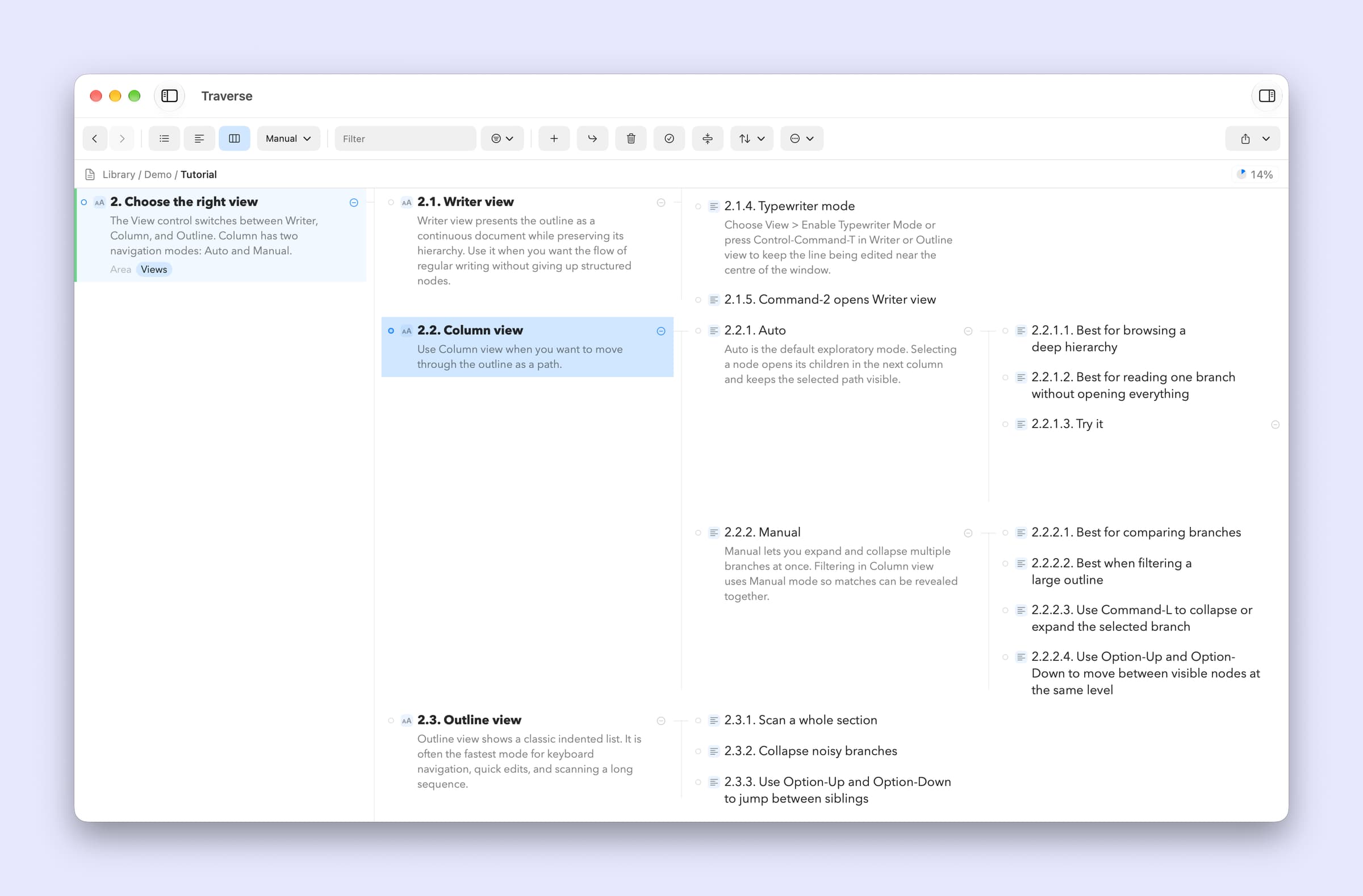
A native Mac outliner for turning messy ideas into structured writing, research, plans, and scripts, all stored as portable local OPML files