
Best Mac Apps for Writers (2026)
Compare native Mac apps for drafting, markdown writing, PDF annotation, and voice-to-text — with free and paid pricing at a glance.
9 apps · Updated
These native Mac apps for writers cover capture, drafting, source PDFs, and voice-to-text — the tools that sit between a blank page and a finished draft. Start with Drafts for capture and iA Writer (or Bear) for the draft itself, then add specialists as your work demands them. This shortlist favors native Mac apps with clear, practical use cases over subscription suites.
Mac writing apps: use cases and pricing
| App | Best for | Pricing |
|---|---|---|
 Drafts Drafts | Capturing an idea the instant it strikes, before deciding what it is | Free Pro $2.99/month |
 Tot Tot | Seven scratch pads for text you'd otherwise lose in untitled files | Free |
 iA Writer iA Writer | Focused, plain-text Markdown drafting — long-form with no distractions | $49.99 once |
 Bear Bear | Everyday Markdown notes, tagged and synced across devices | Free Pro $2.99/month |
 Glance Glance | Instant Markdown preview in Quick Look — tables, Mermaid, LaTeX | Free Pro $9.99 once |
 PDF Expert PDF Expert | Reading and annotating source PDFs, contracts, and manuscripts | Free Premium plan |
 MacWhisper MacWhisper | Transcribing interviews, calls, and voice-memo recordings | Free Pro $59 once |
 Wispr Flow Wispr Flow | Talking instead of typing — dictation that cleans up as it goes | Free tier Pro $12/month |
 VoiceInk VoiceInk | Open-source, on-device dictation with a hotkey | $25 · open source |
 Maccy Maccy | Reusing quotes, links, and snippets from clipboard history | Free $9.99 App Store option |
 Be Focused Be Focused | Protecting writing sessions with a Pomodoro timer | Free One-time Pro upgrade |
 Fantastical Fantastical | Tracking deadlines, pitches, and an editorial calendar | Free Premium subscription |
Prices in USD; taxes may apply. Free tiers and trials have limits. Follow pricing links for current terms.
Which app fits your writing workflow?
- Capture → draft: Drafts or Tot to catch the idea the moment it happens, then iA Writer for a distraction-free long-form draft, or Bear if you want tags and a synced library of everything you've written.
- Working from sources: PDF Expert for annotating research, contracts, or manuscript PDFs; Glance if you're writing in Markdown and just need an instant, native preview as you go.
- Voice instead of typing: Wispr Flow or VoiceInk for dictating a draft live — pick one, they do the same job. MacWhisper is different: it transcribes existing recordings, so reach for it after an interview or voice memo, not instead of typing.
- Staying on track: Be Focused for timed writing sessions, Maccy for a clipboard history of quotes and links you keep reusing, Fantastical for deadlines and an editorial calendar.
Explore the app cards below for screenshots and downloads, or browse the full Mac writing & PDF tools directory.
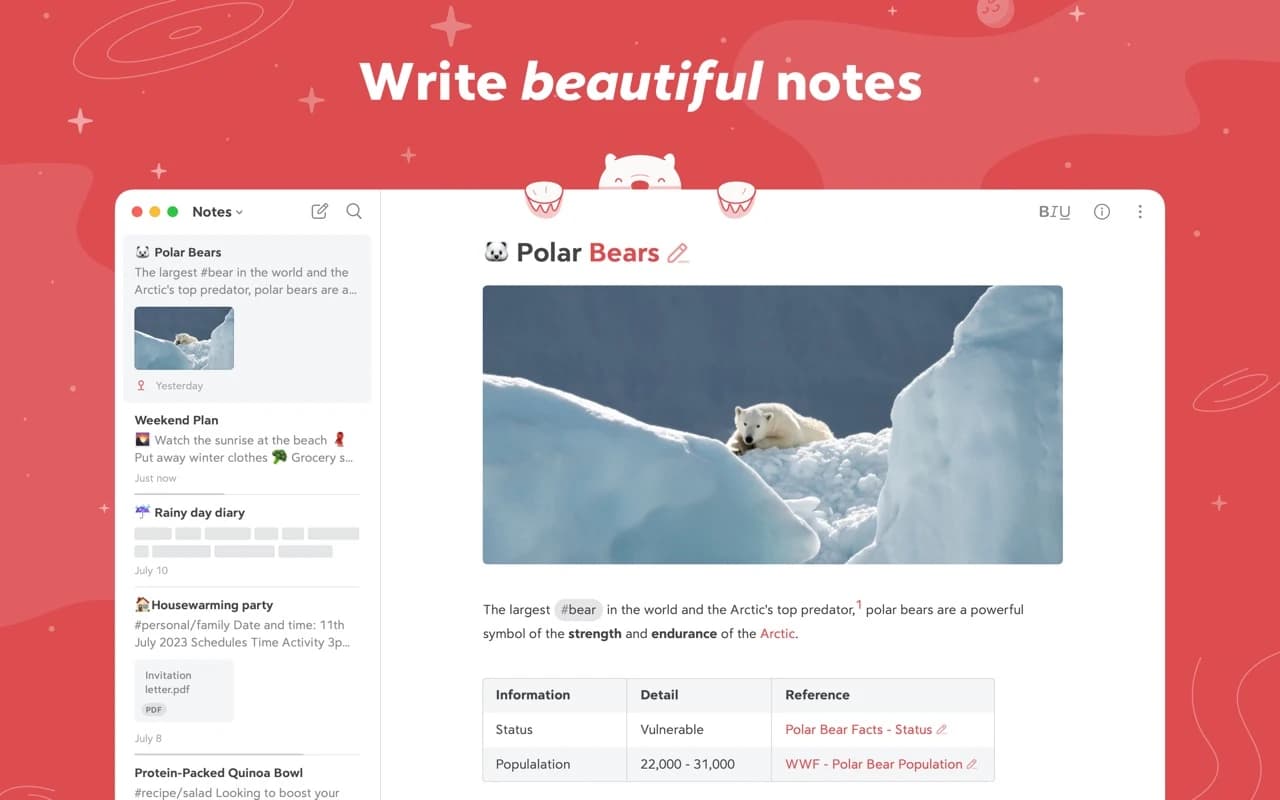
Writing & Documents · Free · Pro $2.99
A focused Markdown notes app with a gorgeous editor, hashtag organization, and an Apple Design Award on the shelf.
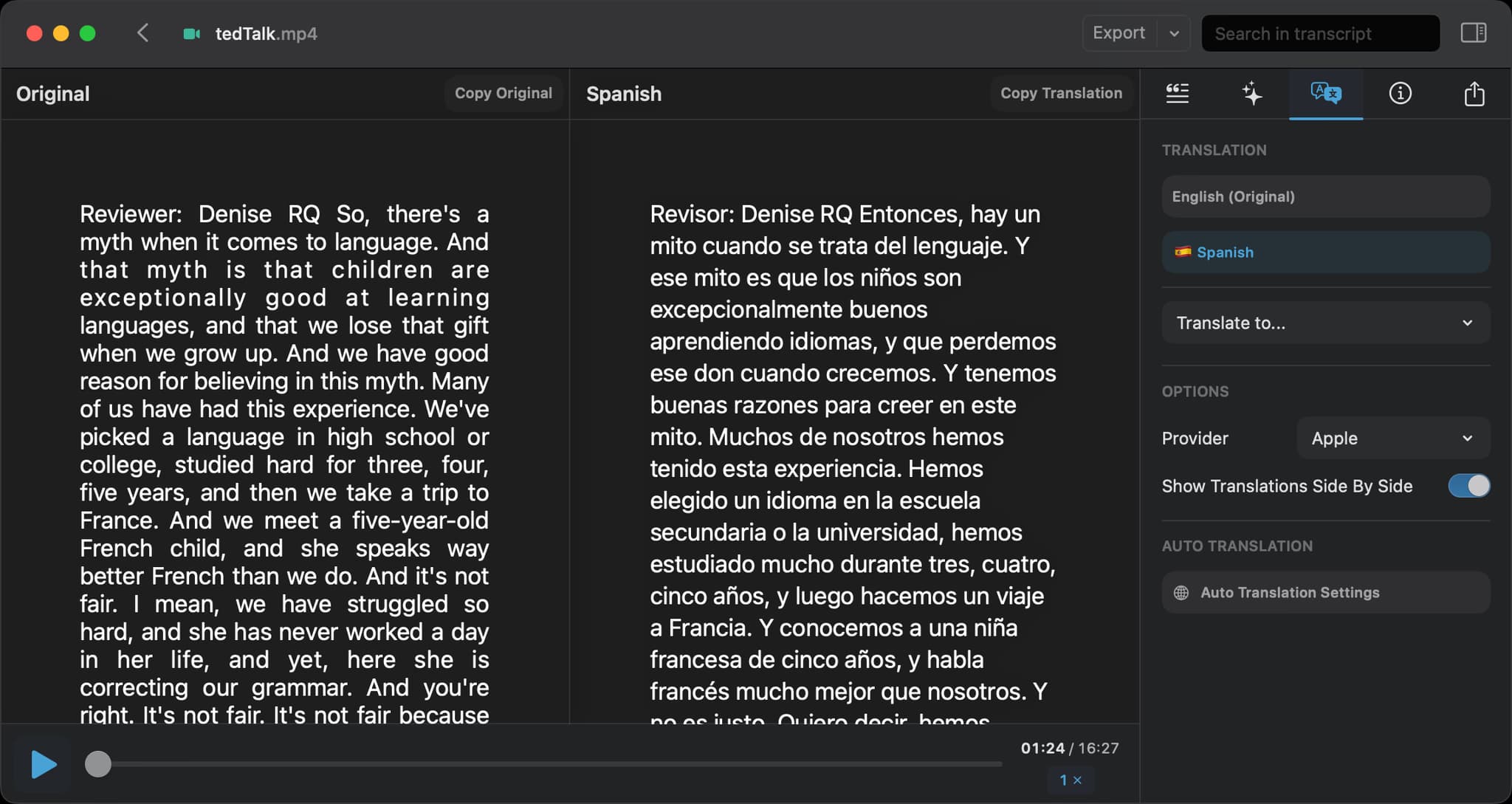
Audio & Voice · Free · Pro, one-time $59
Drag in audio or video and get an accurate, speaker-labelled transcript — running OpenAI's Whisper models entirely on your Mac.
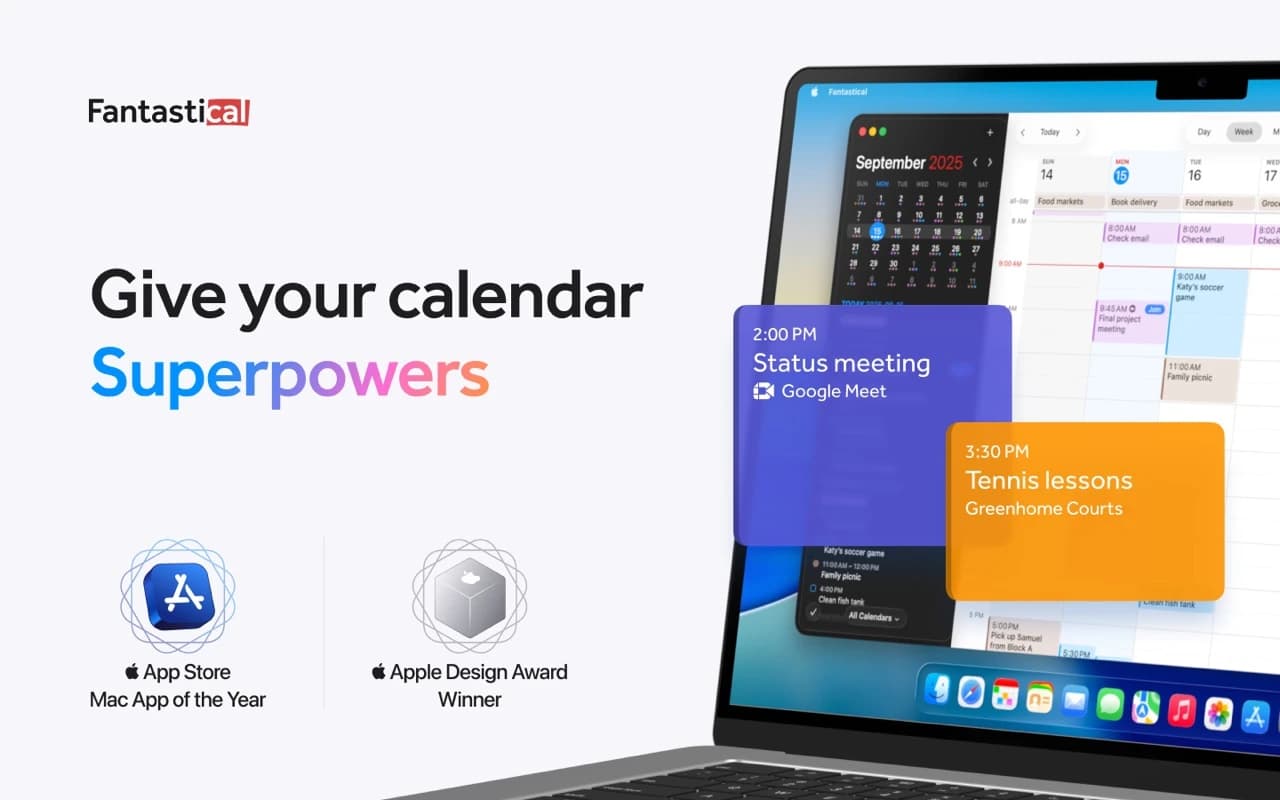
Productivity · Free · Flexibits Premium subscription
The calendar app that set the bar for the category — natural-language event entry, a beautiful week view, and every calendar account in one place.
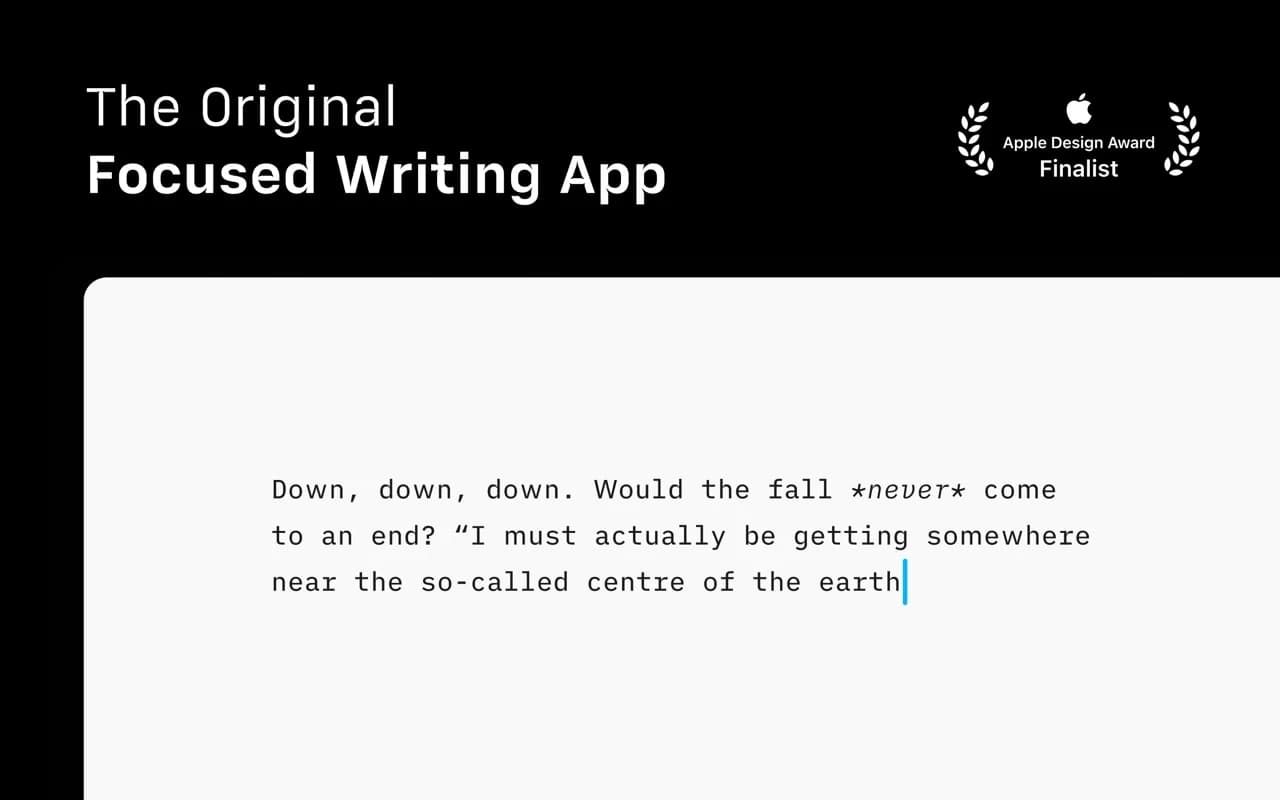
Writing & Documents · $49.99 · one-time
The writing app that made focused, plain-text Markdown a genre — a fixed mono typeface, a tuned measure, and nothing else to fiddle with.
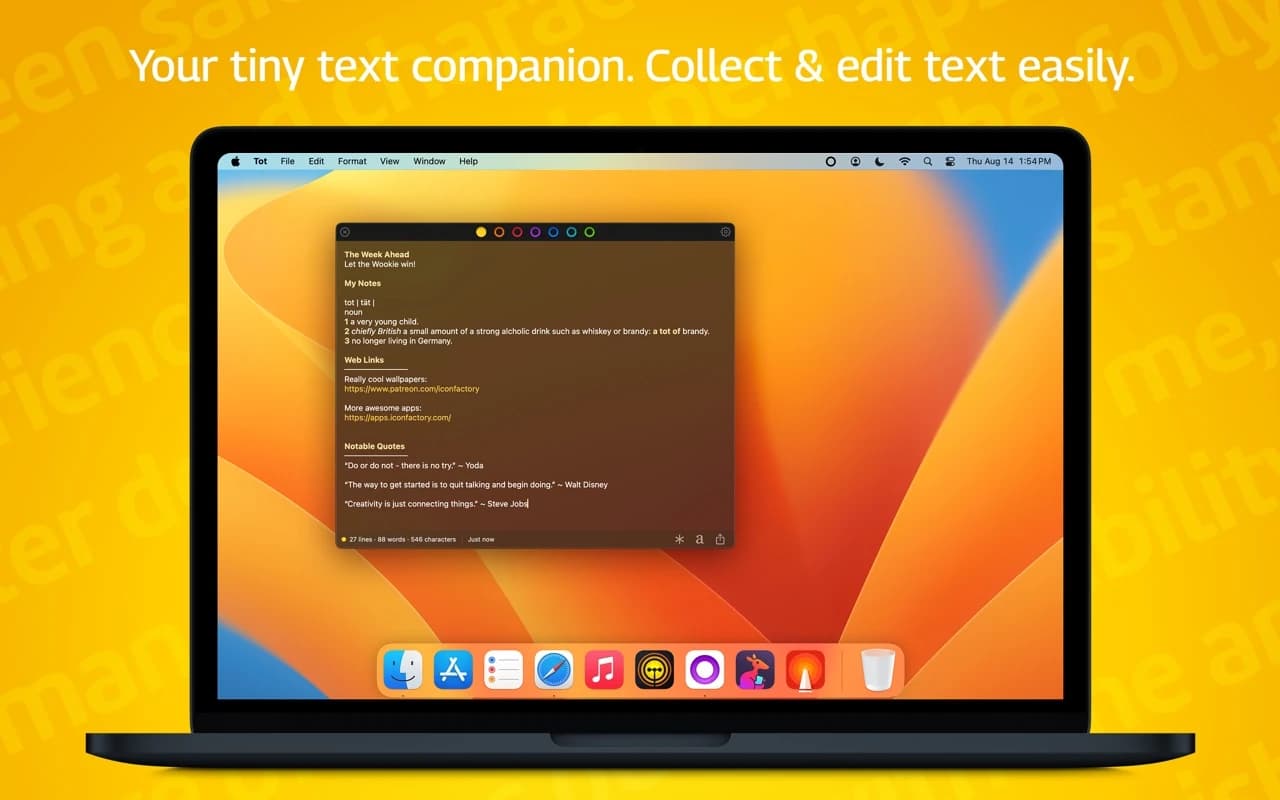
Writing & Documents · Free
Seven dots, seven scratch pads — a tiny, gorgeous place to hold the text you would otherwise lose in a pile of untitled files.
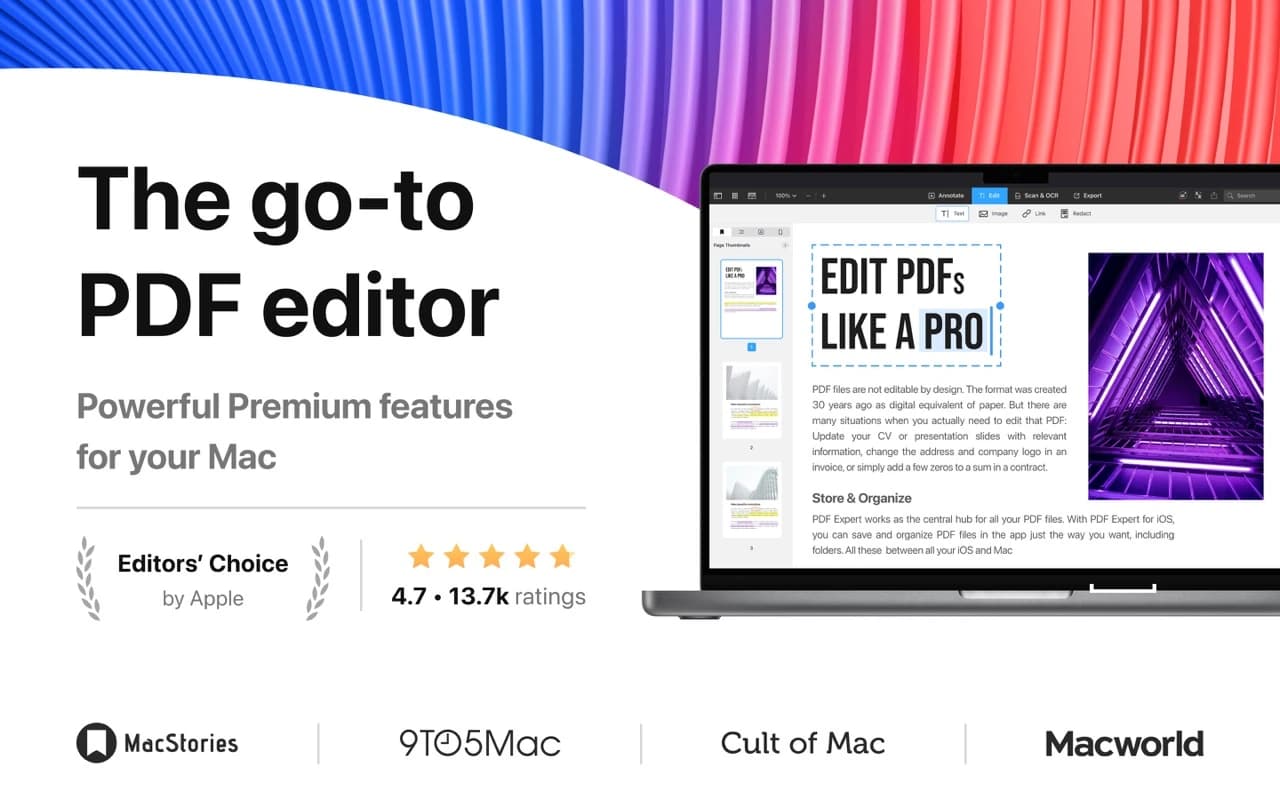
Writing & Documents · Free · Premium plan
The PDF app that feels native — read, annotate, edit text and images, fill and sign forms, and redact, all at a speed the incumbents never manage.
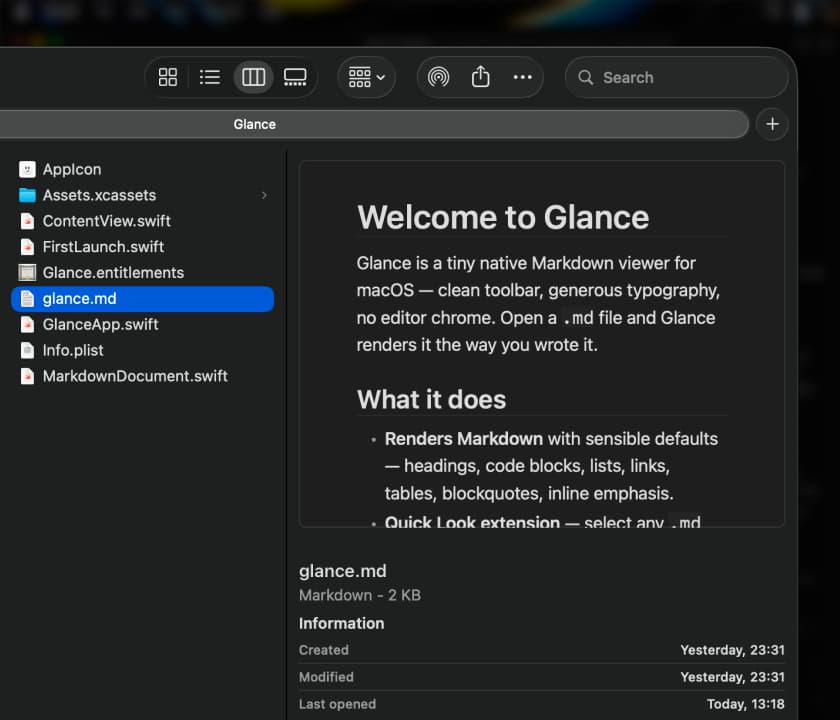
Writing & Documents · Free · Pro, one-time $9.99
A native macOS Quick Look extension and viewer for Markdown — instant, WebView-free rendering with Mermaid diagrams, LaTeX math, tables, and code highlighting.
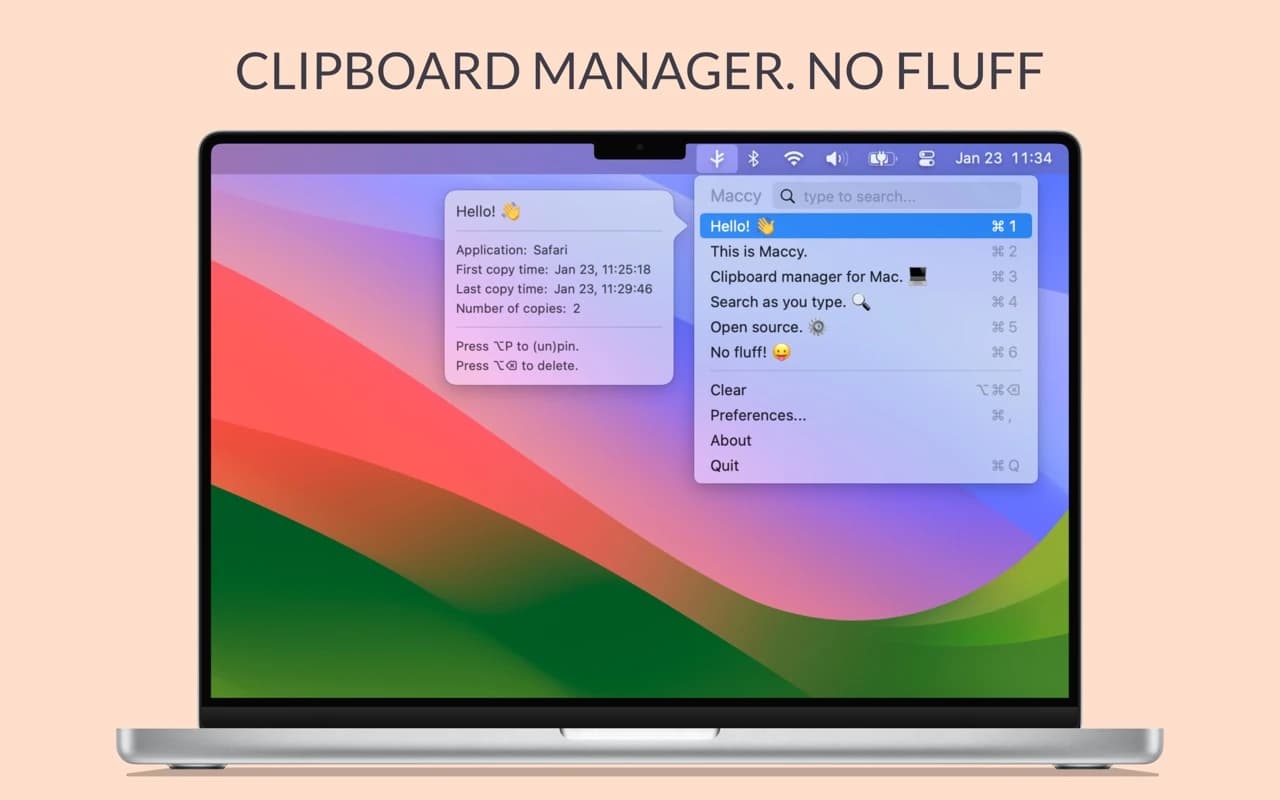
Productivity · Free & open source
A lightweight, open-source clipboard manager for macOS — search your clipboard history from a keystroke, with no account and no background bloat.
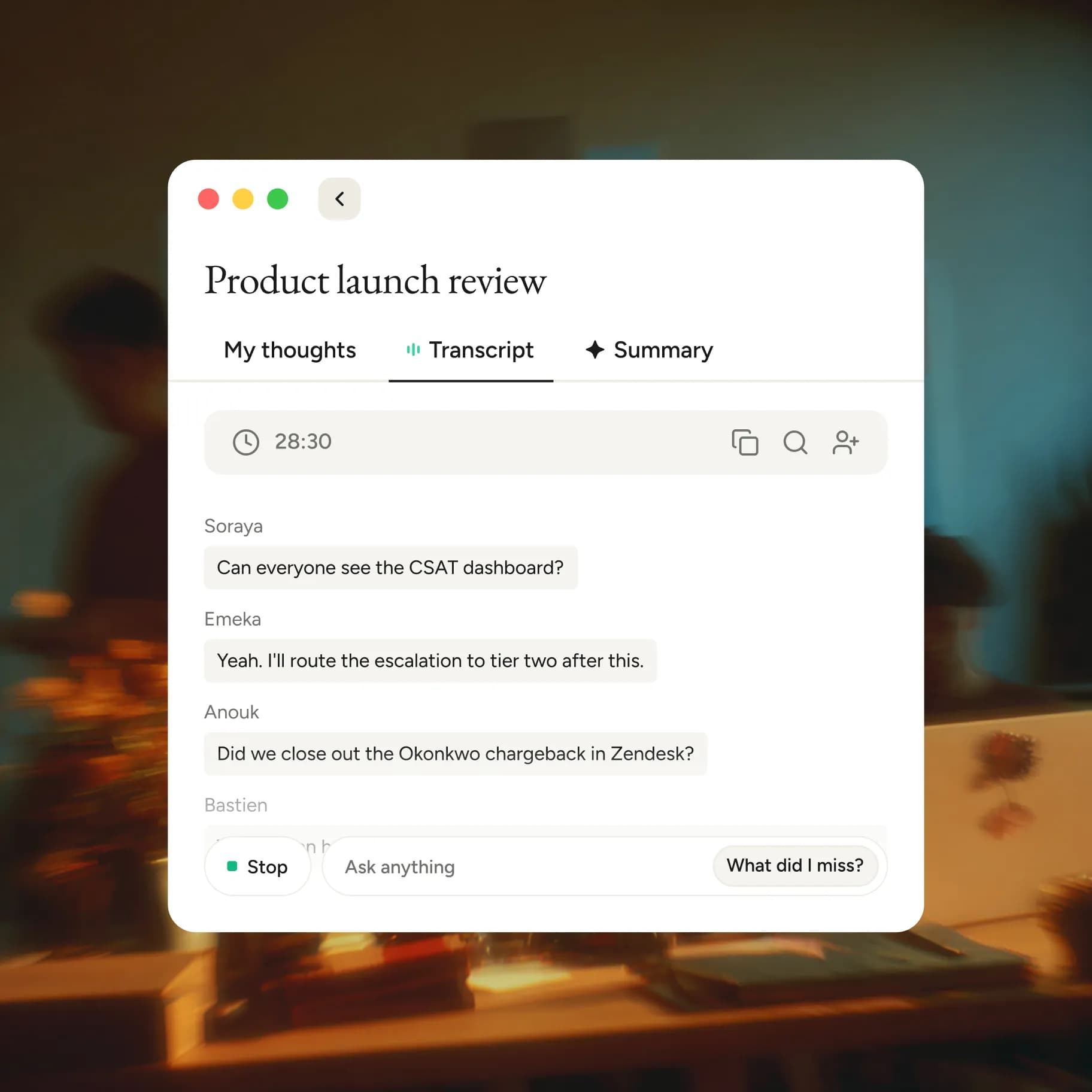
Audio & Voice · Free · Pro $12
Speak instead of type — Flow turns rambling speech into clean, formatted text in any app, learns your vocabulary, and doubles as an AI meeting notetaker.