


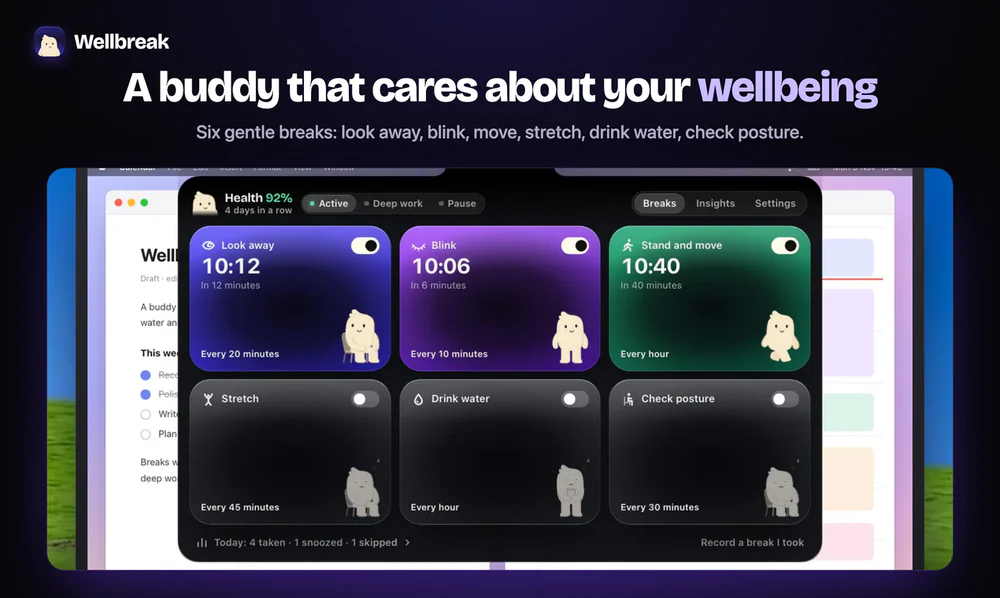

Your wellbeing buddy in the Mac's notch. He takes each break with you: look away, blink, stretch, sip water, sit up tall.
Productivity
This submission was rejected.
Be Focused
A straightforward Pomodoro timer for the Mac menu bar — set work intervals, tie them to tasks, and review how your focused time added up over the week.
Free · one-time Pro upgradeby Xwavesoft
Be Focused breaks work into timed intervals with short breaks in between — the classic Pomodoro method. It lives in the menu bar, counts down where you can see it, and logs every completed interval against a task.
Why it makes the list
It is the no-nonsense take on focus timers: no subscription pushed in your face, no social feed, no gamified streaks. Just a clean timer, per-task tracking, and simple charts that show where your attention actually went.
Standout features
-
Customisable intervals and break lengths, with a long break after a set number of rounds
-
Task list so each interval is tied to something concrete
-
Menu-bar countdown and optional full-screen alerts
-
Daily and weekly reports with completed intervals per task
-
Sync across Mac, iPhone, and iPad
Pricing
Free with ads and the core timer. A one-time Pro upgrade removes ads and unlocks unlimited tasks, custom intervals, and full reports.
Featured in
More like Be Focused
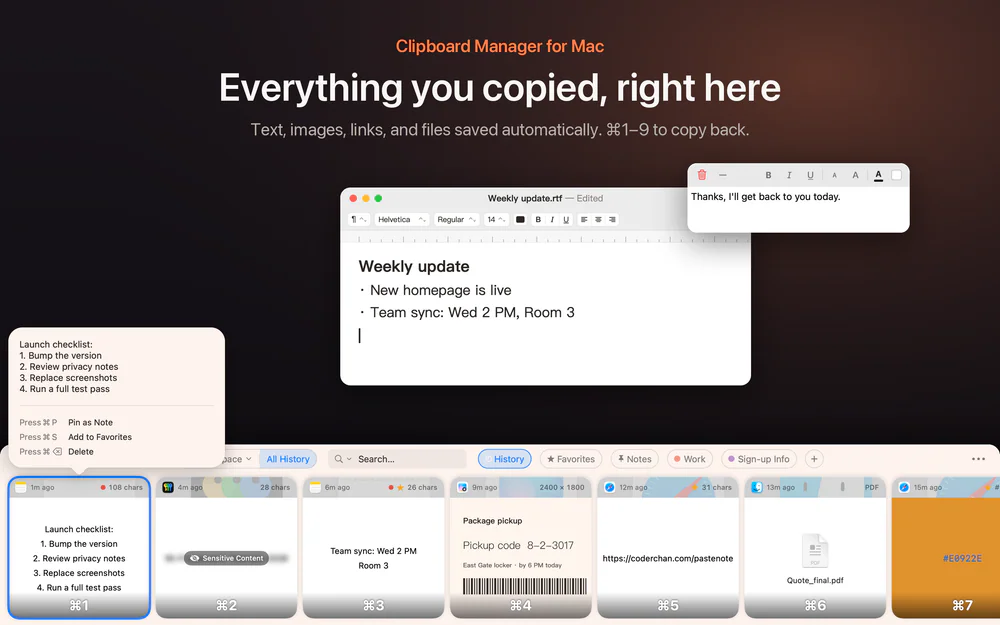

Search your clipboard history, find screenshots by the text inside them, and pin copied items as desktop notes.
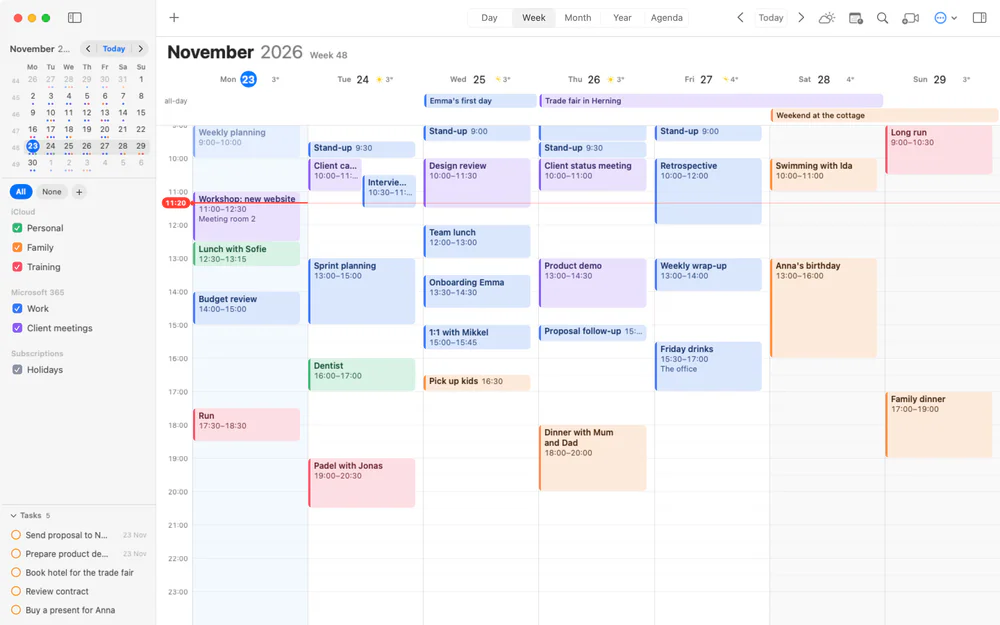
A fast native Mac calendar that unifies Microsoft 365, Outlook.com, iCloud and Google, with natural-language entry and one-click Teams join.
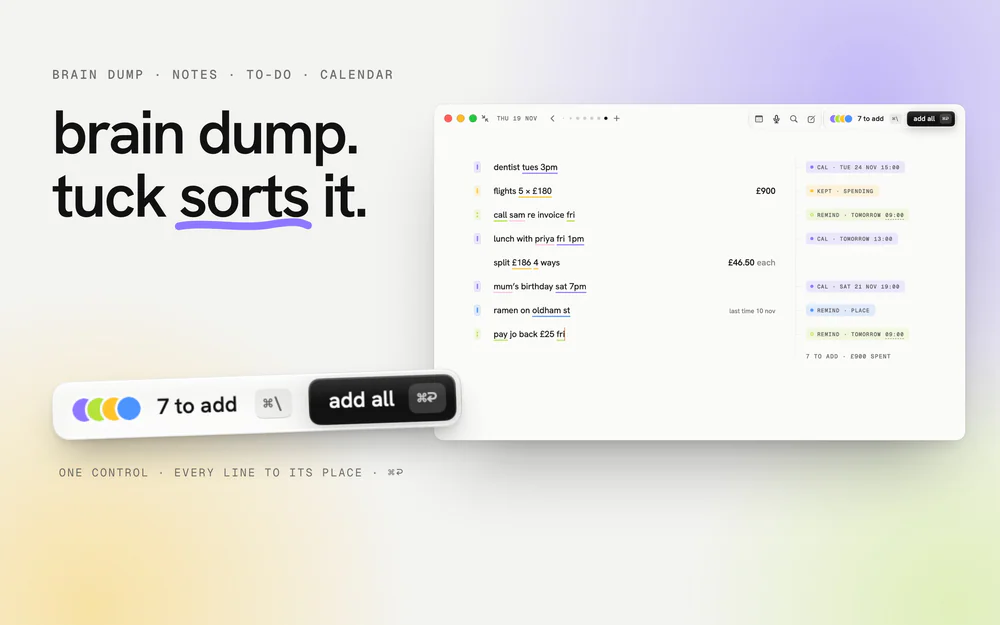

brain dump it how you'd say it. tuck answers the maths and puts plans in your calendar.
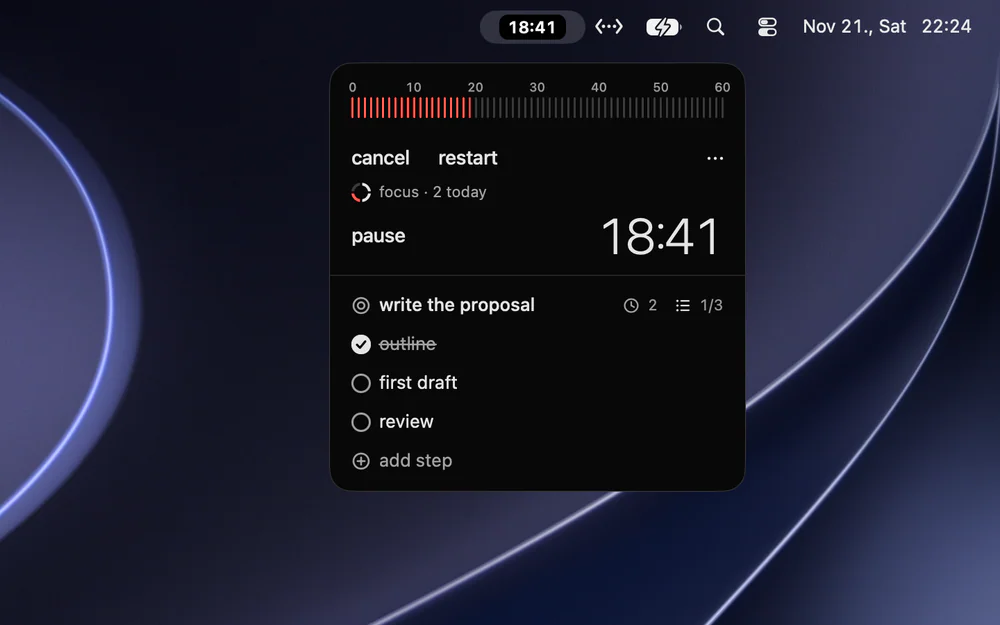
A focus timer in your Mac's menu bar that starts your breaks by itself and keeps one task in view.
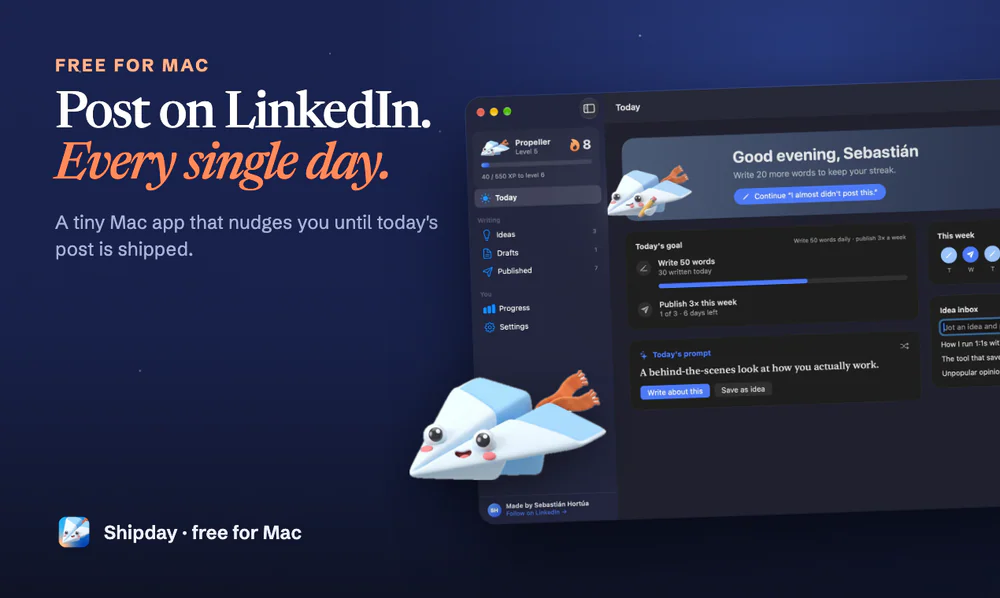

A tiny Mac app that makes you post on LinkedIn daily