
Tomette
A focus timer in your Mac's menu bar that starts your breaks by itself and keeps one task in view.
Tomette lives in your Mac's menu bar, the countdown right beside the clock. Click it and the panel drops down: start, pause, skip or extend a session, and see how far along you are.
What makes it different
- Breaks start on their own. When a focus ends, the break begins by itself and suggests something to do away from the screen, like stretching or getting some water.
- +5m when you're in the middle of something. It keeps you going and makes the next break longer to match.
- One task in view. Pin the task you're on, with up to five steps, and tick them off as you go.
- A floating display you can put anywhere, for when the menu bar is out of sight.
- Your rhythm: 25 · 5 · 15, 50 · 10 · 30, or your own lengths.
Small and private
A native Mac app, about 20 MB of memory. No account, no tracking, nothing collected. macOS 13 Ventura or later.
Pay once
€9.99, no subscription. Updates included, 14-day refund.
Made by Odd Wren.
More like Tomette
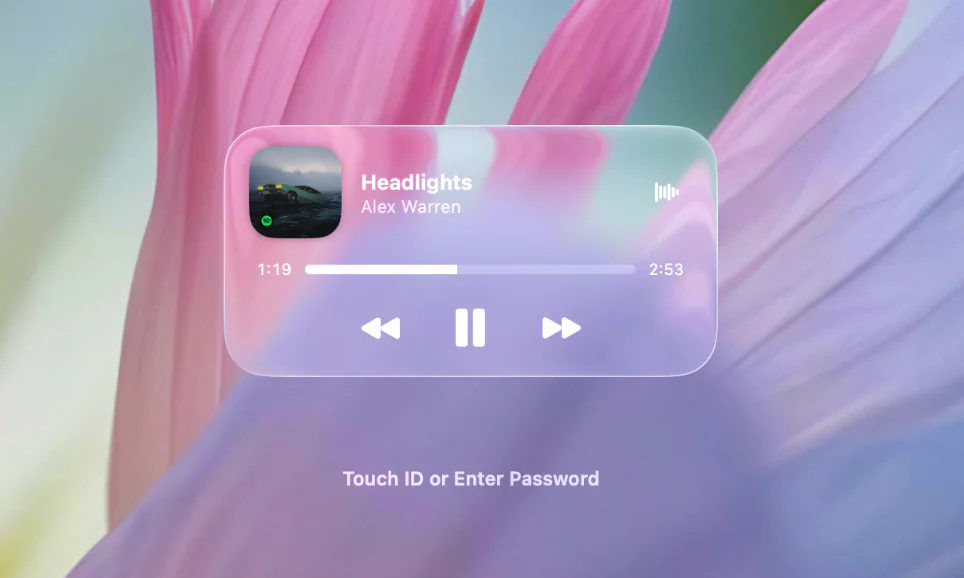

Music Player for Mac
BLACK FRIDAY 15% OFF for members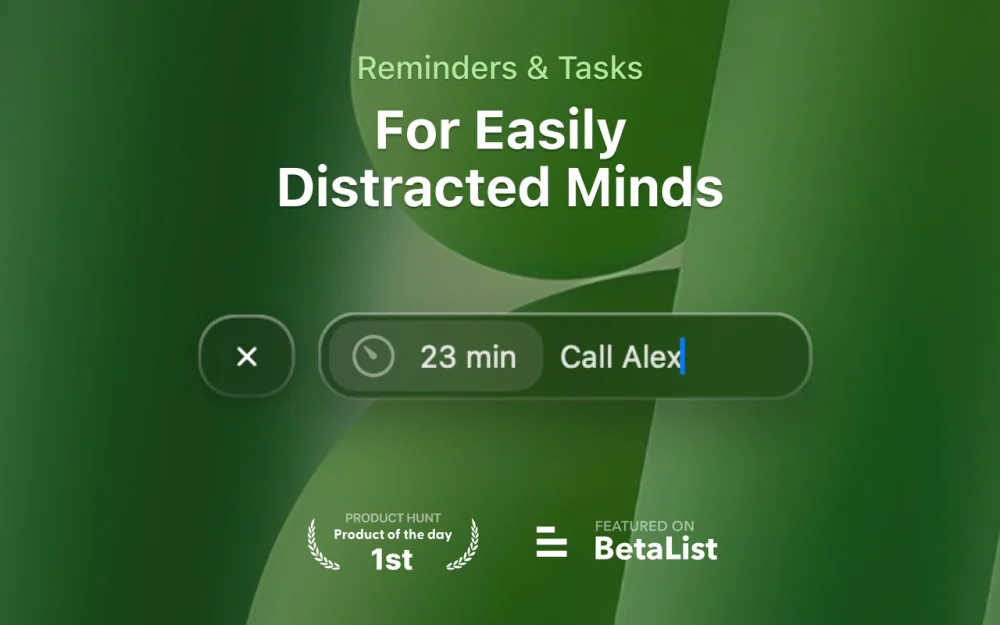
Productivity · Free · Pro $6.99
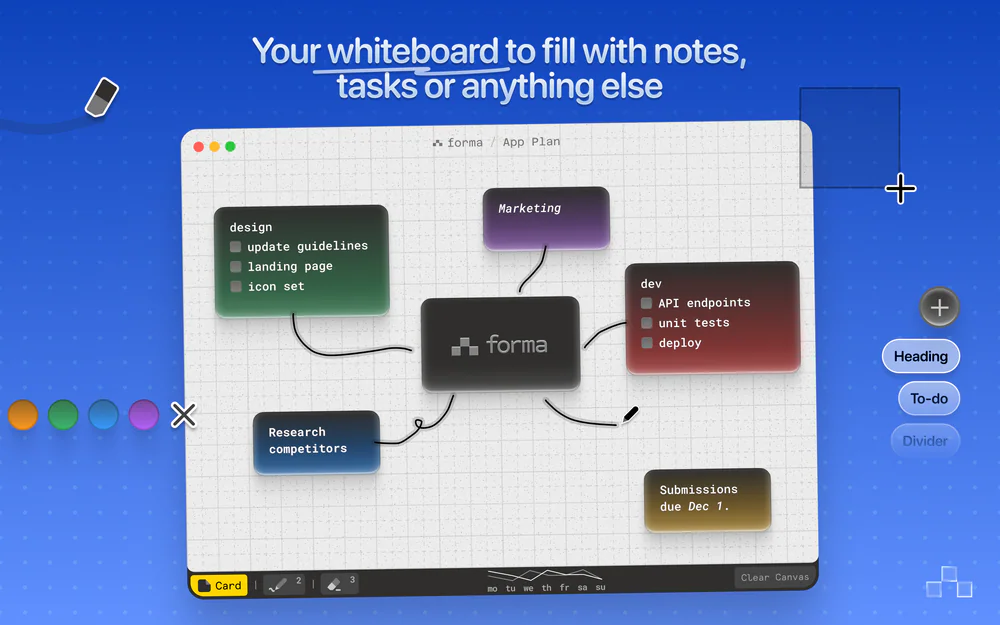
One-click reminders and tasks that live on your desktop as small cards, right where you'll actually see them instead of buried in a notification.
40% OFF for members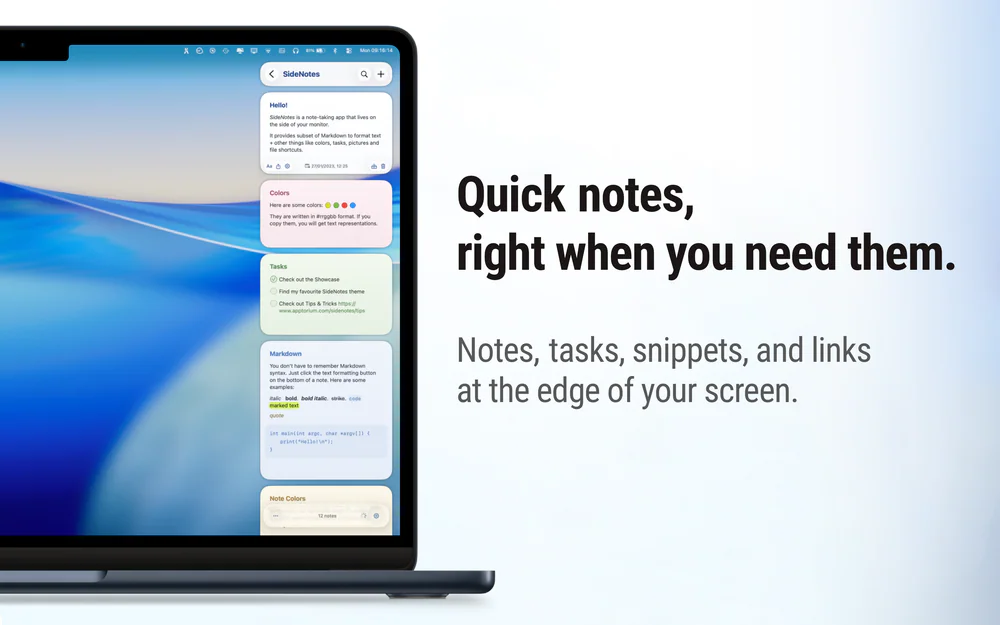

Writing & Documents · $19.99 · one-time (Paid for major upgrades (for example 1.x -> 2.x))
Native macOS notes that slide out from your screen edge, so you can capture tasks, links, and snippets without leaving your work.
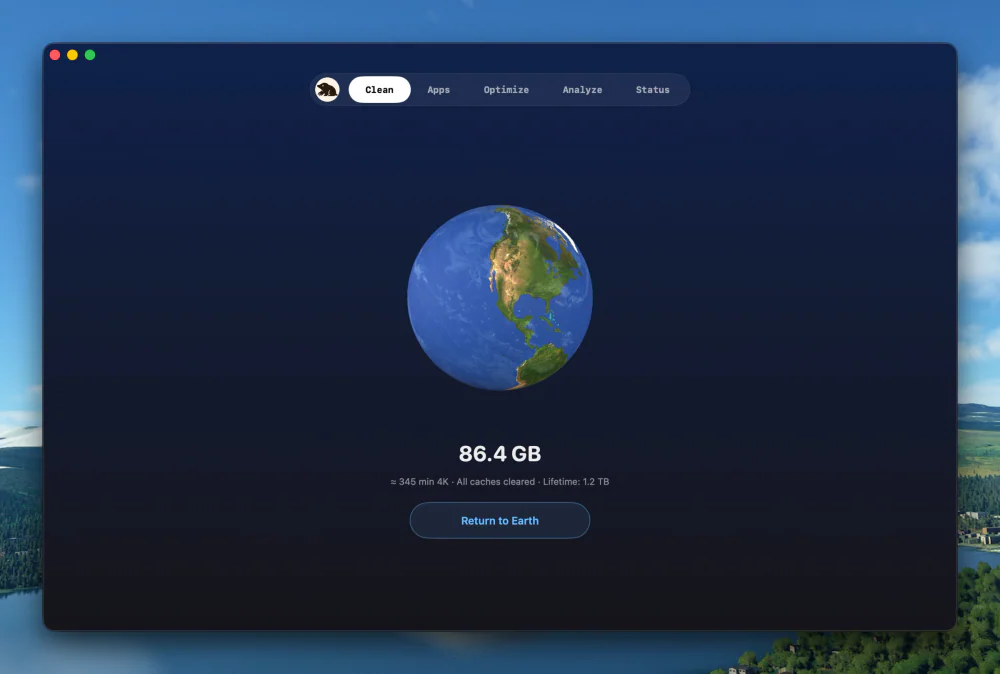

Utilities · $19 · one-time (2 Macs; free CLI available)
Clean, uninstall, optimize, and monitor your Mac from one lightweight native app — a visual dashboard, a disk treemap, and a live menu-bar HUD, all on-device.
10% off for members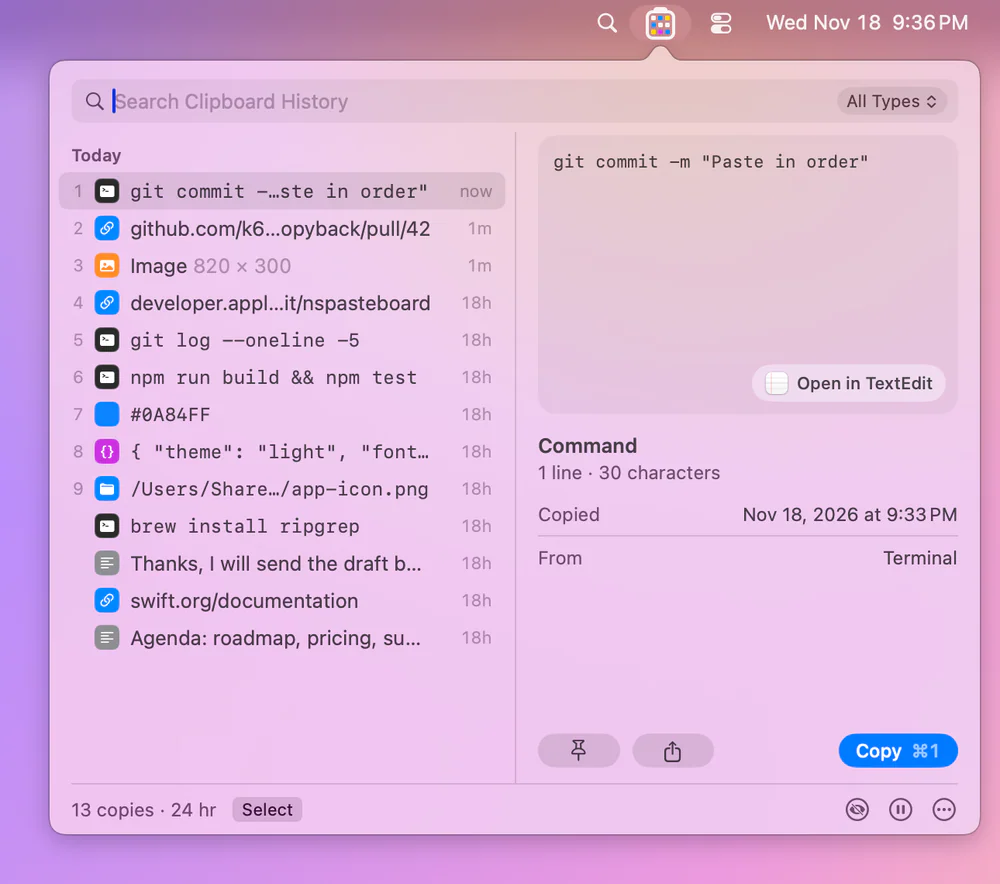
Productivity · Free · Pro $6.99
Clipboard history with your last nine copies right in the menu bar, encrypted and kept on your Mac.