
Clean, uninstall, optimize, and monitor your Mac from one lightweight native app — a visual dashboard, a disk treemap, and a live menu-bar HUD, all on-device.
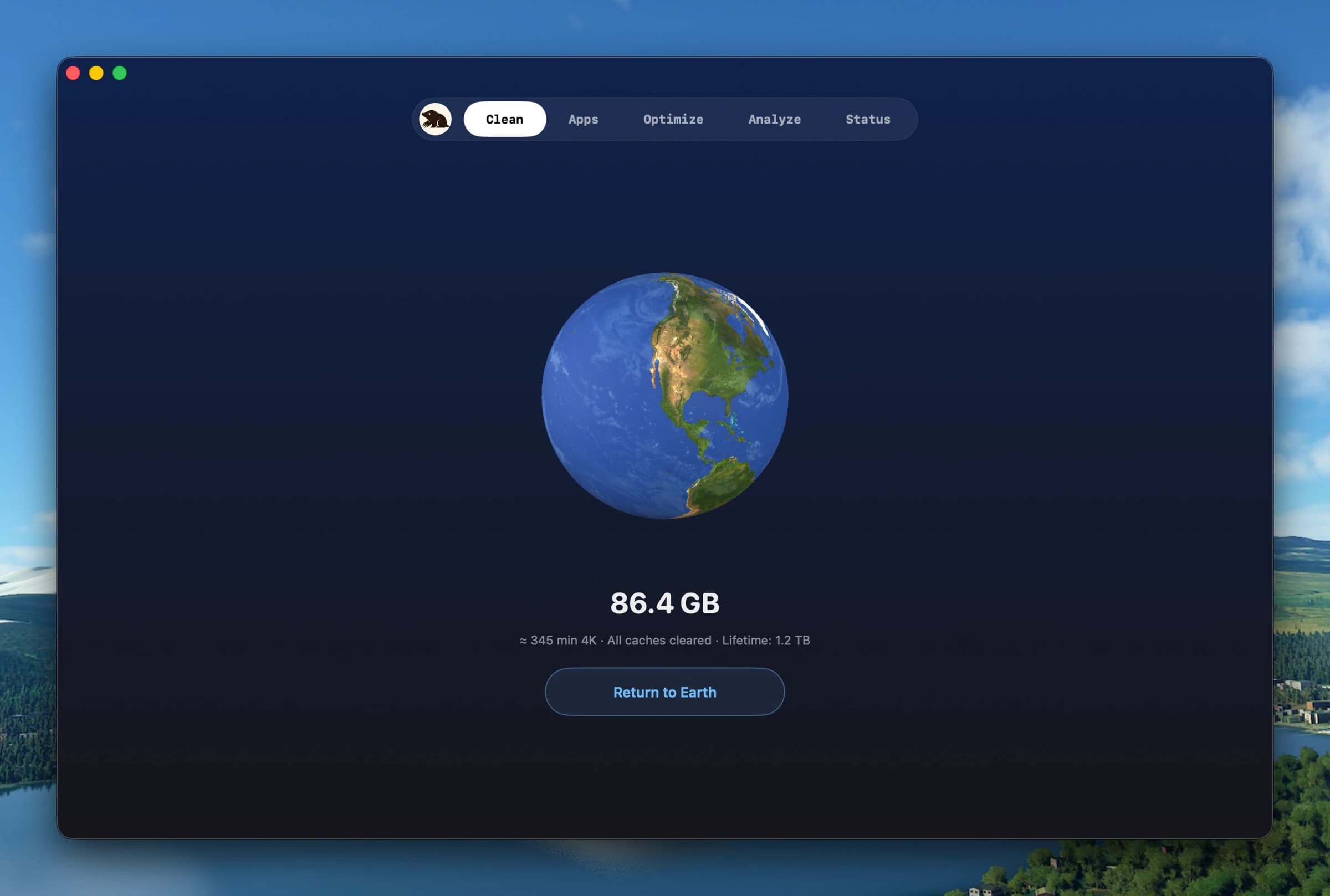
Mole folds five common Mac utilities into a single native app: reclaim space by reviewing caches and leftovers, uninstall apps together with their hidden remnants, run maintenance, explore a whole-disk treemap, and watch live system status. Nothing is uploaded — every scan runs locally.
Why it makes the list
Mole started as a free, open-source CLI (GPL-3.0, 60k-plus GitHub stars) and grew a native Mac app that keeps the same restraint: a ~small, VoiceOver-ready binary that does the job of CleanMyMac, AppCleaner, DaisyDisk, and iStat Menus without the bloat or the subscription. The menu-bar HUD alone — CPU, GPU, memory, disk, network, battery, plus fan control and Battery Care — replaces a paid utility.
Standout features
-
Deep clean — caches, logs, orphaned app data, and already-uninstalled leftovers
-
Smart uninstaller that also removes launch agents, preferences, and remnants
-
Disk treemap for finding what actually filled the drive
-
Menu-bar HUD with live CPU/GPU/memory/disk/network/battery stats
-
Battery Care, fan control, Keep Screen On, and privacy checks
-
Free open-source CLI (
mo) for terminal and scripted workflows
Pricing
The CLI is free and open source. The native Mac app is a one-time $19 license covering 2 Macs with lifetime updates and a 14-day refund. Requires macOS 14 or later.
Featured in:
More in Utilities
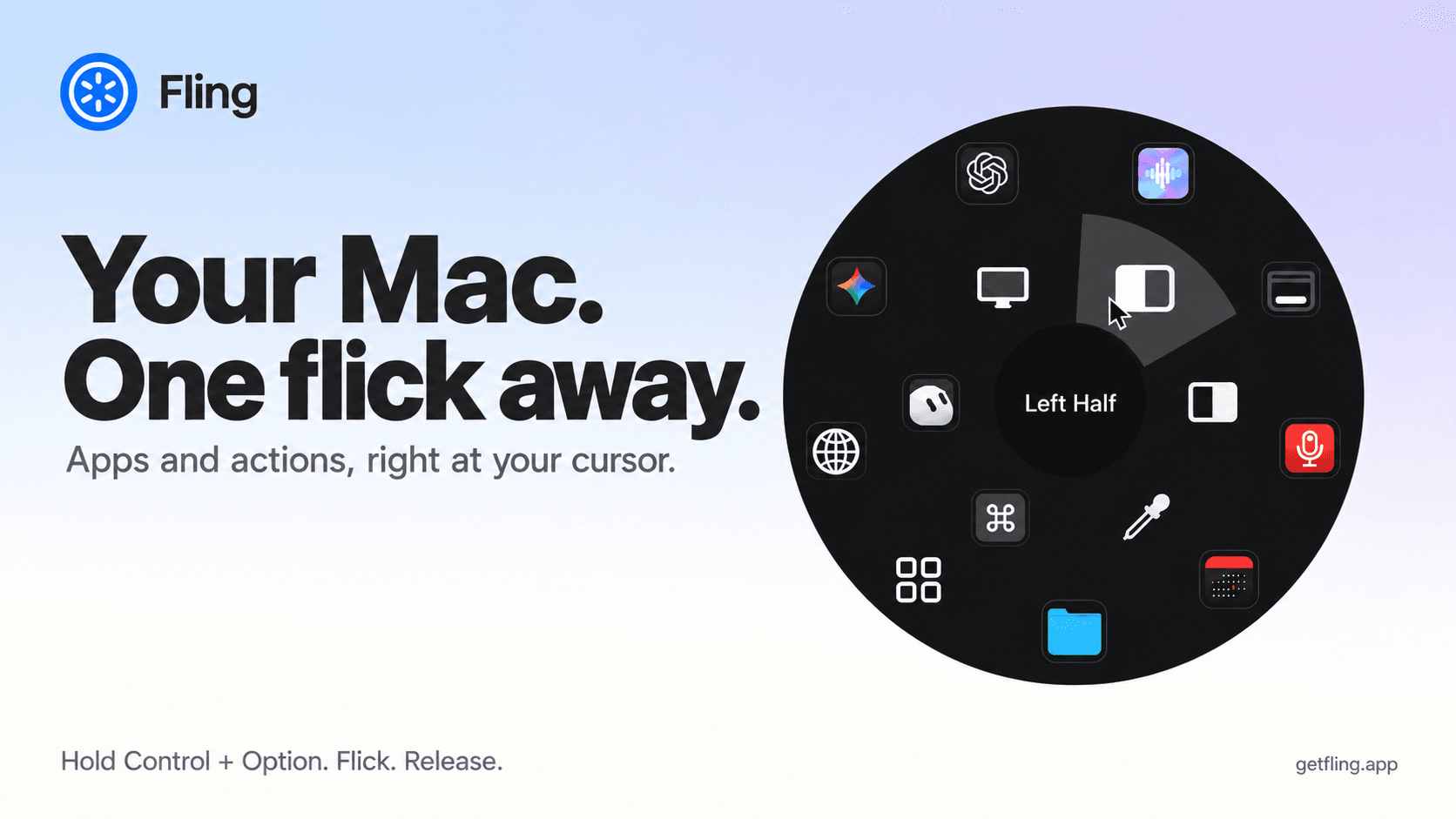

Utilities · $4.99 · one-time (14 day refund policy)
A native macOS command ring for launching apps, folders, links, shortcuts, window actions, screenshots and more with a quick flick.
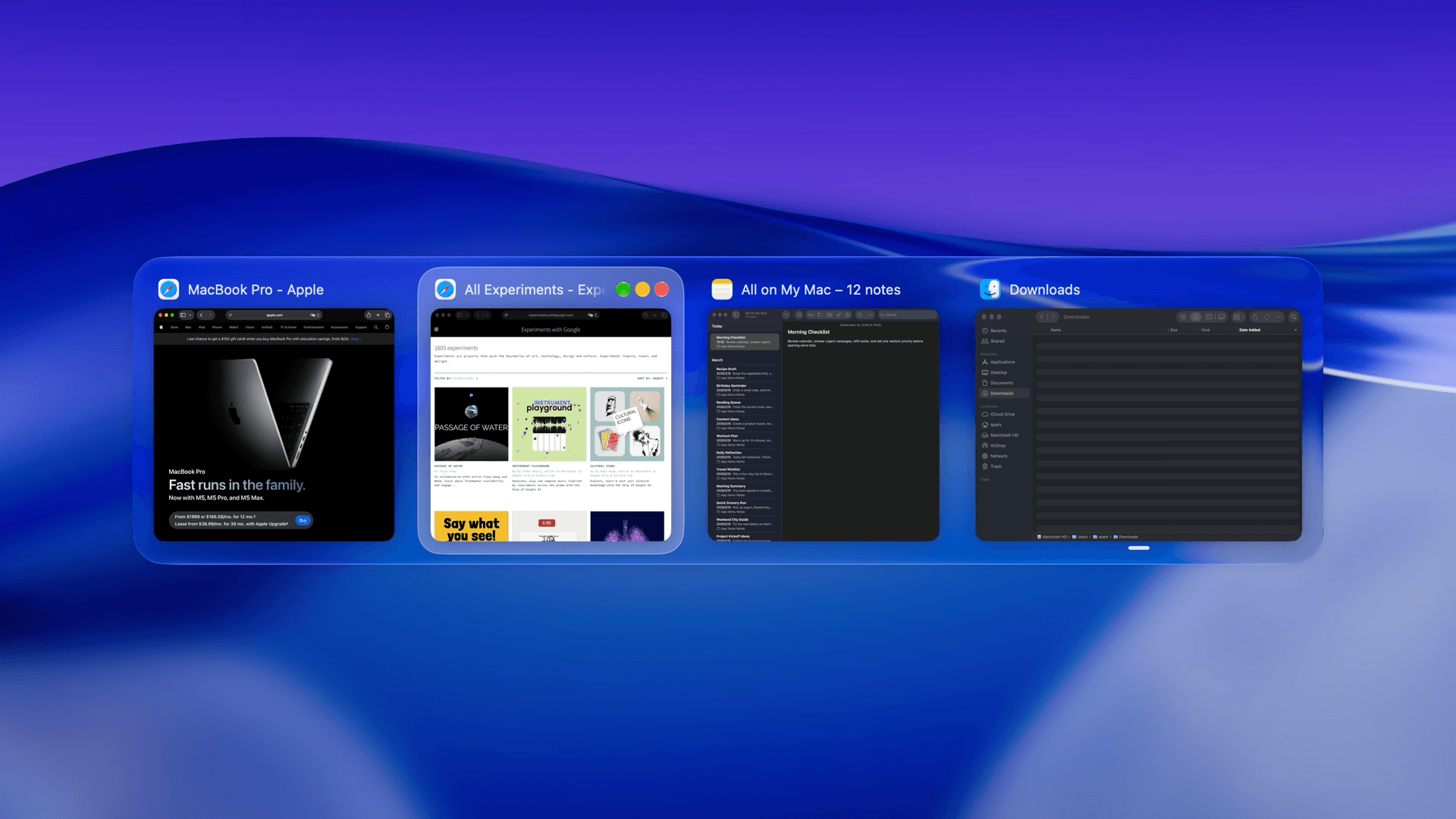

Utilities · $22.99 · one-time (Lifetime license for 1 Mac; 7-day free trial.)
macOS window manager with automatic tiling, window search, and saved layouts
Utilities · $9.99/mo (US $9.99/month or $99.99/year. Free one-hour trial; Family Sharing on annual only.)
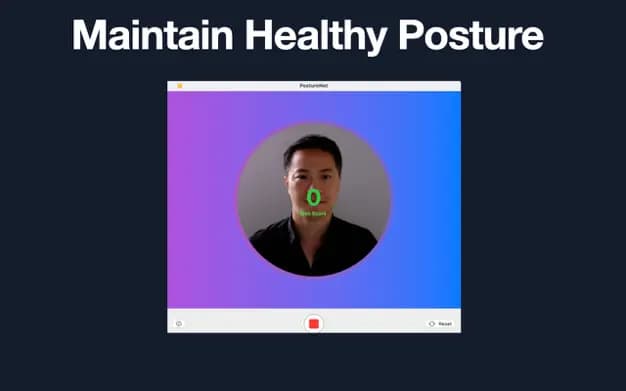
Detect slouching with your Mac’s camera and receive personalized posture reminders while you work.