
Posture Reminder AI
Detect slouching with your Mac’s camera and receive personalized posture reminders while you work.
Posture Reminder AI detects slouching with a compatible camera and sends personalized posture reminders during computer work. Calibrate your upright and slouched positions, with separate setups for sitting and standing, and choose your reminder frequency.
Private by design. Posture analysis runs on your Mac. Camera images are never recorded or uploaded, and saved posture calibration stays on the device.
Built for Mac. Menu bar access, optional launch at login, Energy Saver background monitoring, and camera switching without restarting. Use a built-in camera, compatible external webcam, or supported iPhone Continuity Camera.
Trial and pricing. The free download includes a one-hour monitoring trial. Continued monitoring costs US $9.99/month or $99.99/year. The annual plan saves roughly two months compared with monthly billing and includes Family Sharing. Family Sharing is available only with the annual plan. Prices may vary by region.
Requirements. macOS 26.0 or later on a supported Intel or Apple Silicon Mac. Camera access is required; allow notifications to receive posture alerts. Internet access is needed for purchases and subscription verification.
Download on the Mac App Store · Watch the demo · Privacy policy
More like Posture Reminder AI
Utilities · Free & open source
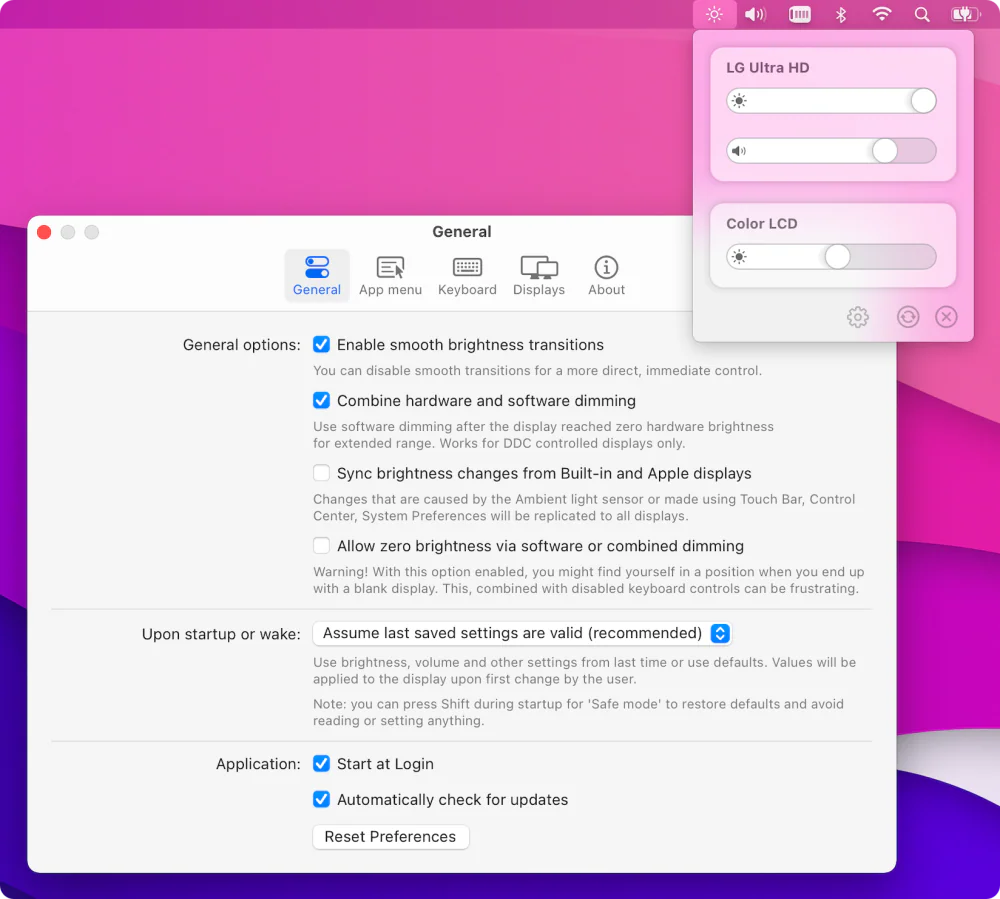
Free, open-source brightness and volume control for external monitors — the native macOS controls Apple never gave your non-Apple display.
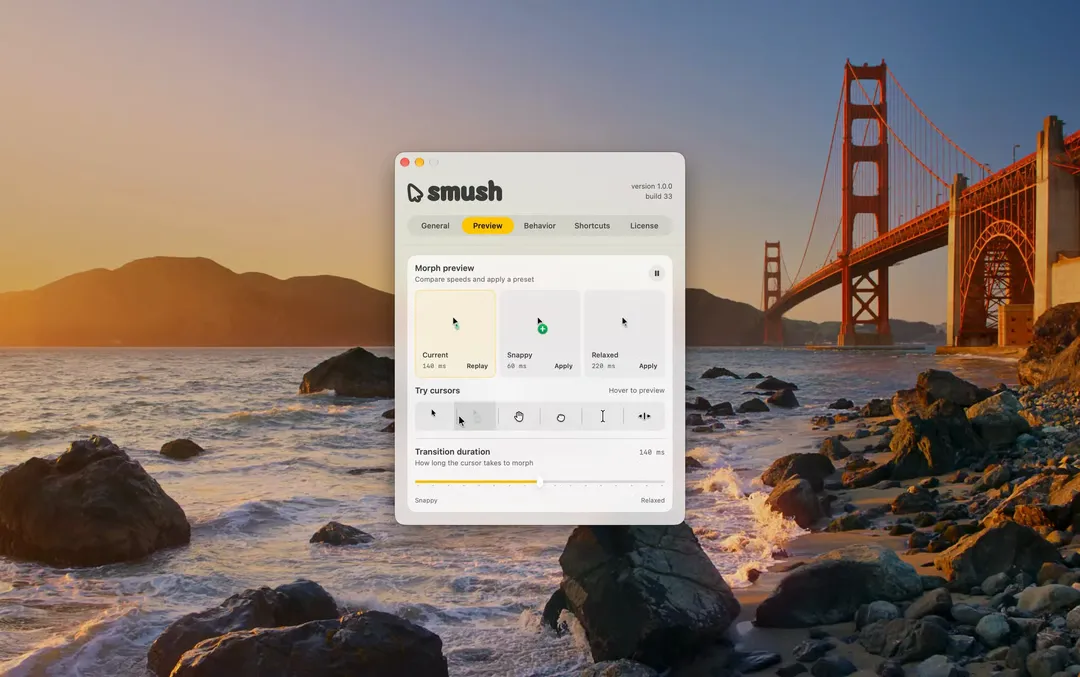

Utilities · $4.99 · one-time (14-day free trial. One license covers up to 3 Macs.)
Adds a little animation when your Mac’s cursor changes shape.
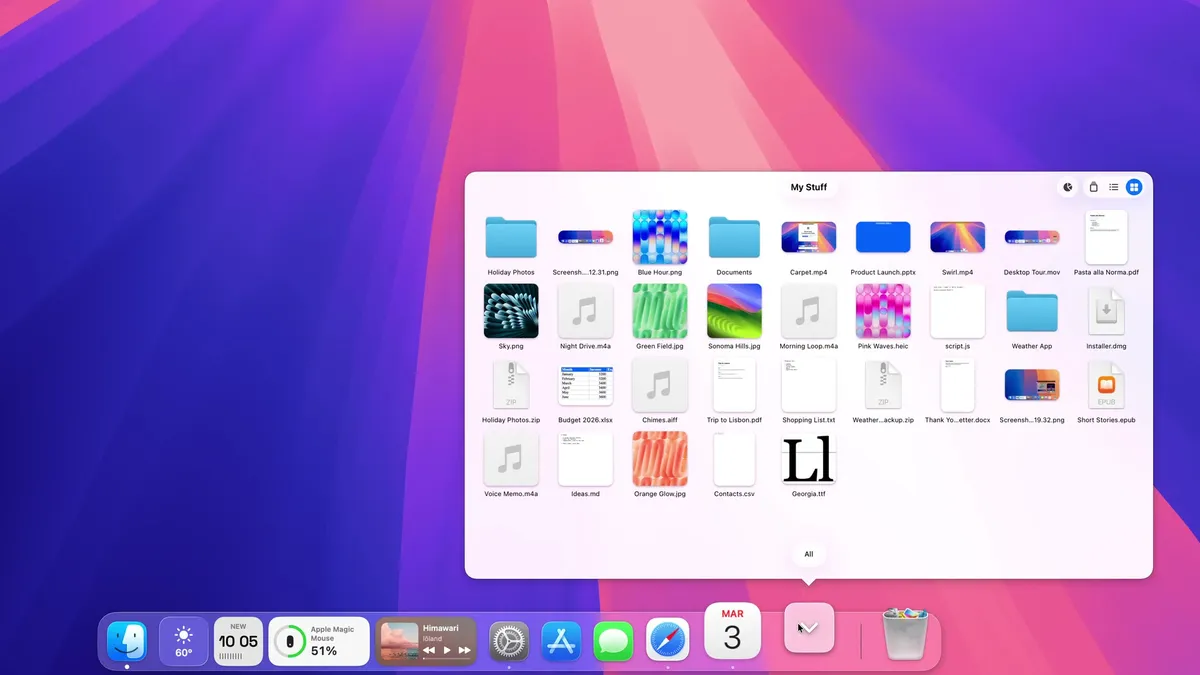

Utilities · $9.99 · one-time (14-day trial · launch price until Jan 12, 2027, then $14.99)
A Dock for macOS, written from scratch. Same spot, new tricks: badges that talk, widgets, Finder-like folders and smarter hiding.
20% off, on top of the launch price for members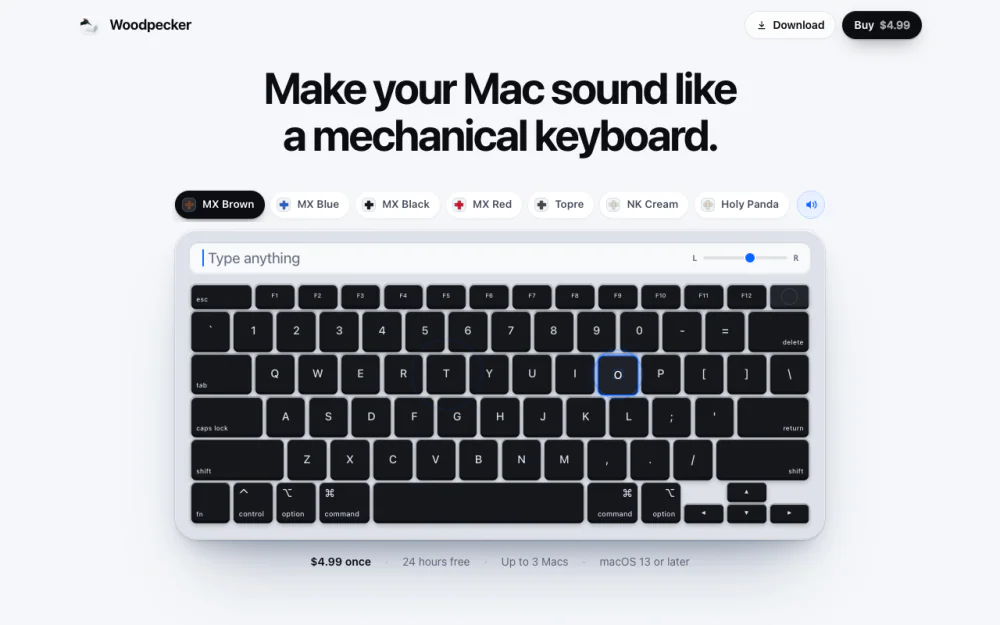
Utilities · $4.99 · one-time (One-time, free 24-hour trial)
Make your Mac sound like a real mechanical keyboard. Every key plays its own recording, 22 switches, quiet on calls.
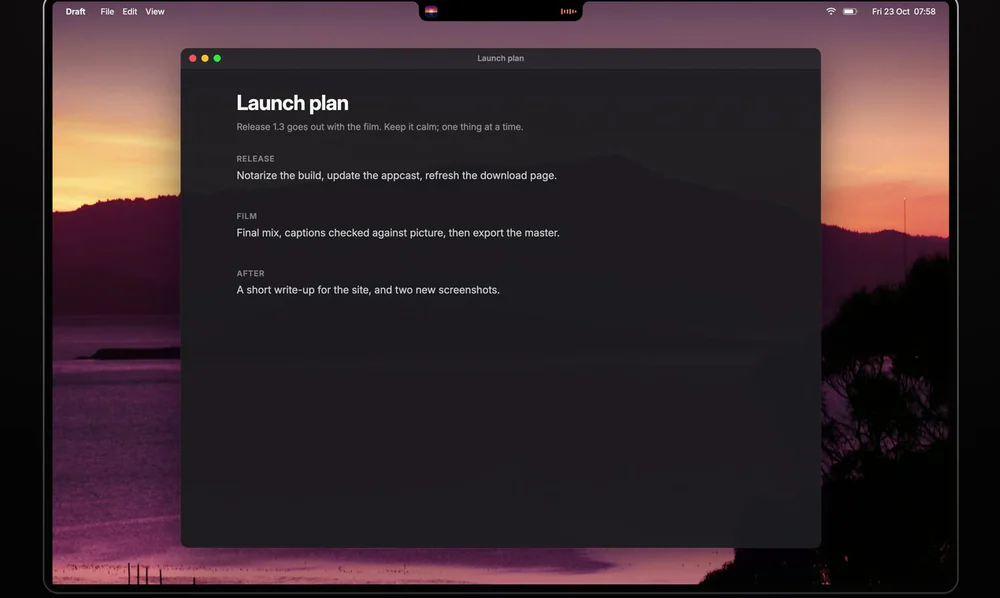
Utilities · Free & open source
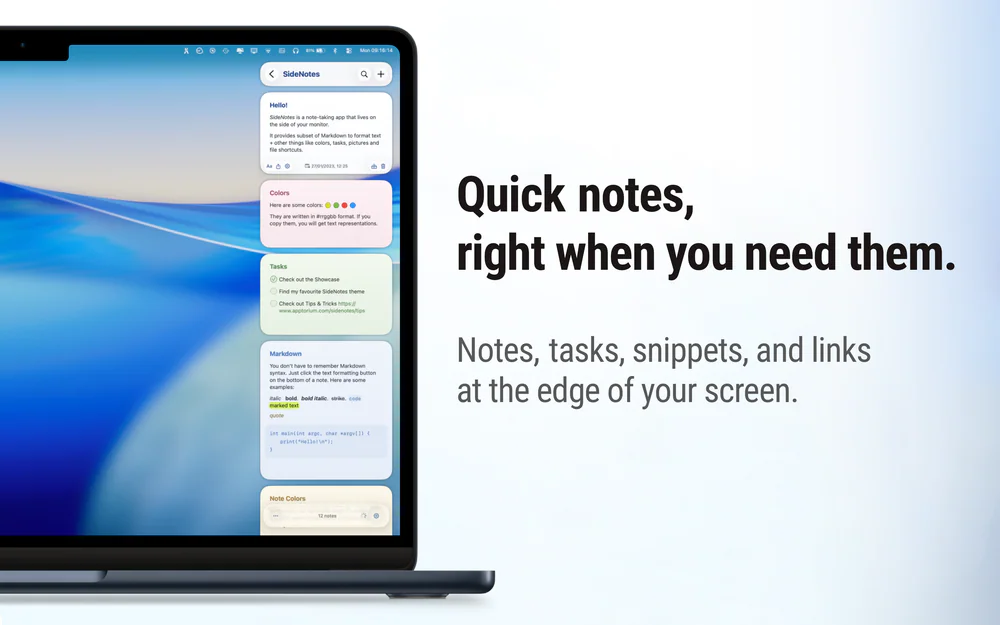
Free, open-source notch app for MacBook: now playing, a focus timer, your next meeting, weather, notes and Keep Awake.