Writing & Documents · Free
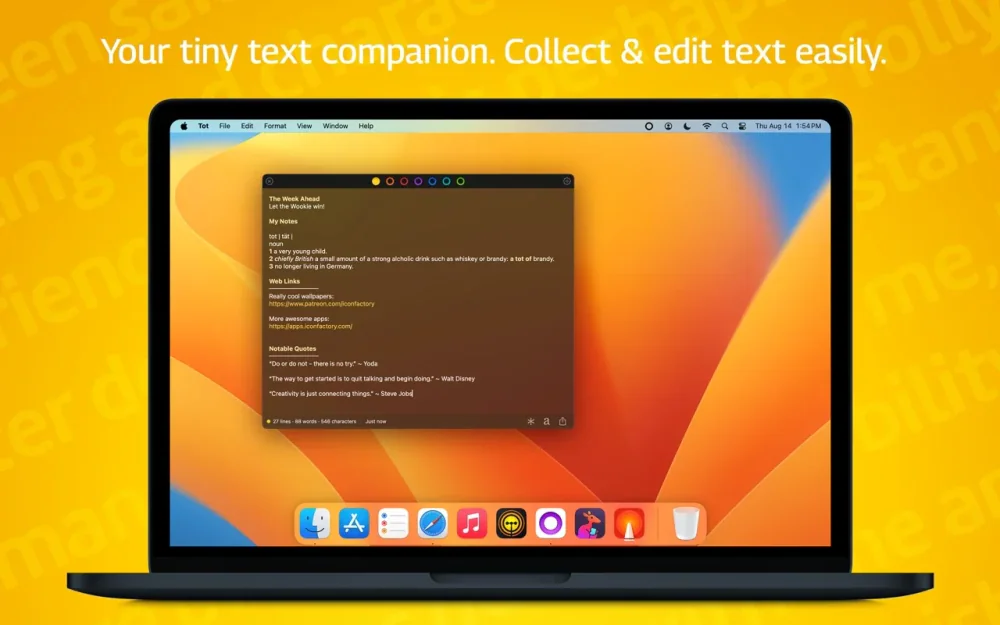
Seven dots, seven scratch pads — a tiny, gorgeous place to hold the text you would otherwise lose in a pile of untitled files.
Native macOS notes that slide out from your screen edge, so you can capture tasks, links, and snippets without leaving your work.
SideNotes is a notes app for capturing the small things that would otherwise make you switch apps: a task, a link, a code snippet, a screenshot, or a thought you need to keep nearby.
It lives at the left or right edge of the screen and stays out of the way until you need it. Bring it forward with a global shortcut, its Open Bar, the menu bar, or simply by moving your pointer to the edge; write the note and get back to what you were doing. It works over regular windows, full-screen apps, and Stage Manager.
Notes support Markdown with hidden markup (you can show it if you want), plain text, and code, plus checklists, images, file shortcuts, colors, folders, pinning, and folding. iCloud sync keeps notes available on SideNotes Mobile for iPhone and iPad, sold separately; automatic local backups provide another layer of safety.
SideNotes is made natively for macOS in Swift, with AppKit and SwiftUI. It supports dark and light appearance, keyboard shortcuts, drag and drop, Apple Shortcuts, AppleScript, a share extension, Spotlight, and a privacy-first, no-telemetry design.
Writing & Documents · Free
Seven dots, seven scratch pads — a tiny, gorgeous place to hold the text you would otherwise lose in a pile of untitled files.
Writing & Documents · Free & open source
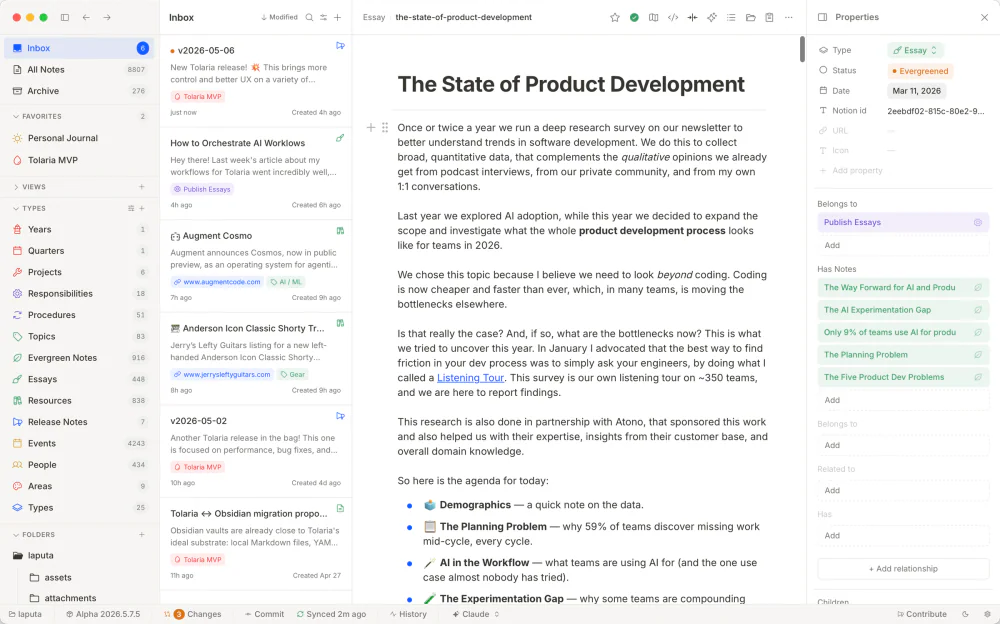
A free, open-source second brain — notes live as local Markdown files with native Git history and built-in AI agents, no proprietary database.

Writing & Documents · Free · Pro $2.99
A focused Markdown notes app with a gorgeous editor, hashtag organization, and an Apple Design Award on the shelf.

Productivity · Free · Free, with a 7-day trial of the paid features. Paid upgrades $19
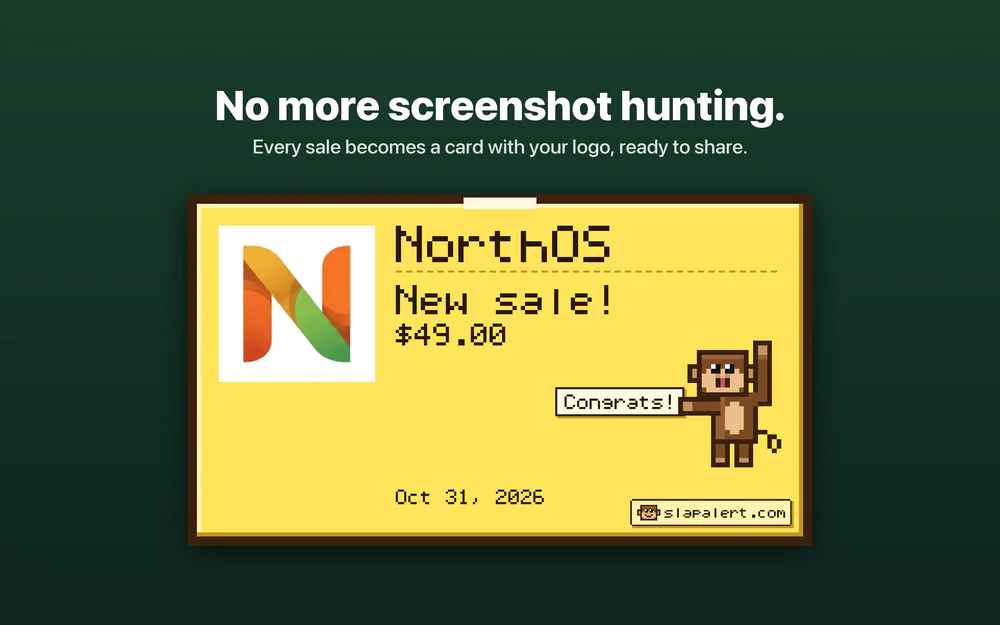
A menu-bar-only Mac app that celebrates every sale with a pixel-art monkey and sticky note.
Utilities · Free & open source
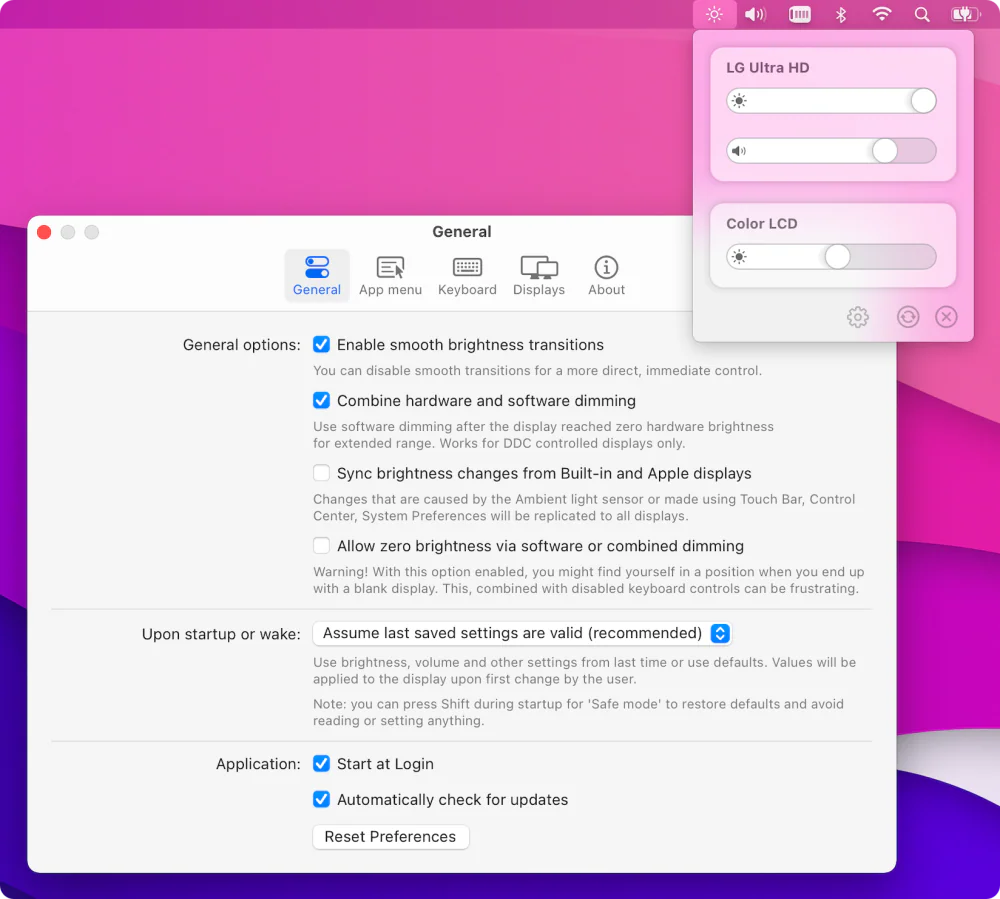
Free, open-source brightness and volume control for external monitors — the native macOS controls Apple never gave your non-Apple display.

Utilities · $4.99 · one-time (14-day free trial. One license covers up to 3 Macs.)
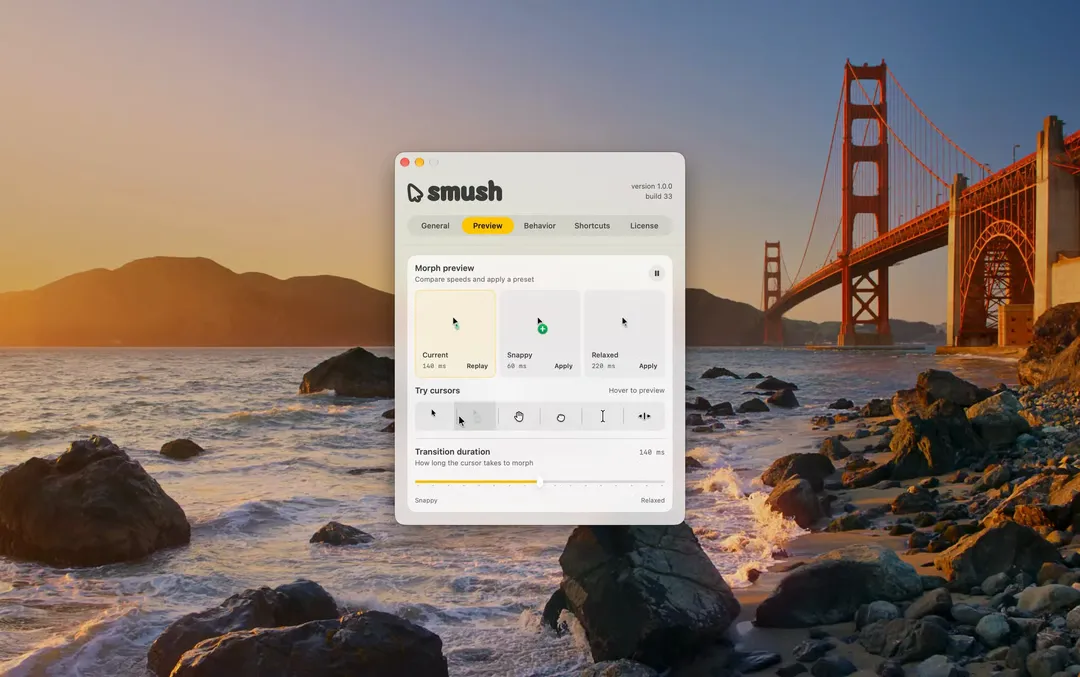
Adds a little animation when your Mac’s cursor changes shape.