
Writing & Documents · Free · Pro $2.99
A focused Markdown notes app with a gorgeous editor, hashtag organization, and an Apple Design Award on the shelf.
Markdown notes as plain .md files, with sums, currencies and time zones answered beside each line.
Coffee is a native Markdown notes app for Mac (also on iPhone and iPad), written in Swift with AppKit and TextKit 2, by one developer in Portugal.
Your notes stay plain files. Every note is a .md file in a folder you choose, on your Mac or in iCloud Drive or another synced folder. Coffee opens an Obsidian vault as it is, with wiki links, tags and front matter.
Sums beside the line. Write hotel = 95 EUR * 4 or 14:30 Lisbon in Chicago and the answer appears beside it, without going into the file. Currencies, units, dates and time zones are all understood.
Drawn inside the note. LaTeX maths, chemistry, Mermaid diagrams (flowcharts, sequence, gantt, class, state, ER, mind maps) and, new in 2.1, Excalidraw drawings from its built-in whiteboard. There's also a Journal with streaks and On this day.
AI, on your terms. A built-in MCP server lets Claude and other AI apps read and edit your notes. It's off until you turn it on, and every change an AI tool makes is shown for you to keep or undo.
Also: fast search, backlinks, outlines, version history, private notes, and export to PDF, Word, EPUB and HTML.
Pricing: free for 14 days with no card or account, then €3 a month, €29 a year, or €79 once with two years of updates. One purchase covers all your devices. macOS 15 or later.
Writing & Documents · Free · Pro $2.99
A focused Markdown notes app with a gorgeous editor, hashtag organization, and an Apple Design Award on the shelf.

Writing & Documents · $29.99 · one-time (App Store, Free Trial)
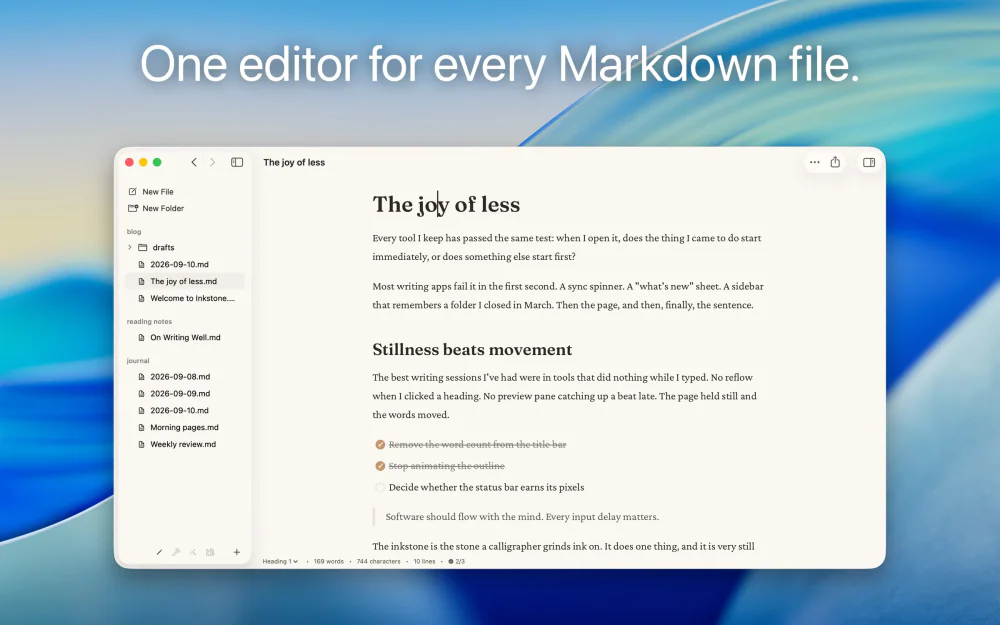
Native Markdown editor for the plain .md files on your Mac: renders as you type, edits folders in place, no account.
Writing & Documents · $17.99 · one-time (App Store. Subscription options also available.)
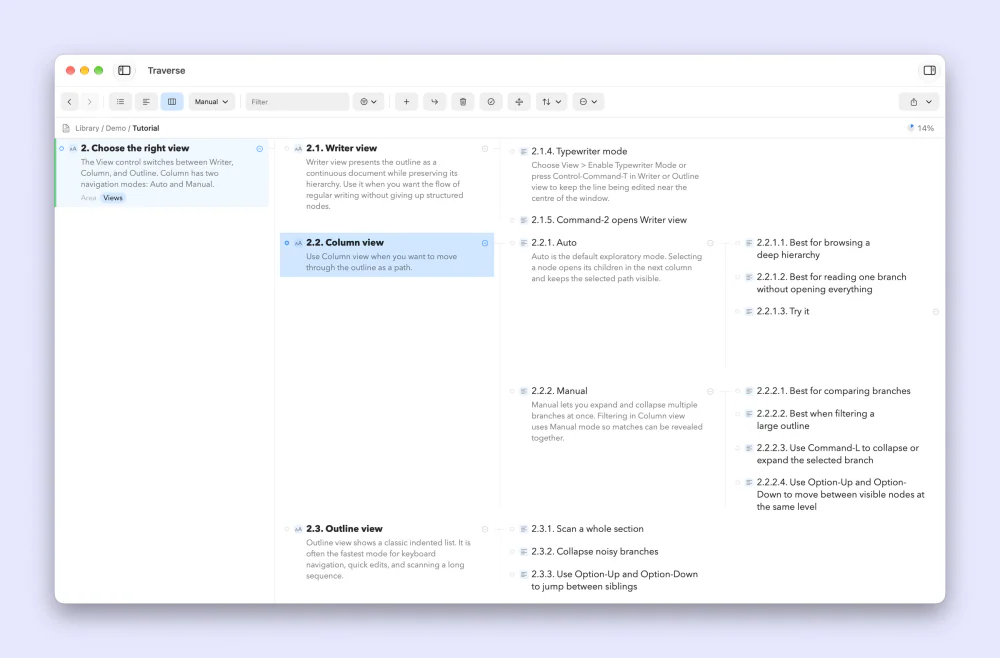
A native Mac outliner for turning messy ideas into structured writing, research, plans, and scripts, all stored as portable local OPML files
Writing & Documents · Free · free for 3 notes, $4.99 one-time for unlimited $0
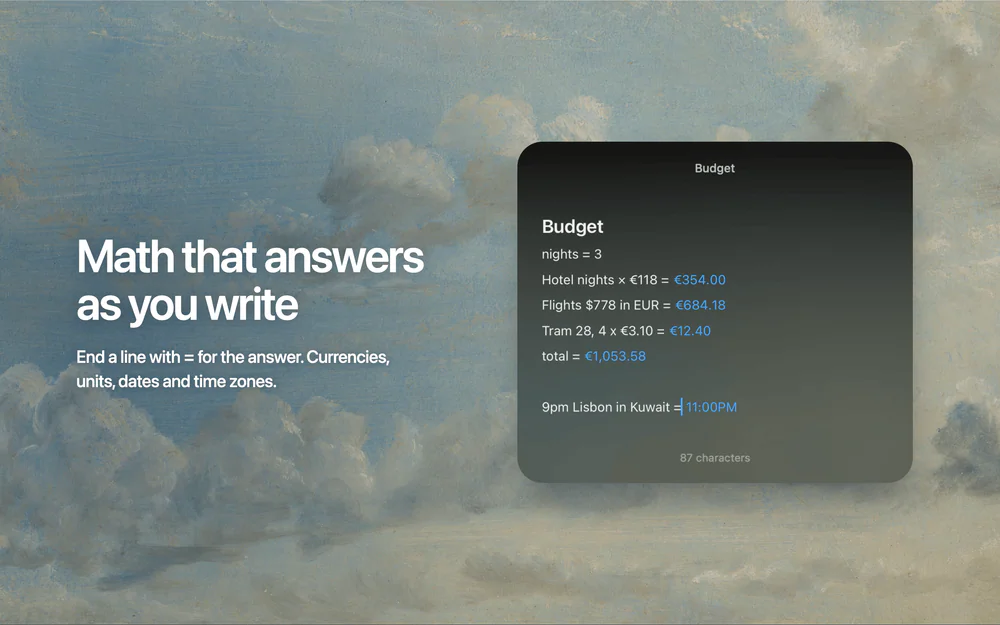
Floating Markdown notes for Mac that open over any app with one keystroke, or from the screen edge or notch.
Writing & Documents · $49.99 · one-time
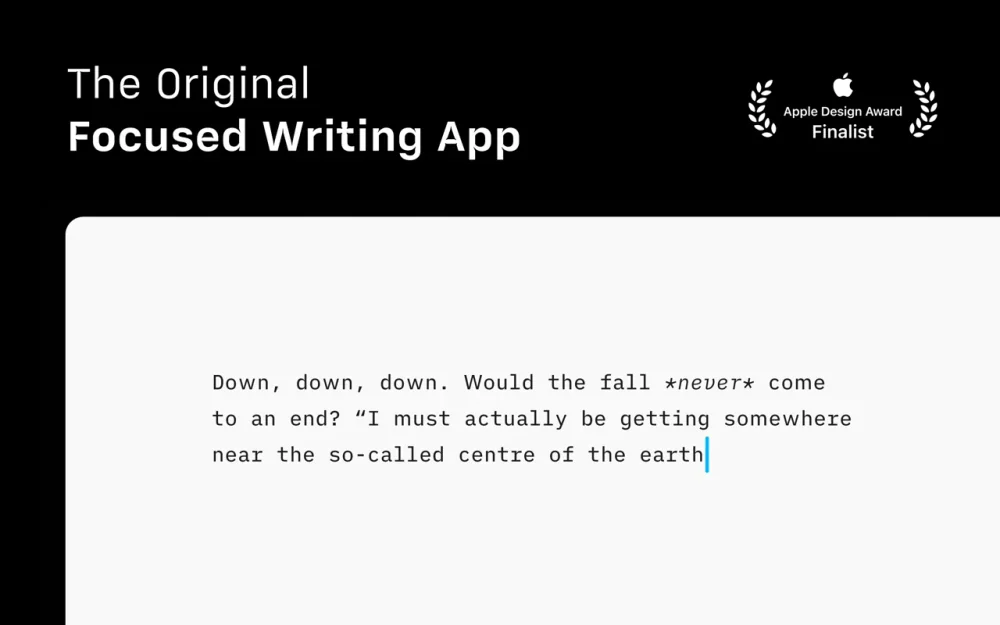
The writing app that made focused, plain-text Markdown a genre — a fixed mono typeface, a tuned measure, and nothing else to fiddle with.
Writing & Documents · Free
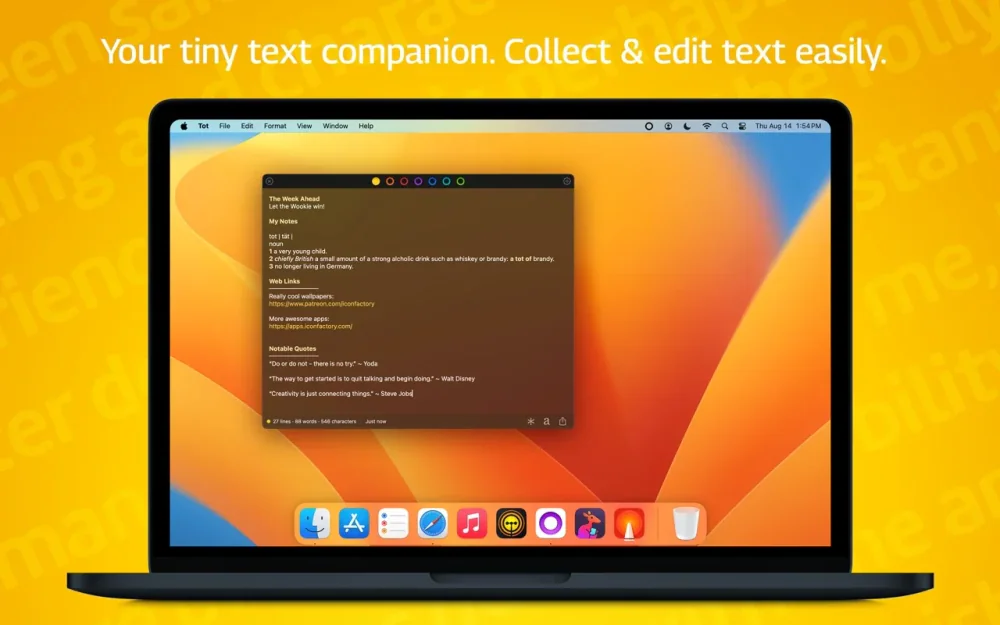
Seven dots, seven scratch pads — a tiny, gorgeous place to hold the text you would otherwise lose in a pile of untitled files.