
Writing & Documents · $29.99 · one-time (App Store, Free Trial)
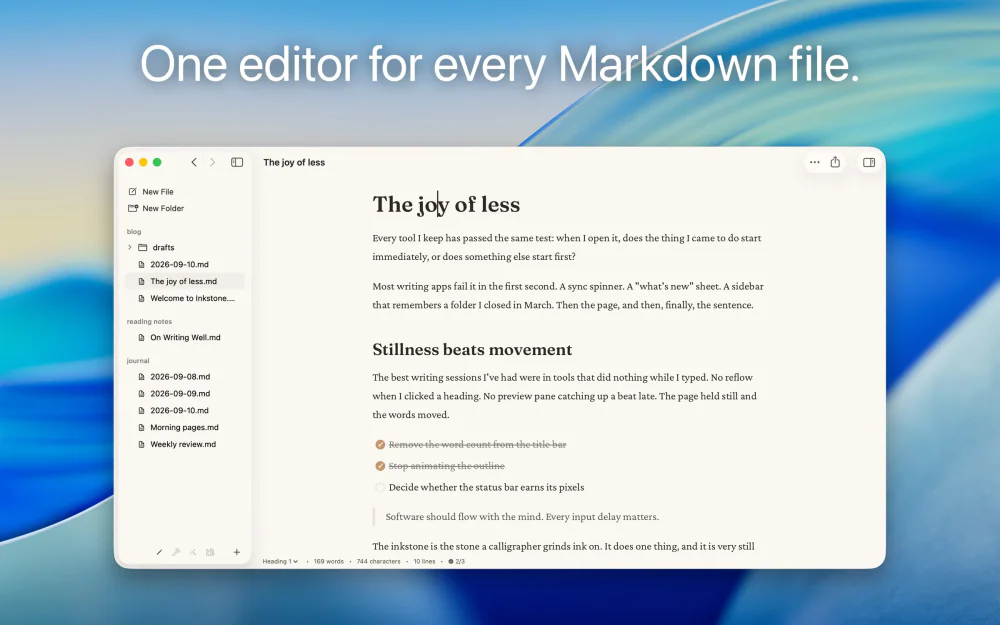
Native Markdown editor for the plain .md files on your Mac: renders as you type, edits folders in place, no account.
The writing app that made focused, plain-text Markdown a genre — a fixed mono typeface, a tuned measure, and nothing else to fiddle with.
iA Writer is a Markdown editor with a strong point of view: one carefully drawn typeface, one ideal line length, and a canvas with nothing on it but your words. It syncs plain-text files, previews them as clean typography, and gets out of the way so the writing is the only thing left to work on.
iA Writer has been quoted in The New Yorker and copied by nearly every writing app since. The restraint is the feature — no fonts to pick, no themes to tweak — and the details that remain are excellent: Focus Mode dims everything but the current sentence, and Syntax Highlight greys out adjectives and filler so weak prose stands out.
Focus Mode — keep only the current sentence or paragraph lit
Syntax Highlight for spotting adjectives, conjunctions, and filler
Content blocks — embed tables, images, and other documents by reference
Plain-text files with folder-based library and any sync service
Style checks and readable, print-ready export to PDF, DOCX, and HTML
Wiki-style links for connecting notes
A one-time $49.99 purchase for the Mac app, with free updates.
Writing & Documents · $29.99 · one-time (App Store, Free Trial)
Native Markdown editor for the plain .md files on your Mac: renders as you type, edits folders in place, no account.
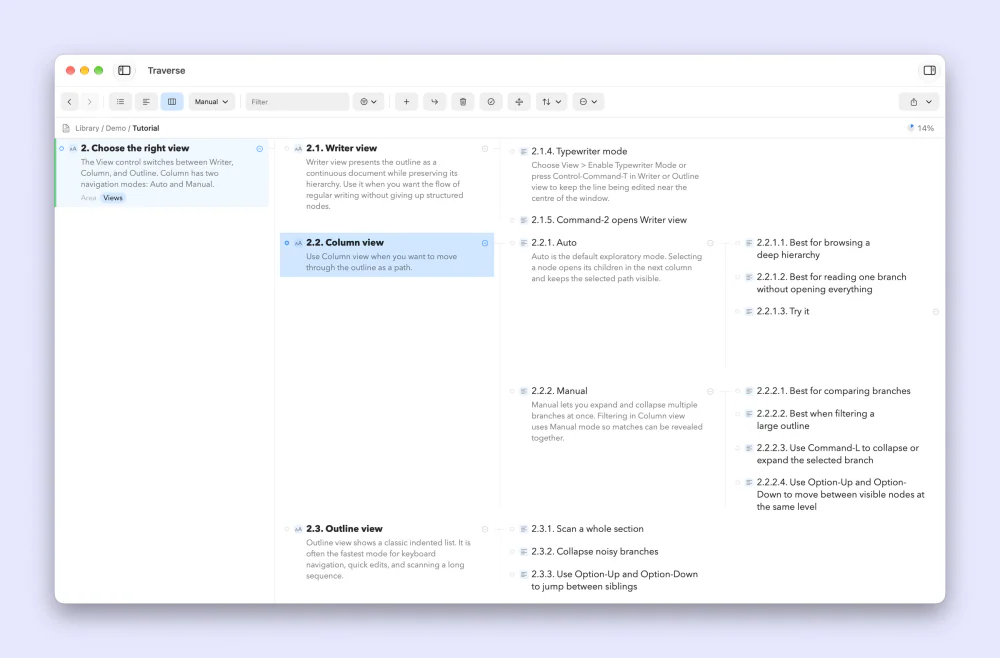
Writing & Documents · $17.99 · one-time (App Store. Subscription options also available.)
A native Mac outliner for turning messy ideas into structured writing, research, plans, and scripts, all stored as portable local OPML files
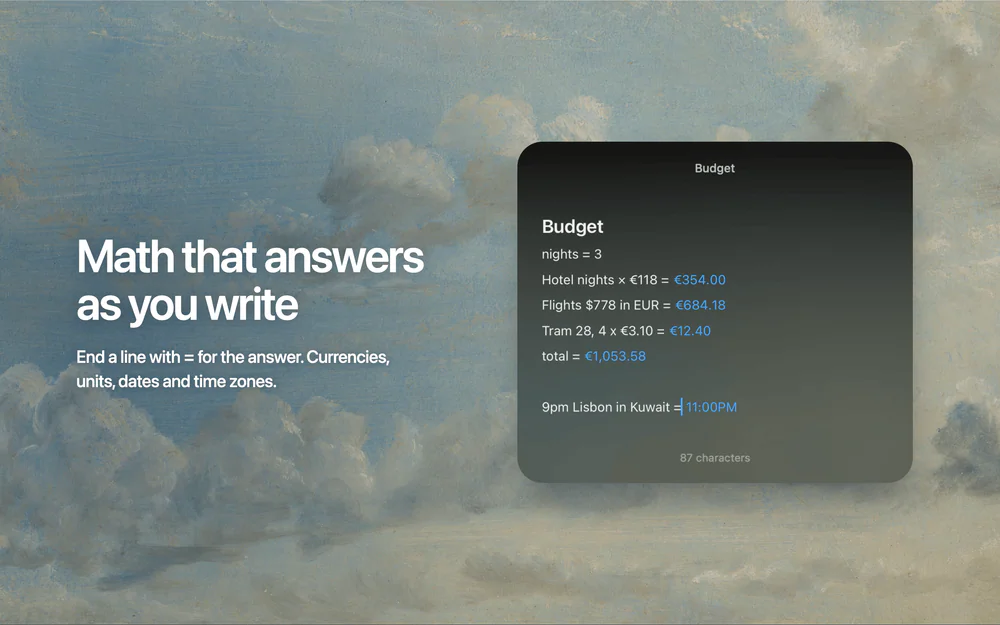
Writing & Documents · Free · free for 3 notes, $4.99 one-time for unlimited $0
Floating Markdown notes for Mac that open over any app with one keystroke, or from the screen edge or notch.

Writing & Documents · Free · Pro $2.99
A focused Markdown notes app with a gorgeous editor, hashtag organization, and an Apple Design Award on the shelf.
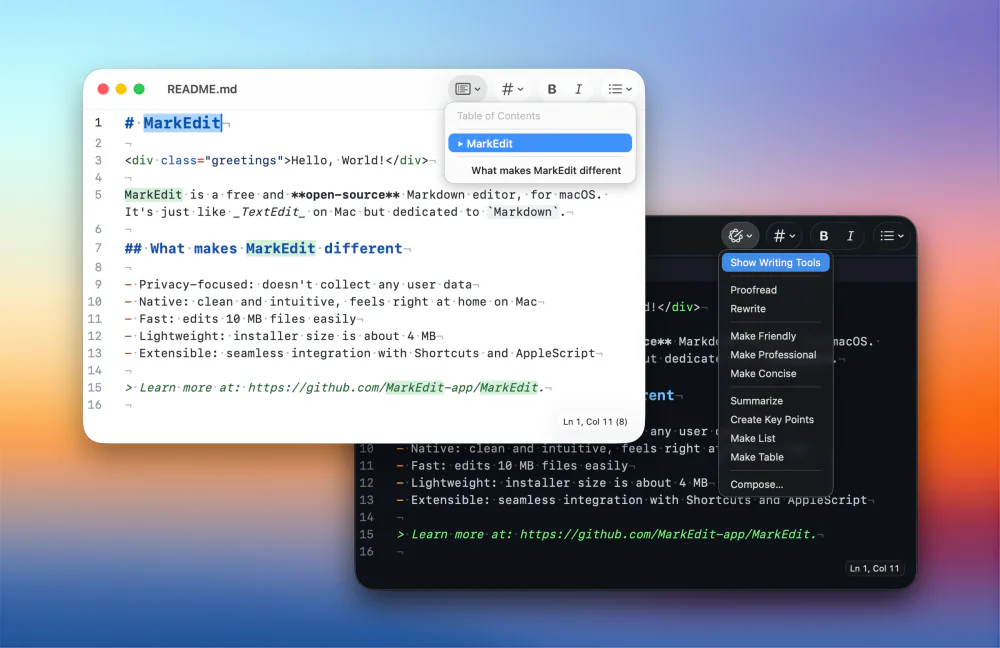
Writing & Documents · Free & open source
A native, CodeMirror-powered Markdown editor for macOS — as simple as TextEdit, purpose-built for Markdown, and genuinely fast.
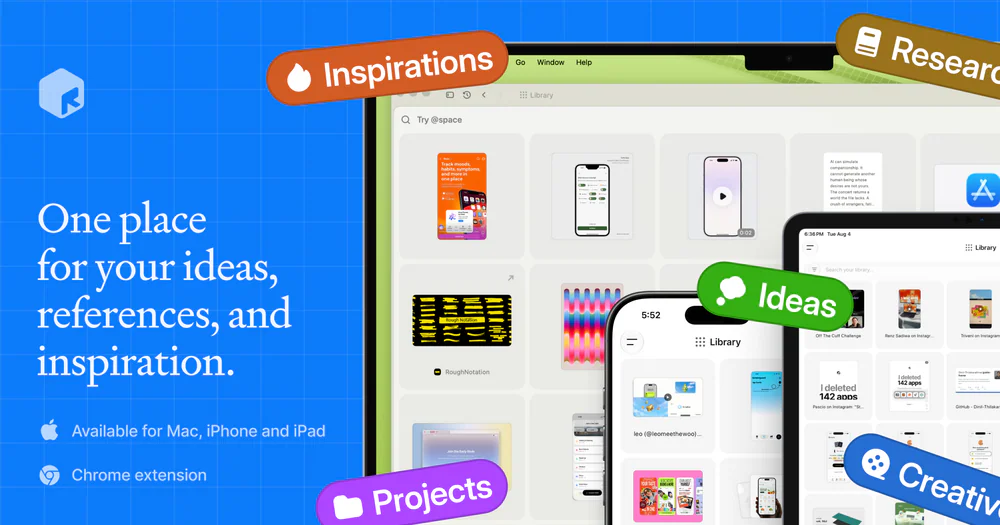
Productivity · Free · one-time Mac license; free on iPhone/iPad $39
A fully local personal context library — save notes, links, images, and documents, search them by meaning, and hand that context to AI through MCP or the CLI.