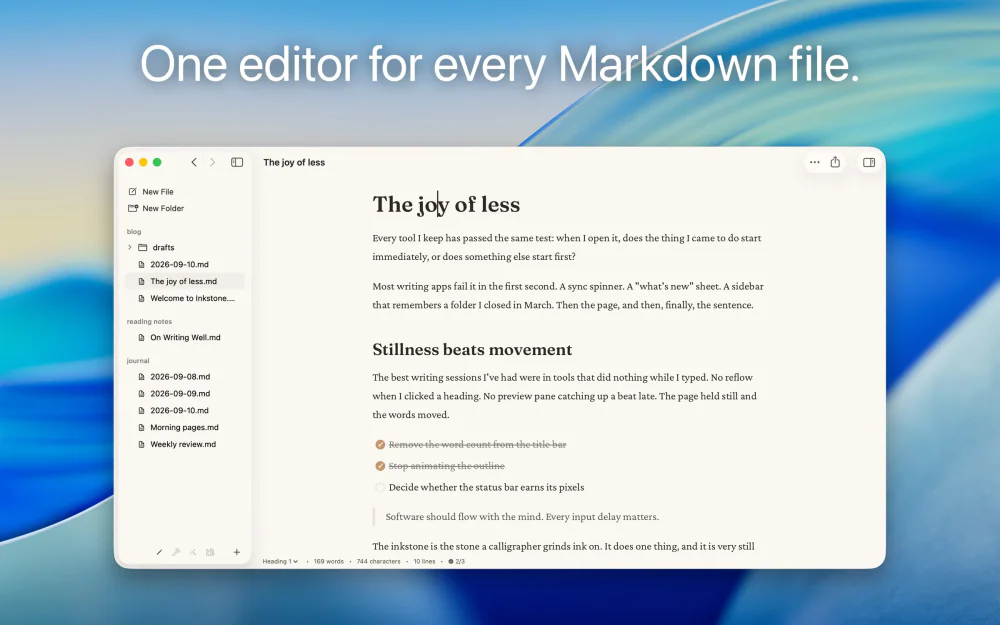

Writing & Documents · $29.99 · one-time (App Store, Free Trial)
Native Markdown editor for the plain .md files on your Mac: renders as you type, edits folders in place, no account.

A native Mac outliner for turning messy ideas into structured writing, research, plans, and scripts, all stored as portable local OPML files
Traverse helps you shape writing, research, projects, and personal knowledge in plain OPML files. Work in a classic outline, a focused Writer view, or left-to-right columns, then add Markdown, Fountain, tasks, filters, and custom attributes as your thinking becomes more structured.
Main features:
Writing & Documents · $29.99 · one-time (App Store, Free Trial)
Native Markdown editor for the plain .md files on your Mac: renders as you type, edits folders in place, no account.
Writing & Documents · Free · free for 3 notes, $4.99 one-time for unlimited $0
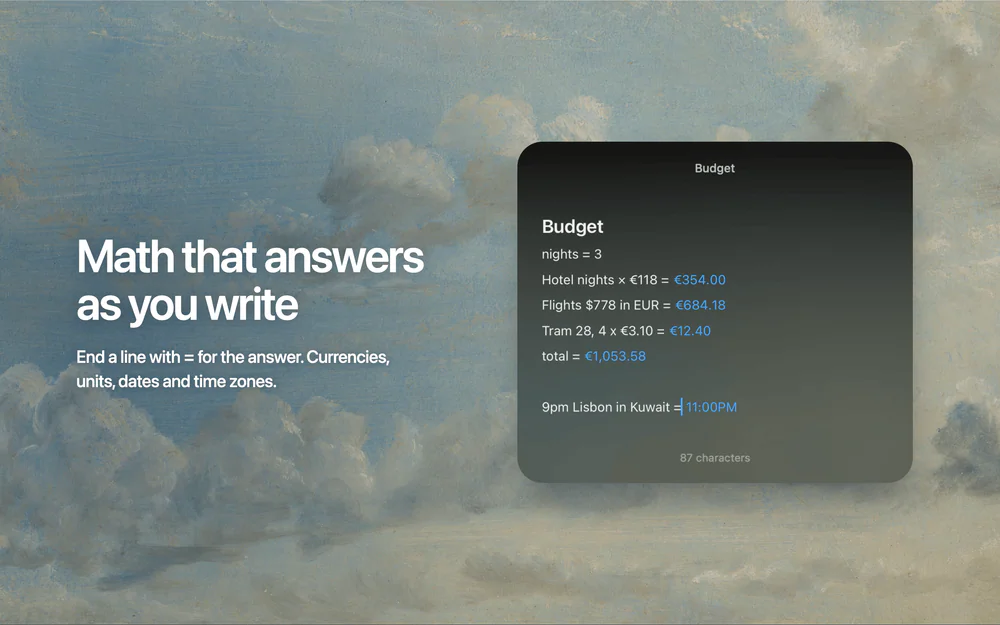
Floating Markdown notes for Mac that open over any app with one keystroke, or from the screen edge or notch.

Writing & Documents · Free · Pro $2.99
A focused Markdown notes app with a gorgeous editor, hashtag organization, and an Apple Design Award on the shelf.
Writing & Documents · $49.99 · one-time
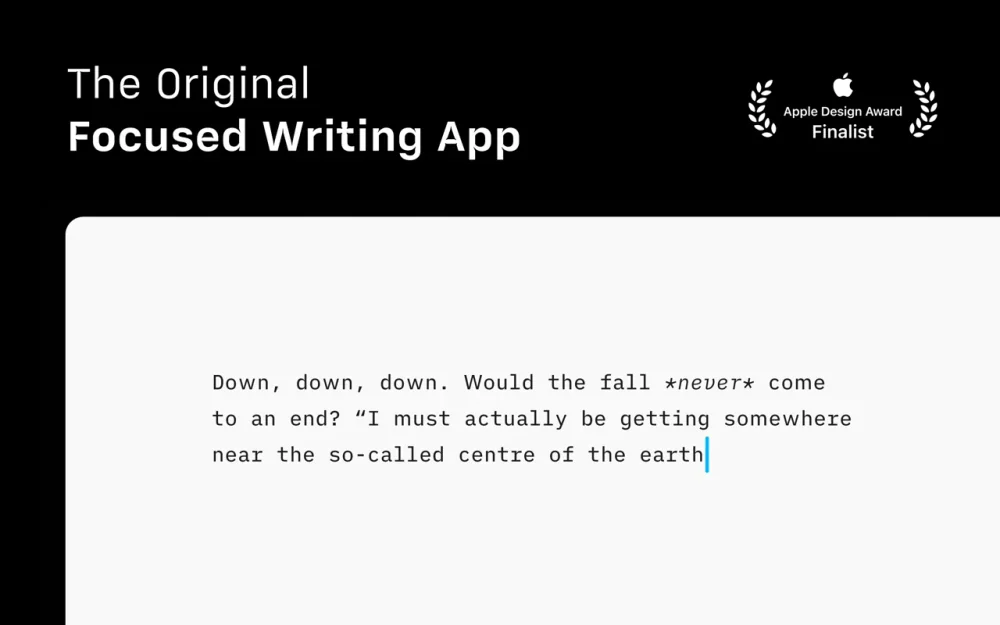
The writing app that made focused, plain-text Markdown a genre — a fixed mono typeface, a tuned measure, and nothing else to fiddle with.
Writing & Documents · Free & open source
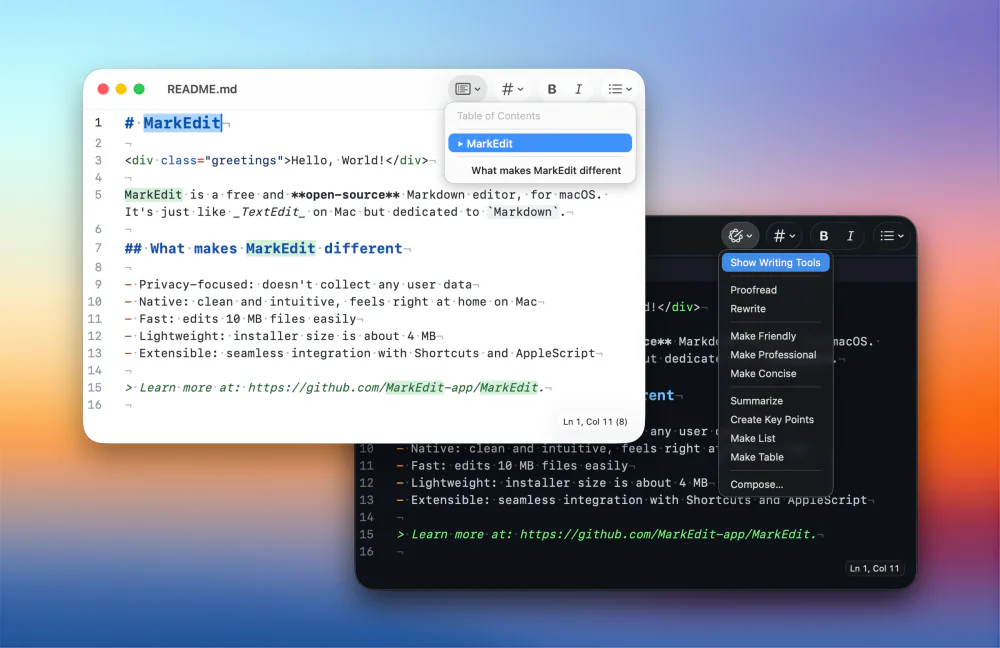
A native, CodeMirror-powered Markdown editor for macOS — as simple as TextEdit, purpose-built for Markdown, and genuinely fast.
Productivity · Free · one-time Mac license; free on iPhone/iPad $39
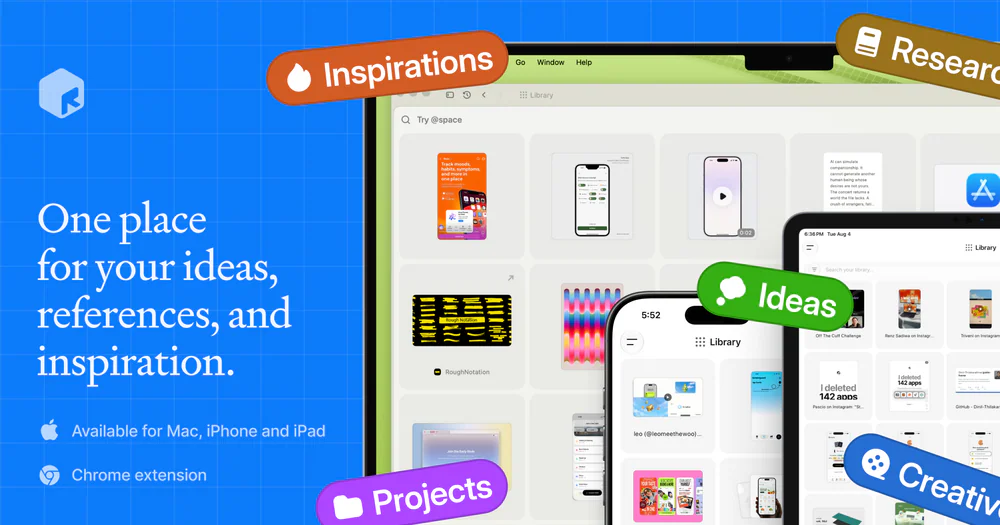
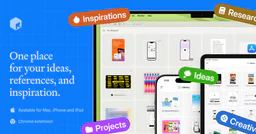
A fully local personal context library — save notes, links, images, and documents, search them by meaning, and hand that context to AI through MCP or the CLI.