
Cirrus, floating notes for Mac
Floating Markdown notes for Mac that open over any app with one keystroke, or from the screen edge or notch.
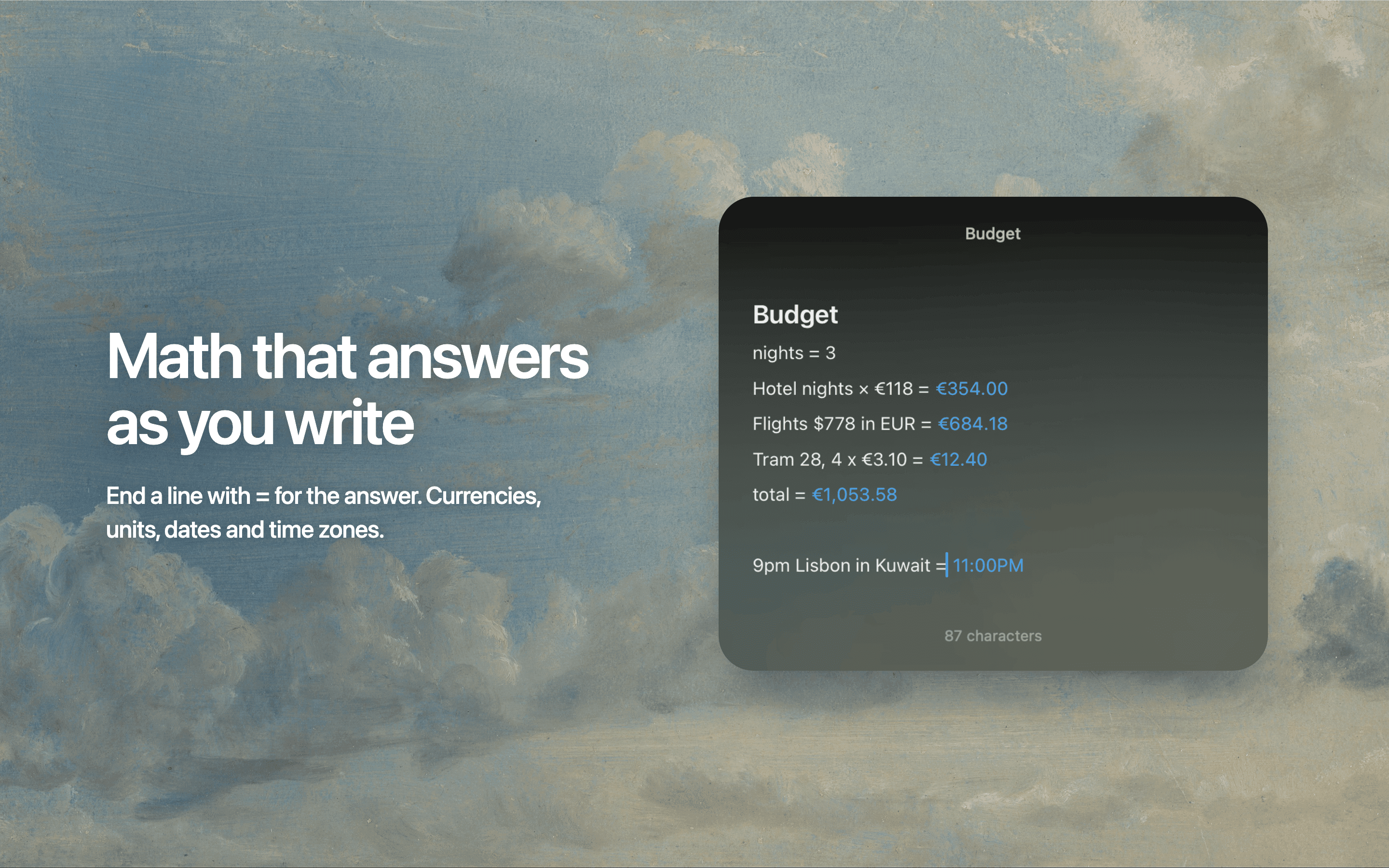
Cirrus keeps a note one keystroke away. Press ⌃⌘N in any app and a note floats above it; press Esc and it's gone. Notes can also live in a small pill on the screen edge, or in the notch on a MacBook, where hovering peeks the note open.
Notes are Markdown with the symbols hidden: headings, checklists, highlights, code, tables and images, plus [[links]] between notes, #tags, folding, and inline math with units, dates and currencies. A command palette (⌘K) and browse (⌘P) make everything a keystroke away. Notes sync through your own iCloud with no account, and export as Markdown files.
More in Writing & Documents


Writing & Documents · Free · Pro $2.99
A focused Markdown notes app with a gorgeous editor, hashtag organization, and an Apple Design Award on the shelf.
Writing & Documents · $49.99 · one-time
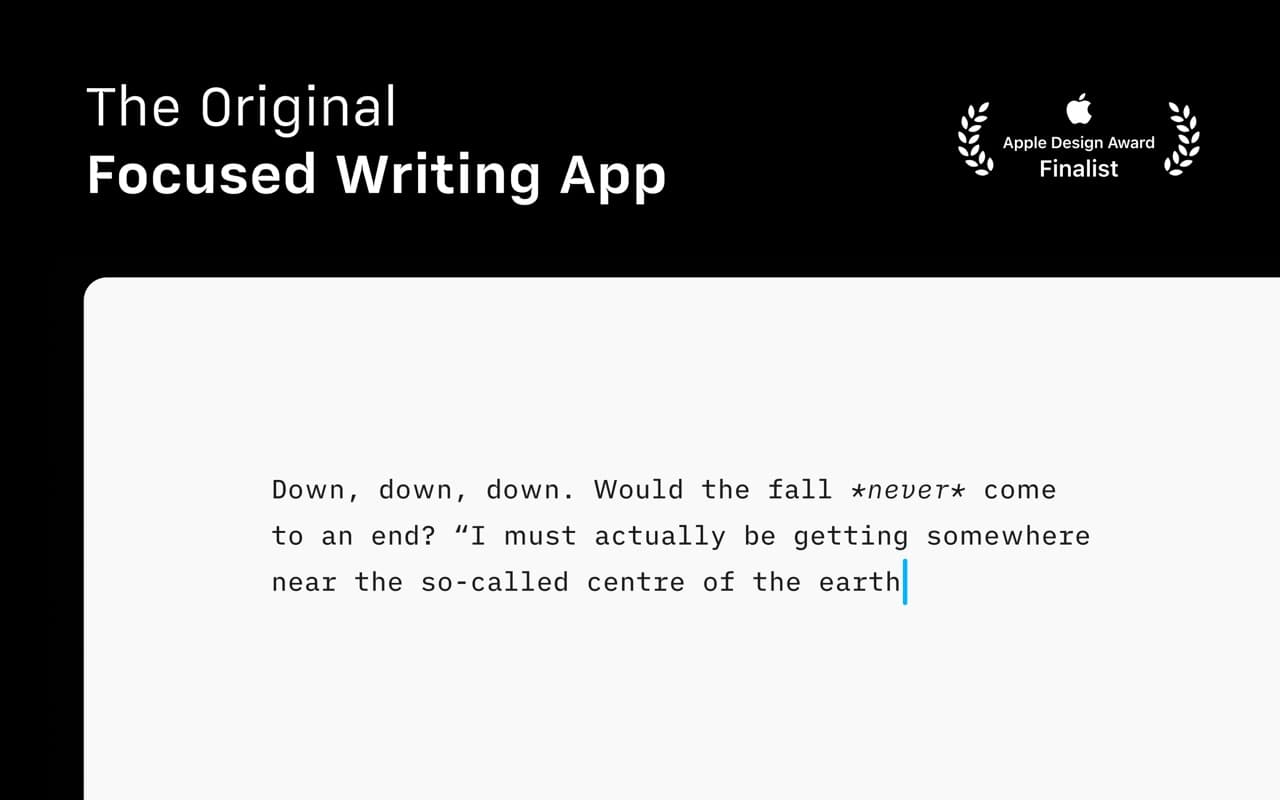
The writing app that made focused, plain-text Markdown a genre — a fixed mono typeface, a tuned measure, and nothing else to fiddle with.
Writing & Documents · Free
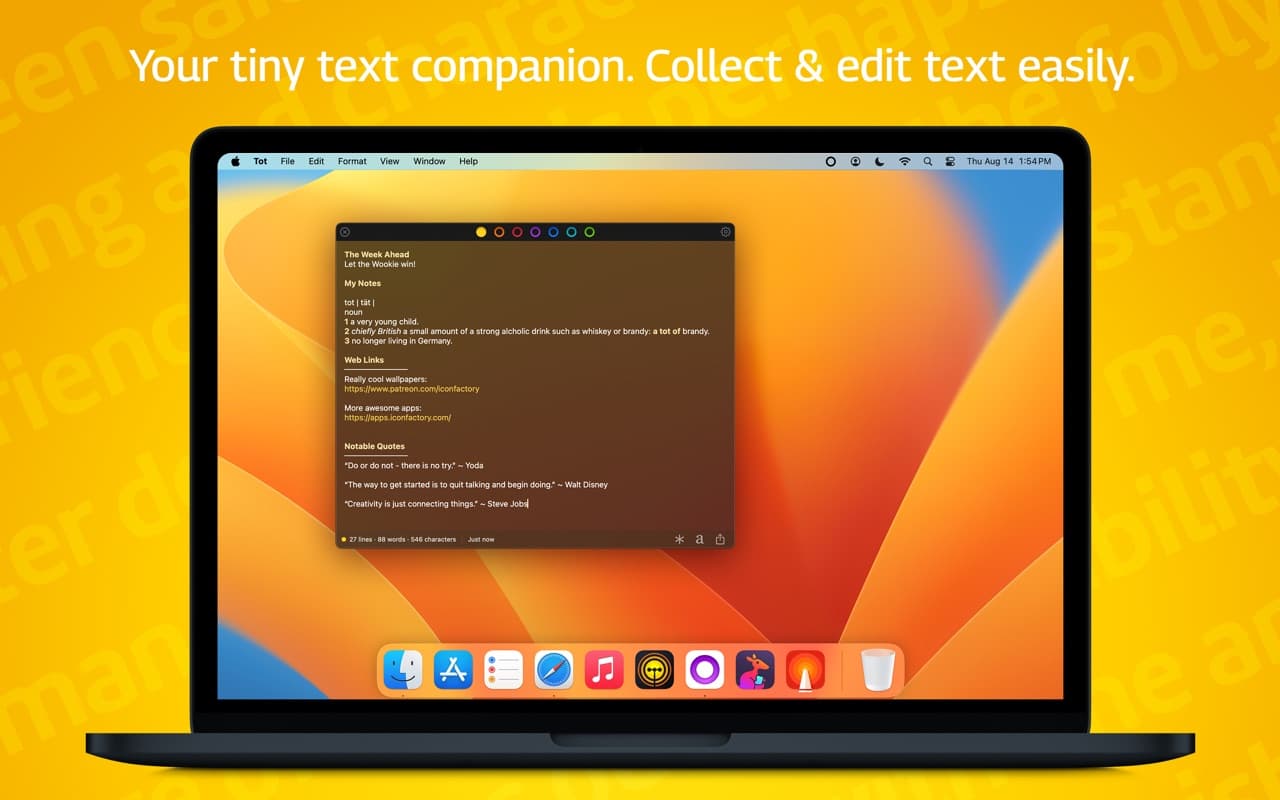
Seven dots, seven scratch pads — a tiny, gorgeous place to hold the text you would otherwise lose in a pile of untitled files.