
Writing & Documents · $29.99 · one-time (App Store, Free Trial)
Native Markdown editor for the plain .md files on your Mac: renders as you type, edits folders in place, no account.
Compare Typora alternatives for Mac: Inkstone, Clearly, MarkEdit and iA Writer. Choose by live editing, plain Markdown files, diagrams and export needs.
4 apps · Updated
Want a Typora alternative for Mac that still works with Markdown files? Start with Inkstone for editing a formatted page, Clearly for a source editor with diagrams and math in preview, MarkEdit for straightforward file editing, or iA Writer for focused prose. These are editors; a read-only Markdown viewer is not a replacement for writing in Typora.
| Editor | Writing experience | Cost and main tradeoff |
|---|---|---|
| Inkstone | Markdown renders in place as you type; folders, tabs and splits stay available. | $29.99 once, 14-day trial. macOS 14+. Some Markdown formatting is normalized when a file is saved. |
 Clearly | Write source, then toggle to a preview with Mermaid, math and tables. | Free and open source. Current release needs macOS Sequoia or later; the editing model differs from Typora's seamless preview. |
 MarkEdit | A simple Markdown source editor following GitHub-Flavored Markdown. | Free and open source. Check add-ons if you need a separate preview, and choose the appropriate build for older macOS versions. |
 iA Writer | A restrained writing environment with focus tools and file-based documents. | Paid, with a Mac trial. A better fit for prose than choosing an editor mainly for diagrams or a rendered-page interface. |
You want to write directly in a formatted page: try Inkstone first. Test headings, links and tables as you move the caret through them.
You want a free editor: compare Clearly's source-and-preview workflow with MarkEdit's simpler source editing. Neither renders inline the way Typora does.
You mostly write articles and documents: compare iA Writer's focus tools and exports with your normal writing process.
Every pick here edits plain .md files on disk, so there's no note database to migrate into.
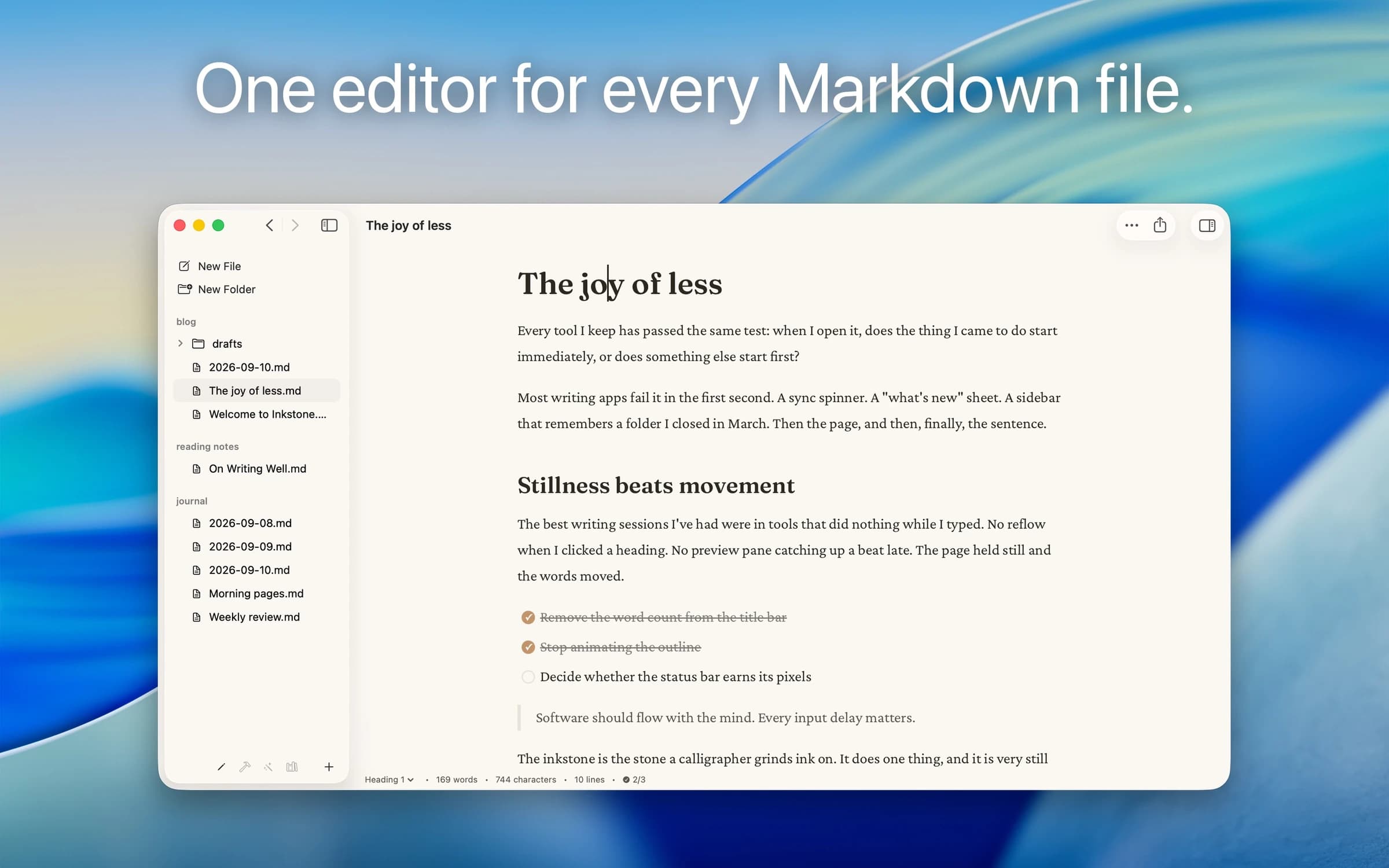
Writing & Documents · $29.99 · one-time (App Store, Free Trial)
Native Markdown editor for the plain .md files on your Mac: renders as you type, edits folders in place, no account.
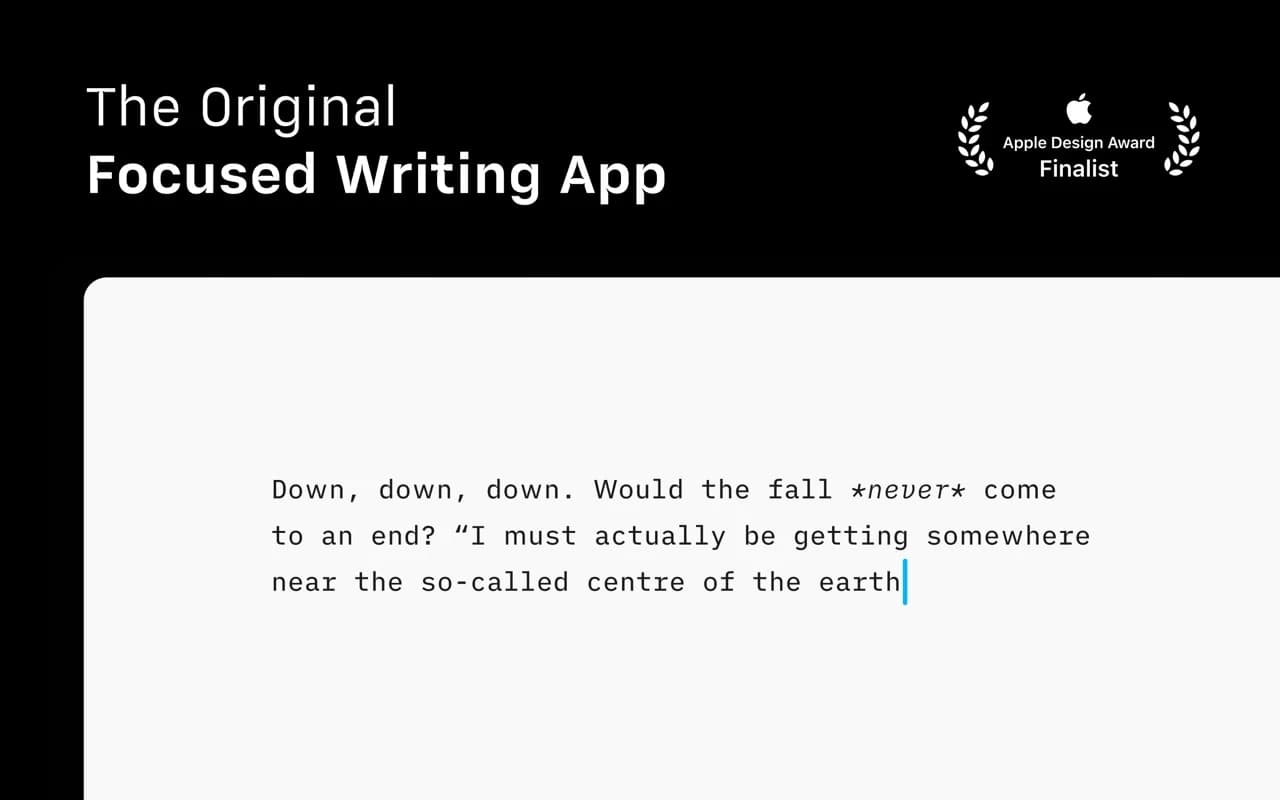
Writing & Documents · $49.99 · one-time
The writing app that made focused, plain-text Markdown a genre — a fixed mono typeface, a tuned measure, and nothing else to fiddle with.
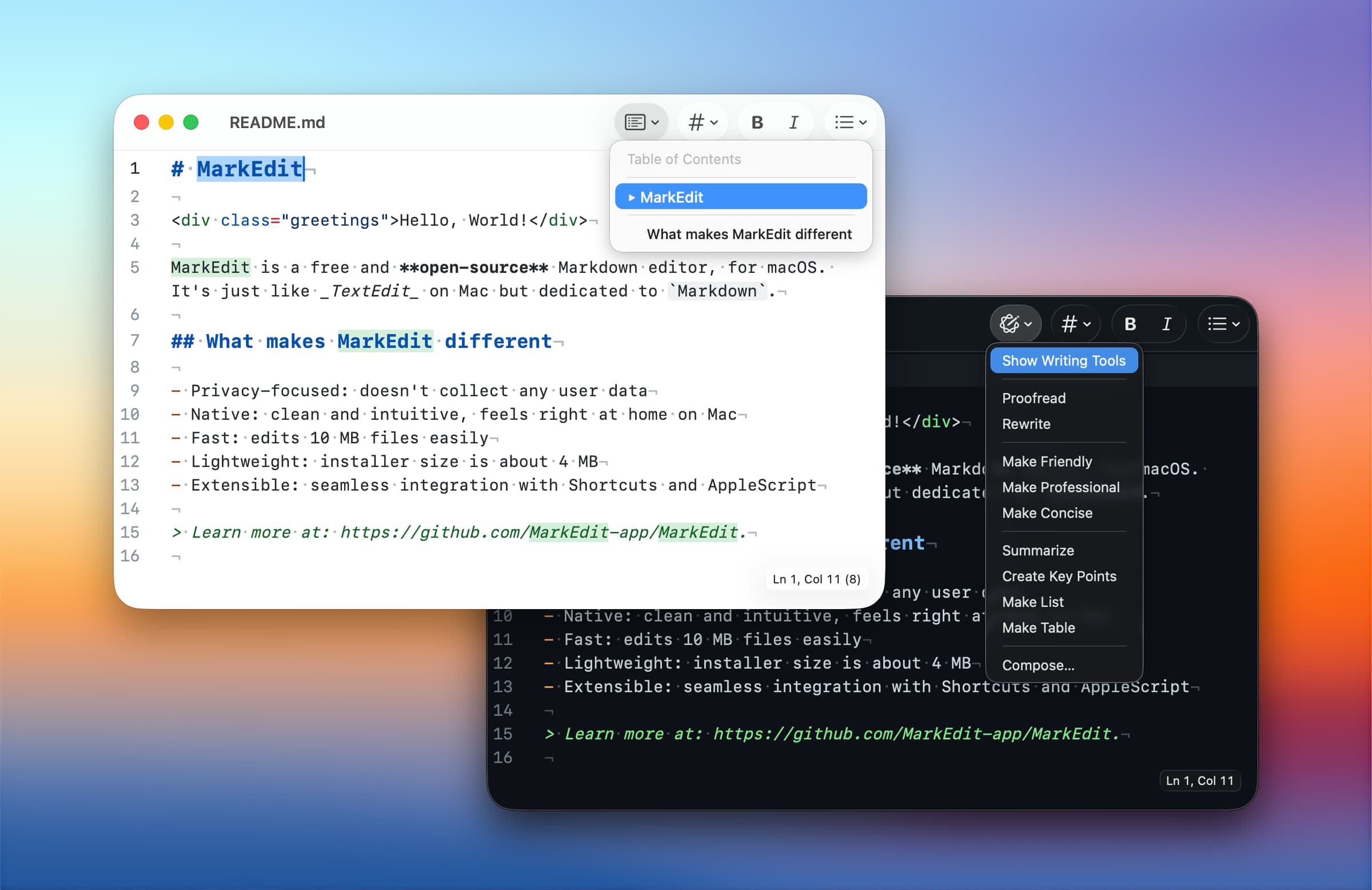
Writing & Documents · Free & open source
A native, CodeMirror-powered Markdown editor for macOS — as simple as TextEdit, purpose-built for Markdown, and genuinely fast.
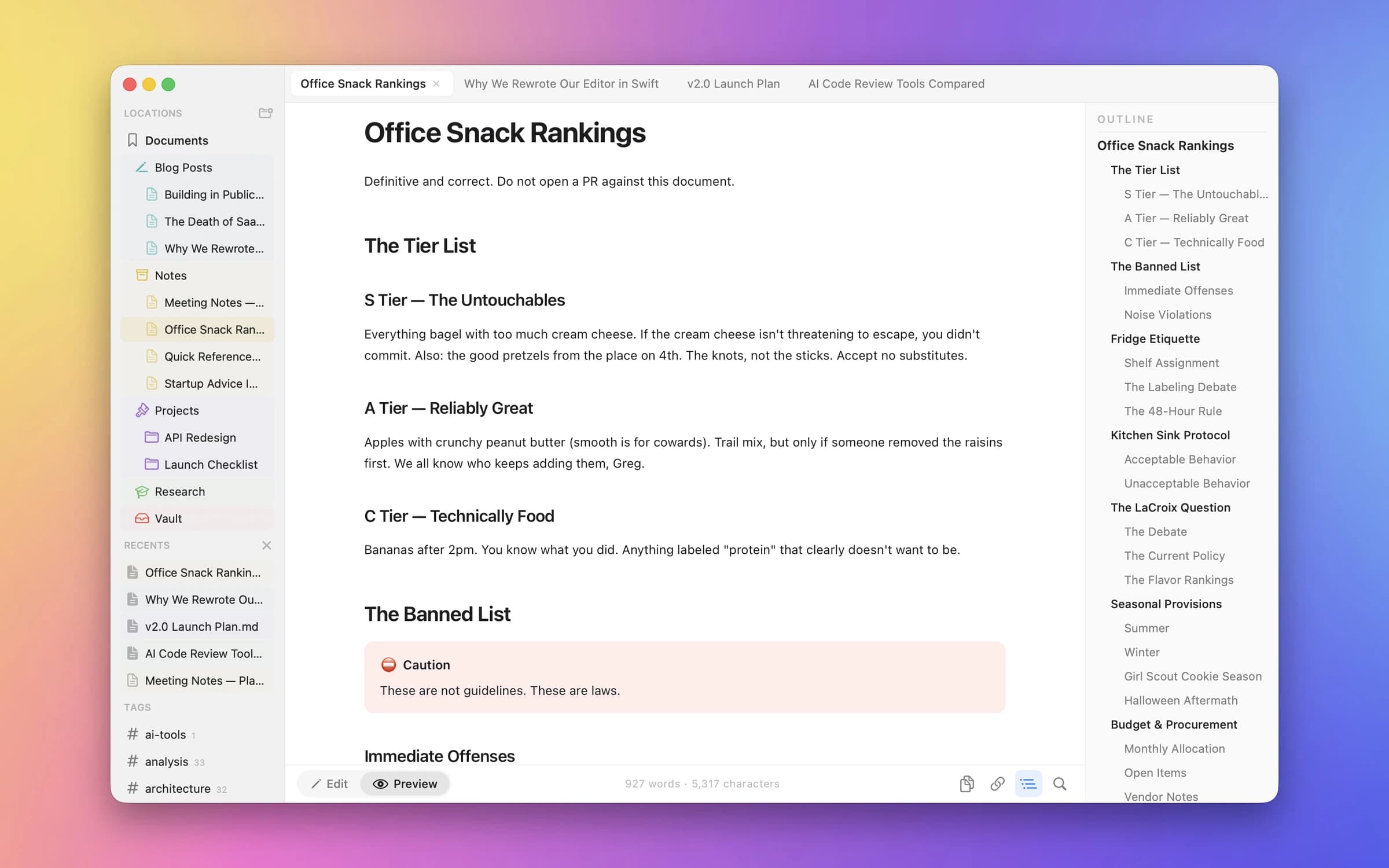
Writing & Documents · Free & open source
A native Markdown editor for Mac, iPhone, and iPad — with live Mermaid diagrams, KaTeX math, and GFM tables, no cloud required.
Duplicate one representative .md file and its images. Open the copy in the new editor, make a small edit, save it and compare the file with the original. Include a table, code block, relative image path and any math or diagram syntax you rely on.
Then export to the format you actually deliver. A good-looking preview does not prove that a PDF, Word document or HTML export preserves every detail. Keep your original files and themes until the new workflow works end to end.
Clearly and MarkEdit are free and open source. Clearly provides source editing with a rendered preview; MarkEdit focuses on editing Markdown text. Neither copies Typora's single-pane live preview.
Inkstone is the closest match in this particular shortlist for editing a page whose Markdown renders as you type. Typora's own description calls its approach a seamless live preview. Compare the behavior on your documents rather than assuming the same label means the same editing experience.
Yes, file-based editing is the focus here. Use copies during the trial: apps can support different Markdown extensions or normalize formatting on save. Check relative image paths and your sync setup before editing an entire folder or repository.
Clearly documents Mermaid and math in its preview. Inkstone documents inline math. For any editor, verify the exact syntax you use and the exported result; a general Markdown feature list does not establish support for every diagram or equation format.
For a wider writing toolkit, see our Mac apps for writers.
Sources checked 4 November 2026. This comparison is based on developer documentation, not an independent large-file performance test.