Productivity · $9.99 · one-time
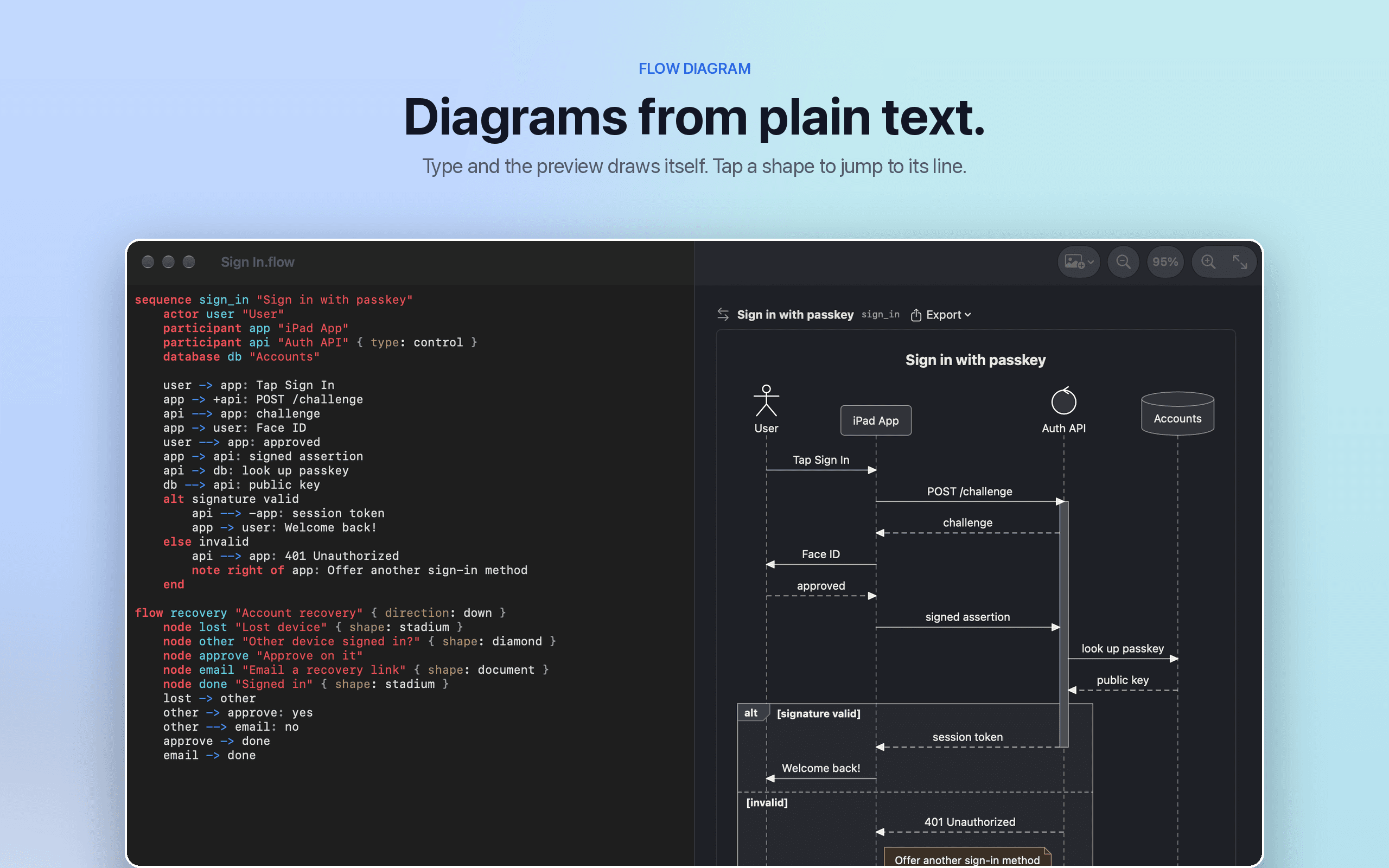
Flow Diagram turns a messy photo or a quick sketch into a diagram you can edit, share and keep
A native Markdown editor for Mac, iPhone, and iPad — with live Mermaid diagrams, KaTeX math, and GFM tables, no cloud required.
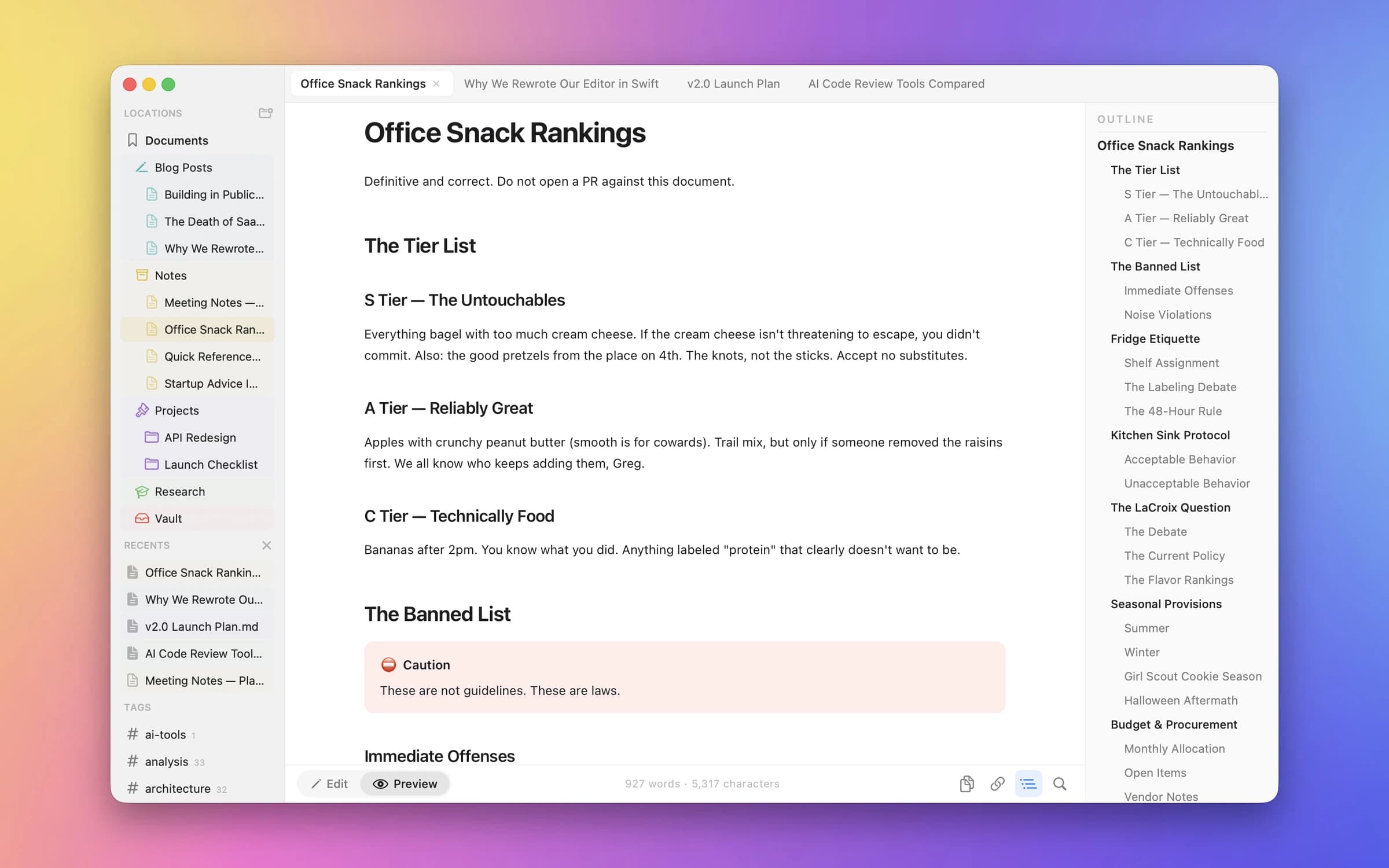
Clearly renders as you type: Mermaid diagrams, KaTeX equations, and GitHub-Flavored Markdown tables all show live in the preview pane, not just after export. It's a genuinely native Swift app across Mac, iPhone, and iPad, sharing the same document format everywhere without a subscription or account.
Most Markdown editors that support diagrams and math do it through a web view wrapping a JavaScript renderer. Clearly does the same rendering natively, which means it stays fast and consistent across every Apple device it runs on — write a diagram on your Mac, open the same file on your iPad, and it looks identical.
Completely free and open source.
Productivity · $9.99 · one-time
Flow Diagram turns a messy photo or a quick sketch into a diagram you can edit, share and keep

Writing & Documents · $124.99 · one-time (free trial)
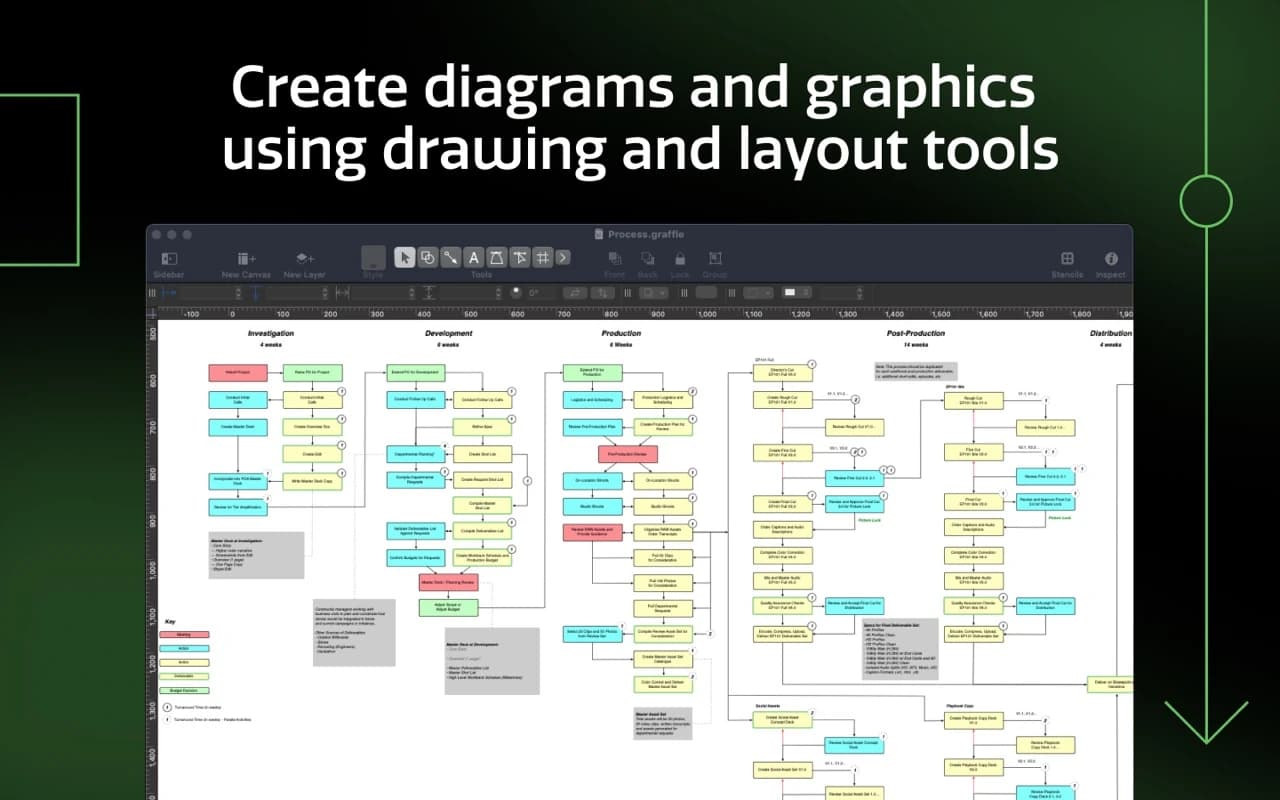
The Mac's benchmark diagramming app — wireframes, flowcharts, network maps, and org charts with precise layout tools and a deep automation model.

Writing & Documents · $29.99 · one-time (App Store, Free Trial)
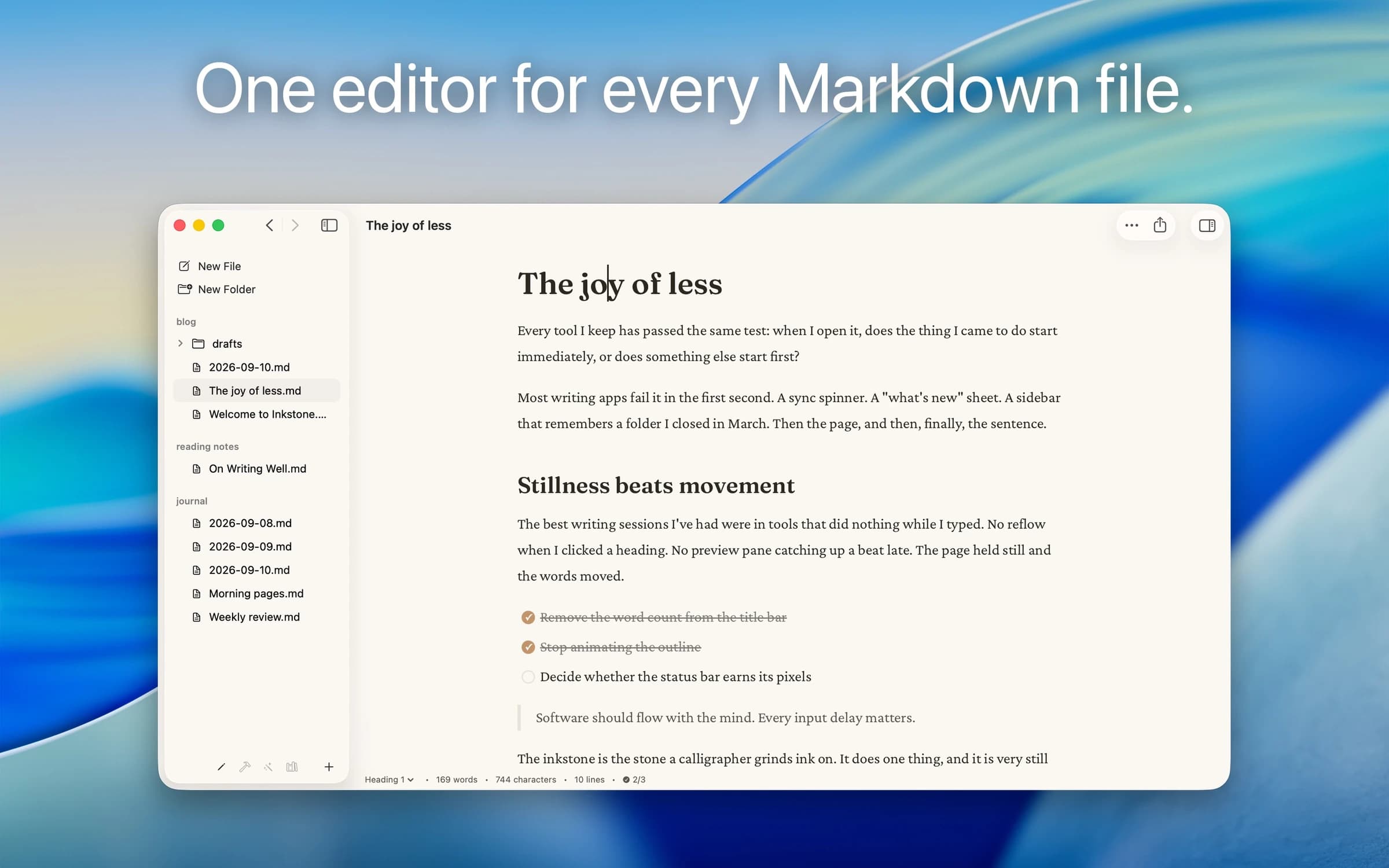
Native Markdown editor for the plain .md files on your Mac: renders as you type, edits folders in place, no account.

Writing & Documents · $17.99 · one-time (App Store. Subscription options also available.)
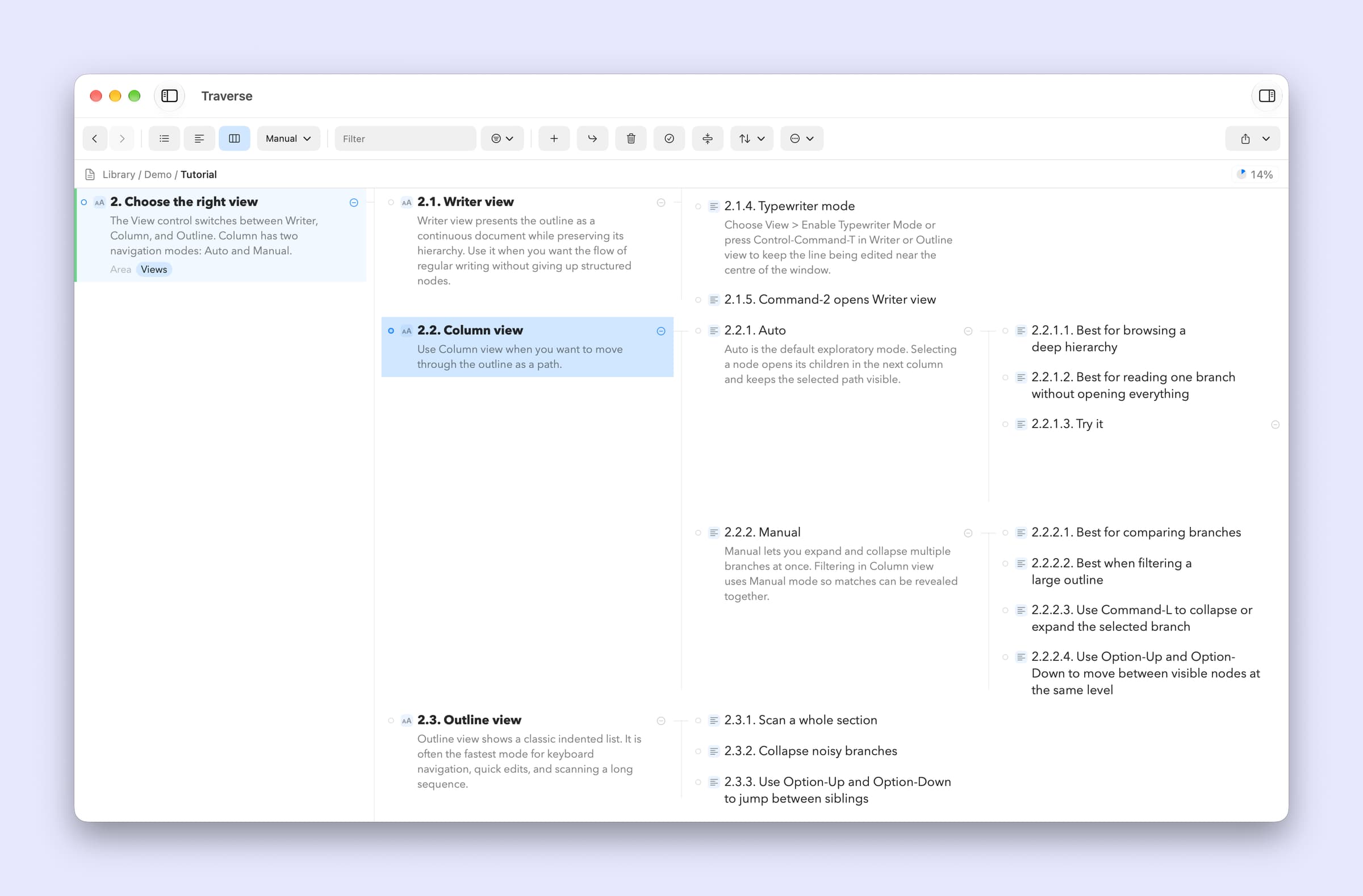
A native Mac outliner for turning messy ideas into structured writing, research, plans, and scripts, all stored as portable local OPML files
Writing & Documents · Free · free for 3 notes, $4.99 one-time for unlimited $0
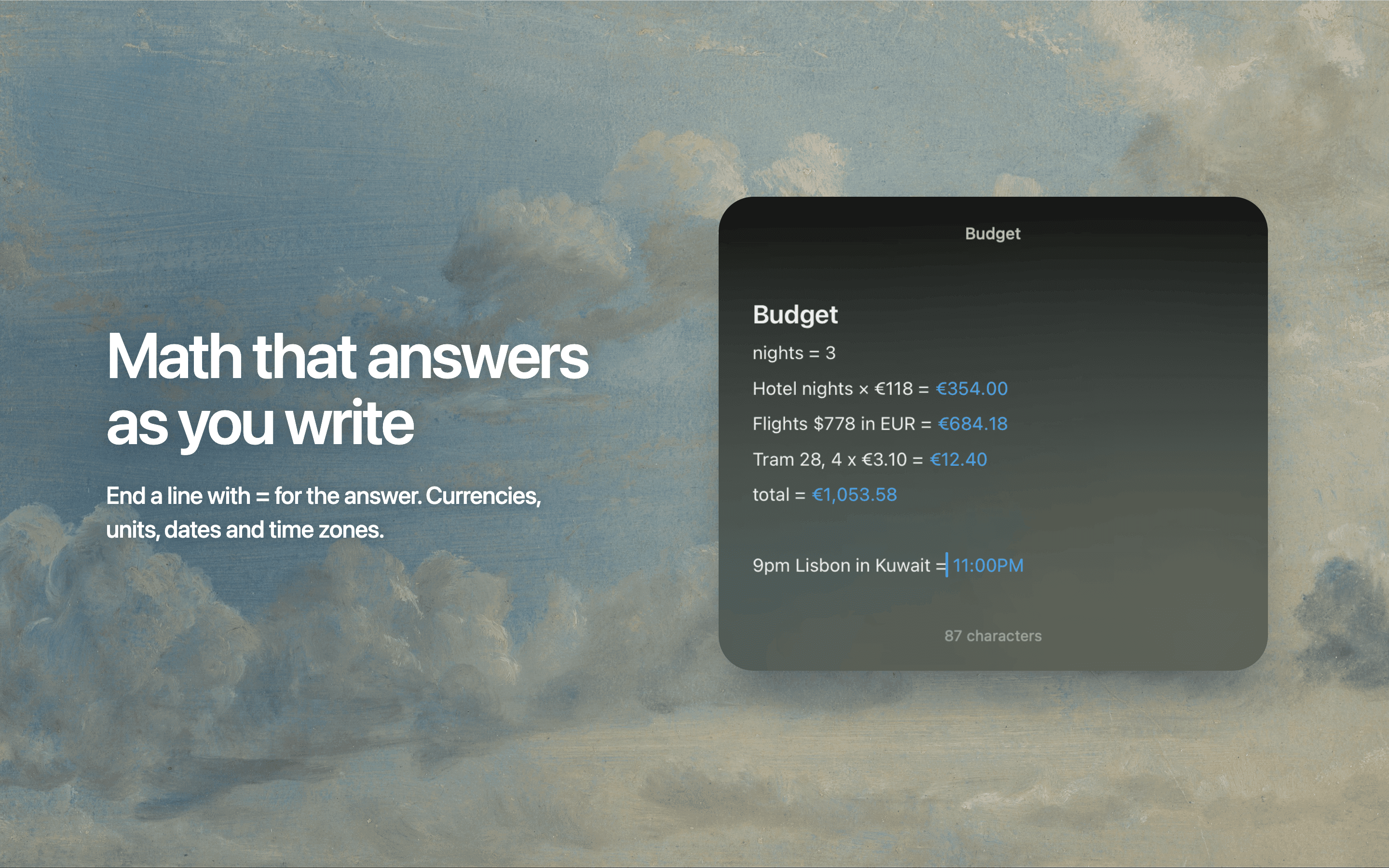
Floating Markdown notes for Mac that open over any app with one keystroke, or from the screen edge or notch.

Writing & Documents · Free · Pro $2.99
A focused Markdown notes app with a gorgeous editor, hashtag organization, and an Apple Design Award on the shelf.