
Productivity · $9.99 · one-time
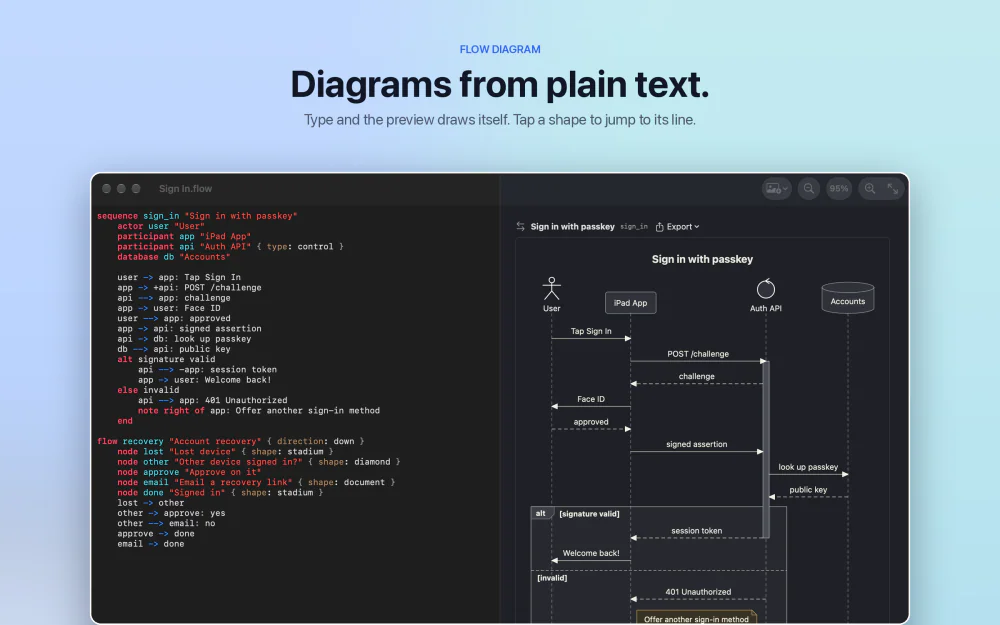
Flow Diagram turns a messy photo or a quick sketch into a diagram you can edit, share and keep
The Mac's benchmark diagramming app — wireframes, flowcharts, network maps, and org charts with precise layout tools and a deep automation model.
OmniGraffle is for turning ideas into precise diagrams: flowcharts, UML, network topologies, wireframes, floor plans, mind maps. It has the layout engine — smart guides, canvas grids, automatic graph layouts — to make those diagrams look deliberate rather than dragged together.
For over two decades OmniGraffle has been the app Mac users open when a diagram has to be exact. It is fully native, scriptable to the point of being programmable, and built by a studio with a long record of supporting its software.
Smart guides and alignment with fine control over every object
Automatic layout for tree, force-directed, and hierarchical graphs
Stencils — thousands of shared shape libraries via Stenciltown
Shared layers, multiple canvases, and a table tool for complex documents
Export to PDF, SVG, PNG, and Visio
Deep automation with AppleScript, Omni Automation (JavaScript), and plug-ins
Free to download and trial. A one-time licence unlocks the app: Standard from $124.99, Pro from $249.99. A subscription option is also offered.
Productivity · $9.99 · one-time
Flow Diagram turns a messy photo or a quick sketch into a diagram you can edit, share and keep
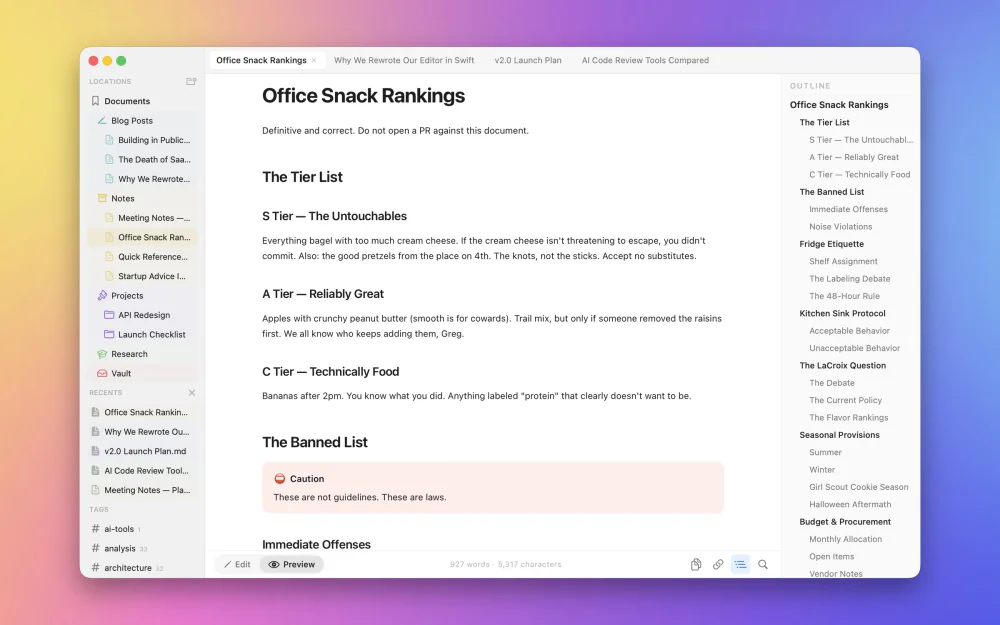
Writing & Documents · Free & open source
A native Markdown editor for Mac, iPhone, and iPad — with live Mermaid diagrams, KaTeX math, and GFM tables, no cloud required.

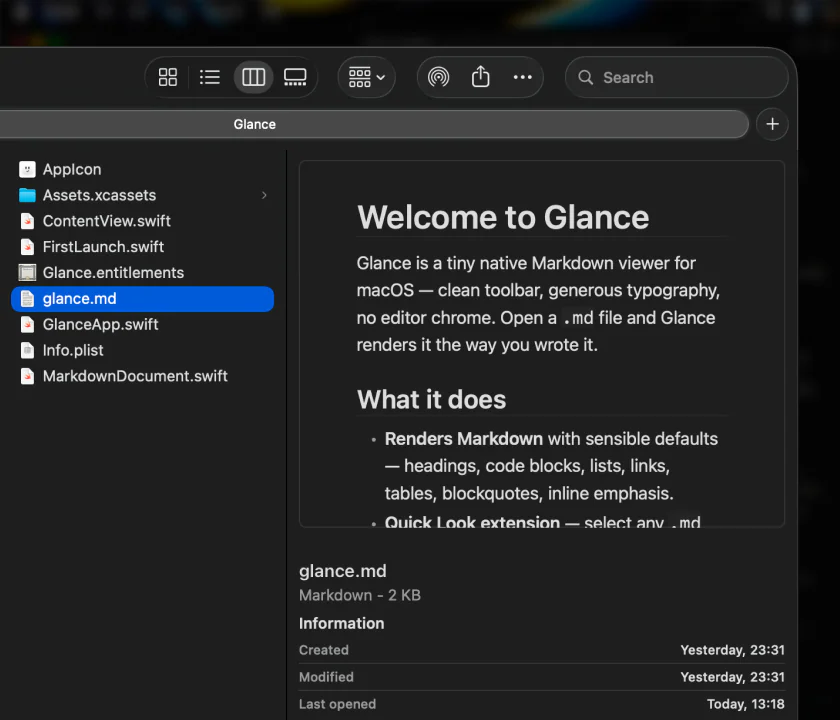
Writing & Documents · Free · Pro, one-time $9.99
A native macOS Quick Look extension and viewer for Markdown — instant, WebView-free rendering with Mermaid diagrams, LaTeX math, tables, and code highlighting.
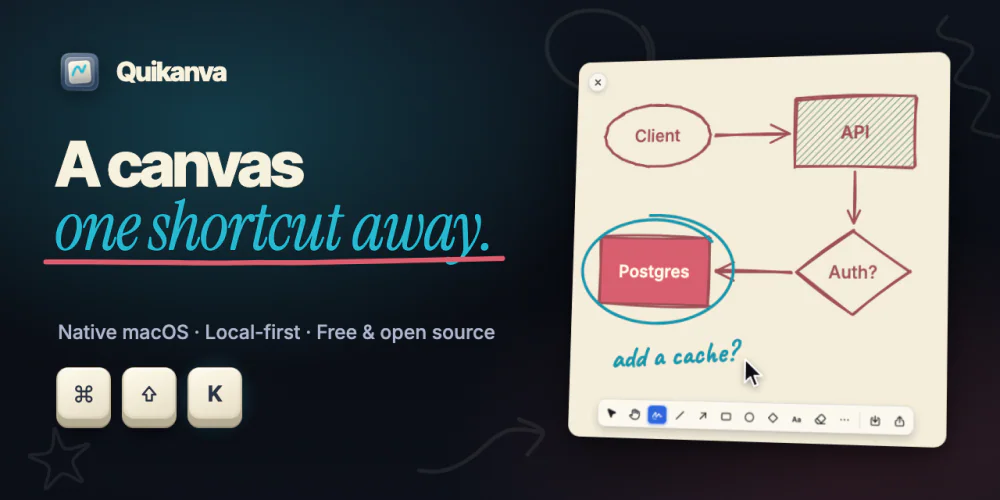
Productivity · Free
Native macOS sketch canvas, one shortcut away. Press ⌘⇧K to sketch quick diagrams and hand-drawn notes that autosave locally. OSS, on device
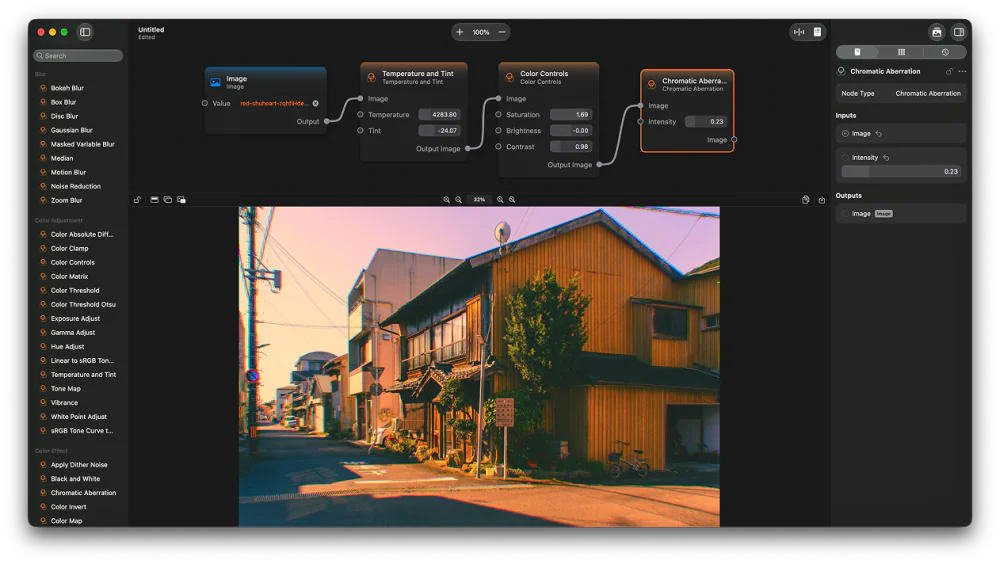
Photo & Video · Free & open source
A node-based image editor for macOS

Productivity · Free · Plus subscription
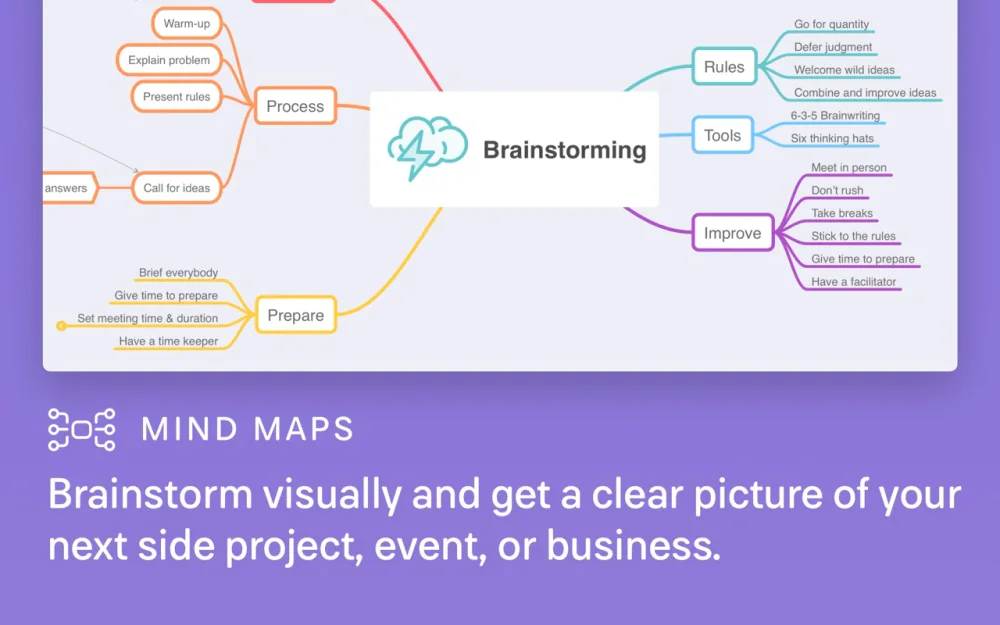
Mind mapping that stays out of the way — start with one thought, branch outward, and watch the layout organize itself as you type.