
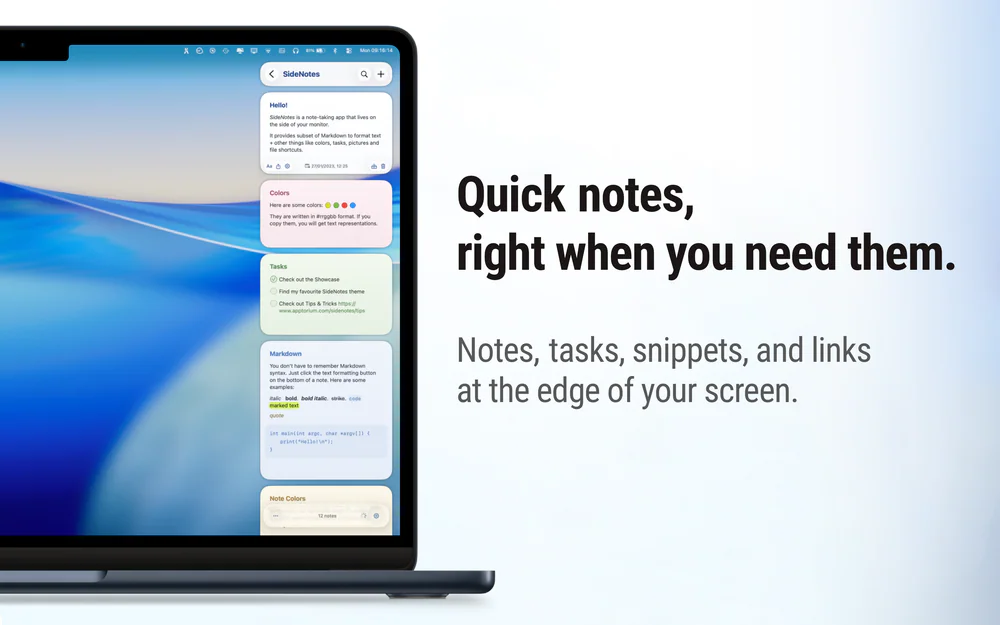

Native macOS notes that slide out from your screen edge, so you can capture tasks, links, and snippets without leaving your work.
Writing & Documents
Tolaria
A free, open-source second brain — notes live as local Markdown files with native Git history and built-in AI agents, no proprietary database.
Free & open sourceby tolaria.md
Tolaria stores every note as a plain Markdown file with YAML frontmatter on disk — no database, no lock-in. A block-based editor adds slash commands, wikilinks, and media previews on top, while a fully integrated Git client commits and syncs the whole vault across devices.
Why it makes the list
It pairs a Notion-style editor with files you actually own, plus version history for free — notes you can diff, branch, and roll back like code.
Standout features
- Markdown + YAML frontmatter, stored locally — open any note in a plain text editor
- Integrated Git client for commits, history, and cross-device sync without a proprietary sync service
- Wikilinks and note relationships, with custom views over your vault
- Built-in AI agents (Claude Code, Codex, and direct model providers) that can read and edit your notes
Pricing
Free forever, open source under AGPL-3.0-or-later. No account required.
More like Tolaria
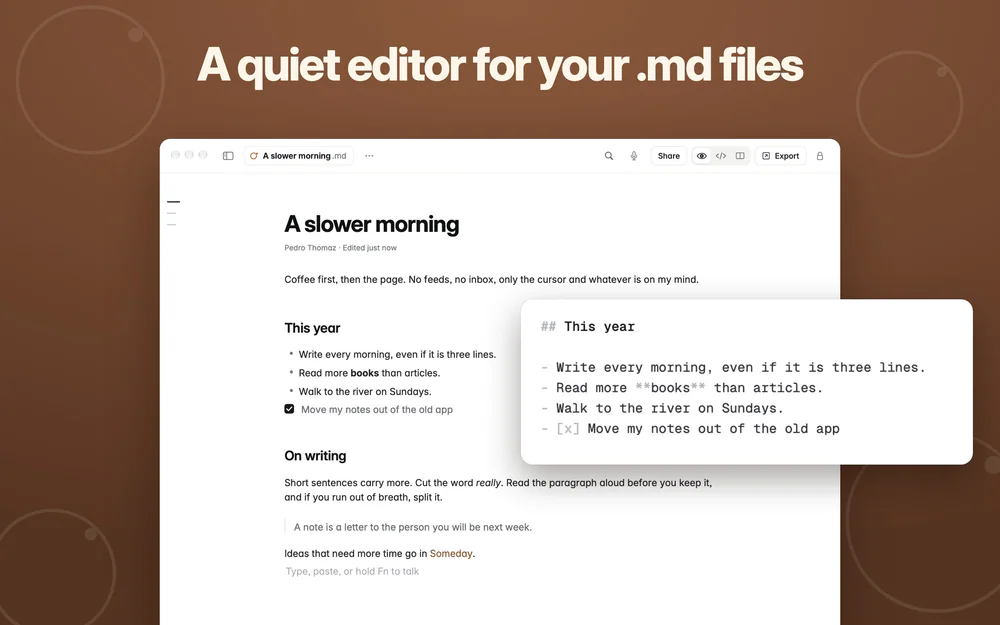
Markdown notes as plain .md files, with sums, currencies and time zones answered beside each line.
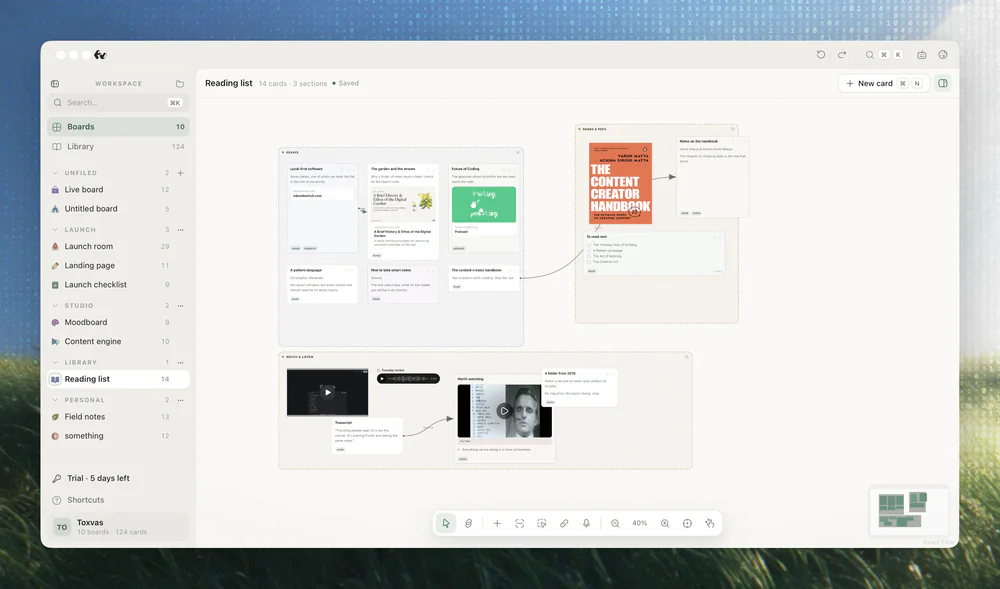

Offline Markdown canvas for Mac — every card is a plain Markdown file you own, arranged on an infinite board.
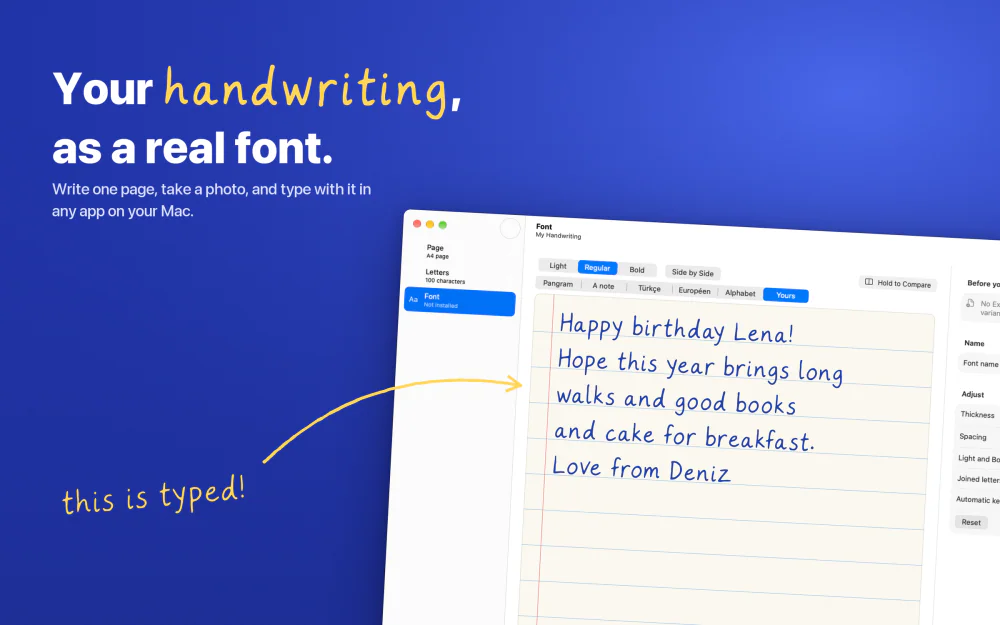
Turn your handwriting into a real font. Write one page, snap a photo, and type with it anywhere on your Mac. Nothing leaves your Mac.
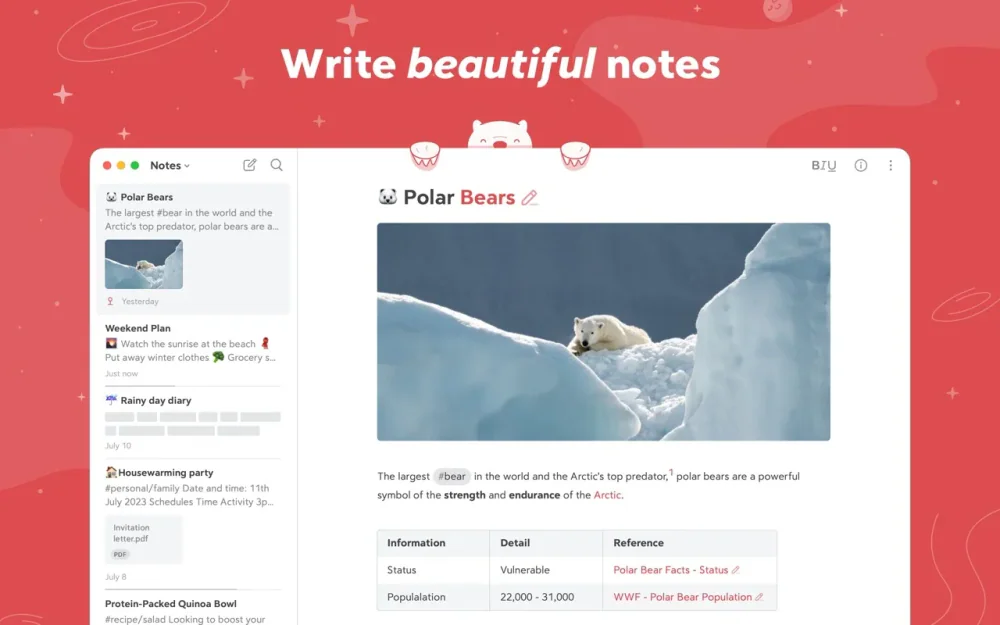

A focused Markdown notes app with a gorgeous editor, hashtag organization, and an Apple Design Award on the shelf.
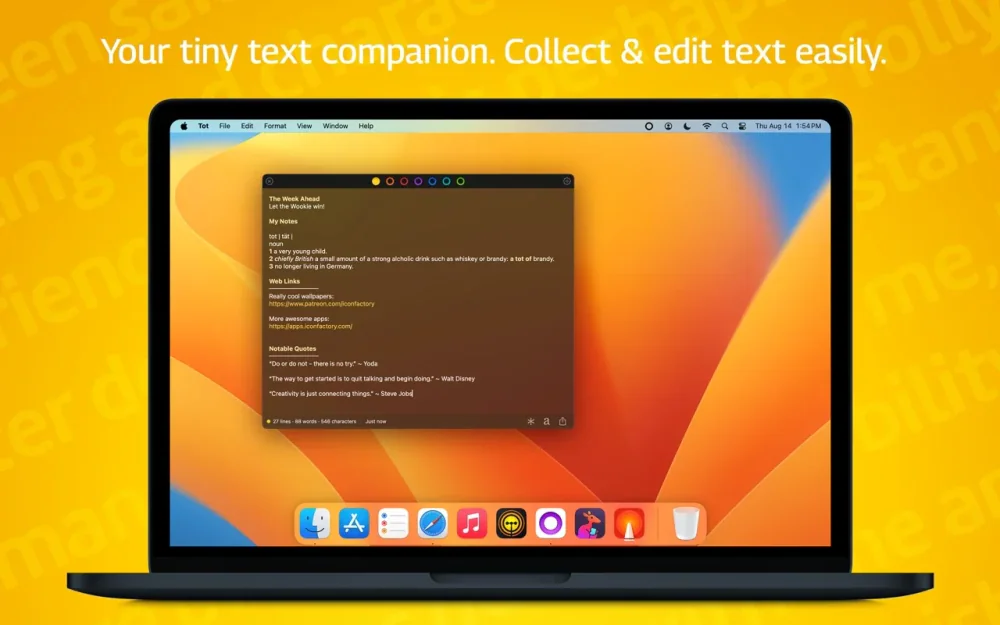
Seven dots, seven scratch pads — a tiny, gorgeous place to hold the text you would otherwise lose in a pile of untitled files.