
Turn your handwriting into a real font. Write one page, snap a photo, and type with it anywhere on your Mac. Nothing leaves your Mac.
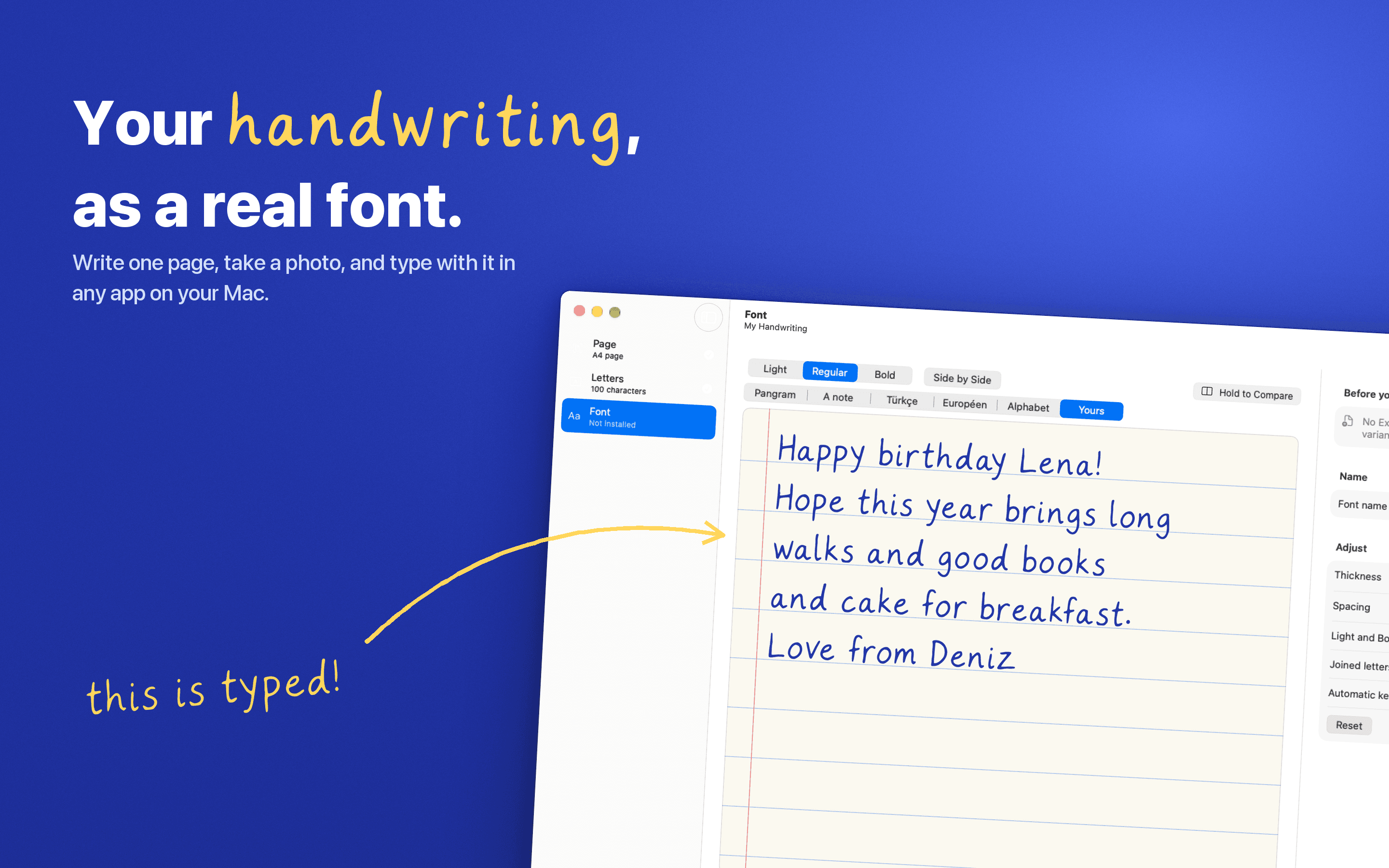
Penfont turns your handwriting into a font you can type with in Pages, Keynote, TextEdit, Figma, and anywhere else on your Mac.
How it works
Print the template, write each letter in its box, and take a photo. Penfont finds every letter, lines it up, and builds a working font in seconds. Or start from pages you've already written, like a journal entry, a letter or a note, and Penfont reads the words itself (beta).
Fix any letter
Move a letter, resize it, clean up a stray mark, or redraw it entirely. Letter variants mean repeated letters (like the two Ls in "hello") don't look stamped from the same mold.
A real, complete font
Export a standard .ttf or .woff file, or install it with one click. Add a Light and Bold weight from the same handwriting. Your font works like any other font on your Mac.
Private by design
Everything happens on your Mac. Your photos, your pages and your font are never uploaded. No accounts, no tracking.
$12.99 once; one license works on up to three Macs, and updates are included. Requires macOS 14 Sonoma or later, on Apple Silicon or Intel.
More in Writing & Documents

Writing & Documents · Free & open source
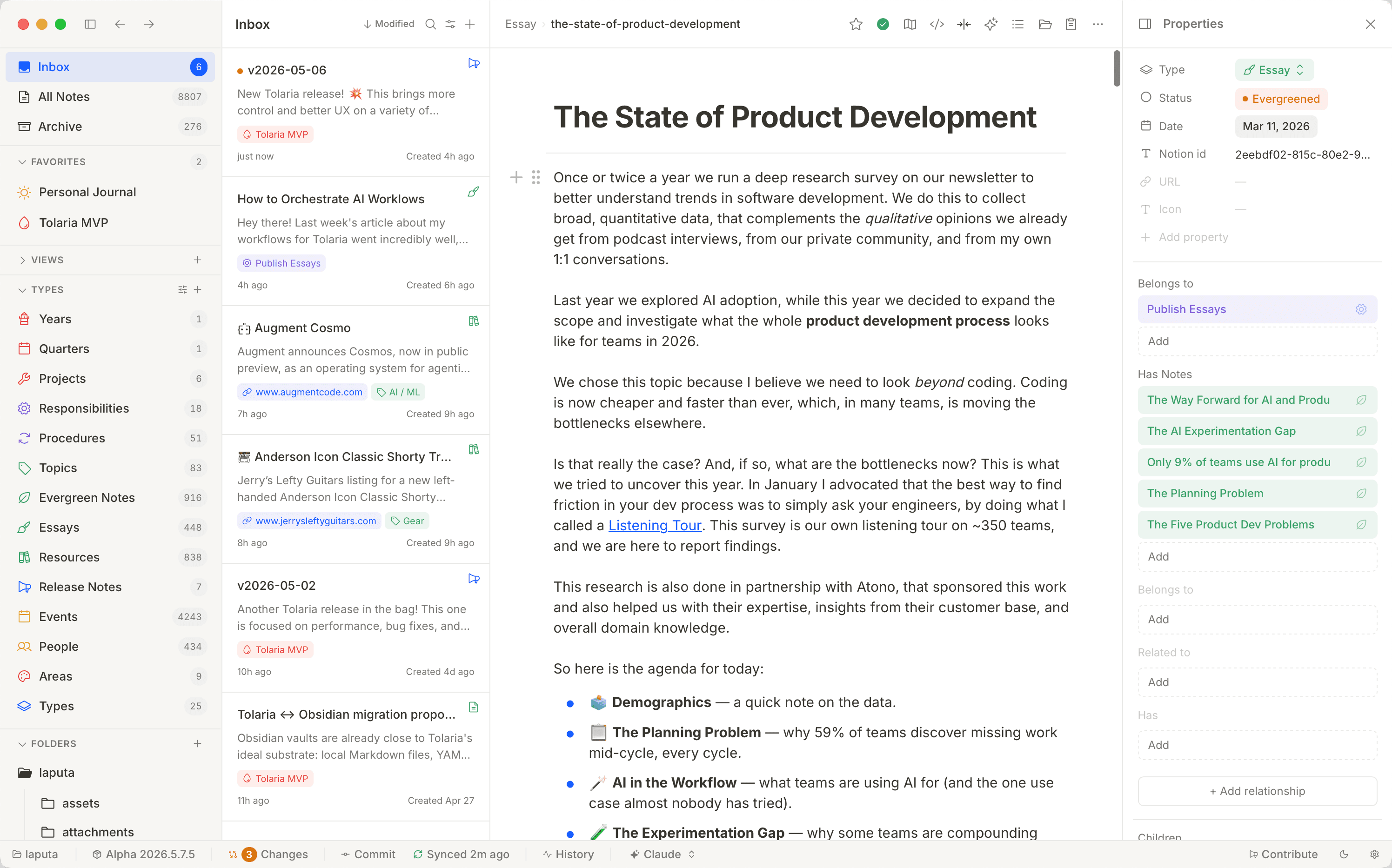
A free, open-source second brain — notes live as local Markdown files with native Git history and built-in AI agents, no proprietary database.

Writing & Documents · $29.99 · one-time (App Store, Free Trial)
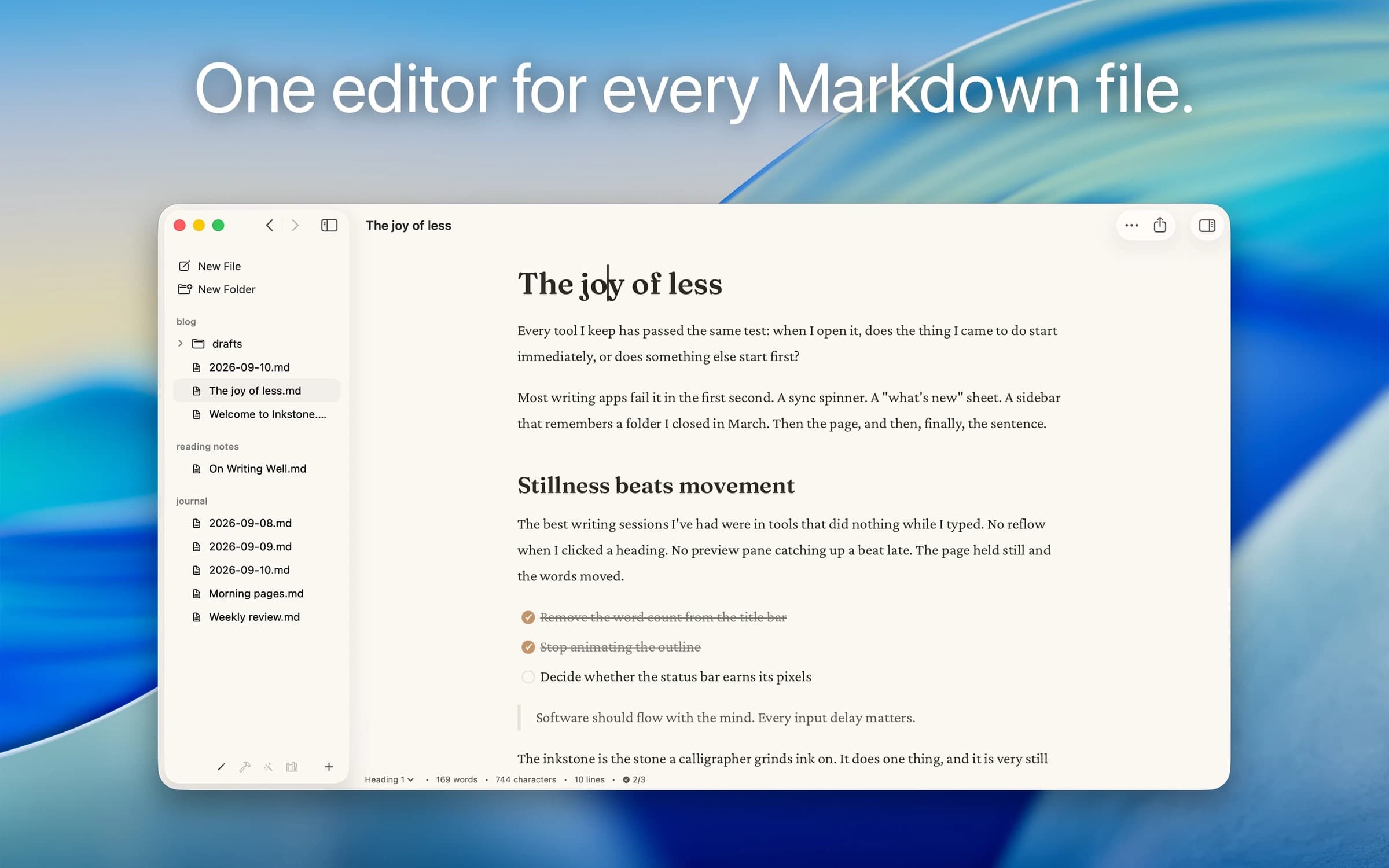
Native Markdown editor for the plain .md files on your Mac: renders as you type, edits folders in place, no account.

Writing & Documents · $17.99 · one-time (App Store. Subscription options also available.)
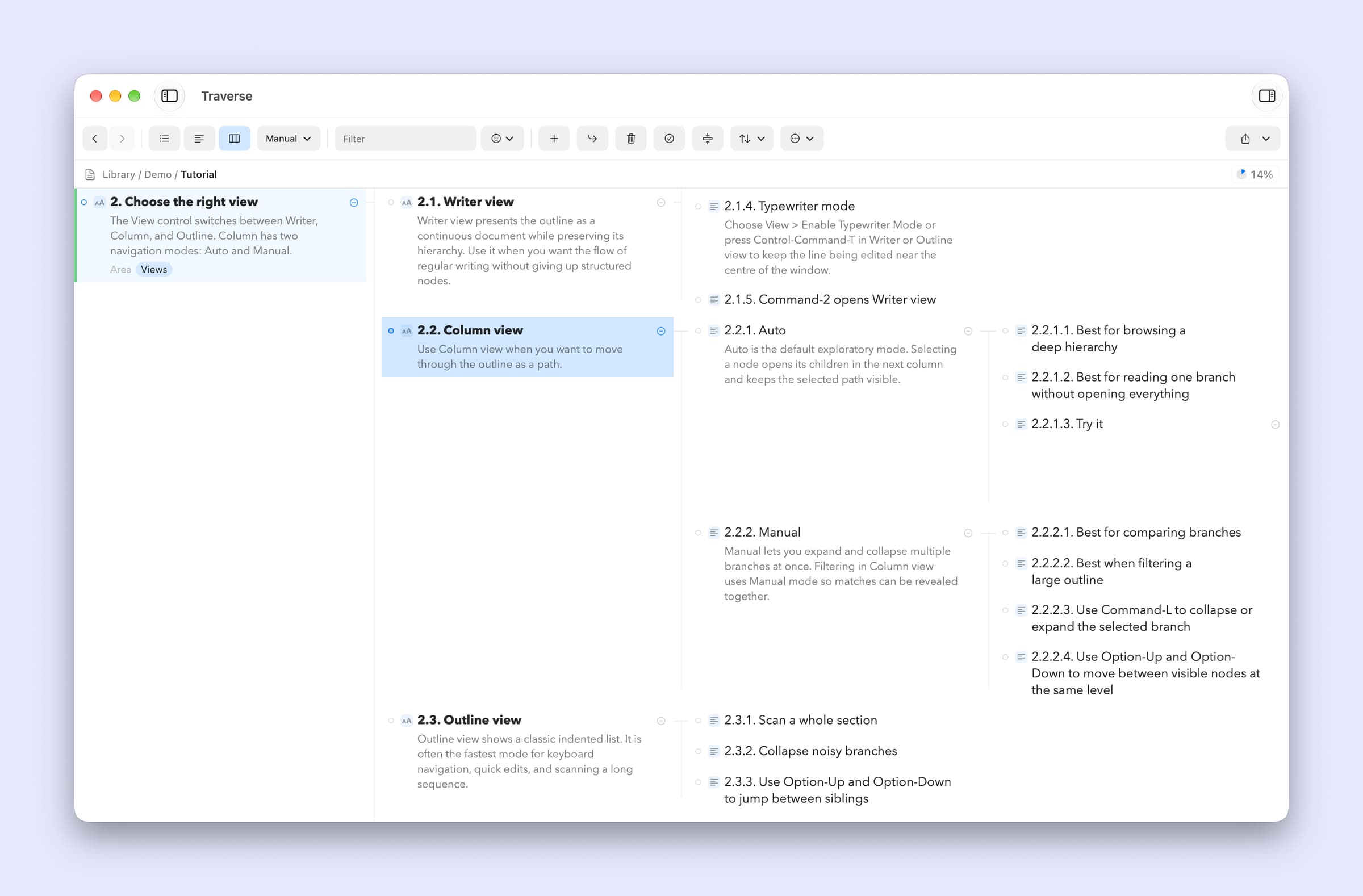
A native Mac outliner for turning messy ideas into structured writing, research, plans, and scripts, all stored as portable local OPML files